Bug

How to submit feedback and bug reports to Apple

Send your feedback to Apple

If you're annoyed by buggy Apple software, why not take the time to submit a bug report to them so that they're aware of it?

You see, it's in Apple's interest to improve its products and give customers the best possible experiences.

Letting the company know about a software problem you've been plagued with is always helpful, and if enough people report the same bug, the issue will hopefully be escalated to someone who's in charge.

In this tutorial, we'll show you how to file a bug report or submit feedback using Apple's many bug-reporting tools and services.
Server-side patch fixes vulnerability that allowed access to Contacts and Photos on iPhone 6s

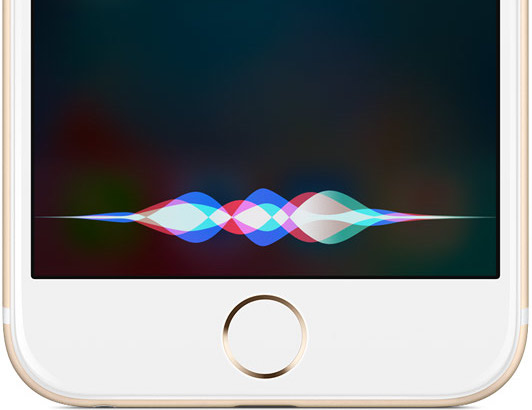
An iOS vulnerability that permitted nefarious people to gain access to Contacts and Photos data has been fixed swiftly without the need for a software update. A server-side fix has patched a security hole in Siri which allowed the personal digital assistant to use email links in tweets to gain access to contacts and photos on a locked iPhone 6s running iOS 9.3.1. Apple has confirmed to The Washington Post that it's fixed the flaw on its servers.

Easy to fix iOS bug bypasses Lock screen on iPhone 6s, giving access to Contacts and Photos

First spotted by Jose Rodriguez, who last September found a similar flaw in iOS, and highlighted by The Daily Dot, Apple's mobile operating system contains a vulnerability that lets others access your Contacts and Photos using Siri on the Lock screen of your iPhone 6s, bypassing your passcode.

Fortunately, there's an easy fix for this which involves revoking Siri access to Twitter and Photos and disabling Lock screen access to the personal digital assistant. Apple has not commented on the bug, which will likely be squashed in an upcoming software update.

Sprint to fix an issue preventing iPhone users from connecting to LTE cellular data

Sprint customers took to Reddit to complain about the inability to connect to Sprint's LTE cellular data network after upgrading to Apple's iOS 9.3 software update last week. The most recent iOS 9.3.1 update does not appear to have fixed the issue.

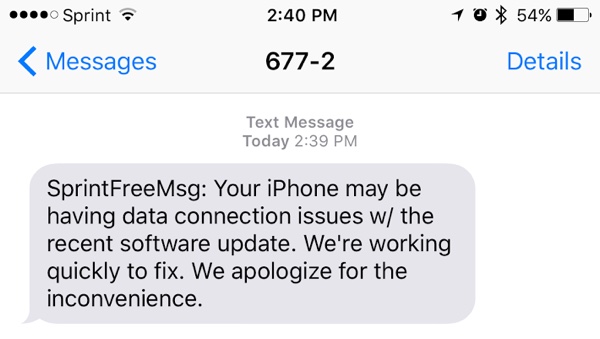
Sprint has acknowledged the issue in a text message to affected users and promised a fix, which will likely be delivered in the form of an over-the-air carrier settings update. “Your iPhone may be having data connection issues with the recent software update,” reads Sprint's message. “We're working quickly to fix. We apologize for the inconvenience”.

Apple confirms a fix for iOS 9.3’s misbehaving web links is in the works and coming soon

Apple is aware that some folks are seeing unexpected behavior when tapping web links on iOS 9.3 and is working on a fix which will be deployed to users in the form of a minor software update, a company spokesperson has confirmed to TechCrunch.

An unknown portion of people who have upgraded their iPhone, iPod touch and iPad devices to iOS 9.3 have reported being plagued with this issue where tapping web links would crash apps like Safari, Messages, Mail, Chrome, Tweetbot and more.

Some people complain that iOS 9.3 crashes after tapping on web links

It seems that iOS 9.3 is causing unexpected behavior when tapping web links, as evidenced by Twitter and a growing thread on the Apple Support Communities forums. Hundreds of affected users are reporting that the latest iPhones, and some older devices, become unresponsive or crash after tapping or tapping-and-holding web links in both first and third-party apps such as Safari, Messages, Mail, Notes, Google Chrome and more. For others, tapping on links does nothing.

Other people claim they were plagued with the same issue on iOS 9.2 devices, with some users claiming they heard from an Apple Support representative that the company is aware of the issue and is working on a fix, which should be released soon.

Latest iOS 9.3 beta fixes 1970 bug that bricks devices

The iOS 9.3 beta released earlier this week includes a fix for the 'January 1, 1970' bug that has been bricking devices, reports MacRumors. The site points to its forums, where multiple users found that their devices stuck in boot loops were able to be restored to working order via an update to beta 4.

The fix is two-fold. Folks with the beta installed say that you can no longer move the time on December 31, 2000 past 7 p.m.—disabling the bug entirely, since this prevents you from scrolling back to 1970. And as mentioned above, the new firmware can also unbrick devices affected by the glitch.

Apple promises a fix for iPhone bricking stemming from date and time bug

A newly published support document from Apple, which was first discovered by German blog Apfelpage.de, has acknowledged an issue where any 64-bit iPhone could be bricked by setting the date back to a specific time, causing it to fail to boot properly and requiring a physical repair to put the device back into working order.

According to the document, a permanent fix for the problem will be released as part of a future software update. Meanwhile, the affected iPhone owners are advised to contact Apple Support.

Don’t try this at home: iPhones apparently getting bricked after date is set back to a specific time

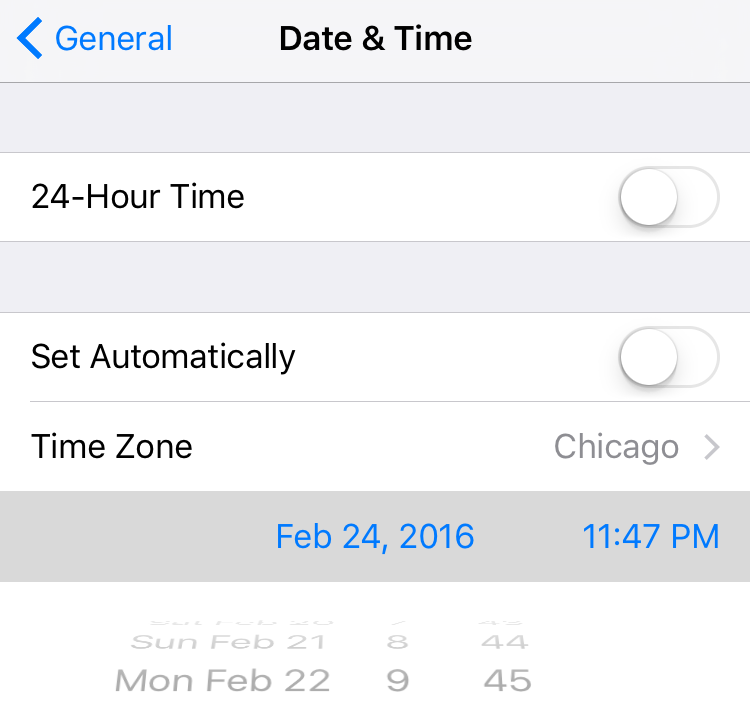
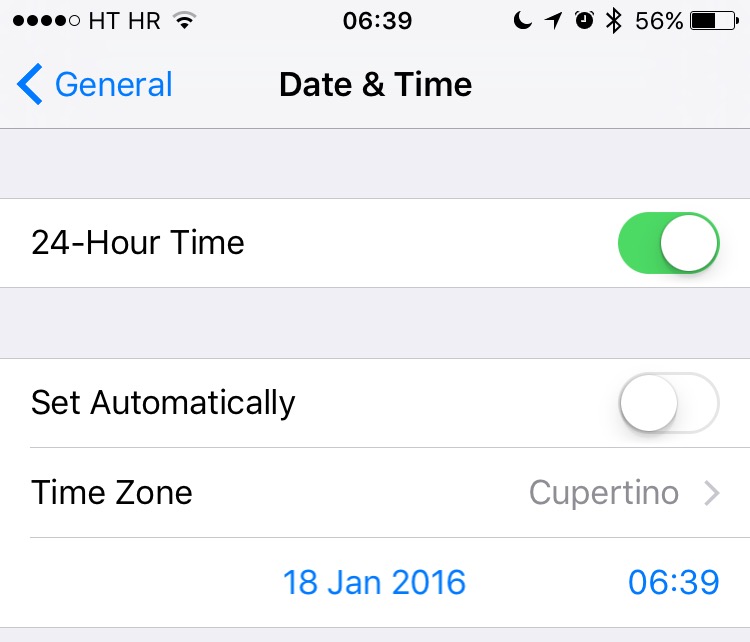
According to a post on Reddit and reports out of China, it is possible to brick an iPhone by setting the date back to a specific time.

I wasn't brave enough to test it myself, but the post claims the bug only affects 64-bit iOS devices.

It would seem that changing the device's Date & Time values to a specific point in time would cause it to fail to boot properly.

Basically, it gets bricked and stuck at the Apple logo boot image. Neither DFU mode nor restoring from a backup would bring a bricked device back to life as a physical repair is required to put it back into working order.

Apple: updating iPad Pro to iOS 9.2 might help fix unresponsiveness

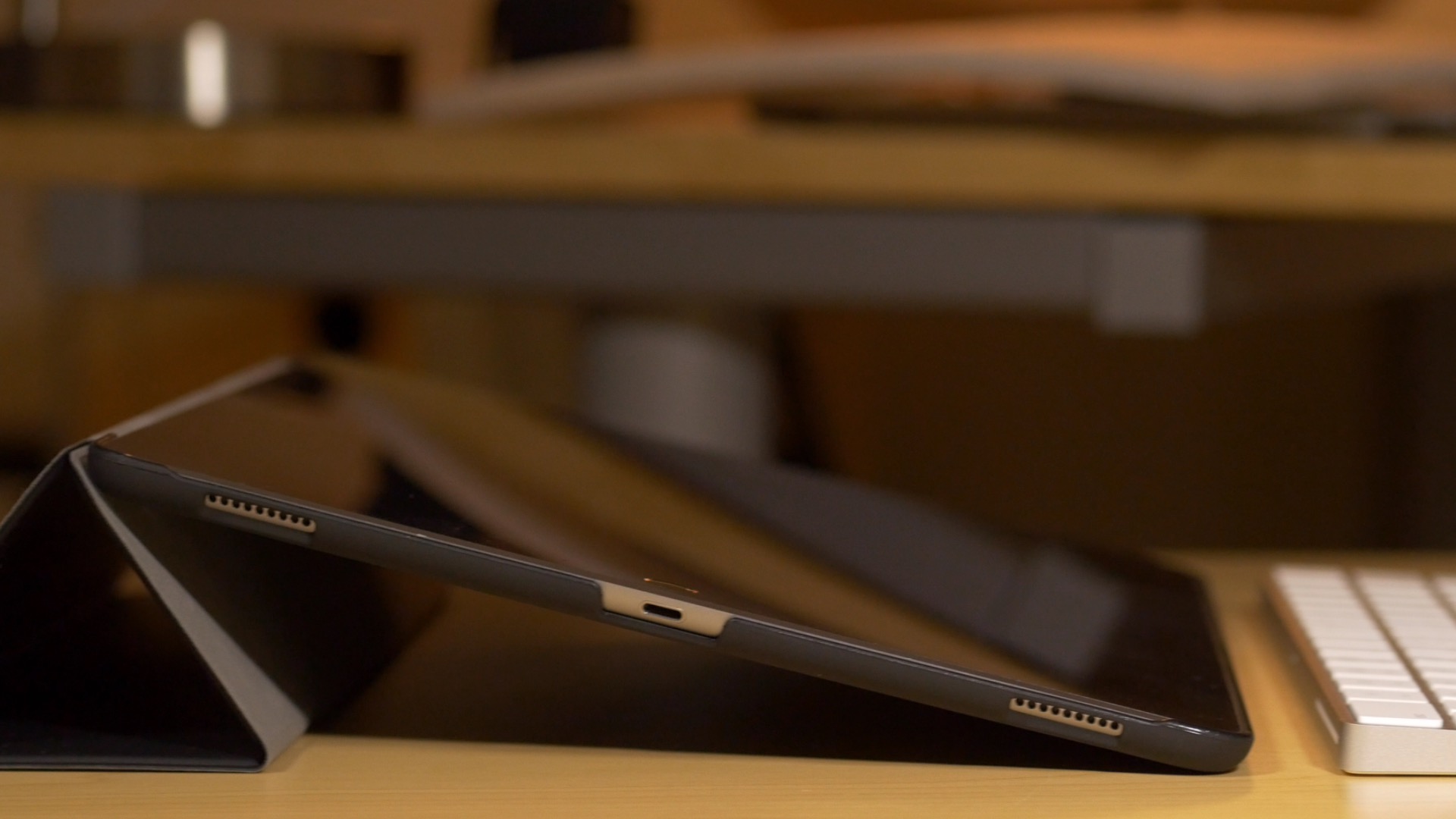
If you're an iPad Pro owner, then you've likely run into the situation where the device gets stuck at an unresponsive black screen. This generally happens after fully charging the device, and it requires a force restart to bring the tablet back to life.

Obviously, this is a pretty big annoyance for anyone who picks up their iPad and wants to begin using it immediately. I've run into the issue about half a dozen times since I got my iPad Pro, and and each time is just as annoying as the last.

Fortunately, it looks as if Apple might be making some headway when it comes to fixing the issue. As first spotted by MacRumors, Apple has updated its support document for the issue, and states that updating the iPad Pro to iOS 9.2 or later may remedy the issue.