Bug

How to fix the ‘Redownload Unavailable’ error in the App Store

Let's face it; everyone experiences buyer's remorse from time to time, which results in a change of heart about a purchase. Then there are those occasions when you regret changing your mind about changing your mind. That's what recently happened to me after I requested an App Store refund for an app that I later realized I actually wanted and needed.

Oddly, I encountered a weird error telling me that since I had previously requested a refund for the app, I could no longer purchase it again. That makes no sense. Why would Apple not want to take my money just because I had requested a prior refund?

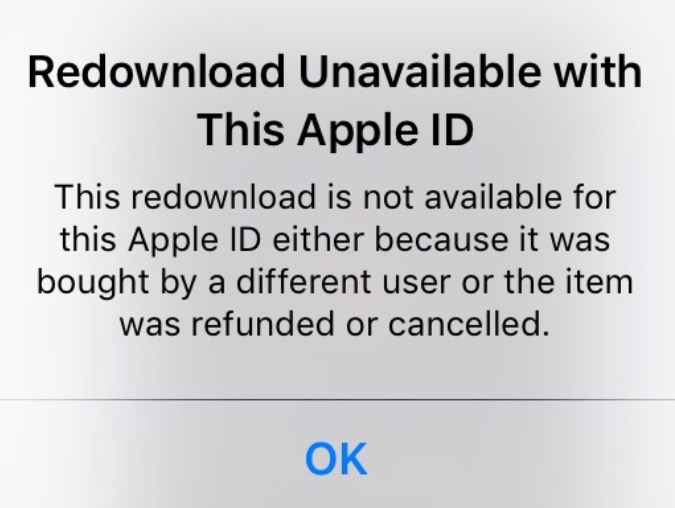
The error reads "This redownload is not available for this Apple ID either because it was bought by a different user or the item was refunded or cancelled."

Whatever the reason for the error, after searching Google, it's obvious that I'm not the first to encounter this issue. The good news is that fixing the Redownload Unavailable with This Apple ID error is very easy to do...
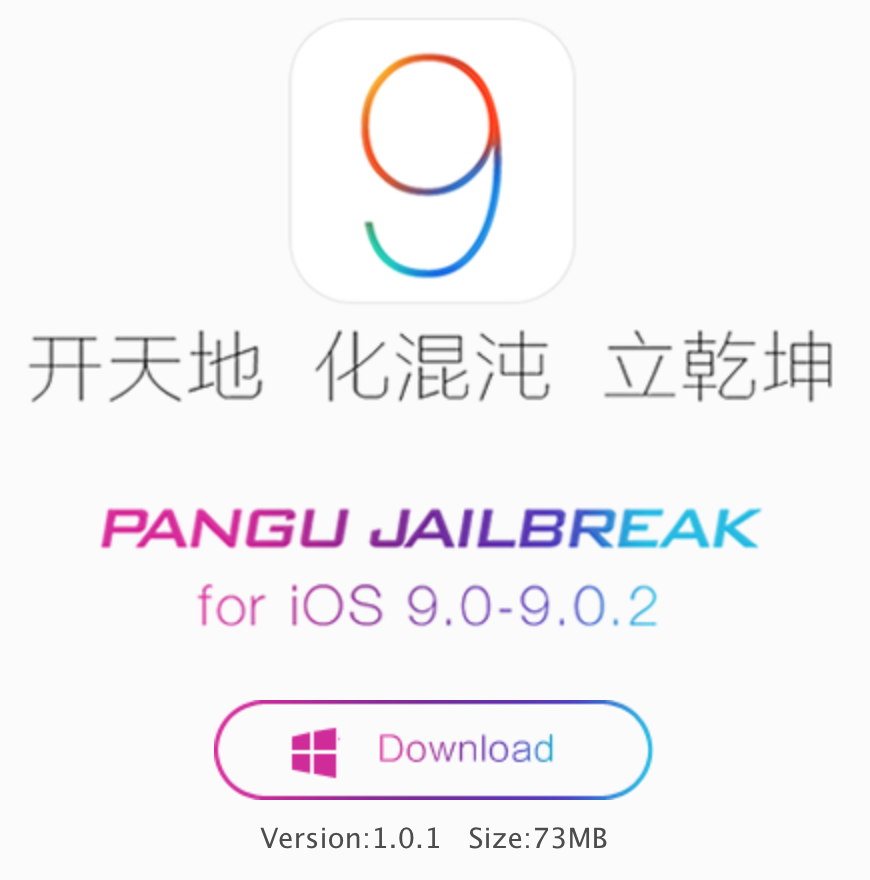

Pangu 1.0.1 released to fix issues with the iOS 9 jailbreak

Pangu has released the first update for its iOS 9 jailbreak tool for Windows. Pangu 1.0.1 is now available to all users, and fixes several issues with the tool. If you've been having issues getting the Pangu 1.0.0 to properly launch, or have experienced failed jailbreak attempts, then you should definitely give it another shot with this latest version of Pangu.

Apple releases iOS 9.0.1 containing various bug fixes for Safari, Setup Assistant, alarms, and more

A week after Apple pushed iOS 9 to the public, it has followed up with the release of iOS 9.0.1. As you may have guessed by the version number, iOS 9.0.1 is a bug fix update. All users running iOS 9 should therefore update to iOS 9.0.1 for increased system stability.

Perhaps most notably, we saw several users in our comments talk about failed upgrades, where iOS would freeze when using the Slide to Upgrade feature in the Setup Assistant. That issue should now be solved thanks to iOS 9.0.1.

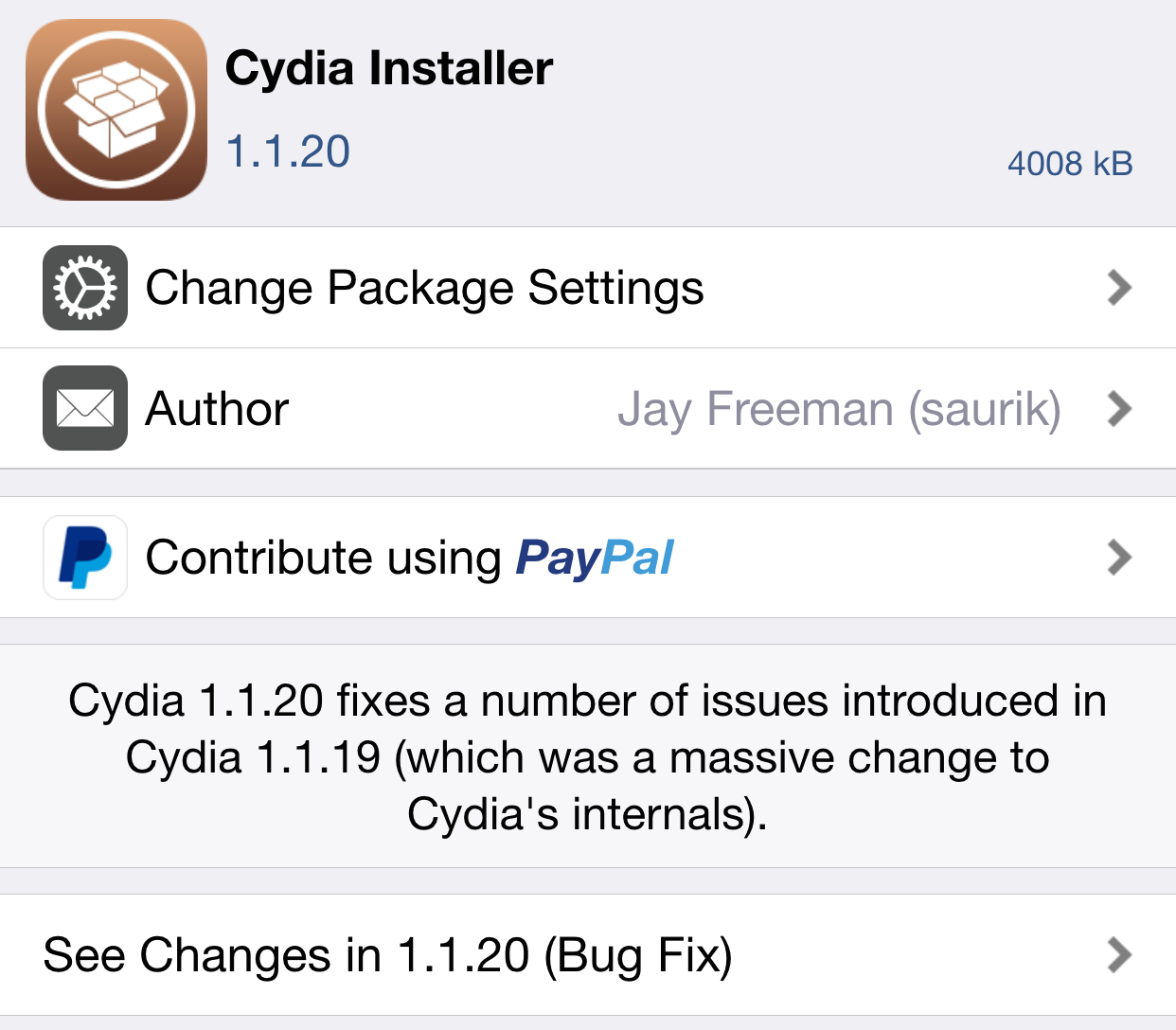
Cydia Installer updated to version 1.1.20 to fix bugs

As we noted to you guys upon release, Cydia 1.1.19 was a major upgrade for Cydia. As such, it was inevitable for a few bugs to surface with all of the under-the-hood changes.

In Cydia version 1.1.20, saurik has addressed many of these bugs in what he is calling a bug fix release. If you're encountering problems while using Cydia, it's definitely suggested that you upgrade to the latest version as soon as you can.

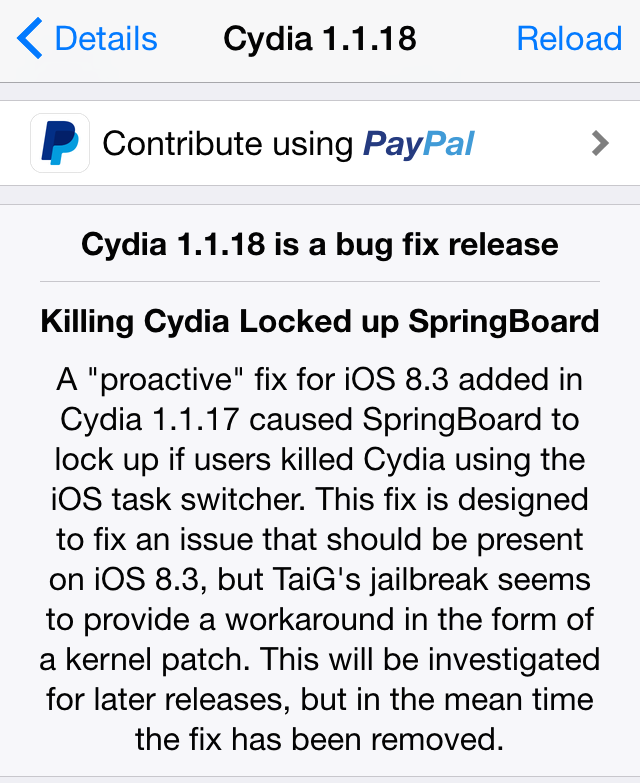
Saurik releases Cydia Installer 1.1.18 for jailbroken iOS devices

Hot on the heels of the 1.1.17 release of Cydia Installer comes yet another update. This version, aptly dubbed 1.1.18, is another bug fix.

Saurik states that this bug fix is the result of another "proactive" fix for iOS 8.3 and the just released Cydia Installer 1.1.17. To download this update, simply launch Cydia and refresh. You should be automatically prompted to install the update.

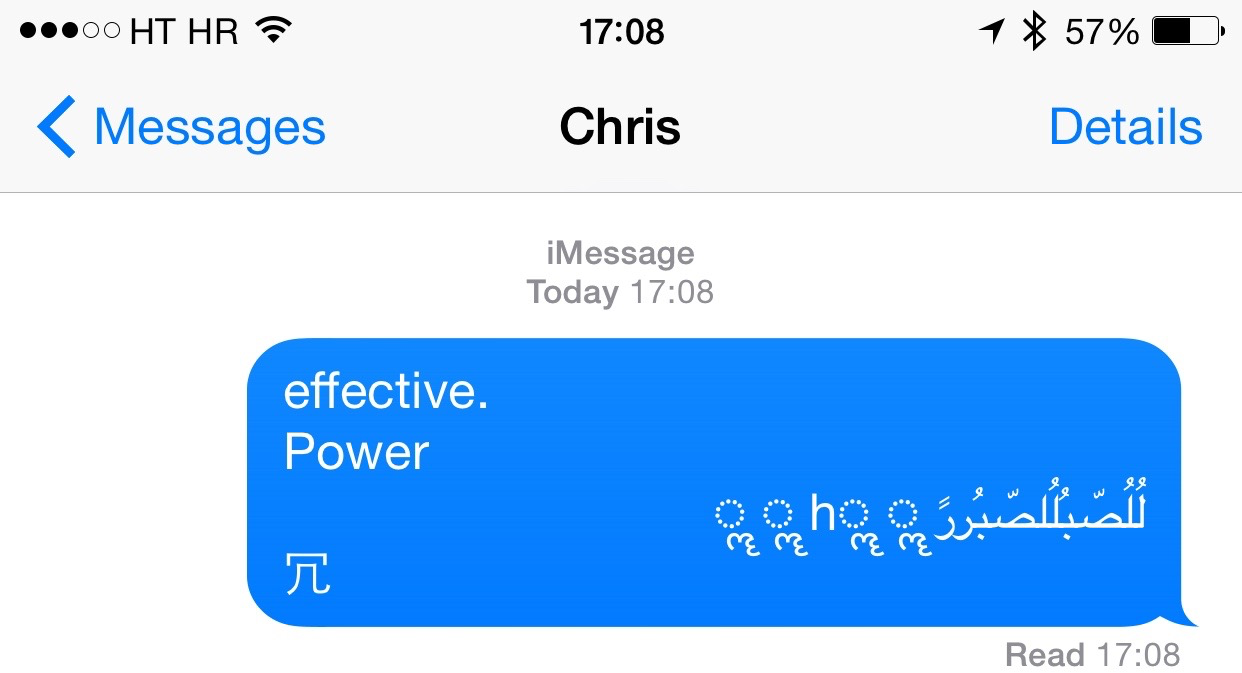
iMessage crashing bug fixed in iOS 8.4 beta 4

An annoying bug that crashes your iPhone after a specific string of symbols and Arabic characters is received through iMessage or SMS from another party has been fixed in iOS 8.4 beta 4, as first reported by Italian blog HDBlog.it. The beta software was seeded to registered Apple developers two days ago. The iMessage crashing bug is tied to how iOS banner notifications process Unicode text.

Apple has offered a temporary bandaid solution of sorts until a proper fix is delivered. iDownloadBlog has posted a few potential fixes of its own, too. That being said, the iOS 8.4 software update will squash this pesky bug for everyone when it arrives on June 30.

Unsurprisingly, iPhone Messages bug crashes iPad, Mac, Apple Watch, WhatsApp, Twitter and Snapchat

An odd software bug which causes the iPhone's Messages application to crash and sends the handset into a respring after a certain text is received affects the iPad, Mac, and Apple Watch, too. In addition, the text bug apparently affects third-party social and messaging apps that deal with text, including WhatsApp, Twitter and Snapchat, The Guardian newspaper learned today.

That's hardly surprising. The issue can be traced back to a specific series of Unicode characters, suggesting a bug in the text engine framework called CoreText that exists in iOS and OS X.

That would explain why third-party apps that deal with messages, like Twitter and Snapchat, were affected as they tap into Apple's CoreText engine to manage strings of text and layouts.

IneffectivePower and Unicode Suppressor will protect jailbroken devices from the “effective power” Messages bug

There is a new bug in iOS that resprings most peoples phones due to a low memory crash. It is caused by iOS's inability to render certain strings of Arabic characters which overloads the memory, causing resprings and reboots or safe mode on a jailbroken device. Simply explained, when someone messages you those characters and you get a banner notification, your phone starts kicking the bucket.

A few developers have stepped in and saved the day for jailbreakers. This isn't the first or second time the jailbreak community receives a security fix quicker than Apple is able to push one to stock devices. It's a great example of the argument that jailbroken iOS, in the right hands, can be more secure than stock.

How to get around strange Messages bug that crashes your iPhone

An odd bug that lets ill-minded folk send you a message which causes your iPhone to respring has been making rounds.

In case you missed it, a very specific string of symbols and Arabic characters sent through iMessage or SMS sends an iPhone in an immediate respring, causing the device to crash and quickly reboot, as first noticed on Reddit.

It's a serious issue which in some instances can break the Messages app on your iPhone so here are a few possible workaround solutions until Apple delivers a proper fix.

Users report less consistent heart rate readings after updating to Watch OS 1.0.1

In addition to fixing performance issues and a number of problems related to the accuracy of fitness tracking, the first software update for the Apple Watch seem to have introduced an unintended bug.

The affected owners have flocked to Apple Support Communities and MacRumors' forums to report that the device is now capturing their heart rate readings less frequently than before after updating to Watch OS 1.0.1.

Apple says the device's heart rate sensor should capture heart rates every ten minutes throughout the day — even more frequently during workouts — but there are now noticeably larger gaps of time between data, some as long as an hour or more.