Battery

Indy brings interactive features to the Status Bar of jailbroken iPhones

Your iPhone’s Status Bar is great for giving you at-a-glance information about your handset, be it your current battery level, wireless connection strength, or the time. On the other hand, the Status Bar is also perhaps one of iOS’ most underutilized interface elements.

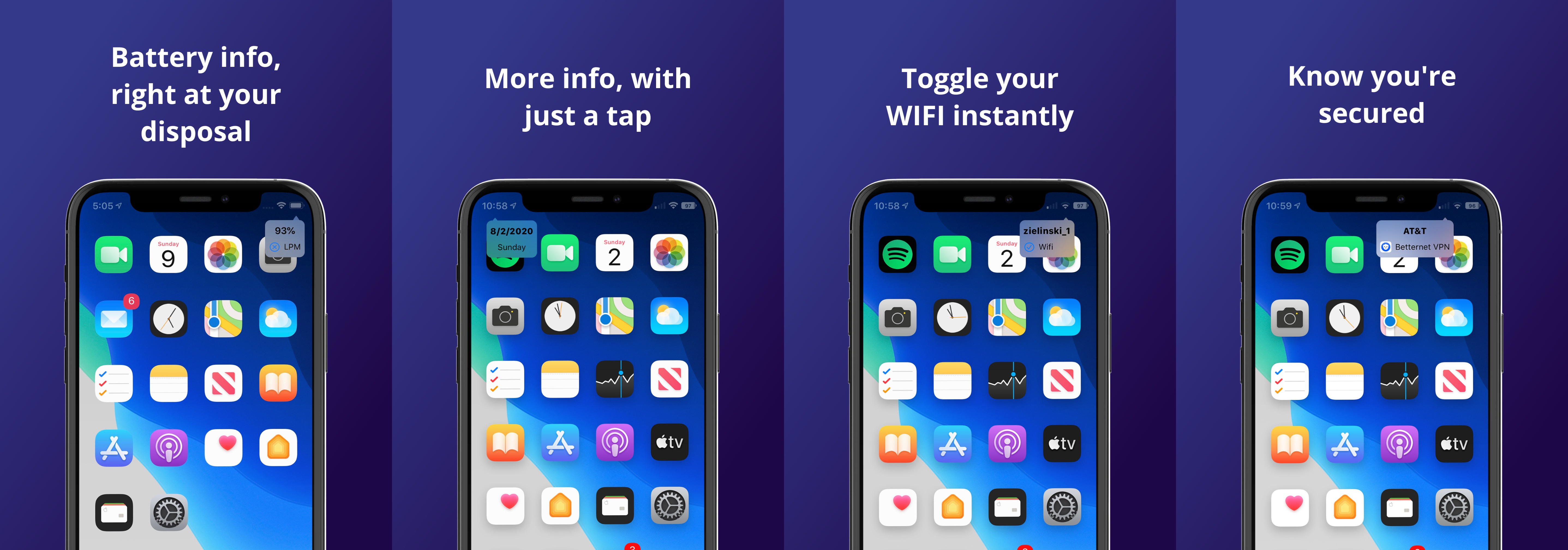
This is something that iOS developer Burrit0z wanted to change about the iPhone’s user experience, and so he created a new jailbreak tweak dubbed Indy to do just that. As you can discern for yourself in the screenshot examples above, the tweak gives users a lot more insight about information depicted by Status Bar indicators with no more than a tap.

Altilium alerts you of low battery a third time at a percentage you choose

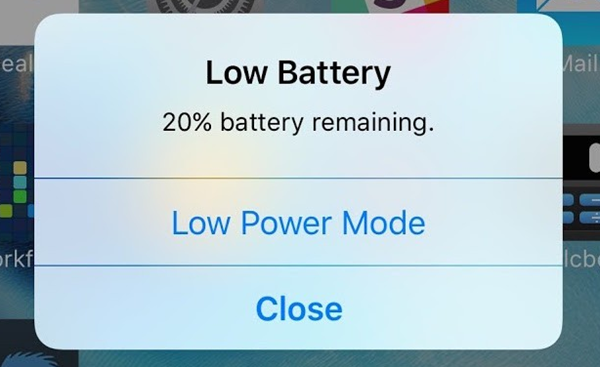
If you put your iPhone through a hard days’ worth of work without any charging, then chances are you’ll eventually see the 20% and perhaps even the 10% battery remaining alerts as the handset’s battery percentage falls. Still, 20% battery is enough to get you through a solid hour of use, and many people have a tendency to dismiss these alerts until their battery level gets so low that the device finally dies.

Because of the aforementioned circumstances, iOS developer quiprr figured that it might be beneficial for iPhone users to have a third low battery level alert at a user-designated percentage. With that thought in mind, a new and free jailbreak tweak dubbed Altilium was conveniently conceived.

This tweak gives the Status Bar’s battery indicator an RGB effect when charging

RGB lighting effects are popular for computer peripherals, especially in the PC gaming community. Perhaps unsurprisingly, Apple doesn’t offer anything of the such for its platforms, and this includes the iPhone and iPad.

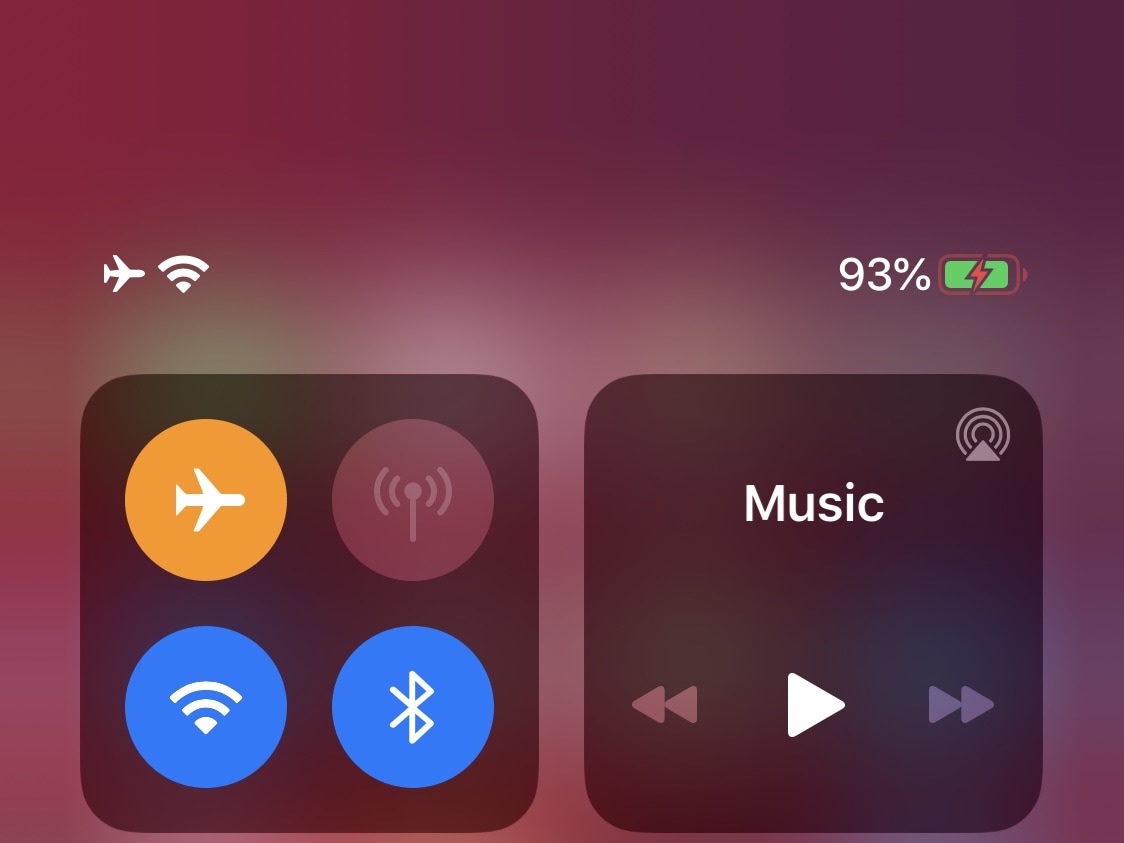
If you’re looking to add a touch of RGB to your jailbroken iPhone that isn’t so overpowering that it looks completely gaudy, then you might enjoy a newly released and free jailbreak tweak dubbed rgbBattery by iOS developer jesseb0rn.

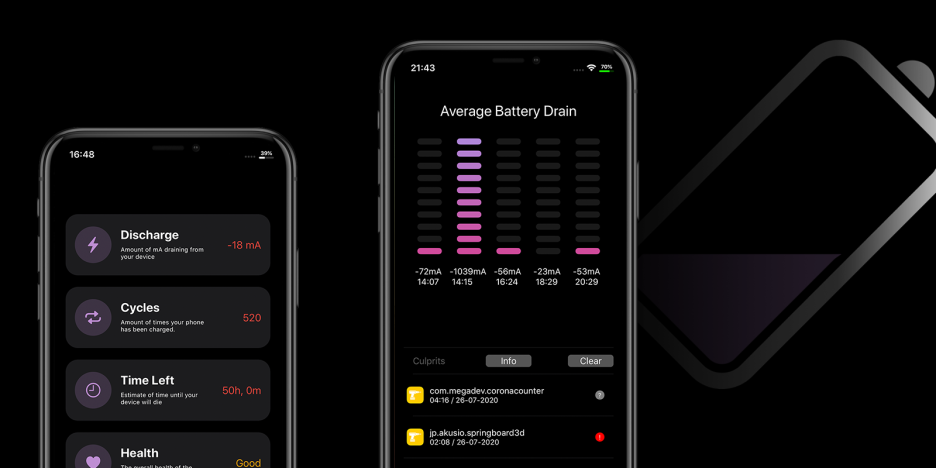
Dra1n helps jailbreakers determine which tweaks use the most battery

Perhaps one of the most concerning thoughts jailbreakers have after pwning their handsets is the amount of battery drain they’ll experience after installing a bevy of jailbreak tweaks. Understandable as this may be, it’s important to remember that many developers do everything in their power to mitigate battery drain. Still, this effort doesn’t eliminate it wholeheartedly.

If you’re any be interested in tracking the amount of battery drain that your jailbreak tweaks impose on your device, then we’d strongly recommend a free jailbreak app called Dra1n by iOS developers MegaDev and Charlie While. Not only can it give you a better idea of the amount of battery discharge your handset exhibits each day, but it can also outline the suspected battery-hungry tweaks installed on your device.

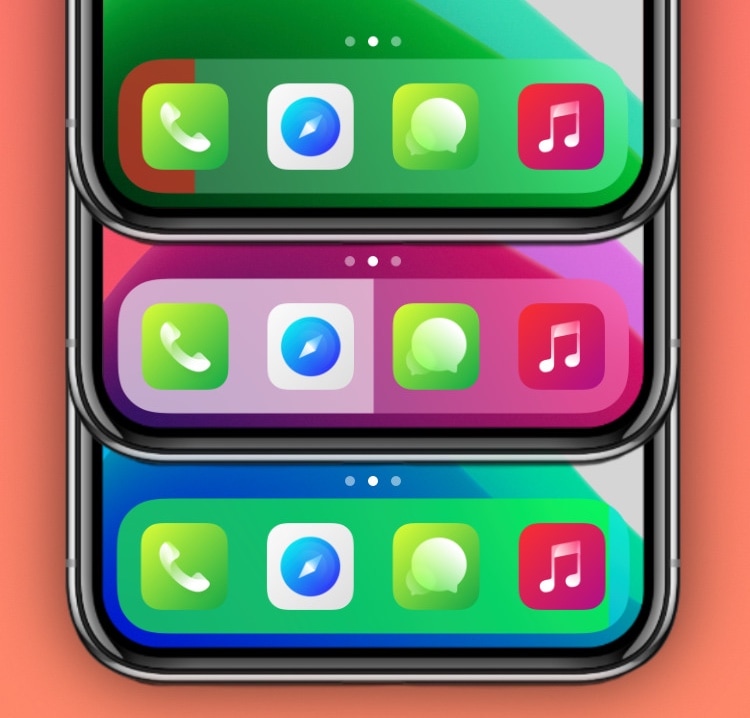
Cenamo depicts your iPhone’s current battery level via the Dock

A quick glance at the Status Bar of your iPhone is the quickest way to discern how much of a battery charge you’ve got left. But let’s say you use a jailbreak tweak that hides this information from the Status Bar – what could you use in its place?

Enter Cenamo, a newly released and free jailbreak tweak by iOS developer Thomz that transforms your Home Screen’s Dock into a dynamic battery level display. As depicted in the screenshot examples above, Cenamo fills the Dock’s native background with colors to depict your current battery situation.

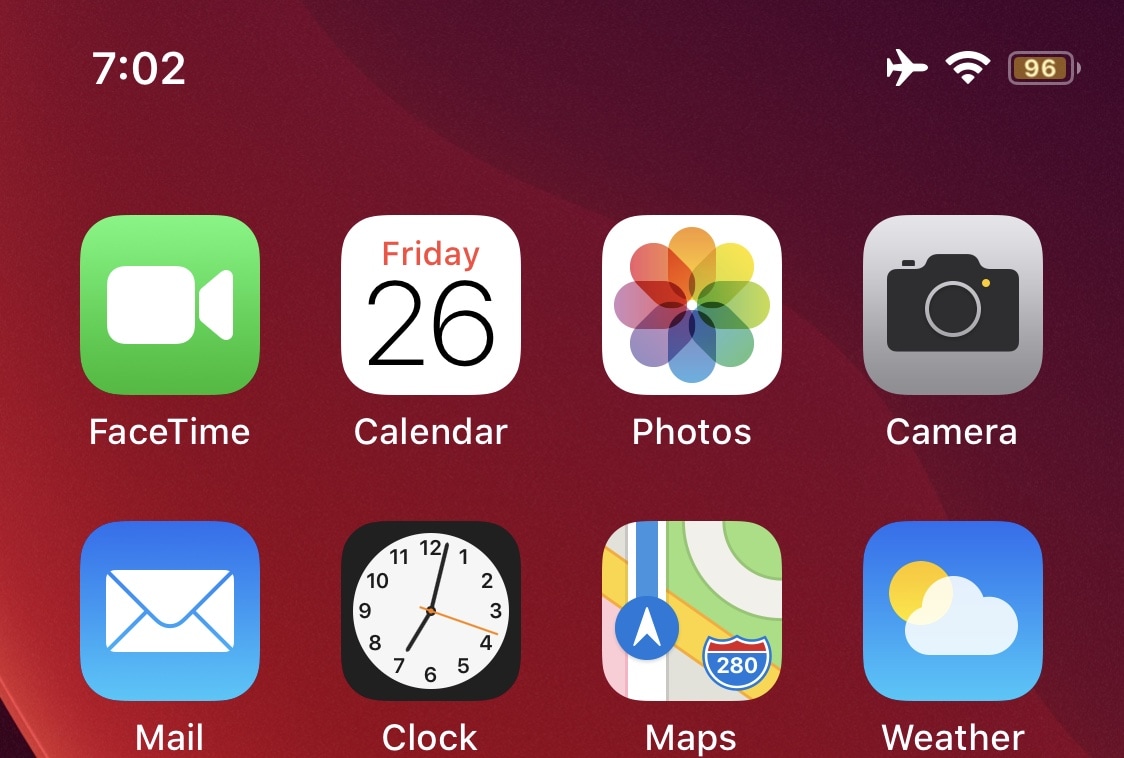
Modern Battery upgrades the Status Bar battery indicator on notched iPhones

Lots of iPhone users aren’t happy with the fact that you can’t have a numeric battery percentage in the Status Bar on a notched handset, and you could count me in that camp. As someone to consistently enabled this feature on the older and more traditional iPhones all the time, it felt like culture shock adapting to a user experience without it.

Fortunately, a newly released and free jailbreak tweak called Modern Battery by iOS developer Jax Roth can help in this department, as it can put a numeric battery percentage indicator directly inside of the native Status Bar battery icon.

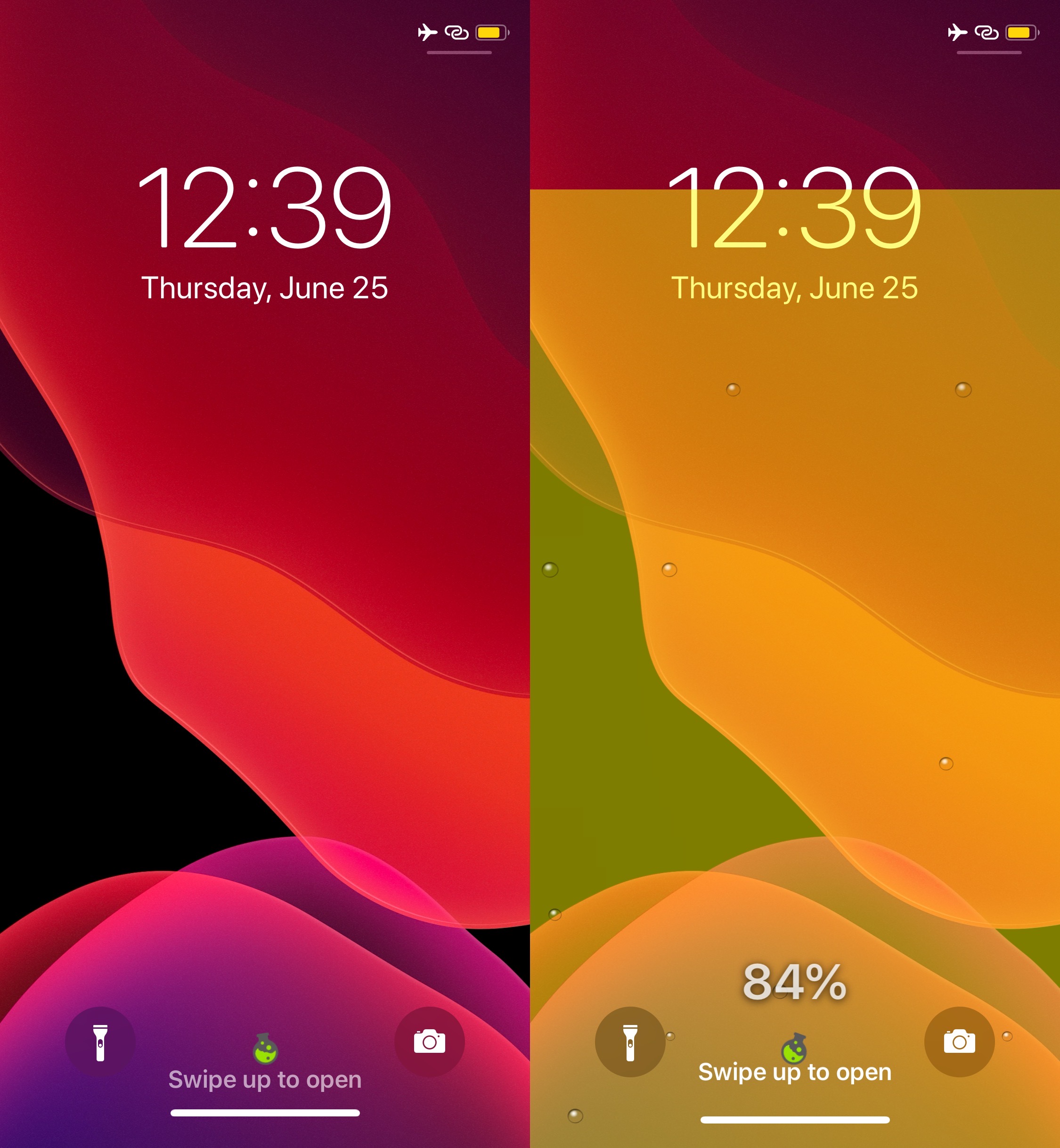
GreenPotion adds a quirky potion-style battery animation to the Lock Screen

Battery information is a bigger deal to some than others, but if you wish battery monitoring could be a bit more fun than it is out of the box on a stock iPhone or iPad, then we think you’re doing to love a newly released jailbreak tweak dubbed GreenPotion by iOS developer Plat-Ykor.

The name “GreenPotion” is a dead giveaway in terms of what you can expect this tweak to do. Once you install it, you can tap on a new button situated between the Lock Screen’s Camera and Flashlight shortcut buttons to invoke a potion-like animation that displays real-time battery information, as shown in the screenshot examples above.

Sentinel puts your iPhone into hibernation mode before it can succumb to a dead battery

Rebooting your iPhone or iPad is often viewed as a big no-no in the jailbreak community, especially since all modern jailbreaks are either semi-tethered or semi-untethered, which means having to re-run the tool after a reboot to return to a jailbroken state.

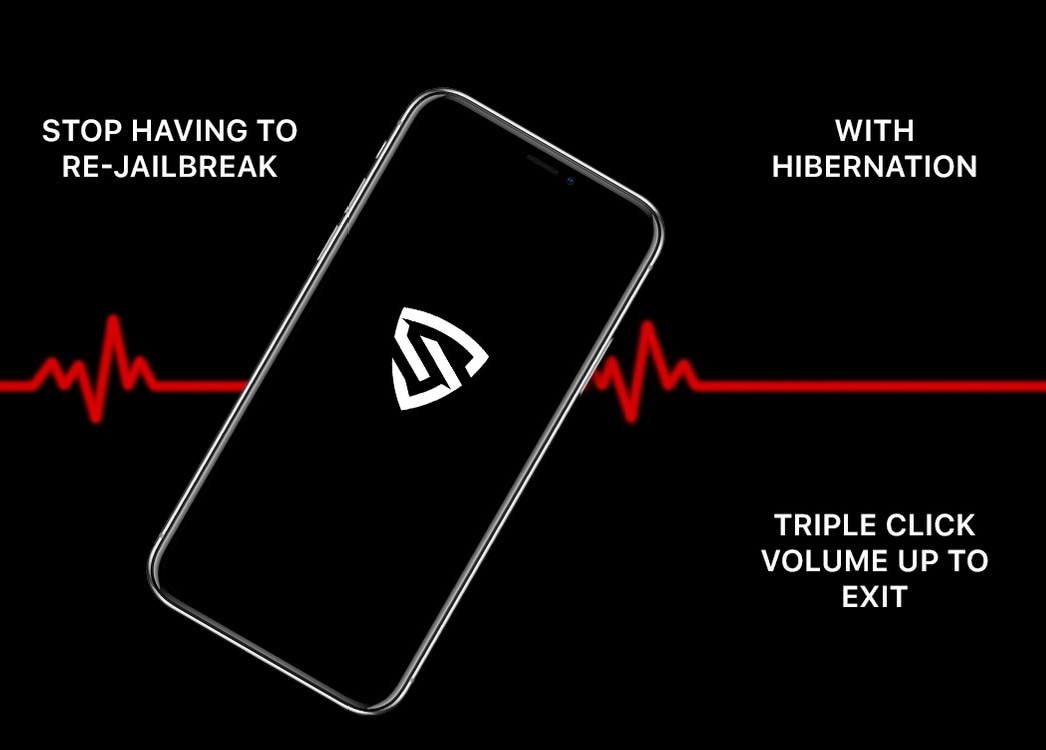
In some cases, a reboot may seem unavoidable because your handset’s battery runs out before you can get to a charger. Fortunately, a newly released and free jailbreak tweak called Sentinel by iOS developer MegaDev tries to prevent this from happening by putting your handset into an hibernation-like state when the battery gets too low so that you have more time to get to a charger before a forced shutdown becomes inevitable.

Kai adds persistent battery indicators to the Lock screen for connected devices

Just last week, we showed you a free jailbreak tweak dubbed WatchBuddy that would persistently display your Apple Watch’s battery level on your iPhone’s Lock screen. Albeit simple and effective, some users demanded more, and so a new release called Kai by iOS developer Burrit0z was conceived.

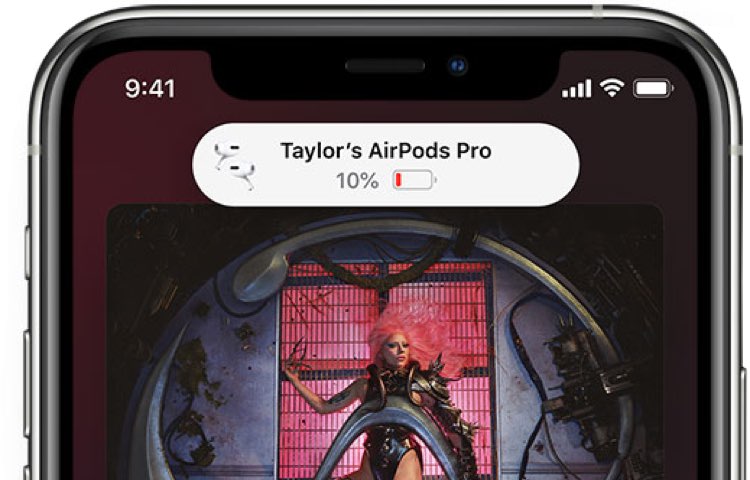
As shown in the screenshot examples above, Kai expands upon the WatchBuddy concept by persistently displaying your connected devices’ battery levels on the Lock screen. You’ll also notice that the indicators include, but aren’t limited to the iPhone itself, connected Apple Watches, and connected AirPods where applicable. Furthermore, the indicators are customizable whether you prefer smaller subtle solutions, or bigger and bolder ones.