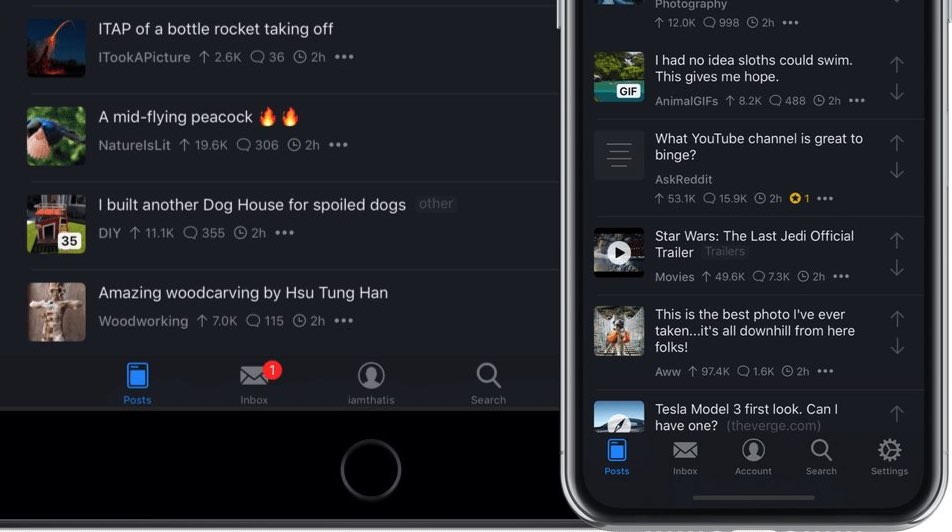
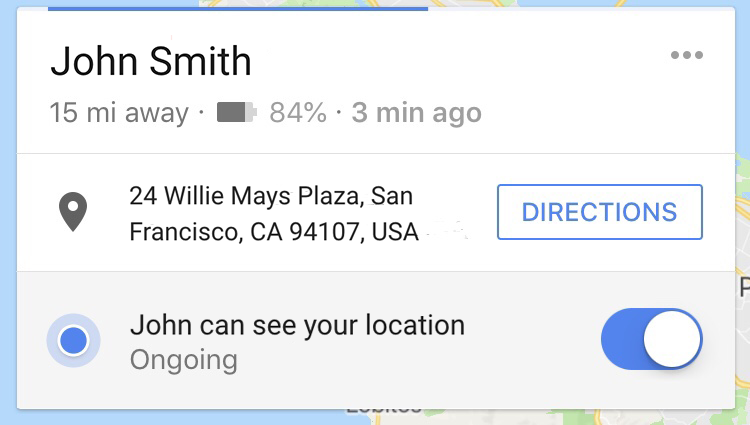
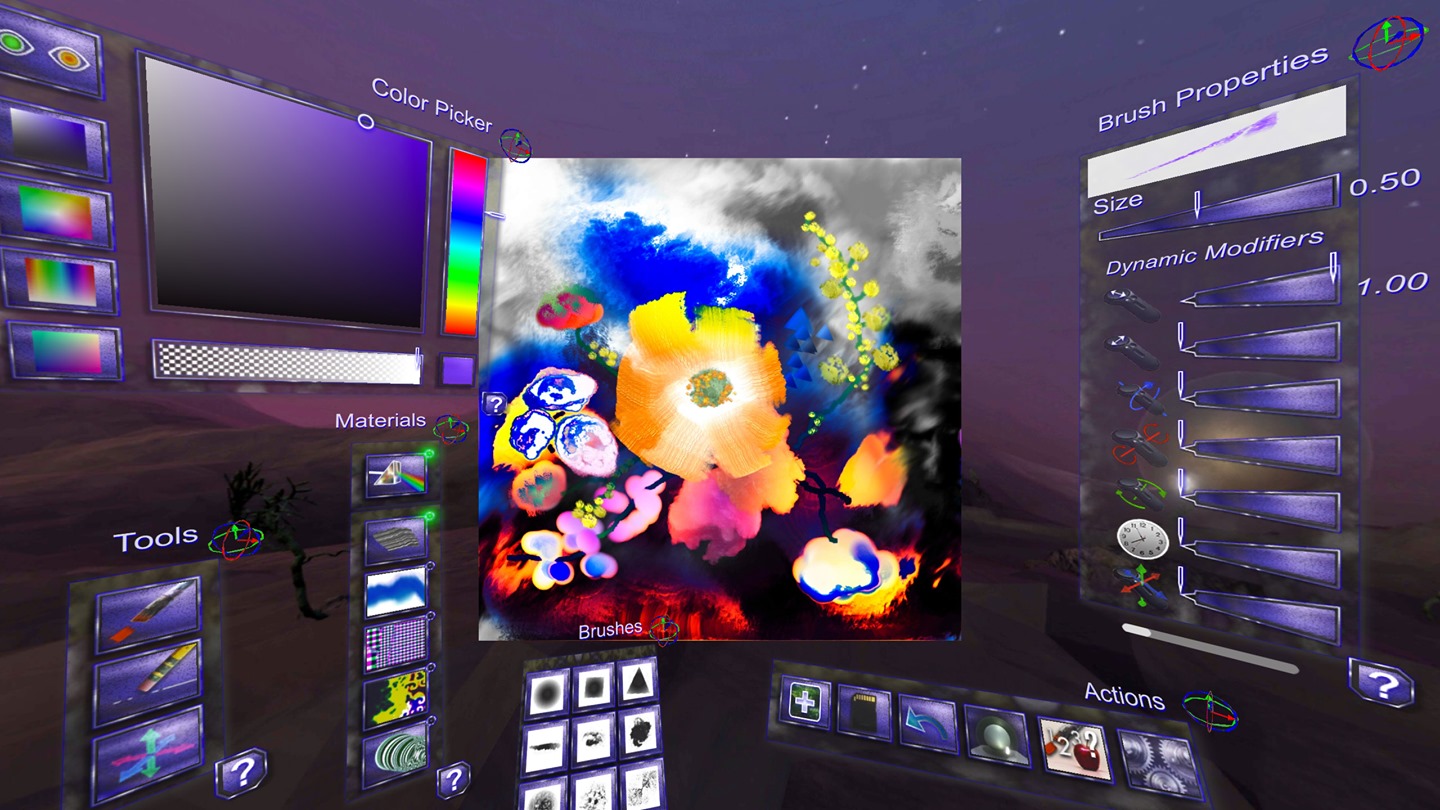
This week's edition of our Apps of the Week roundup includes a virtual pocket artist, a photo-sorting app, and an app for helping you save money with friends. And as always, we've selected two great new games for you to check out.
Oilist, Picassort, Divvy and other apps to check out this weekend