Apps

The 5 best Apple TV apps for learning to play guitar

Apple TV Apps for Learning to Play Guitar - Electric Guitar

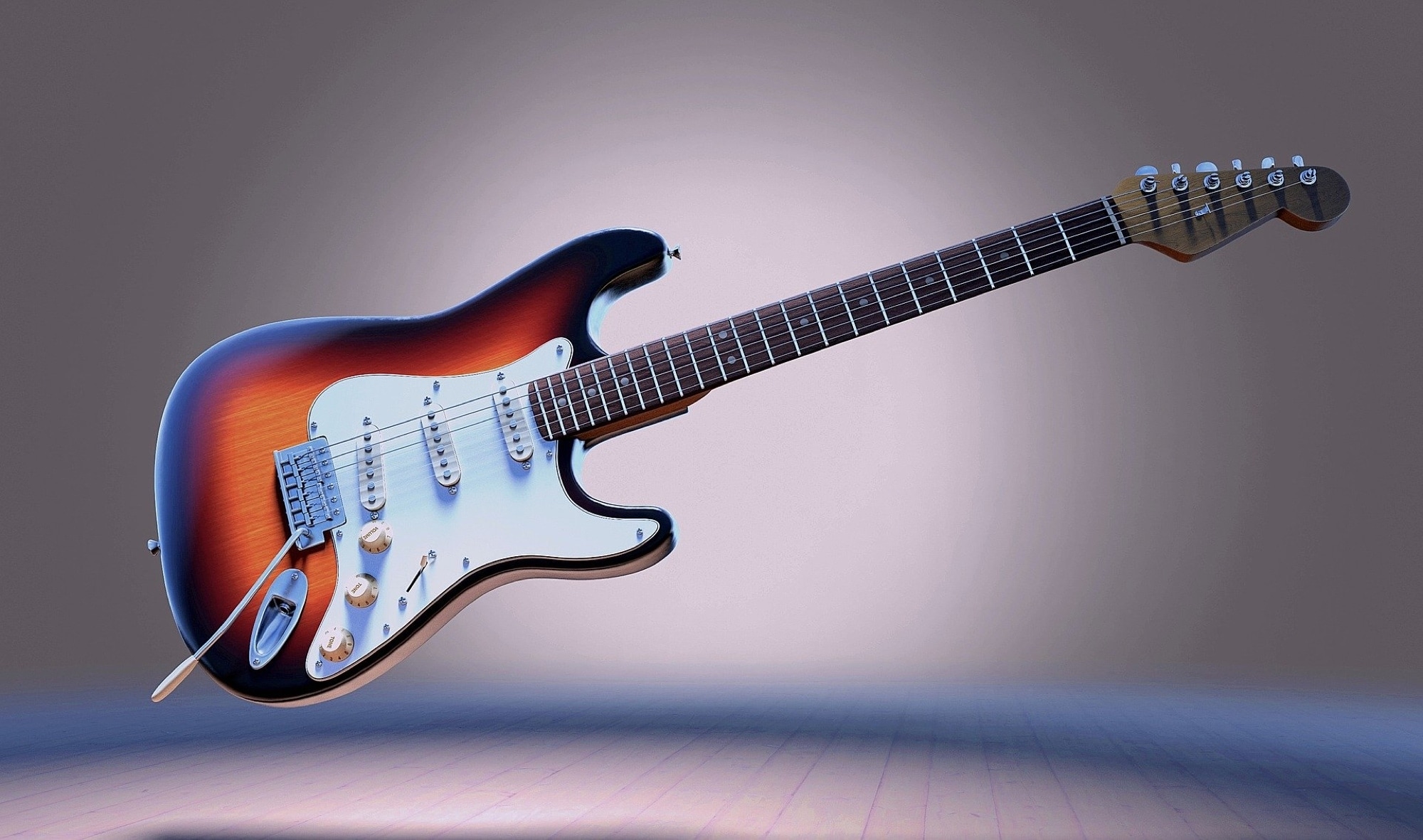
So you picked up an old guitar at a garage sale or received one from a friend and now want to learn to play it. If you own an Apple TV, then you’re already one step in the right direction.

Sit down with that guitar, grab your pick, and get ready with these Apple TV apps for learning to play guitar.


Navigate your Mac faster with handy Dock icon shortcuts

Launchpad Dock Icon Shortcut Menu

There are all sorts of ways to use shortcuts on your Mac. From tons of common keyboard shortcuts to those that help you navigate webpages faster; you have plenty of options.

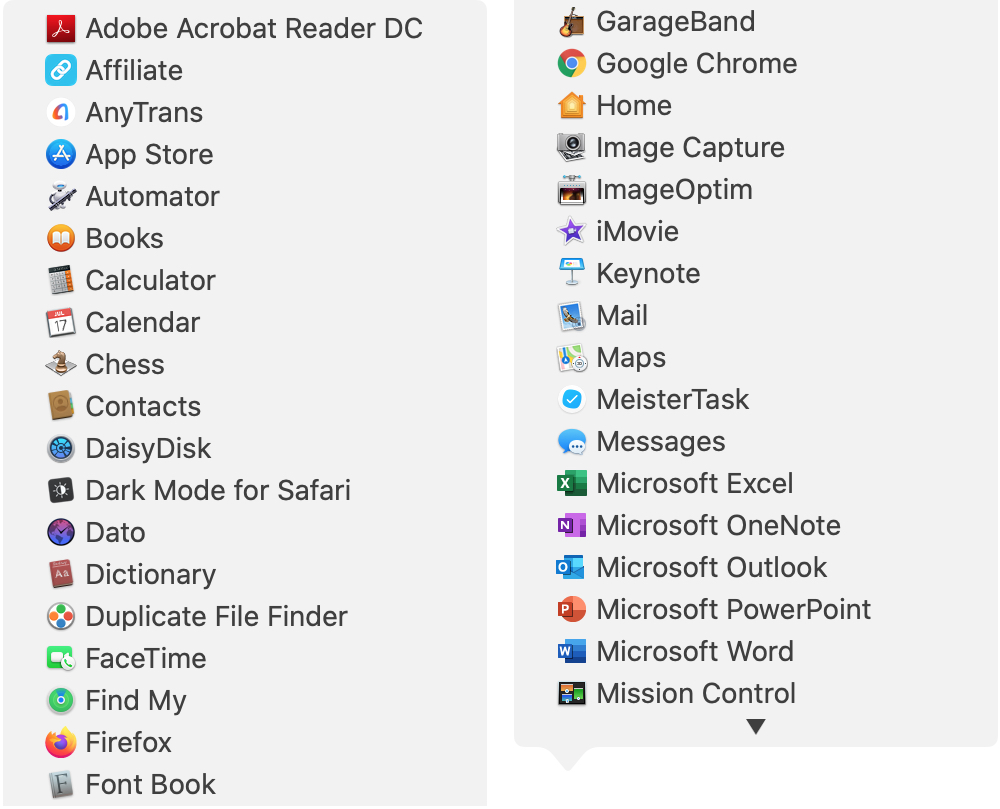
Along with some useful keyboard shortcuts for your Dock are additional ways your Dock can help you do things faster. And especially for those new to macOS, you might not realize they exist. Here’s how you can navigate your Mac quicker with Dock icon shortcuts.

How to customize the settings for Music, TV, Shows and Podcasts on Apple TV

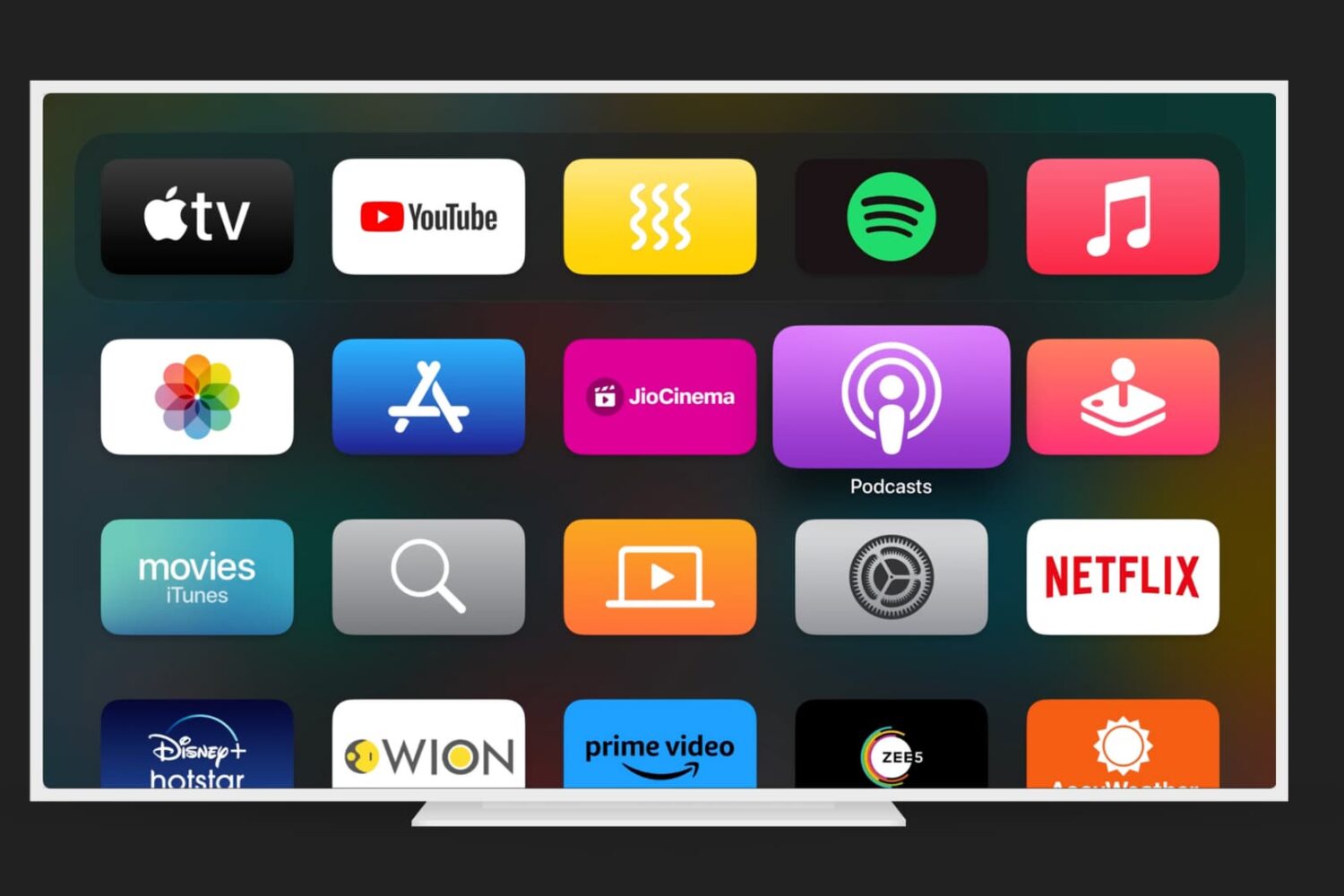
Apple TV Home Screen with Podcasts app highlighted

Just like on your iPhone, iPad, and Mac, your Apple TV lets you customize certain settings for the Music, TV, and Podcasts apps. Whether you want specific playback options, certain views on the main screen, or want to turn on or off syncing, you can do it on Apple TV.

If you’re ready to take a few minutes to use these apps exactly as you’d like, here’s how to customize the TV, Music, and Podcasts apps on Apple TV, along with iTunes show settings.

This tweak centers the final row of apps on your Home screen

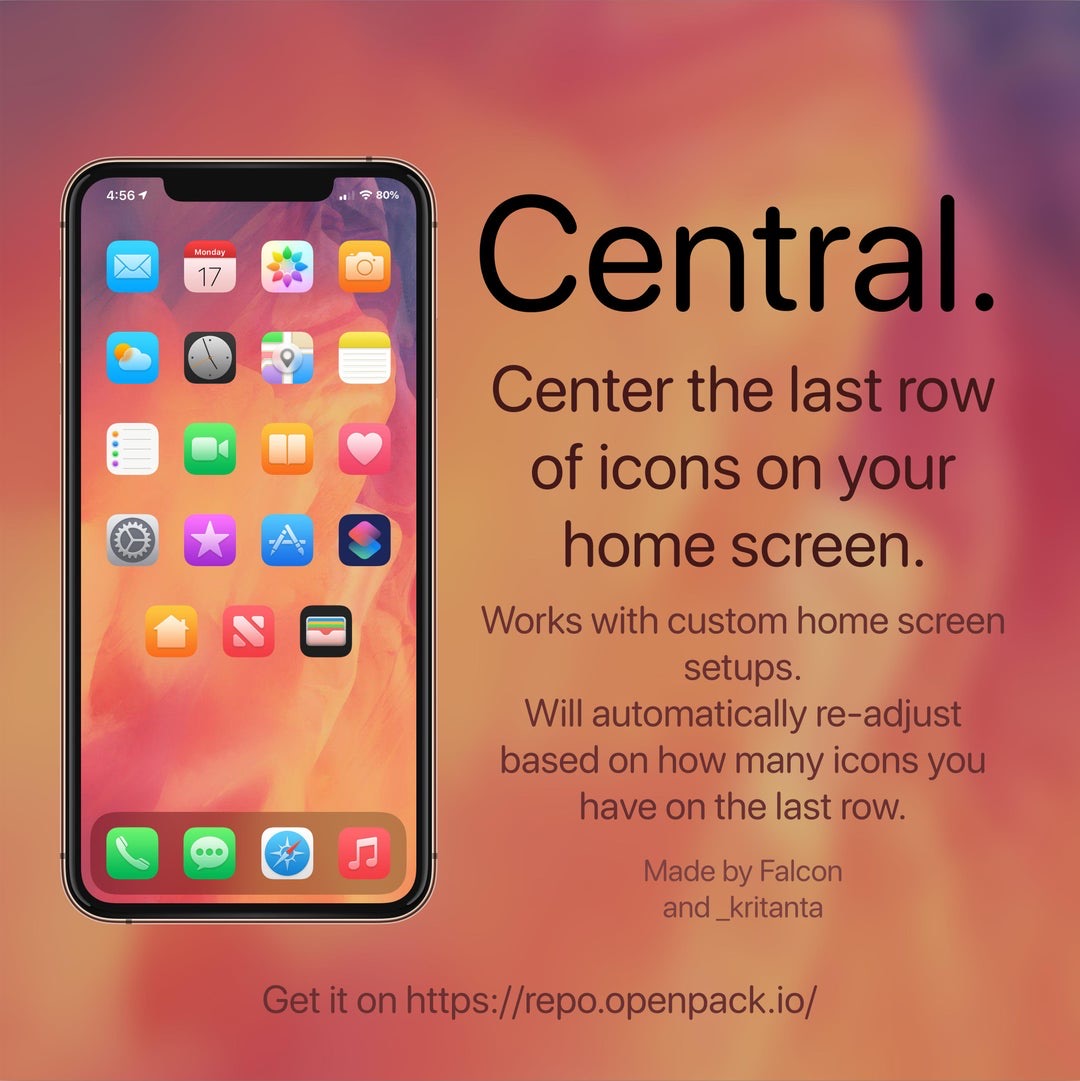
If you’re lucky enough to have a jailbroken iPhone or iPad at your disposal and you’re looking for a fun and quirky way to make your handset’s Home screen stand out from the average Joe’s, then you just might come to appreciate a newly released and free jailbreak tweak called Central by iOS developers Kritanta and Falc0nDev.

As depicted in the screenshot example above, Central adjusts your Home screen’s application icon layout in such a way that the final row on the Home screen funnels down to just three icons in the center of your display.