Apple

Apple launches new app on iOS and Android for controlling its Beats Pill+ speaker

Apple on Thursday released a new application for Android and iOS called Beats Pill+. As the name suggests, the app allows device users to manage and control their Beats Pill+ Bluetooth speaker, which was announced earlier this month.

In the description, Apple says the Beats Pill+ app "puts you and your friends at the center of your music like never before." You can use it to easily pair your device with your Pill+ speaker, rename it for fast identification and much more.

Minimal puzzler ‘rop’ goes free as Apple’s App of the Week

Heads up gamers, Apple has just named MildMania's 'rop' its App of the Week for this week. This means that from now through next Thursday, you can pick up the popular puzzler for free for both iPhone and iPad, a $1 savings over its usual price.

For those who haven't played it, rop is described as a mind-bending, minimal puzzler with nearly 200 beautiful levels. In each of those levels, you must rearrange the different pieces of rope on a hexagonal grid to match the shape that you are given.

Watch Apple’s Cue explaining Apple TV benefits

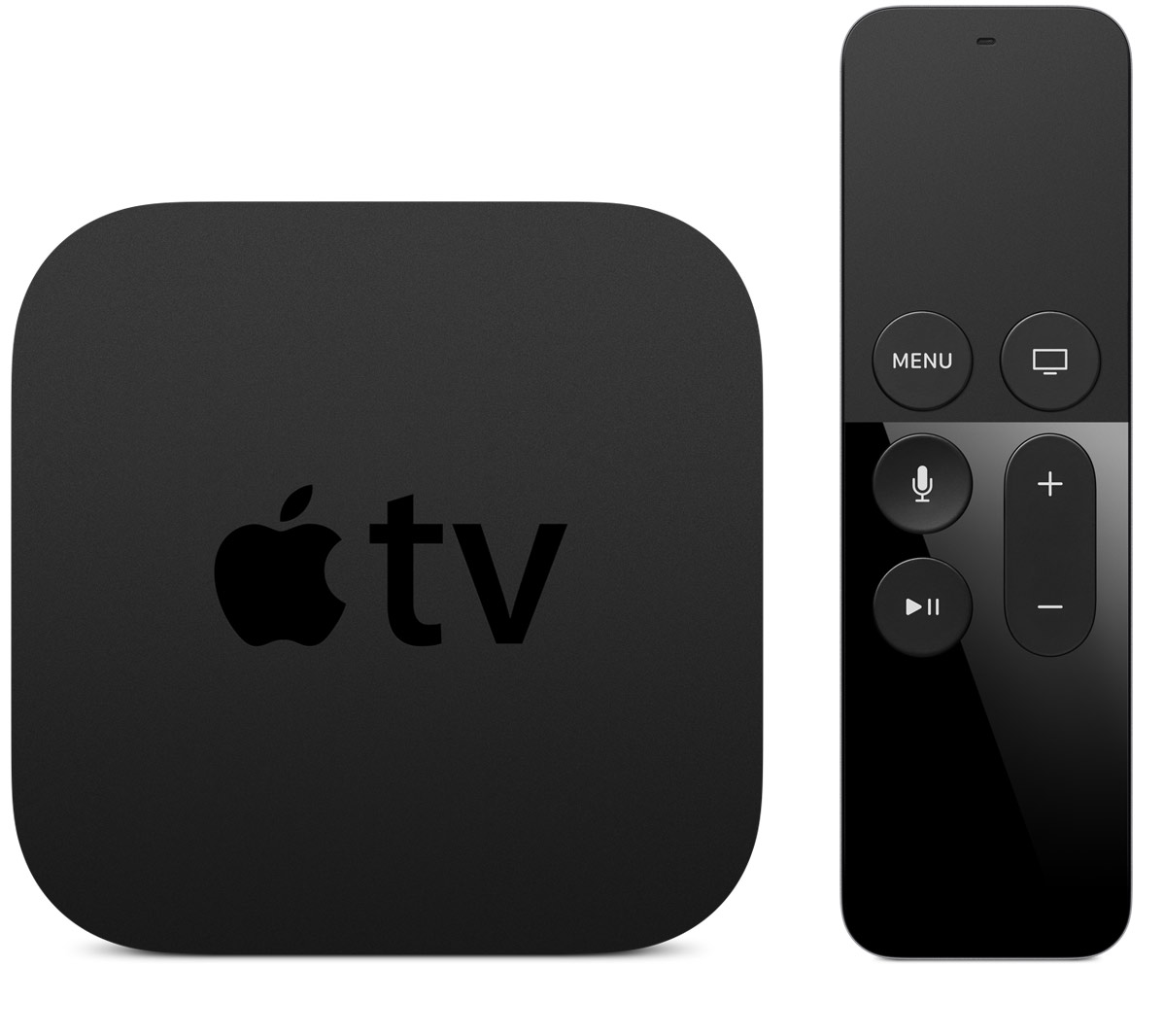
Eddy Cue, Apple's Senior Vice President of Internet Software and Services, gave CNN a tour of the new Apple TV, which hits Apple's retail stores tomorrow.

Reiterating that to Apple, television is about apps, Cue called the fourth-generation box “absolutely” more than a hobby project for Apple.

“We have over 20 million Apple TV's in households today,” he said. “We think this is really going to revolutionize television. So this is a big deal for us.”

Google launches YouTube Red, charges iOS users Apple tax

Following its official announcement less than two weeks ago, Google today formally launched a new music and video subscription service—YouTube Red.

In exchange for a monthly fee of $9.99, Red provides ad-free access to videos across all of YouTube, the ability to save clips and playlists for offline use and support for background playback. All these perks are available to Red members users across desktop, mobile and the web.

Due to Apple's 30 percent cut on In-App Purchases, Google has decided to raise Red's subscriptions on iOS devices to $12.99 per month in order to compensate for the Apple tax. A free 30-day trial of YouTube Red (US only) is available to those who want to try out the service and see if it's worth the asking price to them.

Microsoft folds Sunrise functionality into much-improved Outlook for iOS app

Developers of Microsoft-owned calendar app, called Sunrise, announced in a blog post that the app won't be receiving updates going forward as the team has worked hard on integrating Sunrise functionality into the Windows maker's much-improved mobile Outlook client for iPhone and iPad.

Sunrise Calendar was last updated in the App Store more than four months ago, adding integration with Office 365 events. Just yesterday, Outlook for iOS received a fresh new look alongside a brand native Apple Watch app built on watchOS 2.

At the same time, Microsoft announced that the mobile Outlook app has gone from a couple hundred downloads to more than thirty million installs on smartphones and tablets.

New Apple TV lacking Siri search for Apple Music and App Store apps

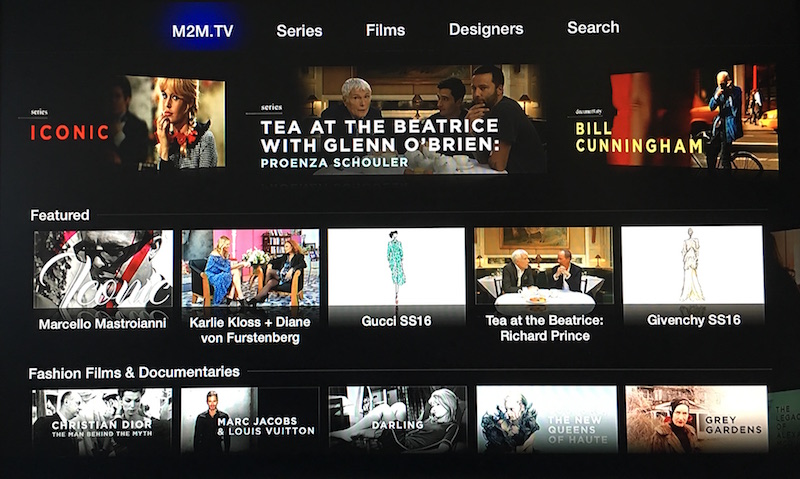
As the new Apple TV is scheduled to hit Apple's retail stores tomorrow, first reviews are now in. Journalists who were given a chance to spend some quality time with review units are praising evolutionary improvements to the living room experience while highlighting untapped potential for the refreshed $149 device.

One of the common complaints focuses on Siri and its inability to search apps for the Apple TV in a dedicated App Store. In addition, reports are noting that users won't be able to search Apple Music with their voice at launch, the omission Apple claims will be addressed with a software update due at the beginning of next year.

How to go into and exit Split View multitasking mode from within Mission Control on your Mac

macOS has a nifty little productivity boost that makes it both easy and fun to run two apps side-by-side in your Mac's native full-screen mode.

This can be indispensable when focusing on specific tasks at hand while disregarding everything else, like online research and taking notes, or blogging and writing, or reading news while keeping tabs on your Twitter feed and so forth.

This mode, called Split View, is normally activated by dragging an app to either side of the screen by its window's upper left green button, and then choosing another app to fit the other half of the screen.

But the multi-step process is often a tad confusing for novice users, especially those accustomed to Windows 7's effortless window snapping. Thankfully, your Mac supports creating Split Views right within Mission Control, which in macOS has been tidied up and made clearer and more obvious.

In this tutorial, you'll learn how to go, and exit, Split View just by dragging app windows inside your Mac's Mission Control.

Apple’s marketing honcho discusses pursuit of perfection, intense team collaboration and more

Phil Schiller, 55, is a man of many superlatives, not least of which is the famous 'can't innovate anymore, my ass' message to Apple haters during the unveiling of the radically revamped Mac Pro workstation.

And as a guy who oversees Apple's marketing initiatives across the globe and acts as the steward of the company's relationship with developers, it's his nature and his job to promote collaboration between engineers, designers and executives.

In a rare and interesting interview with Mashable editor-at-large Lance Ulanoff (Mashable? This is the new Apple, get used to it), Schiller talks in detail about internal collaboration that makes radical products like the new 12-inch MacBook possible.

He and John Terns, who is Vice President of Mac and iPad engineering, also touch on a bunch of topics that are dear to the hearts of Apple's many fans, including an upcoming flying saucer-shaped campus, hybrid computing devices, Apple's design processes and much more.

Snapchat update brings 3D Touch support and new video filters: slow-mo, fast forward & rewind

Following Skype's update this morning which added 3D Touch Home screen shortcuts and Peek and Pop gestures, Snapchat too issued an update to its App Store application which enables 3D Touch support for quick actions from the Home screen icon on the iPhone 6s and iPhone 6s Plus.

In addition to 3D Touch support, this edition of Snapchat brings out some new filters for your snaps, including slow-motion, fast-forward and rewind effects.

New Apple TV hitting Apple Stores on Friday

After launching online orders for its fourth-generation Apple TV, Apple will start selling the new set-top box at its retail stores on Friday, October 30, 9to5Mac learned from sources close to the matter.

In addition to sales via the Apple Online Store and company-owned retail stores, the new Apple TV is listed for pre-order at other resellers like Best Buy and B&H.

Skype for iOS adds 3D Touch actions, spooky Halloween emoticons, video filters and more

Microsoft today issued a pair of updates to Skype's messaging, VoIP and video calling apps in the App Store.

While the apps continue to be separate downloads on iOS rather than a universal binary (come on, Microsoft!), Skype for iPhone has gained useful 3D Touch actions available both from the Home screen and within the app itself.

In addition, both editions of Skype have picked up improved conversation and contact management, as well as ghostly Halloween video message filters and emoticons.

Scanbot picks up Magic color filter, improved edge detection and more in latest update

Scanbot, a comprehensive mobile scanner app for documents and QR codes, has been refreshed in the App Store today with several new features and refinements, including more accurate edge detection and a new color filter for text documents which produces scans that often look better than the original.

Scanbot is fully compliant with iOS 9, supports 3D Touch shortcuts on the Home screen and actions within the app and can recognize a wide variety of bar codes, including UPC-A, UPC-E, Code 39, Code 39 mod 43, Code 93, Code 128, EAN-8, EAN-13, ITF14, PDF417, Aztec and DataMatrix.