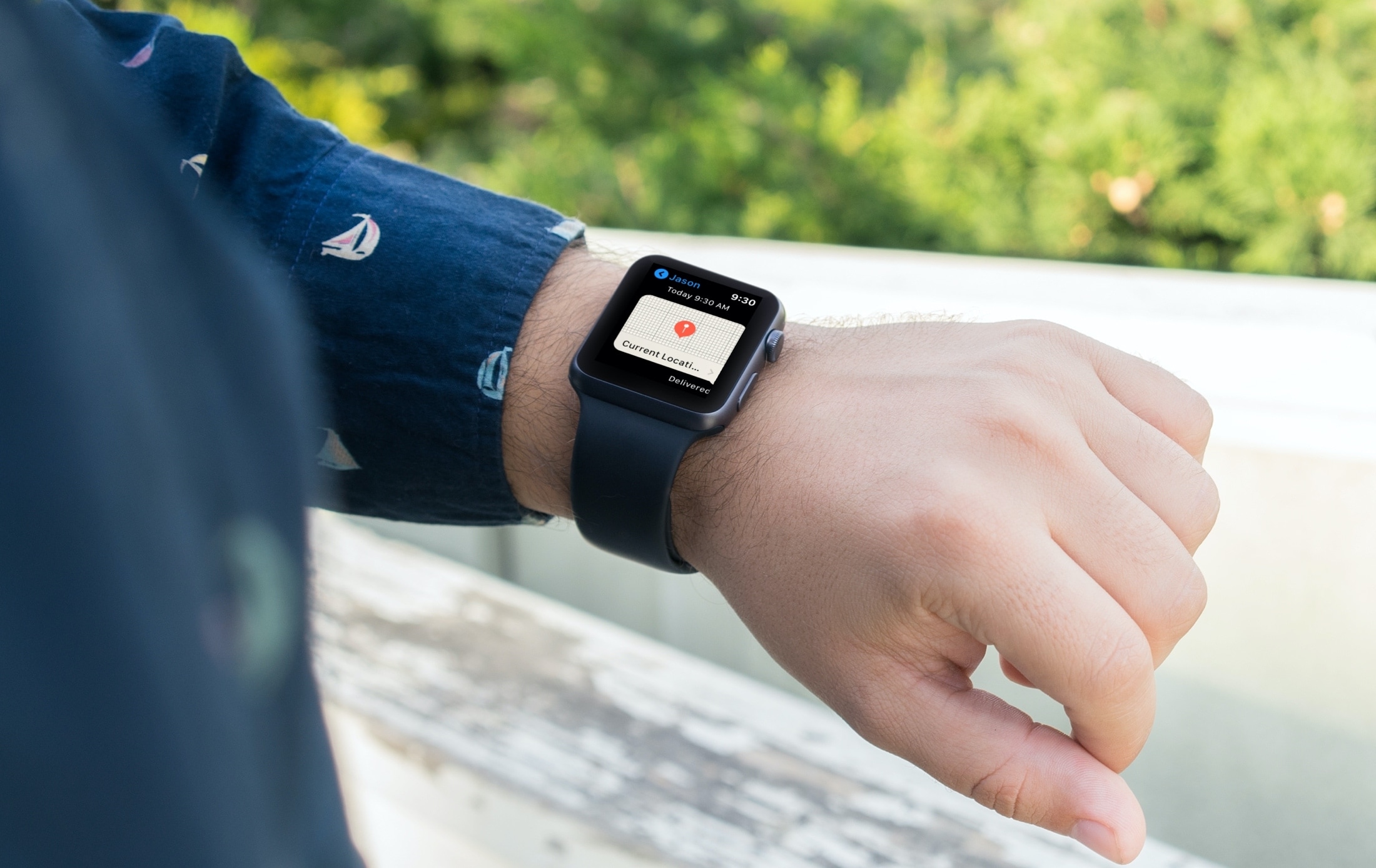
Learn how to use your Apple Watch with gym equipment like treadmills, elliptical machines, indoor bikes, stair steppers, and more to get accurate workout metrics such as speed and elevation.
How to use Apple Watch with gym equipment

Stay up-to-date on the latest Apple Watch news, and learn how to get the most out of your device with our comprehensive tutorials. From updates to features to troubleshooting tips, we’ve got you covered.
Learn how to use your Apple Watch with gym equipment like treadmills, elliptical machines, indoor bikes, stair steppers, and more to get accurate workout metrics such as speed and elevation.
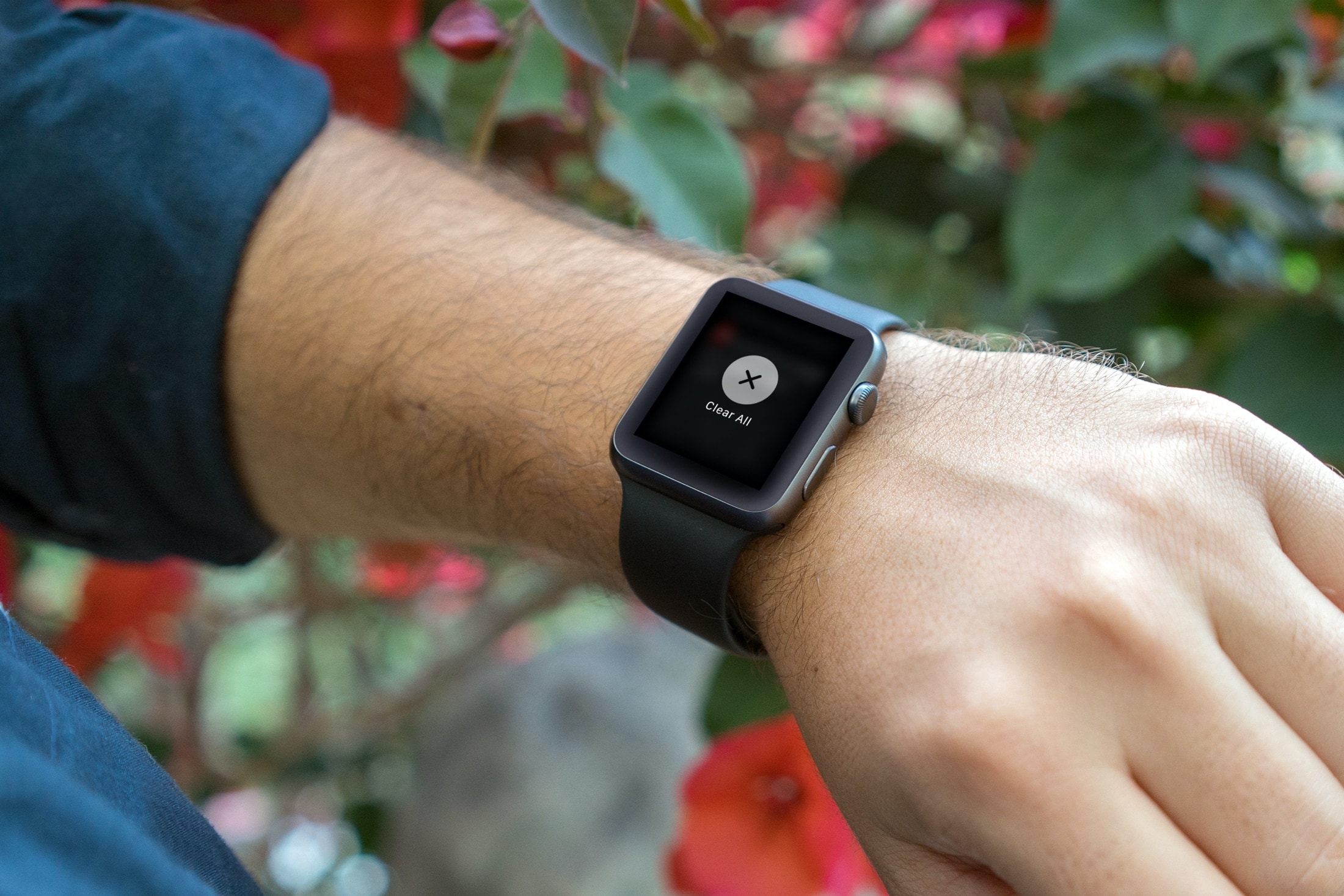
Efficiently manage your Apple Watch notifications by learning how to clear them all at once, decluttering your screen for better focus.
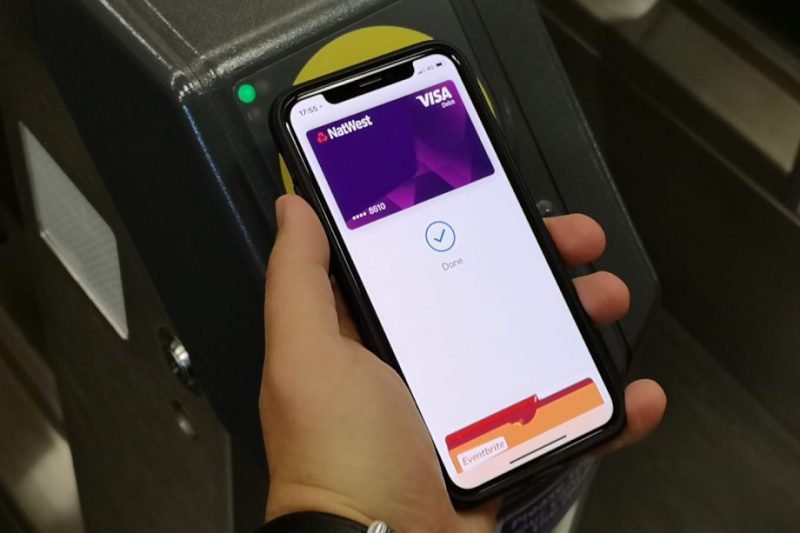
You can remove a payment or transit card from Apple Pay at any time, but the option to remove all cards at once from your device is hidden in plain sight. But worry not, girls and boys, iDownloadBlog comes to the rescue. Just follow this step-by-step tutorial to learn how you can remove all Apple Pay cards from your Apple device in one fell swoop.
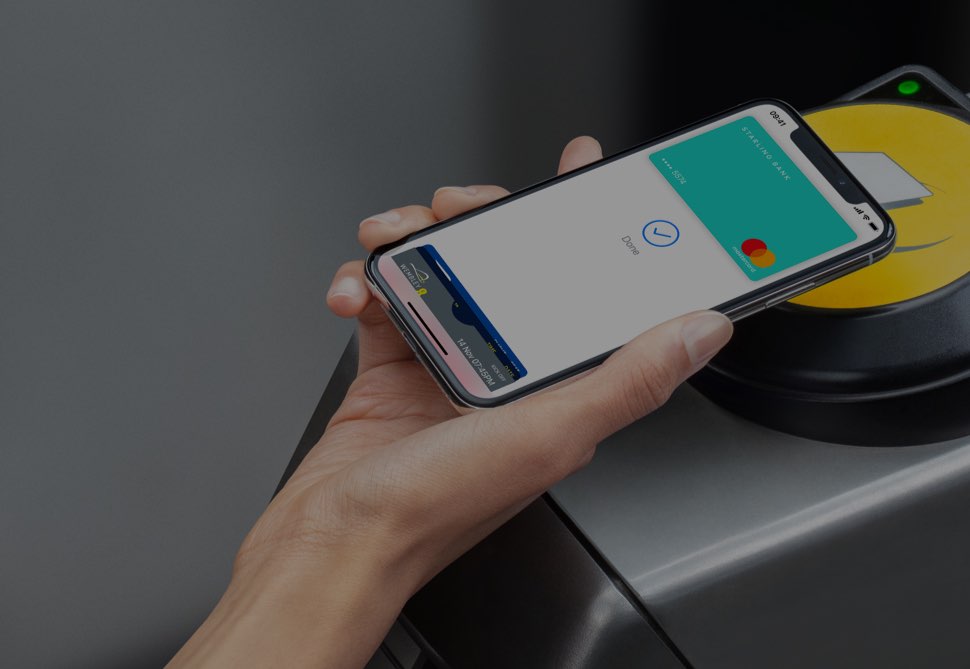
Thanks to the Express Transit feature that's available through Apple Pay, you can hop on the tube, buses, trams, light rail and overground rail in major cities and pay for your public transit journeys just by holding your iPhone or Apple Watch close to the contactless NFC terminal, no need to press any buttons or verify with Face ID, Touch ID or a passcode whatsoever.
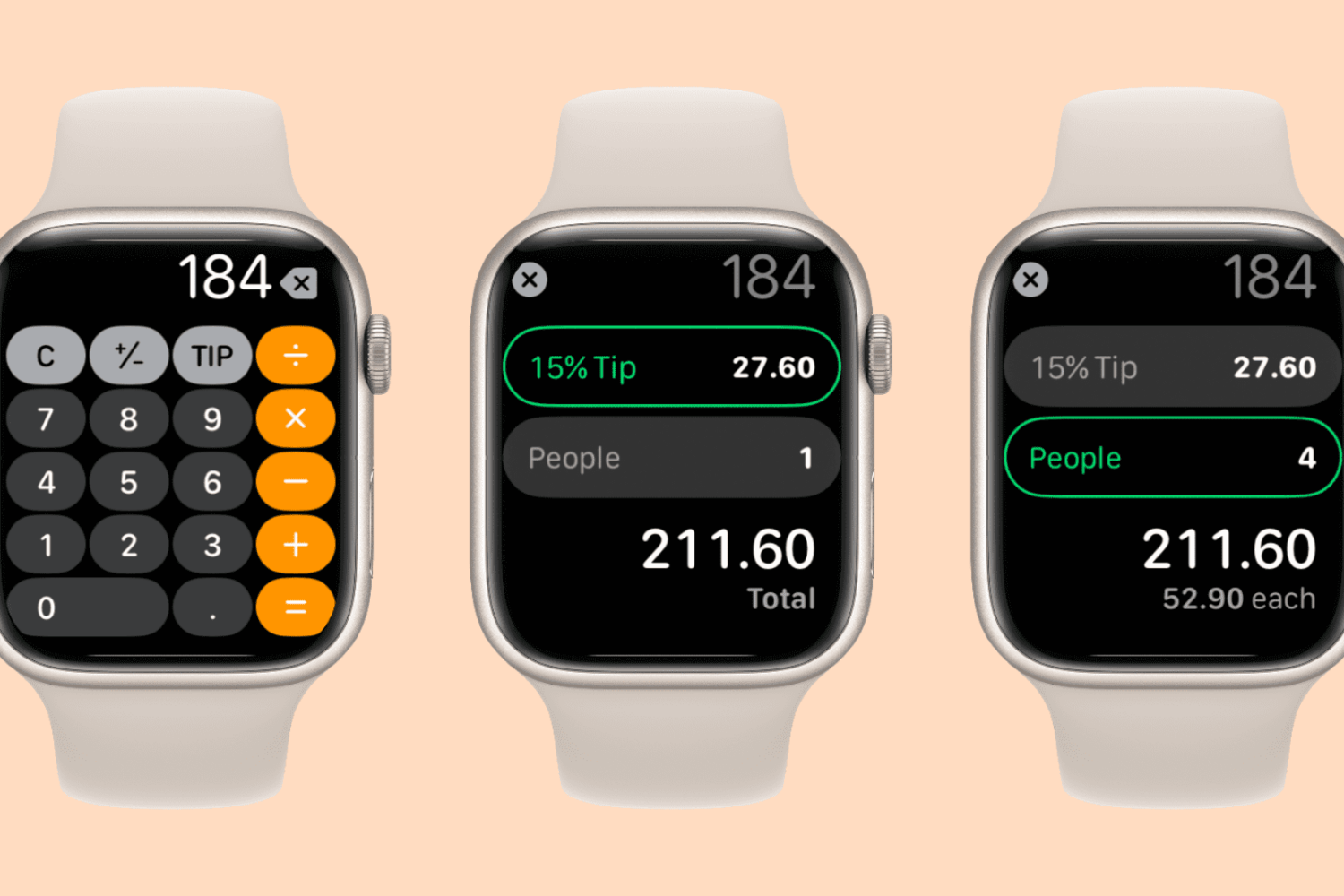
Find it hard to calculate tips or split bills quickly? Follow along as we show you how to use the Calculator app on your Apple Watch to split a cheque evenly among multiple people and determine an appropriate tip.
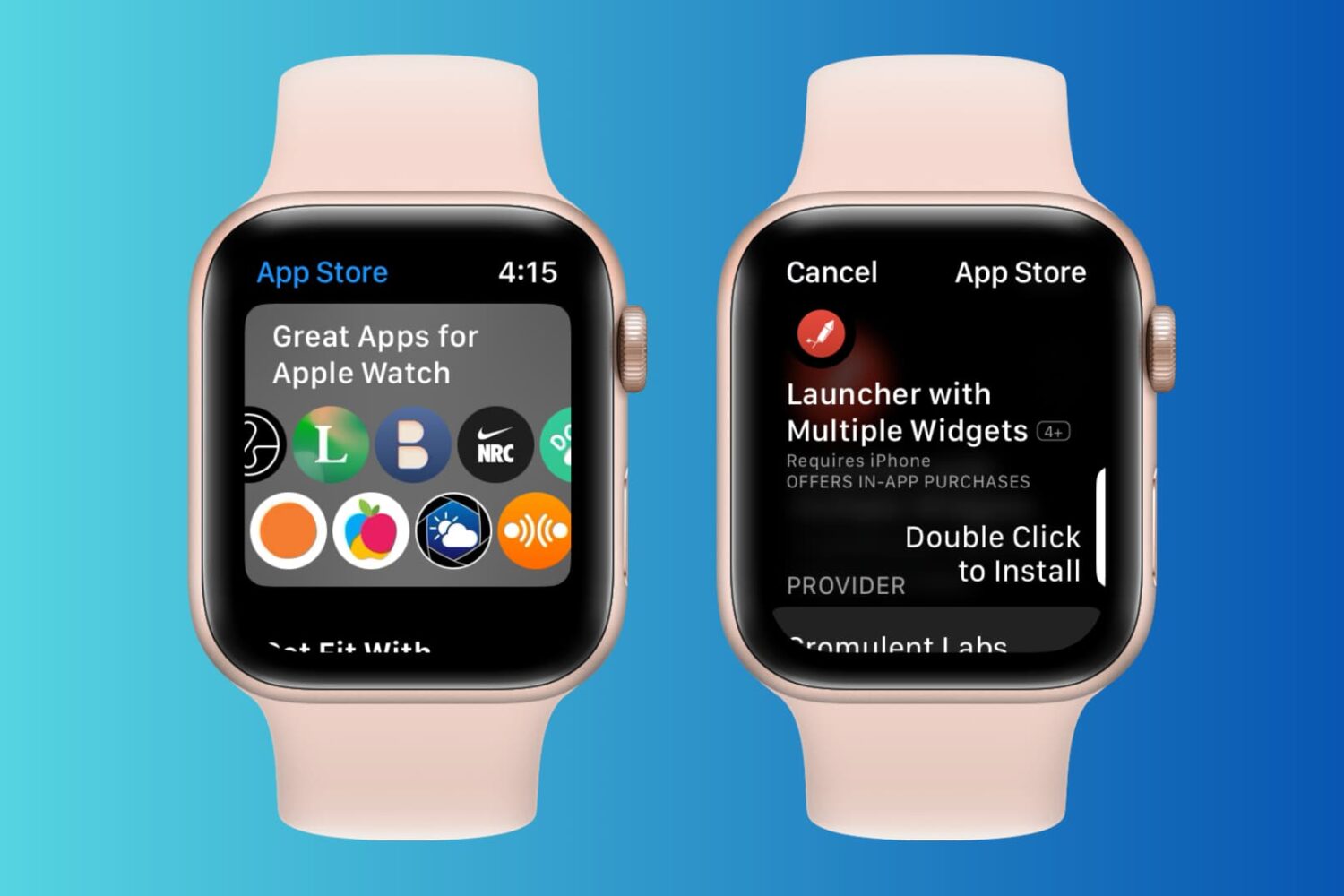
Learn how to browse, find, download, and purchase apps from the watchOS App Store to get apps on your Apple Watch without reaching for your iPhone.
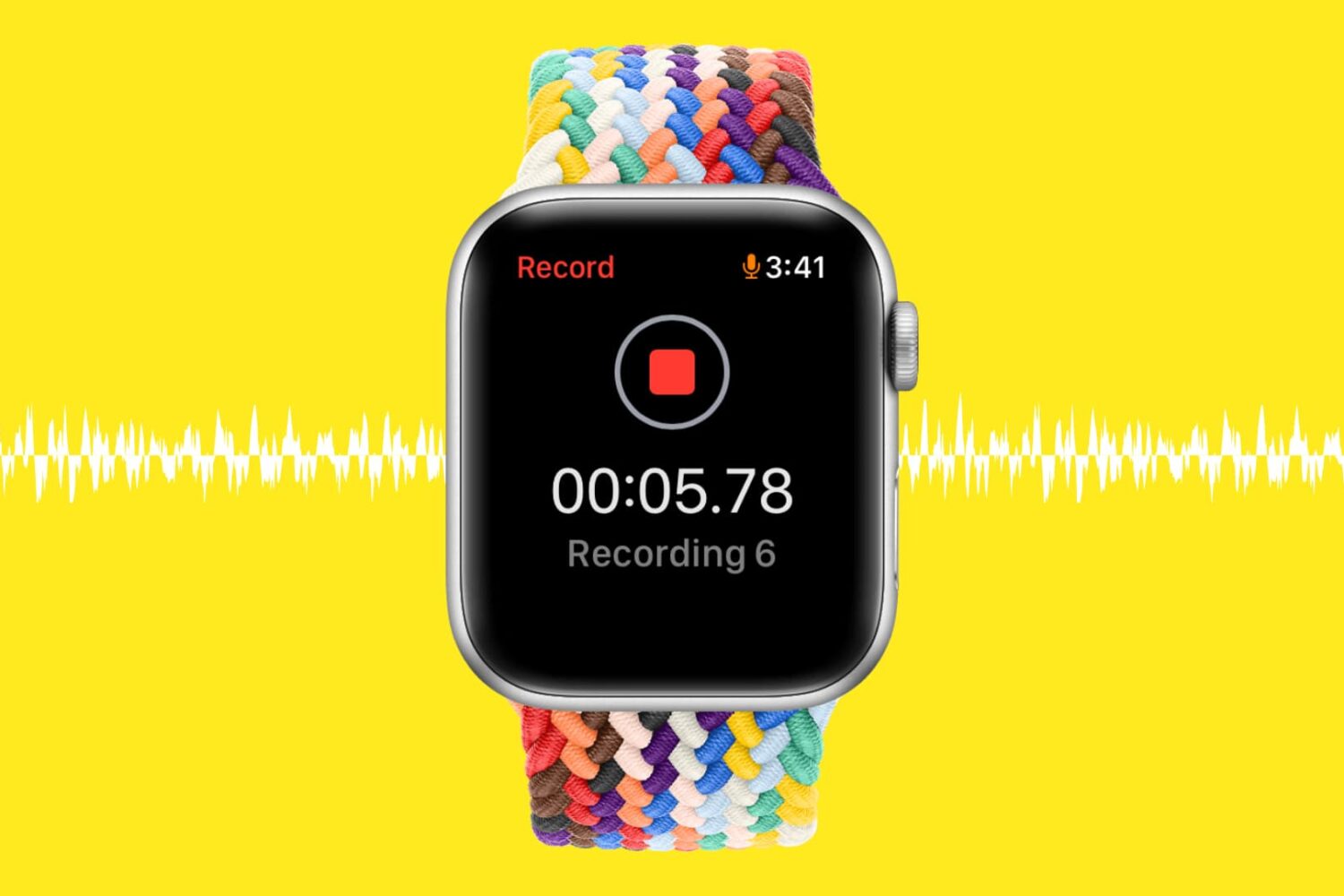
Learn how to record, listen to, or delete voice memos directly from your Apple Watch, so you never miss capturing important audio snippets or interviews, no matter where you are.
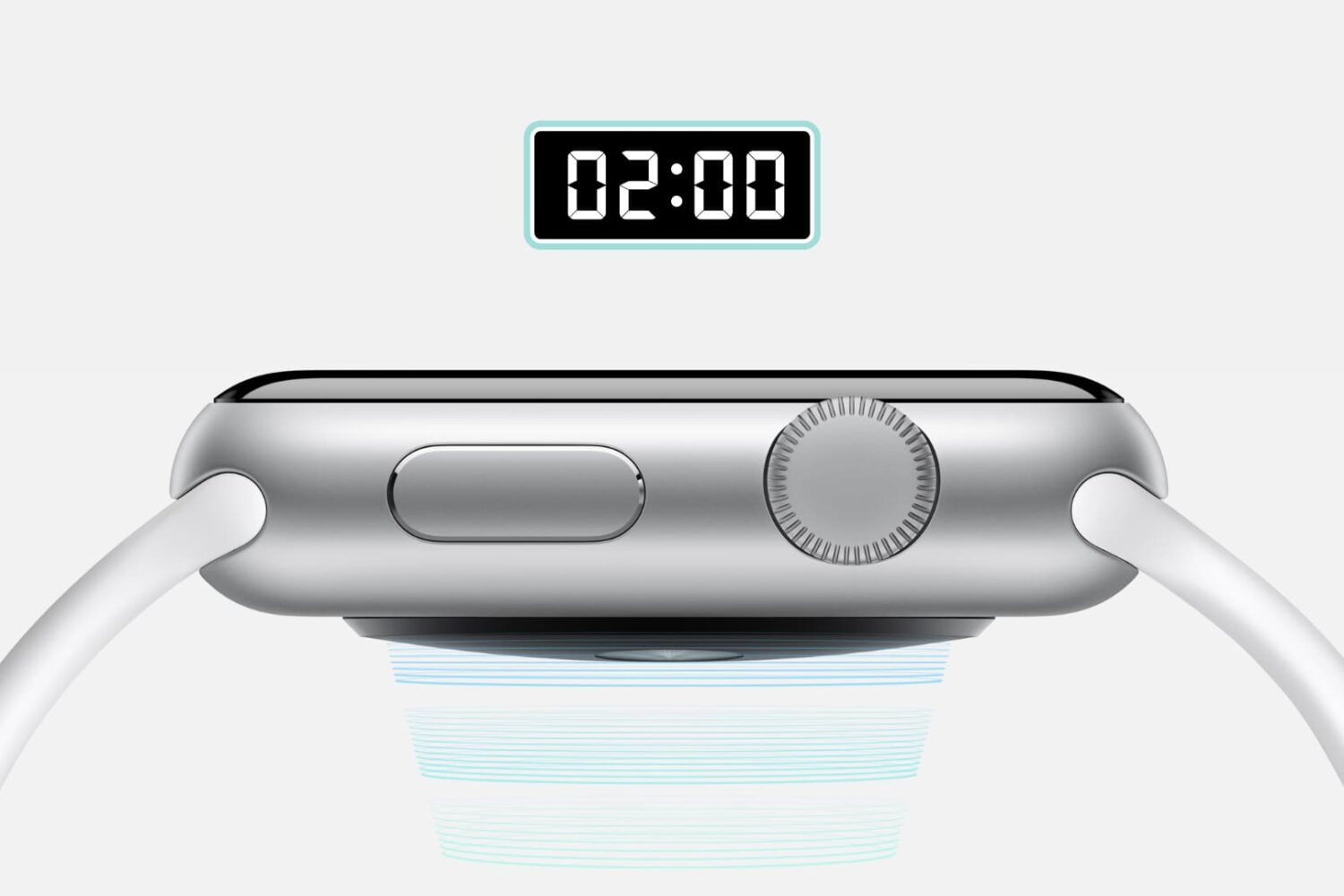
Find out how to use the Taptic Time feature on your Apple Watch to know the time without even looking at your watch.
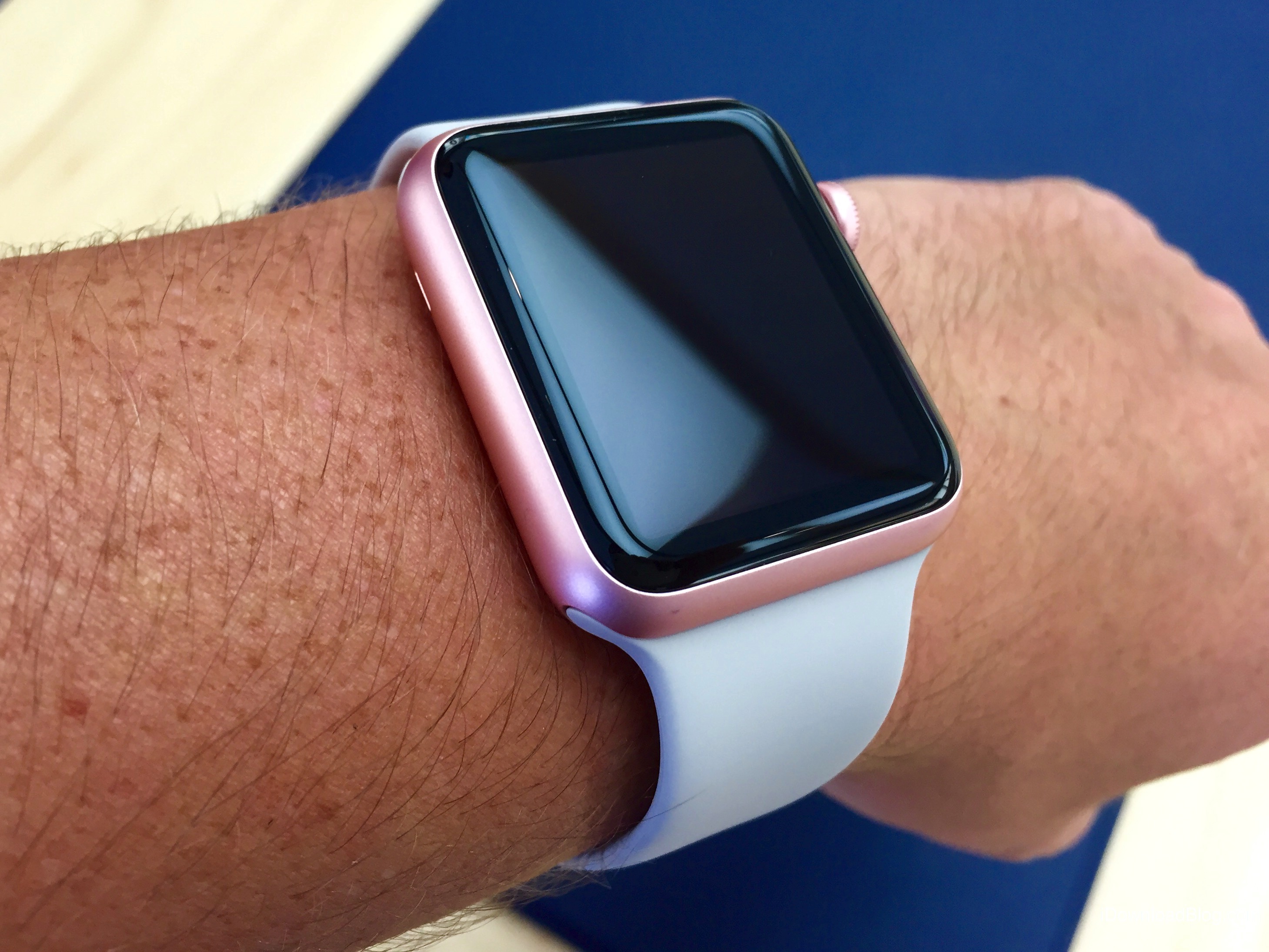
watchOS 6 debuted a new Taptic Chimes feature that takes advantage of Apple's custom vibrator, called Taptic Engine, to render quick vibrations on your wrist at the top of the hour to help you keep track of the time in a subtle manner, without having to engage the device.
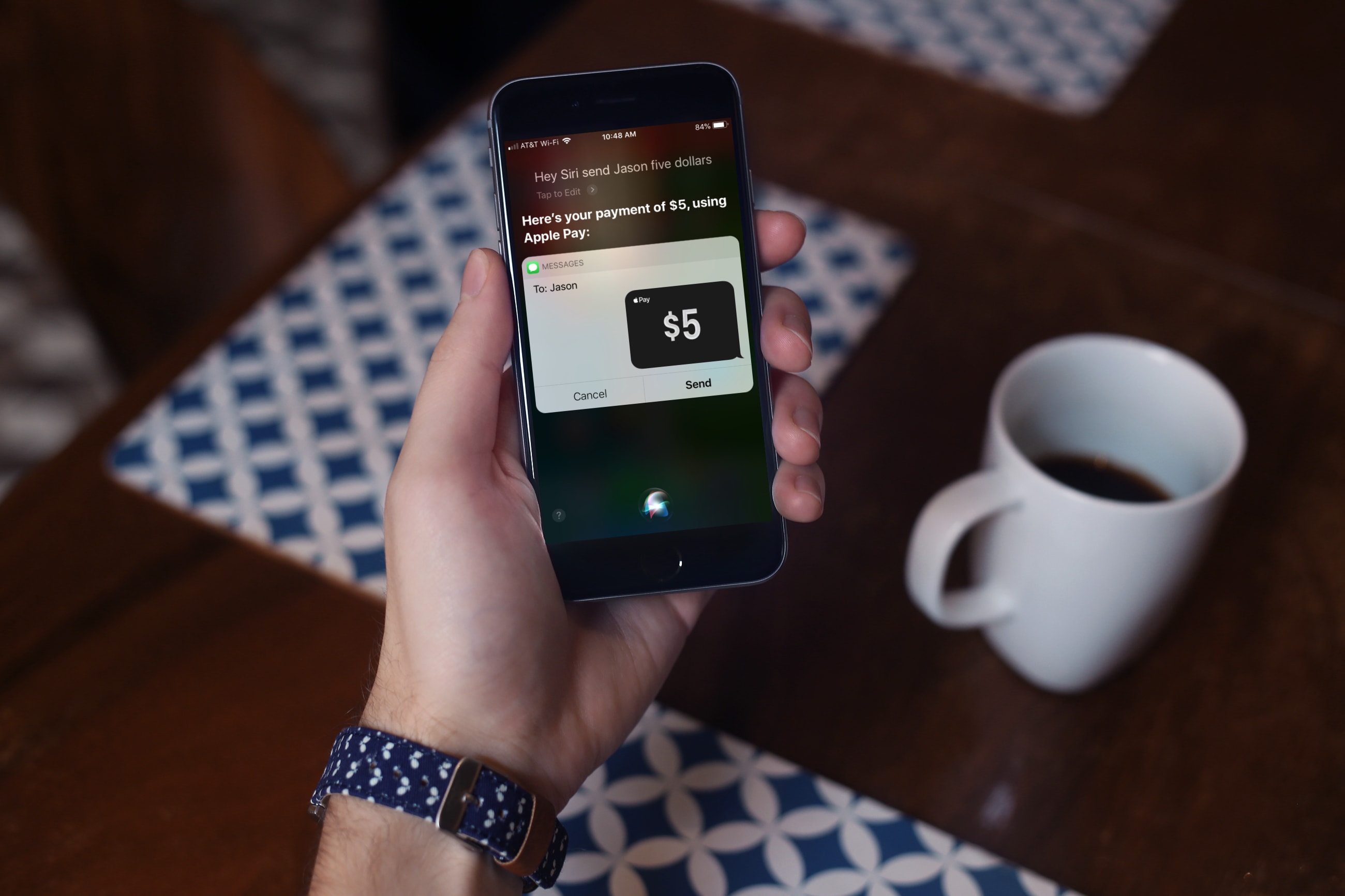
For the fastest way to loan money to a friend or pay them back after borrowing some yourself, you can use Apple Cash, formerly named Apple Pay Cash. Once you set it up, you can send money to your contacts or request money from them via the Messages app. The service has been around for a while, but there are still many who haven’t taken it for a spin yet.
If you fall into this category, this tutorial shows you how to set up and send money with Apple Cash.
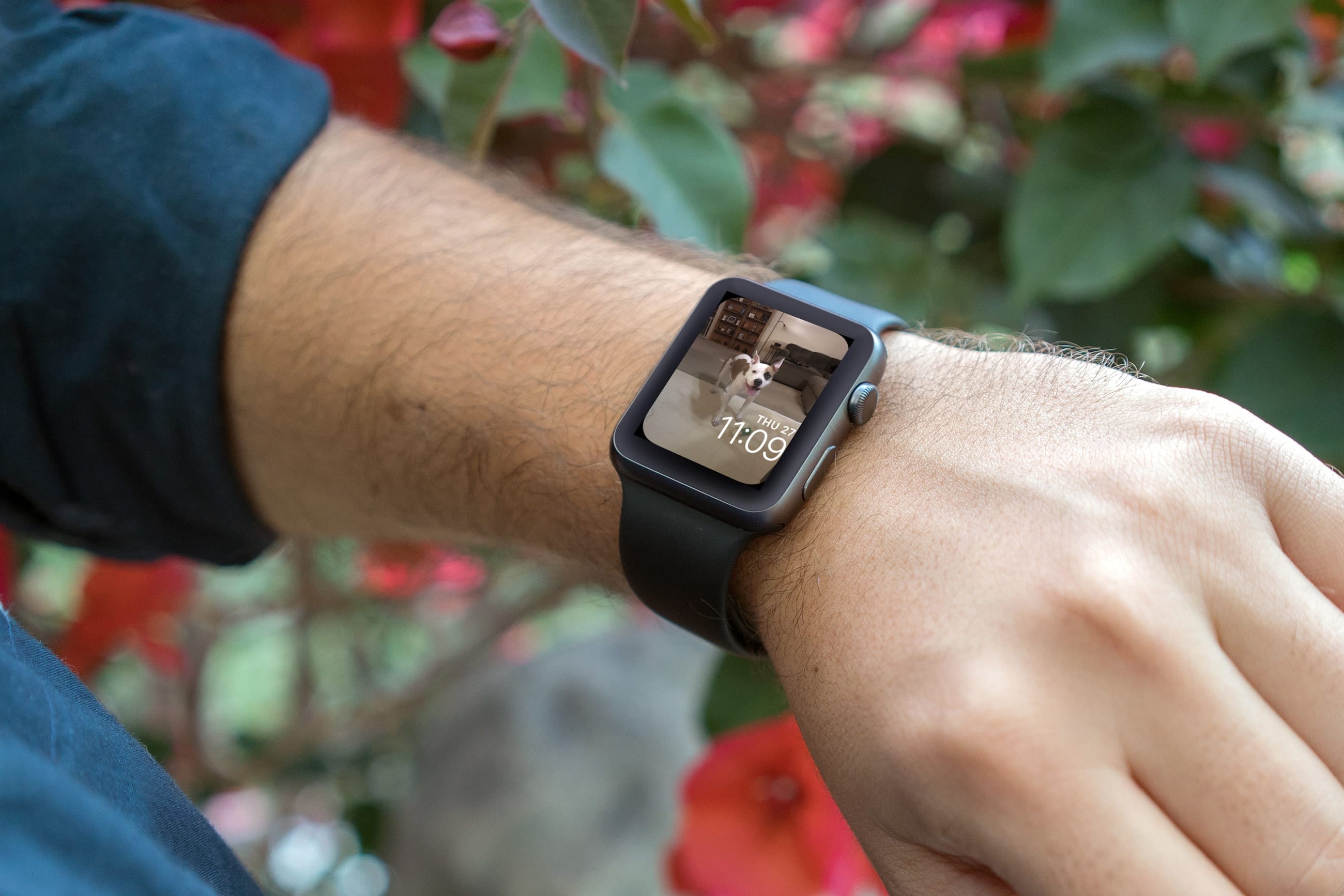
Make your Apple Watch truly unique by learning how to use your own photos as your watch face with our step-by-step guide.