Did you know you can manage your account in the App Store on Apple Watch? Find out how to view purchased apps and manage subscriptions from your wrist.
How to view purchases and manage subscriptions on Apple Watch
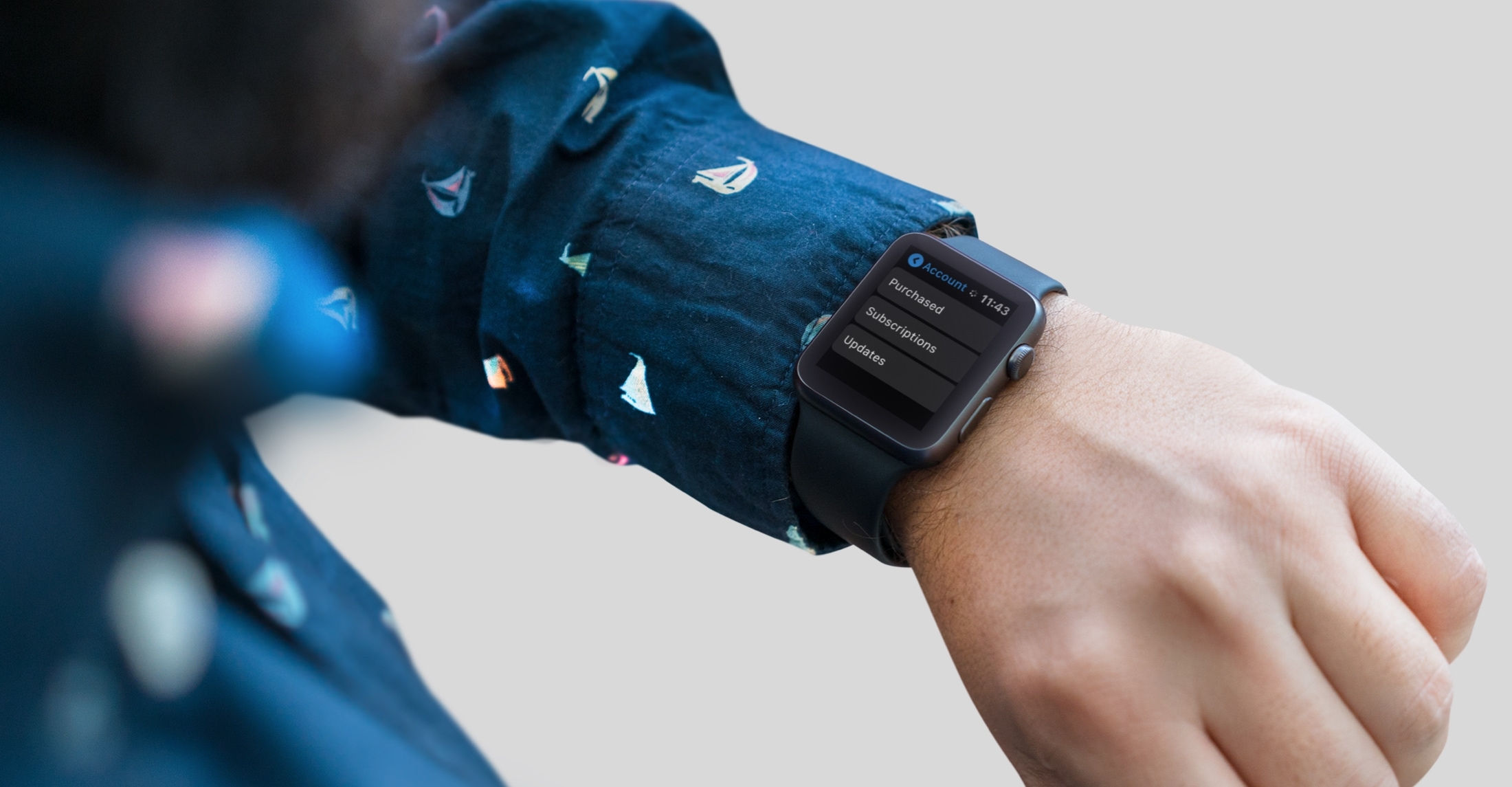
Stay up-to-date on the latest Apple Watch news, and learn how to get the most out of your device with our comprehensive tutorials. From updates to features to troubleshooting tips, we’ve got you covered.
Did you know you can manage your account in the App Store on Apple Watch? Find out how to view purchased apps and manage subscriptions from your wrist.
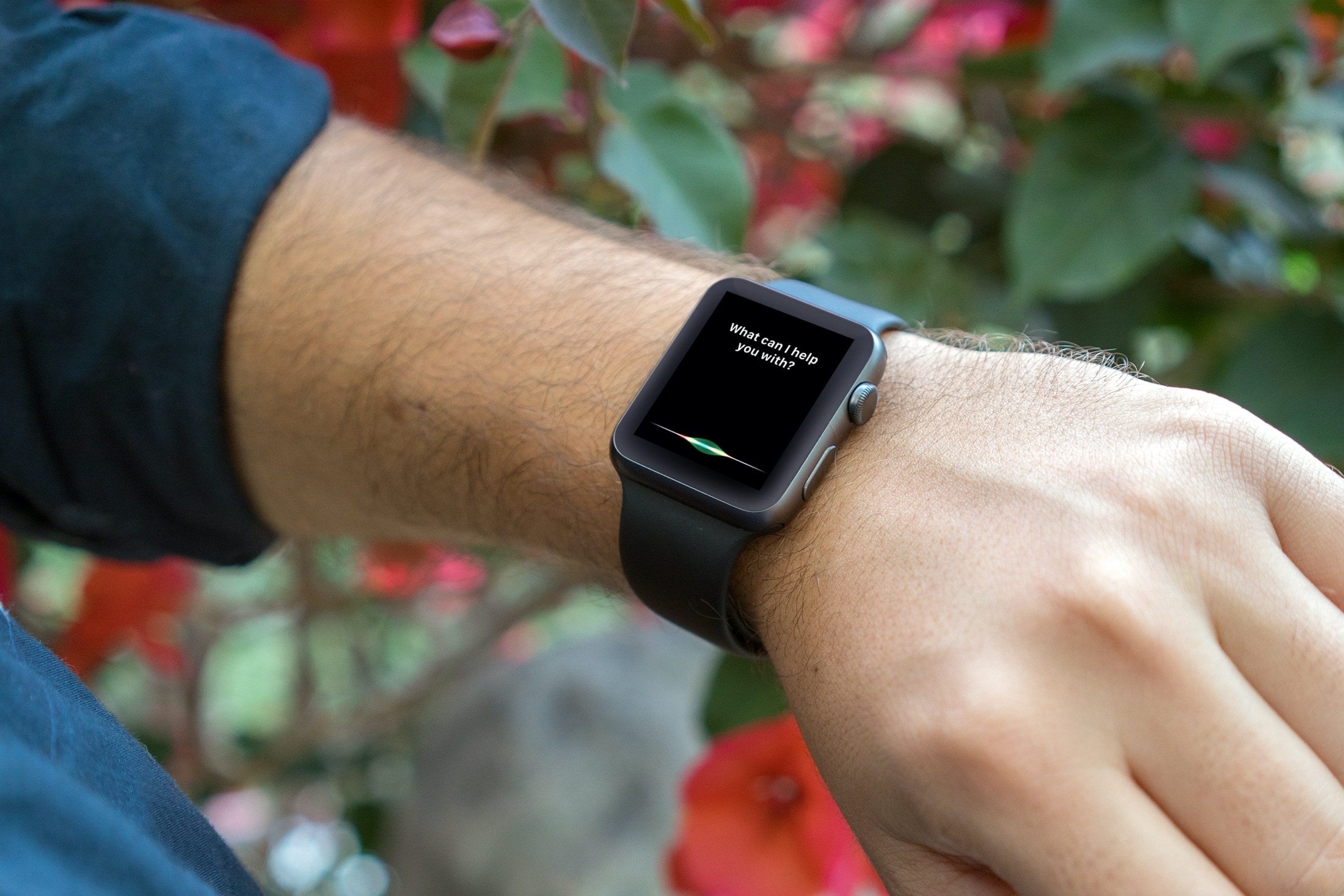
From looking for apps on the App Store to creating reminders and identifying unknown songs, this tutorial shares expert tips for using Siri on your Apple Watch to the fullest.
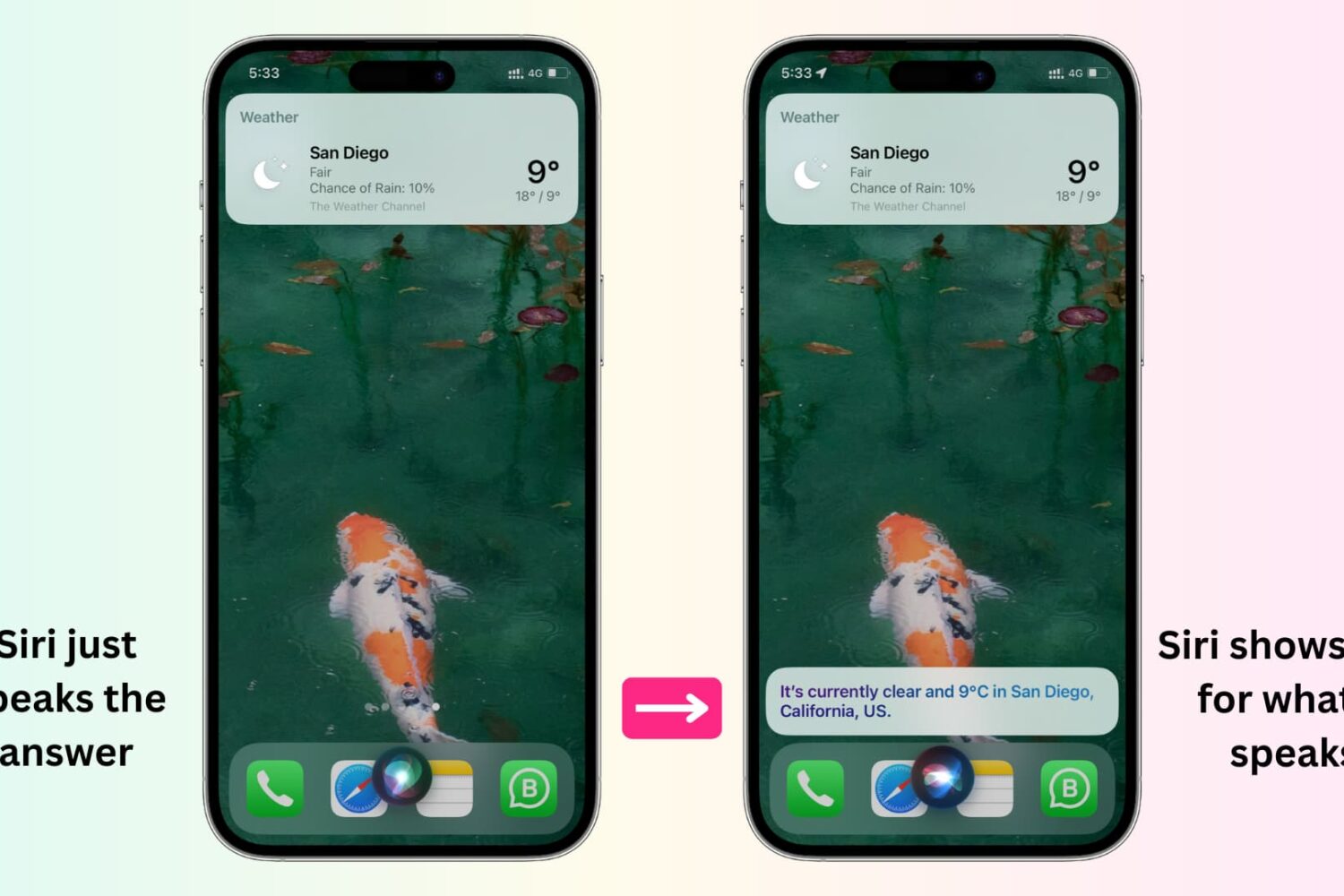
In this tutorial, we'll show you how to display anything Siri says to you on the screen of your iPhone, iPad, Apple Watch, and Mac.

Learn how to have your iPhone and Apple Watch automatically share your Medical ID with emergency services, giving them useful information about you to ensure better and speedier help.
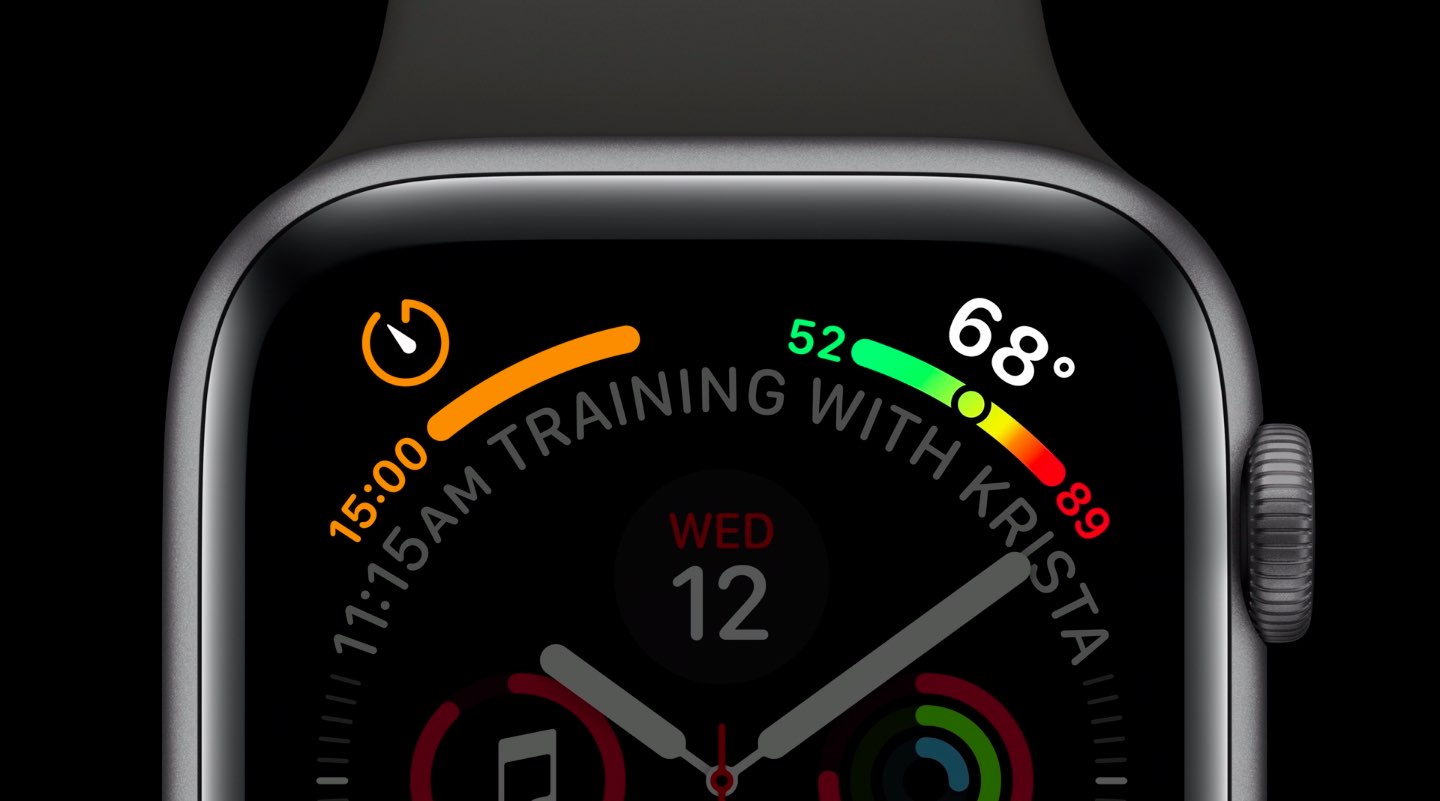
Apple Watch complications are special features that can be assigned to their predetermined slots on some watch faces. These small elements typically display essential information right on the watch face, such as stock prices, the weather, your heart rate, activity tracking and so forth. Apple Watch complications get their information from watchOS apps you've installed. Finding available complications is easier said than done so be sure to following along with iDB as we show you how to see which apps have Apple Watch complications.
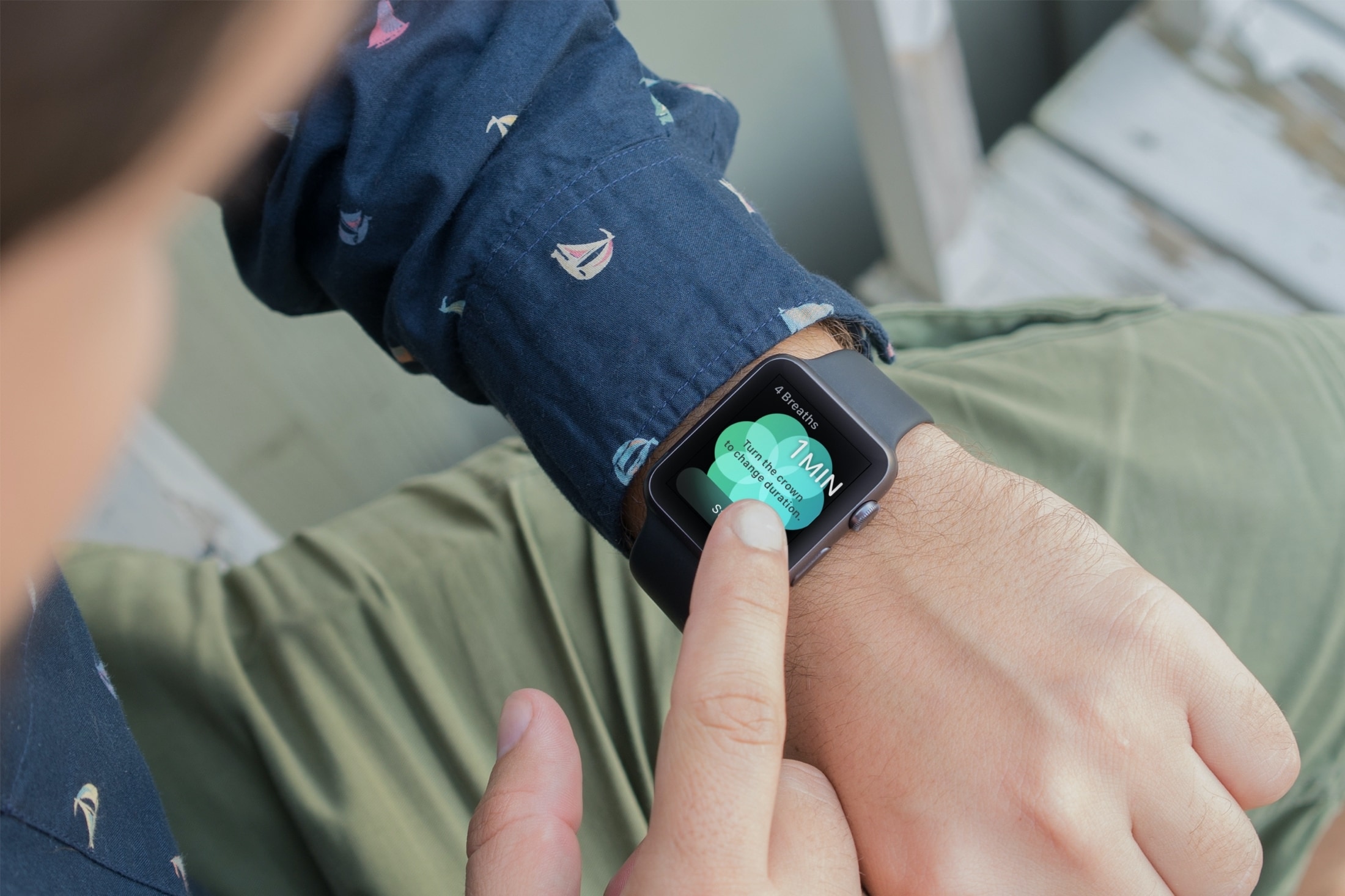
You might not realize it, but if you wear an Apple Watch, that handy wearable can help you a lot throughout your workday. Sure, you might use it to check emails, view your appointments, and even answer calls if your iPhone isn’t nearby. But with some of the built-in apps and features, your Apple Watch can be a helpful tool for getting through a stressful day of work.
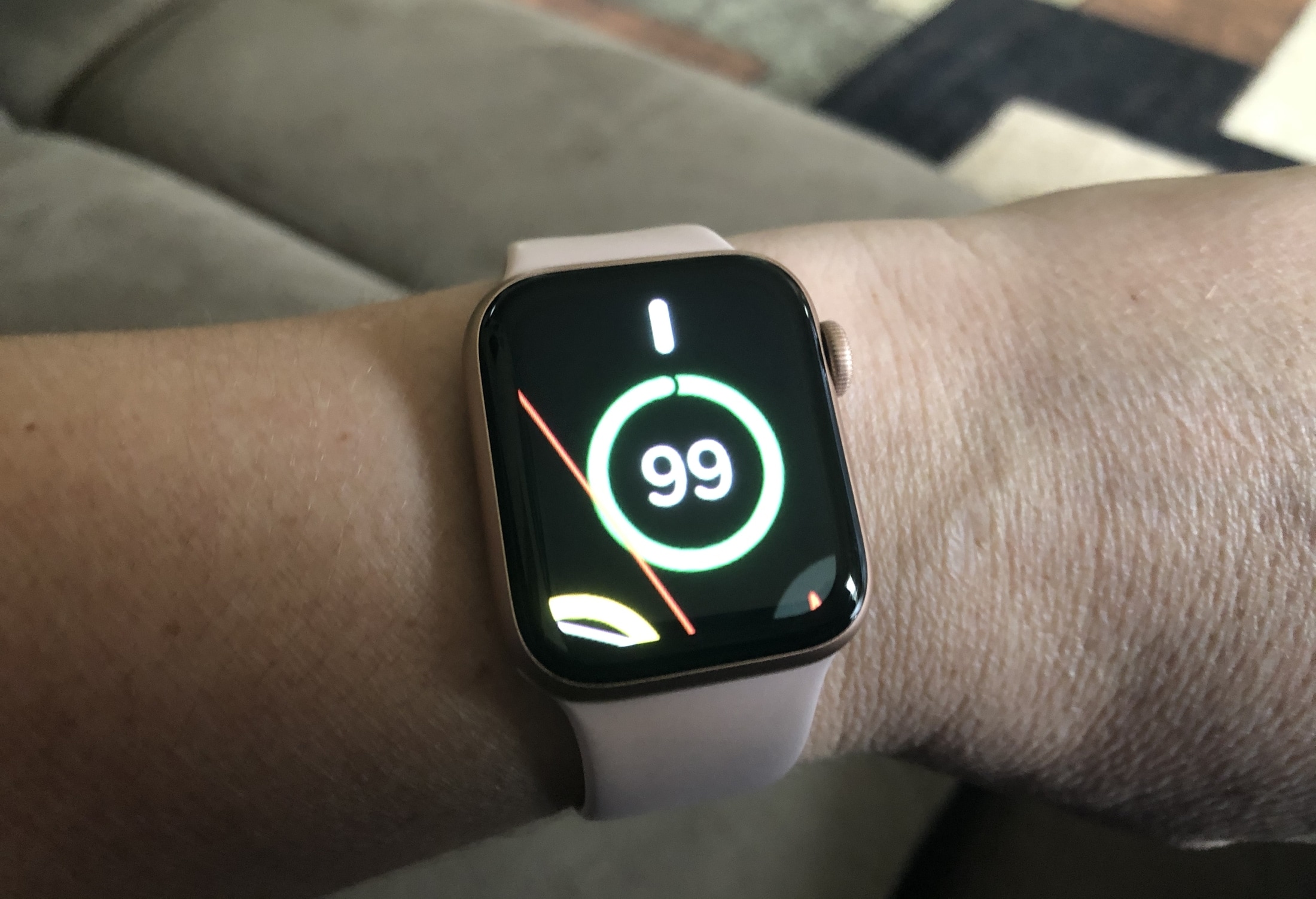
Learn how to use the Zoom accessibility feature to magnify what’s on the Apple Watch display if you cannot discern text and buttons on the tiny screen.
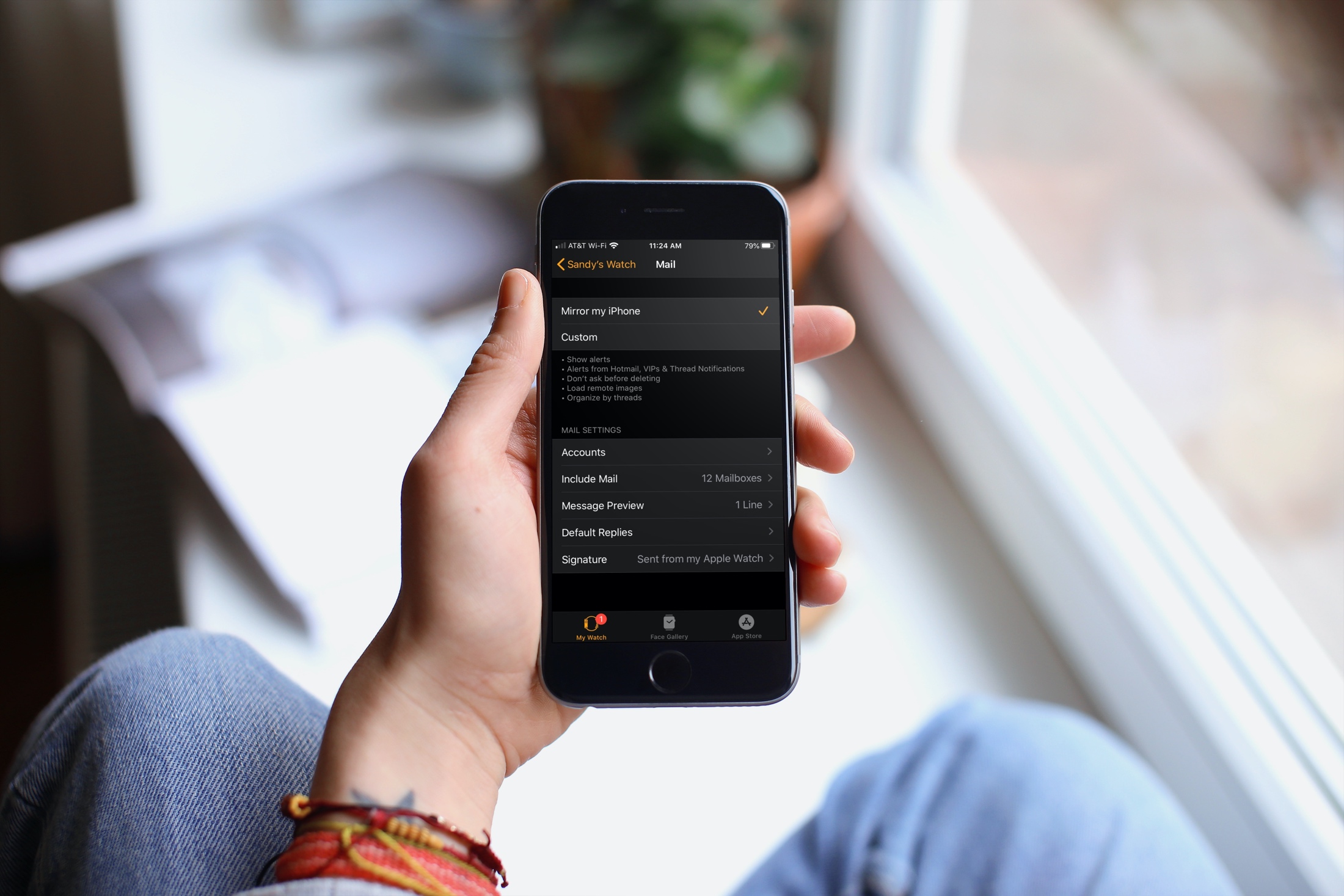
Learn how to customize the Mail app on your Apple Watch to ensure you receive the right emails on your wrist.
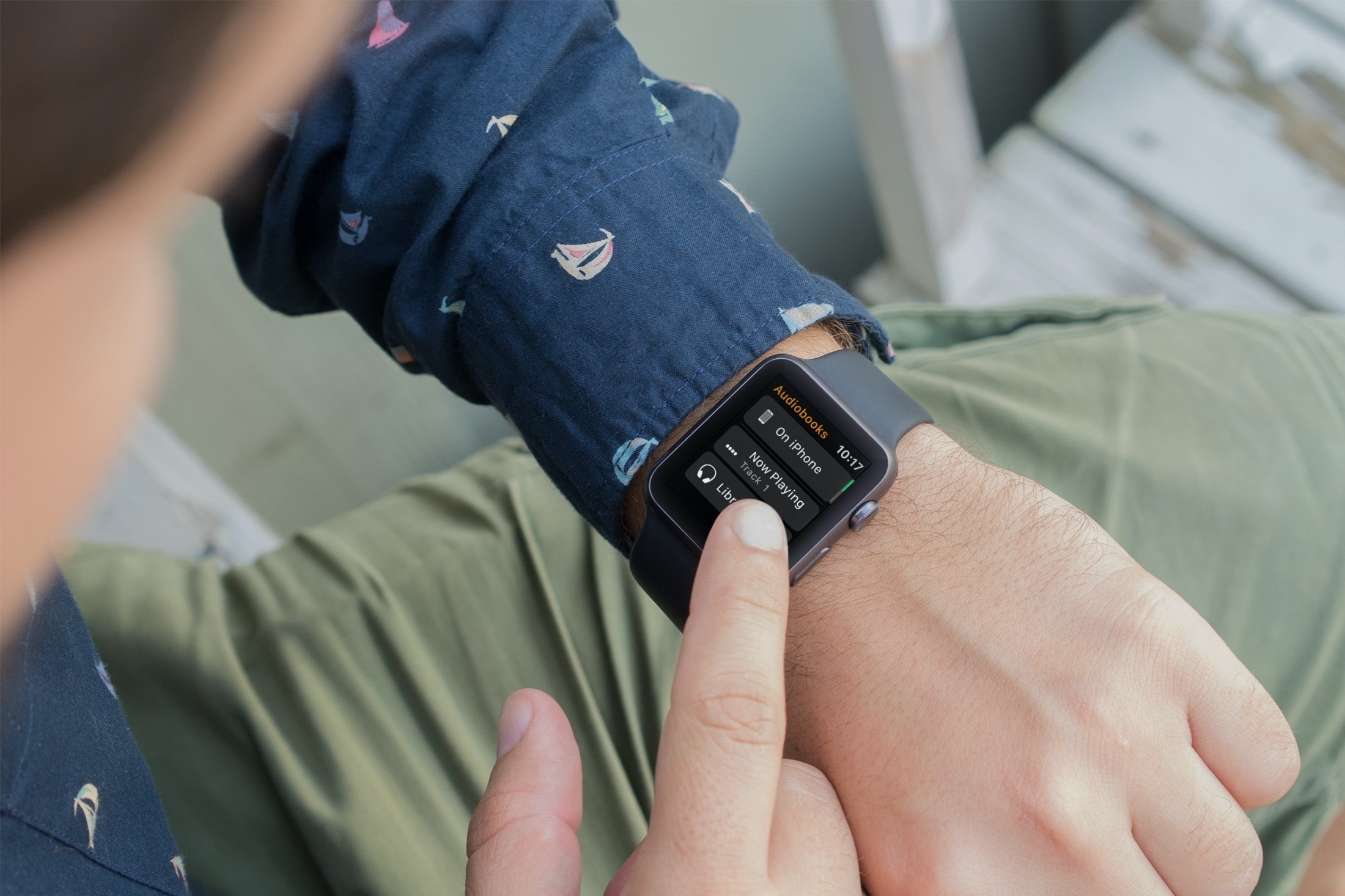
Learn how to stop your Apple Watch from automatically downloading Audiobooks and instead add the selected titles manually.
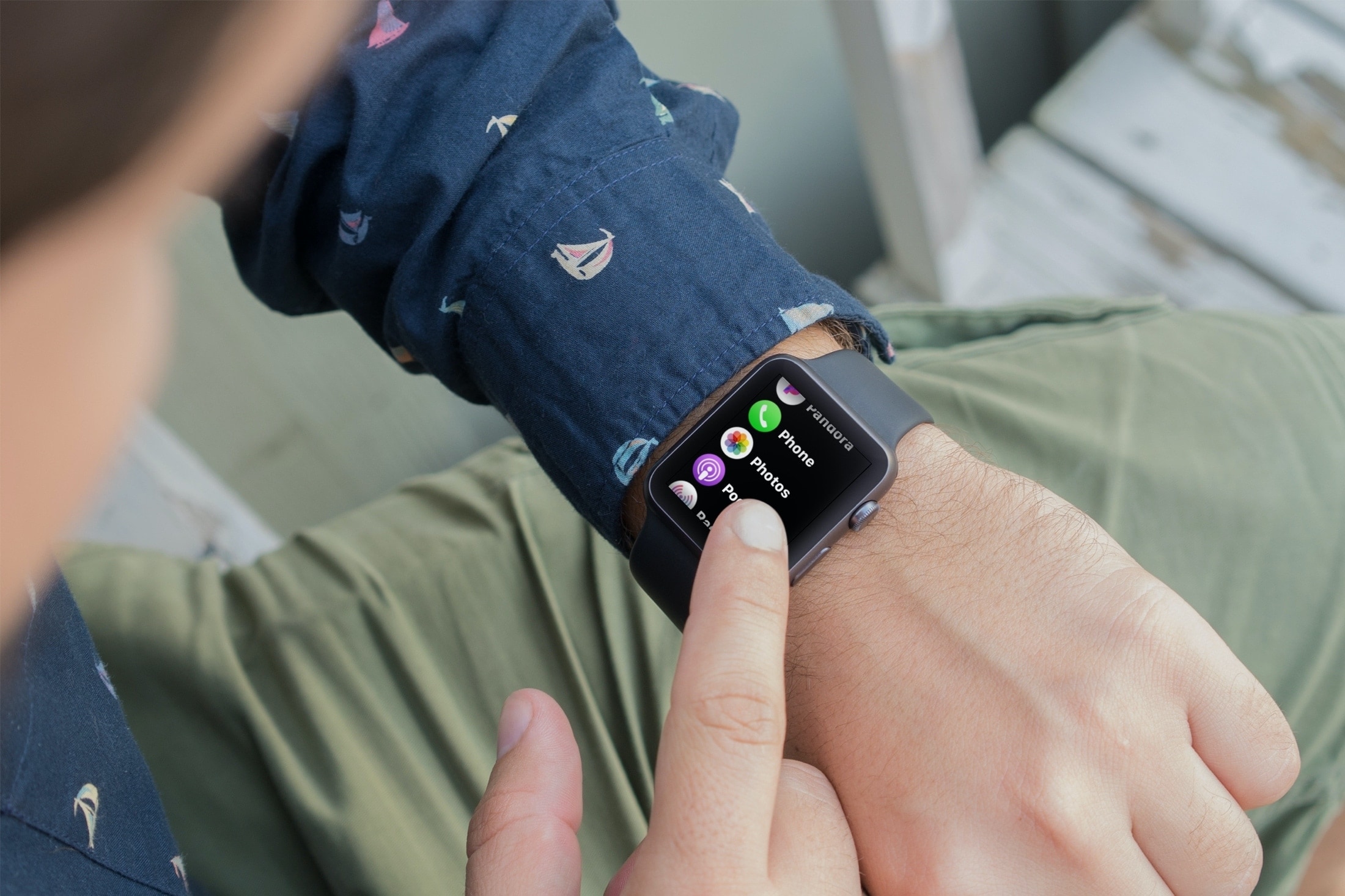
Learn how to limit the number of photos your Apple Watch can sync from your iPhone, and see how much storage space they’re taking up.

In this handy tutorial, we show you how to add songs to your Apple Watch from your iPhone, manage the synced music, and see how much space it’s taking on the wearable.
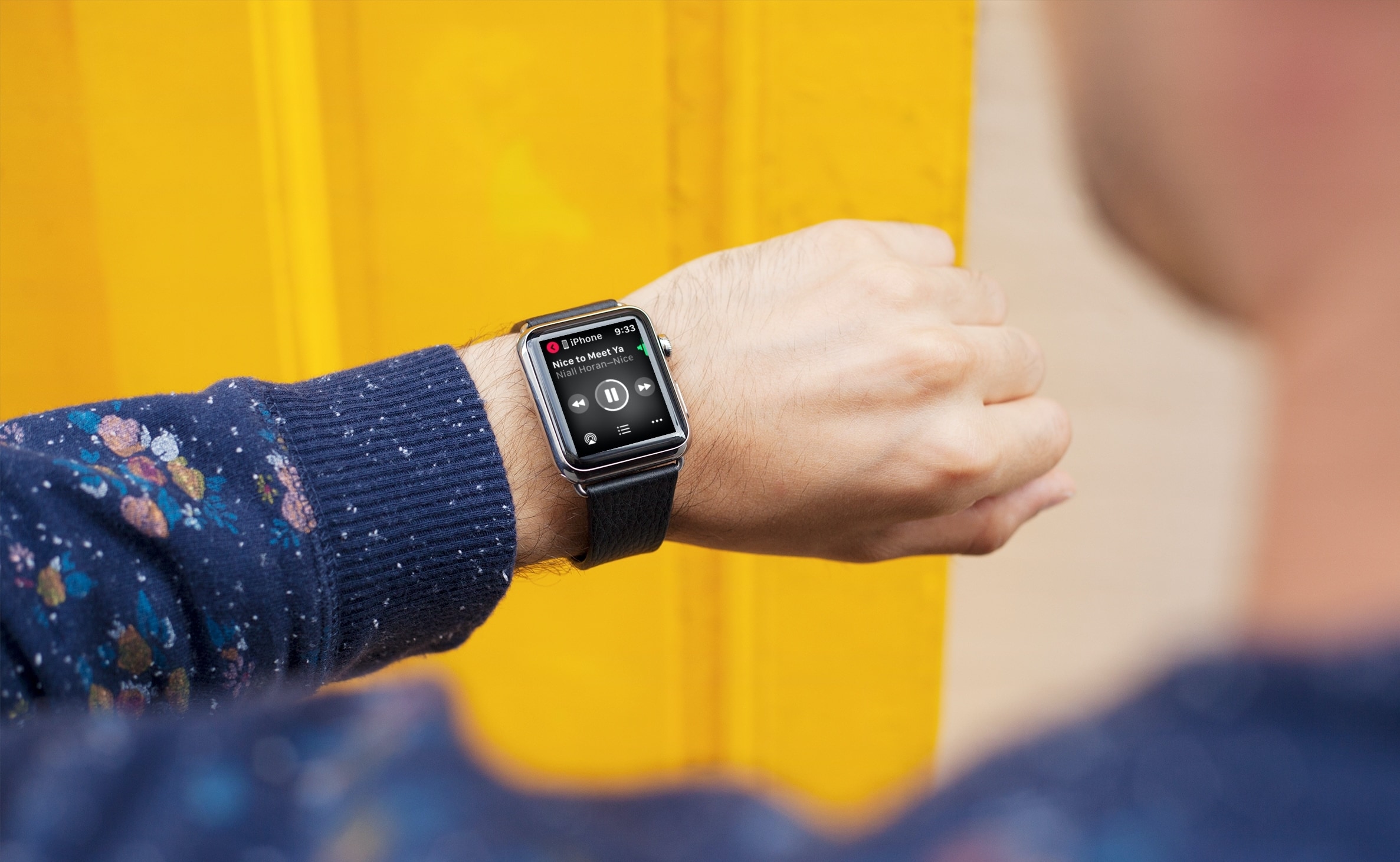
Learn how to play, pause, shuffle, and control Apple Music, Spotify, YouTube Music, or other media playback on your iPhone using your Apple Watch.