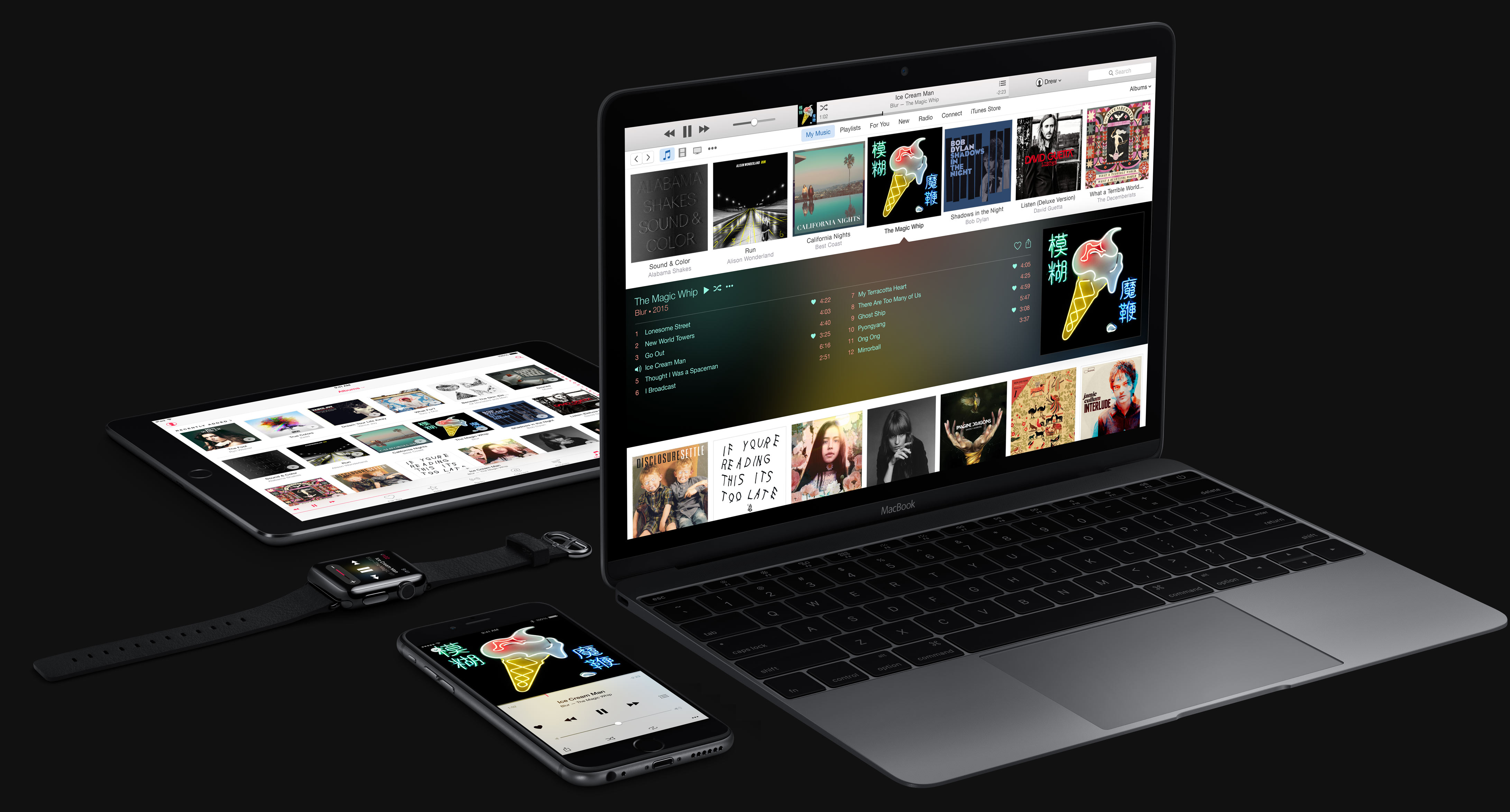
Apple Music

Jailbreak tip: improve Apple Music sound quality while on a cellular connection

If you're connected to a Wi-Fi connection and use Apple Music, the music you listen to will be streamed at 256kbps. This is considered to be "high quality" according to Apple.

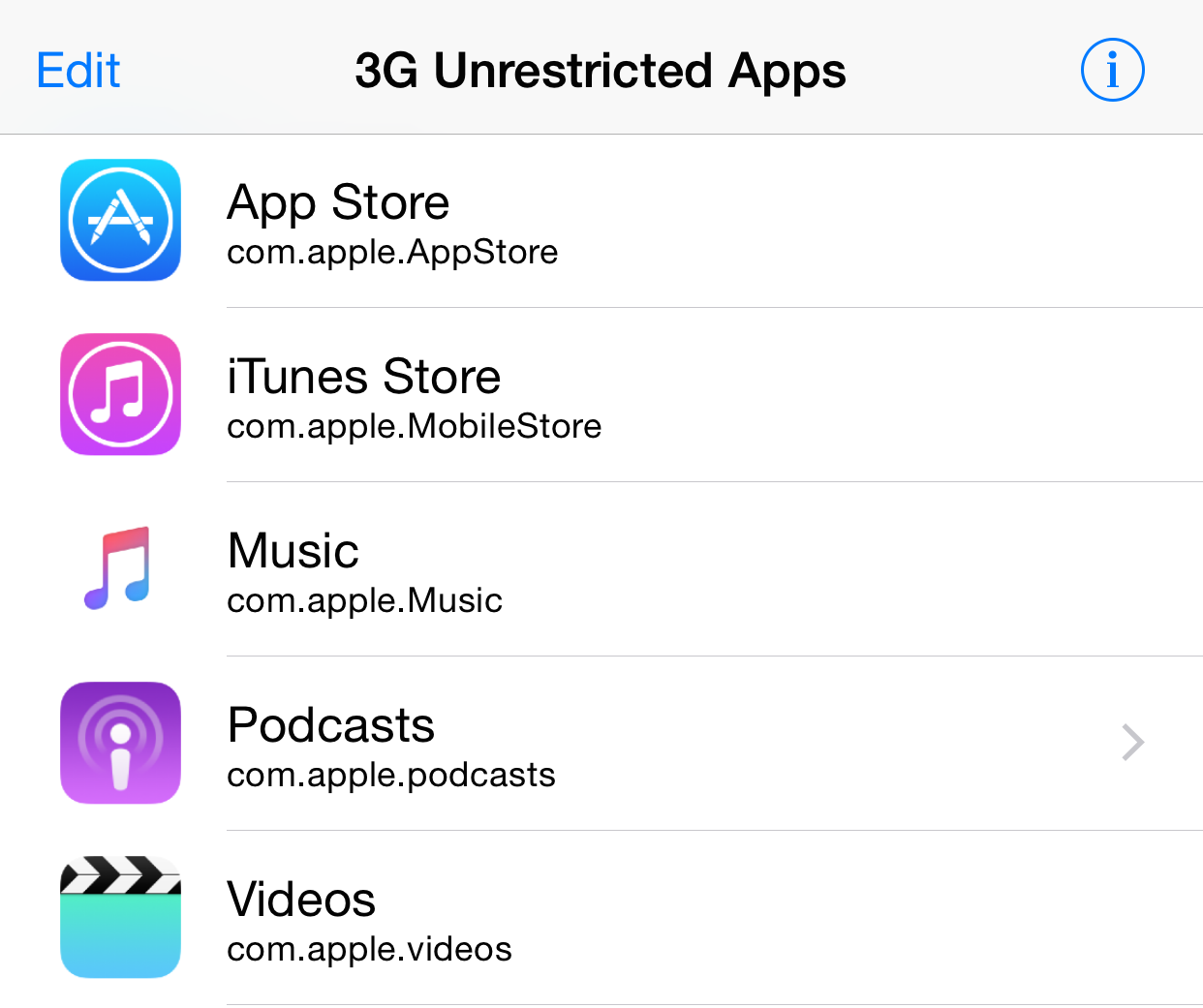
When connected to a cellular network, however, the bitrate will fluctuate based on connection quality. It's safe to assume that the cellular bitrate, while never officially established, is always less than the 256kbps that you get over Wi-Fi.

This is basically confirmed by the appearance of a new settings switch found in iOS 9 beta 3, which allows users to force high quality (256kbps) bitrate streams over cellular connections.

But what if you're running iOS 8.4, which lacks the option to force high quality over cellular?

How to disable Apple Music Connect

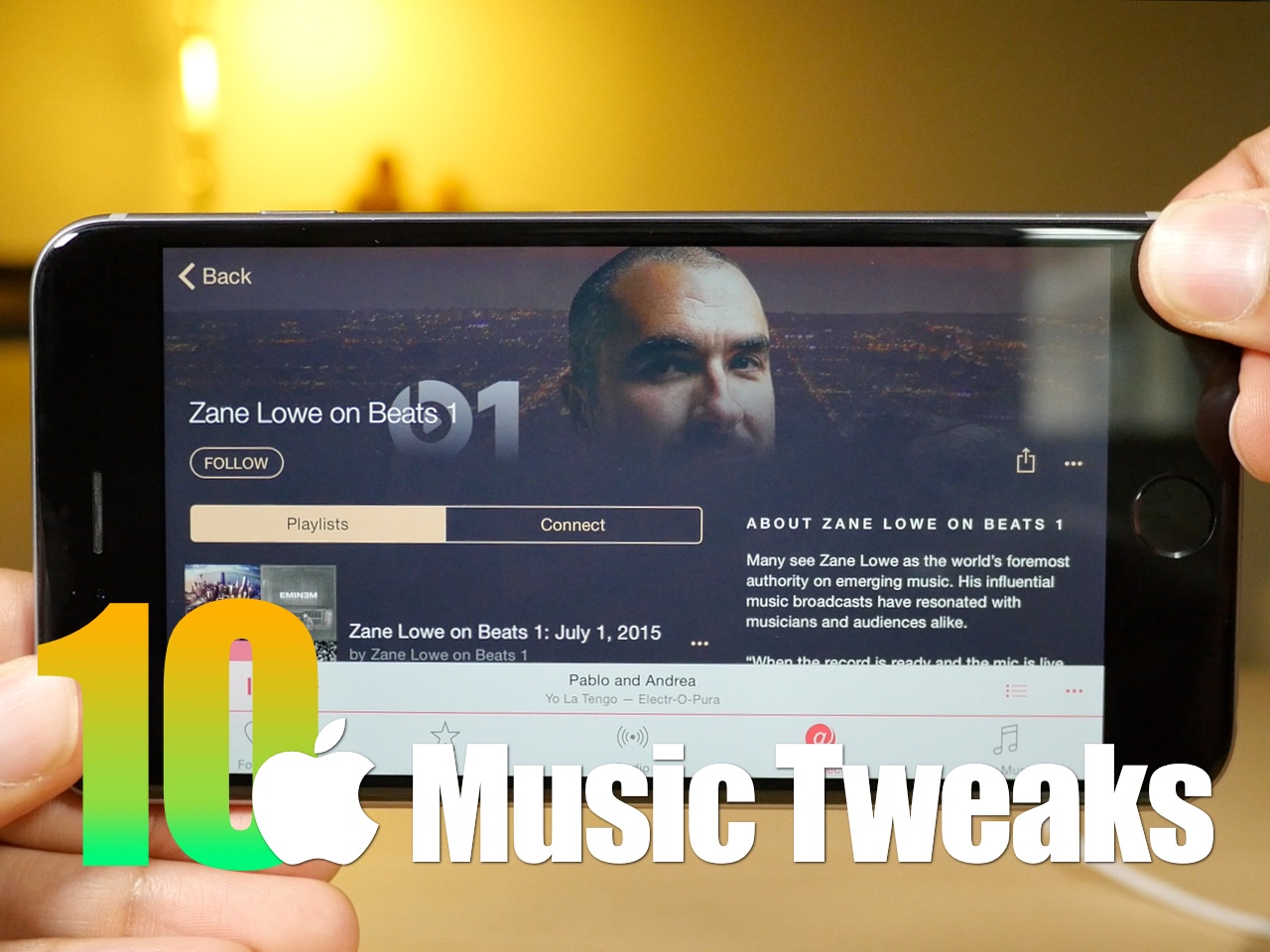
If you choose to hide Apple Music on an iPhone, iPod touch or iPad, the Music app gains a new Connect tab.

Described by Apple as a place where “musicians give their fans a closer look at their work, their inspirations, and their world,”Apple Music Connect permits music lovers to view and follow an artist's stream, like and comment on their posts and more.

Apple Music Connect is basically Ping 2.0. The feature is a tad crude in appearance and feels rough around the edges so little wonder that some folks don't view Connect as valuable enough for it to deserve its own tab.

Wouldn't it be great if you could get rid of the Connect tab? Thankfully, there is.

You'd be forgiven for thinking that the Connect feature couldn't be disabled: Apple has made sure to burry and hide it in an obscure place. In this post, I'm going to explain precisely how you can disconnect from Connect in Apple Music on iPhone, iPod touch, iPad or Mac.

How Apple could reinvigorate the iPod line

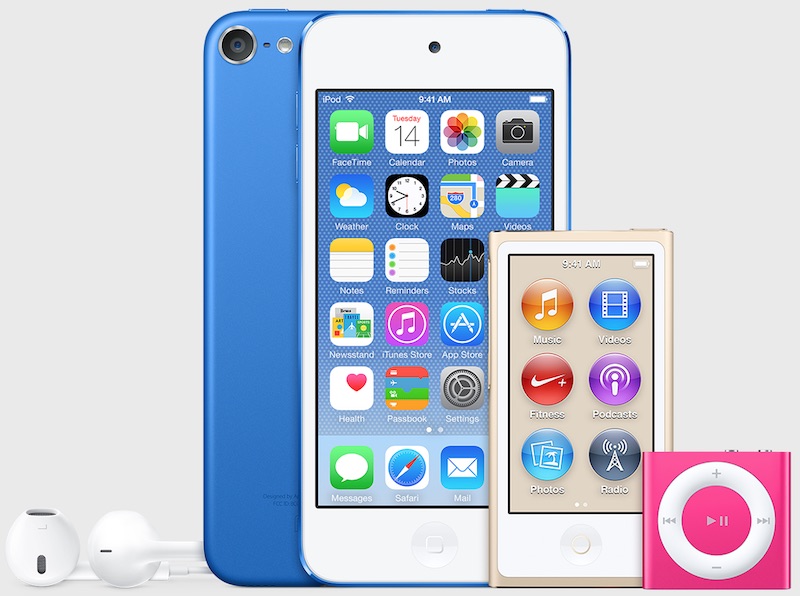
It's no secret that iPod sales continue to decline year after year. Many of the people who were once targets for the iPod now opt for iPhones or iPads.

This isn't exactly a terrible problem for Apple to have. The company has never had qualms about cannibalizing its own products for the sake of the greater good.

But with Apple's historic, and now renewed, love of music, it just wouldn't seem right to let the iPod—at least its conceptual existence, and not so much the name—fade out into the sunset.

For that reason, I think that Apple should go back to the drawing board. Even if this year's rumored across-the-board iPod update is nothing more than just a meager spec bump and minor changes—I think that ultimately, the line is due for a complete overhaul.

How could Apple reinvigorate its flagship music player? By doing the following five things...

Facebook reportedly planning its own music-streaming service

Apple Music, Spotify, Rdio, Pandora and other popular music-streaming services could be faced with competition from Facebook as the popular social network is reportedly planning a streaming-music product of its own, Music Aally reported Thursday.

Facebook has been testing ad-supported native videos with a small group of media partners, but that was just a prelude to discussions with major labels about “getting into music” with a full-on subscription product.

Streaming music service Tidal launches pricey new family plans

In response to Apple Music and other competitors, Tidal on Wednesday announced new family plans for its streaming music service. The new plans will allow up to 5 users to enjoy Tidal's Premium and HiFi service tiers at a significant discount from standalone rates.

It works like this: a standalone account for Tidal Premium costs $9.99 per month, and a HiFi account costs $19.99 per month. With family plans, users can add up to 4 additional users to their account at 50% off—$4.99/month for Premium, and $9.99/month for HiFi.

Spotify nudging iPhone users to buy Premium subscription on the web, not through iOS

Presumably feeling the heat from Apple Music, Spotify has cunningly created a smart workaround for the so-called Apple tax, a 30 percent cut the company makes on sales of content subscriptions sold within apps.

Normally, when you upgrade to Spotify Premium in their iPhone and iPad, Apple brings up a standard prompt to confirm your purchase through the iTunes billing system. For those unaware, all in-app subscriptions are subject to the same 70:30 revenue split like apps sold on the App Store and Mac App Store.

But as The Verge said Wednesday, Spotify is employing new tactics seeking to encourage people who would subscribe to their Premium through the iPhone app to instead transfer their account onto the web and save $3 per month in the process.

MusicMod: a new tweak that lets you modify the look of iOS 8.4’s Music app

Love Apple Music, but not exactly loving the layout of the Music app in iOS 8.4? Then try Music Mod, a new jailbreak tweak that lets you modify many Music app settings.

MusicMod allows you to do things like hide sections, tabs, remember playback position of songs, and more. If you're looking to switch up things in Apple Music, then there is no deeper tweak than MusicMod.

How to master Apple Music liking system to influence ‘For You’ recommendations

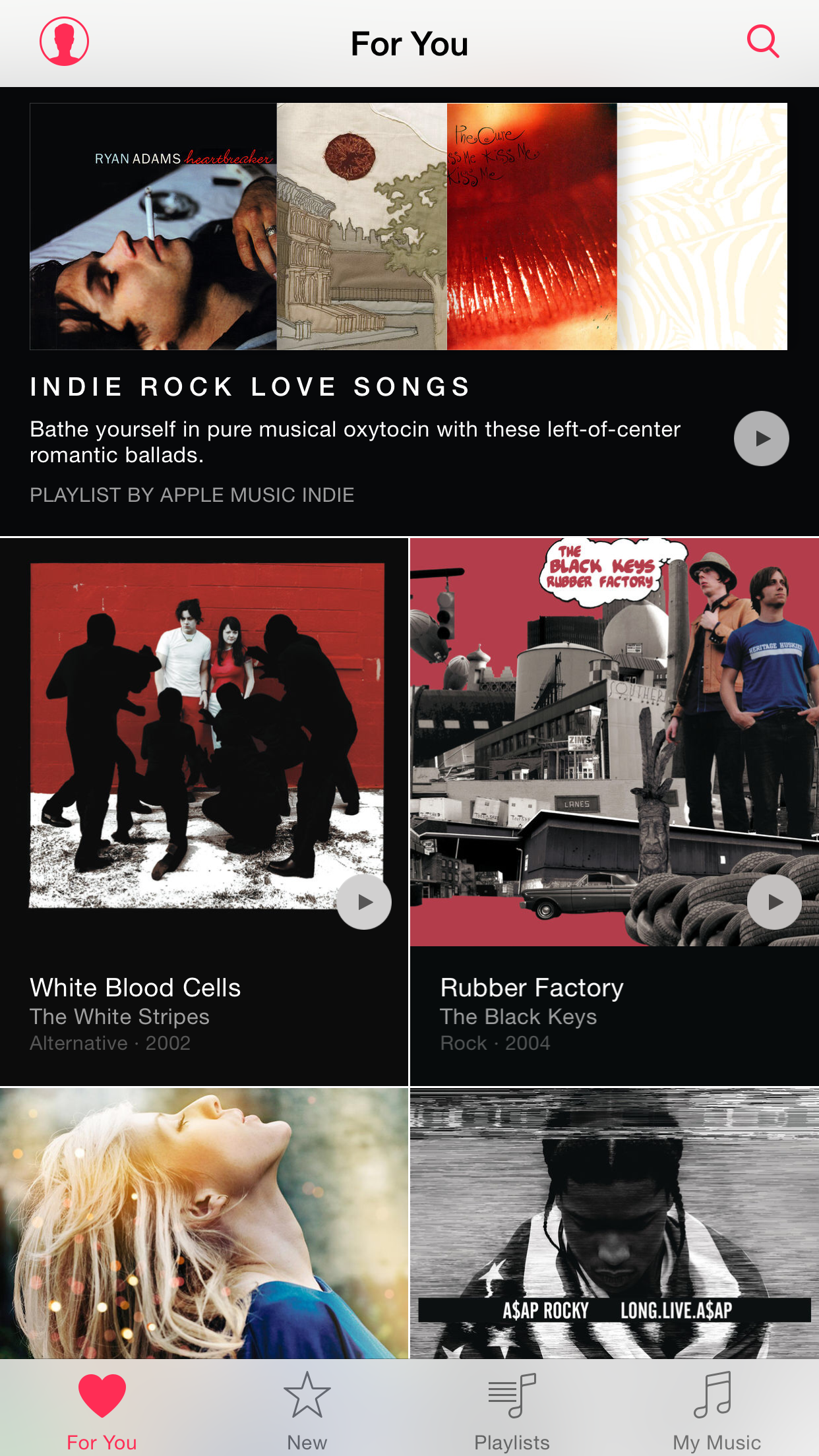
Apple Music offers a section called For You which provides a personalized selection of music based on your listening habits. On the surface, it sounds great until a song you can't stand listening to anymore or an artist you really aren't a big fan of gets injected into the For You feed.

Wouldn't it be great if you could teach Apple's algorithm exactly what music you like and, more importantly, what you dislike? Thankfully there is, but it takes a bit of a learning curve to master the Apple Music recommendation system.

Here's what you need to know regarding fine-tuning For You recommendations and customizing your listening experience on Apple Music.

10 Apple Music jailbreak tweaks

Apple Music is here, and I think that we can all agree that it's a fairly big deal in tech. Now that iOS 8.4 is officially jailbroken, it's time to look at some of the tweaks available for Apple Music. In the following post, I outline 10 jailbreak tweaks that you may want to try on Apple's revamped Music app.

Find out if Apple Music, Apple Music Radio, Beats 1 and iTunes Match are available in your country

Apple's new music package, available across 115 countries around the world, packs in Apple Music Radio, Beats 1 Radio, iTunes Match and Apple Music on-demand streaming. But not all of these services are available in each and every country.

For example, people in Romania can only enjoy iTunes Match. Beats 1 Radio is currently off-limits in nearly two dozen countries. In addition, eight countries currently lack access to Apple Music, Apple Music Radio and Beats 1 Radio.

This article helps you find out in which countries you can join Apple Music, listen to Apple Music Radio (formerly iTunes Radio) and Beats 1 Radio or subscribe to iTunes Match.

Apple Music bitrate dependent on connection, new iOS 9 seed due early next week

Apple Music audio quality depends on whether you're streaming over Wi-Fi or cellular, Eddy Cue, Apple’s Senior Vice President of Internet Software and Services, said on Twitter. In addition, users on iOS 9 Developer Preview will be able to sign up for and use Apple's music-streaming service “early next week” when the company is scheduled to seed a new beta of the software to members of its Apple Developer Program, Cue added.

10 tips for Apple Music

Apple Music is here, and after using it for several hours today, I can attest that it's pretty great. Not only does it live up to the hype, but it's been relatively stable as well.

I think the future for artists on Apple Music is relatively bright. Here is a paid streaming service that I think many will be more than willing to get behind.

To celebrate the launch, here are 10 tips for getting more out of Apple Music.