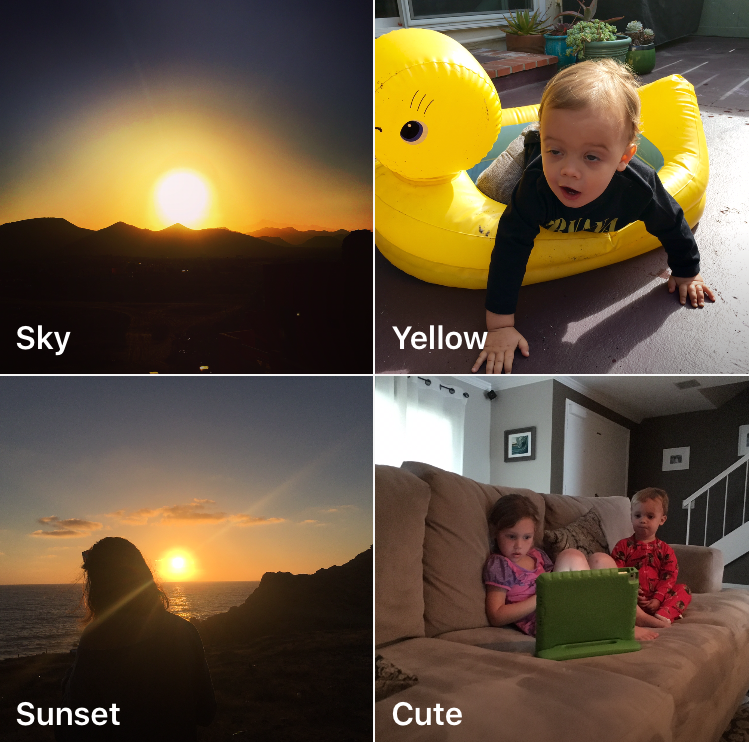
The Roll is a new application that aims to help you organize your photos, but also find your best shots. Using a proprietary algorithm, The Roll will sort, tag, and even score your photos in a way that will make it very easy for you to uncover your best images.
App Store Apps
Trigraphy photography app picks up new effects, gains albums and document support
Trigraphy by Nixes, a beautiful app for turning your photographs into low-poly artwork, was refreshed in the App Store earlier this week with a few new tricks. Bumped to version 2.1.2, the software gained two new effects alongside an effects bundle and other perks.
For starters, it's now possible to open images in Trigraphy from other apps because the app has gained its own Document Provider extension.
The built-in gallery now supports albums and users can change how images are saved and how 4K assets are handled, which should fix problems related to 4K download.
How to reorganize the position of your favorite Instagram filters
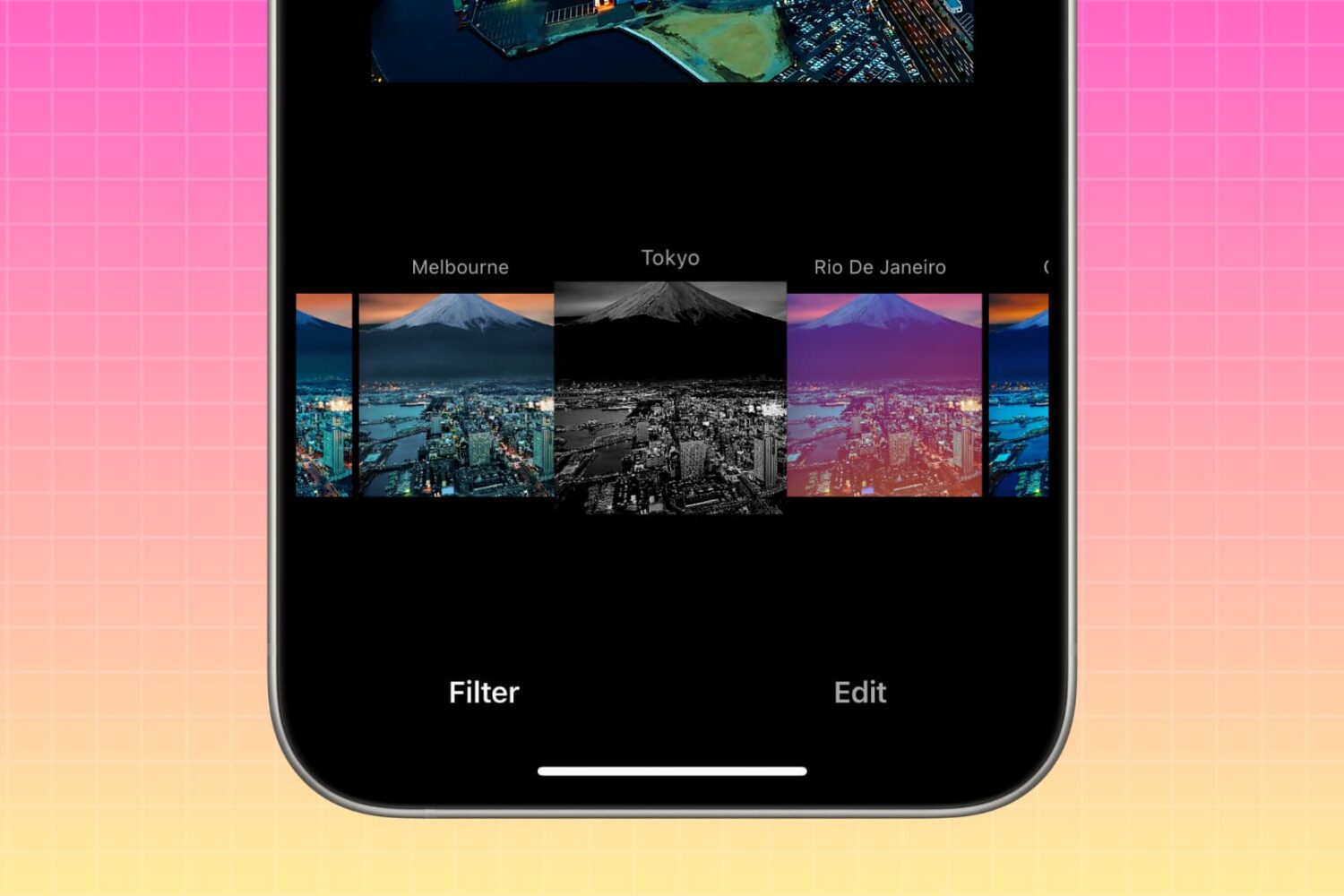
In this brief tutorial, we'll show you how to rearrange photo filters within the Instagram app on your iPhone. This process allows you to place your preferred filters at the beginning, and relegate less frequently used ones to the end of the list.
Google’s Photos app gains support for Live Photos and other new features in latest update
Following its announcement that it will be shutting down the Picasa desktop app and the Picasa Web Albums online photo-sharing service, Google is doubling down on its mobile Photos app for iOS and Android.
Last night, the Google Photos app was updated in the App Store to support Apple's Live Photos format. In Google Photos 1.8 for iOS, you can now back up your Live Photos to the Google cloud, as well as view them within the app.
How to see how many views you got on your Instagram videos
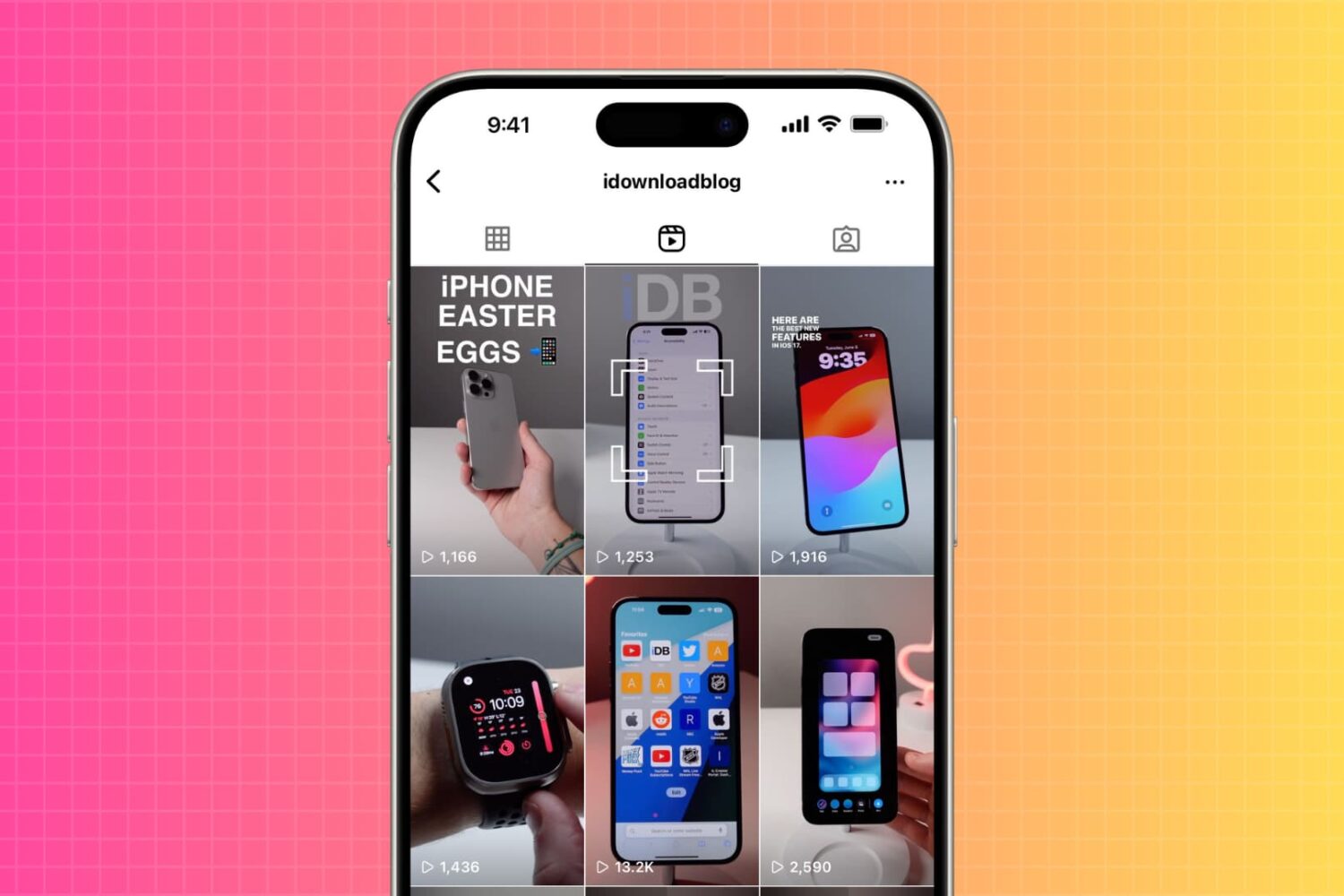
Are you wondering how many people viewed your Instagram video? In this tutorial, we will show you how to do that, as well as see the number of views someone else's Instagram video post has received.
How to turn any photo scene into a snowy one with Snow Daze
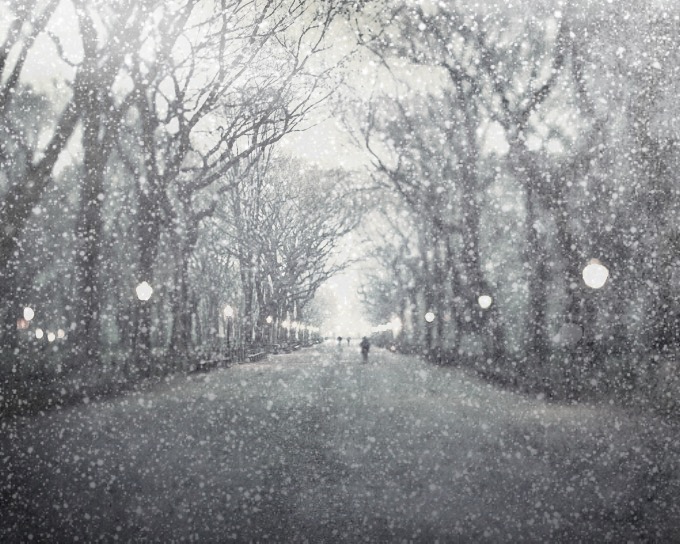
Winter may be coming to an end next month, making room for the Spring season, but that doesn't mean you can't keep enjoying the snow!
Snow Daze is a wonderful app that can be had from the App Store for $1.99. The app can turn any photograph scene into a snowy wonderland. With all of the different filters, configurable snow settings, and color options, you can make even the least suspecting photograph look like it was taken in the middle of a blizzard storm.
In this tutorial, we'll be showing you how the app works.
Instagram clamping down on apps that read feeds, offer auto-following, liking or commenting
As part of Instagram's most recent platform update, third-party applications will be no longer allowed to present a user's Instagram feed, a significant change in policy that'll affect numerous mobile applications which pull Instagram feeds.
Going forward, they'll be shutting down services and apps that offer auto-following, liking or commenting.
Photo-editing apps that show only individual Instagram photos won't be affected by this change. All apps must comply by June 1, 2016. The new policies and reviews will go into effect for new apps starting December 3, 2015.
Instagram for iPhone adds curated collections, trending tags and places, place search and more
Fans of iPhone photography should check out Instagram 7.0, the latest update to the Facebook-owned mobile photo sharing app. The new versions surfaced Tuesday on the App Store with interesting new social media discovery features such as an improved search and a much enhanced Explore tab.
With dynamically updated trending tags and places under the Explore tab, Instagram users can now check out, in real-time, what's happening around them and what's trending all over the world.
Relook review: incredible editing tools for portrait photos
Whenever I see a picture of myself, I always notice my flaws. Whether it is redness on my cheeks, lines under my eyes, or that age spot on the right side of my face, I see that more than I see the overall picture.
With Relook, you can fix all of those flaws and give your subject great skin, a wider smile, and perfect lighting, every time. We've got an app review of Relook for you today.
Mobile Monet turns your iPhone photos into art
Since the dawn of photography, people have been finding ways to alter images and add effects. Since mobile photography rose to the top, companies have come up with numerous types of effects apps that do all manner of interesting things to your basic snapshot.
East Coast Pixels is one of those companies and their art rendering photo app MobileMonet just received a major overhaul with new processes that provide a more painterly effect. We've got a hands-on app review of MobileMonet for you today.
Google-owned Snapseed brings back Grunge filter, adds a couple improvements
Following a major 2.0 refresh in April of this year, Google on Friday issued a minor update to Snapseed, its mobile photo editing app popular amongst iPhone photographers.
Available free of charge in the App Store, Snapseed 2.0.2 features half a dozen improvements, among them the popular Grunge filter which has made an unexpected comeback following its mysterious removal.
“After releasing Snapseed 2, we’ve heard a lot of excited voices, but also listened to your constructive feedback,” Sven Tiffe, Snapseed's technical program manager wrote in a blog post. “You told us and we heard you, Grunge is back!”
Selfiest for iPhone is a social network that pits you against other selfie-takers
Sharing a bunch of selfies on Facebook, Twitter and Instagram is so yesterday. What you need is a system that will motivate you to create meme-worthy selfies, award your best work and connect you to like-minded selfie takers.
Enter Selfiest, a new selfie challenge app for your iPhone by Snob Technologies that lets you discover and follow selfie takers around your current location, check out new selfies your friends post to the service and more.