Accessories

AmazonBasics Retractable USB cable saves space, avoids tangles

This past weekend, as I packed for a road trip, I crammed my overnight bag full of clothes, toiletries, gadgets, and cables for all of my various devices. My side pocket looked like a robot spider had spun a USB web. It was a mess.

AmazonBasics' Retractable USB Cable would have saved me a lot of hassle. It stretches to two feet in length, but when closed up, fits neatly into small compartments so you don't have a tangled mess to deal with when you unpack.

Charge up to 10 devices at once with Sabrent’s rapid charger

Take a moment right now to think about how many devices you have around the house that require charging via USB. Maybe you have a portable wireless speaker, a smartwatch, a couple of iPhones, some rechargeable toys, and an iPad. It starts to add up. You could probably come up with 10 devices in your household that charge via USB.

Sabrent makes a 10-port rapid charger that supplies enough juice to power up all 10 devices at the same time without getting overworked. Thanks to its smart charge technology, it can supply extra power to devices that need it, like the iPad Air 2, while restricting power to devices that don't need as much, like a first generation iPod touch.

Misfit Shine 2 unveiled with improved activity and sleep tracking, longer Bluetooth range and more

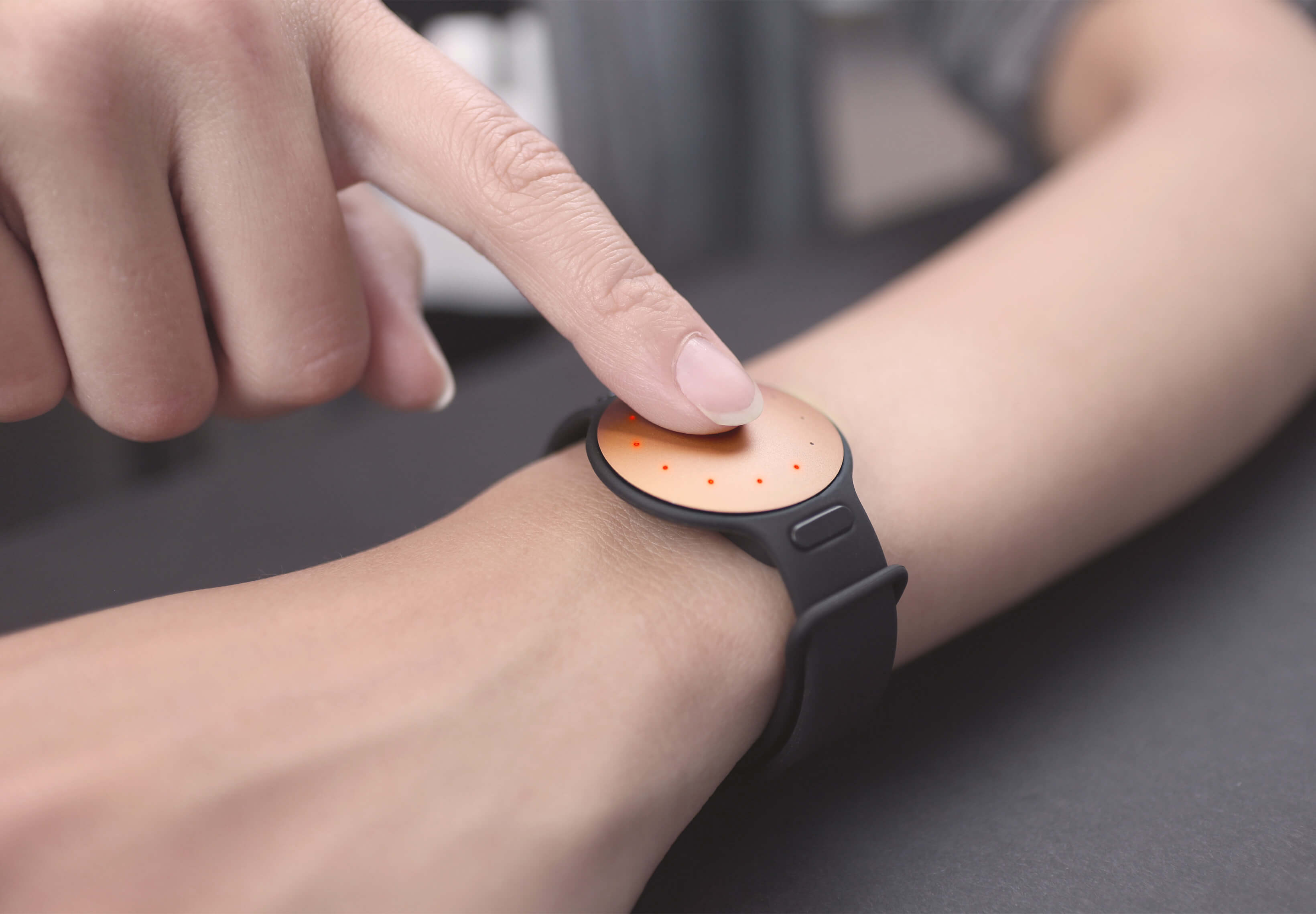
Misfit, the maker of sleek wearable devices, yesterday unveiled a second-generation Shine activity and fitness tracker and sleep monitor.

The Shine 2, as it's called, improves upon the original Misfit, which debuted more than two years ago, with more accurate fitness and sleep tracking capabilities.

The accessory sports enhanced touch responsiveness with capacitive sensing technology, longer Bluetooth range, inactivity alerts, multicolor LEDs built into the face of the device and much more.

Magic Trackpad 2 review: Force Touch-enabled and rechargeable, but should you upgrade?

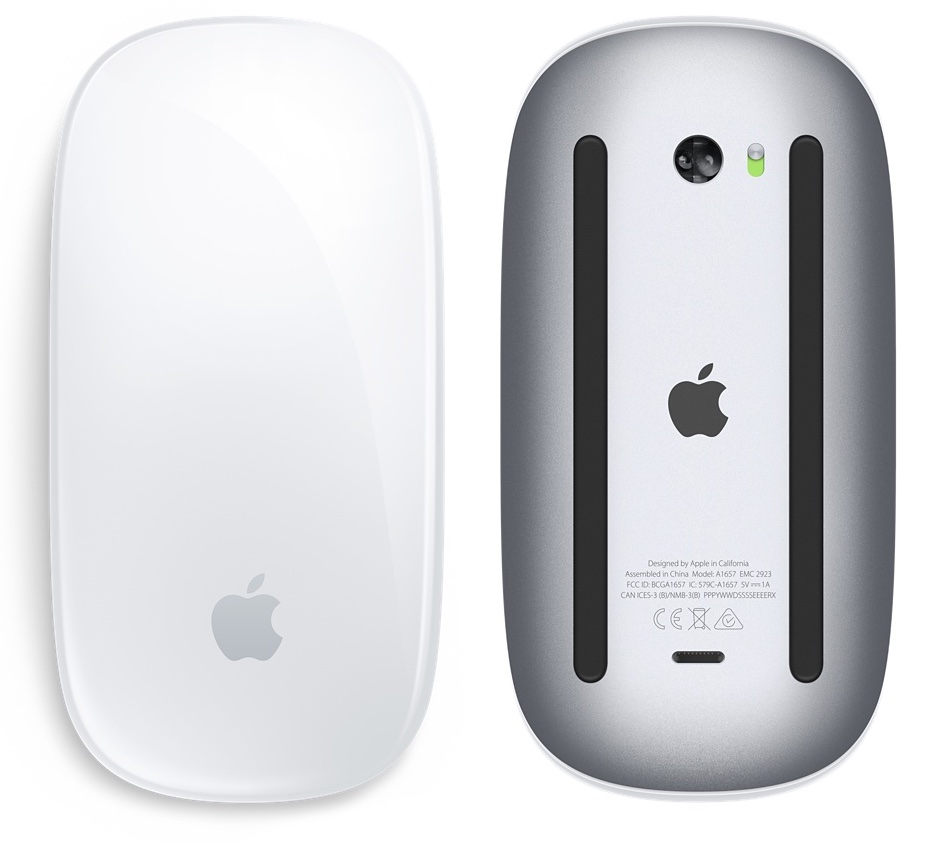
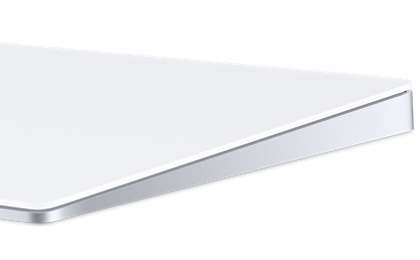
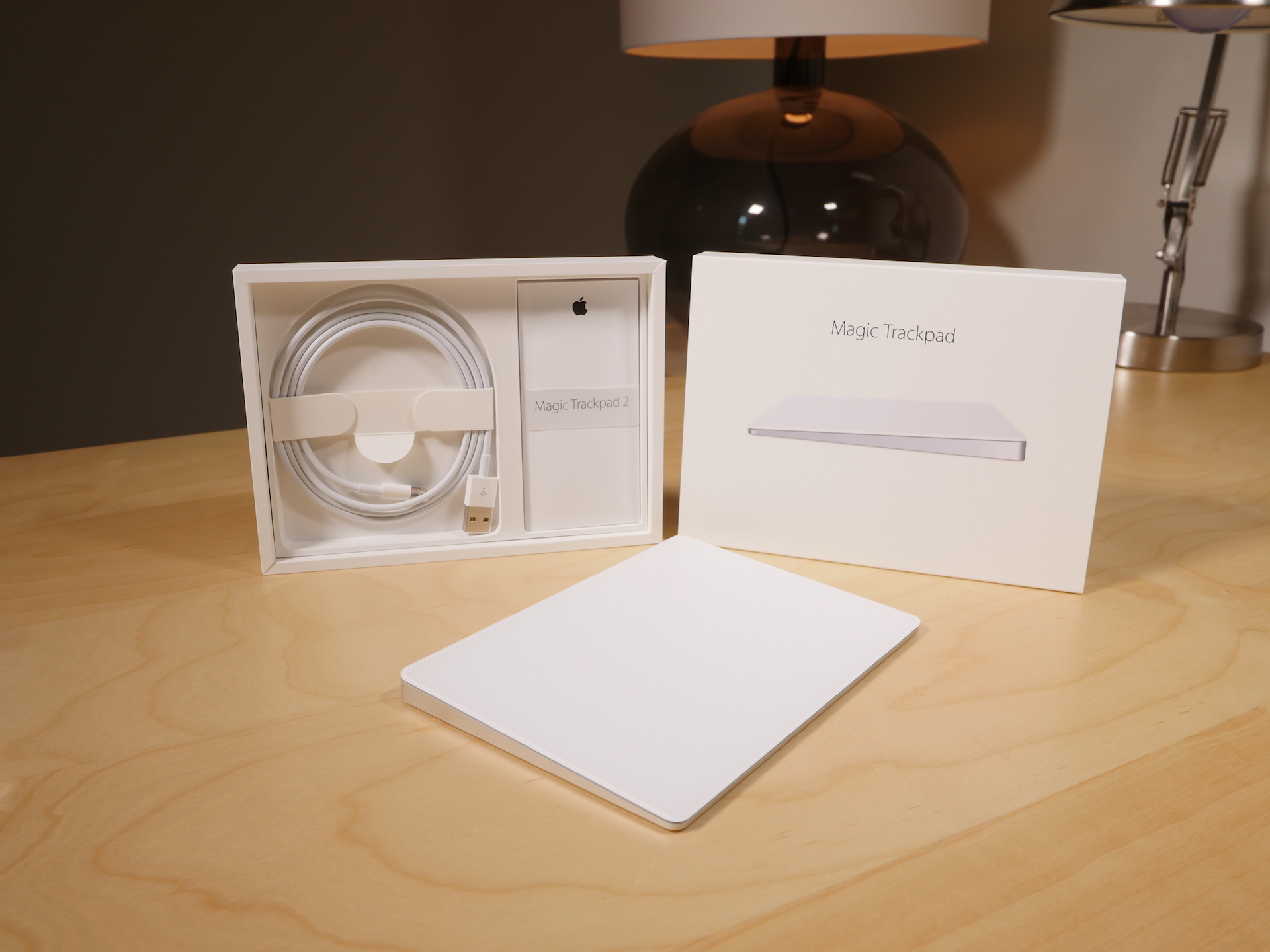
Of all of the new "Magic" devices in Apple's lineup, perhaps no device is more deserving of the moniker than the Magic Trackpad 2. It's the only device, out of the three new peripherals that Apple recently launched, that truly brings new functionality to the table.

While the Magic Mouse 2 and the Magic Keyboard are legitimate upgrades over the products they replace, the Magic Trackpad 2 is the most justifiable upgrade from a pure features standpoint, and Apple's pricing for it says as much.

At $129.00, this isn't exactly a knee-jerk purchase to be made on a whim. And if you already own the old Magic Trackpad, an impulse buy is lessened even more.

I've been testing out the new Magic Trackpad 2 for several days now, and it's taken me a while to put my thoughts down in writing. This device takes significantly more time to get to know than either the Magic Mouse 2 or the Magic Keyboard. That's because the Magic Trackpad offers the most diverse functionality of the trio.

With all of that said, is the Magic Trackpad 2 worth upgrading to if you already own the previous Magic Trackpad? Watch our video review, and read my full analysis for the details.
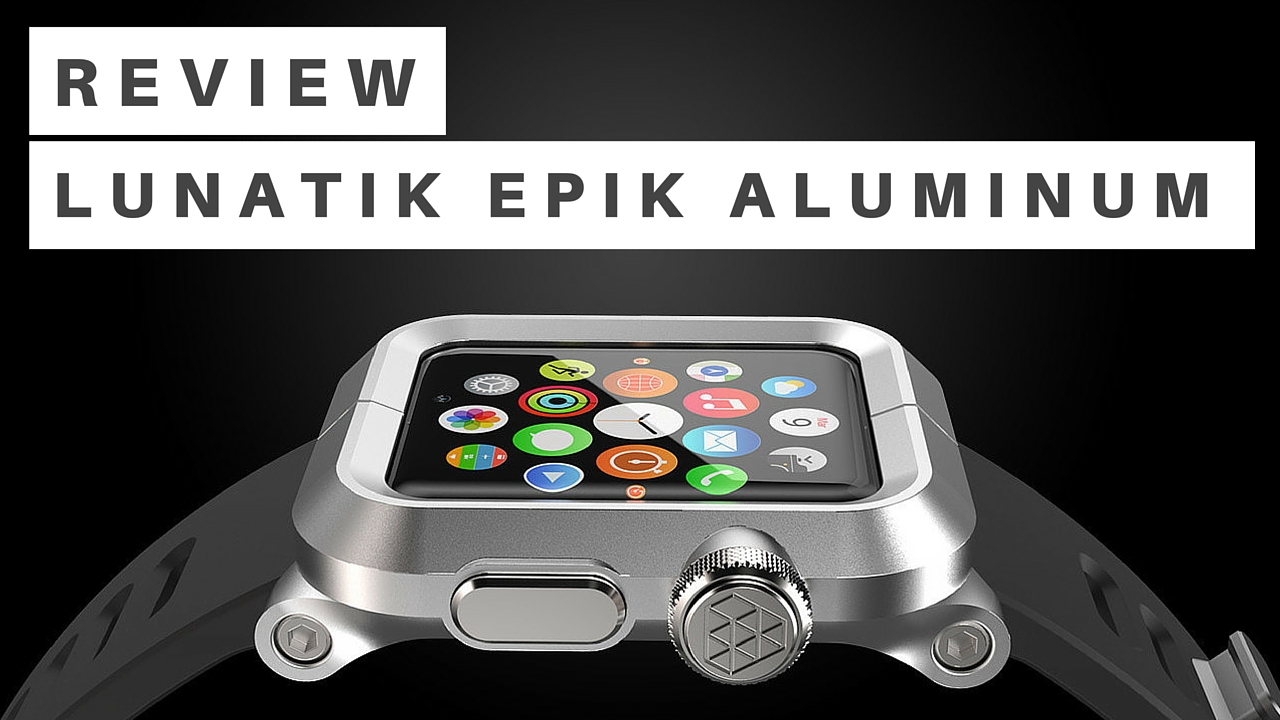
LUNATIK EPIK Apple Watch Kit offers rugged protection in a handsome package

I would argue that it was the LunaTik and TikTok watch kits for the iPod nano, not the Pebble, that sparked initial consumer interest in smartwatches. Two years before Pebble's Kickstarter debut, the two kits garnered $1 million on the crowdfunding site from folks who wanted to wear their nanos on their wrists.

Fast forward to this summer, and Minimal, the company responsible for those kits, returned to Kickstarter with a similar accessory for the Apple Watch. It's called the LUNATIK EPIK, and it's a premium case and strap solution, that offers rugged protection for Apple's [42MM] smartwatch in a handsome package.

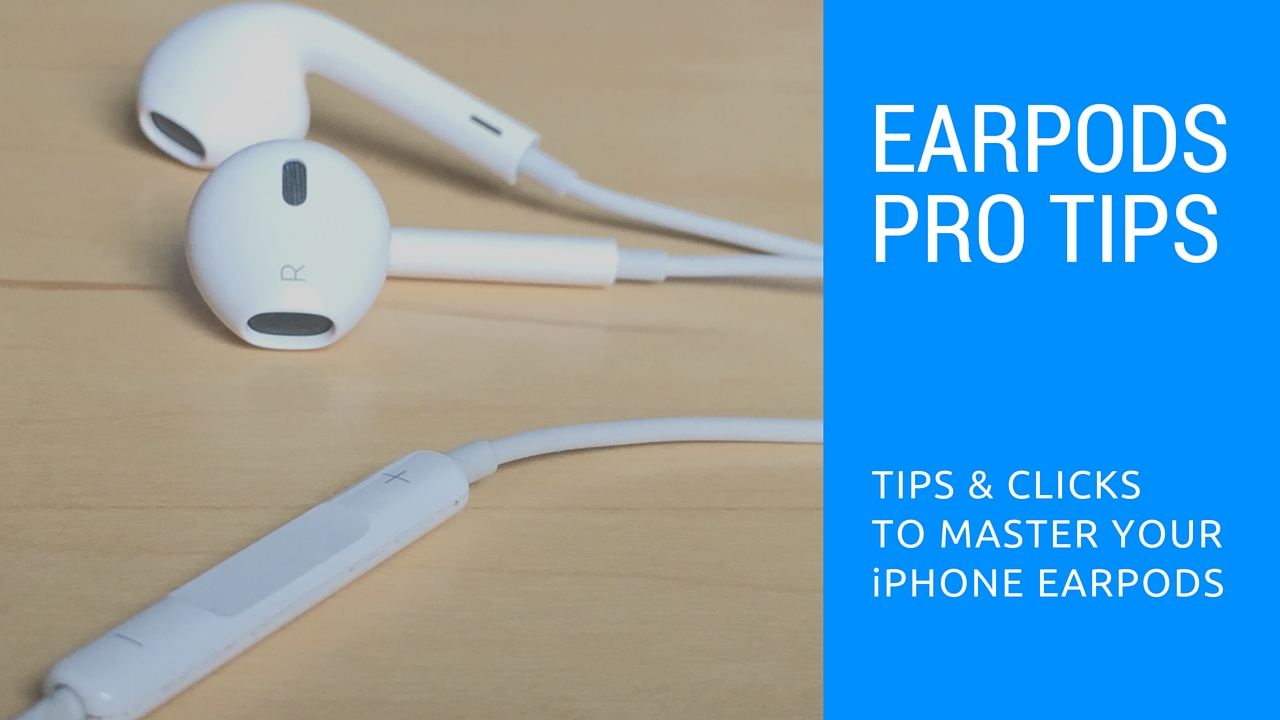
How to use your iPhone EarPods like a pro

Those funky headphones that came with your iPhone—EarPods with Remote and Mic they're called—only have 3 buttons but boy do they perform a surprising number of functions beyond volume control. And with built-in mic, your EarPods can make and receive phone calls and control media playback.

Moreover, you can use them for recording voice memos, interacting with Siri hands-free, VoIP calling in apps like Skype and more, all with a pinch of the cord. Wait, I need this article to tell me how to plug my EarPods and listen to music?

We're not saying you're not familiar with your EarPods. But as with other things in life, there are always new tricks to be learned. This post will hopefully help you master your EarPods like a pro.

In this article, we'll tell you all the cool things your EarPods can do, from rich playback control and controlling Siri to switching calls on the fly, using VoiceOver and so forth. We'll also discuss EarPods compatibility, talk about keeping your headset in pristine condition and lay out sound advice for using your headset responsibly.

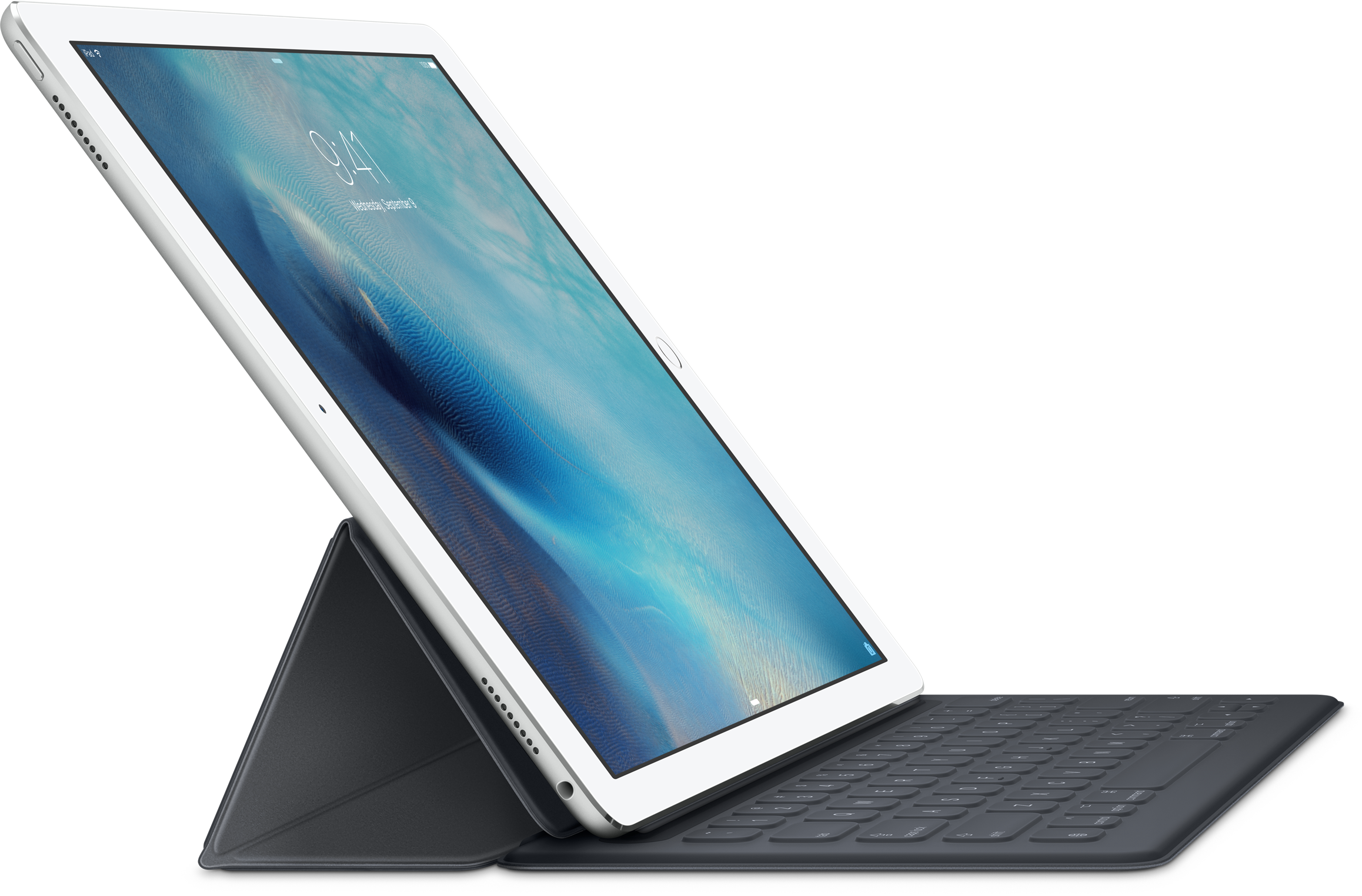
Smart Keyboard for iPad Pro will only be available with U.S. English layout at launch

Apple's Smart Keyboard for the iPad Pro will only be available with a U.S. English layout when it launches in about two weeks, a move that might potentially discourage international users from purchasing the $169 accessory.

This has been revealed in the fine print that the Cupertino company quietly added to its German website, as first noted by German-language blog iFun.de.

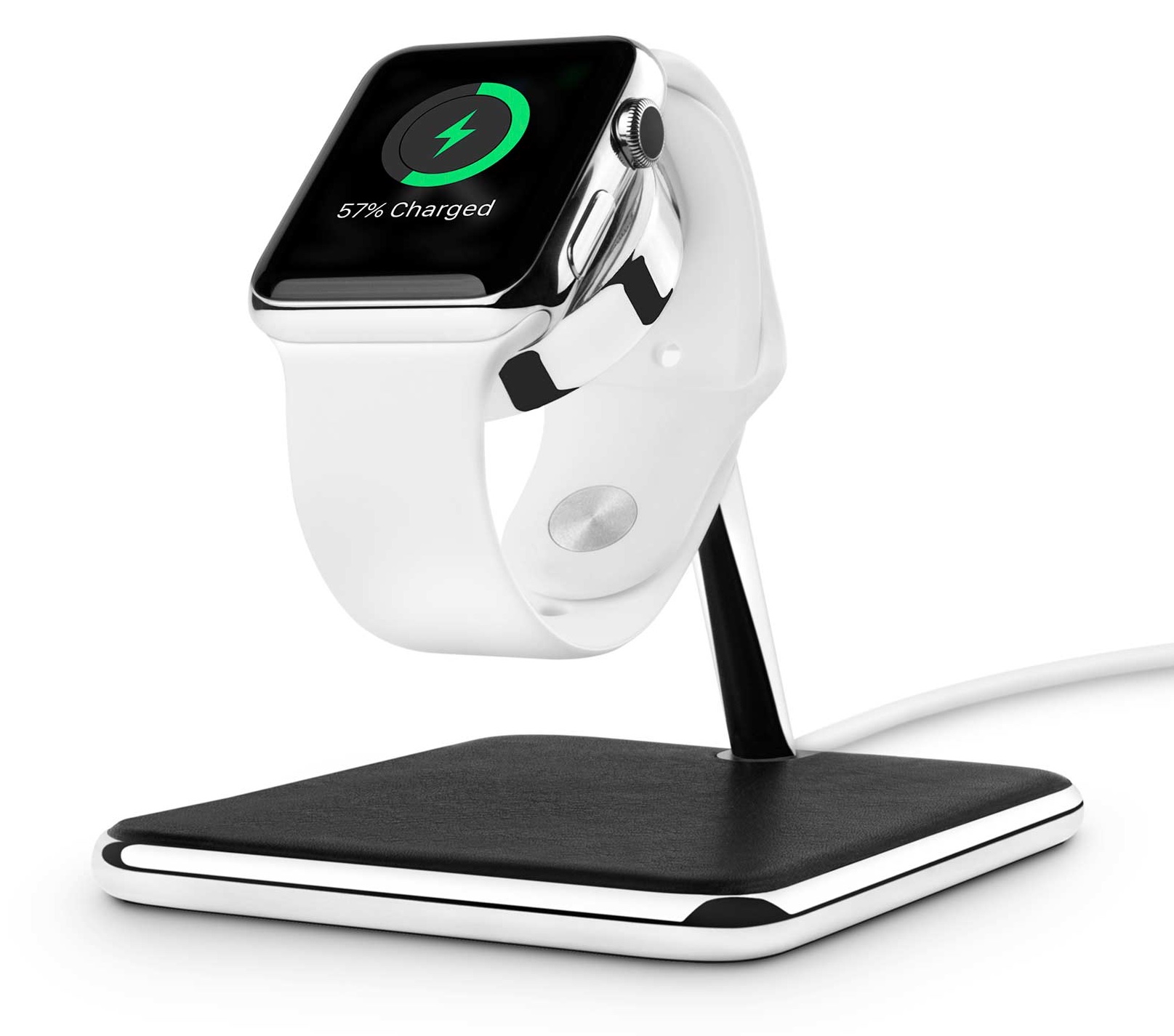
Twelve South launches Forté stand for Apple Watch

Apple-exclusive accessory maker Twelve South released its HiRise charging stand for the Apple Watch back in the summer.

As I noted in my review, the only thing holding it and other Apple Watch stands back is a somewhat complicated setup requiring you to assemble the pieces yourself, including using the inductive charging disc that came with your watch.

Now Twelve South has created the Forté as a brand new Apple Watch stand that supports both portrait and Nightstand modes while allowing you to simultaneously rest your iPhone on the base of the accessory.

10 things I dislike about Apple’s new Magic gadgets

I'm a huge fan of Apple's wireless keyboard, mouse and trackpad. My daily driver is a 2014 MacBook Air model and I also own a 27-inch Apple Thunderbolt Display which gets hooked up to the Air when I'm tied to my desk.

And of course, I also own a Magic Mouse, Magic Trackpad and Apple's Wireless Keyboard. These accessories soup up my desktop computing with precision input, wireless design and small footprint.

That being said, I'm currently on the fence of upgrading to Apple's new Magic Mouse 2, Magic Trackpad 2 and Magic Keyboard. I'm sure I'll eventually purchase them just because I'm sick and tired of buying new alkaline batteries every few weeks.

But right not, I'm having second thoughts because not everything about the new Magic devices is as rosy as Apple paints it.

Apple’s refreshed Magic accessories have introduced a new Bluetooth pairing process

Magic Trackpad 2

Apple's just announced Magic accessories—the $99 Magic Keyboard, $79 Magic Mouse 2 and $129 Magic Trackpad 2—don't just feature a refreshed design with an integrated litium-ion battery, Bluetooth 4.0 and a built-Lightning port for recharging, but a new way to pair them with your computer.

The previous-generation mouse, keyboard and trackpad had to be paired to your Mac using the standard wireless pairing process for Bluetooth-compatible peripherals: you would go through the Bluetooth pane of OS X's System Preferences to scan for Bluetooth device and pair one to your computer.

With the Magic Trackpad 2, Magic Mouse 2 and Magic Keyboard, the pairing process has been vastly simplified, however.

GMYLE iPhone 6s wallet case looks like a tiny vintage book

I'm a bit of a sucker for kitschy and novelty cases. You may recall my over-exuberance about a certain bottle opener/cigarette lighter case. If it looks like something it's not, or has features that don't belong on a case, I'm interested.

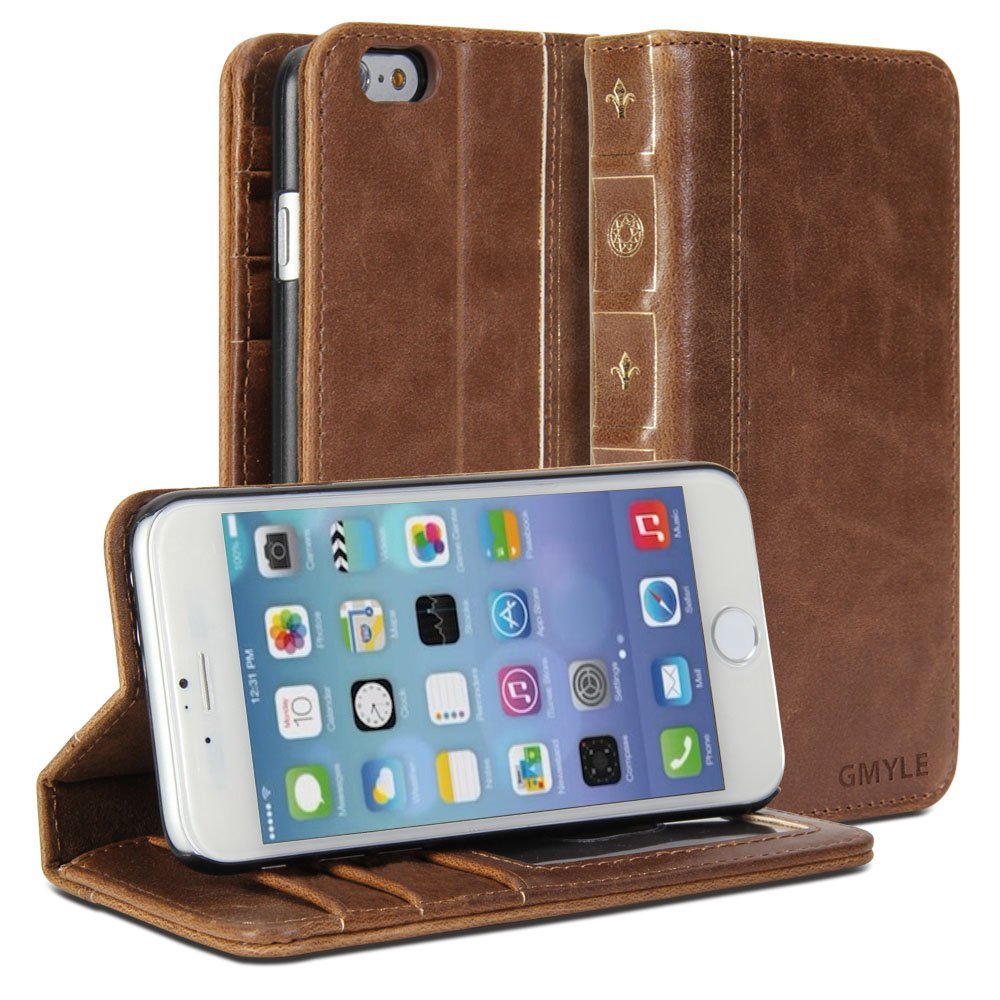
The GMYLE iPhone 6s wallet case could fit into the novelty category, but it looks so classy that you can't call it kitschy. It looks like you are holding a tiny leather-bound book.

Review: the Prong PWR is an iPhone battery case with a twist

After spending a year growing accustomed to the iPhone 6 Plus, I decided to go for the smaller handset. I've been pretty happy with the 6s thus far, but the smaller size means a smaller battery, and I've found it's not enough to get me through a normal day.

When I'm working, my dock is typically within arms-length, but on days when I'm out and about this gets to be a problem. We have several battery packs, but I find USB cables very limiting, and I definitely don't want to use a bulky battery case full-time.

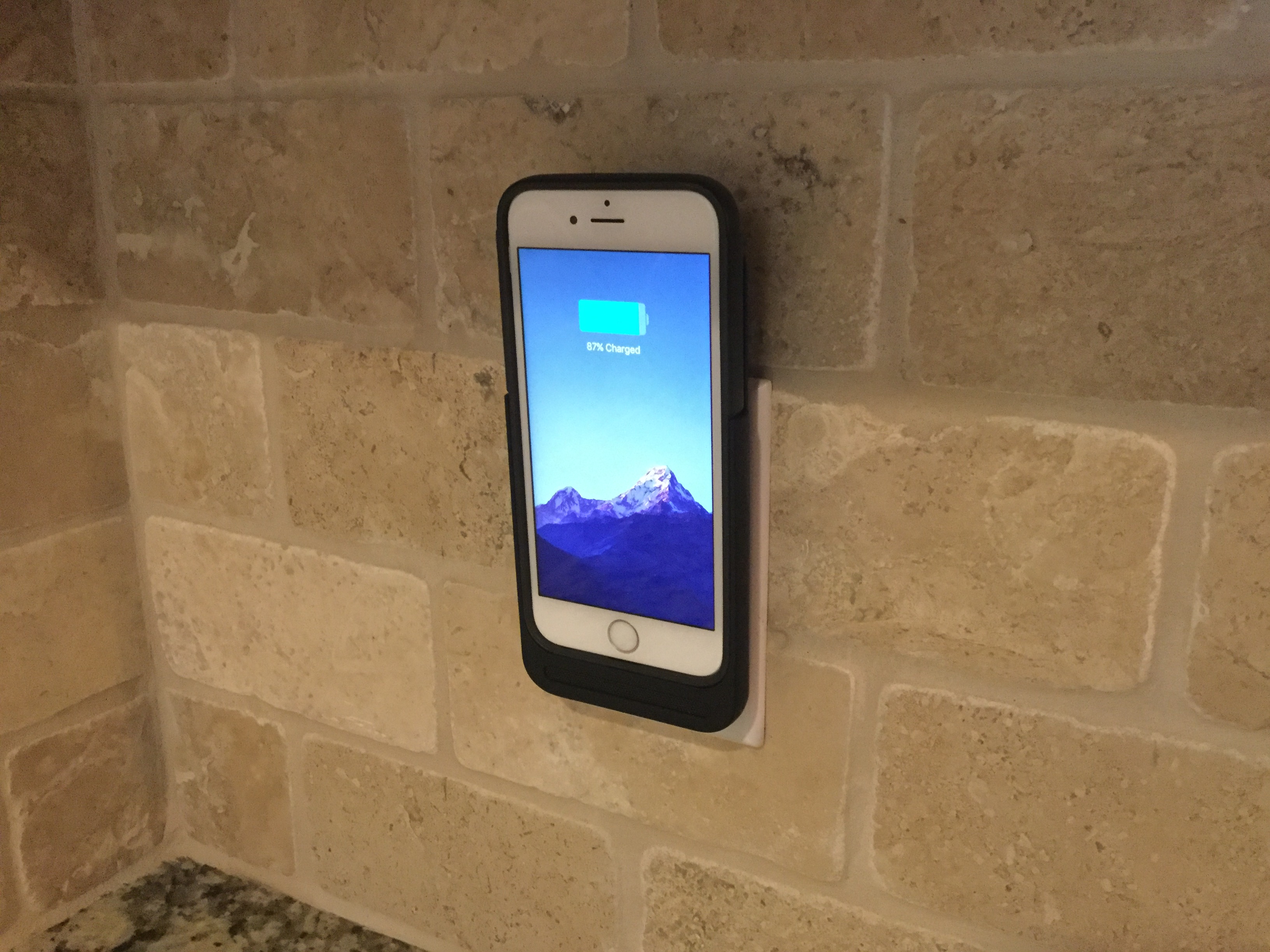
That's where the Prong PWR Case comes in.