Accessibility

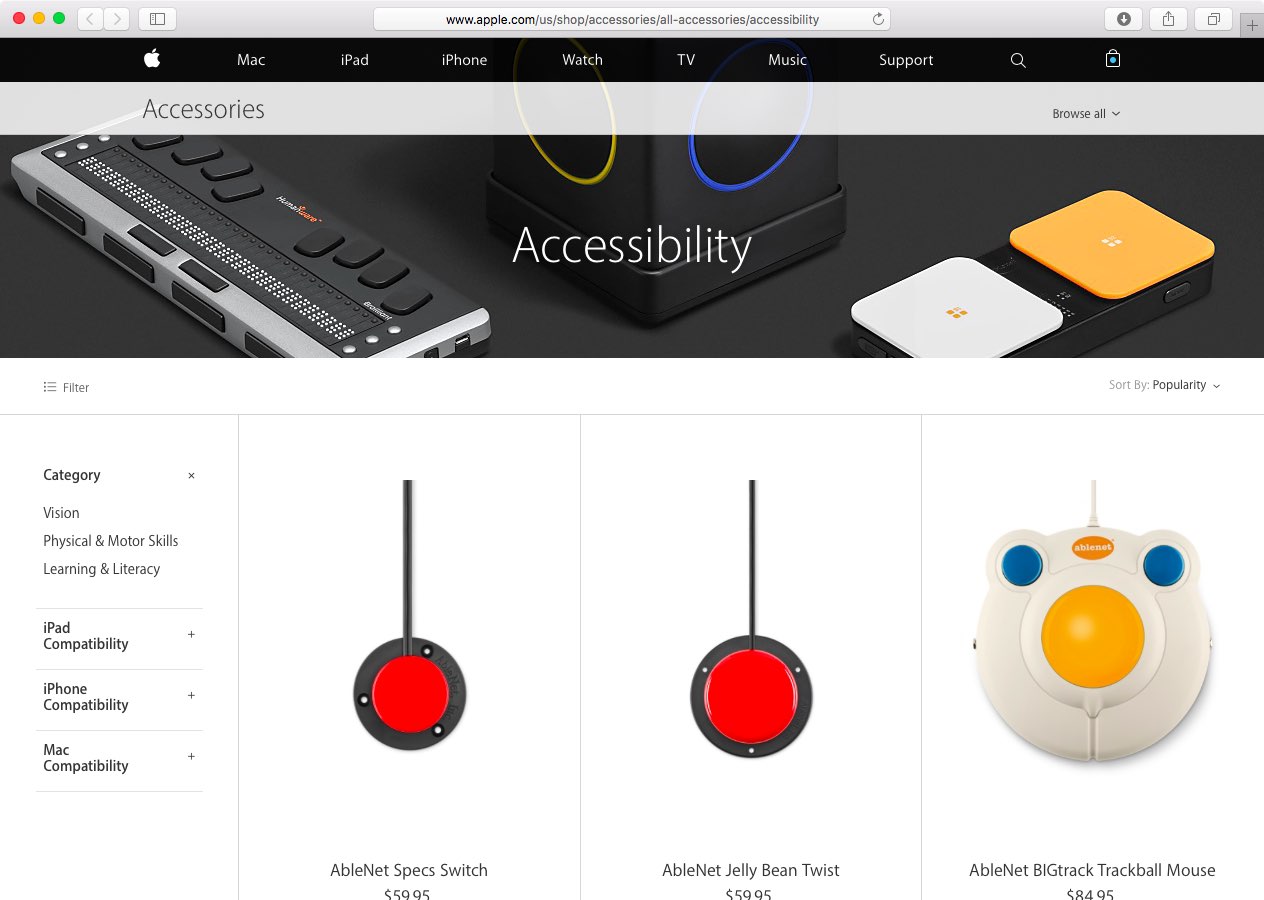
Brand new ‘Accessibility’ section launches on Apple Online Store

Confirming earlier rumors, the Apple Online Store has begun selling accessibility-related accessories and peripherals via a dedicated Accessibility section, as first discovered by Amusement. At the time of this writing, the store listed about fifteen accessories separated into sub-categories such as Vision, Physical & Motor Skills and Learning & Literacy products, with more to be added at a later stage.

The iPhone, iPod touch, iPad and Mac accessories listed on the Accessibility section were designed to help people with various disabilities operate their devices, learn, play, create music and more.

How to convert text into a spoken iTunes track on Mac

Whenever you want to save a block of important text to your Mac, you probably copy and paste it into the Notes app or into a text editor to save it as a text document. But, did you know you could save any body of text on your Mac as a spoken iTunes track instead?

In this tutorial, you will learn how to convert any highlighted body of text into a spoken iTunes audio track.

Get a taste of Siri on your Mac right now with this neat trick

Ever since Siri was announced in 2011, Apple users have been excited about the prospect of the digital assistant coming to OS X. More recently, rumors have indicated that a Mac version of Siri will ship with OS X 10.12 this fall. September is quite a long way off, but it's possible to get a taste of Siri-like voice commands on your Mac right now, thanks to the accessibility features baked in OS X.

With this time-saving shortcut, you can quickly set some Mac display options

In addition to adjusting the screen resolution and choosing between the available display modes on your Mac, the macOS System Preferences application gives you additional display options to play with.

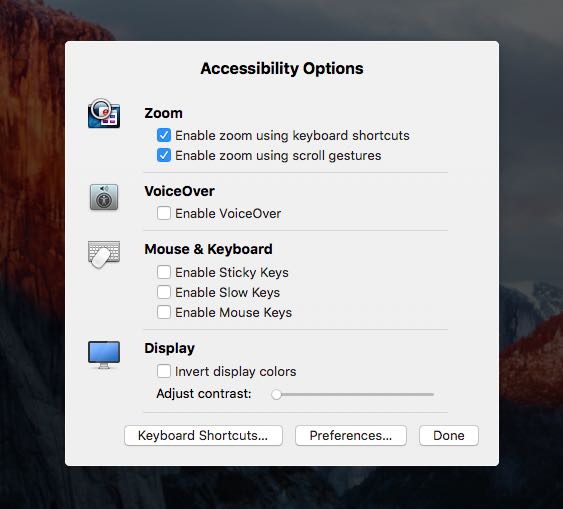
If you use display zoom, a great feature for people with less than perfect eyesight who find themselves squinting at the screen all the time, or you want to quickly access common features related to making items on the screen easier to see and the display easier to read, use the following time-saving shortcut to quickly adjust these options.