Accessibility

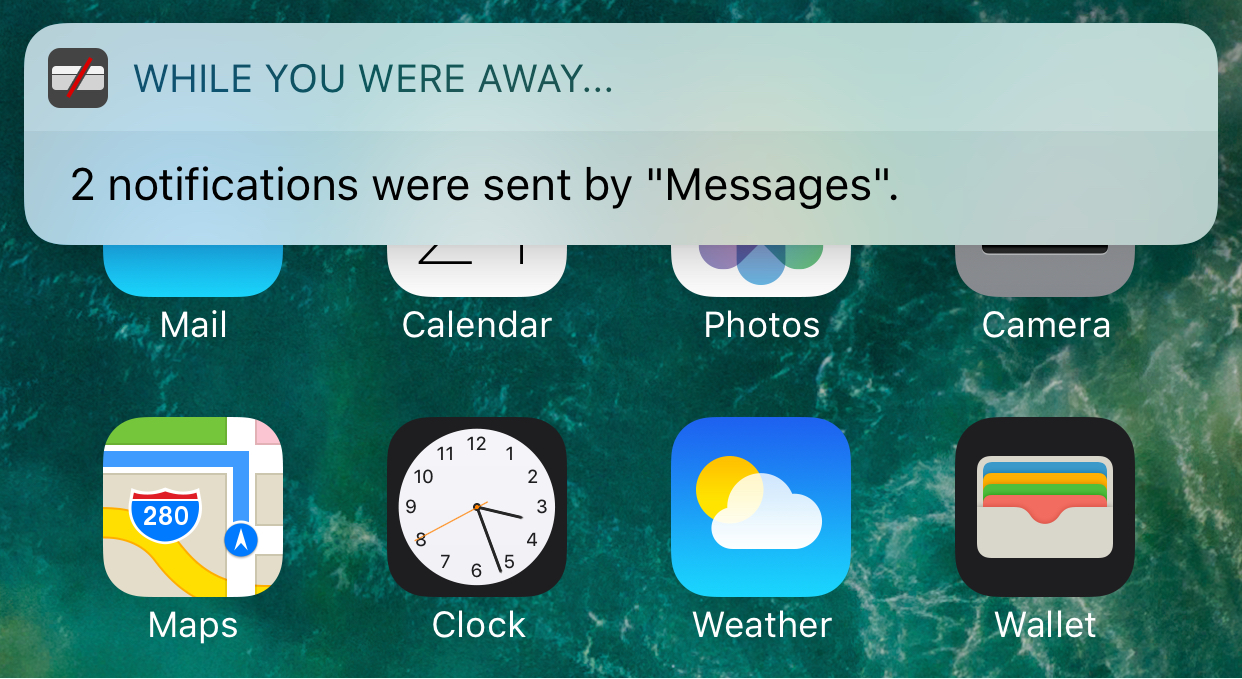
Eyeplugs prevents unwanted notification banners from getting in the way

Apple’s banner notification system leaves a lot to be desired, especially since modern banners are so huge when they appear that they cover all kinds of important parts of your apps, such as navigation bar, which is often an essential part of navigating your apps.

Because banner notifications are excessively large, a new free jailbreak tweak called Eyeplugs by the author The Holy Constituency of the Summer Triangle can help prevent them from appearing whenever you’re inside of designated apps, but once you close the app(s), you’ll get a summary of all your missed notifications.

Sonus is a highly customizable volume HUD replacement for iPhone and iPad

The volume HUD in iOS has always left a lot to be desired; it pops up in the center of the screen and then seemingly lingers for an eternity, all while getting in the way of everything, whether you’re watching videos, looking at photos, browsing the web, or doing anything else while trying to change your device’s volume level.

A new jailbreak tweak called Sonus by ubik is just one of many attempts to make the volume HUD better in iOS, and unlike much of the competition out there, it has a lot of options that you can take advantage of to deck out the tweak and make it look and feel the way you want it to.

This tweak will let you force cellular network connections when launching certain apps

When you’re constantly around Wi-Fi networks that block access to certain sites and apps, such as those in educational institutions, you might need to use cellular data to bypass these blocks. The only problem is, you typically have to go through the trouble of turning Wi-Fi off manually, which can be a pain.

That’s the idea behind a new free jailbreak tweak called NoWifiWhenRunThisPlz by HiDan, which lets you configure the apps you want to force cellular usage on, rather than Wi-Fi, when launched.

AccessWithinApps prevents launch of Control and Notification Centers in specific apps

Control Center and Notification Center each can be accessed from any mobile app by swiping up from the bottom of the screen or swiping down from the top of the screen. In some apps, this gesture conflicts with the those that already exist in the app.

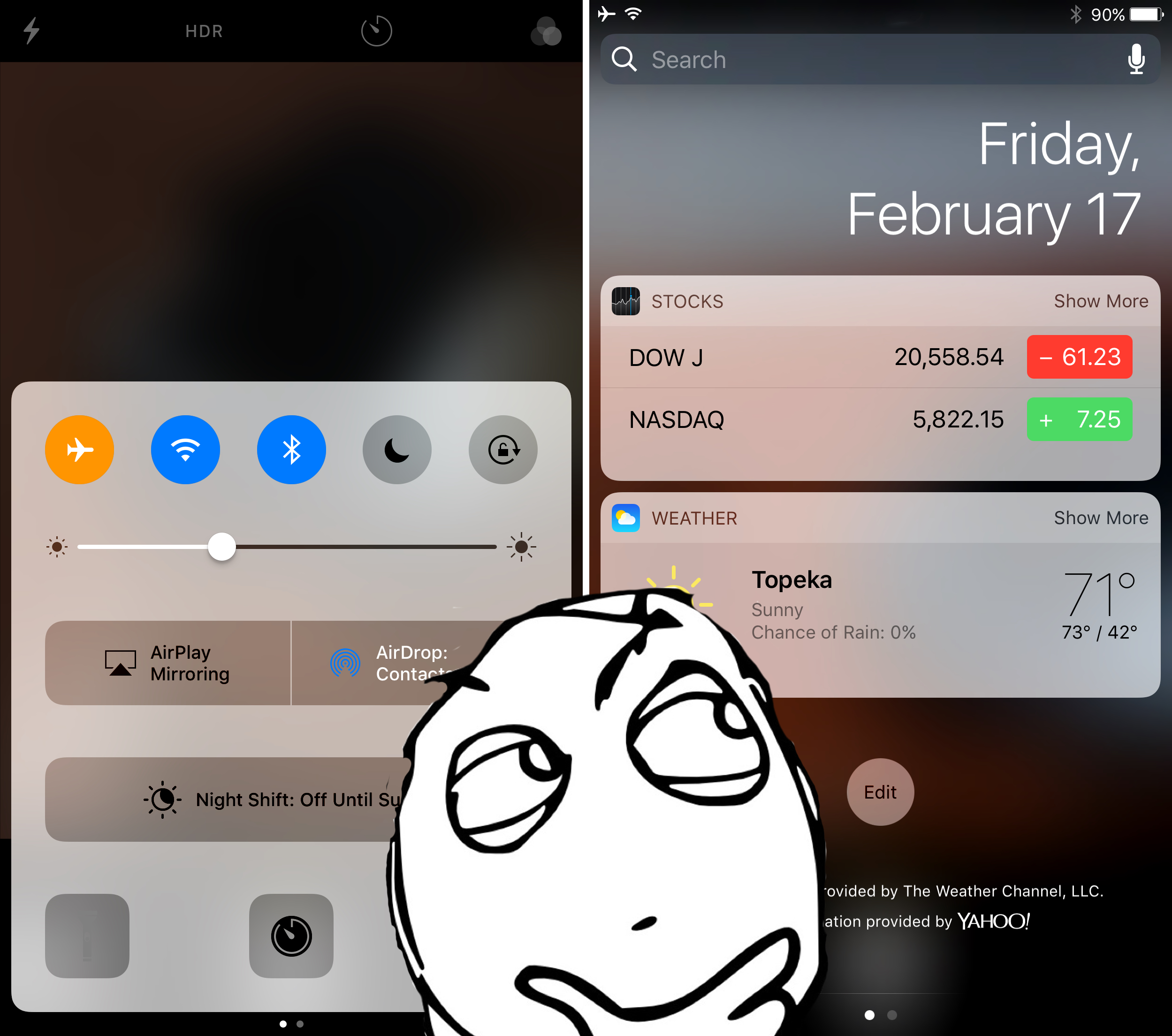
While Apple helps to mitigate issues by providing users with the ‘second chance grabber’ in full-screen apps, some apps still don’t play nicely because the gesture is too close to other functions in the app. Giving you more control over this matter is a new free jailbreak tweak called AccessWithinApps by Cole Cabral.

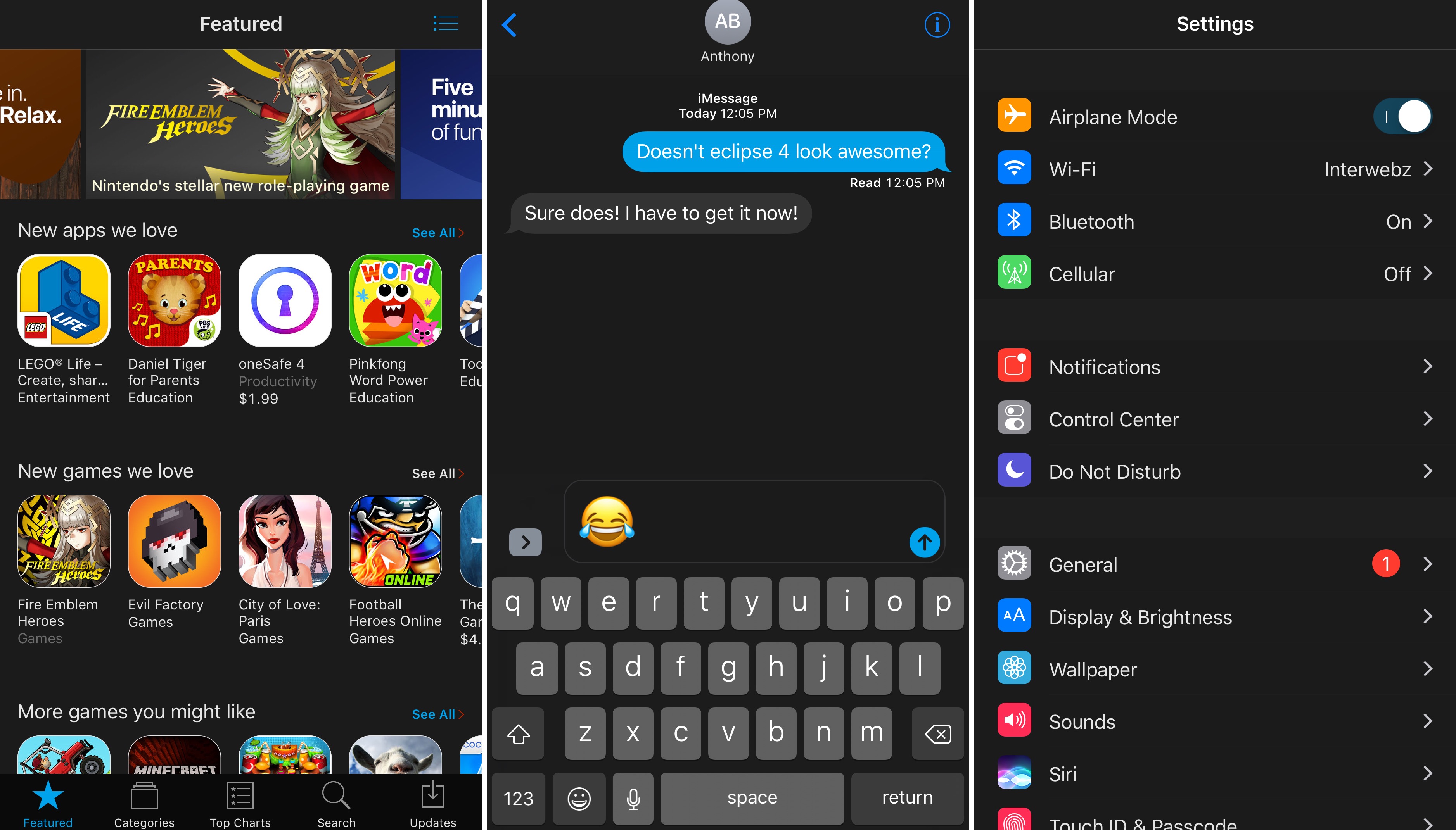
Eclipse 4 released, brings system-wide night mode to jailbroken iOS 10 devices

It seems as thought night/dark mode jailbreak tweaks are really hot these days, and the popular Eclipse night mode jailbreak tweak by developer Guillermo Moran has officially been re-released this week with full support for iOS 10, officially raising the bar for all the hype.

The new version of Eclipse, named Eclipse 4 because it's the fourth iteration of the tweak since its initial inception back in 2014, is a free download for anyone who owns any of the previous versions from any other jailbreak they may have had in the past.

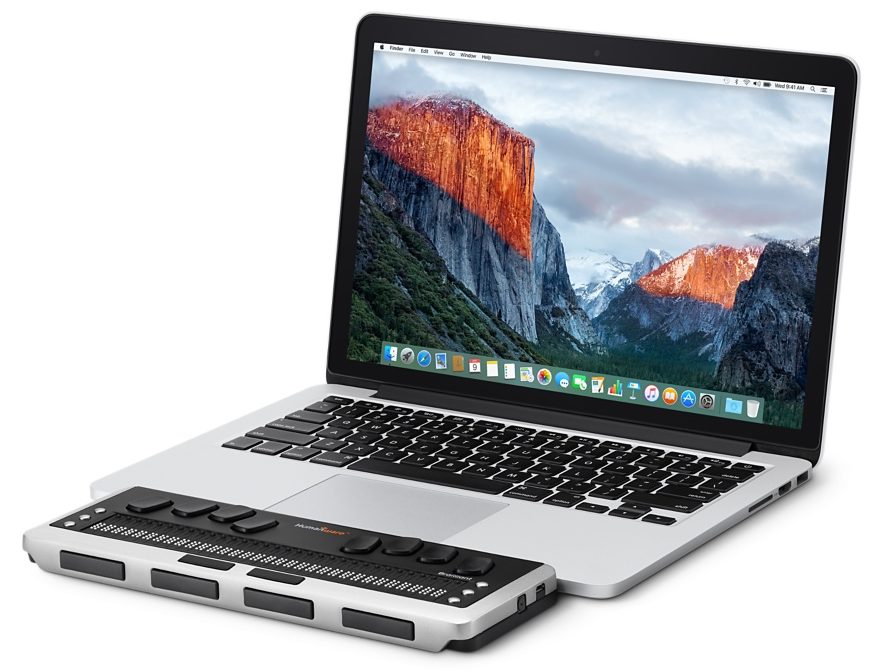
Apple earns Louis Braille Award for advances in device accessibility

Apple has long been praised for its efforts in device accessibility. Back in 2015, for example, they received the American Foundation for the Blind's Helen Keller Achievement Award for the VoiceOver screen reader technology. The various Accessibility features available on iOS, macOS, watchOS and tvOS have now earned Apple the Louis Braille Award from the Associated Services for the Blind and Visually Impaired (ASB).

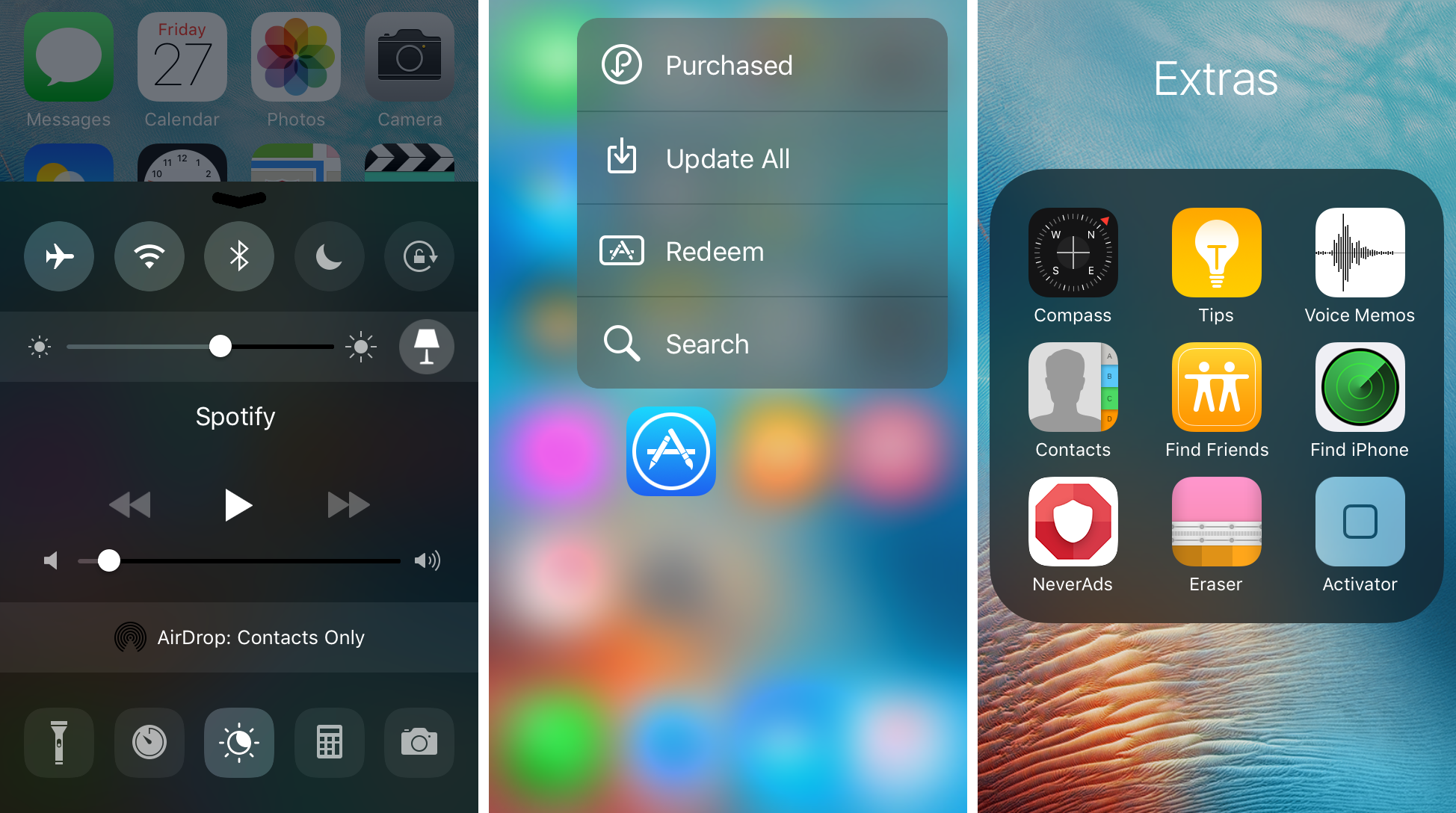
Noctis9 adds a dark mode to many transparent interfaces in iOS

Many iPhone and iPad users have wanted some kind of dark mode setting for ages, and the energy was even more hyped up after Apple debuted dark mode on macOS for the first time.

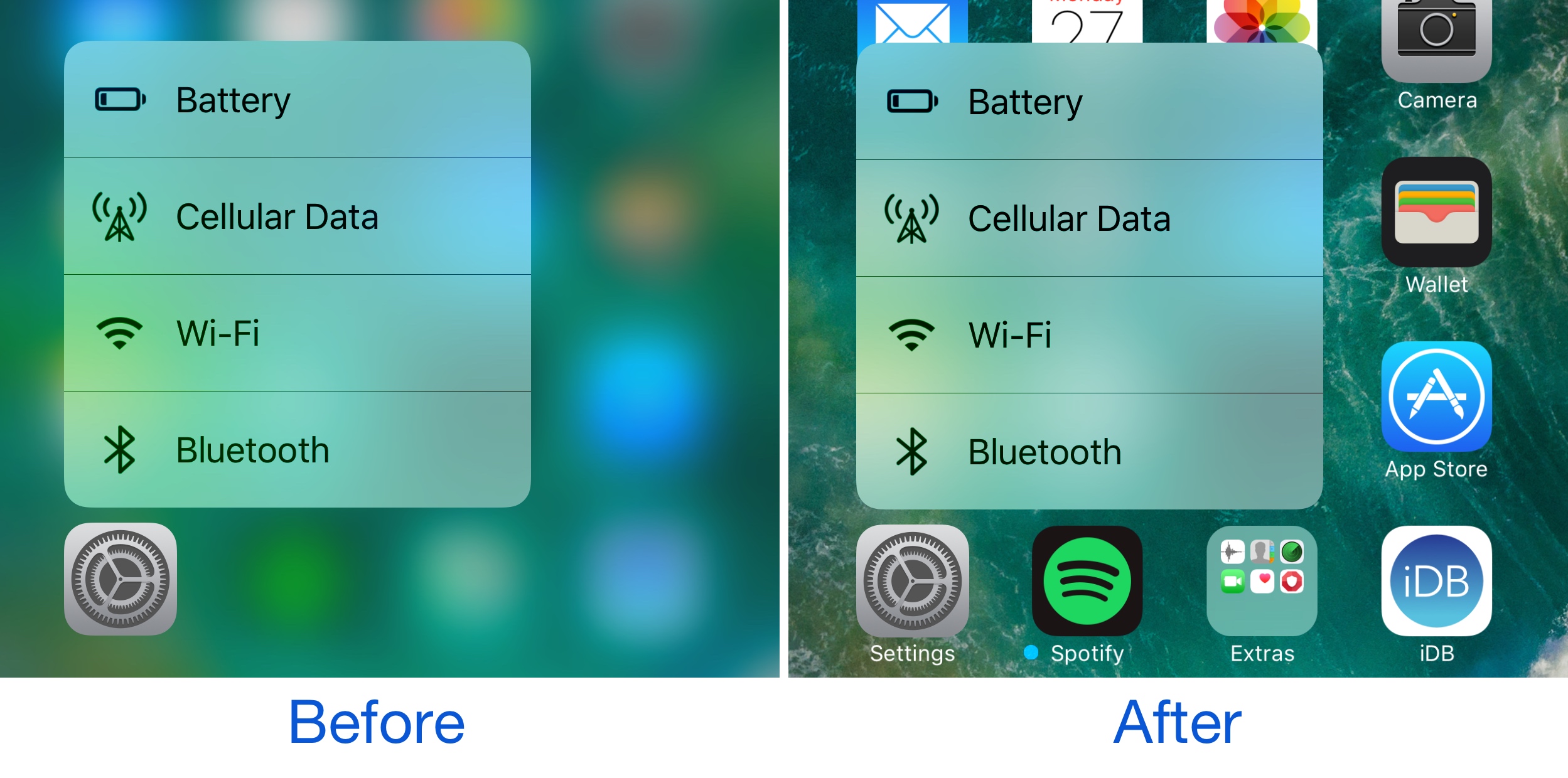
That’s where a new jailbreak tweak called Noctis9 comes in, as it brings a system-wide dark mode to various transparent elements of iOS, including, but not limited to Control Center and 3D Touch menus.

QuickDial Pro brings 3D Touch-based speed dial to your iPhone

we recently showed you a jailbreak tweak called QuickDial Lite, which allowed you to add speed dial-like features to the iPhone’s Phone app. The same developer has now just launched QuickDial Pro, which takes advantage of new features in the latest iPhones to make the tweak even cooler.

There are some notable differences between the free and paid versions of this jailbreak tweak, and we’ll show you everything you need to know to decide which one is the best fit for you.

Watch the videos from Apple’s ‘hello again’ event

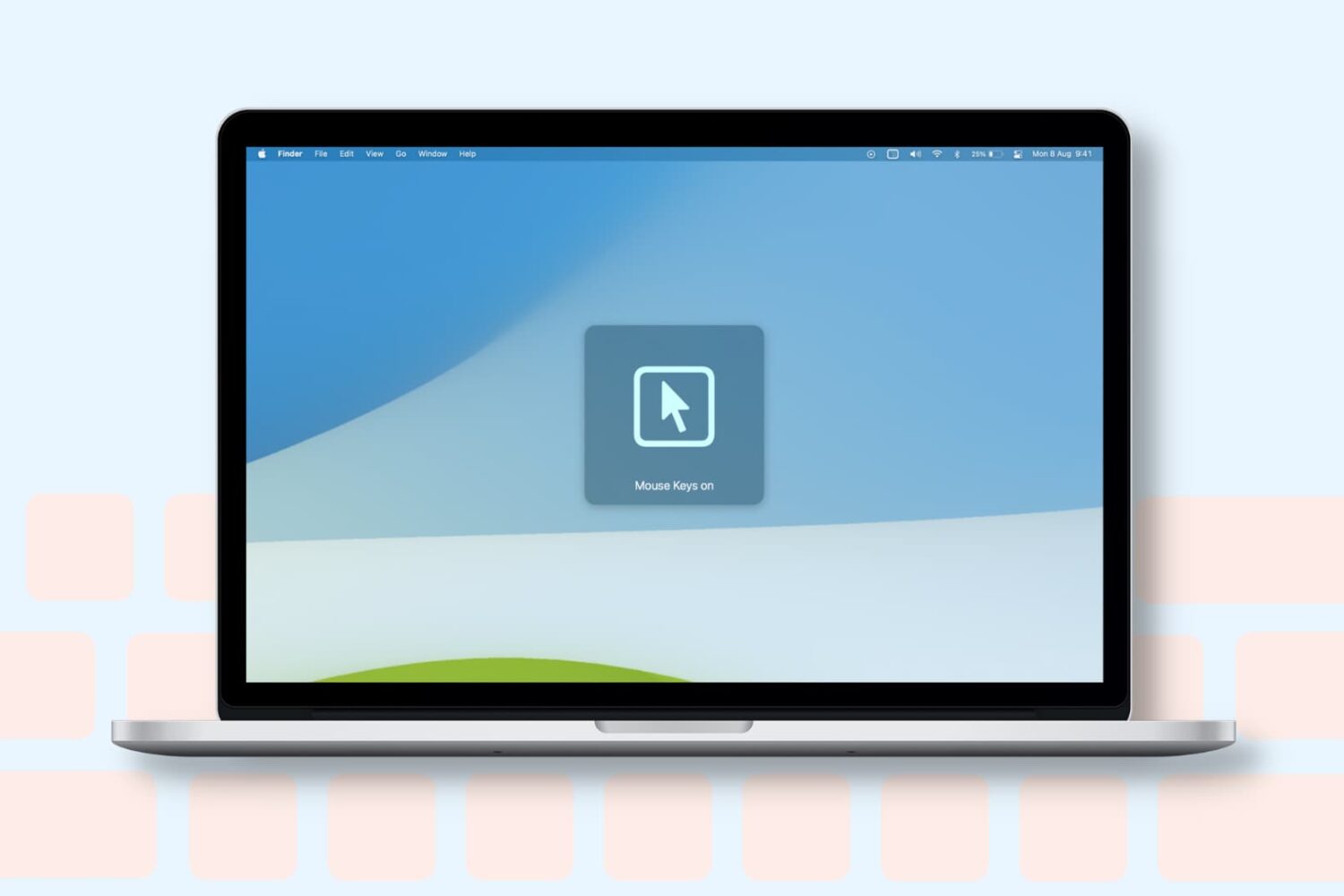
Apple has posted various videos shown during today’s 'hello again' Mac event to its YouTube channel. Included are clips highlighting Apple's commitment to Accessibility features and various MacBook Pro demos and promotional spots.

Of course you can watch a replay of the entire event, so folks that completely missed the keynote this morning may want to do that. But if you just want to get to the meat of the big announcements, these videos are a great starting point.