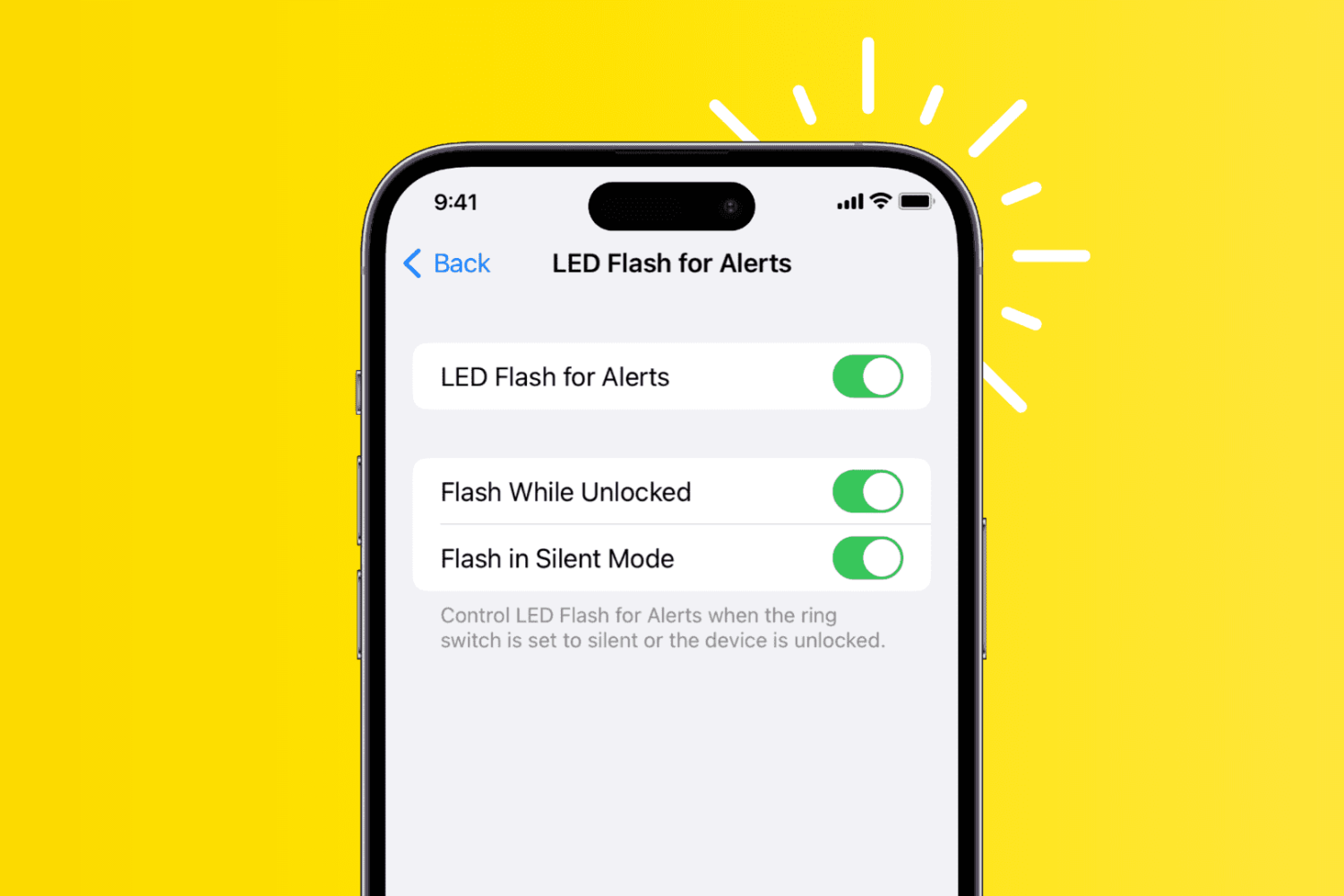
Use two simple tricks to lower your iPhone’s screen brightness even further than what’s normally allowed using the brightness slider in iOS Control Center.
2 ways to lower iPhone screen brightness beyond the minimum
Use two simple tricks to lower your iPhone’s screen brightness even further than what’s normally allowed using the brightness slider in iOS Control Center.
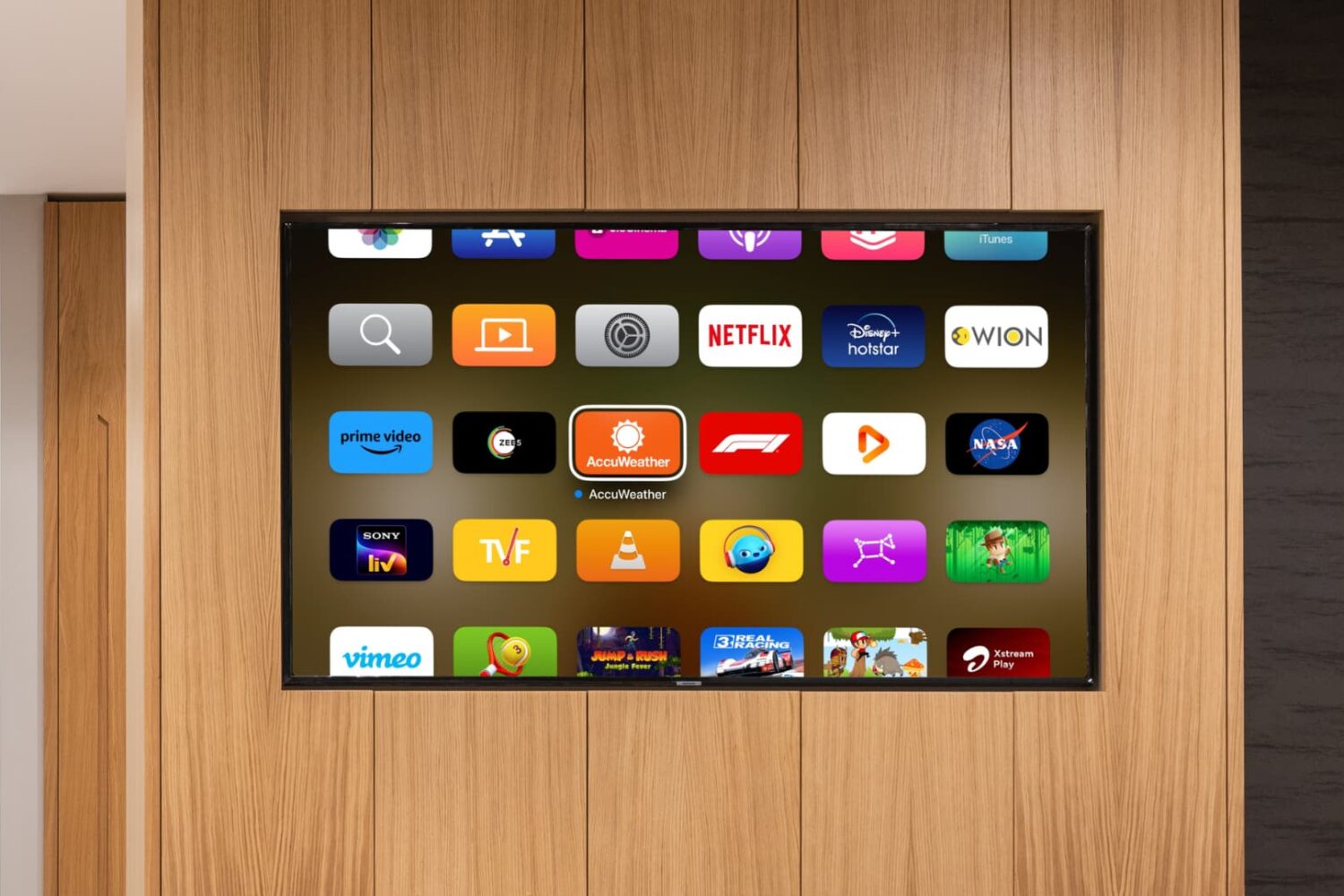
In this tutorial, you will learn how to turn on a high-contrast cursor on your Apple TV with just a few taps to better see select content and text.
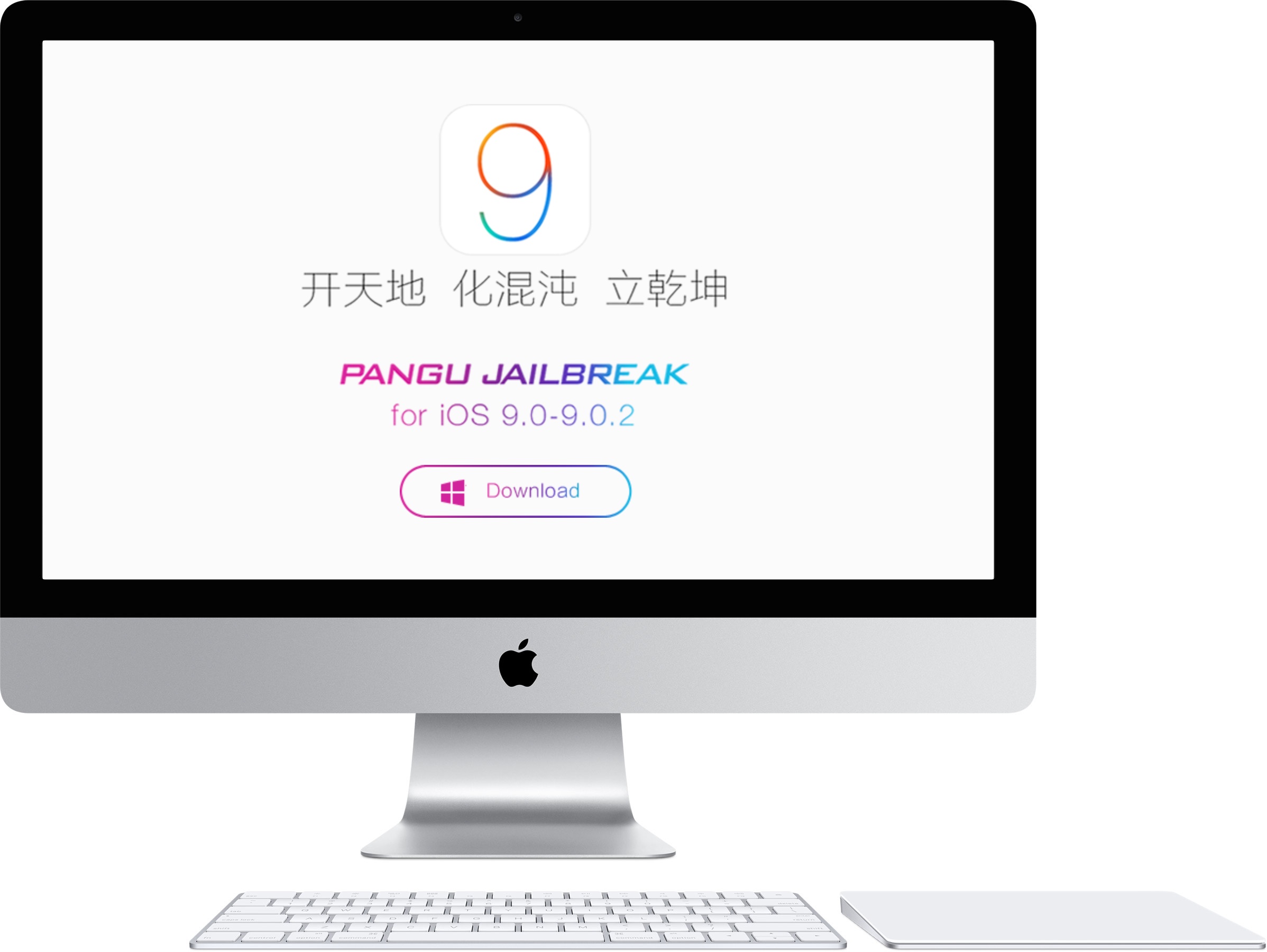
If you're running a Mac, you'll need a virtual machine running Windows in order to jailbreak using OS X. In this tutorial, I'll show you how to create a Windows virtual machine and how to jailbreak iOS 9 on your Mac. It's super easy, and takes less than 20 minutes to complete. Instead of waiting for a Mac tool, why not use a virtual machine and enjoy an iOS 9 jailbreak today?
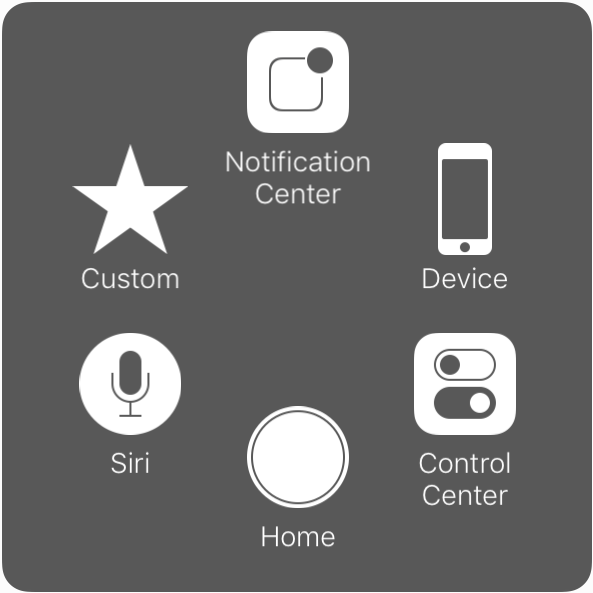
Introduced with iOS 5, AssistiveTouch is an accessibility feature that allows people with physical disabilities to perform various tasks using alternative on-screen buttons and gestures to simplify usage of the device.
Building up on an already robust set of accessibility features for its products, Apple has introduced new customization options for AssistiveTouch in iOS 9.
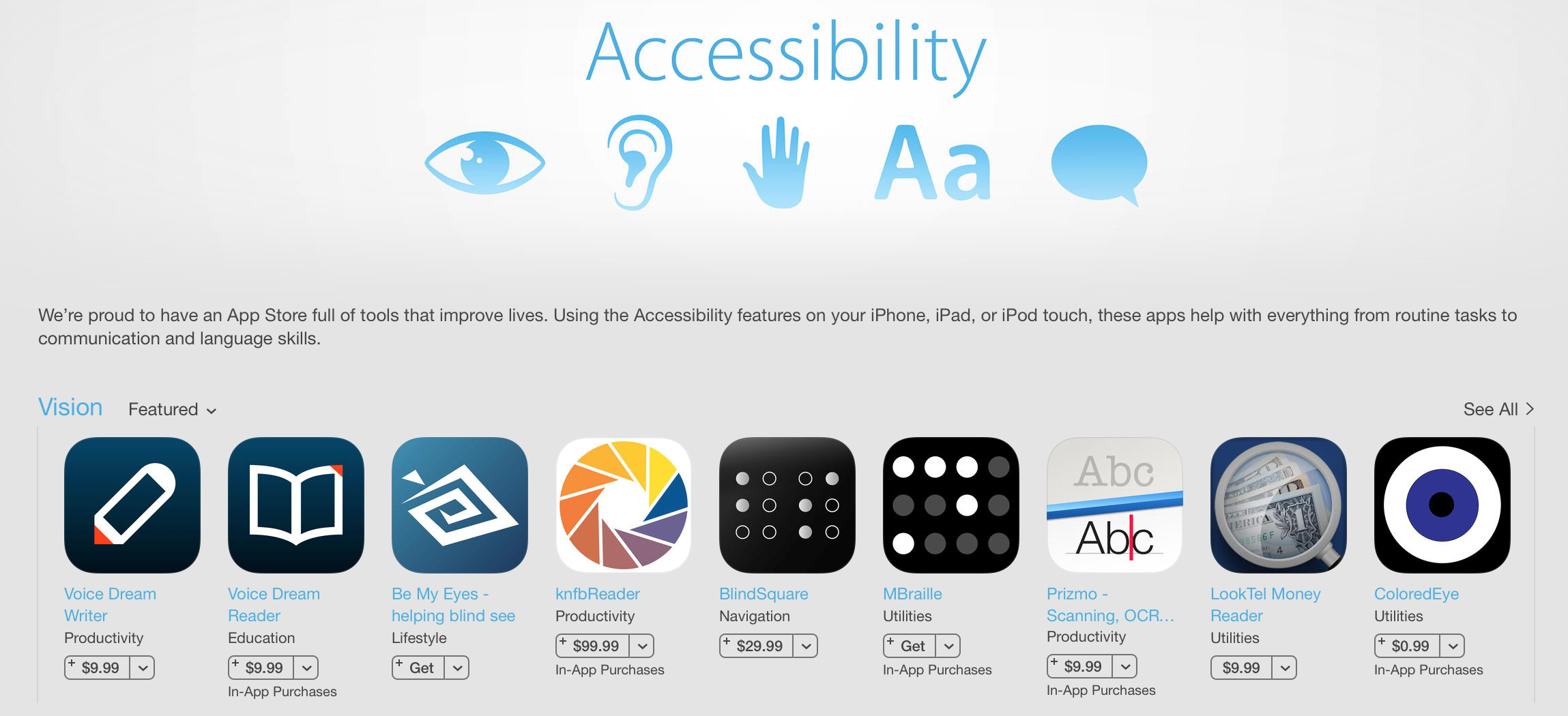
To celebrate the 25th anniversary of the Americans with Disabilities Act, Apple has begun highlighting apps with specialized accessibility features. The curated section features apps such as TapTapSee, Color Identifier and more.
Apple has long been praised for its efforts to ensure iOS devices can be used by those with various disabilities, including vision, hearing and motor skill impairments. It also regularly spotlights third-party accessibility applications.
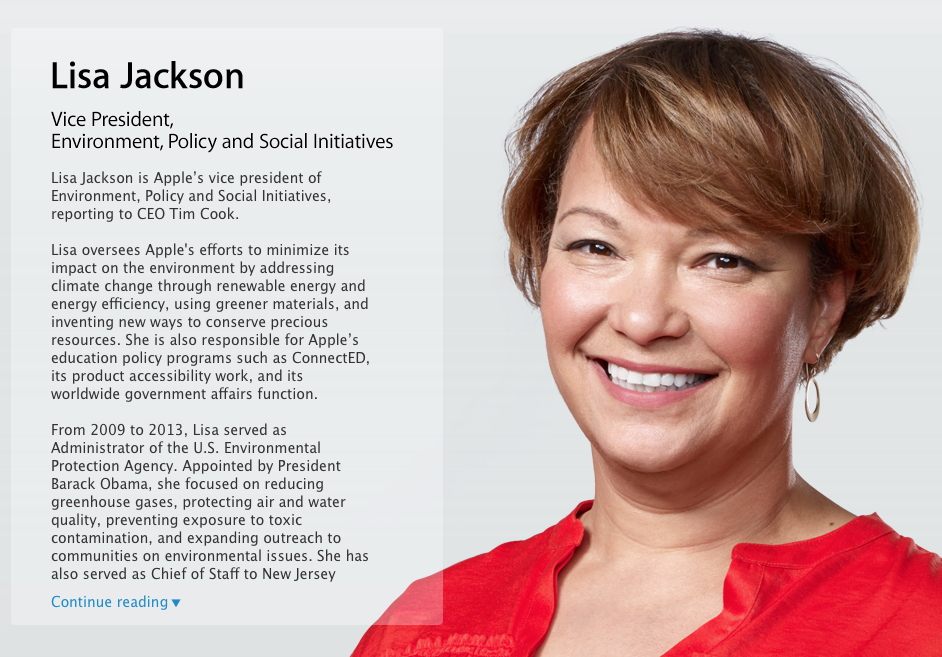
Apple on Tuesday quietly announced the promotion of Lisa Jackson, formerly the VP of environmental affairs, to a new lead policy position. As noted by The Washington Post, Jackson's bio on the company's website now reads Vice President, Environment, Policy and Social Initiatives.
In her new role, Jackson will not only continue to oversee Apple's efforts to minimize its impact on the environment, but she will also be responsible for the company's education policy programs such as ConnectED, its product accessibility work, and its worldwide government affairs.
In honor of Global Accessibility Awareness Day, Apple has begun highlighting apps with specialized accessibility features. The curated section features apps such as Instapaper, which offers text-to-speech, and Workflow, which can automate complex tasks, and is featured on the front page of the App Store.
Apple has long been praised for the accessibility features in iOS. Grammy Award-winning artist, who has been blind for most of his life, famously took time out of a concert to thank Steve Jobs and company for their work, saying "there’s nothing on the iPhone or the iPad that you can do, that I can’t do."
Enhance your Apple Watch experience by standardizing app icon sizes, making it easier and more intuitive to tap and navigate through your apps.
Apple's VoiceOver technology has impressed the American Foundation for the Blind enough to award the company its Helen Keller Achievement Award for “breakthroughs in accessible technology.”
Part of Apple's rich set of accessibility features available across Mac, iPhone, iPad and iPod devices, VoiceOver for OS X and iOS is a gesture-based screen reader that lets visually impaired users navigate their devices via spoken word and gestures.
The organization has recognized not only VoiceOver, but other features that make the iPhone, iPad and other iOS devices accessible to people with vision loss.
I currently have two machines running Yosemite: one is a brand new Retina iMac, and the other is an older MacBook Air. Both these machines have been feeling incredibly slow in regards to general animations of the User Interface. One obvious way to test this is to bring up Exposé, which then turns both my Macs into stuttering slugs. While I can kind of understand why my old MacBook Air would behave like this, there is absolutely no excuse for my iMac to. Talking about this issue with someone at the Apple Store, I was offered an original workaround.
Dropbox, the hot cloud-storage startup which a few years back turned down an acquisition offer from Steve Jobs, on Monday gave its mobile client for the iPhone and iPad significant new accessibility improvements to make sure it’s simple to get stuff done if your vision or hearing is impaired.
Based on both Dropbox's own customer research and feedback from the AppleVis community, the improved software makes it easier for people with disabilities to use the app with Apple's VoiceOver feature when logging in to Dropbox, navigating actions within the app and more.
The new accessibility features will be rolling out to users later today, the company said.
Dropbox is a free download from the App Store.
Over the years, both iOS and OS X platforms have adopted a number of great accessibility features to help tailor how Apple's mobile and desktop devices work for people with disabilities.
If you're color blind or have low vision, a brand new Accessibility option in iOS 8 replaces the colors with a range of gray shades from white to black, as used in a monochrome display or printout.
That's not all, as iOS 8 includes additional screen zoom options and more. I've detailed this changes for you right after the break...