On older iPhones, Reachability can be used by tapping the Home button twice.
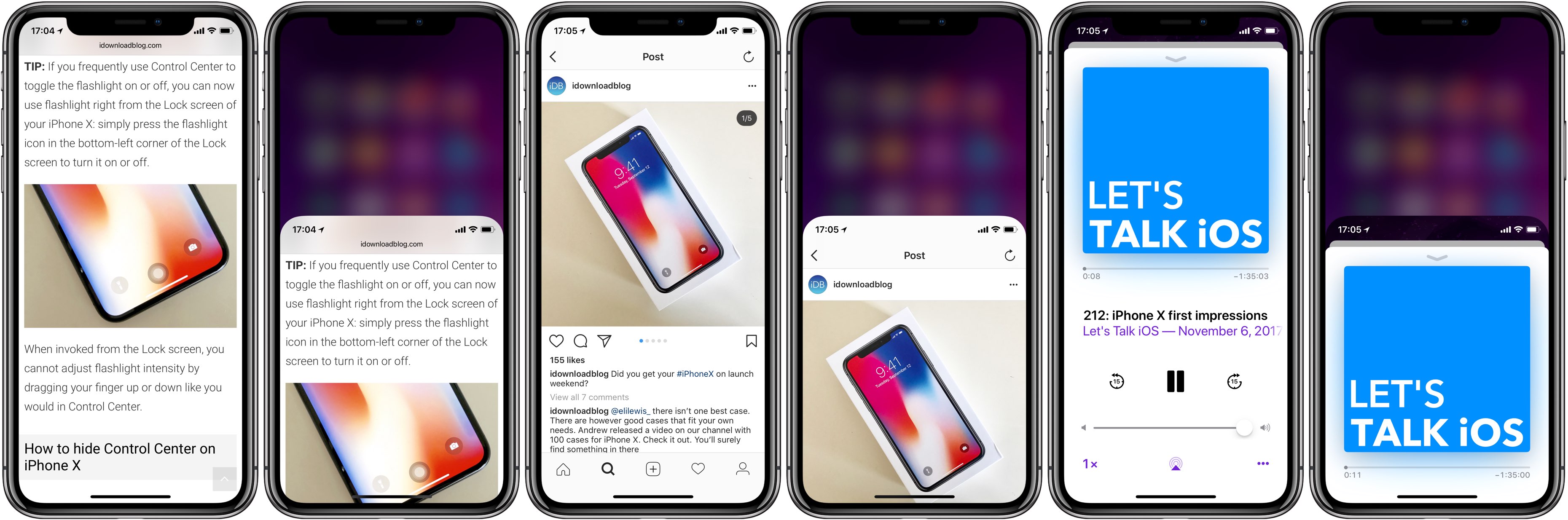
Tip: here’s a much more fun way to invoke Reachability on iPhone X
On older iPhones, Reachability can be used by tapping the Home button twice.
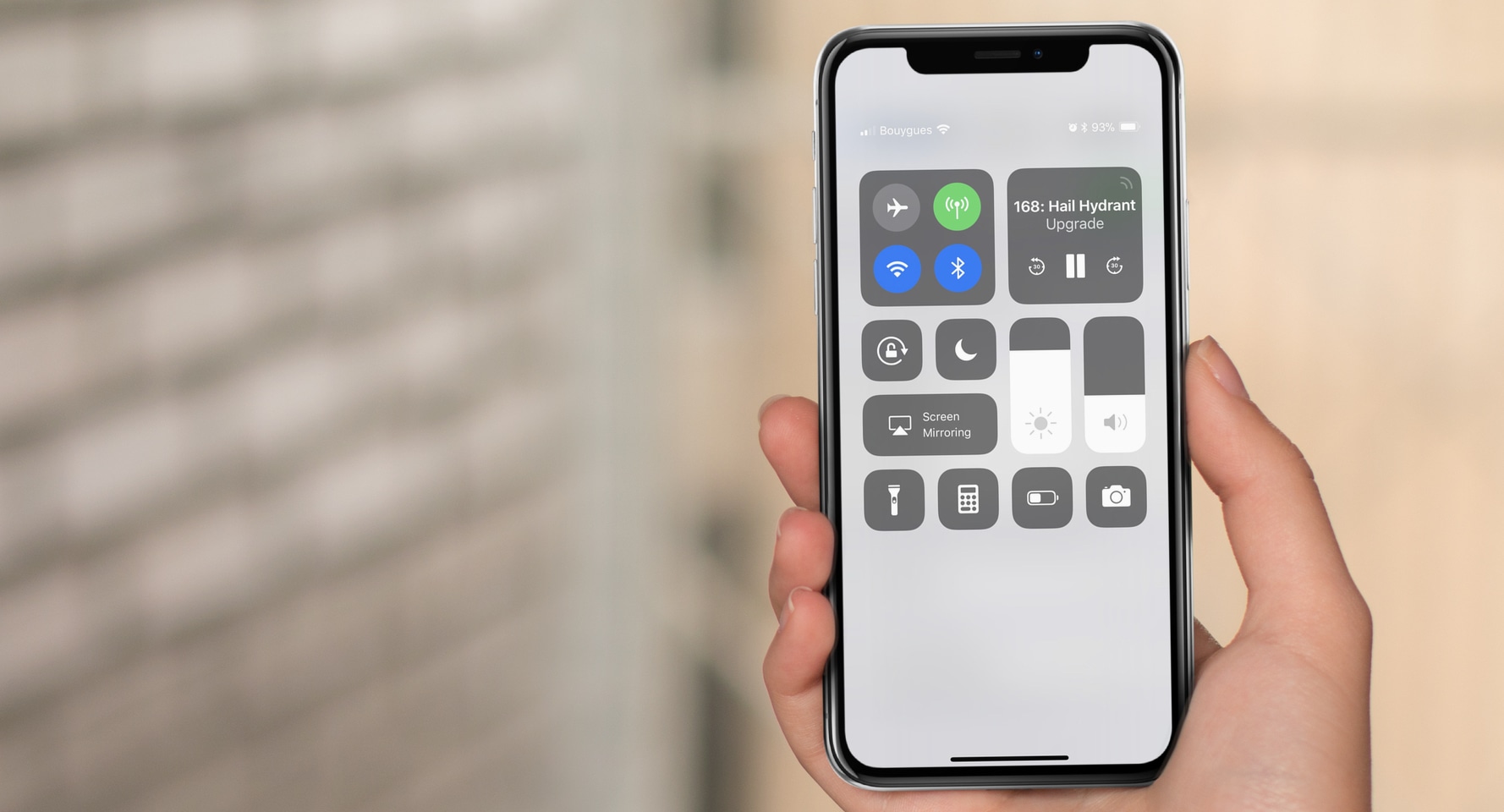
With its 5.8" screen, reaching the top of the iPhone X is kind of a stretch, especially if you're trying to grab that top right corner to pull down Control Center. Unless you have Shaq-sized hands, chances are your fingers can reach that high up.

Learn how to turn off the Tap to Wake feature to stop your iPhone or iPad screen from waking when touched.
If you didn’t already know, you could navigate to Settings → General → About on your iPhone or iPad to discover a plethora of statistics about your device. Nevertheless, Apple limits what you can see and do here.
To change that, iOS developer ARX8x launched a new free jailbreak tweak called System Info. It expands upon the existing out-of-the-box statistics and also adds handy new features to the About page.
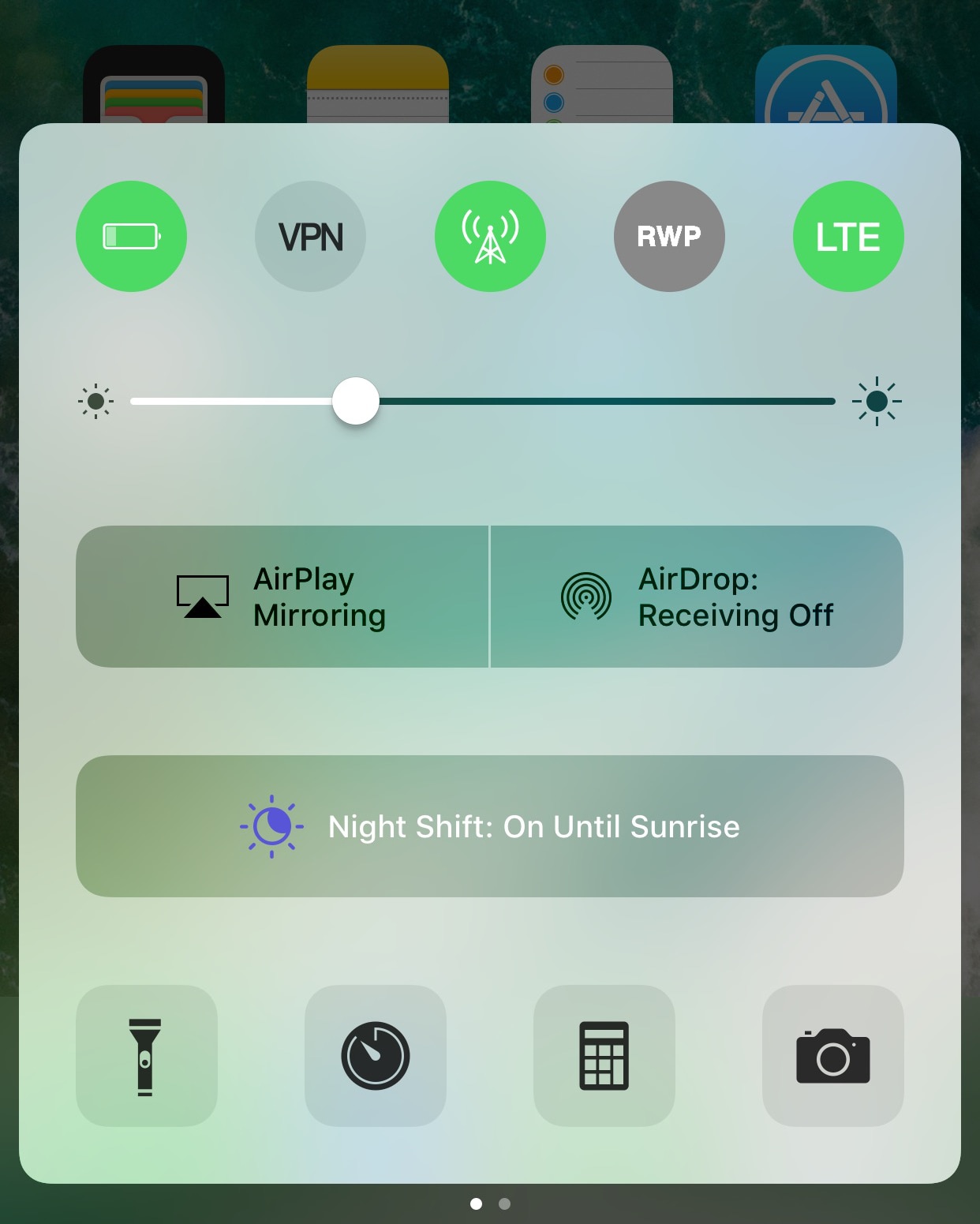
Did you know that your iPhone includes the Reduce White Point feature to mitigate eye strain? It can give your eyes a rest from the vibrant colors of your display, but setting it up can be a cumbersome process because it's buried so deeply in iOS' settings.
Enter a new free jailbreak tweak called Reduce White Point Flipswitch by iOS developer Erik E, which aims to make accessing Reduce White Point easier by implementing support for Flipswitch-enabled tweaks.
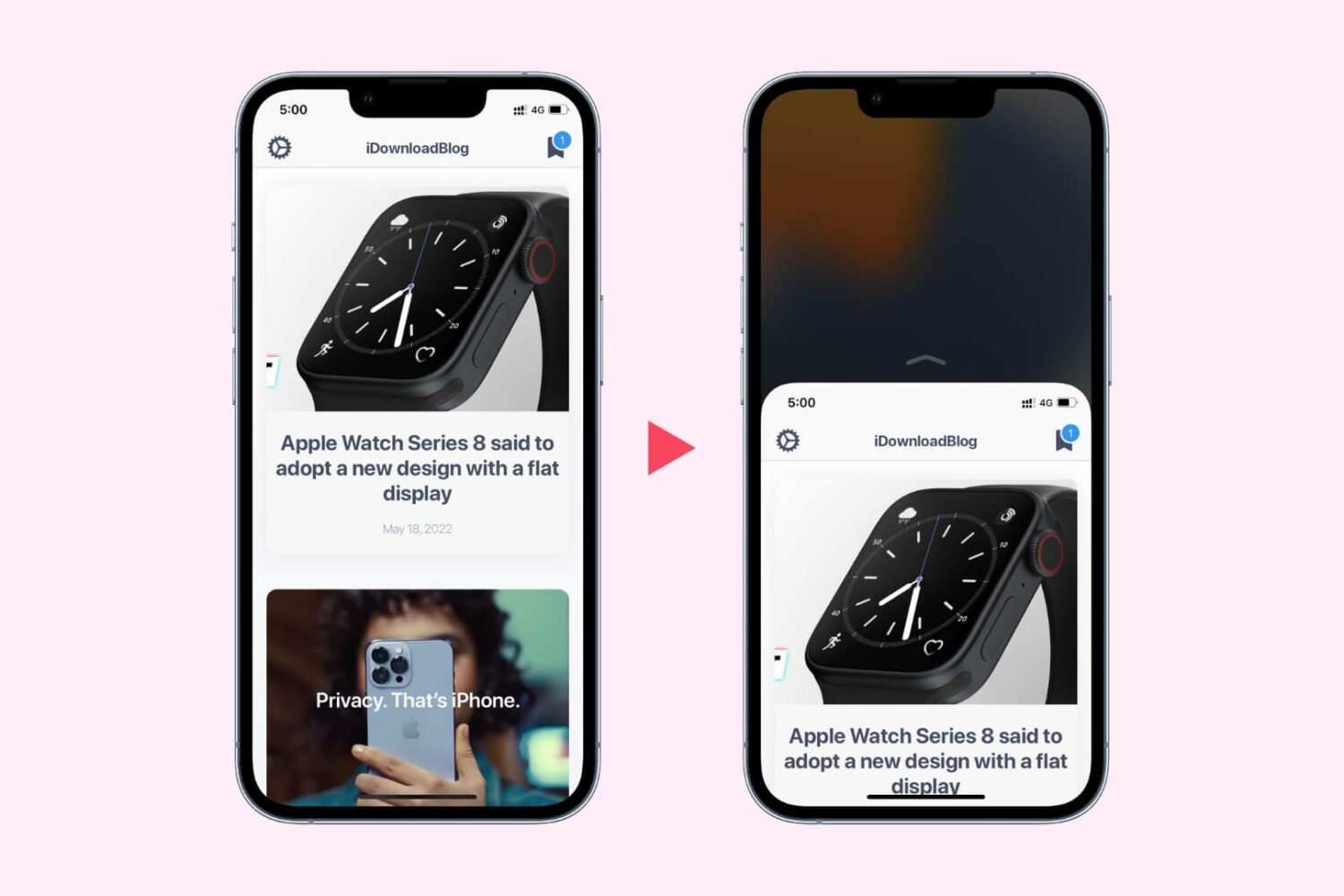
Learn how to use Reachability on your iPhone to easily reach the top of your screen when using your device with one hand.
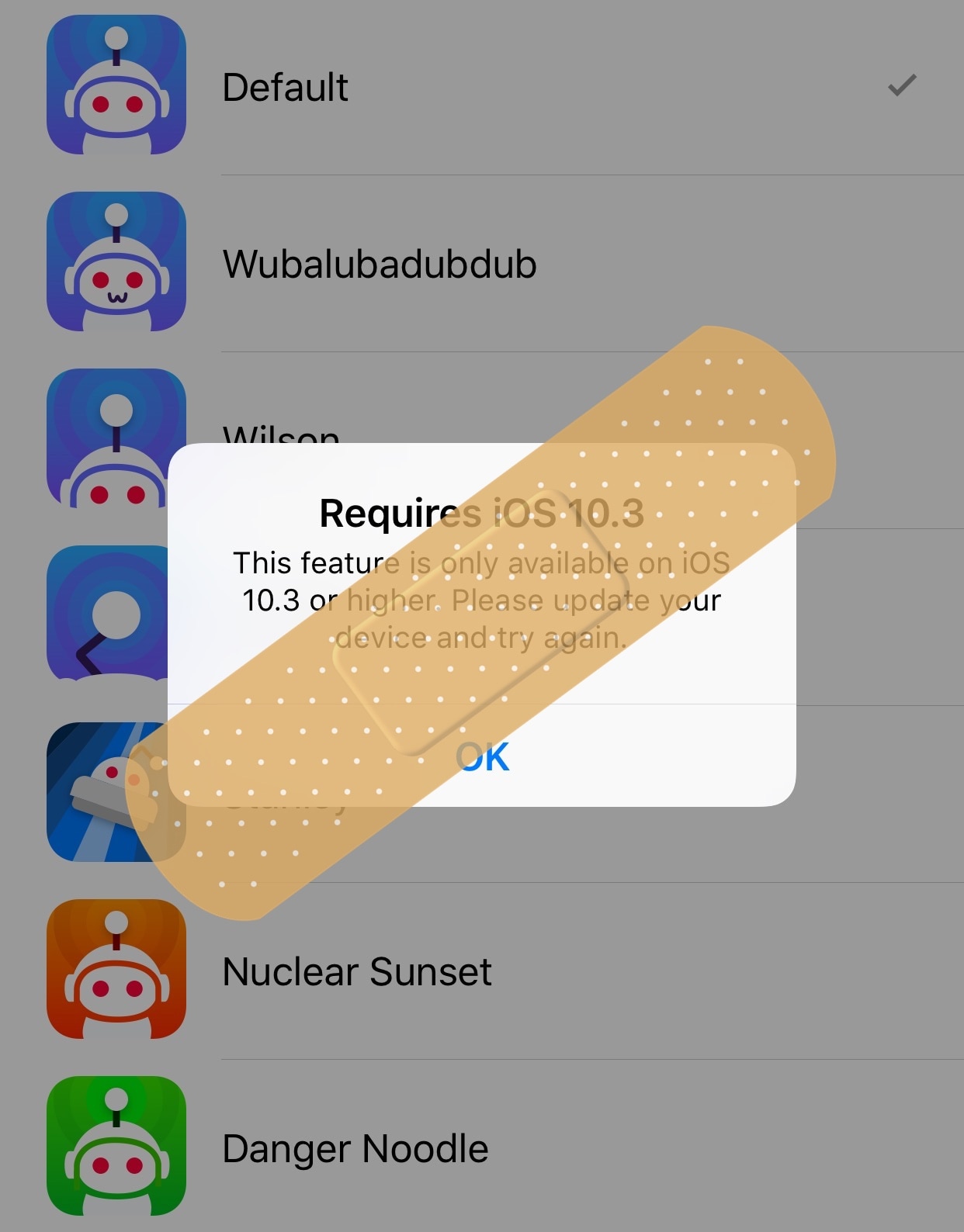
A plethora of Redditors are already content with the new Apollo client released earlier this week, but jailbreakers are learning that not every feature included in the app works on their devices because some require iOS 10.3 or later.
If you find yourself in this predicament, then you might want to try a new free jailbreak tweak called ApolloJustCompatible by iOS developer Squ1dd13, as it hides those features on devices that run earlier versions of iOS.
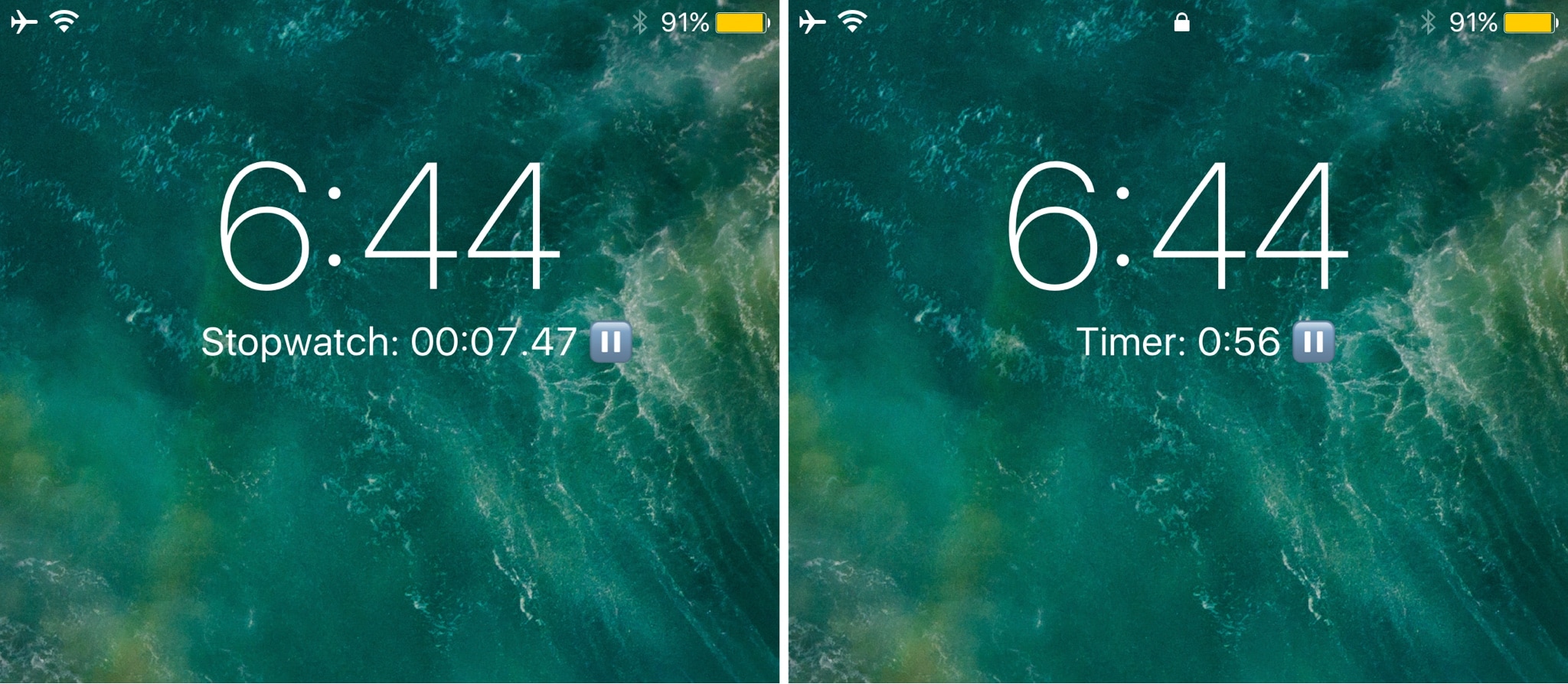
Are you one to use stopwatches or timers frequently? If so, then you might like the convenience of a new jailbreak tweak release called Simple Timer (iOS 10) by iOS developer NeinZedd9.
This tweak speeds up your access to handy stopwatch and timer functions from the Lock screen by letting you bypass the stock gestures in Control Center entirely.
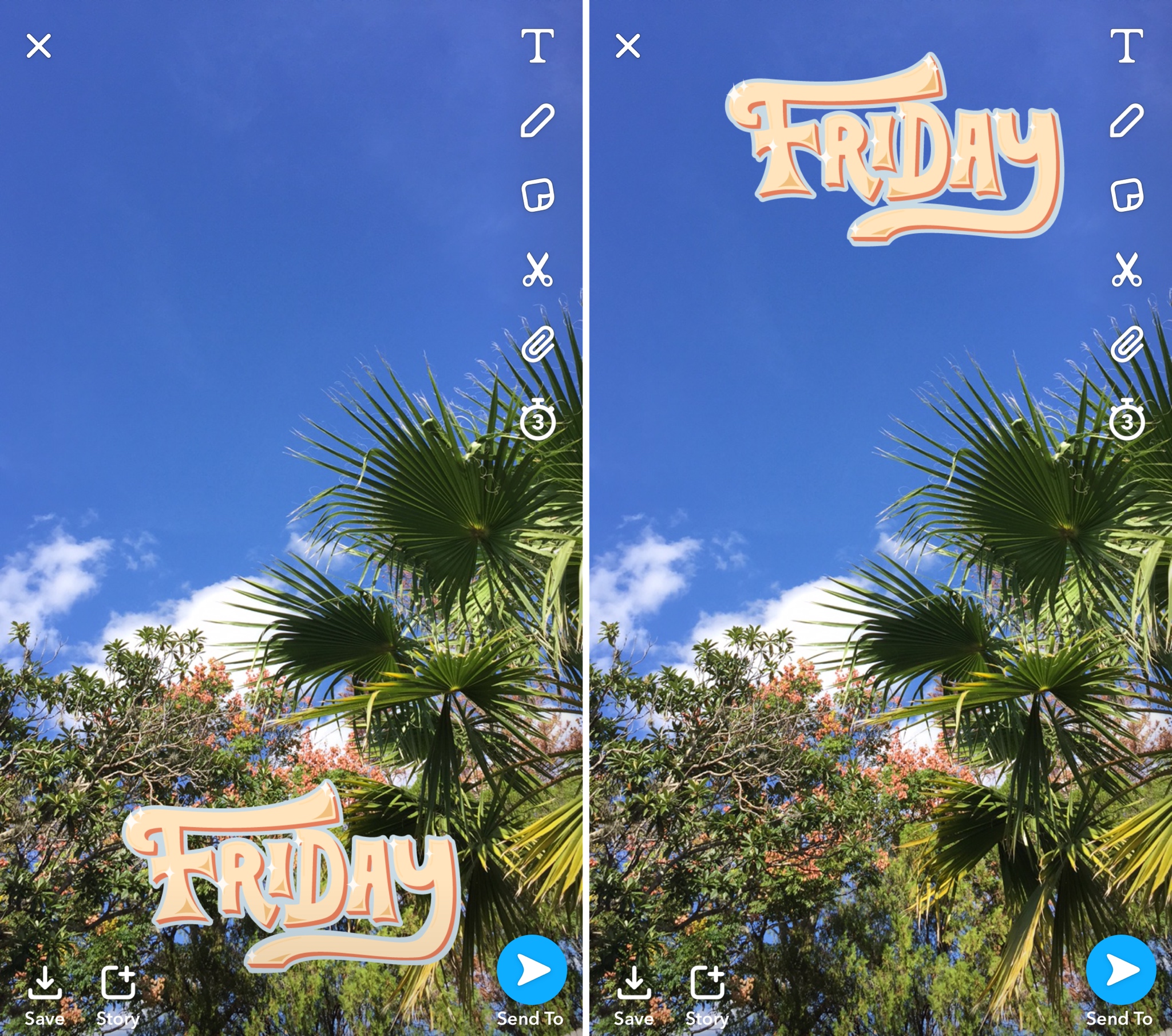
Most Snapchat users are accustomed to the Emoji and Filter features accessible in the app for supplementing your Snaps with further expression. On the other hand, Snapchat doesn’t provide users with as much freedom to move and transform filters as they do with Emojis.
A new free jailbreak tweak called SCFilterMover by iOS developer NeinZedd9 fixes that, giving you just as much filter plasticity as you already have with Emojis.
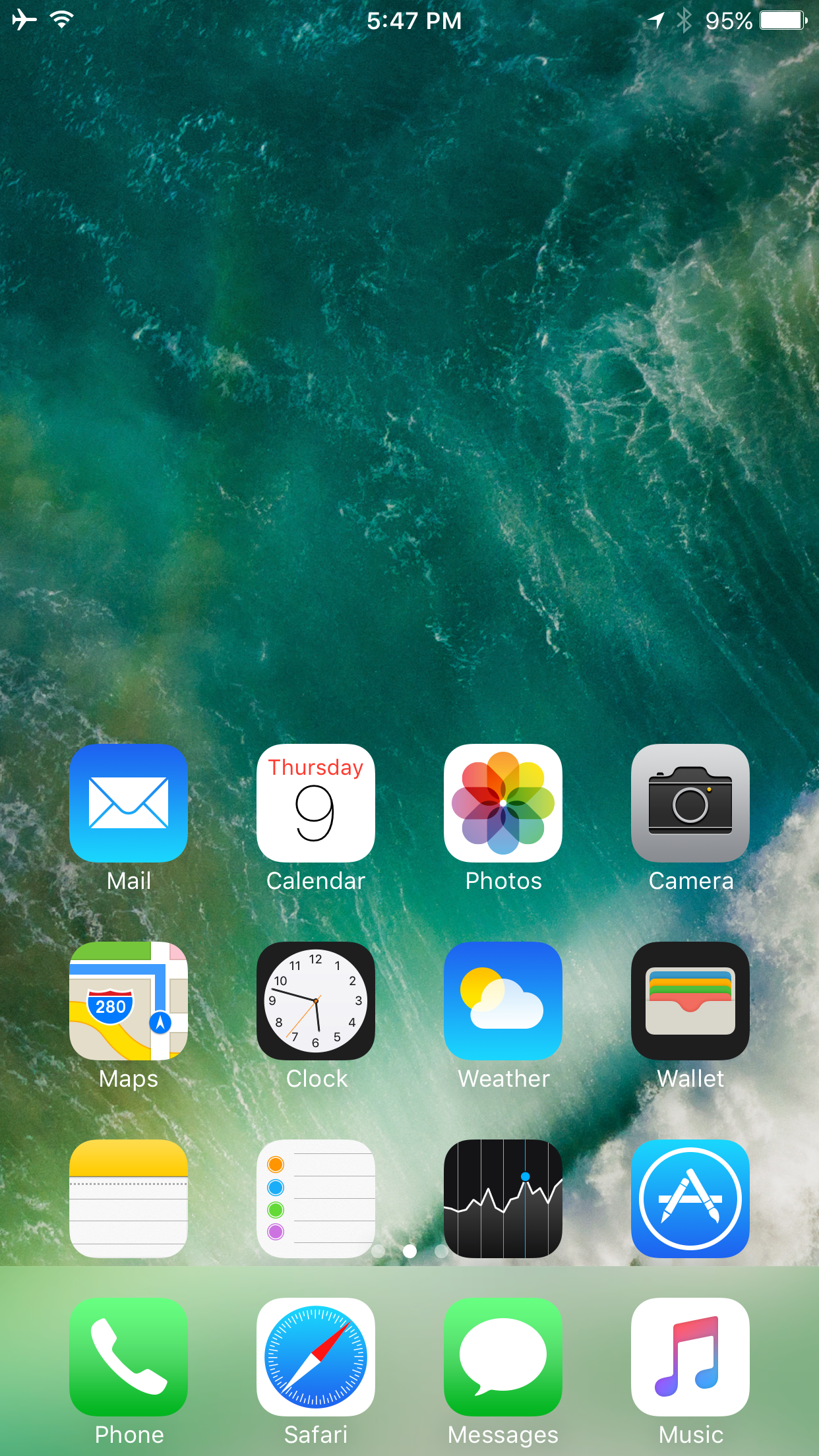
Apple's iOS 11 software includes a new Cover Sheet that combines notifications with your Lock screen wallpaper, but it currently clashes with Reachability, an accessibility feature that lets you reach the top of the screen by double-tapping the Home button.
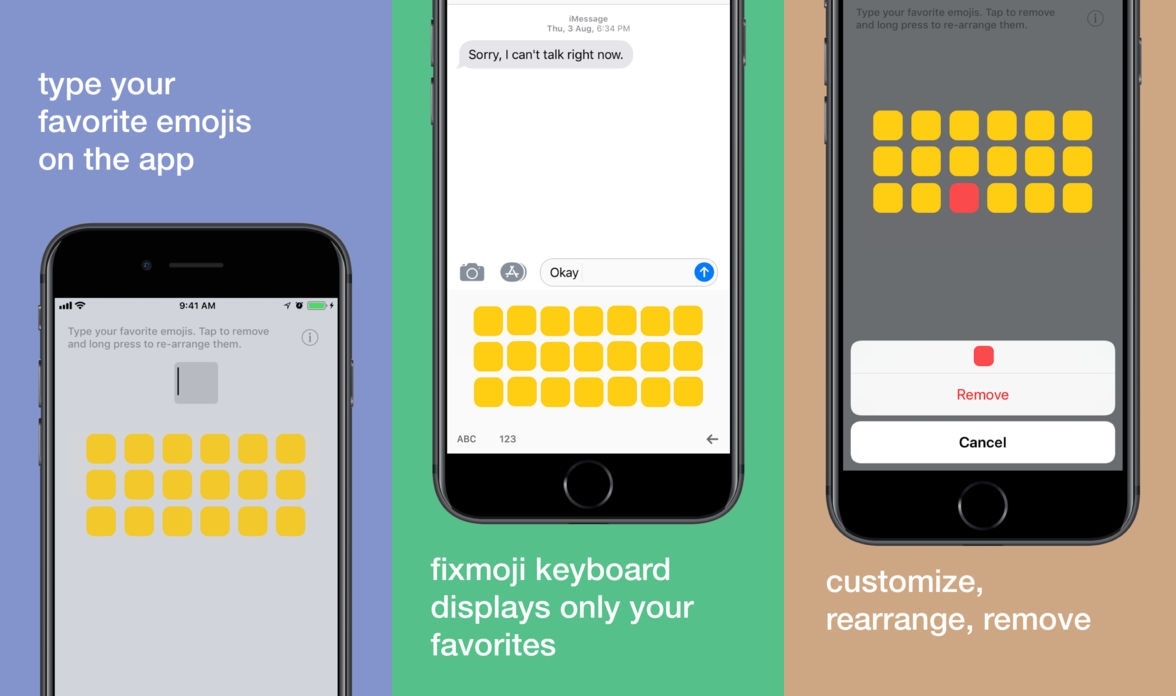
If you use iOS' Emoji keyboard regularly, then you should know by now that Apple dedicates the left side of the interface to recently-used Emojis. While useful for some, others often wish they could dedicate this section to manually-designated ‘favorite’ Emojis instead.
Enter Fixmoji, a new third-party keyboard app developed by former jailbreak tweak creator Raviraj Minawala. This keyboard lets users configure a separate database of their favorite Emojis and access them anytime on demand.
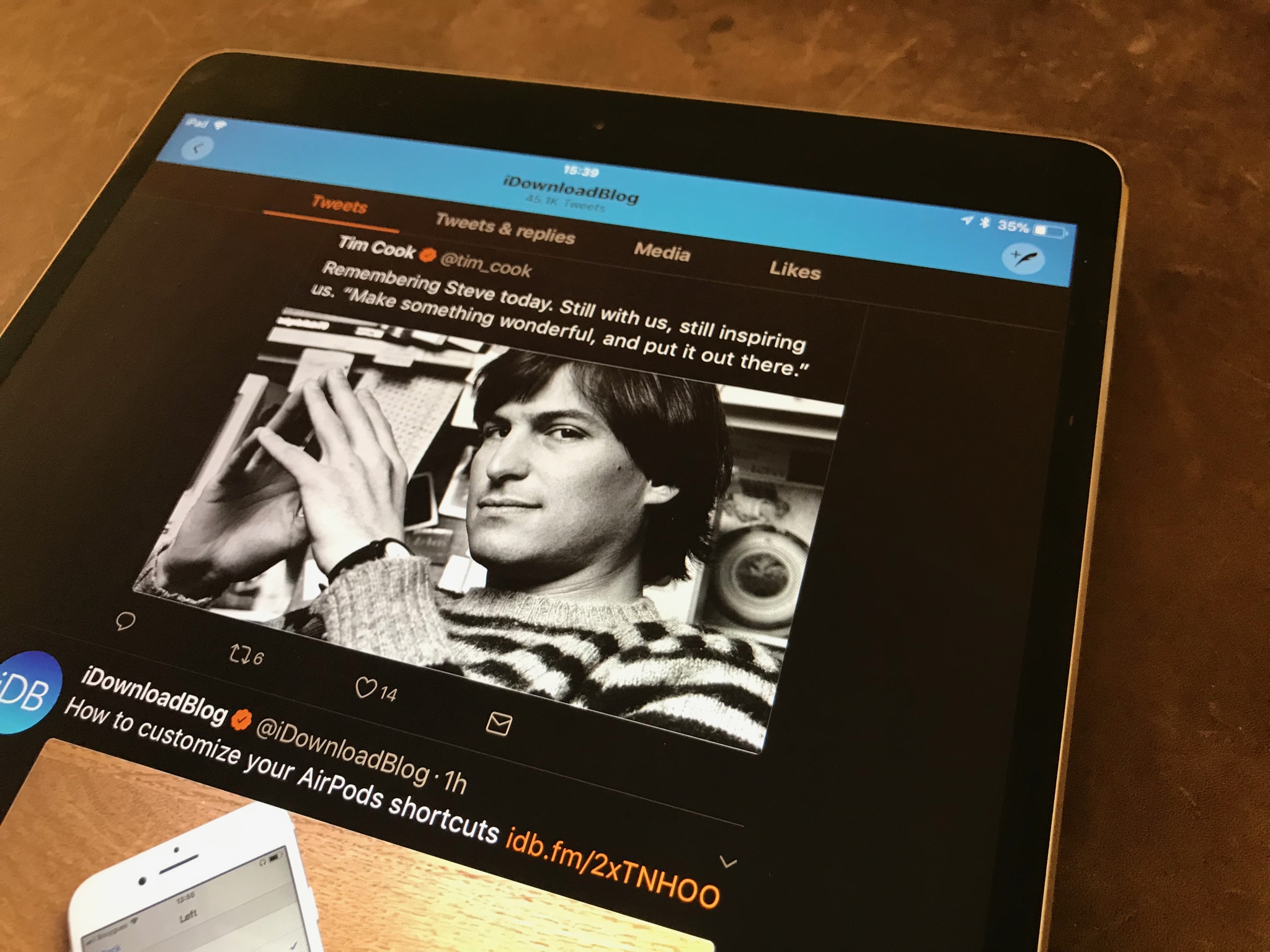
iOS 11's Smart Invert, which reverts the colors of the display while attempting to leave the colors of images and media intact, has been gaining some much-needed support from popular apps.