Learn how to customize the built-in Apple TextEdit app to efficiently create and edit both plain and rich text documents on your Mac.
How to customize TextEdit on Mac for maximum efficiency
Learn how to master your Apple devices with our comprehensive tutorials. From iPhone and iPad to Mac, Apple Watch, AirPods, and more, our expert guides will help you unlock the full potential of your Apple products. Discover new features, tips, and tricks each day to enhance your user experience.
Learn how to customize the built-in Apple TextEdit app to efficiently create and edit both plain and rich text documents on your Mac.
Learn how to customize the trackpad and mouse gestures on your Mac to enhance efficiency and boost productivity.
Learn how to use the built-in Dictionary app on your Mac to define words or phrases or even search for topics on Wikipedia.

Learn how to merge multiple iCloud calendars like Home and Family into one on your Mac for faster scheduling and increased productivity.
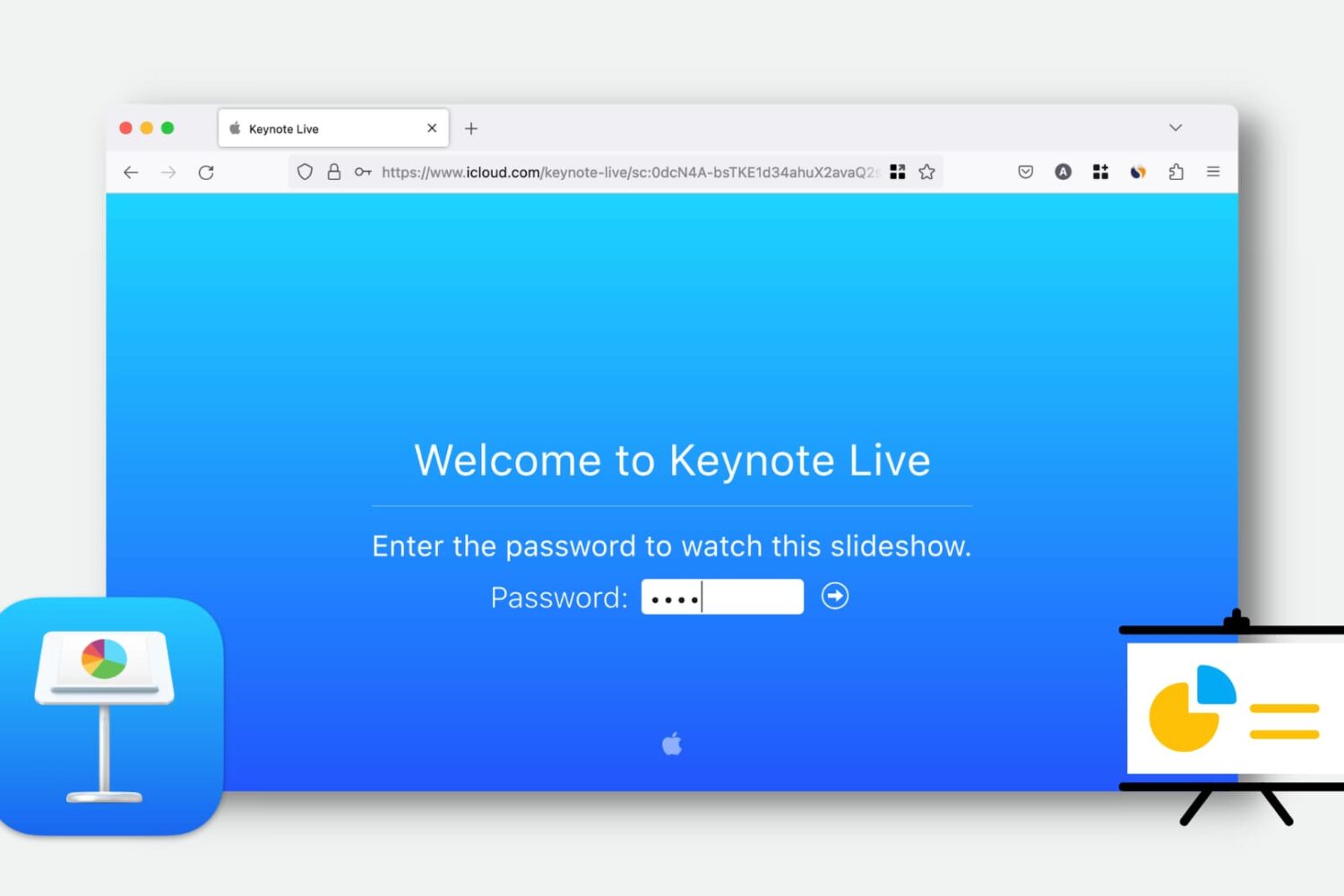
Learn how to use Keynote Live to effortlessly share your presentations online and engage your audience remotely.
This convenient feature lets you play your presentation over the web, so your viewers can watch it in their web browser or the Keynote app. We’ll show you how to use Keynote Live to share your slideshow from your iPhone, iPad, or Mac.
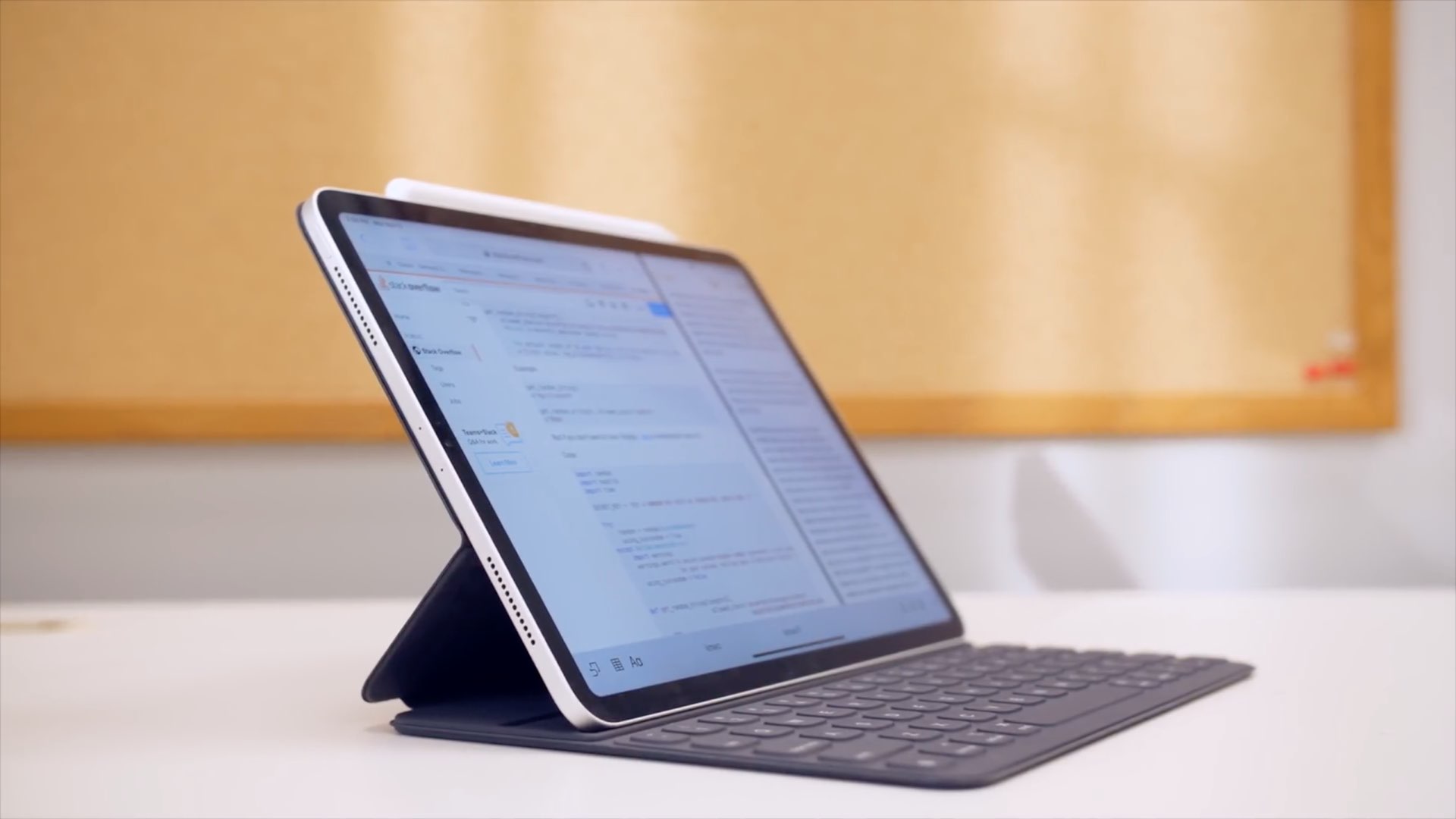
Learn how to navigate around iPadOS, select menus, click items, toggle buttons, scroll lists, and control your iPad by using the physical keyboard, with no screen touching required.

Whether you’re hanging out with friends or passing time alone, here’s how to have fun with photos and videos using the Apple Photo Booth app on your Mac.
Learn how to enhance your text documents on Mac by creating tables or lists in Apple’s TextEdit app.
If you rely side-loadable jailbreak tools such as Chimera, Electra, or unc0ver, then it’s important to understand the plethora of ways you can install them on your iPhone or iPad. While methods such as AltStore, Cydia Impactor, and third-party signing services like Ignition and iOS Ninja are some of the most popular, many tend to forget that you can use Apple’s own Xcode development platform on the Mac to accomplish this task.
The Xcode method came in clutch for me countless times when Cydia Impactor stopped working for an extended period and when all the best signing services had been revoked; to make matters worse, my handset's iOS version was too old to run AltStore. With that in mind, we’ll be sharing the Xcode method in this tutorial for fellow jailbreakers that find themselves in similar predicaments down the road.
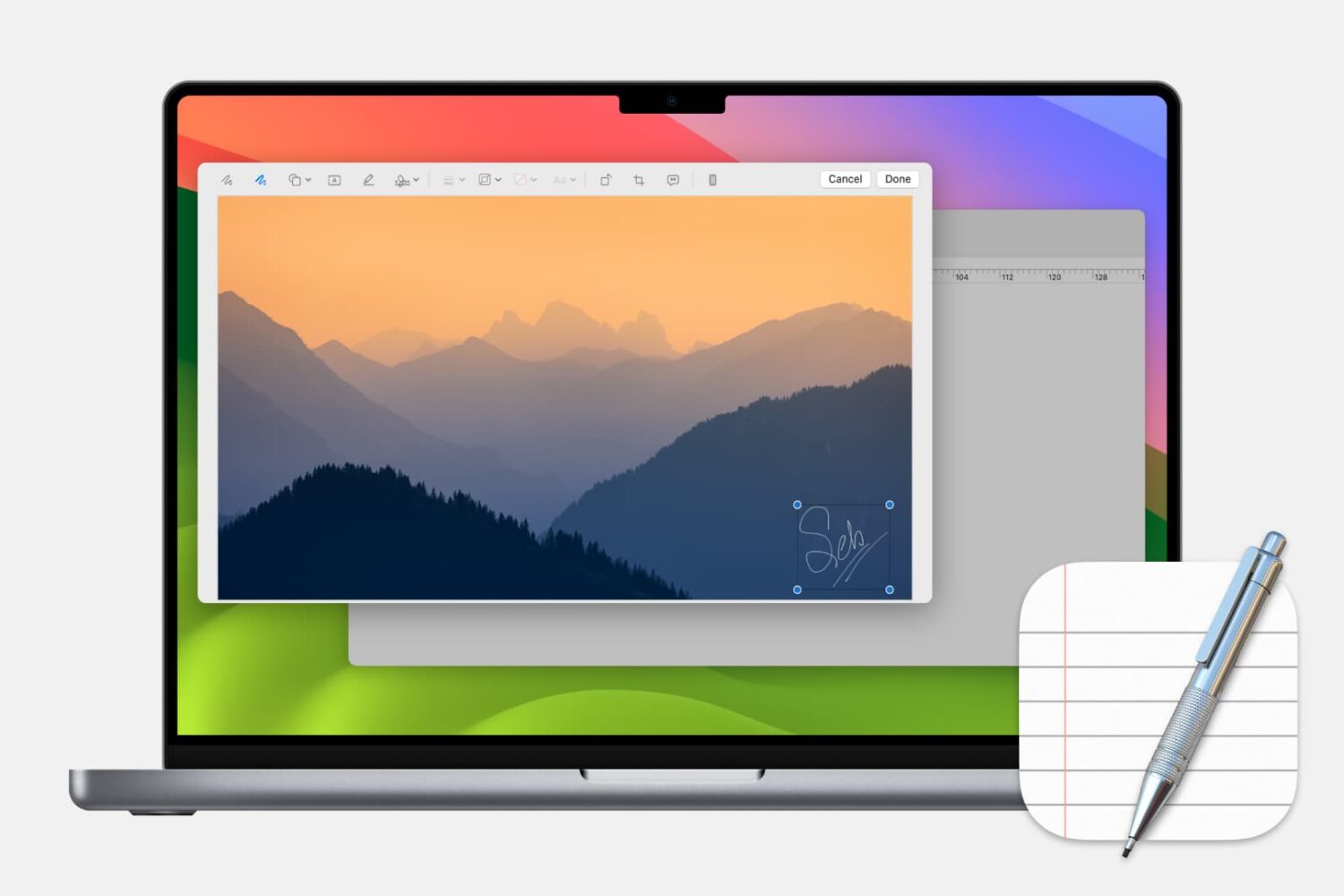
Learn how to add, edit, and annotate images in Apple’s built-in TextEdit app on your Mac to liven up a rich text document with some visuals.
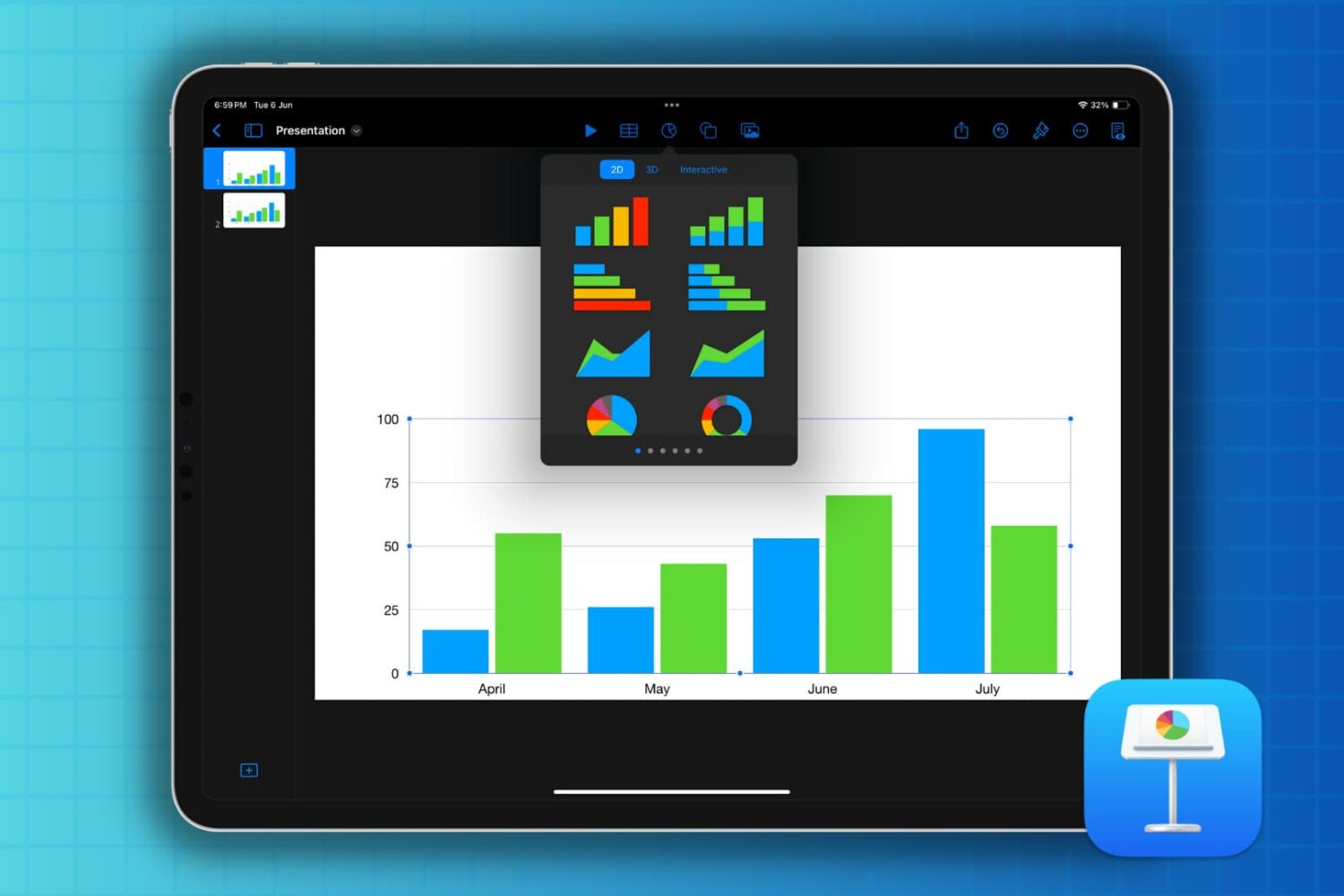
If you’re new to Keynote or simply the chart options, here’s how to create a basic chart or graph in the Keynote app on your Mac, iPad, and iPhone.
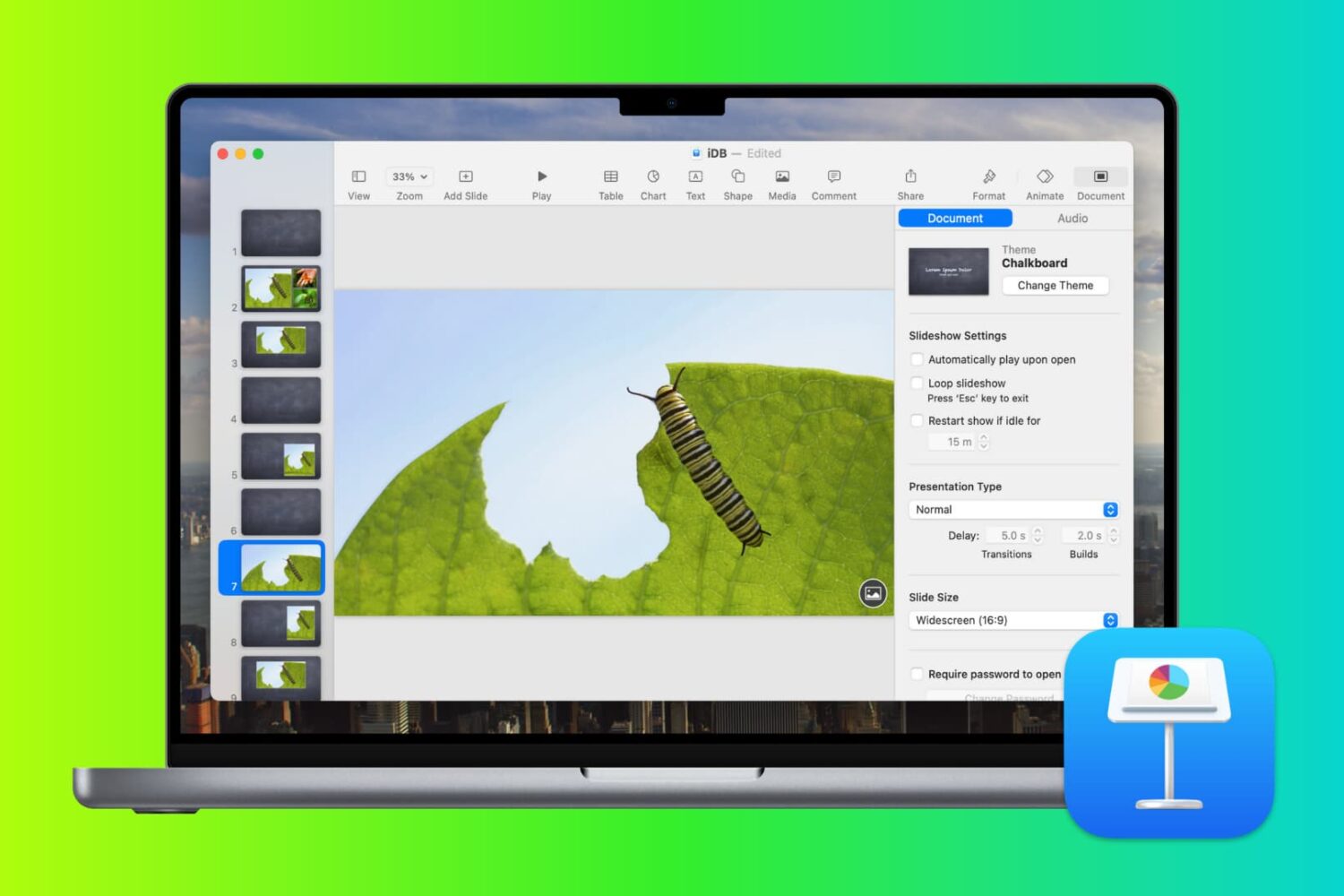
In this tutorial, we’ll guide you through the steps to create the perfect presentation using the free Apple Keynote app on your Mac, iPad, or iPhone.