Learn how to create reusable email templates in the Apple Mail app on Mac, and save time composing those frequently sent emails.
How to create and reuse email templates on Mac

Learn how to master your Apple devices with our comprehensive tutorials. From iPhone and iPad to Mac, Apple Watch, AirPods, and more, our expert guides will help you unlock the full potential of your Apple products. Discover new features, tips, and tricks each day to enhance your user experience.
Learn how to create reusable email templates in the Apple Mail app on Mac, and save time composing those frequently sent emails.
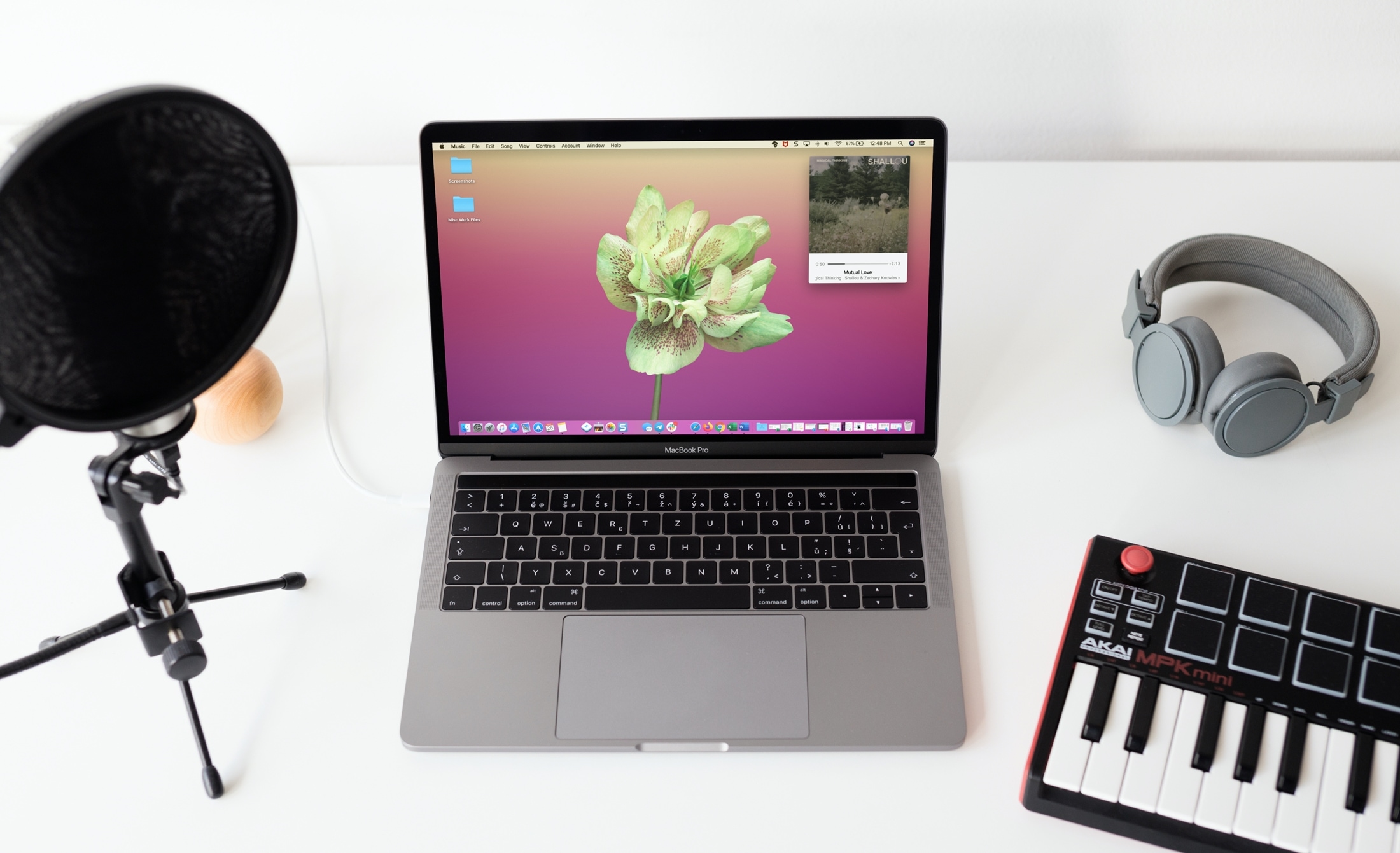
Learn how to use the Mini Player feature to turn the full Music app window into a tiny one that can even stay floating above all other app windows.
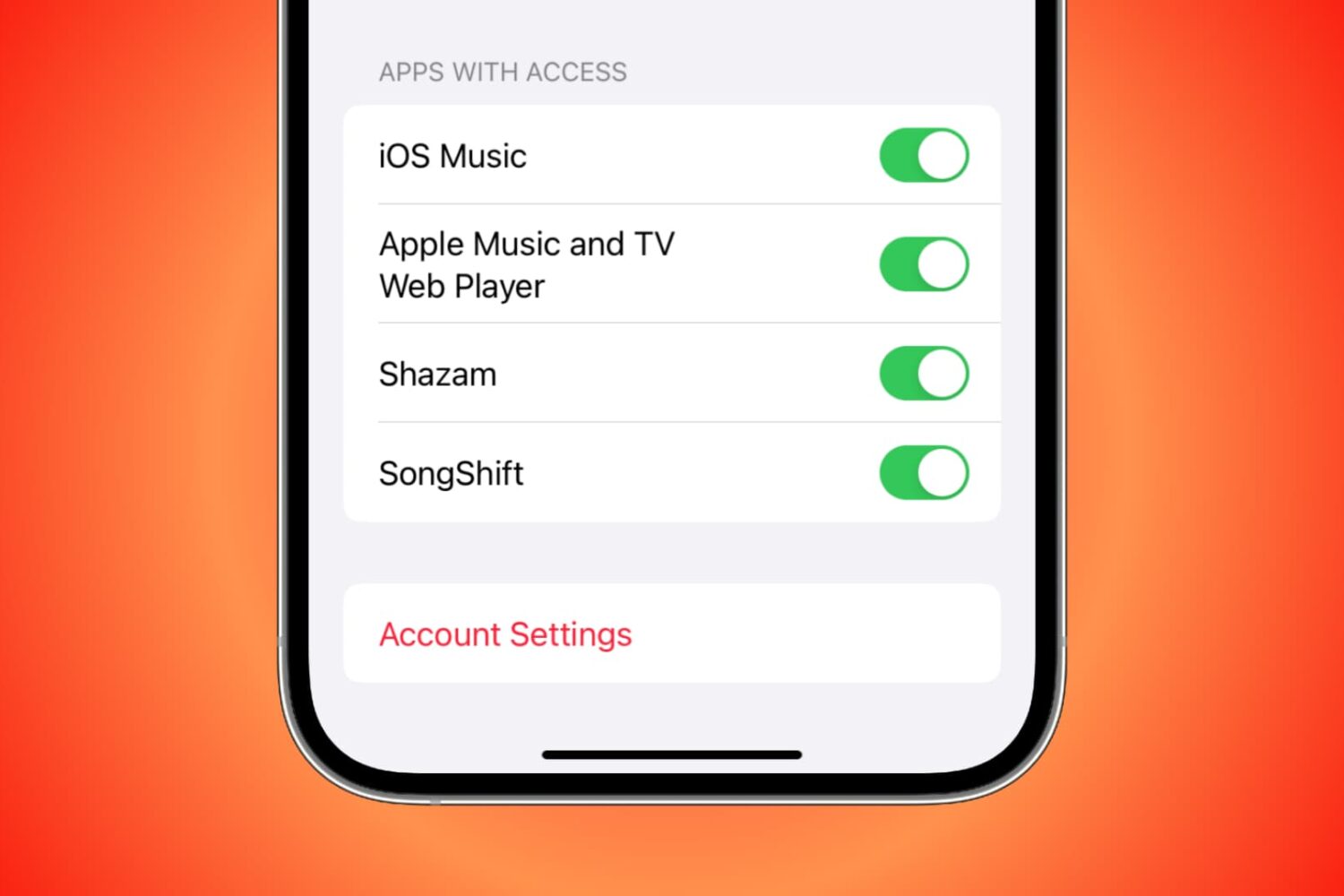
You can grant third-party apps and services access to your Apple Music for various reasons. For instance, you might allow Alexa access so you can play Apple Music on your Amazon smart speaker. But if there comes a time when you want to revoke access to an app or service for privacy or security reasons, you can do that easily by following the steps here.
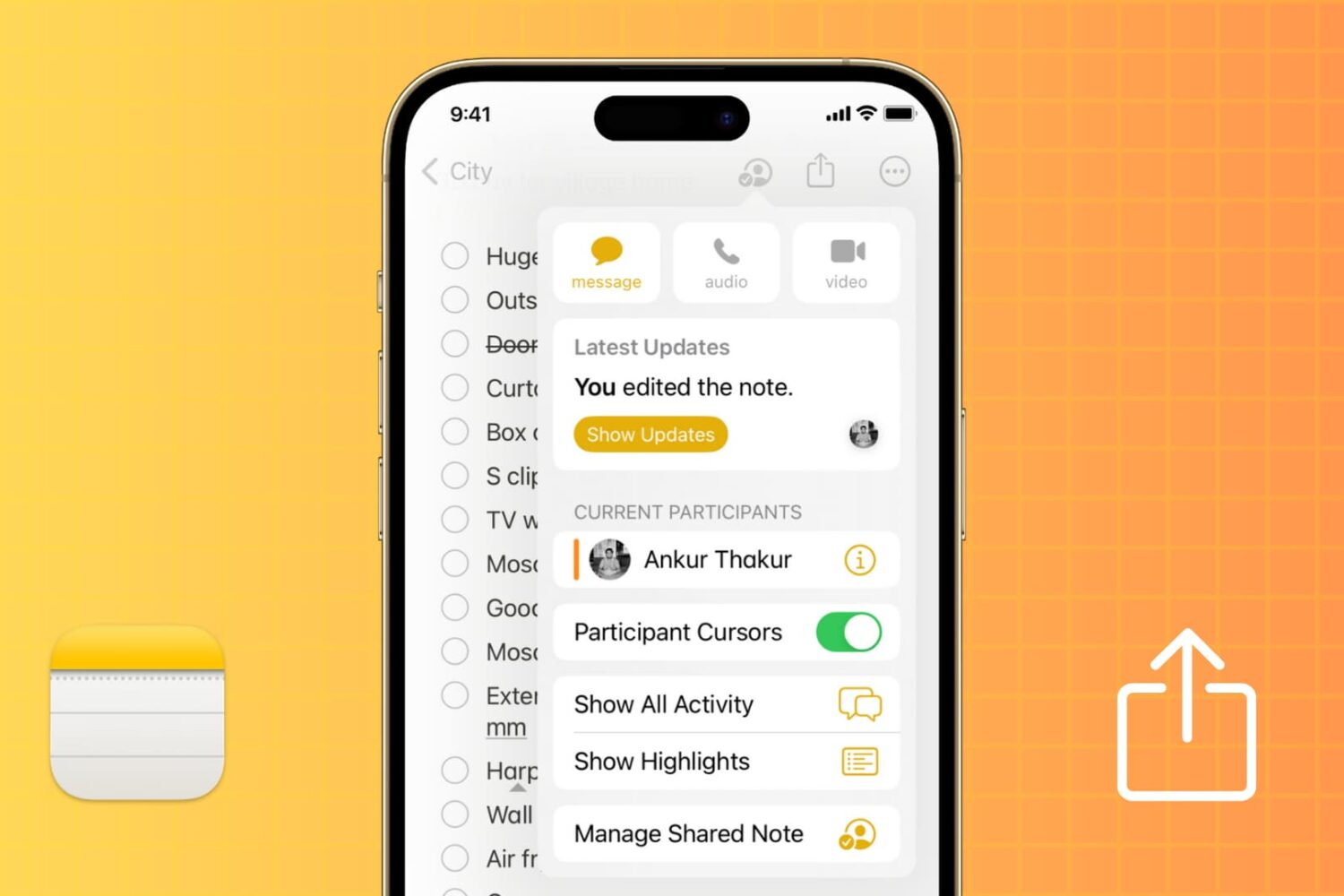
The Apple Notes app offers an easy way to share and collaborate on notes and folders. Whether you're using an iPhone, iPad, Mac, or accessing iCloud on the web, this tutorial provides a comprehensive guide on how to share, collaborate, and manage permissions for a seamless teamwork and project coordination.
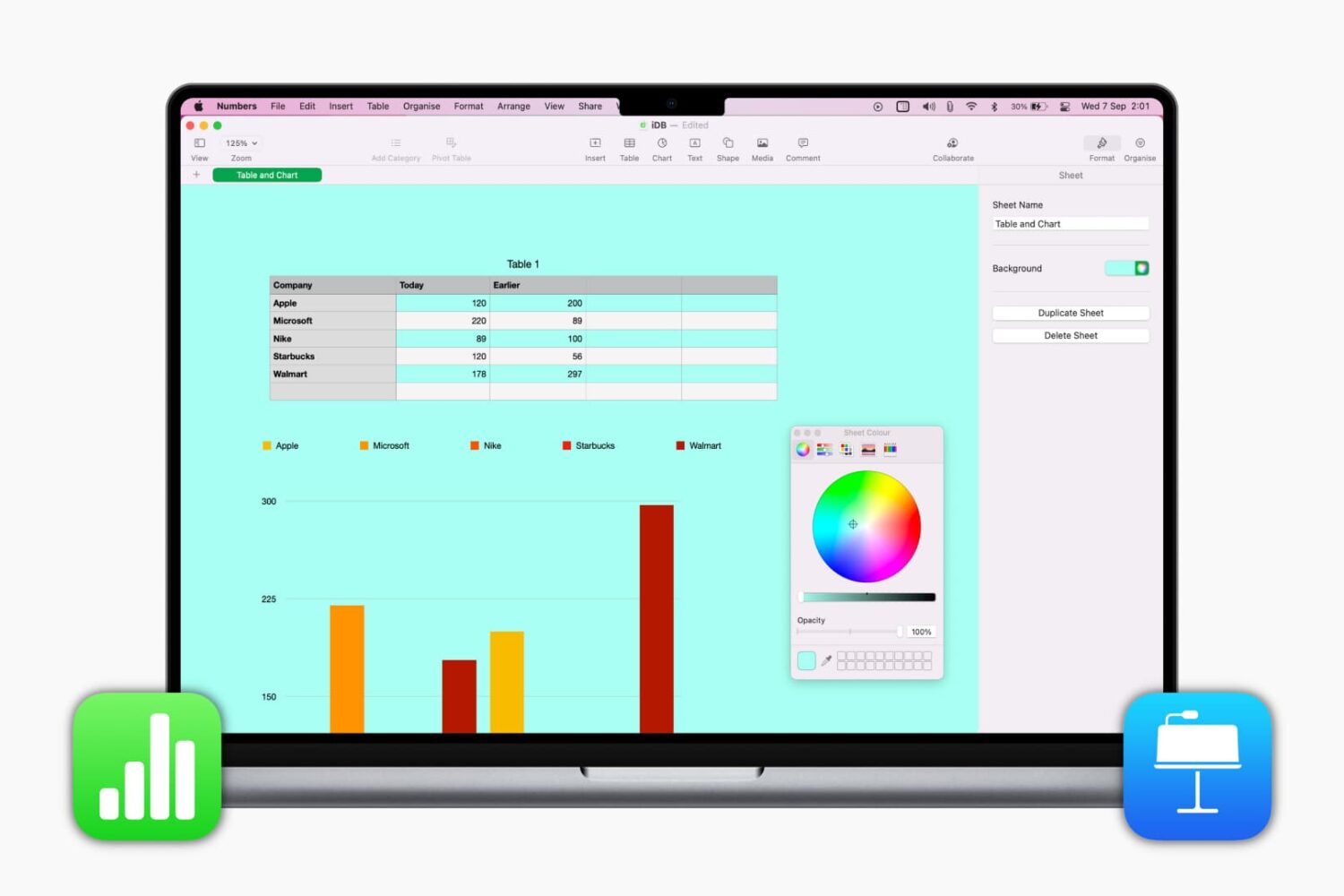
Learn how to change the background color of your spreadsheet or presentation slide in Numbers and Keynote to spruce up your documents.
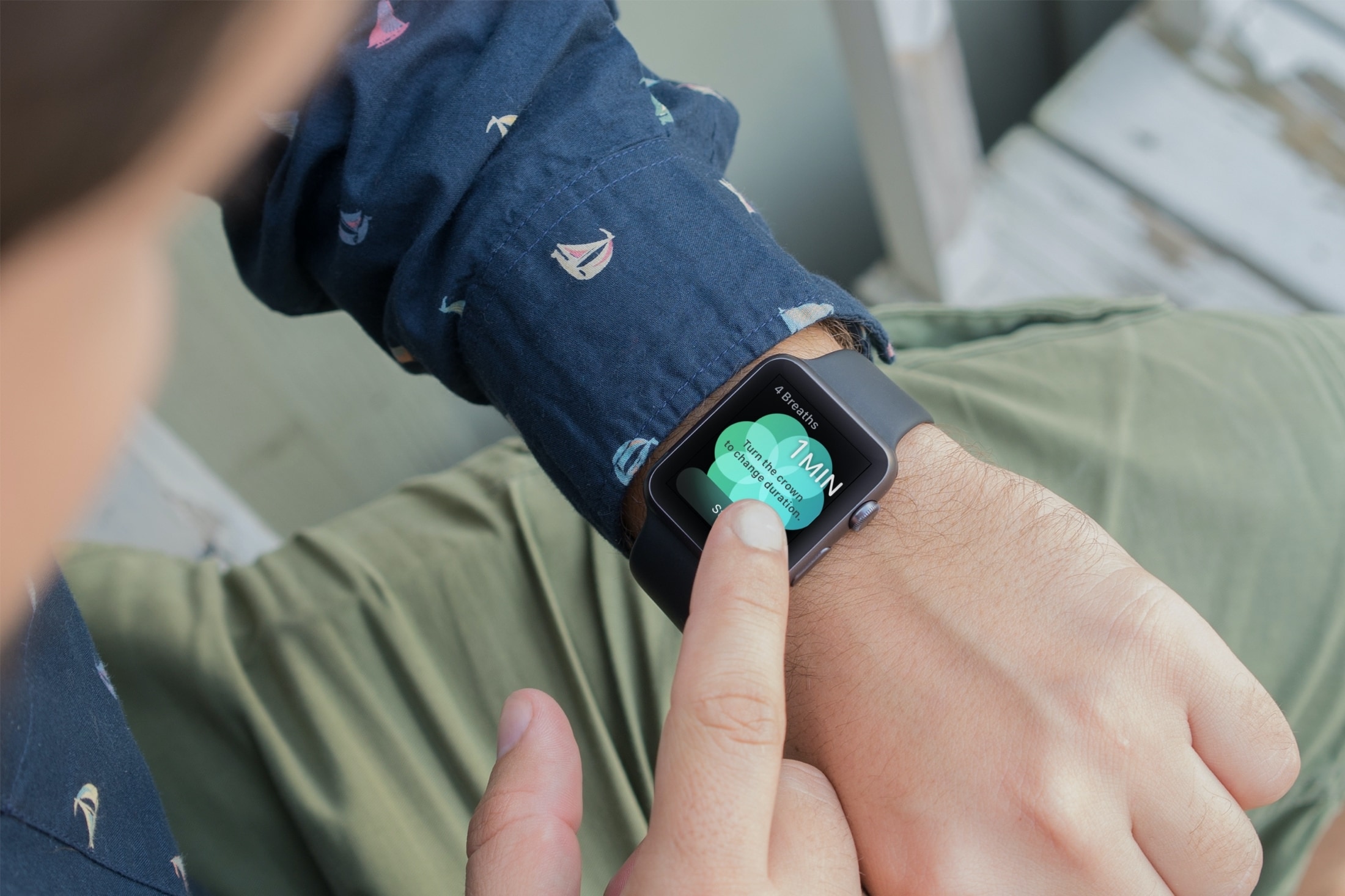
You might not realize it, but if you wear an Apple Watch, that handy wearable can help you a lot throughout your workday. Sure, you might use it to check emails, view your appointments, and even answer calls if your iPhone isn’t nearby. But with some of the built-in apps and features, your Apple Watch can be a helpful tool for getting through a stressful day of work.
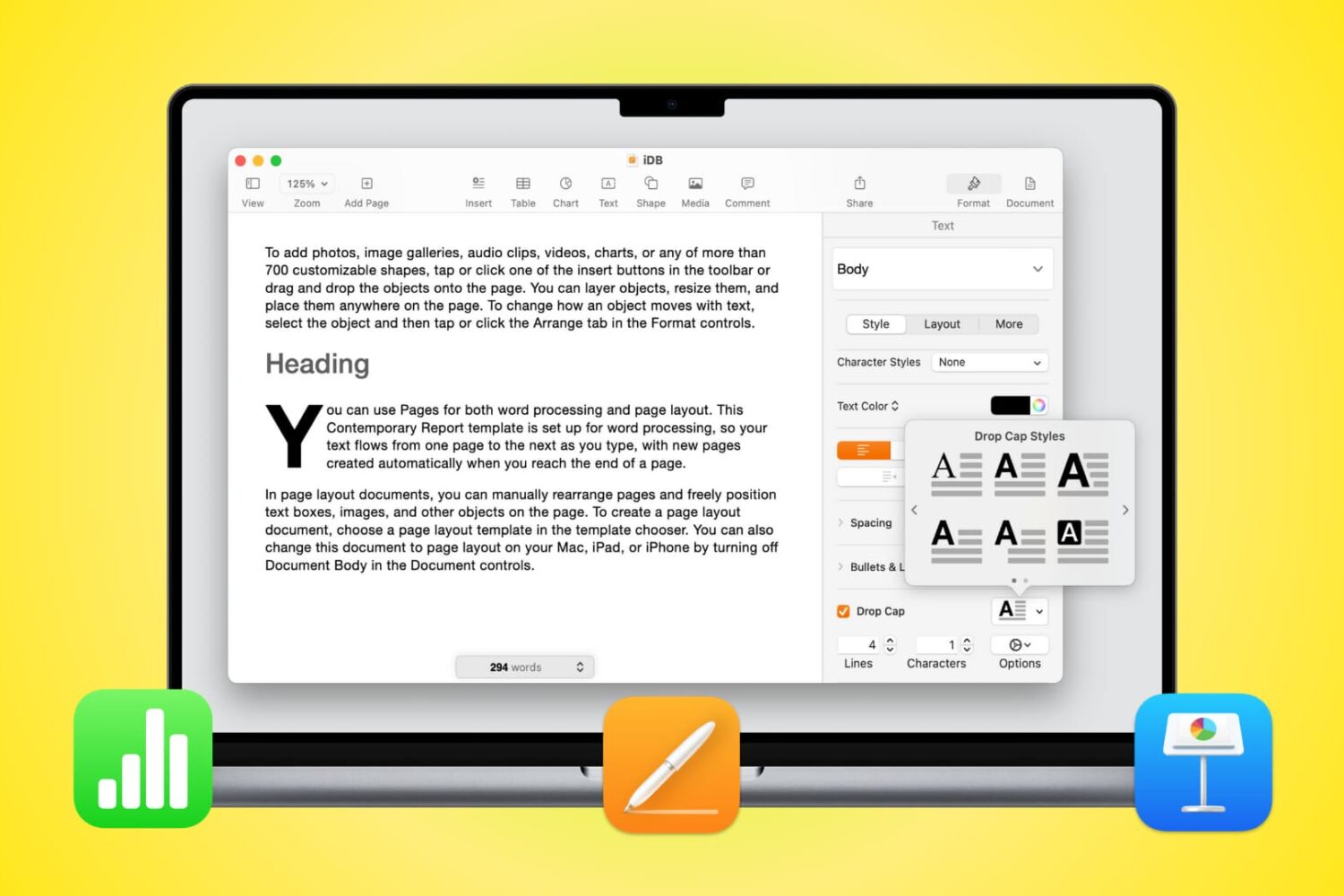
Learn how to use Drop Cap in Pages, Numbers, and Keynote on Mac to increase the size of the first letter (like newspapers do) and enhance the appearance of your documents.

If you’re done working on your Mac for the day or simply taking a break but still have your favorite tunes playing, why not add a little pizzazz to the screen? The Music app on Mac offers a cool tool called Visualizer.
Visualizer is a light show that plays along with your music. You can adjust it to your liking and then just sit back and watch the colors and lights bounce off your screen. Never used the Music app Visualizer before? That’s why we’re here, to show you how to enjoy a light show with your songs!
This tutorial will show you how to include comments when printing a document in Pages, Numbers, or Keynote on Mac.
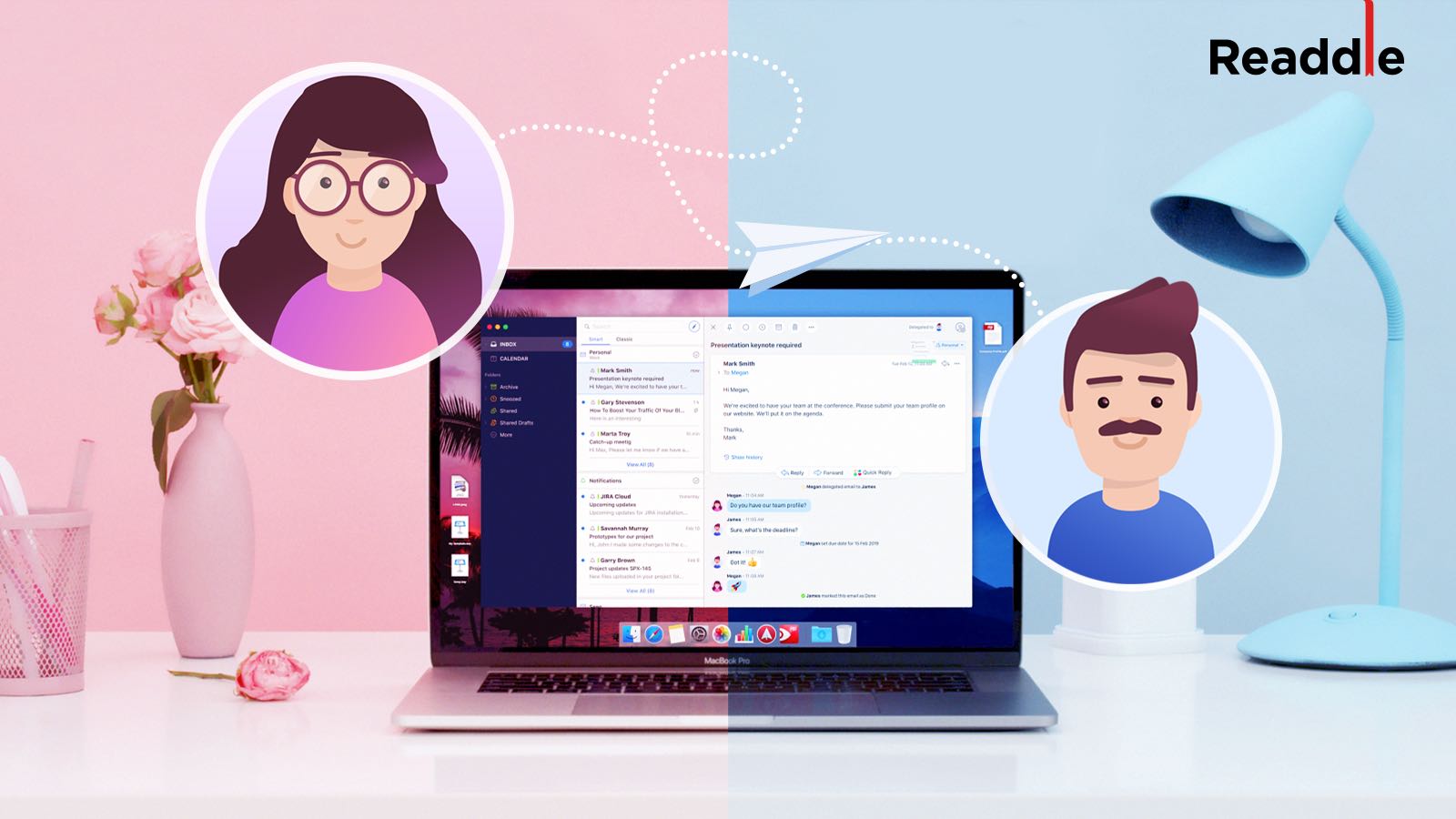
If you’re a Spark email user, then you already know and appreciate its terrific features. But if you’re new to the app or are thinking of giving it a try, Spark offers some wonderful collaboration features you can take advantage of for business. We covered some of these features before, but there are even more now.
To help you make the most out of using this email app for your team, we’ll show you how to collaborate with Spark.
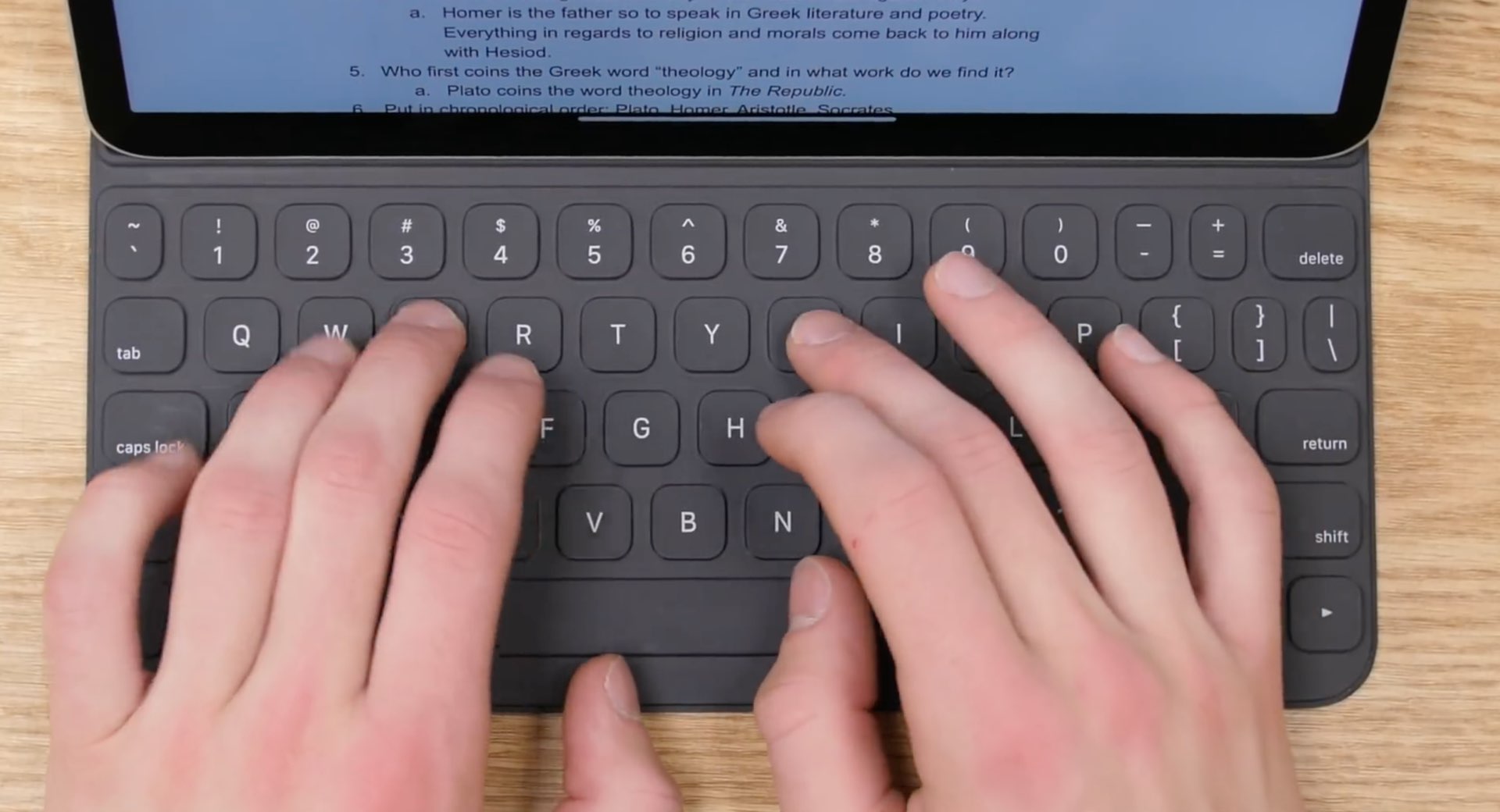
Apple's Smart Keyboard cover and Smart Keyboard Folio rock a Globe key for quickly accessing the Emoji picker, but good luck finding it on hardware keyboards made by other manufacturers. Heck, even Apple's latest Magic Keyboard for the new iPad Pro lacks a dedicated Globe key. So, how do you access the Emoji picker while using a hardware keyboard with your iPad?

This guide helps you concentrate on your work by showing you how to use Screen Time limits on Mac. With this, you can limit unnecessary apps, focus on work apps, and be productive.