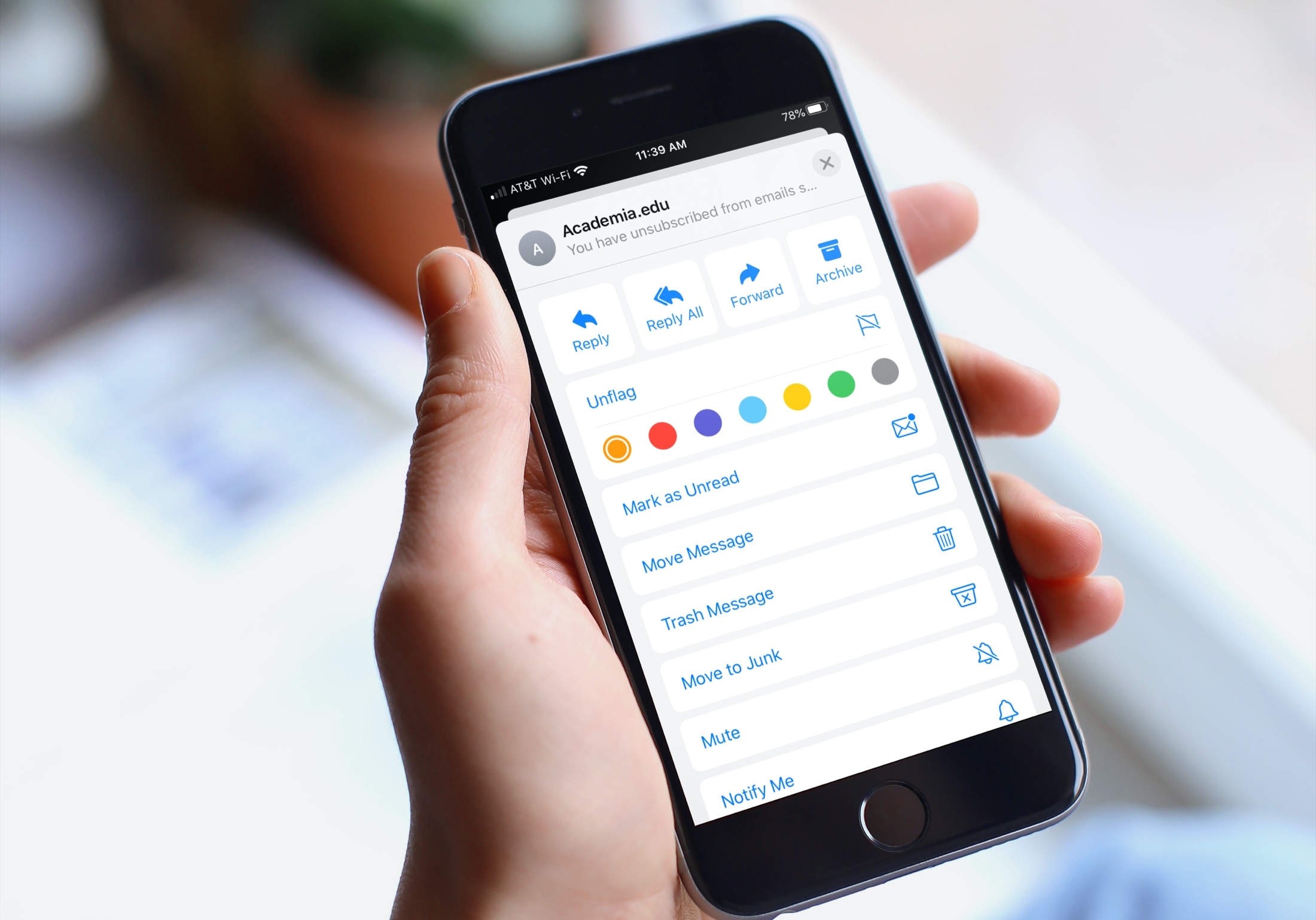
Learn how to organize your inbox by using different colored flags in the Apple Mail app on your iPhone, iPad, or Mac to highlight specific emails.
How to organize your Apple Mail inbox using colored Flags
Learn how to master your Apple devices with our comprehensive tutorials. From iPhone and iPad to Mac, Apple Watch, AirPods, and more, our expert guides will help you unlock the full potential of your Apple products. Discover new features, tips, and tricks each day to enhance your user experience.
Learn how to organize your inbox by using different colored flags in the Apple Mail app on your iPhone, iPad, or Mac to highlight specific emails.
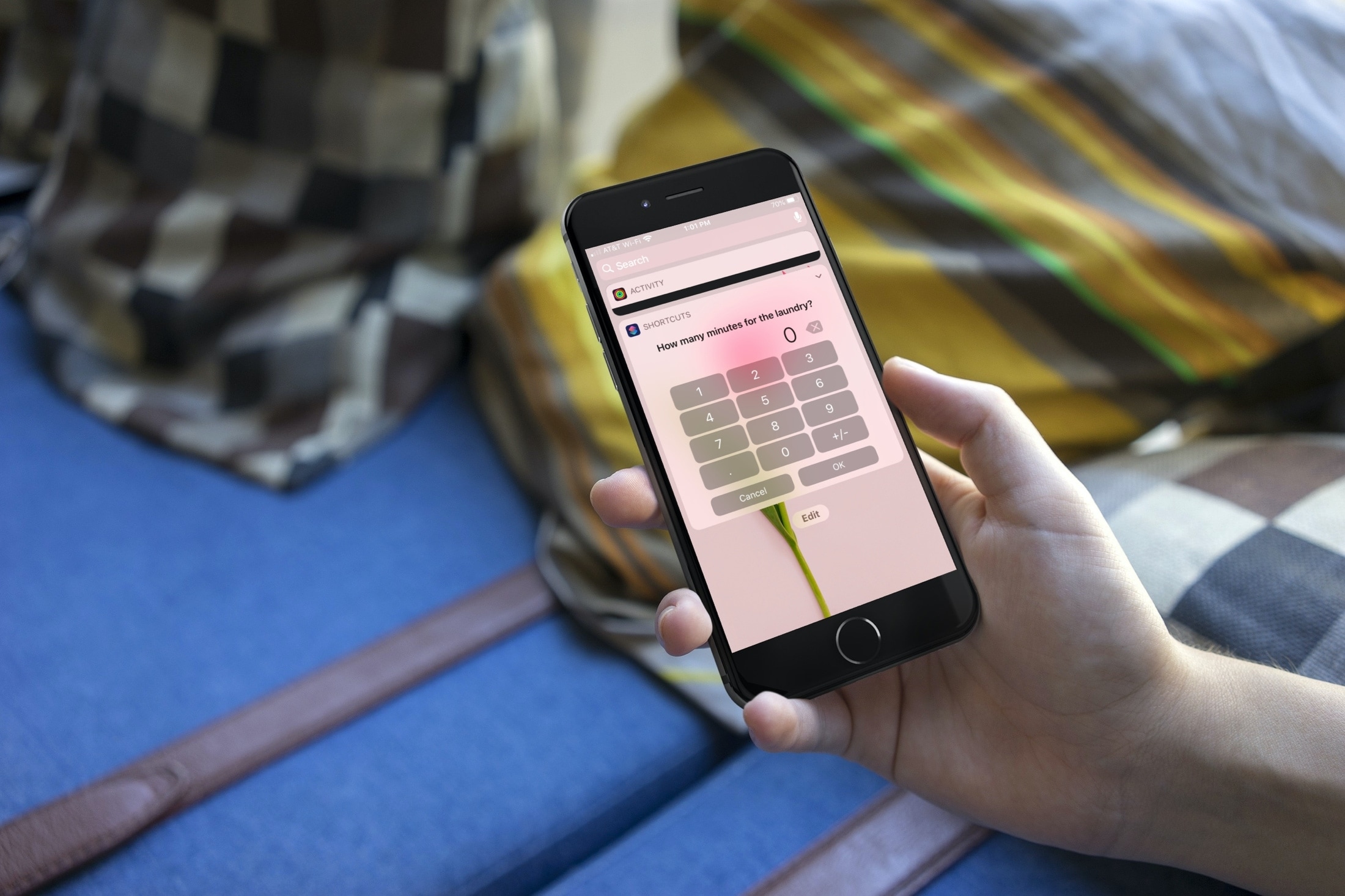
Interested in some shortcuts to help you around the house? This list gives you a helping hand for making sure that you get things done.
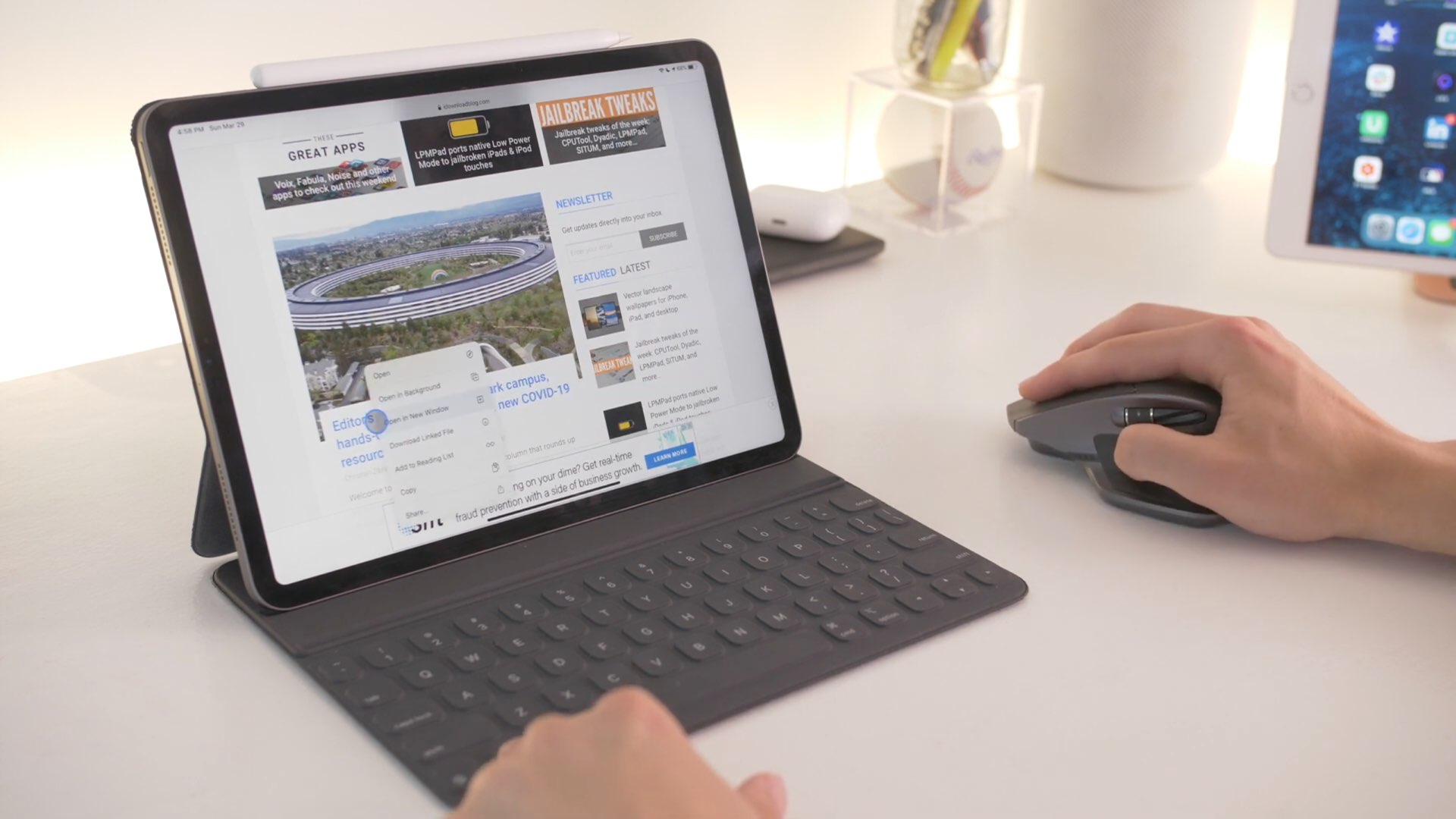
From customizing pointer settings to setting up Hot Corners, boost your productivity with these tips for using a mouse and trackpad on your iPad.
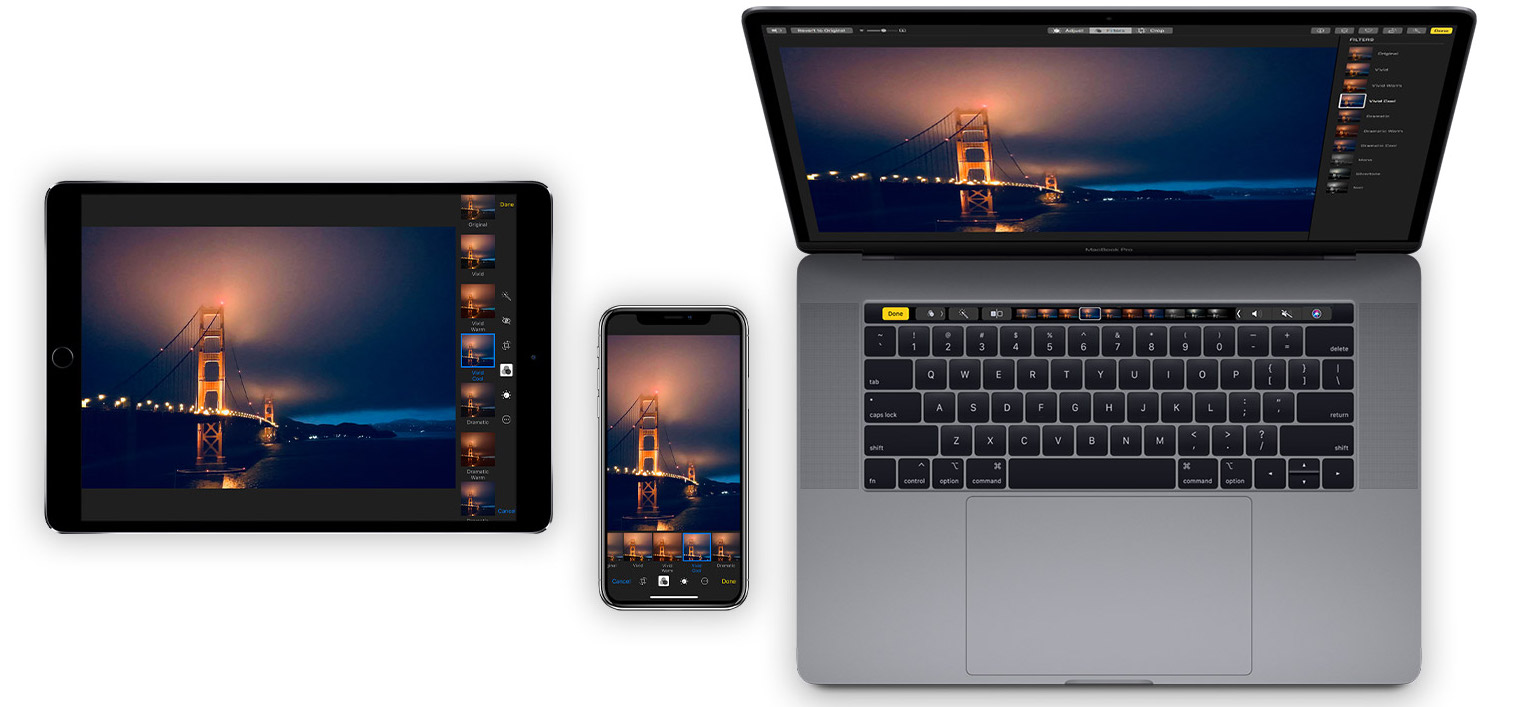
Learn how to organize your pictures and videos with Smart Albums in the macOS Photos app to simplify photo management with intelligent automation.

Whether you want to zip around the app window faster or adjust the playback of your show easier, check out these handy TV app keyboard shortcuts for Mac.

If you’re trying to describe a location to someone who isn’t familiar with the area, it can be difficult. You can’t just say, "It’s next to Walmart" if they don’t even know where Walmart is. But with the Maps app and Markup tool on Mac, you can easily use shapes and text to show exactly where you’re describing. And it can even be a little fun.
Here’s how to create and mark up a PDF from Maps on your Mac.
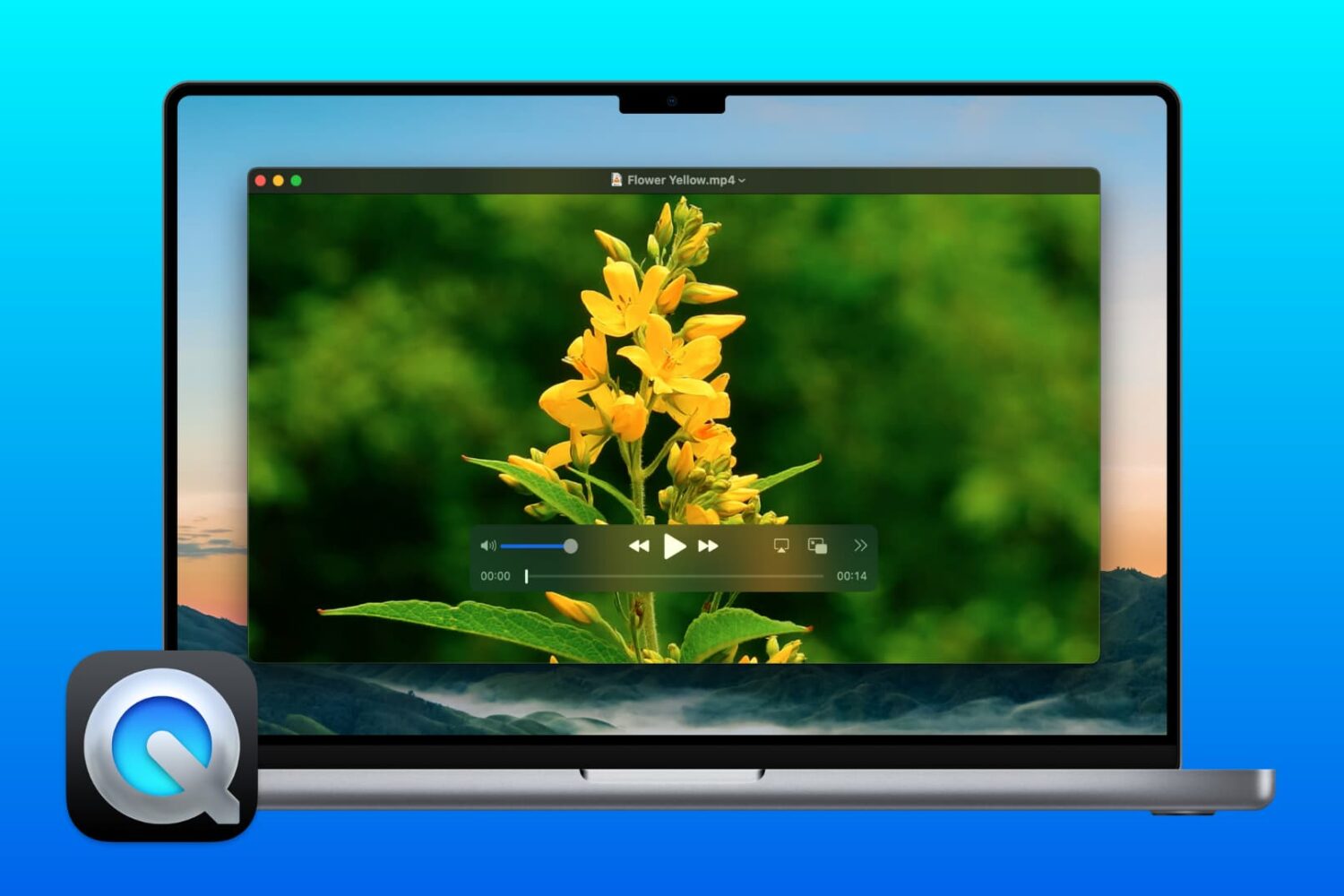
Did you know you can use QuickTime Player on Mac for more than just watching movies? If you need to make changes to your videos, here’s how to edit movies with QuickTime Player.
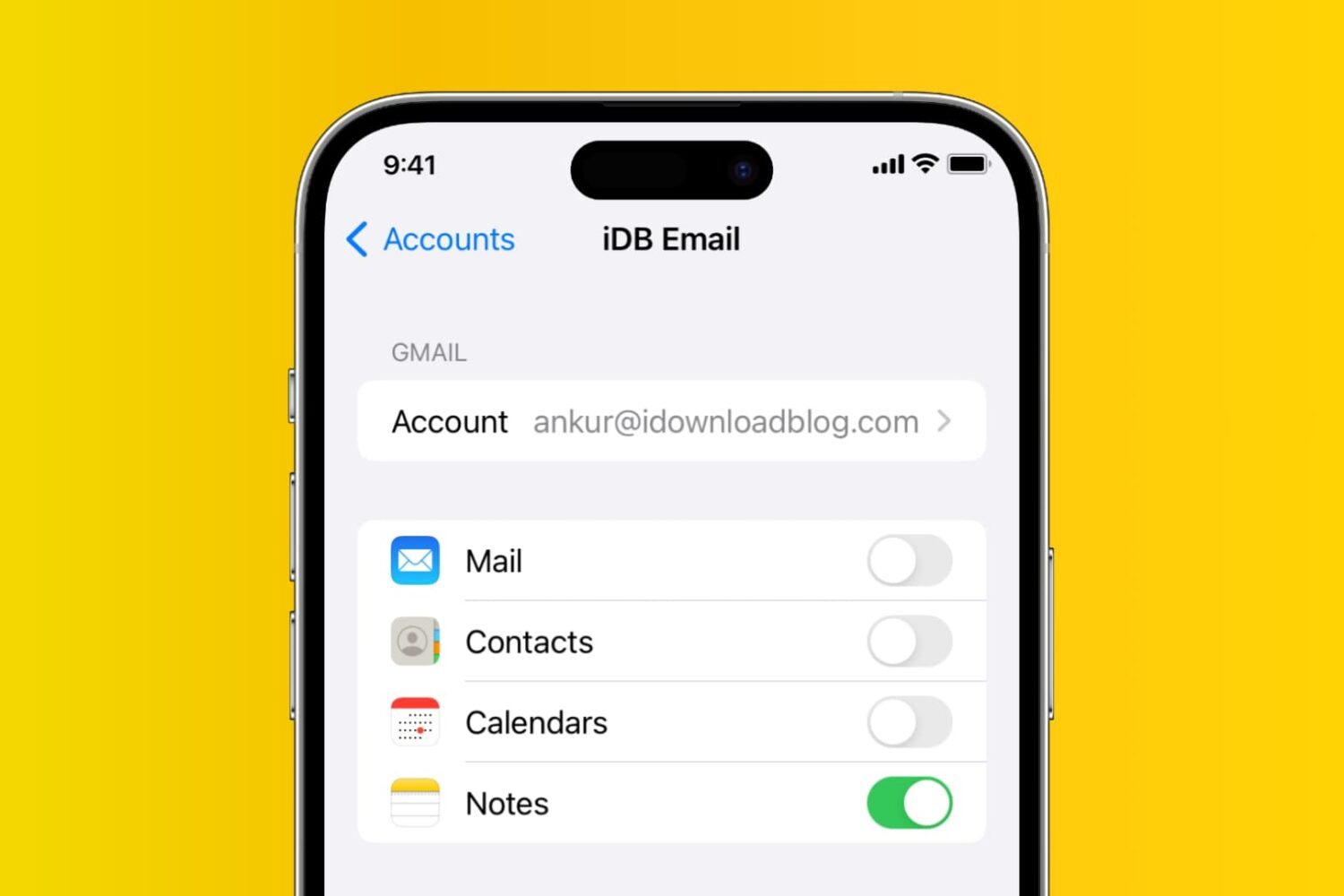
Learn how to add, deactivate, and delete accounts used inside the Apple Notes app on your iPhone, iPad, and Mac.
If you enjoy reading with the Books app on your Mac, then keyboard shortcuts and gestures are great tools. They let you move around the app easier or continue reading your books without trying to take action with the menu bar. For a simpler way to use Books on Mac, check out this list of keyboard shortcuts.
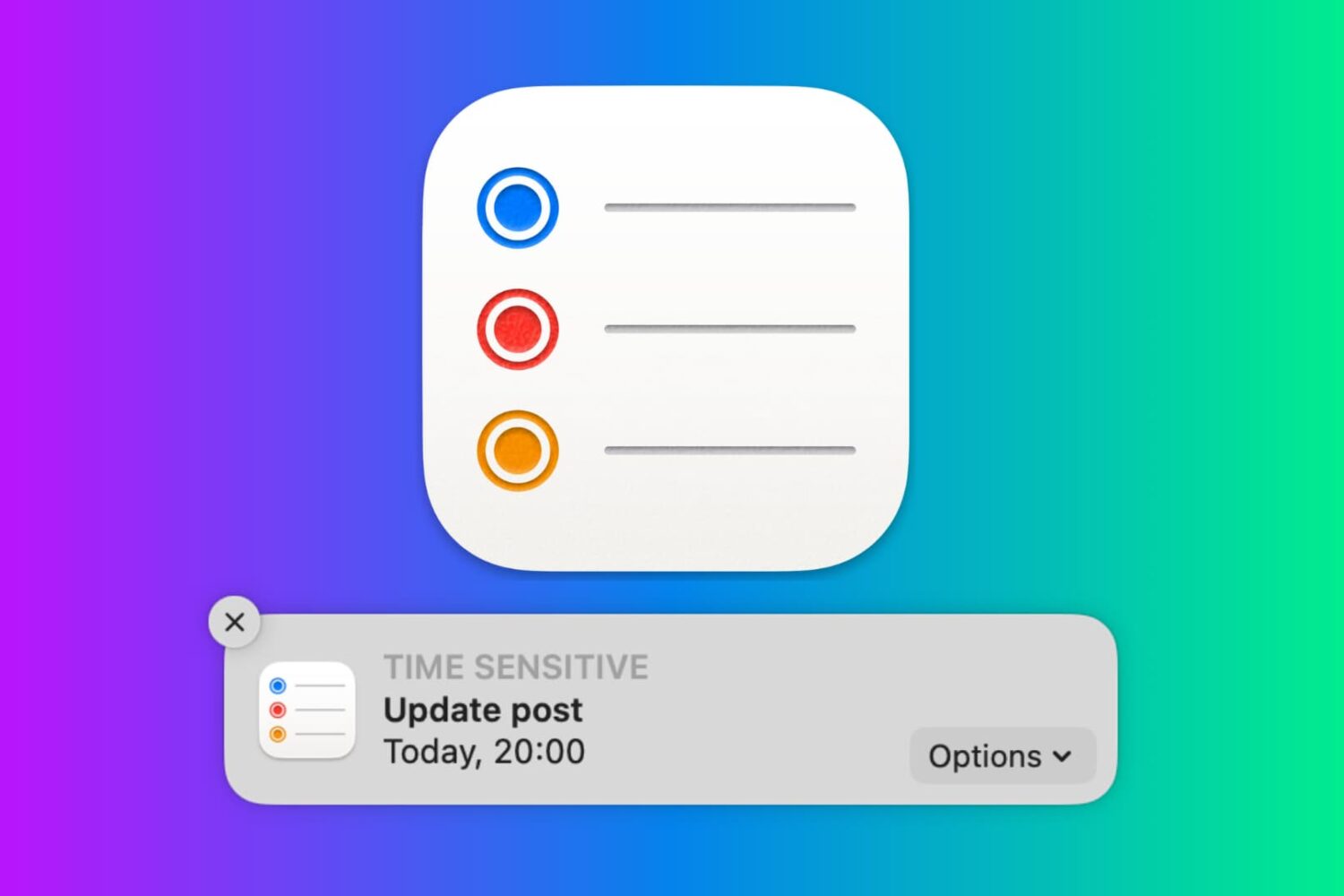
In this tutorial, we will show you how to work with notifications in the Reminders app on your Mac so that you never miss a task, list, or to-do.
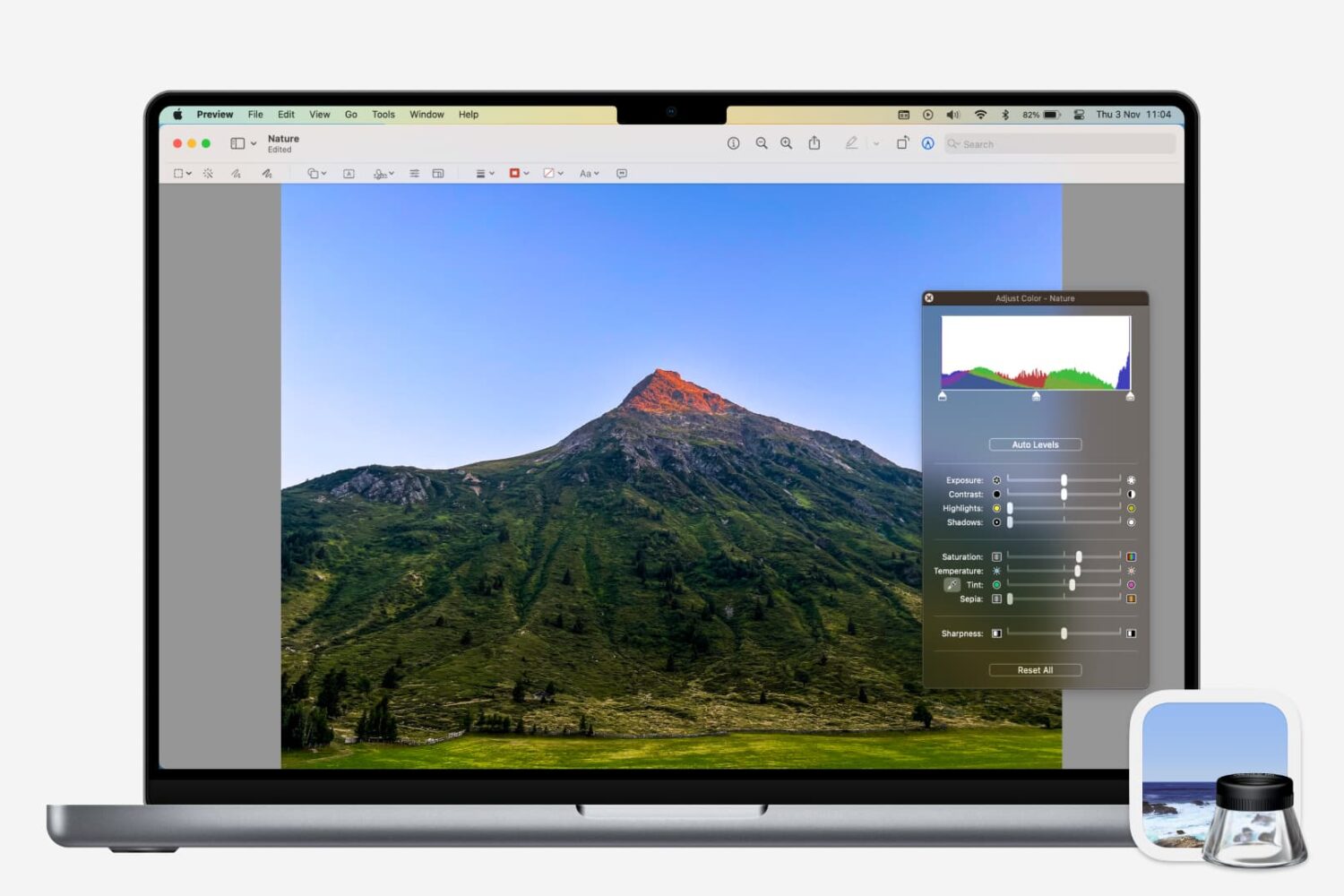
Learn how to adjust a photo’s color, contrast, saturation, sharpness, size, resolution, and more using the Preview app on your Mac.

Whether you want to keep copies of scans in Notes or just add one as a reference, here’s how to manage your scanned documents in the Apple Notes app on Mac.