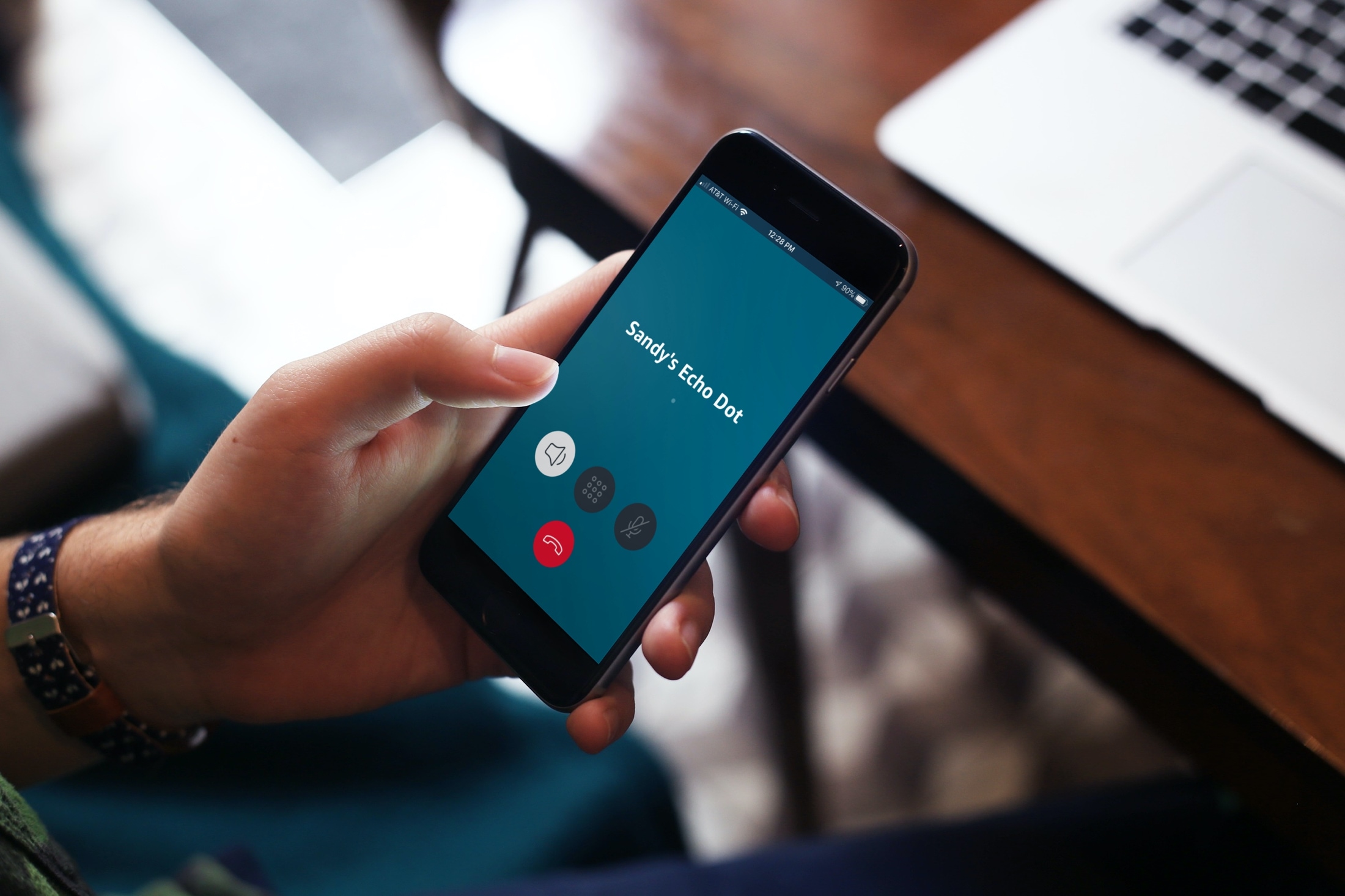
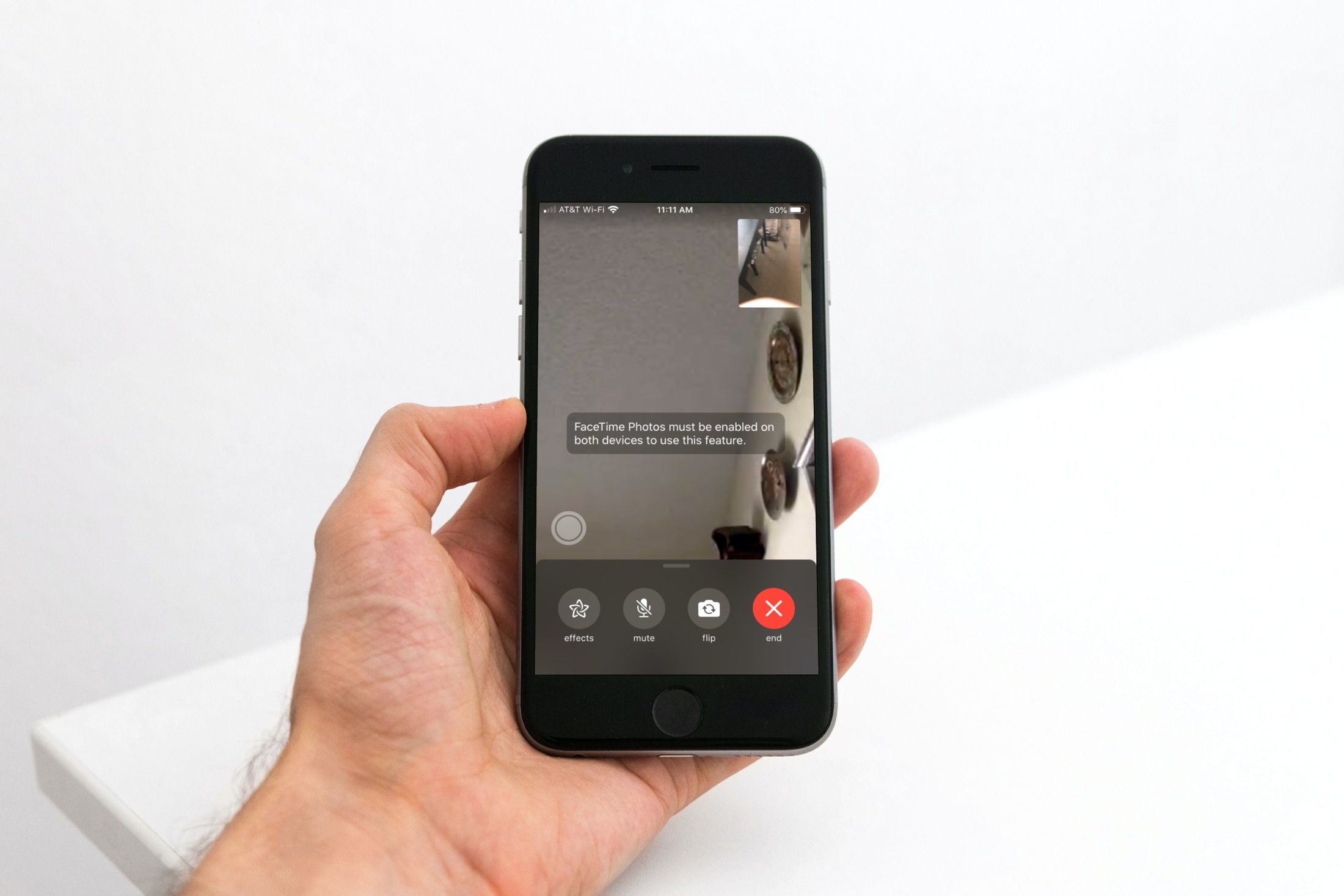
Learn how to toggle the ability to capture a special moment of your FaceTime video call as a Live Photo on your iPhone, iPad, and Mac.
How to allow or block Live Photos during FaceTime calls
Learn how to master your Apple devices with our comprehensive tutorials. From iPhone and iPad to Mac, Apple Watch, AirPods, and more, our expert guides will help you unlock the full potential of your Apple products. Discover new features, tips, and tricks each day to enhance your user experience.
Learn how to toggle the ability to capture a special moment of your FaceTime video call as a Live Photo on your iPhone, iPad, and Mac.
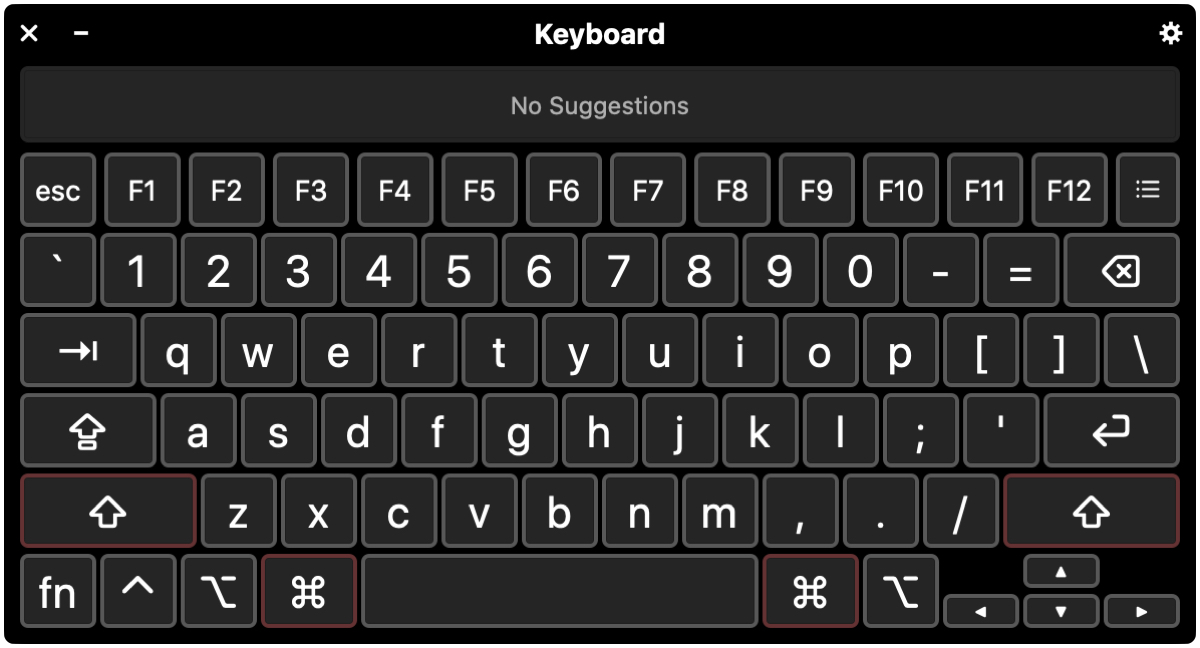
In this tutorial, we’ll walk you through four handy keyboard accessibility features to help you get the best typing experience if you have difficulty using the Mac’s keyboard in its standard configuration.
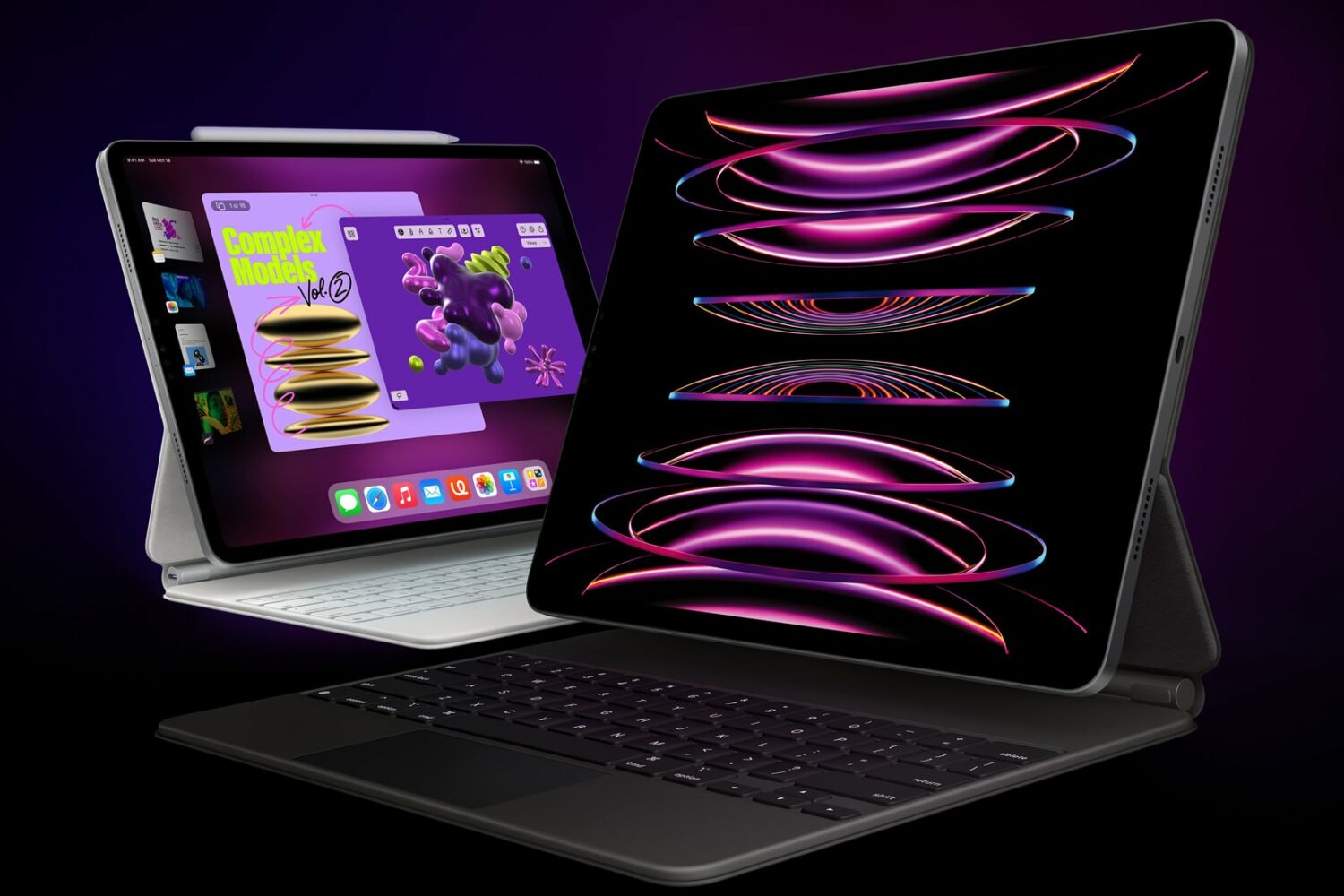
Check out these 10 simple yet powerful trackpad gestures you can use on your iPad to boost your productivity.
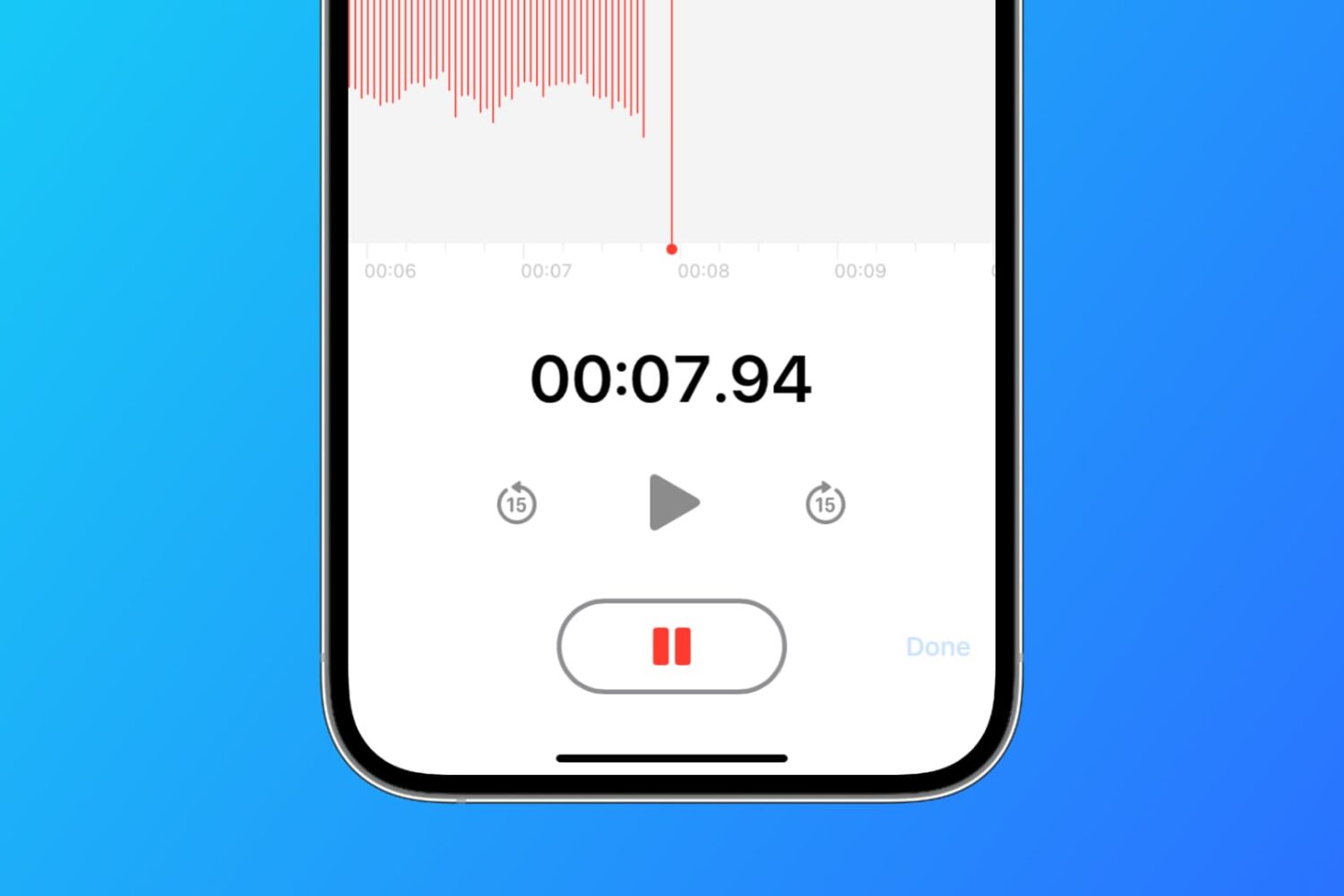
Learn how to set the Apple Voice Memos app on your iPhone, iPad, and Mac to save all your new voice recordings with the current location name.
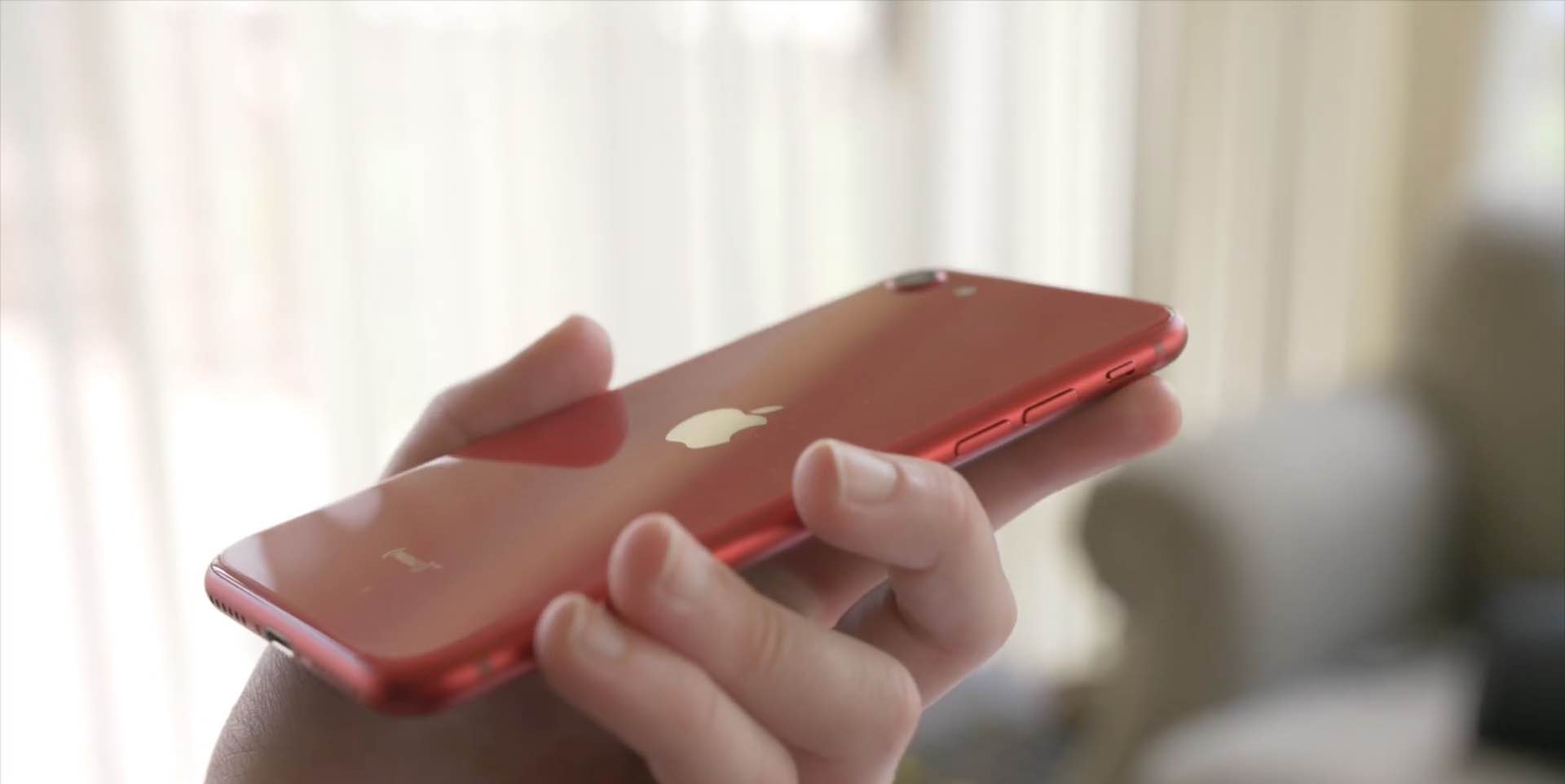
With the new iPhone SE a reality, folks who haven't owned an iPhone in years are sharing their tips for using the handset. We've rounded up a few common tips we think new iPhone SE customers will love. Watch our hands-in video walkthrough and learn something new today!

With an external (hardware) keyboard like the Magic Keyboard connected to your iPad, the onscreen (software) keyboard doesn’t appear. Apple in its wisdom does allow you to switch between the hardware and software keyboard, but it could have definitely done a better job surfacing that feature for average users who may be unaware it even exists in the firsts place. Follow along with our step-by-step tutorial to learn how to quickly switch your iPad keyboard between the stock iOS keyboard and your Magic Keyboard or any other physical iPad keyboard.

Learn how to enable accessibility options on your Mac login screen if you or another user needs these accessibility features while getting into the computer or user account.

The Magic Keyboard for iPad Pro features backlit keys that make it a lot easier to type in the dark. The Magic Keyboard brightness can be changed manually or automatically, based on the ambient lighting conditions. But sometimes you want to watch a movie in the dark, or perhaps read a long article or a book without the keyboard backlighting interfering. To help with that, our tutorial will teach you how to adjust the Magic Keyboard brightness to your liking.

Learn how to set your MacBook Air or MacBook Pro to automatically turn off the keyboard backlight after a certain period of inactivity to save battery and get more use time on a single charge.

Want a quicker way to get things done in the Contacts app on your Mac? Here are several useful keyboard shortcuts for Contacts so you can move around faster.
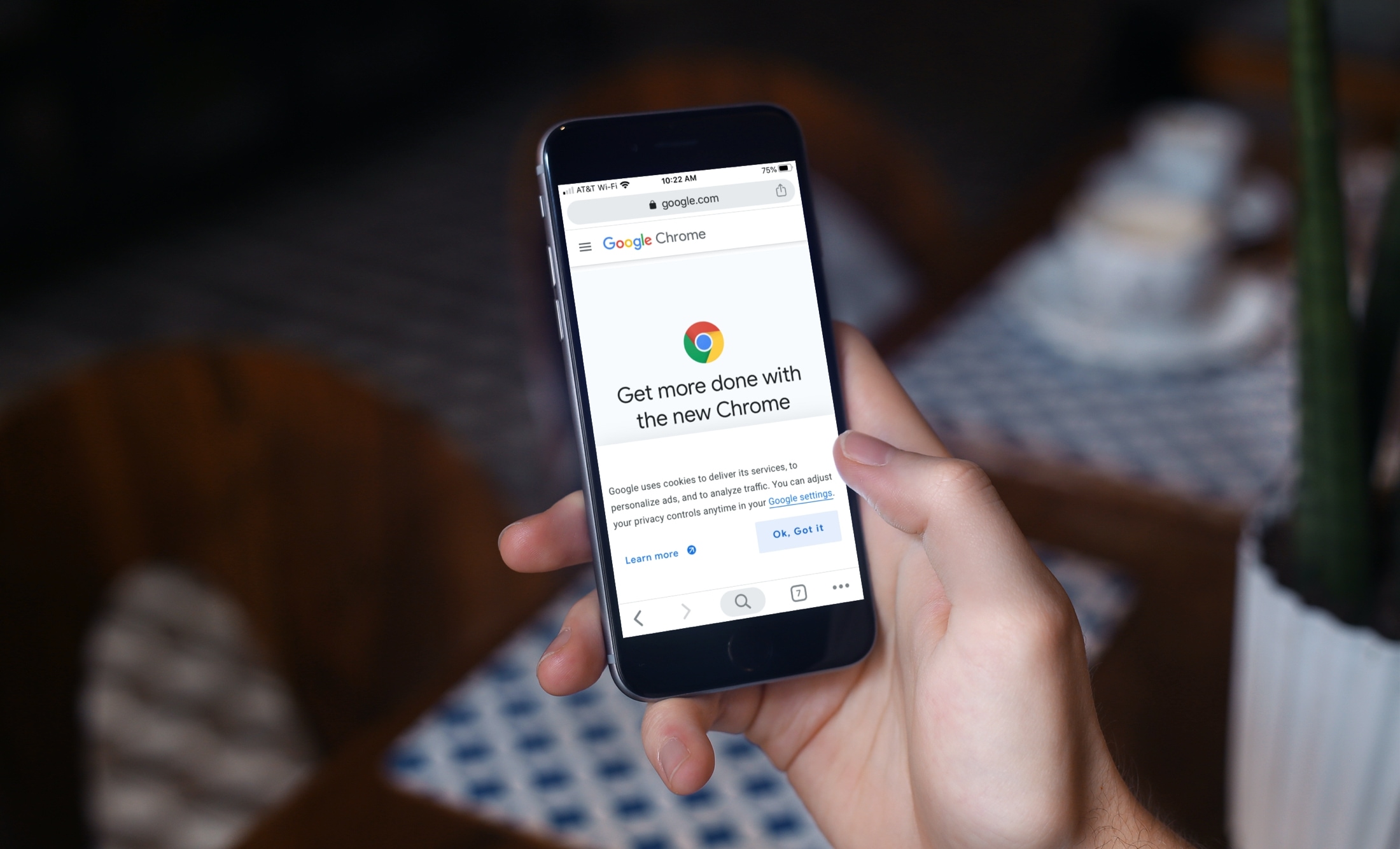
These tips will supercharge your iPhone web browsing experience in Google Chrome with custom settings for URL bar location, tab groups, and more.