Save time and be more productive by taking a moment to customize these useful Mac Finder preferences and settings.
7 useful Finder settings to check out on your Mac

Learn how to master your Apple devices with our comprehensive tutorials. From iPhone and iPad to Mac, Apple Watch, AirPods, and more, our expert guides will help you unlock the full potential of your Apple products. Discover new features, tips, and tricks each day to enhance your user experience.
Save time and be more productive by taking a moment to customize these useful Mac Finder preferences and settings.
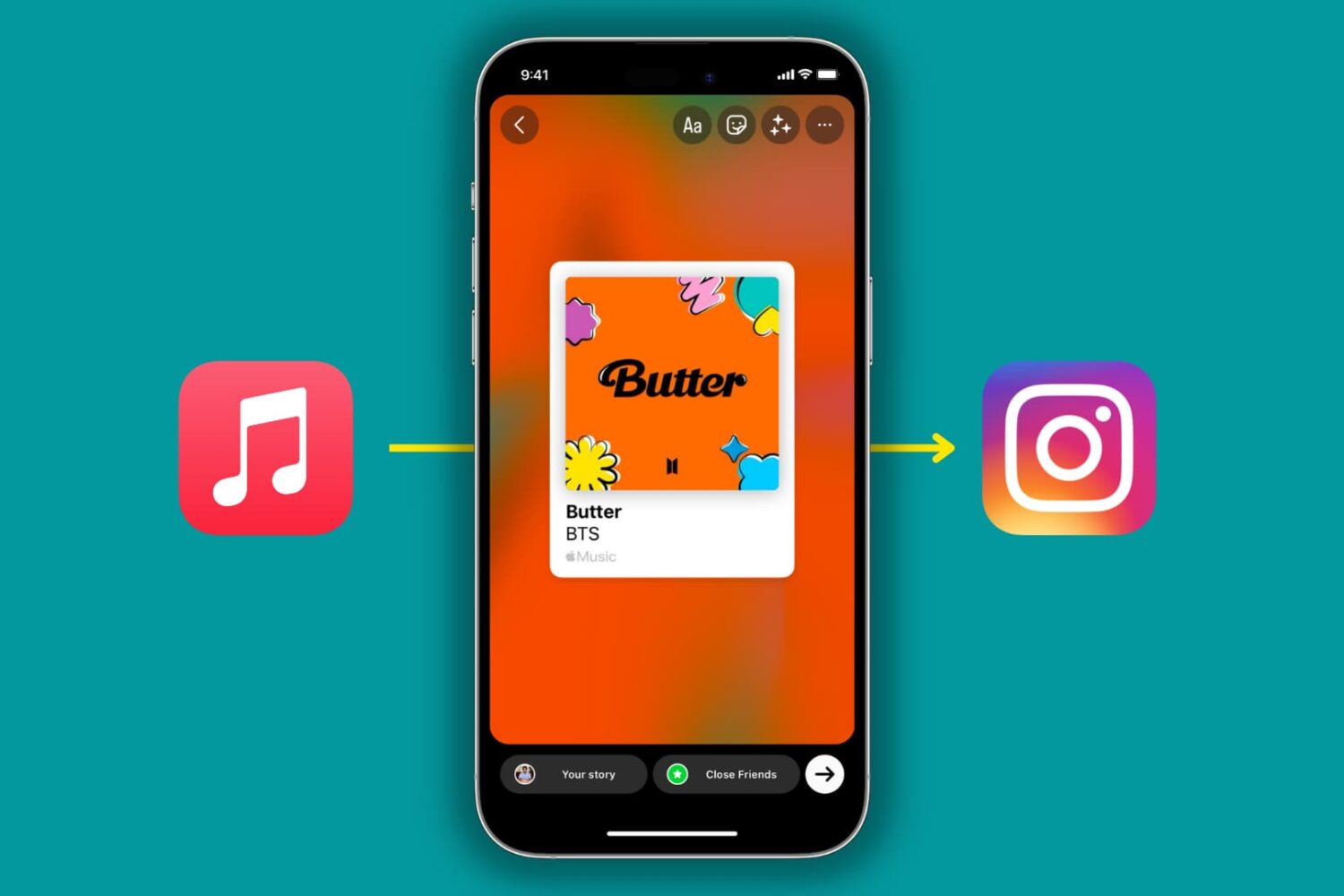
The Apple Music app on iPhone and iPad lets you share songs and albums to Instagram Stories or Facebook Stories in a beautiful, interactive manner. In this tutorial, we'll quickly show you how to do that!

The COVID-19 exposure notification in iOS 13.5 informs you whether you may have contracted the coronavirus by coming into contact with someone who's been diagnosed with COVID-19. This secure, private contact-tracing technology works in tandem with apps from public health authority developers that are installed on your device. If you'd rather opt-out, however, follow along with our step-by-step tutorial that teaches you how to disable the COVID-19 exposure notification at the system level to stop exposure logging and contact-tracing via Bluetooth.

Learn how to easily control the app and your recordings with these handy keyboard shortcuts for the Voice Memos app on your Mac.

Don't like a person's face tile automatically enlarging on a group FaceTime call? Let's tell you why this happens and how to stop it on your iPhone, iPad, or Mac.

Want to share your favorite songs on your Facebook profile page? This tutorial shows you how to add and display your favorite music on your profile.
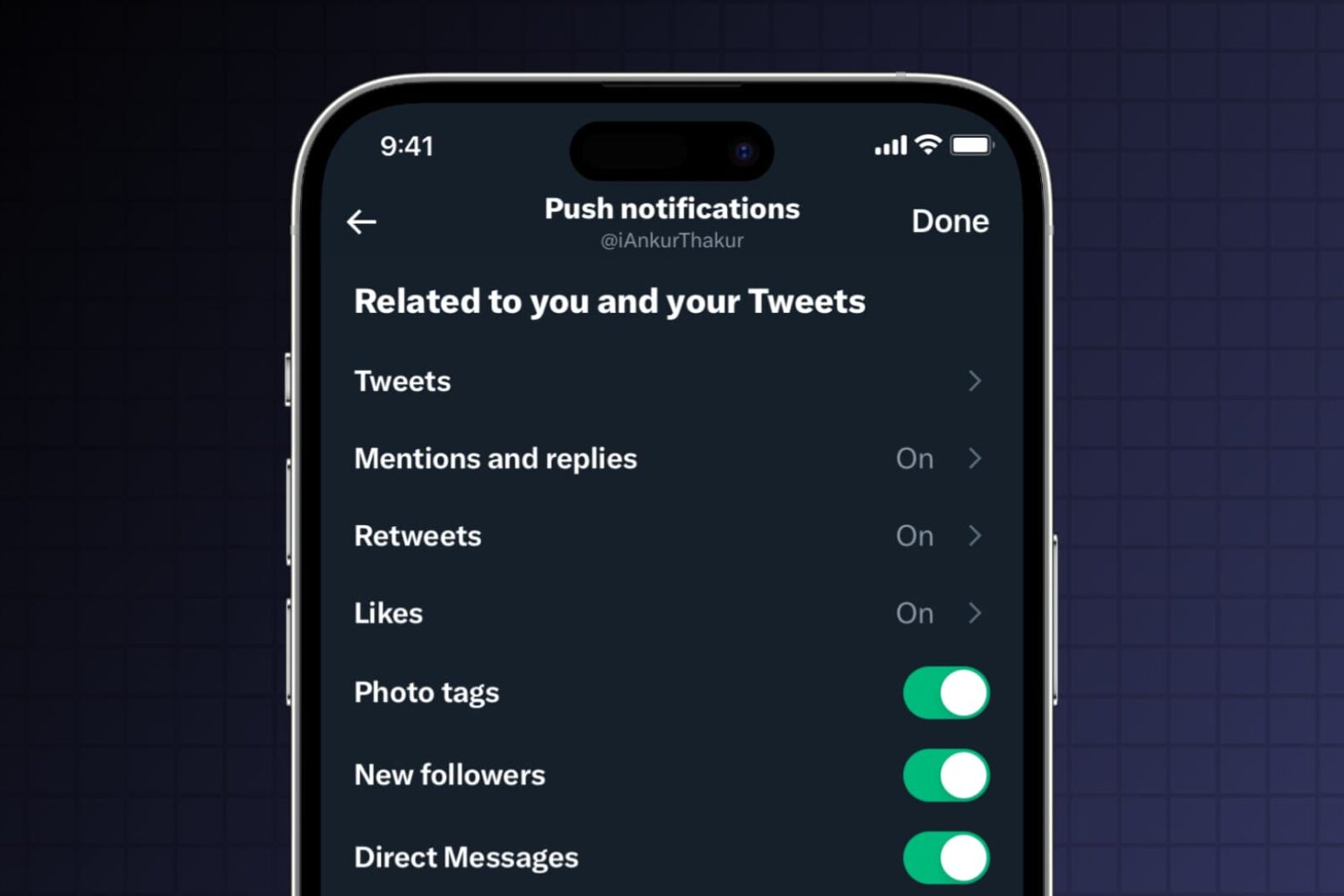
Receive too many notifications from X? This tutorial shows you how to customize the notifications on iPhone, iPad, Mac, and the web to cut down unnecessary alerts and reduce distractions.

Find out how to protect your user account by setting your Mac to automatically log you out after a set period of inactivity.
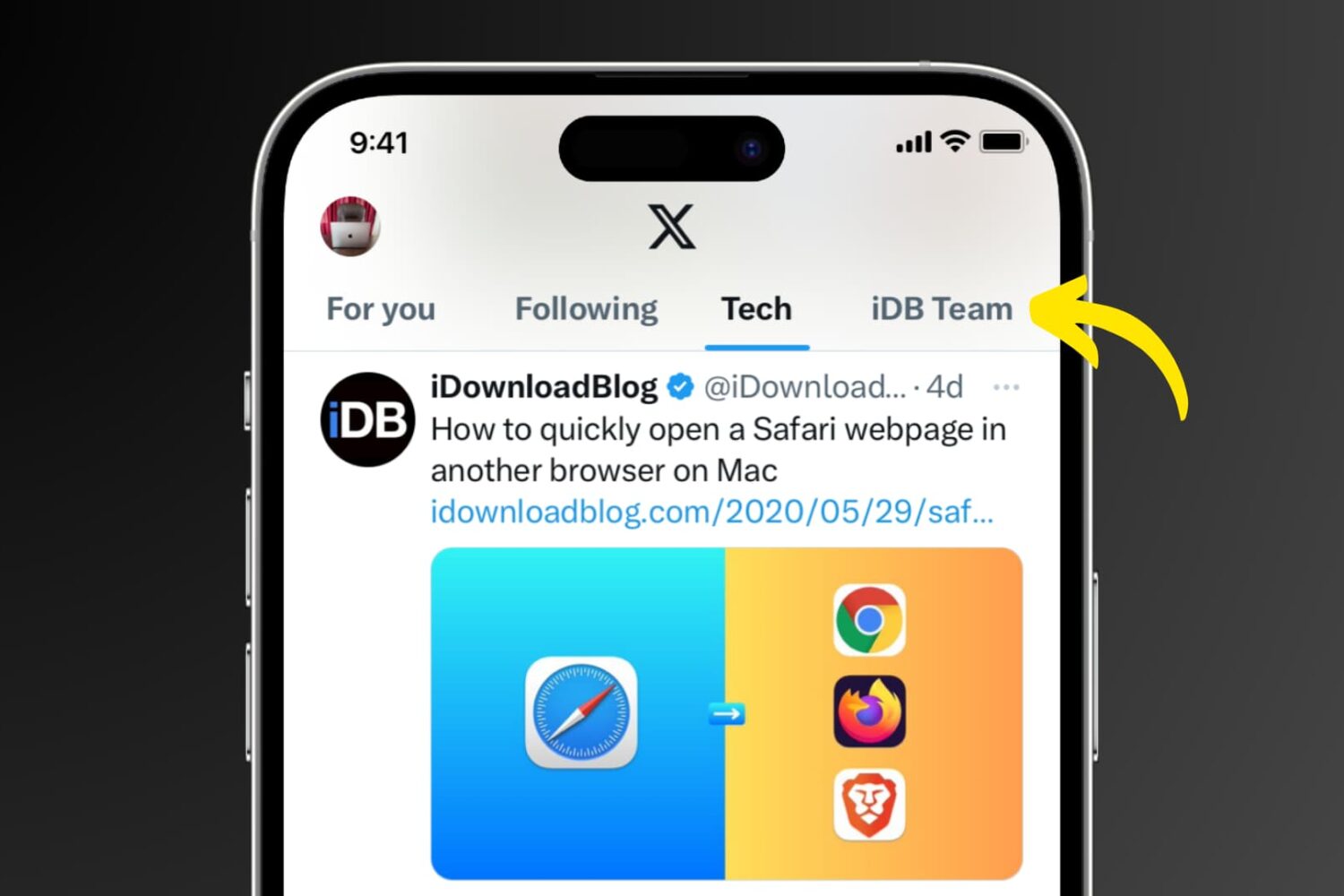
Learn how to create Twitter lists on your iPhone, iPad, Mac, and the web to curate your favorite accounts, and stay updated with the content that matters most to you.

These days, you might be using the News app on your Mac more than ever. So why not make it just that much easier to get the news you want to see?
With this list of keyboard shortcuts, you can move around the app, make it simpler to read, save stories, and more.

If you take advantage of the List feature on Twitter, then knowing how to pin your lists is quite useful. Once you pin a list, it will appear as another tab on your Twitter Home timeline. So, with a click or a tap, you can jump to that list quickly.
This tutorial shows you how to pin Twitter lists on iPhone, iPad, and Mac.

Check out these handy keyboard shortcuts for the Calculator app on your Mac to perform calculations quickly without using your mouse or trackpad.