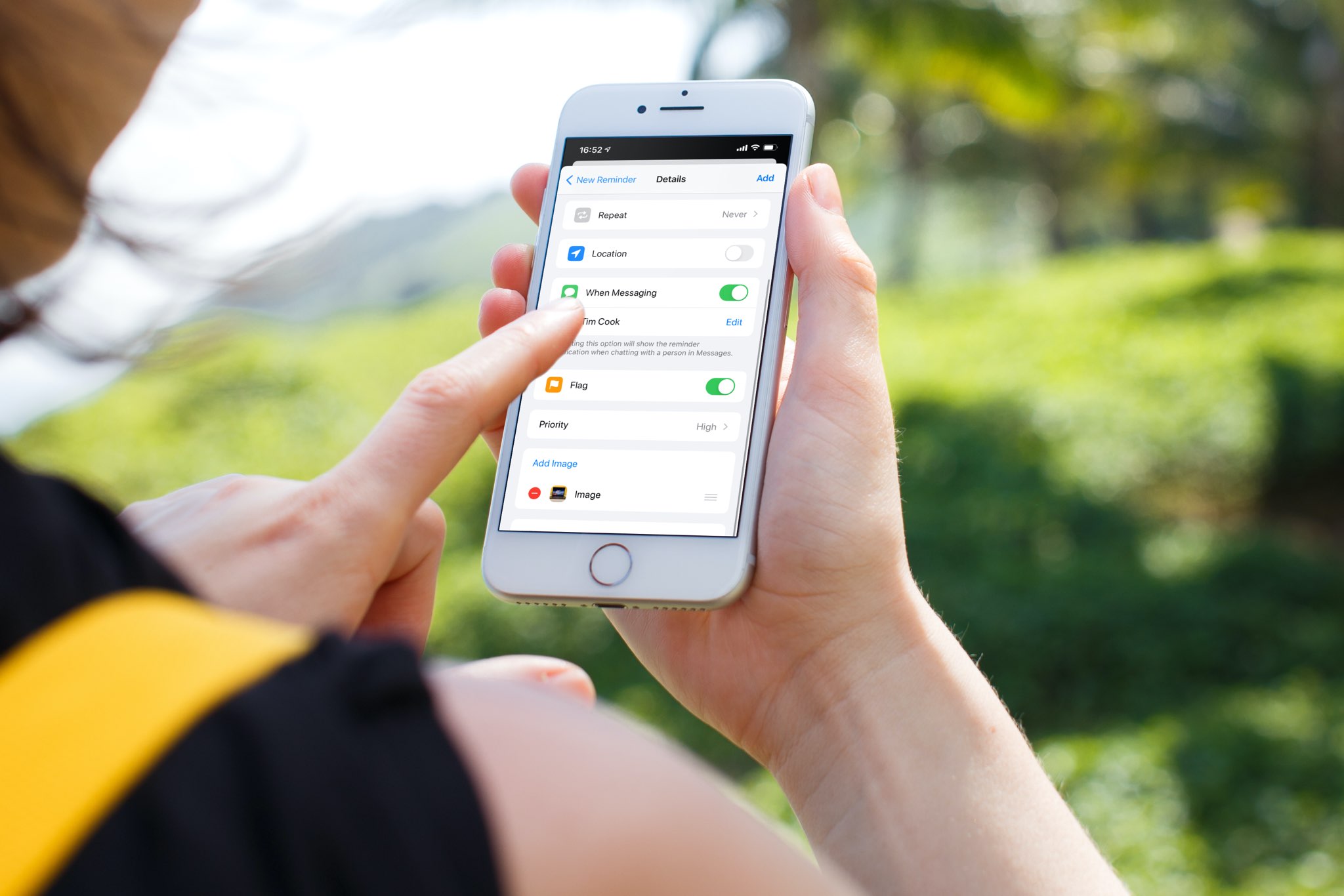
Learn how to use the Apple Reminders app on your iPhone, iPad, or Mac to get reminded about a task when you are messaging a particular person.
How to get task reminder when you message a person
Learn how to master your Apple devices with our comprehensive tutorials. From iPhone and iPad to Mac, Apple Watch, AirPods, and more, our expert guides will help you unlock the full potential of your Apple products. Discover new features, tips, and tricks each day to enhance your user experience.
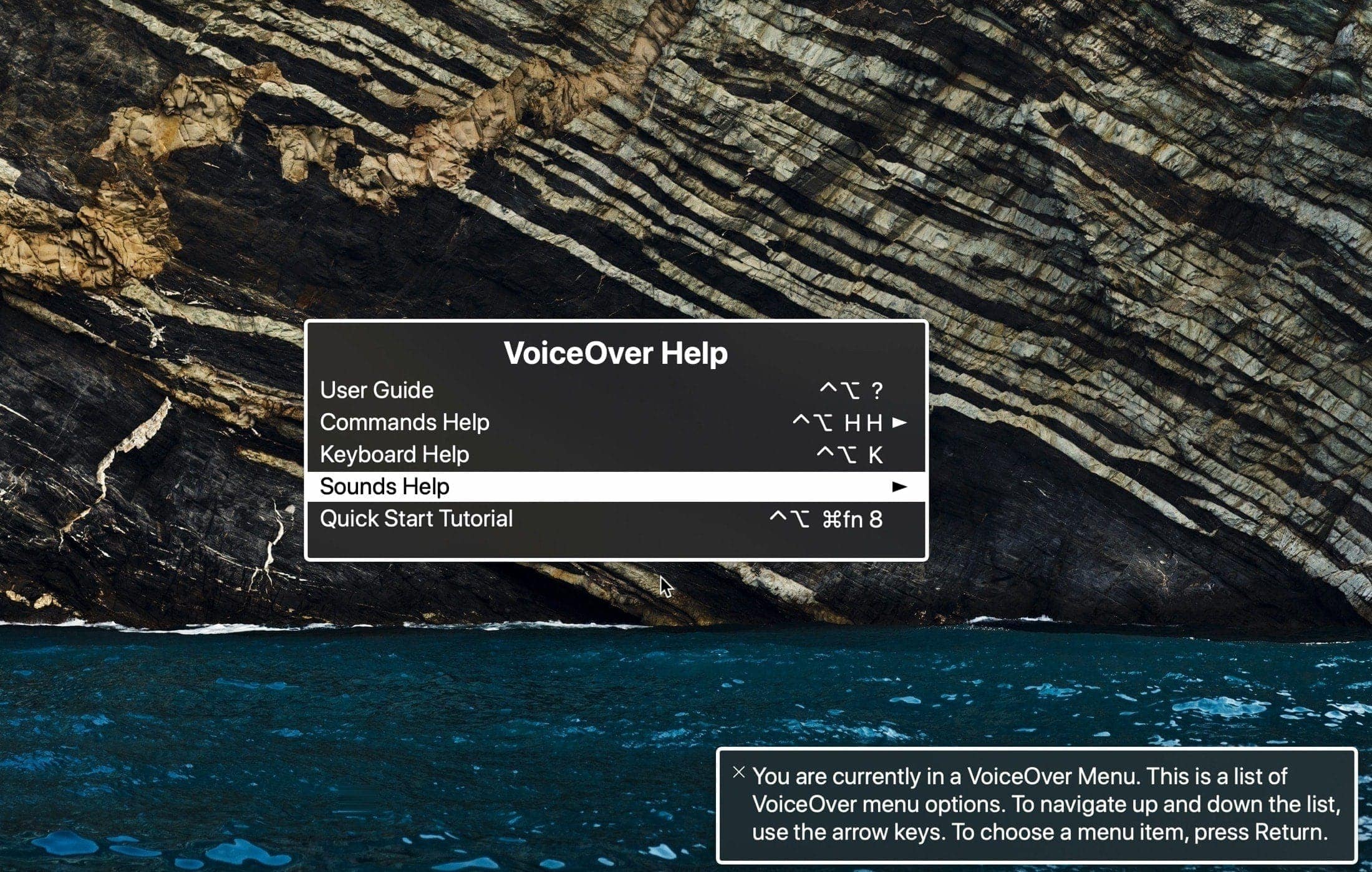
Learn how to open and use the VoiceOver Help and Commands menus on your Mac. These tools can assist you while getting used to the VoiceOver accessibility feature.
Learn how to make your iPhone Personal Hotspot use the faster 5GHz band for better performance or the slower 2.4GHz one for compatibility with all (old) devices.
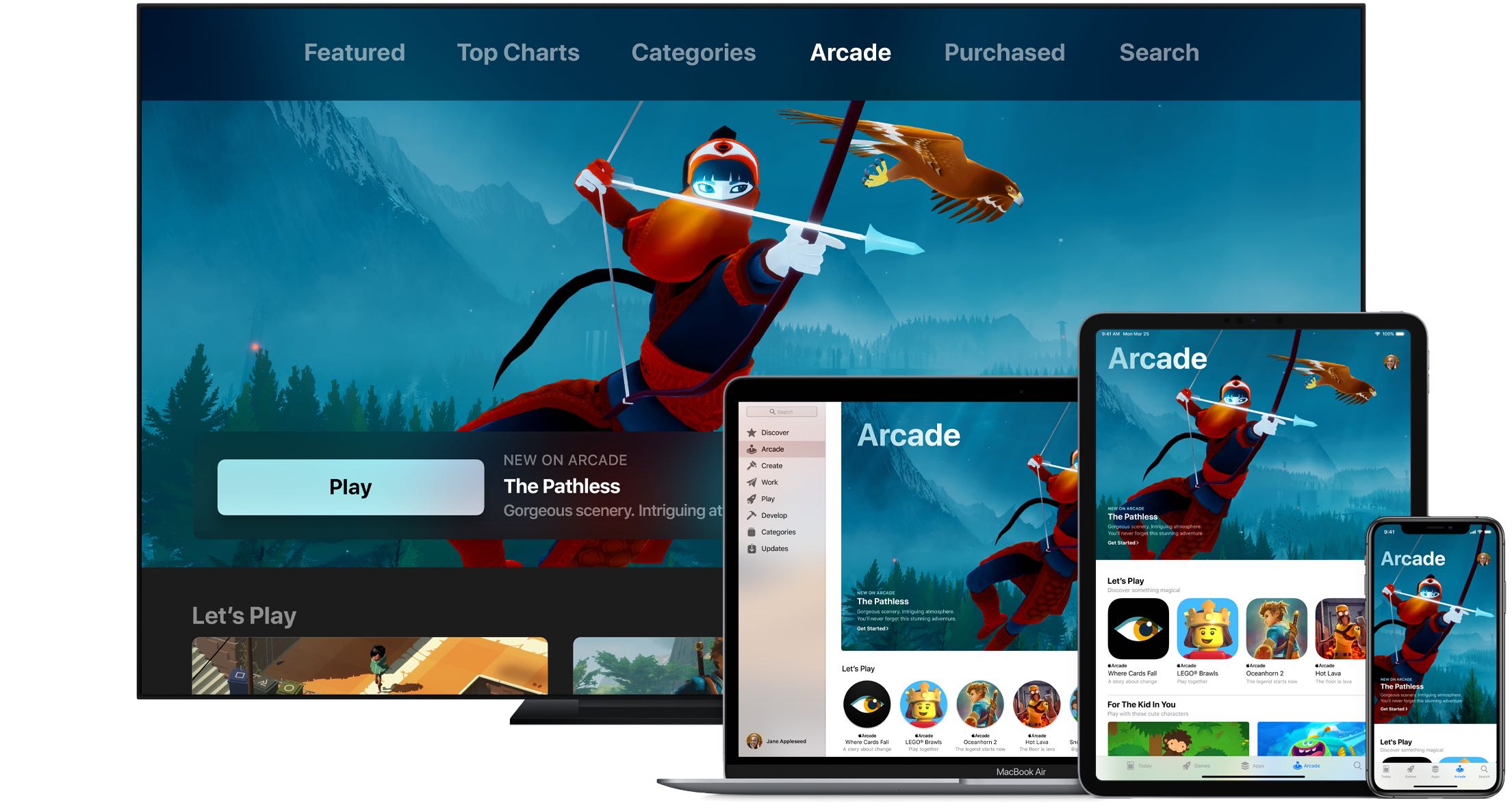
Apple Arcade connects you with your friends on Game Center. Not only does this allow you to play with them on any of your devices, but also see what they're playing. Follow along with us as we show you how to view the list of games that are popular with your Apple Arcade friends.
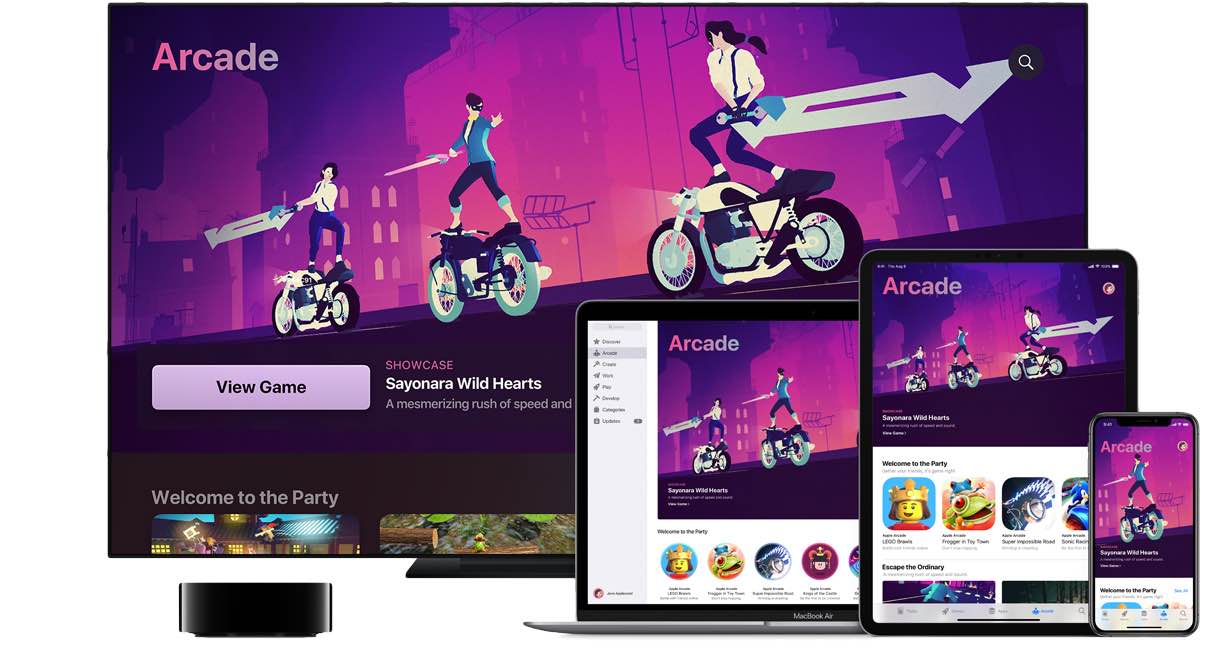
An Apple Arcade subscription gives you access to more than a hundred premium games across your iPhone, iPad, Apple TV and Mac devices, with additional titles added on a regular basis. iCloud keeps your gameplay progress synchronized across devices, but what about finding you recently played Apple Arcade games? In this helpful tutorial, we'll show you how to resume Apple Arcade games that you've recently played on your devices.
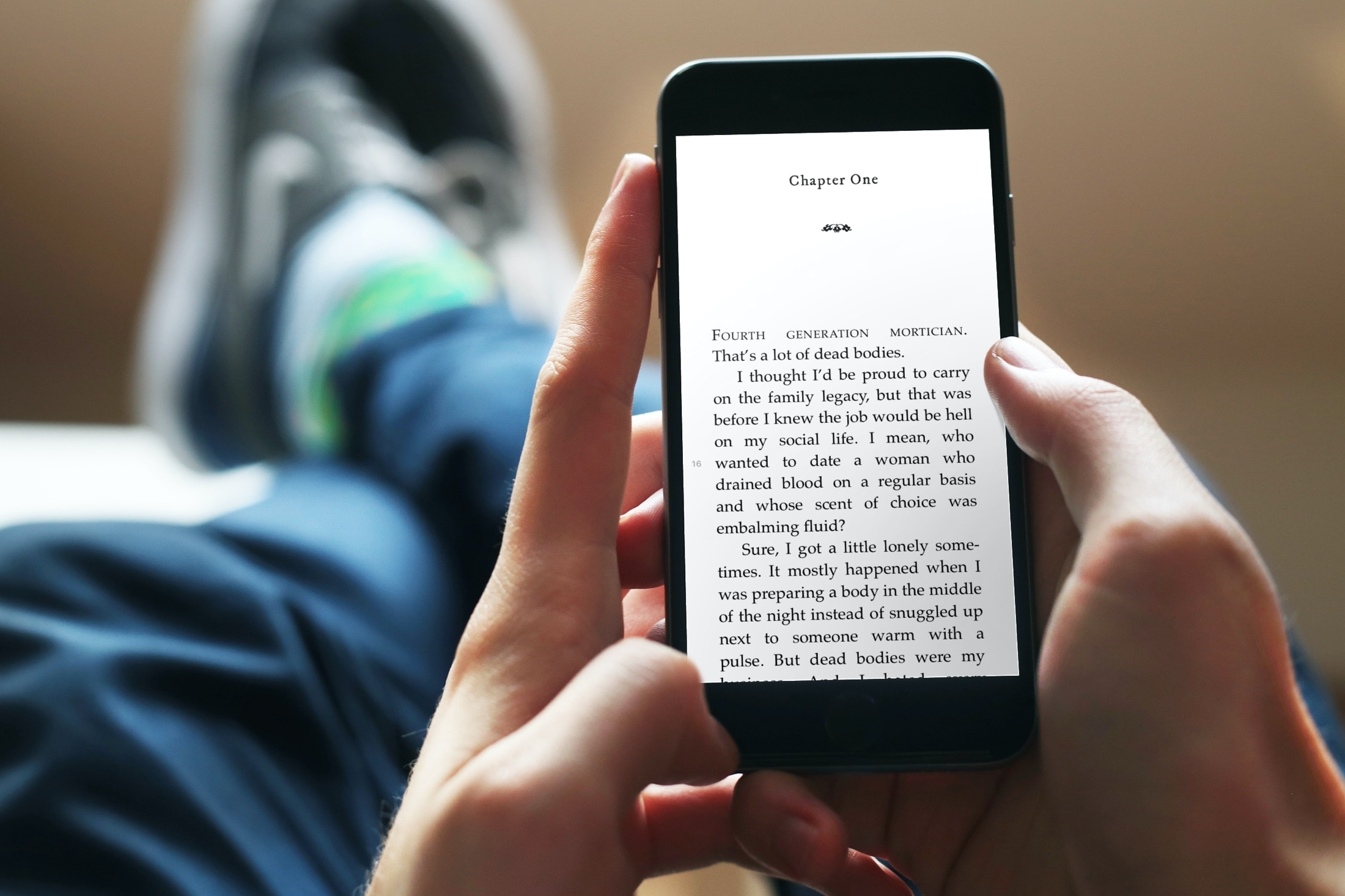
Learn how to automatically download books purchased on your other devices so you can quickly and easily pick up reading where you left off for a streamlined experience across all your iPhones, iPads, and Macs.
Check out and bookmark this list of Keyboard shortcuts for Outlook on Mac so you can breeze through your inbox and compose emails even faster.
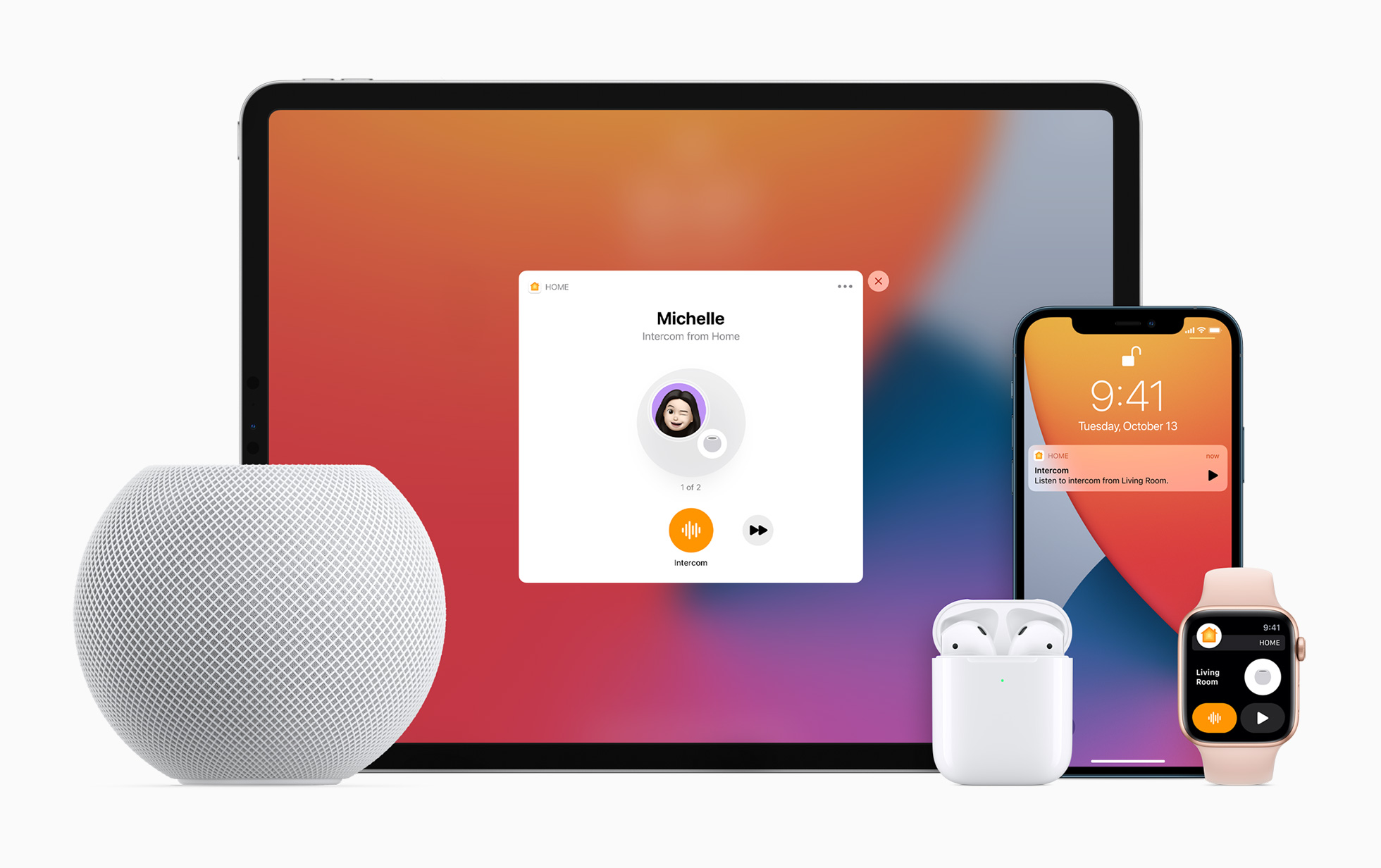
Apple lets you turn your HomePod speaker into an intercom, allowing family members to send audio messages from one Apple speaker or device to another in your household. Family members receive Intercom notifications and can send Intercom messages from their devices.

Learn how to manually turn Dark Mode on or off in Facebook and Messenger on your iPhone, or have them follow your device’s Dark Mode settings.
There’s no easier way to capture a note from Safari than with the Notes app. Whether you’re doing research for school or work, planning a trip or event, or just want to make a note of an article, Apple’s integration makes it simple to save Safari webpages or text to the Apple Notes app on your Mac, iPhone, and iPad for quick reference and organization.
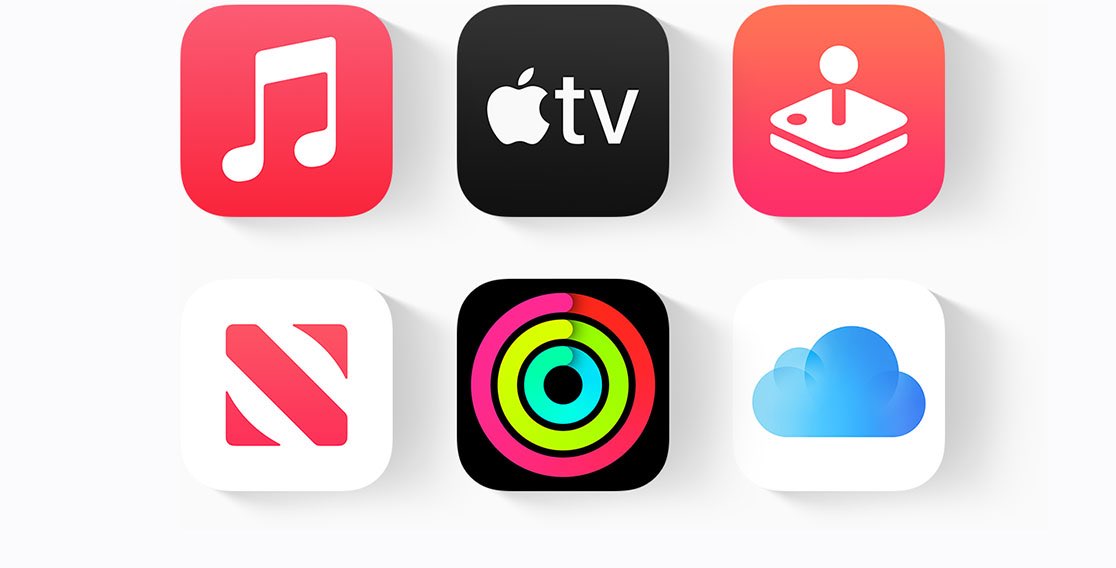
The Apple One subscription brings the collection of various Apple services for one monthly price. The available plans bundle different Apple services for a set amount of money per month. Here's how to subscribe to Apple One, what's included in each plan and everything else you need to know about the Apple One subscription bundle.

Learn how to import an Apple Music playlist from another service or export one as a backup or for use in another app.