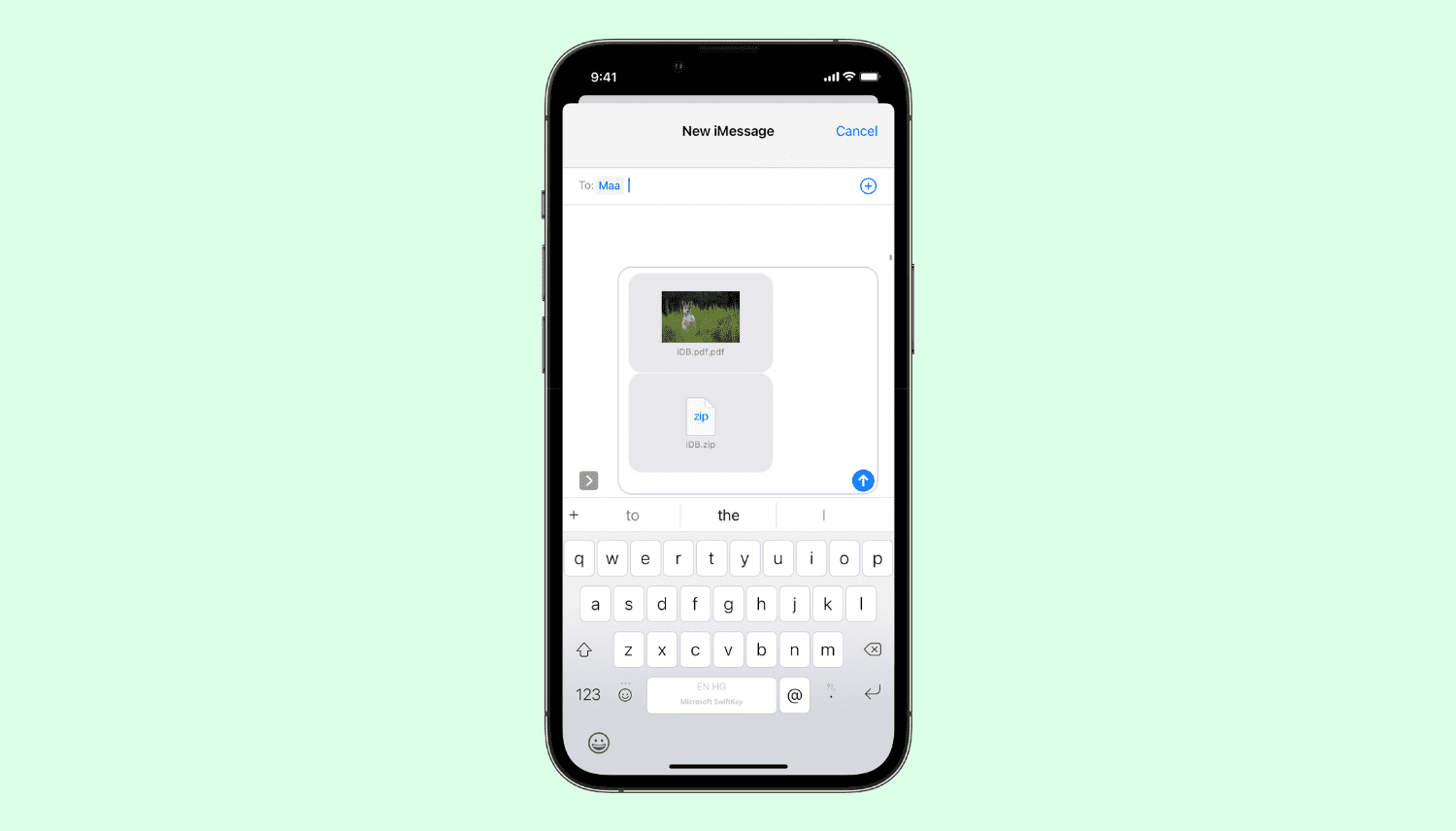
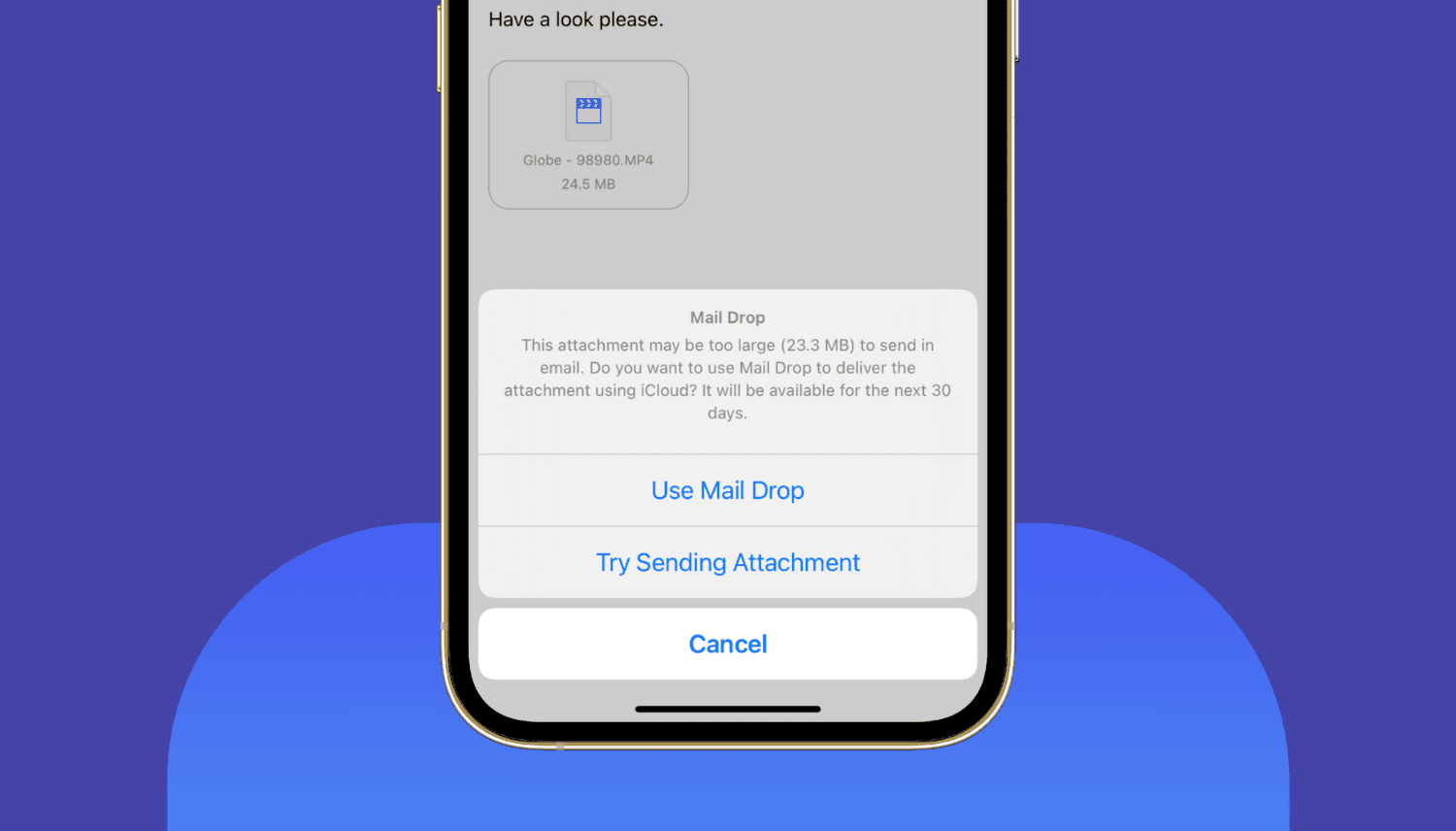
Learn about Apple’s Mail Drop feature, its limitations, and how to use it on iPhone, iPad, Mac, or a web browser to send large files via email.
What is Mail Drop and how to use it on iPhone, Mac, and PC
Learn how to master your Apple devices with our comprehensive tutorials. From iPhone and iPad to Mac, Apple Watch, AirPods, and more, our expert guides will help you unlock the full potential of your Apple products. Discover new features, tips, and tricks each day to enhance your user experience.
Learn about Apple’s Mail Drop feature, its limitations, and how to use it on iPhone, iPad, Mac, or a web browser to send large files via email.

Are you seeing a gray globe icon with an alert mark on your Mac's Recovery screen, and does it keep reappearing even after trying Internet Recovery again? I have faced this issue several times in the last few years. So let me tell you more about why you see the globe icon with an alert or exclamation symbol on Mac, share my experience with it, and show you how to fix it.
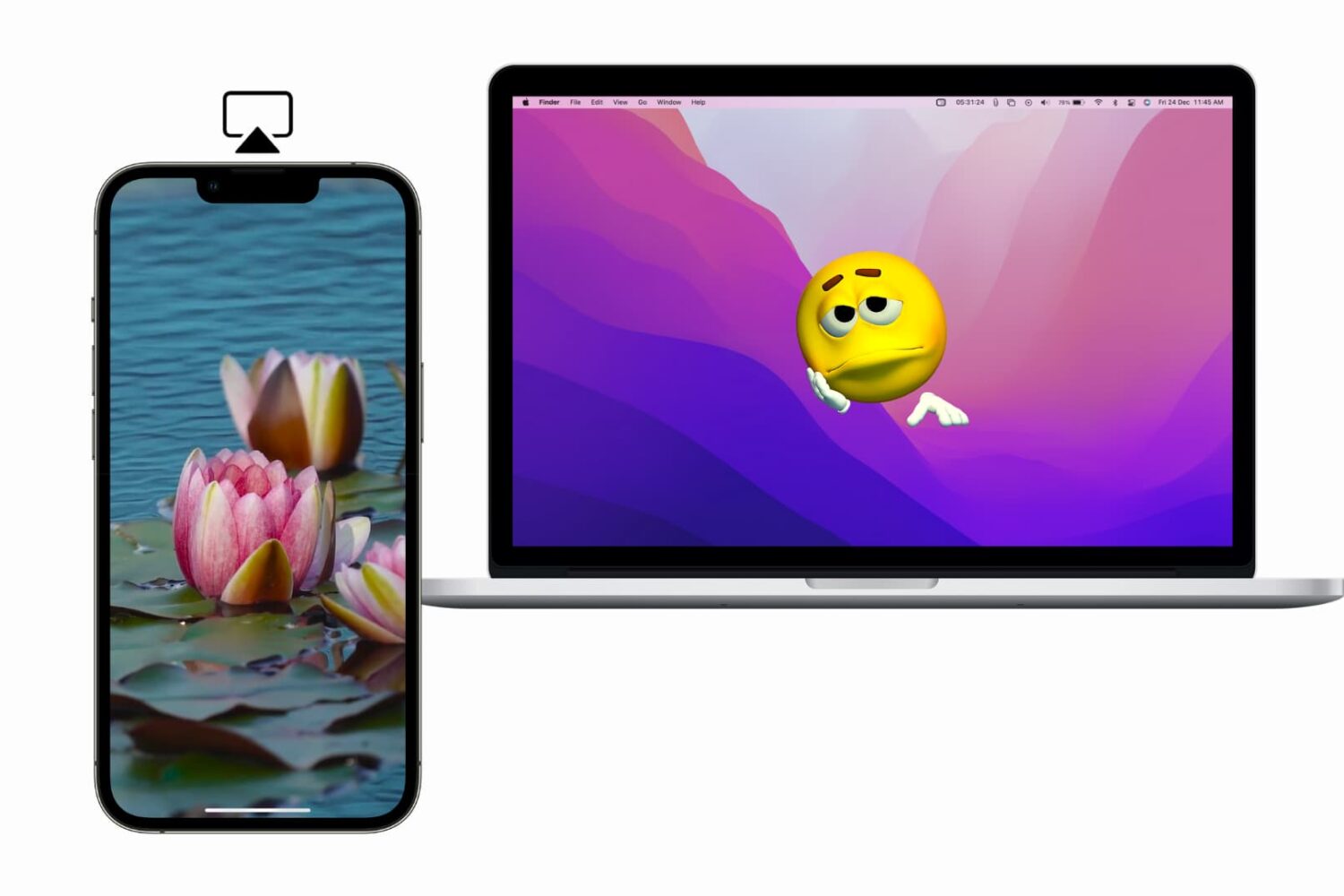
Learn what to do if you cannot AirPlay to Mac, your Mac doesn't show up as an AirPlay target, or if video, photos, audio, or screen do not project from your iPhone or iPad to your Mac.

Learn how to fix your Apple Watch if it is stuck or frozen on the Apple logo screen.

A dedicated telephoto lens (aka zoom lens) found on some iPhones boosts iPhone photography with optical zoom capabilities. Future iPhones are rumored to allow for even deeper zoom by adopting a periscope lens (or foldable lens as it's sometimes referred to). At its core, this technology diverts light through a prism and into a telephoto lens set at a ninety-degree angle to a rear-facing lens and buried deep inside the chassis.

Want to use AirPods for longer on a single charge? Check out these 14 ways to improve and extend the battery life of your AirPods.
In this guide, I go over a list of over 40+ things I always do to ensure the best user experience after setting up a new or erased Mac.
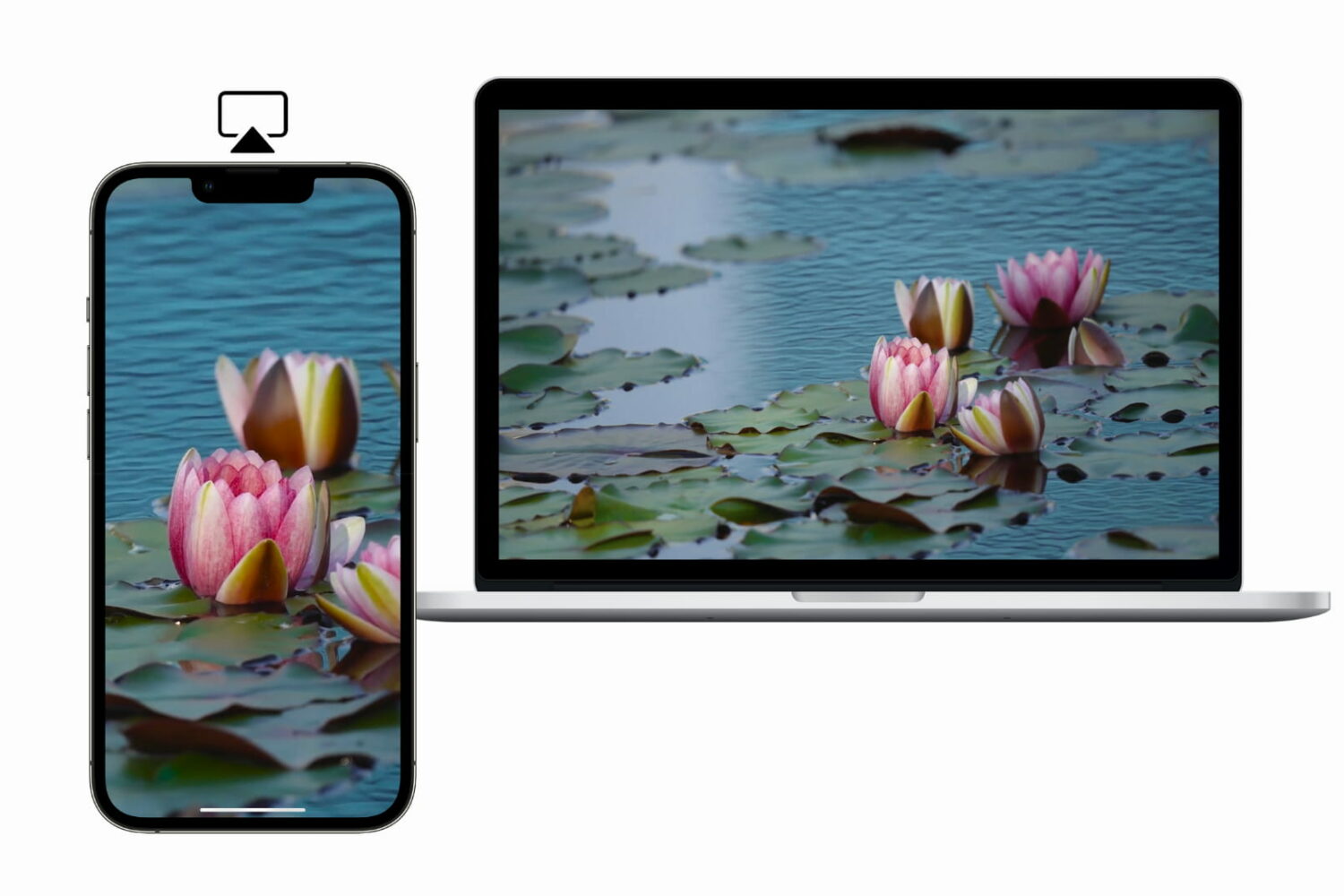
Learn how to AirPlay photos, videos, and music, or mirror your iPhone, iPad, or Mac screen to another Mac.
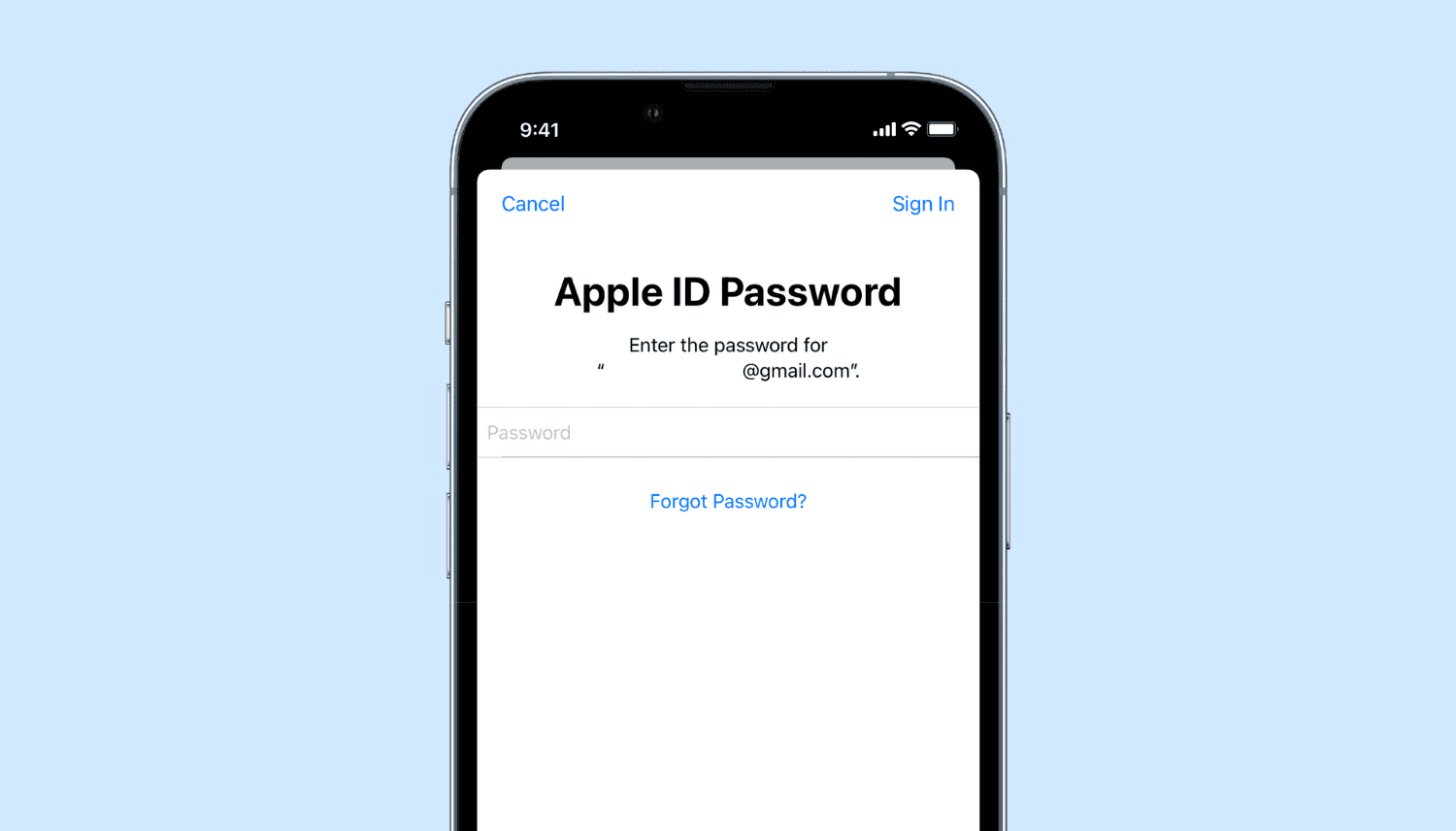
Learn what to do if you’re annoyed by repetitive popups and notifications asking you to enter your Apple Account password on your iPhone, iPad, or Mac.
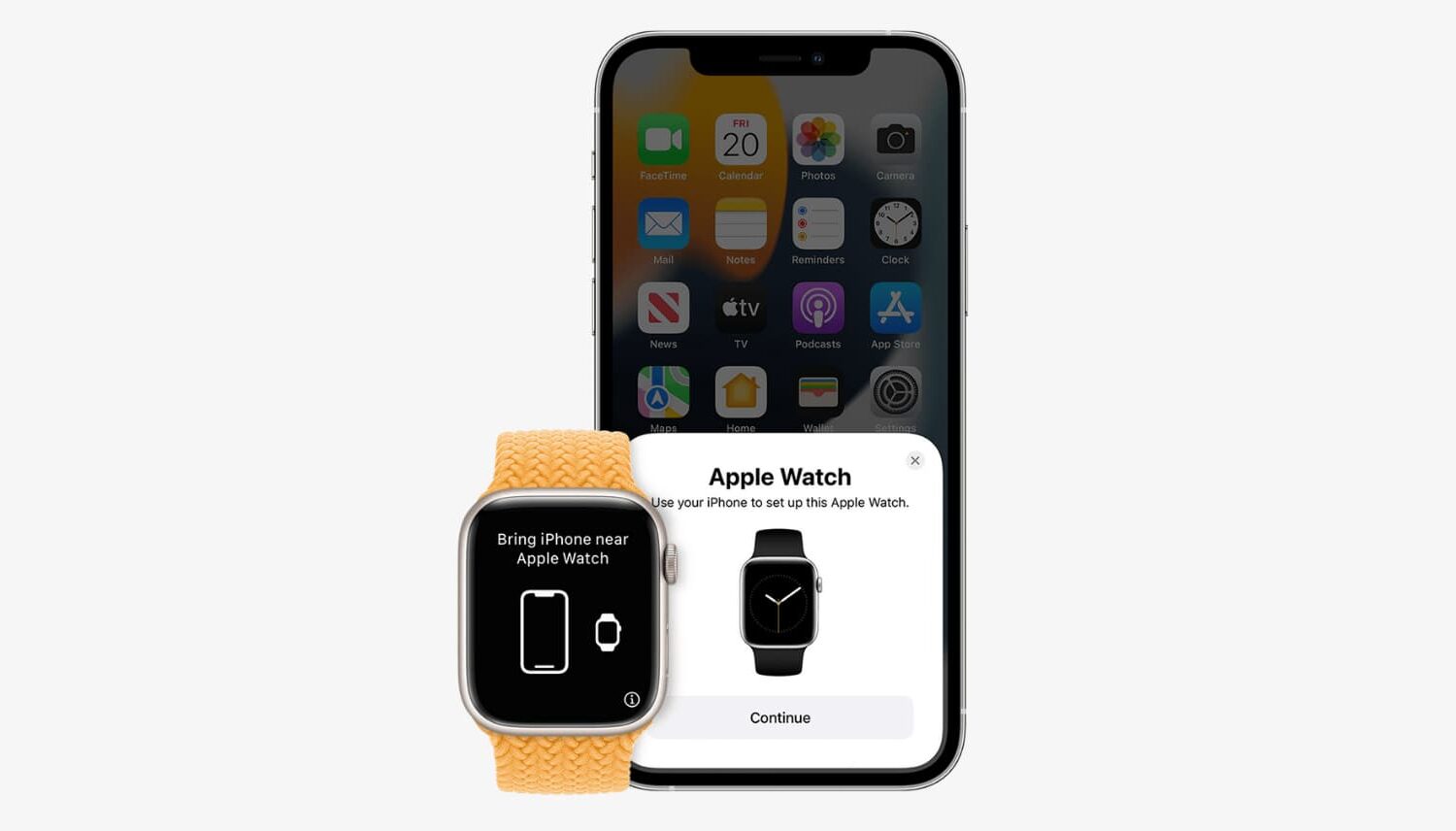
Learn about three ways to unpair your Apple Watch from its paired iPhone. Unpairing the Apple Watch is equivalent to erasing it. And after you do this, you’ll have to set up your Apple Watch again.