Messages

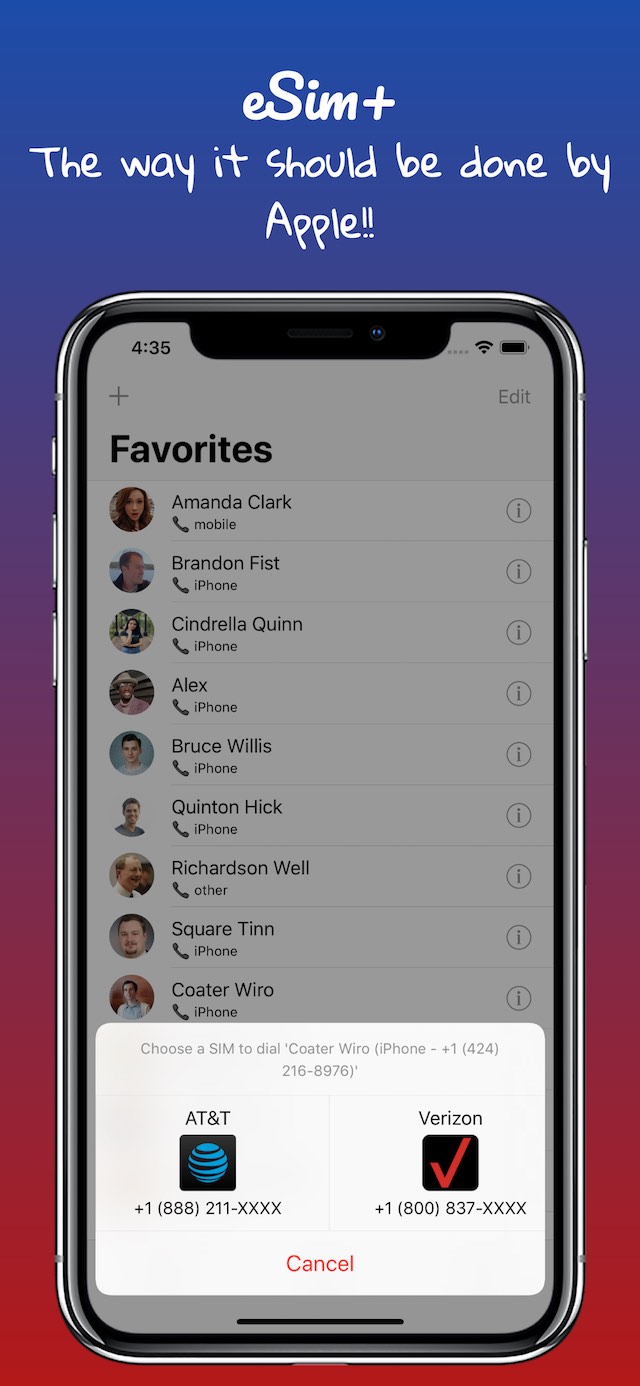
Augment your jailbroken iPhone’s dual-SIM capabilities with eSIM+

Apple’s latest iPhones, from the iPhone XR to the iPhone 13 lineup, support dual-SIM functionality. Straight out of the box, these handsets can have both a physical SIM-based carrier and an eSIM-based carrier configured on the same device for traveling abroad. But perhaps unsurprisingly, the native implementation of this capability on the iOS platform leaves a lot to be desired.

Here to help with this particularly disgruntling issue is a newly-released jailbreak tweak called eSIM+ by iOS developer iArrays. Just as the name implies, this tweak augments any jailbroken iPhone that supports dual-SIM capabilities, such as those mentioned earlier.

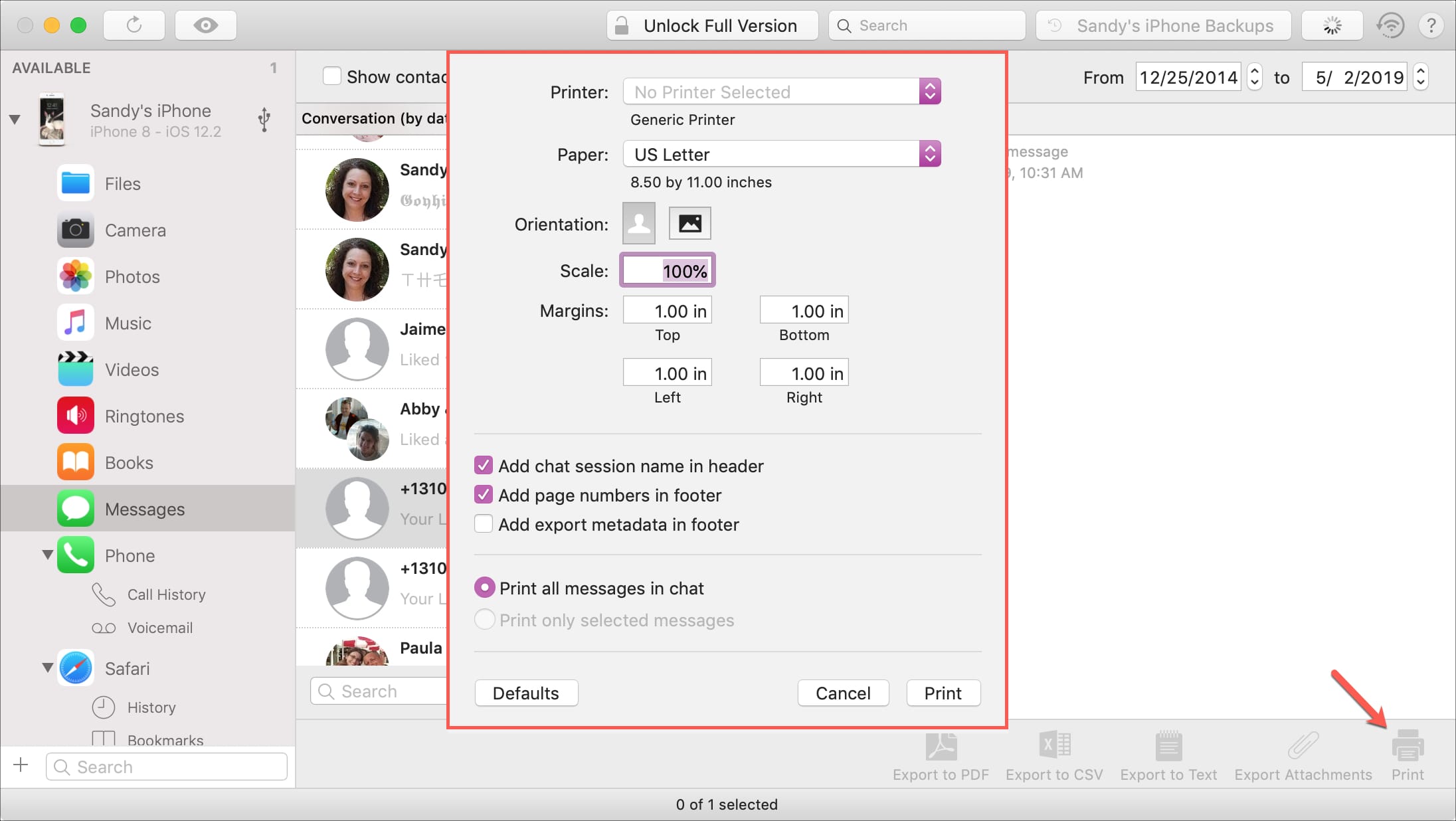
How to print iPhone Messages with iMazing on Mac

Print messages from iMazing

If you haven’t heard of iMazing, this is a software application that you can use to the manage your iOS devices. Among their features, you can back up your device, manage its content, and yes, print your conversations from Messages app.

You likely have a specific reason for needing to print your messages. And this application makes it easy to do. If you already have iMazing installed, then you’re one step ahead. If not, it’s available for a free trial for Mac directly from the iMazing website.

So, let’s jump right to it; here’s how to print iPhone Messages with iMazing on Mac .

The best iPhone emoji keyboard apps

Best emoji keyboards for iPhone - FancyKey

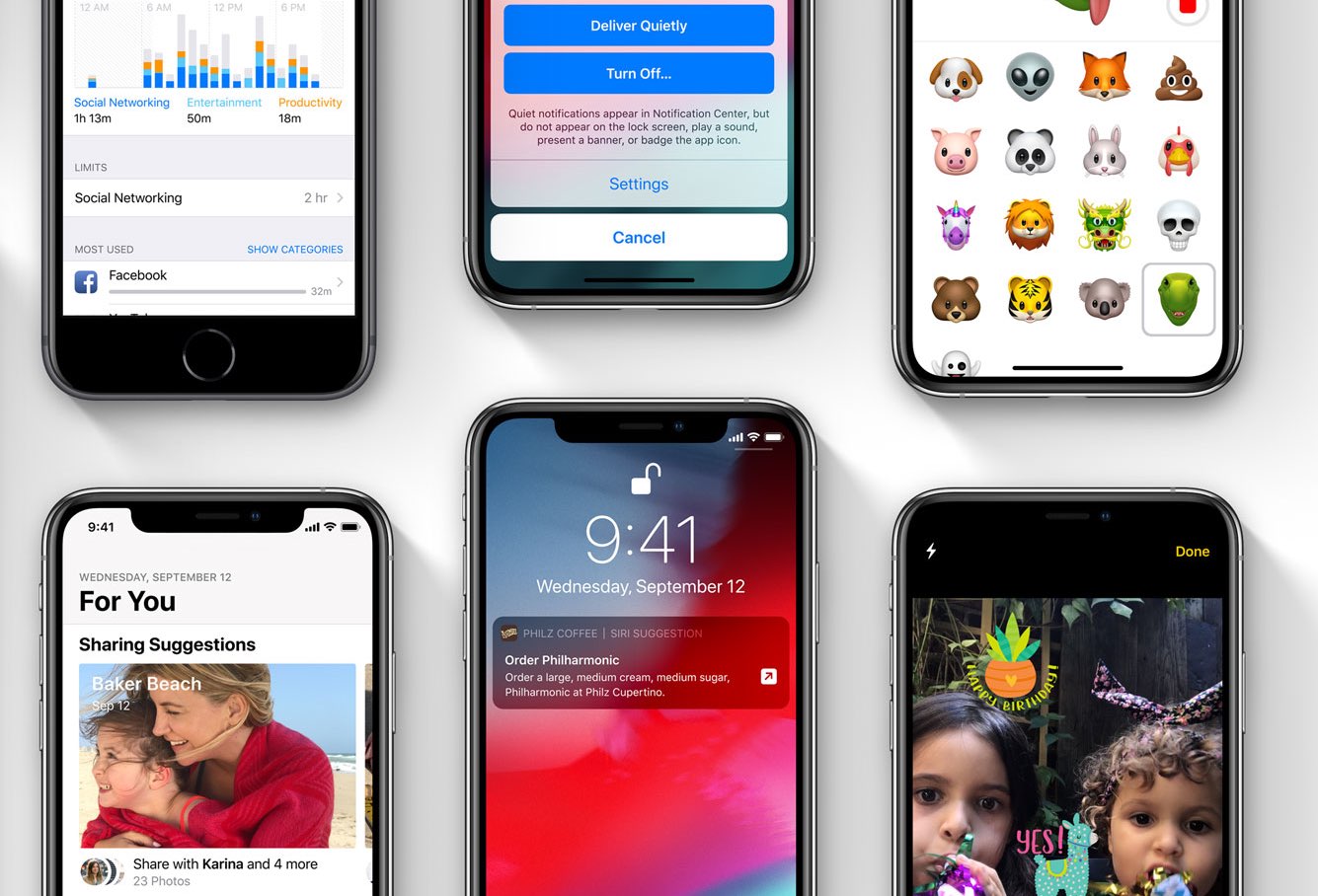
These days, using emojis when sending text messages is the norm. You can say about anything with an emoji instead of text from “I love you” to “Let’s grab a burger.” And your iPhone is packed with tons of them to use. But there are apps that take these handy little smileys to another level.

You can send emojis that are arranged in a picture, those that you edit yourself, and many that you won’t find on your iPhone by default. If you want to step it up with your emojis, here are the best iPhone emoji keyboard apps.

How to stop audio messages from disappearing on iPhone and iPad

Stop Audio Messages from Expiring on iPhone

Audio messages in the Messages app are cool little ways of communicating without text. You can tell someone you love them, send them a song clip, or just ask what’s up, all with your own voice.

The thing about audio messages, however, is that they don’t hang around forever. By default, they expire after two minutes of sending or listening to them, not to be heard again. This might be fine for some but not for others.

If you fall into the “others” category and want to hang onto those clips, here’s how to stop audio messages from expiring in the Messages app on iPhone and iPad.

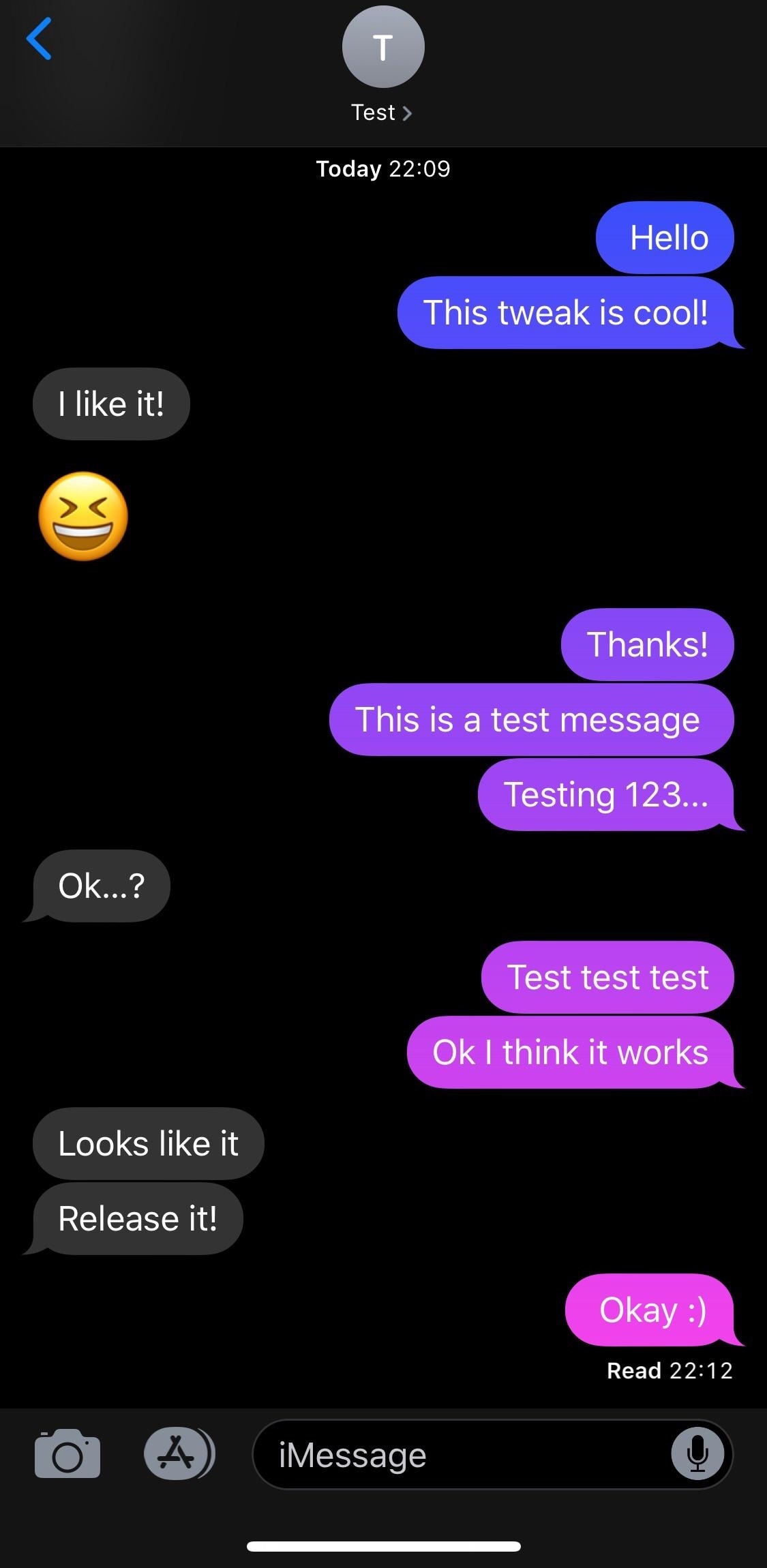
MessageColors lets you add color gradients to the Messages app

If you have an iPhone, then chances are you spend a lot of time in the Messages app text messaging other people. With that in mind, wouldn’t it be great if you could colorize the Messages app to match your individual personality?

If you like what you’re hearing so far, then you’ll probably enjoy a new free jailbreak tweak called MessageColors by iOS developer RestiveConch. This tweak lets you apply custom color gradients to your Messages app, making it possible to achieve the result you see in the screenshot example above.

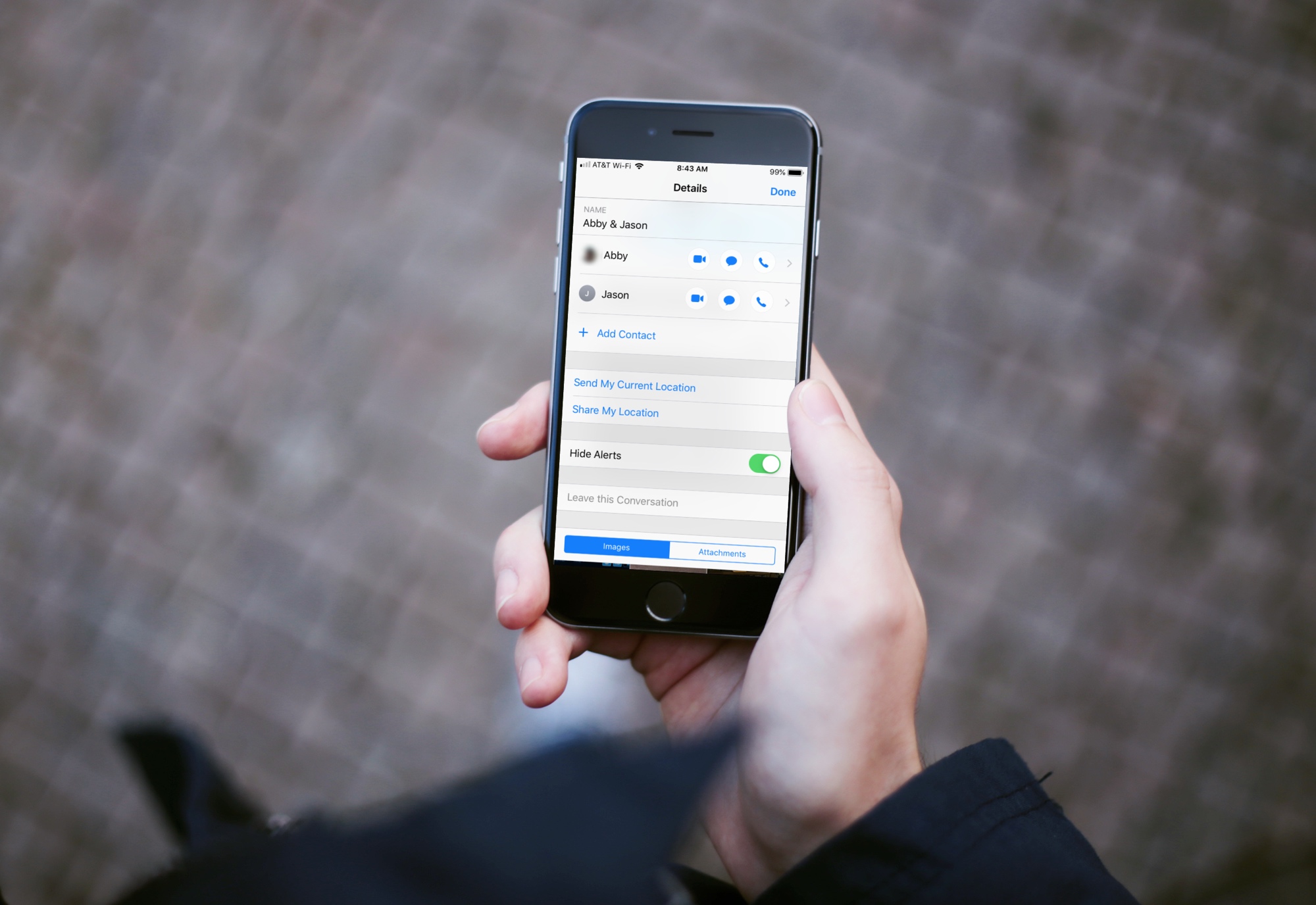
How to hide alerts for group texts on iPhone, iPad and Mac

Mute Group Text Notifications iPhone

Group text messages can often get out of control, with several participants sending messages in quick succession. In such situations, you can either leave the group text or hide group text alerts and see them later.

This brief tutorial will show you how to turn off notifications for group iMessage or SMS conversations on your iPhone, iPad, and Mac. We will also share a pro tip that ensures you're instantly notified of the group message with you in it, even if that group conversation is muted!