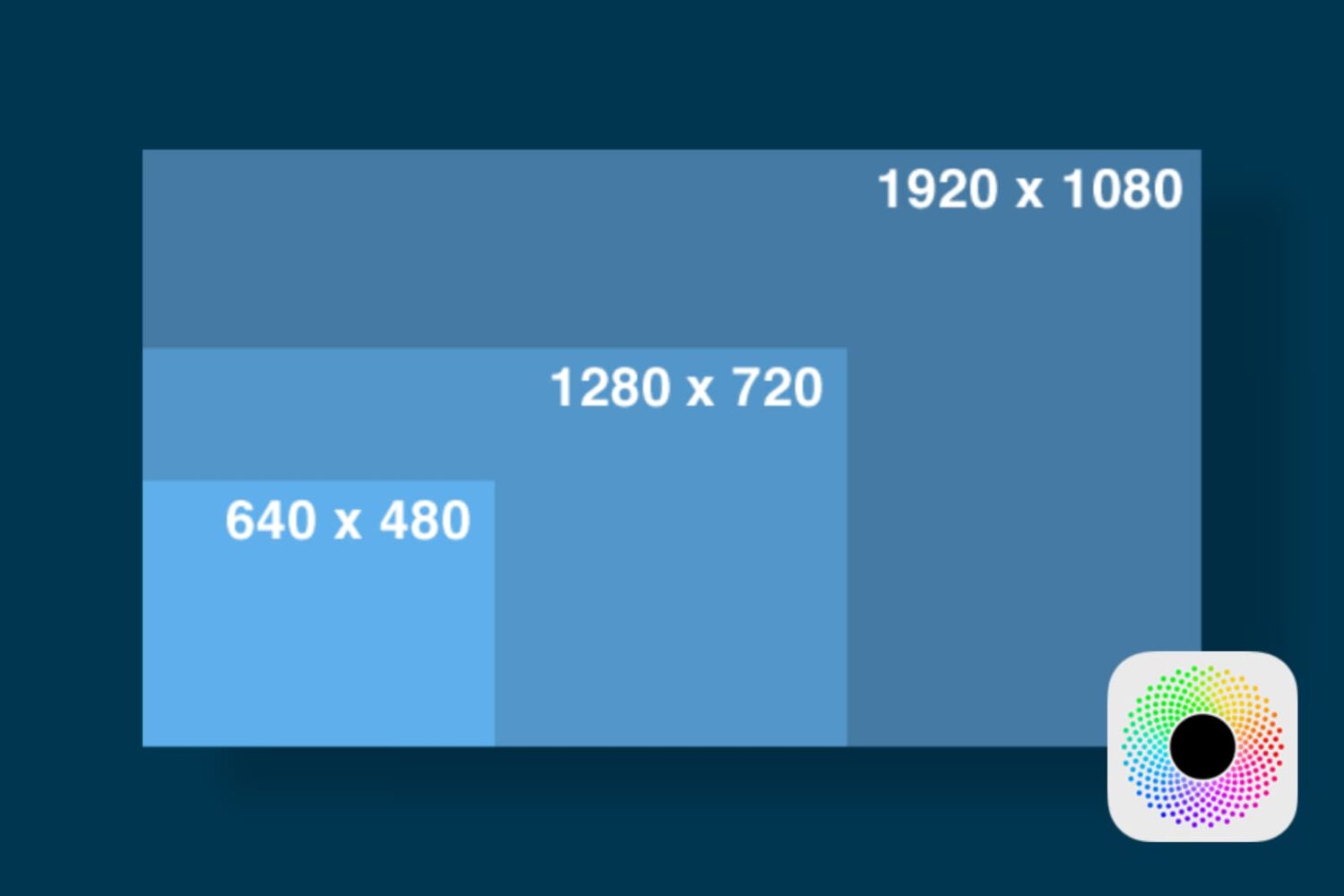
In this tutorial, we'll show you how you can launch apps on your Retina display Mac in normal resolution rather than in its higher Retina display resolution form.
How to launch apps in low resolution mode on Retina display Macs
Stay up-to-date on the latest Mac news, and tutorials. Get expert tips and tricks to optimize your Mac’s performance and learn about the latest Apple products and software updates. Discover the best Mac apps and accessories to enhance your user experience.
In this tutorial, we'll show you how you can launch apps on your Retina display Mac in normal resolution rather than in its higher Retina display resolution form.
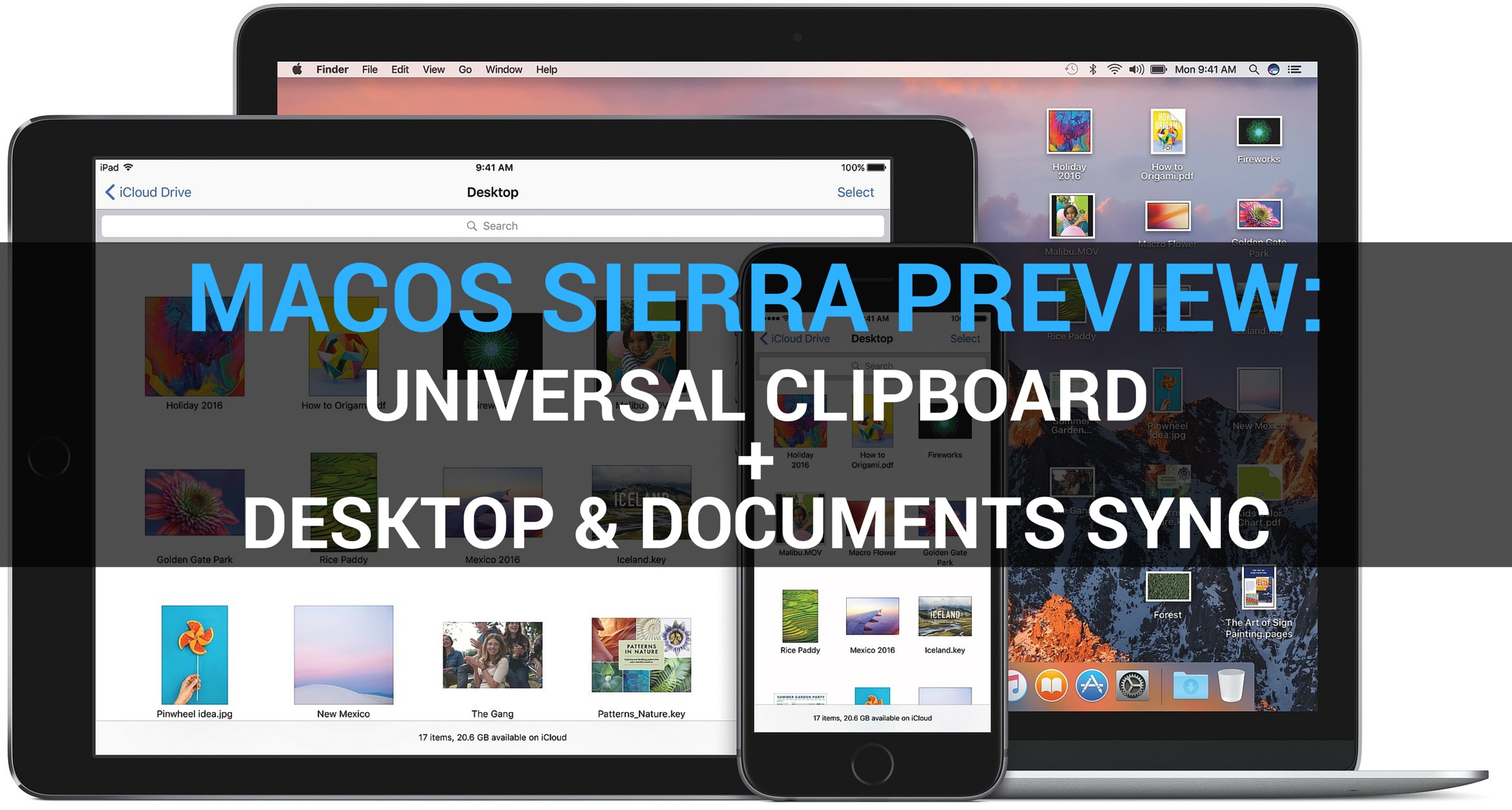
Our ongoing macOS Sierra previews continue unabated as Andrew and I take a closer look at two new useful features in Sierra: Universal Clipboard and shared Desktop. You're definitely going to use Universal Clipboard quite a bit: in addition to being a great time-saver, it “just works”.
Universal Clipboard lets you copy and paste items across your iPhone, iPad, iPod touch devices and Mac computers like a boss. Sierra also puts your iCloud storage to good use by keeping any Desktop items along with the files within the Documents folder synchronized across your other devices.

Your Mac's Mail app is a powerful email client, and for many, the default app configuration in plenty for getting day-to-day email tasks done.
But for those who demand more power and functionality, it's a great idea to customize the toolbar at the top of the Mail app so you have quick and easy access to the functions you use the most.
In this tutorial, we'll show you how to customize the toolbar at the top of your Mac's Mail app so you can get more out of it.

Dropbox today announced a major update to its mobile and desktop clients across platforms, including the ability to scan documents in the mobile app, create Microsoft Word, PowerPoint and Excel files on the go, share files securely with others using access privileges and much more.
On the downside, Dropbox's existing Camera Sync feature has been removed from the mobile app so you now must manage photos using the desktop client. Dropbox for iOS is available at no charge via the App Store. The Mac client must be downloaded directly from the Dropbox website.
During his WWDC 2016 keynote segment, Apple's software boss Craig Federighi briefly flashed a slide listing Mac models that will be able to run the operating system out of the box when it releases publicly this fall (the macOS Preview webpage does not yet mention anything in terms of the minimum system requirements for the new OS).
It seems that Macs manufactured in 2008 and older models won't be eligible for the new OS. But if your Mac is not on Apple's list, an unofficial option might allow you to run macOS Sierra anyway, with some caveats.
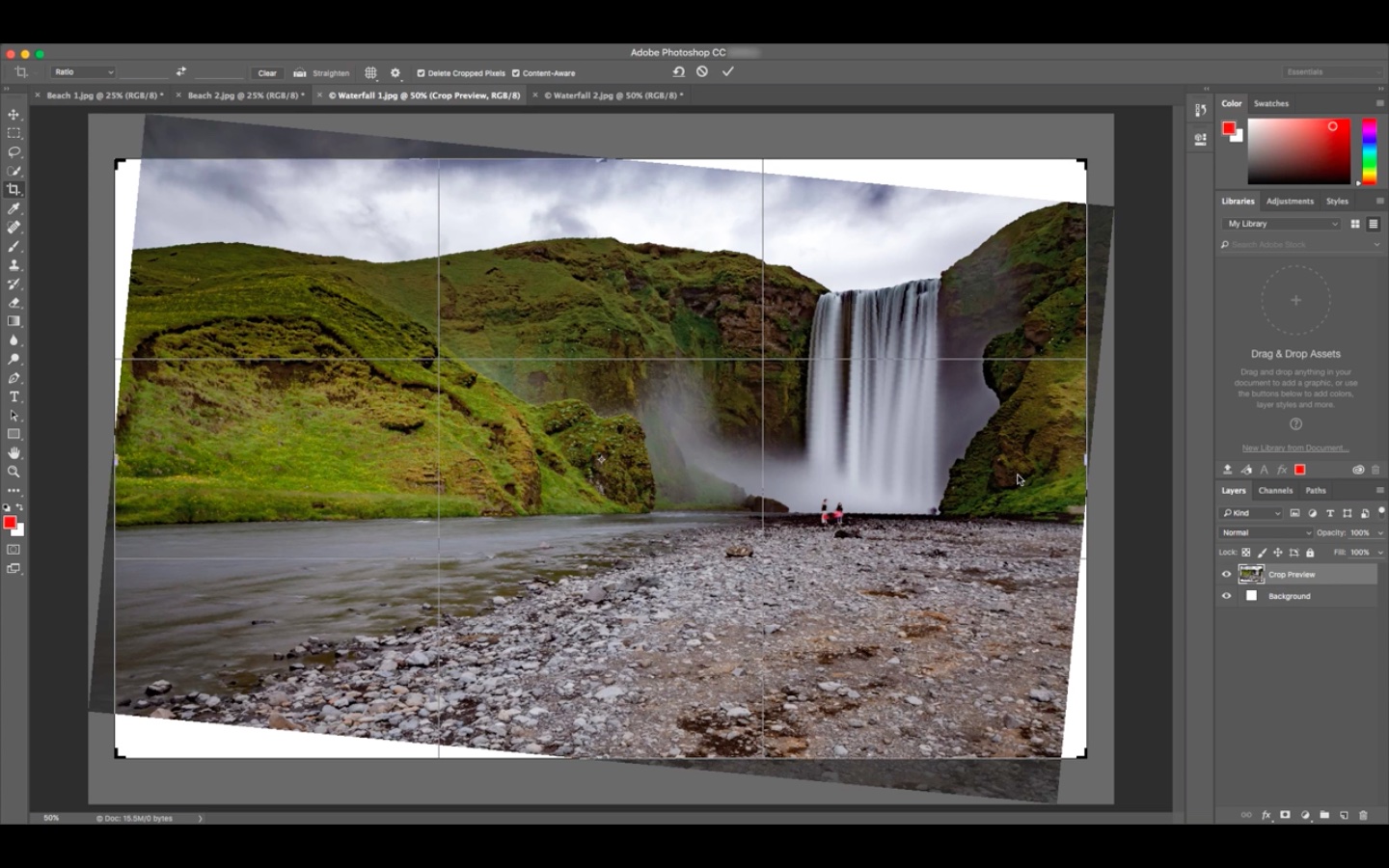
Photoshop maker Adobe today announced availability of a major update to its Creative Cloud suite of applications, which brings out the previously previewed content-aware crop in Photoshop, performance enhancements across Creative Cloud, new features in Adobe Stock, and various updates to other apps in the suite.
Want to forward delete on Mac rather than delete the text backward? In this tutorial, we’ll show you how to delete text from left to right (instead of the usual right to left) with a couple of simple keyboard shortcuts.
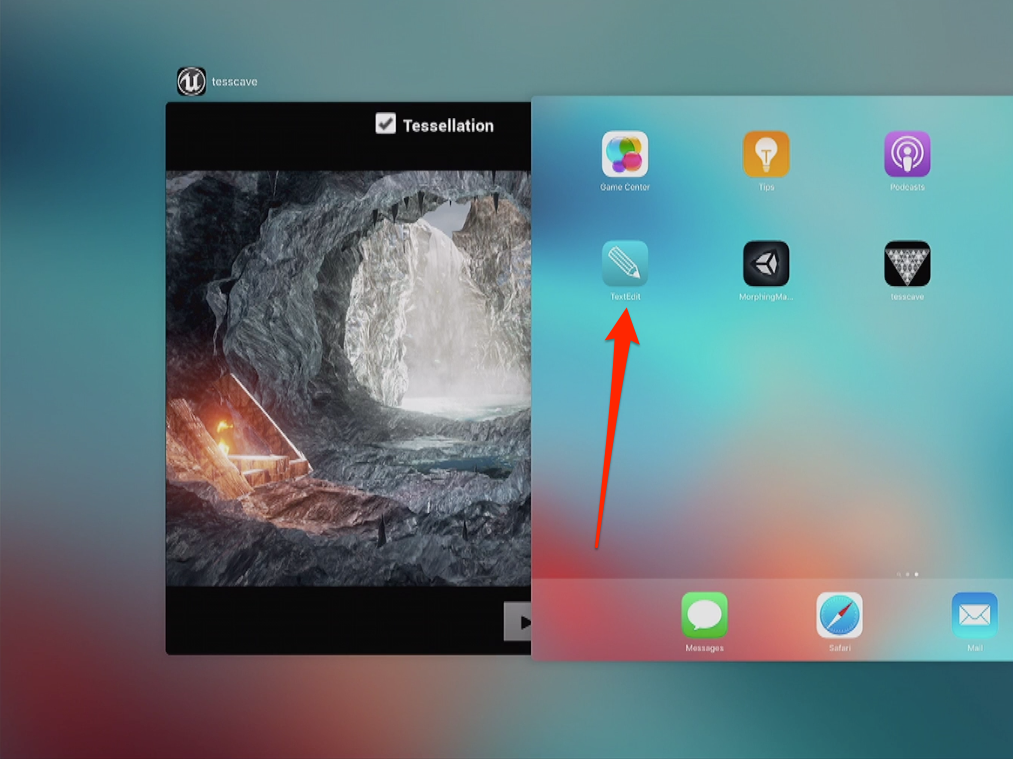
TextEdit, one of the stock applications for the Mac, might be coming to the iPhone, iPad and iPod touch, suggests an icon spotted on an iPad during one of the WWDC 2016 demos.
As first discovered by MacRumors, the “What's New in Metal, Part 1” WWDC session video shows (mark 17:58) a TextEdit icon on the iPad's multitasking app switcher screen and on the Home screen.
During the WWDC keynote a week ago, Apple announced that iOS 10 and macOS Sierra will bring facial recognition features alongside a brand new Memories tab and other improvements in Photos for iOS 10 and macOS Sierra.
According to a Medium post by Redditor “vista980622,” Photos' facial recognition engine is capable of distinguishing between seven distinct facial expressions and detecting up to 4,432 searchable objects and scenes on your photos.
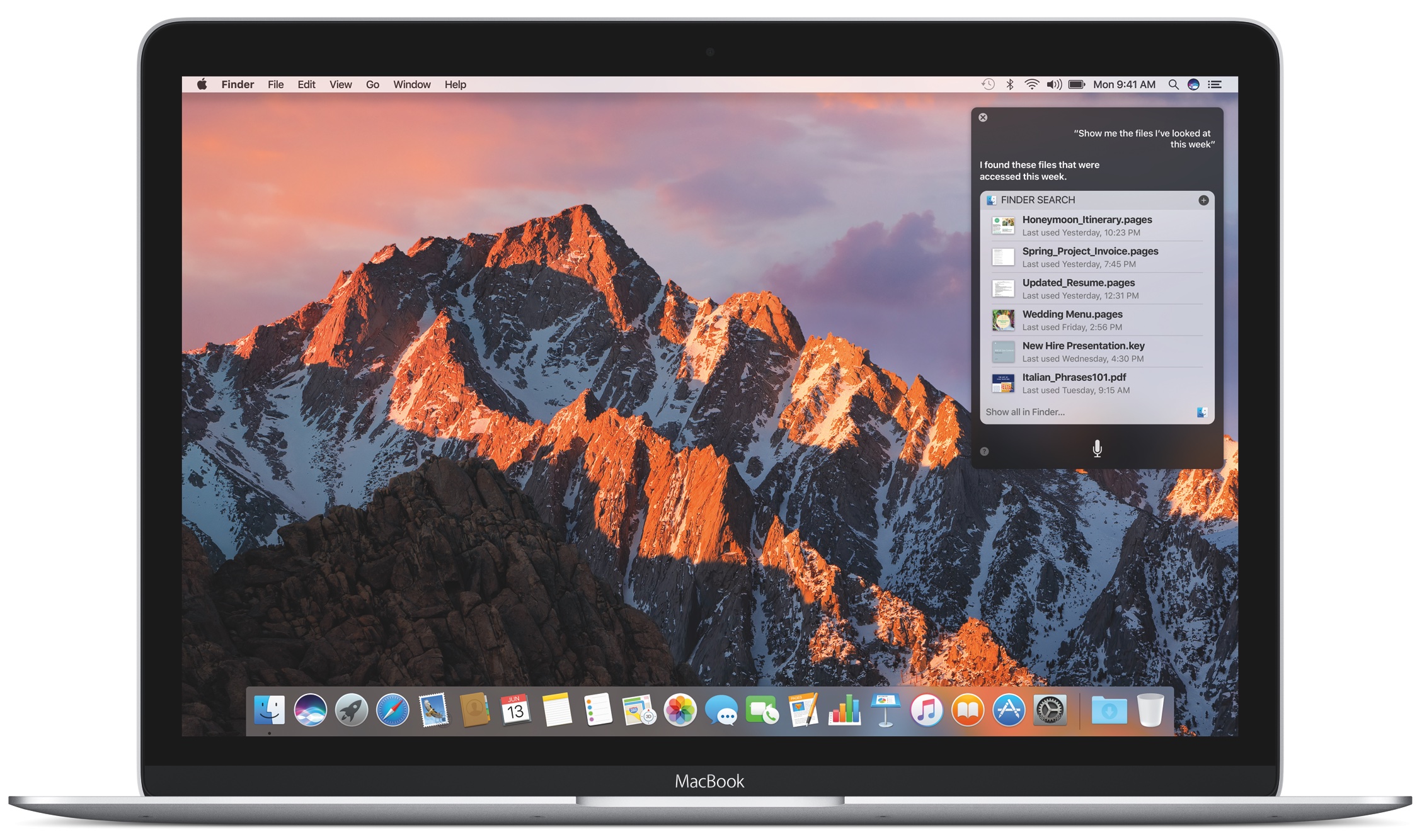
macOS Sierra brings the familiar features of Siri for iOS to the Mac with an attractive user interface, third-party integration and some interesting capabilities specifically designed for the desktop that are not supported on iOS. In addition to standard search queries, you can ask Siri to locate a specific document you worked on last night, add a meeting to your calendar, start a FaceTime call and more.
The Siri interface is interactive, letting you drag and drop items from search results into your documents.
You can even pin Siri searches in the Notification Center with live updating! Here's our quick video preview of Siri for Mac in action and a detailed overview of the supported features that Apple hopes will make you more productive.
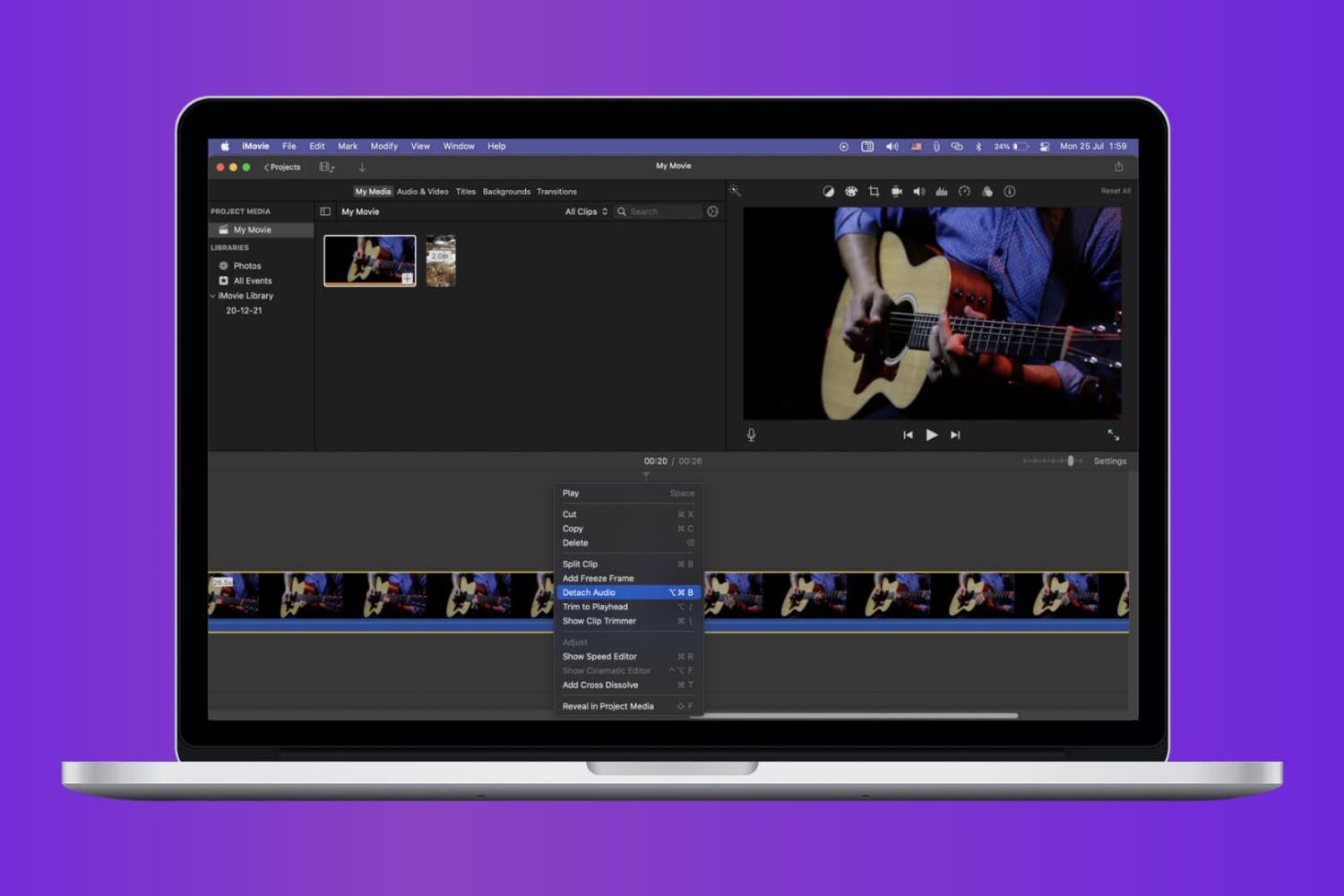
Check out the quick steps to remove audio from a video using iMovie and save that soundless clip locally to your Mac.

When it comes to using your Mac for day-to-day activities, you may want to set up a printer with it so you can print documents, shipping labels, photos, and other important pieces of information.