In this tutorial, we will show you how to manage app windows with VoiceOver on Mac. You can use these tips to enter full screen, switch between apps and windows, and resize or move a window.
How to work with app windows using VoiceOver on Mac

Stay up-to-date on the latest Mac news, and tutorials. Get expert tips and tricks to optimize your Mac’s performance and learn about the latest Apple products and software updates. Discover the best Mac apps and accessories to enhance your user experience.
In this tutorial, we will show you how to manage app windows with VoiceOver on Mac. You can use these tips to enter full screen, switch between apps and windows, and resize or move a window.

A private Wi-Fi address protects your privacy by reducing the tracking of your iPhone, iPad, Mac, and Apple Watch across different wireless networks. In this tutorial, you’ll learn how to enable a private Wi-Fi address on your Apple devices to enhance your privacy.

Learn how to open and use the VoiceOver Help and Commands menus on your Mac. These tools can assist you while getting used to the VoiceOver accessibility feature.
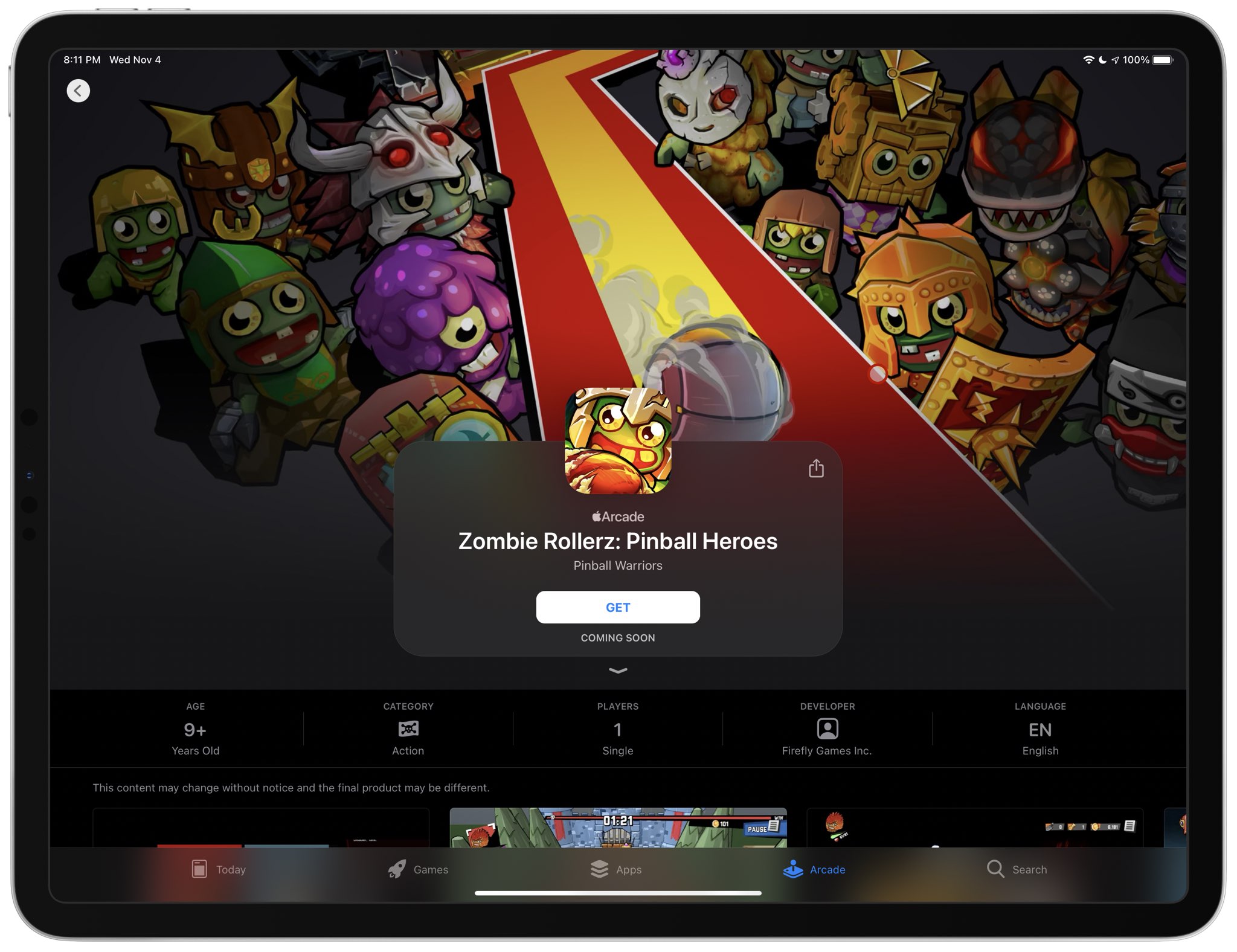
Apple Arcade has confirmed that “Zombie Rollerz: Pinball Heroes” is another title scheduled to launch within a few weeks across the iPhone, iPad, Mac and Apple TV.

Apple Arcade connects you with your friends on Game Center. Not only does this allow you to play with them on any of your devices, but also see what they're playing. Follow along with us as we show you how to view the list of games that are popular with your Apple Arcade friends.

An Apple Arcade subscription gives you access to more than a hundred premium games across your iPhone, iPad, Apple TV and Mac devices, with additional titles added on a regular basis. iCloud keeps your gameplay progress synchronized across devices, but what about finding you recently played Apple Arcade games? In this helpful tutorial, we'll show you how to resume Apple Arcade games that you've recently played on your devices.

Check out and bookmark this list of Keyboard shortcuts for Outlook on Mac so you can breeze through your inbox and compose emails even faster.
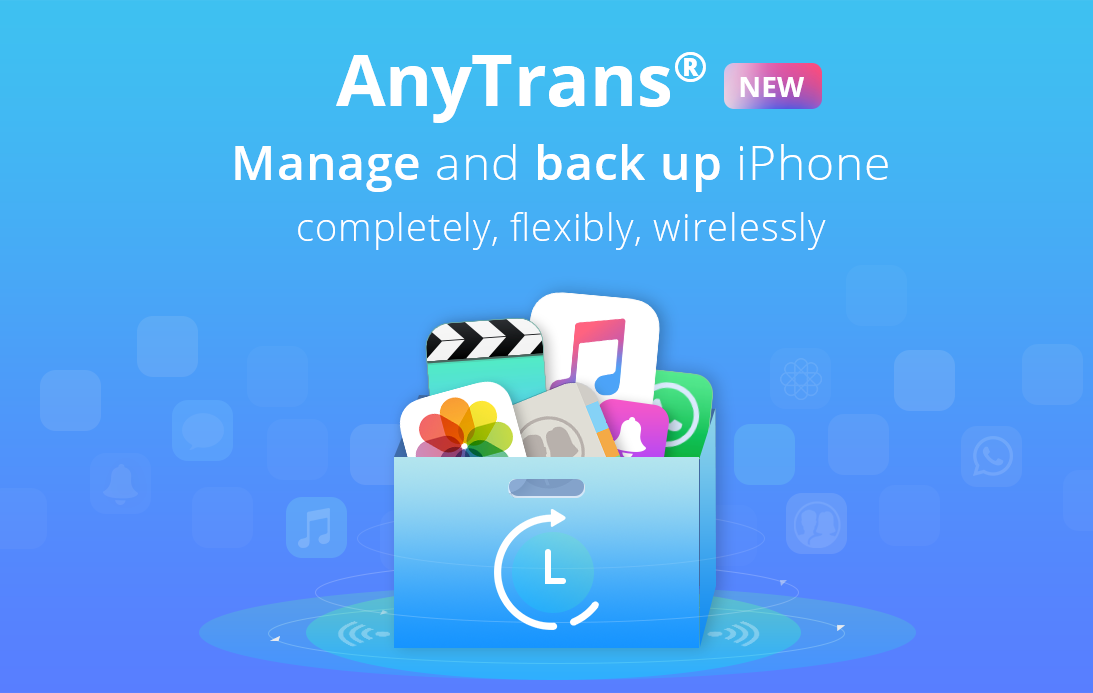
So you've got a brand-new iPhone 12, but how do you transfer your valuable iOS data from the old iPhone to the new one? With AnyTrans from iMobie, you can easily keep your iOS data under control, seamlessly transition to a new iPhone with a few clicks and much more.

We're on the cusp of November, which means 2020 is coming to an end soon. But that doesn't mean Apple doesn't have more in store for us.

Today, Apple announced its results for the fourth fiscal quarter, and revealed yet another strong stretch of three months.

Here we go again! Apple is back with another quarterly earnings report, this time wrapping up the year 2020 in its fourth fiscal quarter results.