Jailbreak

Check out the most comprehensive jailbreaking coverage on the internet, including the latest news, apps, tweaks, and detailed tutorials about everything jailbreak.

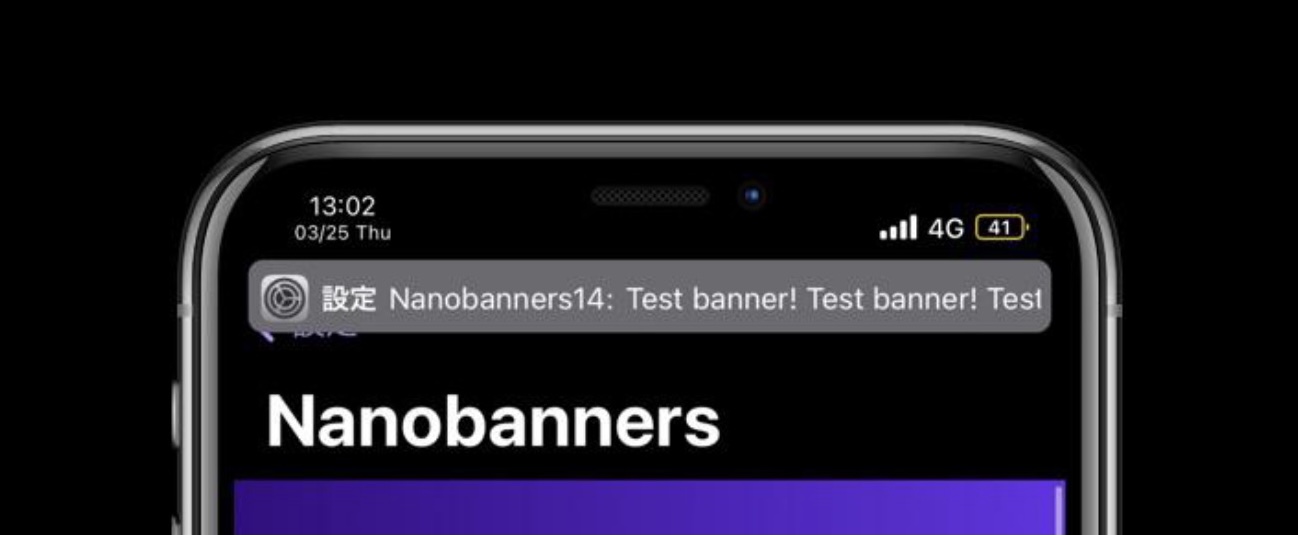
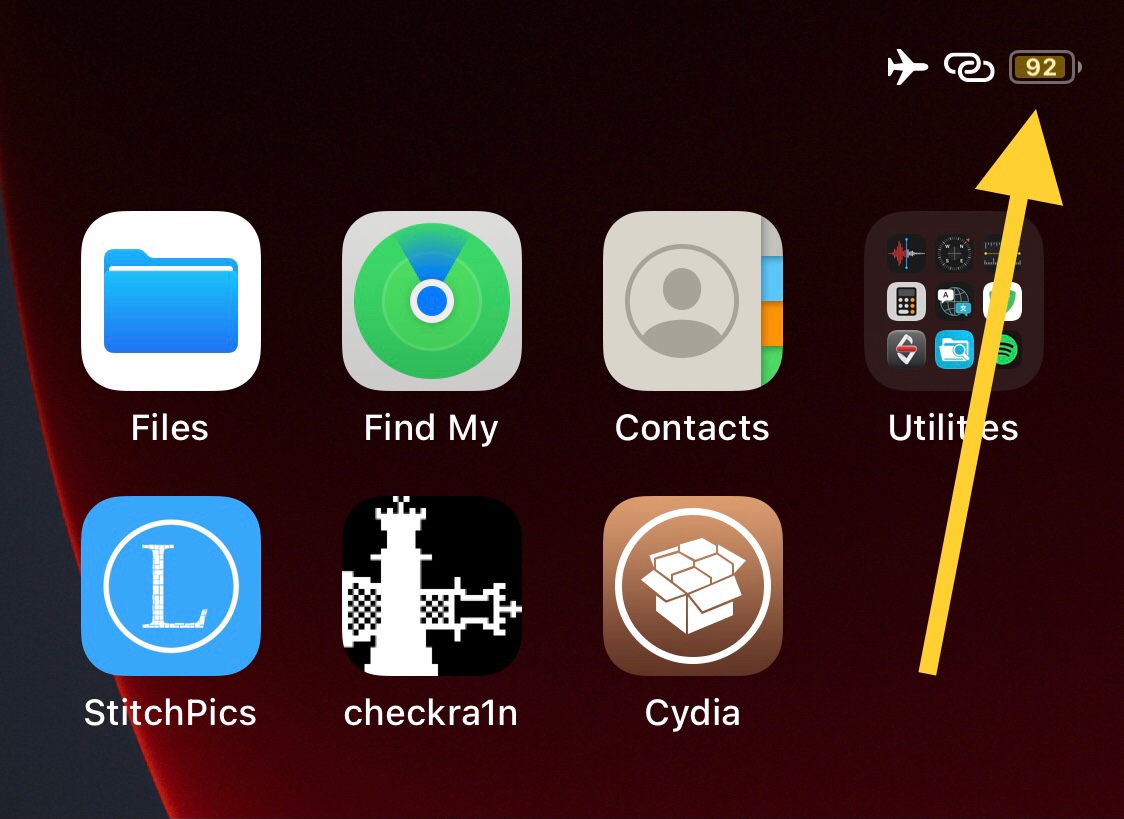
This tweak enables the numeric battery percent in the Status Bar for notched iOS 14 devices

A popular feature that is noticeably missing from notched iPhones that continues to exist on older Home Button-equipped handsets is the Battery Percent display for the Status Bar’s battery level indicator.

For whatever reason, Apple thought it would be a good idea to remove this feature entirely while continuing to harbor assets in the mobile operating system for an upgraded and better looking Battery Percent display on such devices.

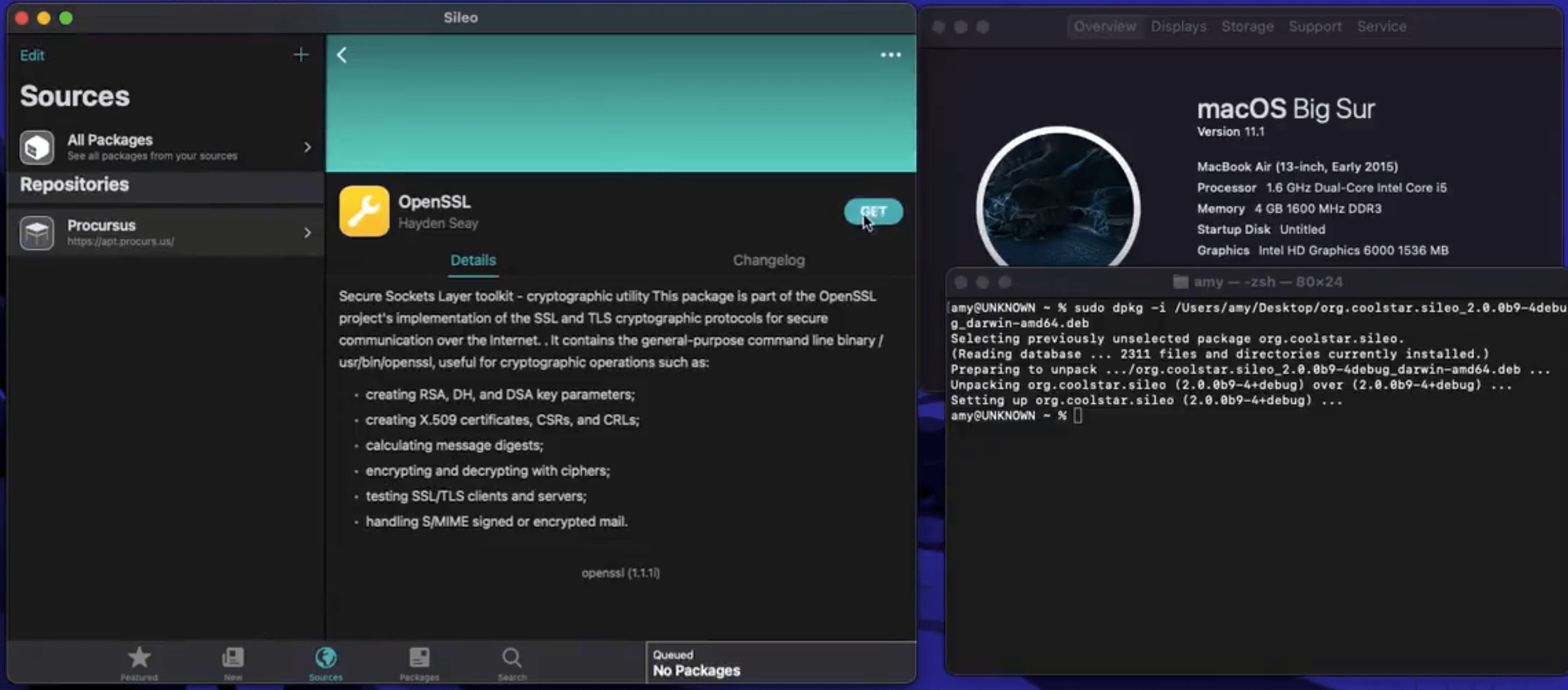
Video teaser demonstrates working Sileo app on macOS

Most people associate the Procursus bootstrap and Sileo package manager with the iOS 12-based Chimera jailbreak or the iOS & iPadOS 13-based Odyssey jailbreak, but that’s liable to change soon future as Odyssey Team member Hayden Seay teased almost a month ago that Procursus and Sileo would be coming to the Mac.

Wednesday evening, we got a first-hand glimpse of just how quickly the aforementioned project appears to be coming along.

Substitute updated to version 2.0.10 with more bug fixes

Substitute, the tweak injection method used by the unc0ver jailbreak (and optionally on checkra1n devices), received an update this week that officially brought the package up to version 2.0.10.

Much like the previous update that launched around a month ago, Substitute version 2.0.10 brings bug fixes to improve the package’s performance and stability.

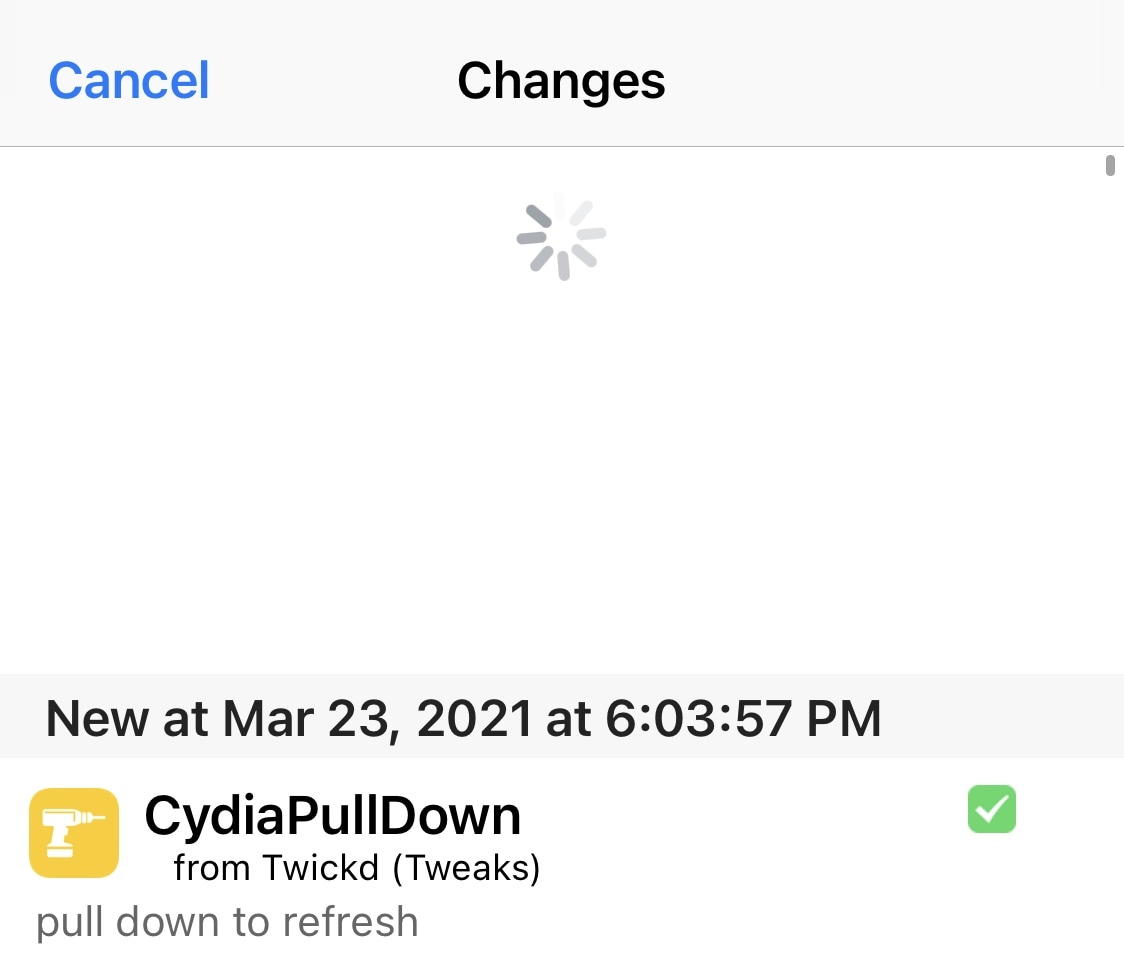
CydiaPullDown enables Pull to Refresh in the Cydia app’s Changes tab

In a day and age where the iPhone is becoming more gesture-based, it peeves me that the Cydia app on jailbroken handsets hasn’t adopted more gesture-driven controls.

Perhaps one of the most obvious gesture controls that Cydia could benefit from is Pull to Refresh in the Changes tab – this would replace having to manually tap on the Refresh button at the top-left of the app just to see if there are any new jailbreak tweaks or extensions worth installing.

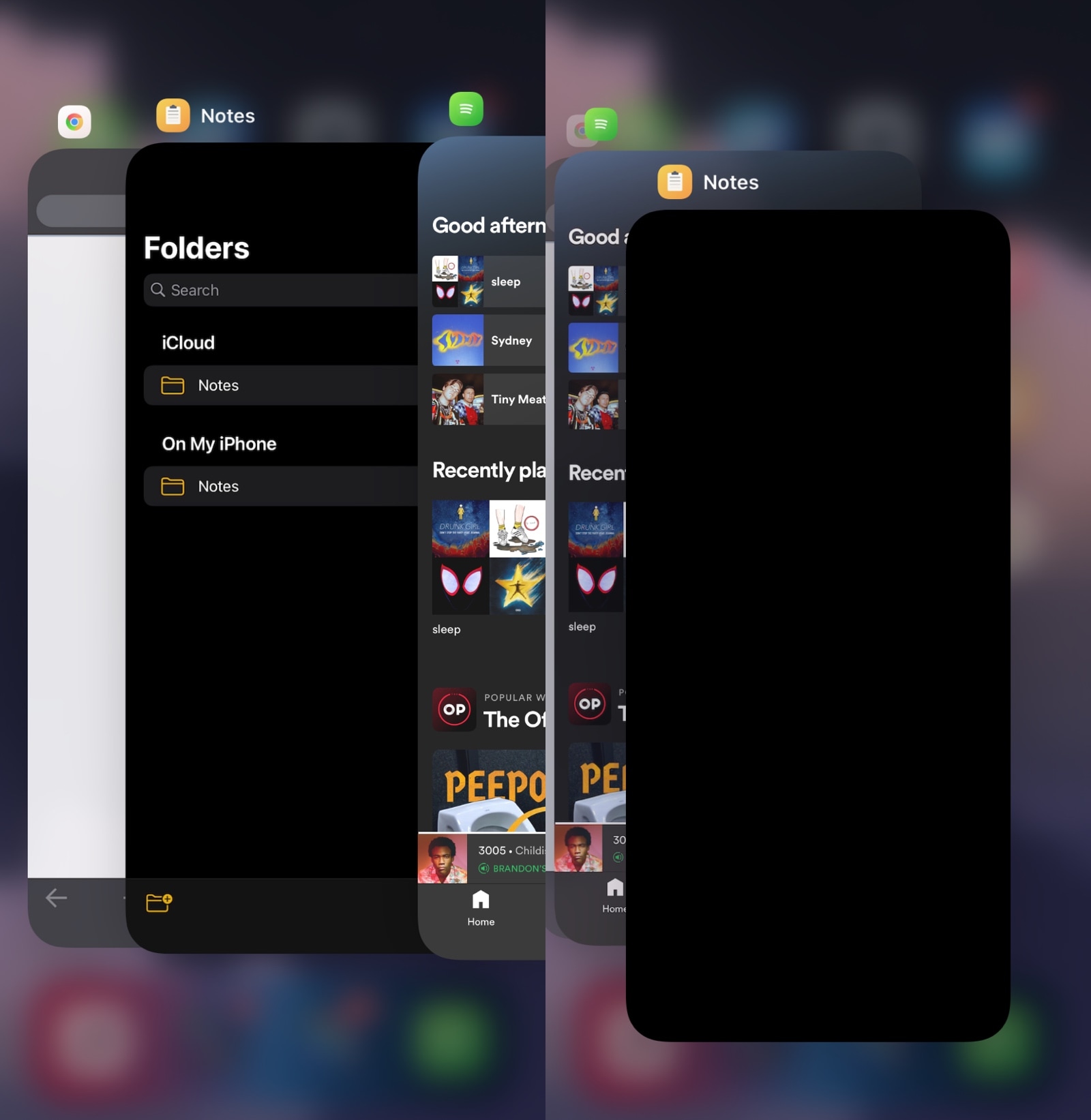
StayWithMe prevents you from accidentally force-closing your most recently-used app

Despite the fact that force-closing all the apps in your App Switcher isn’t the best of practices on the iOS or iPadOS platform, it’s still something that I continue to see people do time and time again.

Perhaps the most painful part of it all is watching when someone accidentally force-closes an app that they didn’t intend to – usually their most recently-used app which they were trying to improve the performance of by freeing up system memory in the process of force-closing all their other apps.

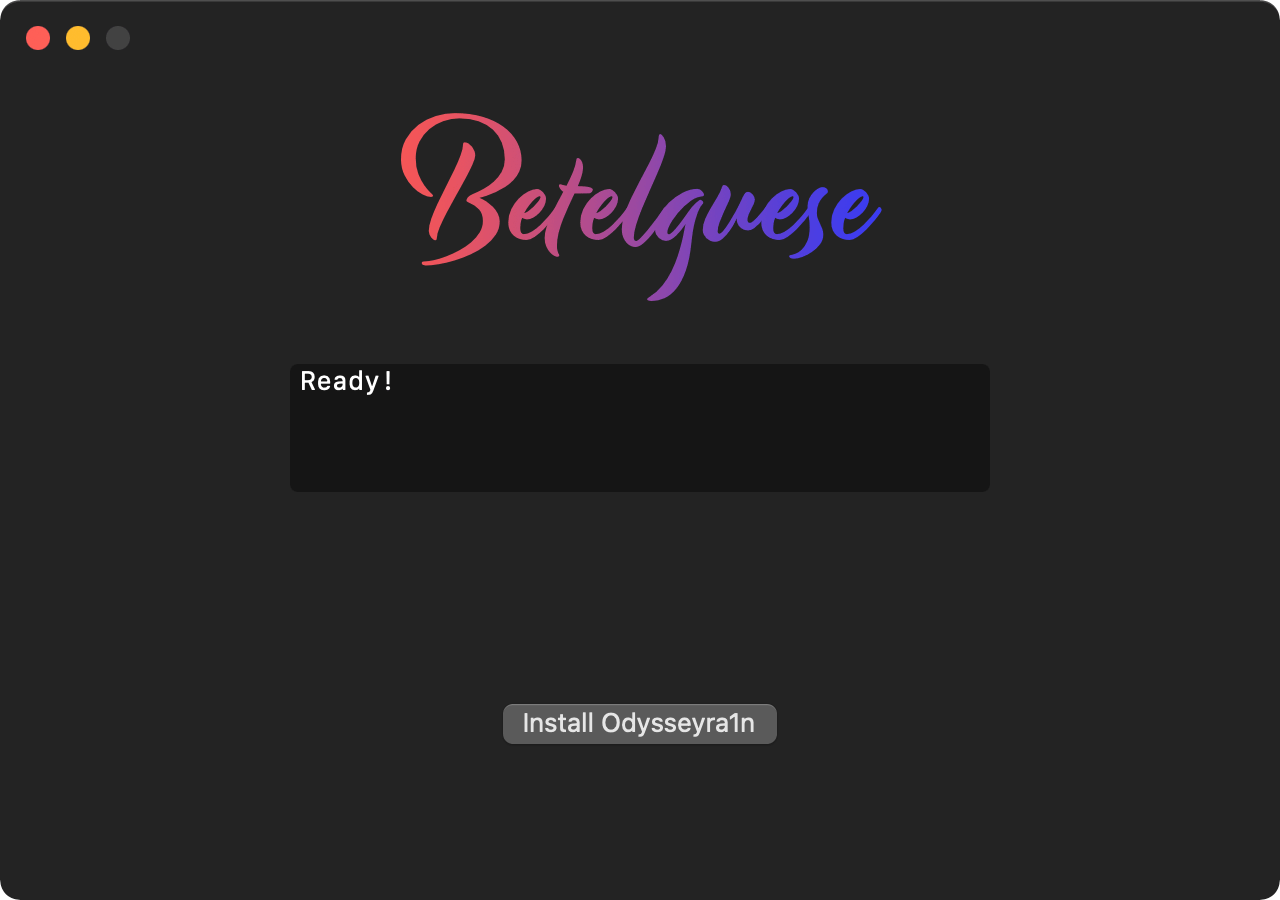
How to use Betelguese to install Odysseyra1n on a checkra1n’d device

A brand-new one-click application for macOS called Betelguese by @23Aaron_ and @hbkirb is now available that lets checkra1n’d iPhone and iPad users install Odysseyra1n on their handset via the convenience of a graphical user interface (GUI) as opposed to pasting lengthy and complicated commands into a traditional command line interface (CLI).

When Betelguese is complete, your checkra1n jailbreak transforms into Odysseyra1n, which means that it will utilize the Procursus bootstrap with Sileo as the default package manager and libhooker as the tweak injection method. These will replace Cydia and Cydia Substrate or Substitute for tweak injection — the process that handles your jailbreak tweaks — whichever of the latter you might’ve had installed at the time.

Betelguese is a macOS-based one-click Odysseyra1n installer utility

Odysseyra1n is a custom Procursus-based bootstrap for checkra1n devices that installs Sileo for package management and libhooker for tweak injection. Previously, Odysseyra1n needed to be installed via Terminal with a command line interface. But that changes starting today with the release of Betelguese.

Betelguese is, in essence, a macOS-supported one-click Odysseyra1n installer for all iPhones and iPads running iOS or iPadOS 12, 13, or 14 that have already been jailbroken with checkra1n.

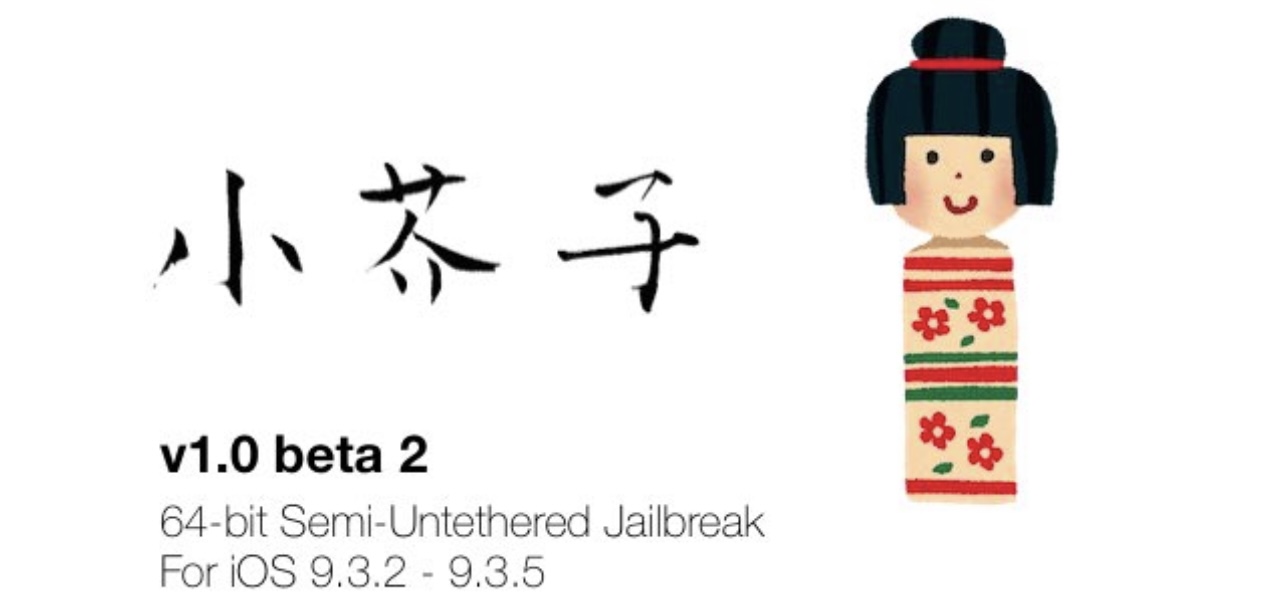
Kok3shi jailbreak updated to v1.0 beta 2 with Cydia installer & other fixes

Just last week, SakuRα Development launched an all-new semi-untethered jailbreak tool dubbed kok3shi for 64-bit iOS 9.3-9.3.6 devices. It was a bit of a surprise given that most of today’s jailbreak-centric news revolves around iOS & iPadOS 13 or 14.

But as is the case with any initial jailbreak release, it would t be long before kok3shi received its first update. As such, SakuRα Development released a second public beta version of the kok3shi jailbreak, officially bringing it up to version 1.0 beta 2.

Phoenix jailbreak for 32-bit iOS 9.3.5-9.3.6 updated to V6 with improvements

While much of today’s jailbreak-centric news revolves around iOS & iPadOS 13 and 14, every so often an older jailbreak tool gets an update that benefits end users on older firmware versions.

Today offers a rare example of the above sentiment after the Phoenix semi-untethered jailbreak tool for 32-bit devices running iOS 9.3.5-9.3.6 received an update to version 6 — the first in almost half a year.

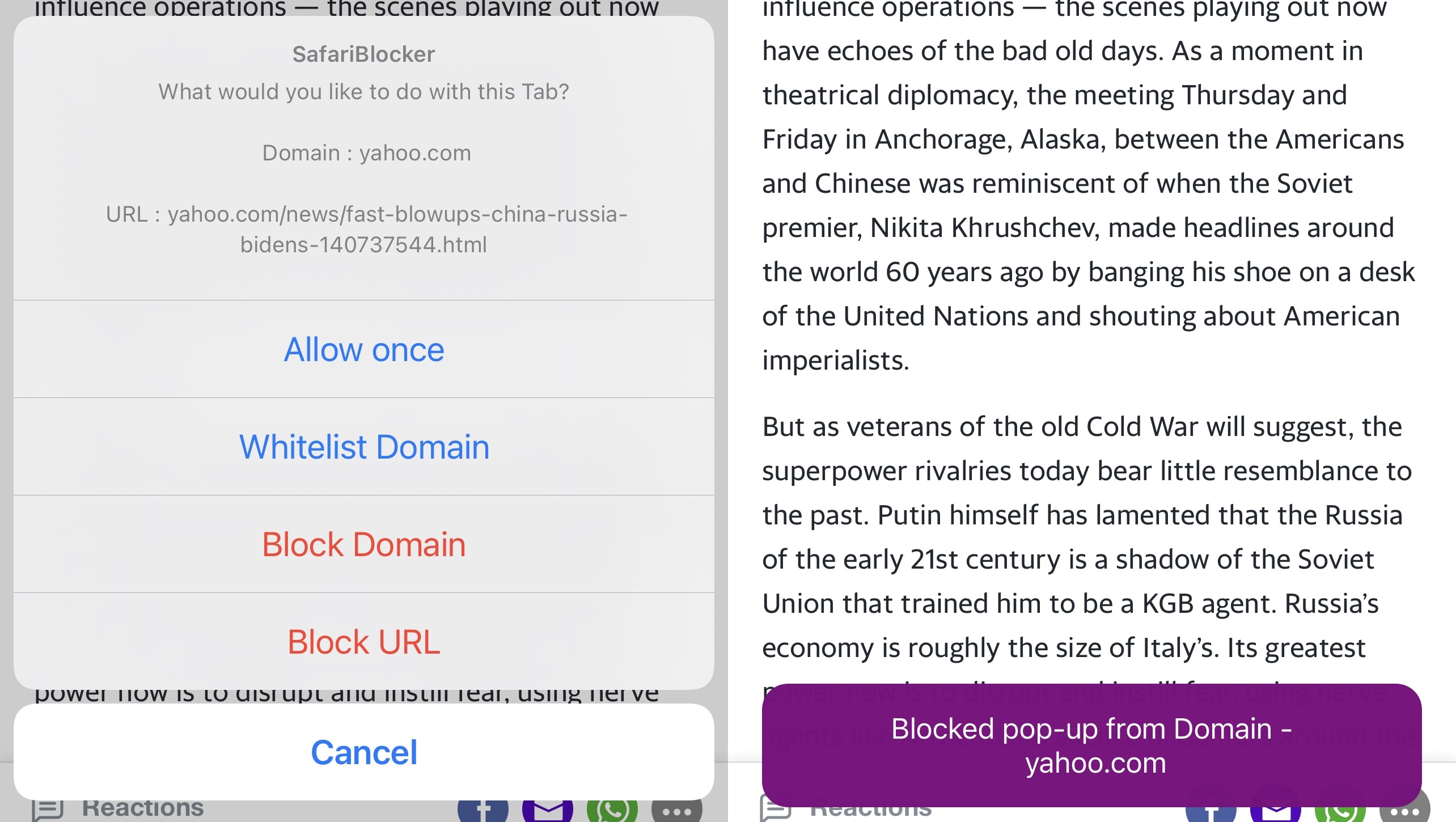
SafariBlocker gives jailbreakers more control over pop-ups in iOS’ Safari web browser

Block unwanted pop-ups in Safari.

As much as I like the native Safari web browser on iOS and iPadOS, I’ve come to recognize that it’s far too easy to be jettisoned over to a new tab upon accidentally tapping on an advertisement or link on a web page.

Some third-party web browsers from the App Store already include native functionality that can stop this behavior from irritating the end user. But having a separate web browser app installed on my phone solely for this purpose just makes me feel like I’m installing another unnecessary app to clutter my Home Screen.

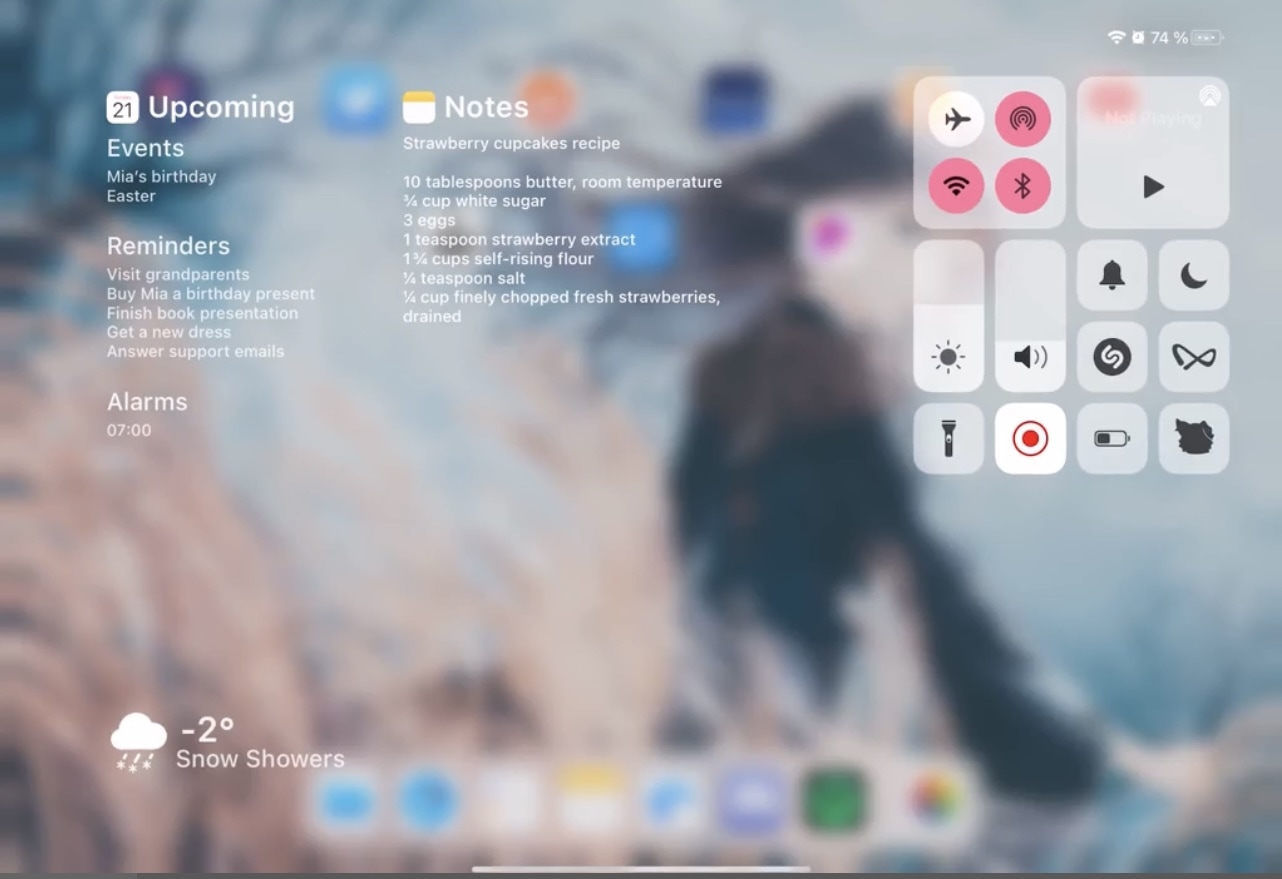
Make better use of all the empty space in the iPad’s Control Center with Yuna

The iPad offers the same useful Control Center interface that the iPhone and iPod touch do, and while that’s great, it’s also the biggest problem.

While Control Center’s features are both convenient and useful, the issue I take with the interface on the iPad is that it leaves so much screen real estate unused. In fact, it’s literally an iPhone’s Control Center interface crammed at the edge of the iPad’s large display.