Home screen

AppSwiper: swipe up to kill apps on the Home screen

AppSwiper is a brand new jailbreak tweak that allows you to kill running apps with a simple swipe gesture. The gesture, which is performed on app icons situated on the Home screen, invokes a pop-up window displaying the amount of RAM that the application is currently using.

Along with the RAM readout, you're greeted with two buttons — cancel, and kill. The cancel button takes you back to the Home screen without performing any actions, and the kill button stops the app from running.

AppSwiper is a great jailbreak tweak for those of you who like to micromanage running apps. Have a look at our video walkthrough inside for all of the details.

How to quickly move app icons with ‘EasyIconEdit’

When it comes to moving icons around on your iPhone in a quick and efficient manner, you have a few options. The first and most obvious option is to use iTunes' built in app icon management tools. This allows you to efficiently rearrange the location of your app icons, and you don't have to be jailbroken to do so.

The second, and arguably easier and more desirable method, is to use Lance Fetters' MultiIconMover. This is a tweak that allows you to quickly select batches of icons to quickly move them from one place to another. We've already covered MultiIconMover before; check it out for more information.

Recently, a new challenger has entered into the ring — a new jailbreak tweak entitled EasyIconEdit. Like MultiIconMover, it requires users to be jailbroken, and like MultiIconMover, it uses the same tap to select method for selecting groups of icons simultaneously.

The question is this: How does EasyIconEdit compare with the competition? Have a look past the break and we'll show you.

How to adjust the position of app icon labels

LabelUp Pro is a new jailbreak tweak that allows users to reposition the app icon labels that normally appear underneath each app icon. The tweak features several sections dedicated to things like the Home screen, folders, and the app switcher. Each section contains a simple slider that allows you to adjust the position of the labels.

It's a tweak that technically works, but I found it a bit difficult to use due to the fact that respring is required with each change. Have a look at our video walkthrough inside for a brief demonstration.

‘HomeDisplay’ adds a secondary status bar to the Home screen

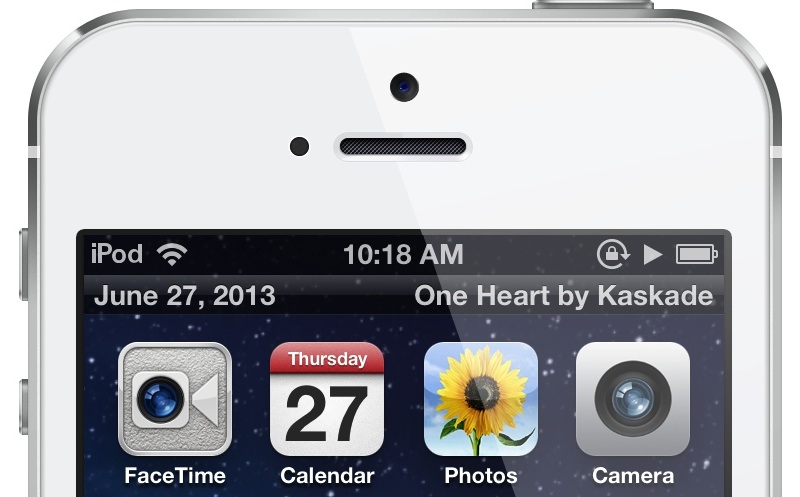
HomeDisplay is a brand new jailbreak tweak that places a second status bar beneath the stock iOS status bar on your Home screen. The secondary status bar includes the current date on the left-hand side of the bar, with the current temperature on the opposite side.

HomeDisplay also features the ability to showcase the now playing track, and it works with streaming services like Spotify. We have a full video walkthrough of HomeDisplay in action. Take a look inside to see how it works...

‘No More Shadows’ hides the shadow that appears when launching apps

Every time I'm convinced that there's absolutely nothing new under the sun when it comes to jailbreak development, someone comes with some far out idea that I've never seen before. Case in point? No More Shadows.

This is a jailbreak tweak that hides the shadow that appears on an app icon when tapping the app on the Home screen. Take a look at our video walkthrough inside for a before and after comparison showcasing how No More Shadows works.

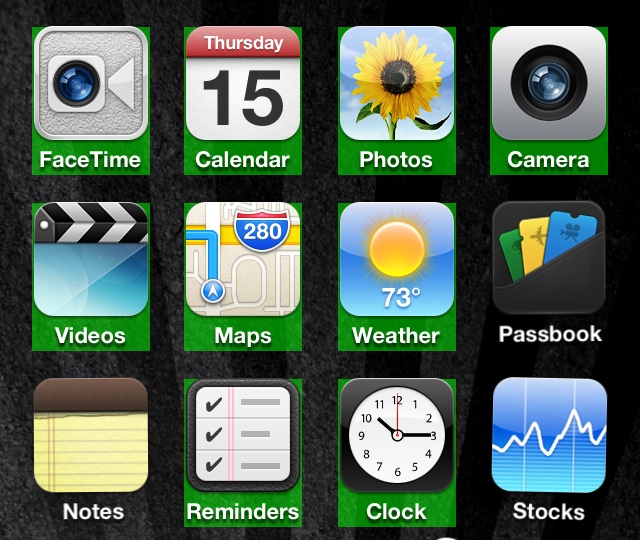
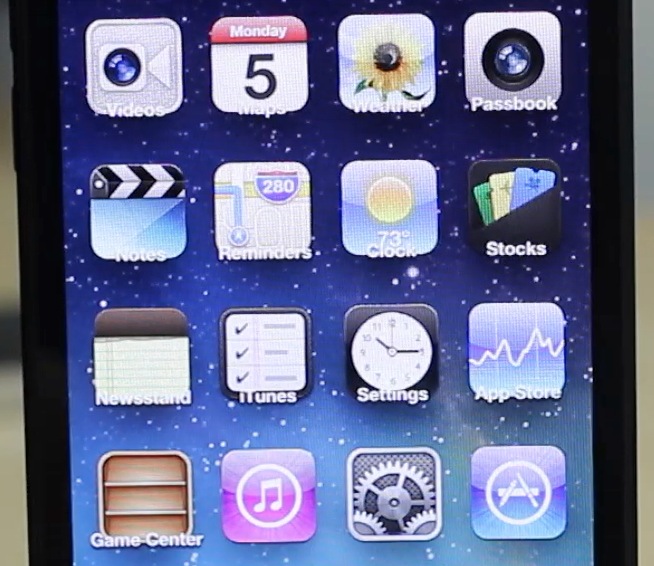
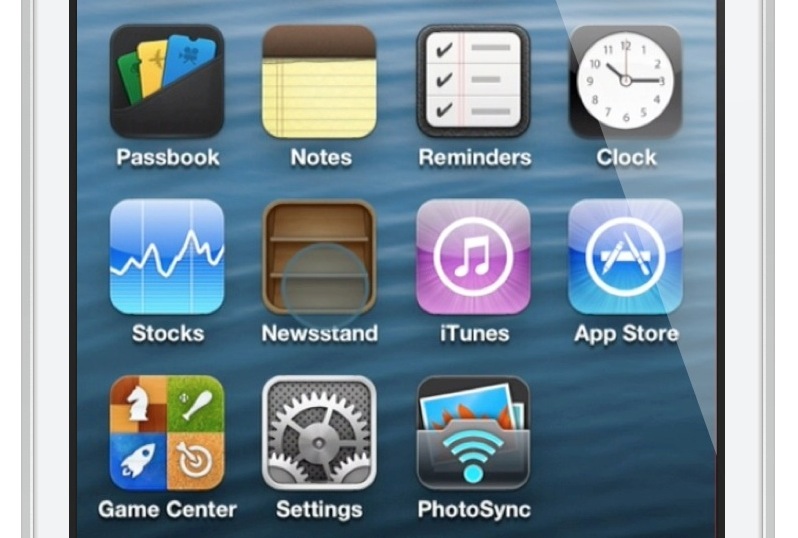
What some iOS 7 stock app icons might look like

Much has been said about Apple's management shakeup that happened last October. If Scott Forstall's departure came out as a bombshell, the fact that Jony Ive, Senior Vice President of Industrial Design, was made the head of the newly created Human Interface group was less of surprise.

Now in charge of everything design, Ive has been expected to give iOS a facelift by getting rid of, or at least by minimizing all use of skeuomorphism in Apple's mobile operating system. But it doesn't stop here!

Something we've been hearing for a while when talking about Ive's possible take on an iOS makeover is the word "flat". Not flat as in boring. Flat as in simpler. This was confirmed last week when 9to5Mac reported that according to their sources, iOS 7 might be black, white, and flat all over.

What does that mean for parts of the UI such as app icons? Our friend Sonny Dickson got his hands on a blurry screenshot showing the Home screen of an iPhone running iOS 7. The image quality is terrible, but with the help of talented designer Surenix, we were able to reproduce some of these icons to give you an exclusive look at what some stock app icons on iOS 7 might look like.

If we had to describe the changes in one word, that would be: unified...

Here’s how Velox will interface with the Mail app

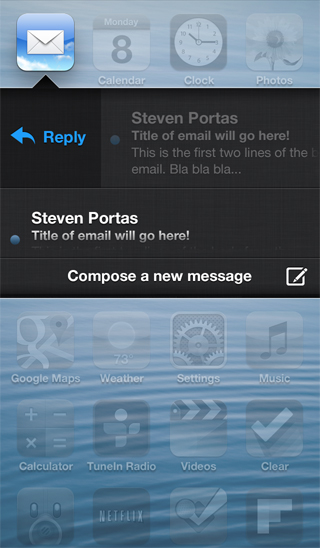
A few new screenshots were posted on Apex Tweaks' official site, and one of them shows the way that Velox will interface with the Mail app. This is significant, because this wasn't available in the preview version that I demoed a few days ago.

The screenshot shows the typical Velox view, with what appear to be scrollable messages with titles and a two line preview of the message. It looks, judging from the screenshot, that a swipe gesture, or a tap of the email, may allow you to reply directly to messages from Velox's enhanced email folder.

How to merge live front facing camera video with your wallpaper

http://www.youtube.com/watch?v=X2n96JcpAls If you have an iOS device with a front facing camera, you can use a new jailbreak tweak on Cydia to "merge" the wallpaper image with live video from the device's front facing camera. Faded Camera Wallpaper is the name of the tweak, and it's a free download on Cydia's ModMyi repo. It's a tweak that will display a faint video feed from the front facing camera, canvased on top of the Home screen wallpaper.

The tweak is exactly as described, and contains no options or settings, which is unfortunate. It might be an effect that you wouldn't mind using from time to time, but there's not even an off switch to disable it. As it stands, it's a usable tweak, but it's in desperate need of a preference panel to at least toggle it on or off. Without such an option, you have a surefire battery killer on your hands, as it appears that the camera is in action even when not at the Home screen wallpaper.

What do you think?

Velox: an upcoming tweak that lets you interact with app icons to check notifications and more

Velox is an upcoming jailbreak tweak that I've had my eye on for months. I've been anticipating the release of this tweak for a very long time, because I think it has the potential to make a huge impact on the jailbreak community.

Rarely does a jailbreak tweak come along that has the capability to change the way that you use your device. A very exclusive number of tweaks belong to that group, and Velox has the potential to crash the party.

Yes, Velox is in the same hemisphere, and it contains, perhaps even more long term potential than Auxo. That's because it's a completely different type of tweak that can interact with multiple apps, and features its own API for extended development.

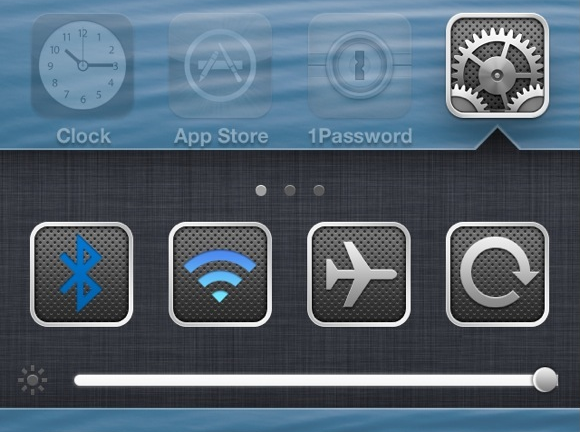
Primarily, Velox is a tweak that allows you to interact with apps on your Home screen in order to check notifications without opening Notification Center. But that's just the tip of the iceberg. Velox also features custom "folders" that can be individually tailored for specific apps. Each of these folders can be accessed using a simple swipe up or swipe down gesture on the app icon that you wish to interact with.

What does this mean? It means that if I swipe up on the Settings app, a folder containing settings toggles is revealed. It means that if I swipe down on the Camera app, the camera is revealed in a folder right there on my Home screen. Trust me, reading these words just doesn't do it justice; you have to see it in action to really appreciate the potential here. Thankfully, I've got an exclusive hands-on video to showcase how it works...
How to set any springboard page as a default page

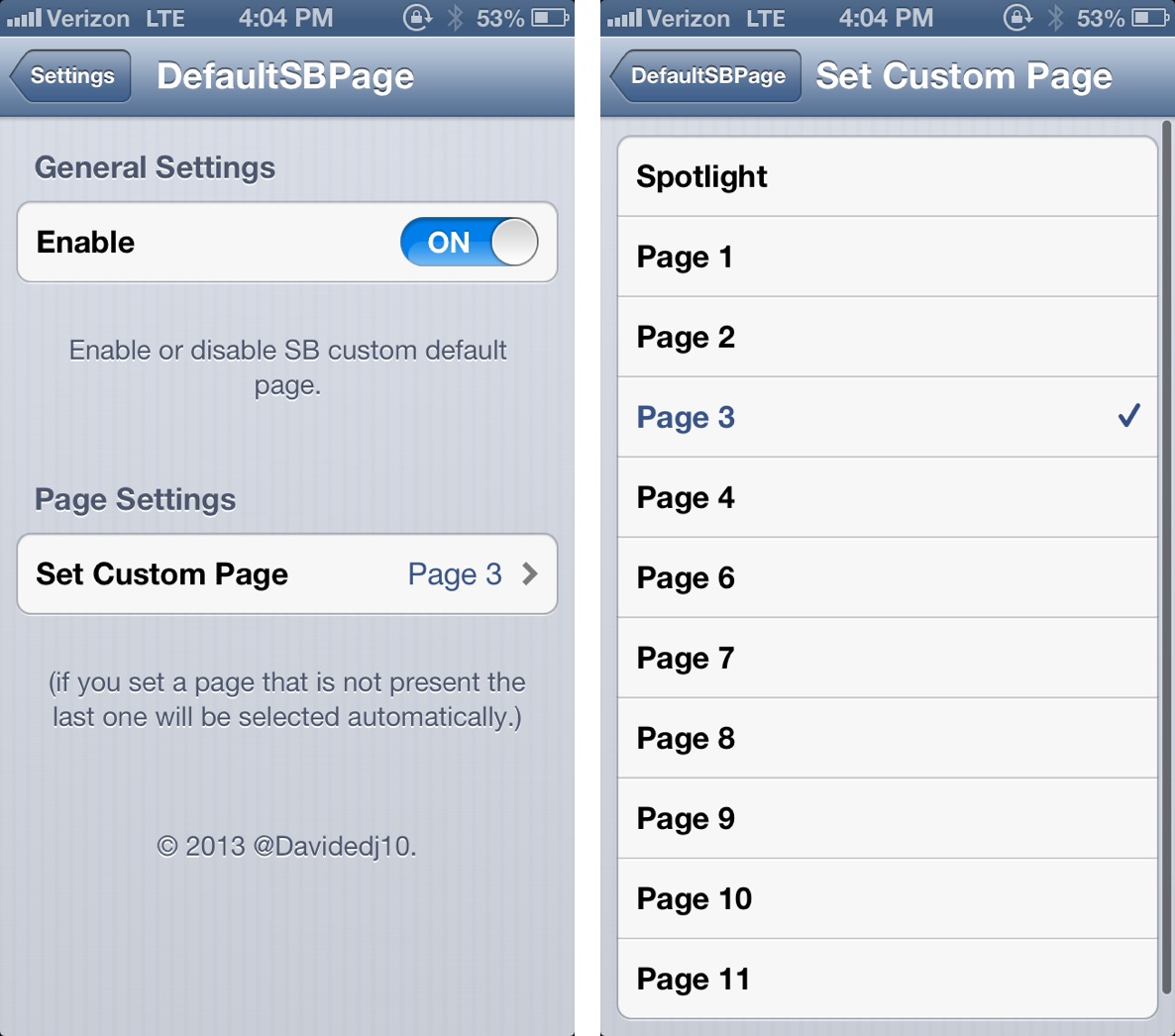
DefaultSBPage is a brand new jailbreak tweak, and it does something fairly awesome. It allows you to select a default Home screen page to land on once your iPhone is unlocked.

Say you have a particular page dedicated to an often used selection of apps; well, instead of having to swipe over to that page every time you unlock your iPhone, you can set that page as the default page. This will force the iPhone to open directly to the page you utilize the most.

As you can probably tell, DefaultSBPage is an extremely simple tweak in function, but it provides some serious utility. Take a look inside for our full video walkthrough, which showcases it in action.

‘LivePapers’ adds animated wallpaper to jailbroken devices

Looking to spice up your iPhone's Home screen and Lock screen? If so, then look no further than LivePapers, a recently released jailbreak app available on Cydia's BigBoss repo.

LivePapers allows you to enable animated wallpaper that you can display on both your Home screen and Lock screen. You can interact with the wallpaper on your Lock screen using taps, and configure settings for each of the custom wallpapers.

By itself, LivePapers isn't exactly a home run, but with the purchasable addons, the jailbreak app is tons of fun. Take a look inside as we go in depth with LivePapers, plus we'll talk about and demonstrate its purchasable addon packs.

LivelyIcons: animate icons and help cancer research

There's a new jailbreak tweak available in Cydia, and it's not unlike something you've probably seen before. The tweak is called LivelyIcons, and it allows you to add opening animations to each app icon on your iPhone's Home screen.

LivelyIcons features about a dozen different animations that you can enable via a simple list found in the Settings app. An option to increase or decrease the duration of the animation also exists. That may not sound all of that exciting, but the tweak's functionality plays second fiddle to a greater cause. Check inside for the full scoop.