Home screen

‘Pages+’ adds customizable backgrounds to each Home screen page, boasts Barrel compatibility

Evasi0n, the much anticipated jailbreak tool for iOS 6 compatible devices, will be available in the very near future. With that in mind, many jailbreak developers are updating their tweaks and apps, and even establishing brand new creations to prepare for the new jailbreak.

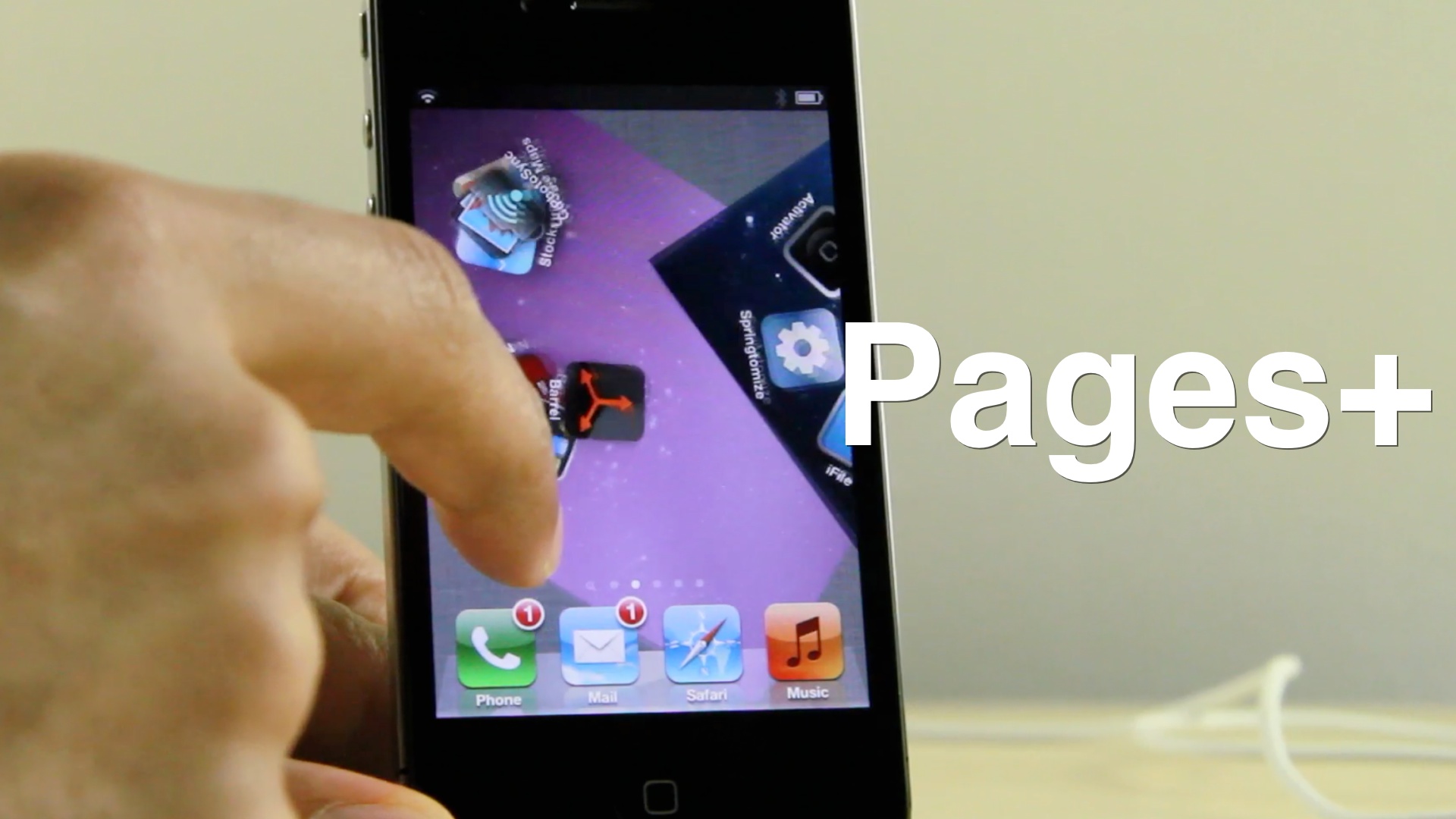
One such developer is SBCoders, the same team behind such hits as Aero and Dash. SBCoders' latest creation, the yet to be released Pages+, continues the tradition of solid jailbreak tweaks. Pages+ allows you to customize each page on the iPhone's Home screen. You can accomplish this by means of custom wallpaper packs, or by its built in page tinting system.

The most exciting thing about Pages+, however, is that it plays nice with Aaron Ash's Barrel. Barrel, of course, is the jailbreak app that allows you to implement various page transitions on your iPhone. When you mix both creations together, you're guaranteed to get some wild results.

‘Fade’ dims your Home screen icons when invoking Notification Center

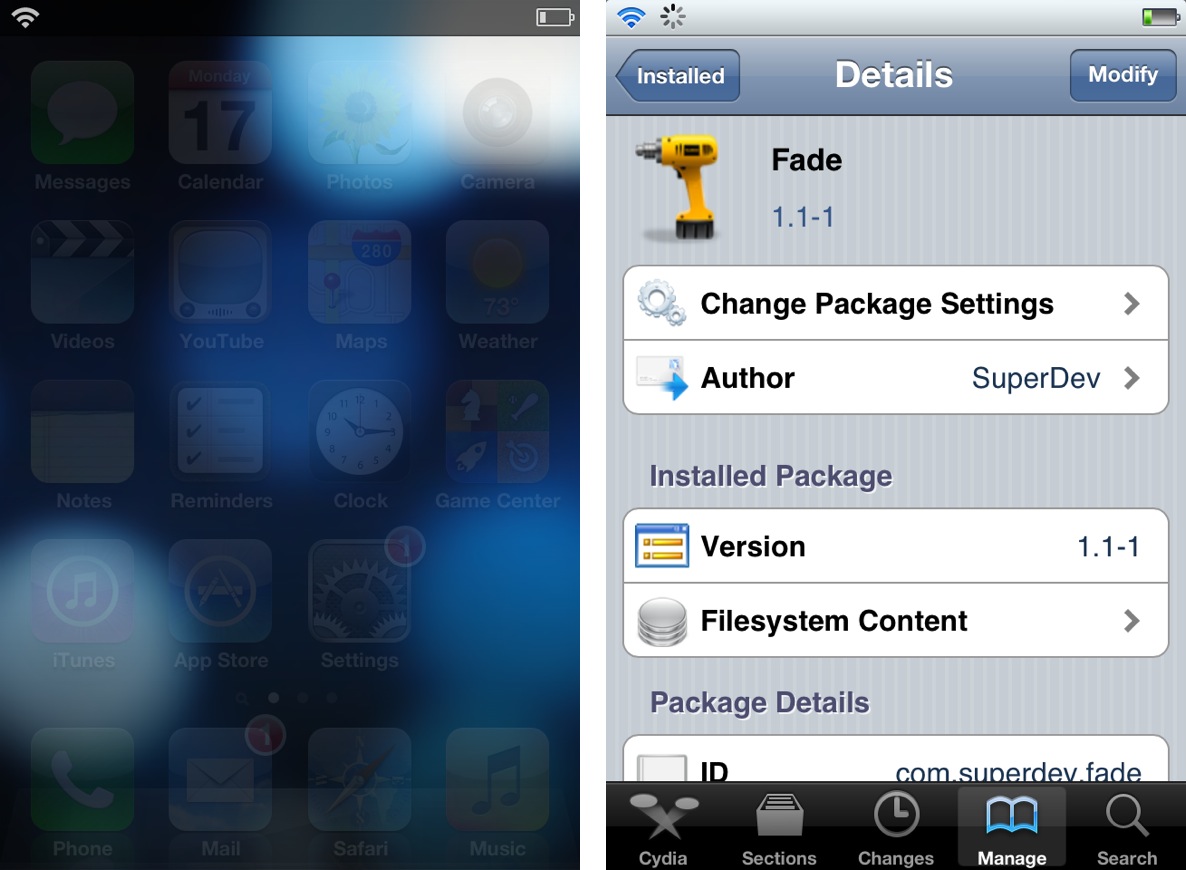
Fade is an extremely simple jailbreak tweak that forces the Home screen UI elements to fade when Notification Center is invoked. As you slide down Notification Center, elements like the app icons and the dock will progressively fade from view. As you slide the Notification Center pane up, the effect is reversed, and the elements fade back into view.

There are no options to setup or settings to configure, just install it and it starts working. Take a look inside as we demonstrate Fade on video...

Dashboard X 2.0 makes adding widgets to your Home screen even easier

The original Dashboard X was a fairly monumental tweak for jailbroken iOS devices, because it brought true widgets to the iPhone and iPad's Home screen.

Dashboard X 2.0, the follow up to the hit release, is aiming to build on all of the things the original Dashboard X did well, while fixing the things it didn't do so well.

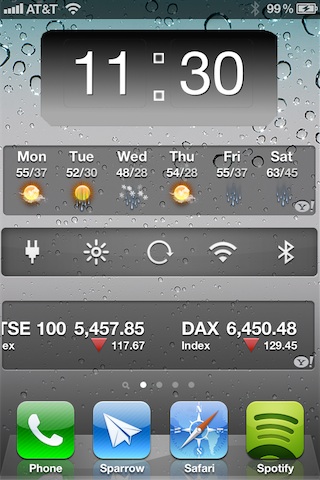
This time around you can resize widgets using pinch gestures, and you can position widgets on both portrait and landscape orientations independently of one another.

Simply put, this is an awesome follow up to an already great jailbreak tweak. Check inside for the full video walkthrough...

Homescreen.me lets you share your iOS device setup with the world

The stock Home screen in iOS looks pretty boring. Luckily, jailbreaking can change that. It opens the door to a whole world of customization, including tweaks, icon packages and tons of other theming possibilities.

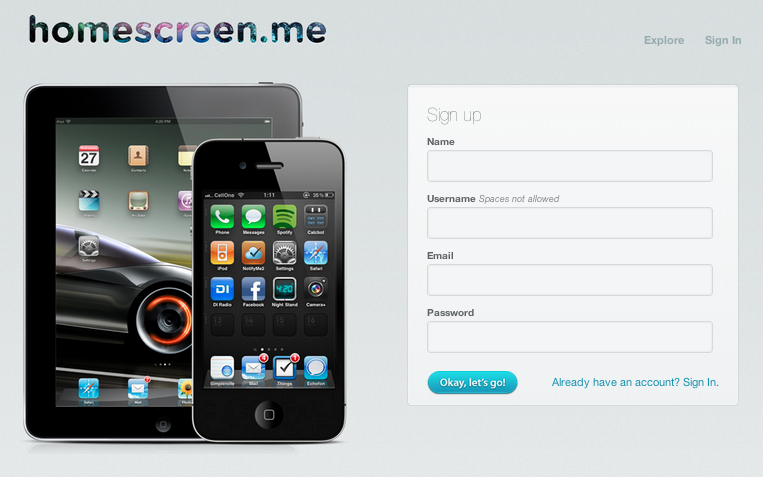
And if you like customizing your device, and want to share your iPad or iPhone setup with the world, there's a new service that lets you do that. Homescreen.me finally came out of private beta this week...

HomeCourts brings banner shortcuts to jailbroken devices

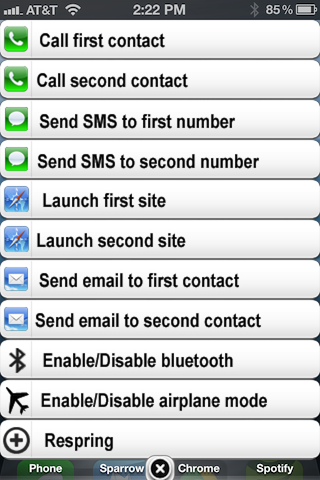
No, it has nothing to do with having an advantage in a game of basketball. HomeCourts is a jailbreak tweak that lets you access a series of banners on the Home screen that serve as shortcuts. I still don't quite get the name, but I think it has something to do with shortcuts being on the Home screen? That's my best guess anyway.

HomeCourts features pairs of configurable shortcuts. There are two shortcuts for making a phone call, two for sending a message, two for launching websites, etc. All of these shortcuts can be assigned and configured in the Settings app. Needless to say, HomeCourts is about as cumbersome as it gets for a jailbreak tweak.

Aicon: add multiple layers of special effects to your Home screen

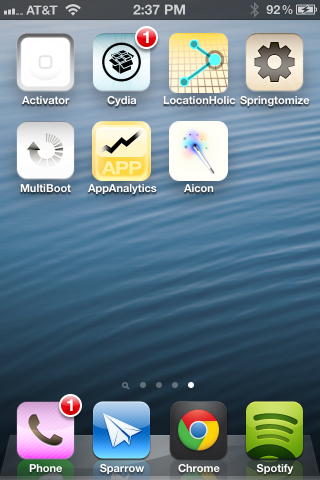
Aicon is a recently released tweak, which allows you to add one or more special effects to your Home screen app icons. There are nearly a dozen effects to choose from, and each effect can be stacked to create a greater variety of customizations.

With effects like Sepia, Glass, Black & White, Invert, Gloom, and Xray, Aicon is a surefire way to create an original look on your iPhone's Home screen. Take a look at our video walkthrough inside for more details...

A simple tweak that prevents Home screen bookmarks from being deleted

How many times have you mistakenly deleted one of your Home screen bookmarks on your iOS device? If that has happened to you in the past, then you may want to check out this new jailbreak tweak called BookLock.

Unfortunately, the developer of BookLock felt that this functionality was worth a $1.00 on Cydia's BigBoss repo. A dollar for a tweak that features nothing more than a single toggle to prevent Home screen bookmark deletion? Seriously? My advice to you is to just be careful when deleting items on your device...

How to add animations to the Lock screen, Home screen, and Notification Center

Are you looking to take Lock screen boot logo animations to the next level? If so, then AnimateAll is a new tweak that's worthy of your attention.

AnimateAll is a follow-up (an actual outright replacement) to a tweak that we covered in the past called AnimateLockscreen. The prior tweak only allowed you to add boot logo animations to your Lock screen, while AnimateAll goes the extra mile and adds the Home screen and Notification Center into the mix as well.

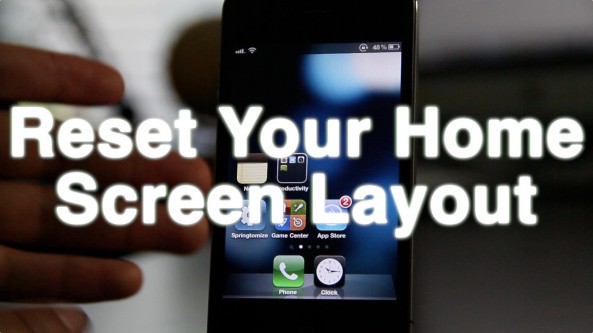
How to regain your iOS device’s stock Home screen layout

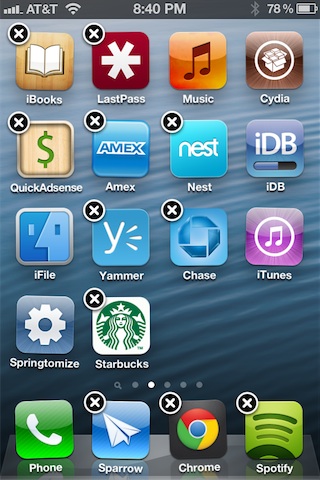
With so many tweaks available that allow you to rearrange your Home screen in various ways, it's almost inevitable that you end up with a Home screen that looks nothing like the original Home screen that you started with.

Fortunately there's a really easy way to reset your app icon layout on your Home screen.

A good lot of you are probably already aware that such an option exists, but it's a nice reminder since recent tweaks like Dashboard X can result in drastically altered Home screens that can be time consuming to rearrange by hand.

Take a look at our video walkthrough for more information...

This new tweak gives you a dedicated page for widgets

HomeSpringPage is a new jailbreak tweak that will allow you to add an empty first page to your Home screen. This is great, because it allows you to have dedicated real estate for adding Dashboard X widgets.

If you're a Dashboard X user, HomeSpringPage is a natural fit to accomodate your needs for space. Take a look at our full video walkthrough inside for the proof...

Dashboard X now available on Cydia

[tube]KhEFSDDqRMc[/tube]

Dashboard X, the long awaited jailbreak tweak that allows you to add widgets to your Home screen is now available for download on Cydia, via the ModMyi repo for $1.99.

This tweak allows you to take existing widgets created for Notification Center and position them anywhere on your iPhone or iPad Home screen. On top of that, new widgets are being developed, such as Dashtweet, a Dashboard X widget that allows you to send tweets from anywhere on your Home screen.

‘iLettars’ adjusts your iPhone’s animation speed and delay

If you're looking for a tweak that's practical for every day use, then you might as well move along now. iLettars is anything but practical, and on top of that it's pretty expensive at $1.59.

On the other hand, for those of you looking to show off some funky animations to your friends, and don't mind dropping the cost of a cheap drink at Starbucks to do so, feel free to continue...