Home screen

Flowing gives jailbreakers a smoother Home Screen paging animation

On any stock iPhone or iPad, swiping left or right on the Home Screen results in a paging effect as you move from one page to the next. This paging animation automatically locks your focus to the next or previous page of app icons, dependent on which way you swiped.

Some people like the paging animation, but it’s something that has been around since the dawn of the iPhone. If you’d prefer something a little different, then we might suggest checking out a new and free jailbreak tweak release called Flowing by iOS developer TitanD3v.

This tweak adds the Magnifier app to any jailbroken iPhone’s Home Screen like iOS 15

All iPhones incorporate a magnifier interface that can enlarge things for the hard at seeing. It tends to be useful for getting a closer look at fine text on a sheet of paper such as a book or shopping receipt.

In iOS 14 and earlier, the Magnifier interface can be summoned via accessibility using Control Center or a manually planted Home Screen icon. However starting with iOS 15, the Magnifier interface debuts as a standalone app on the Home Screen right out of the box.

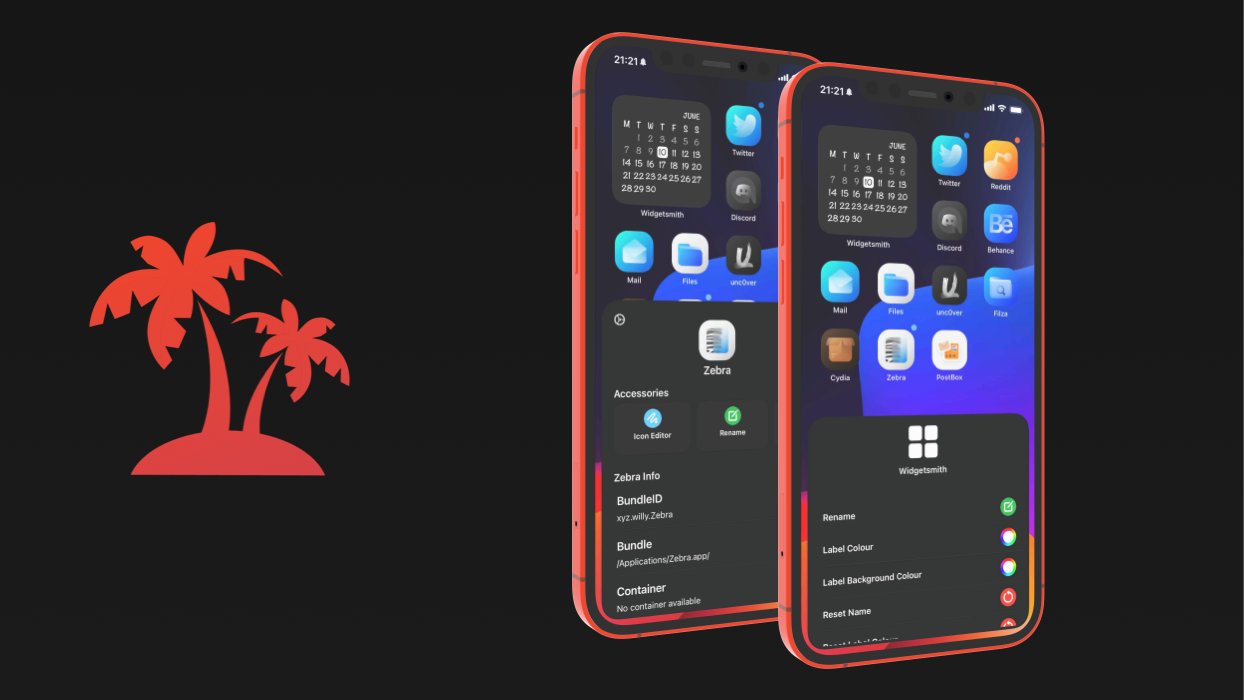
Jailbreakers can achieve the Home Screen of their dreams with Paradise

If you’re looking to accomplish a custom Home Screen setup on your iPhone or iPad, then your typical options include shifting app icons to different pages or organizing them into folders. You’d be hard-pressed to customize much else, as Apple doesn’t offer many other options.

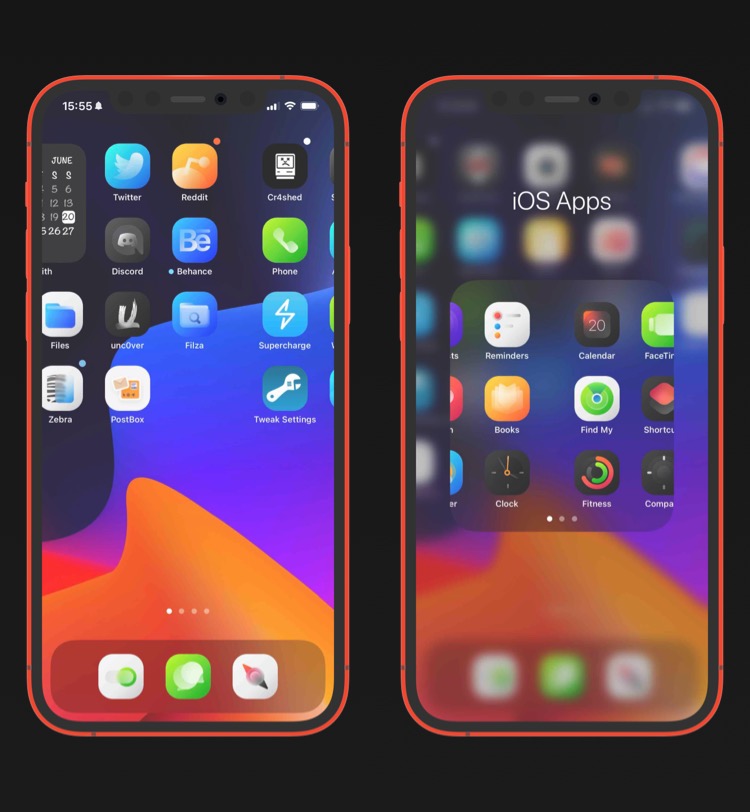
This apparent shortcoming has left the jailbreak community to do what it does best: break down Apple’s unfortunate customizability barriers by offering end users a slew of options for achieving unique Home Screen aesthetics that no one else will have – especially not those using stock, non-jailbroken handsets.

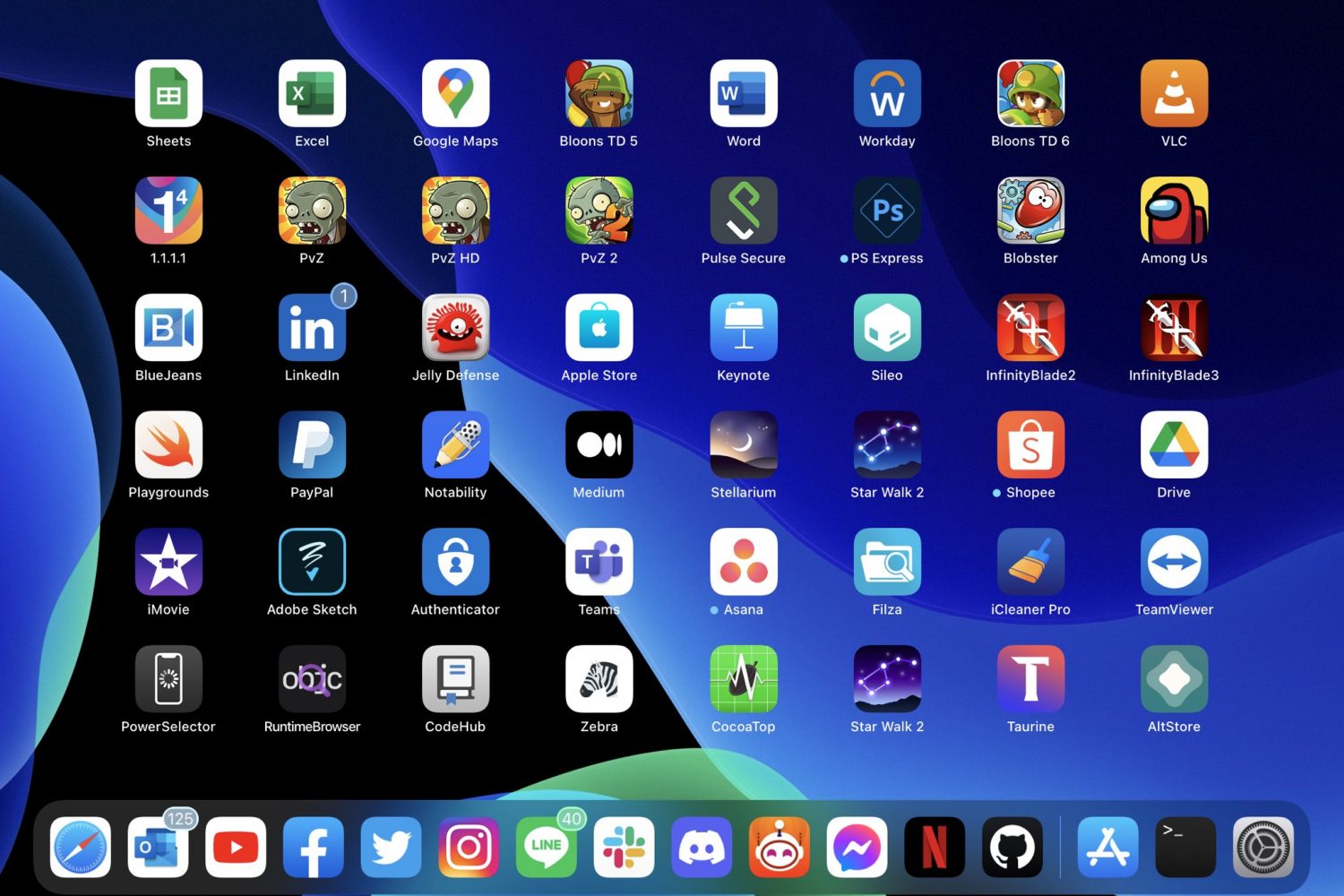
PadGrid condenses the Home Screen layout on jailbroken iPads

Anyone with an iPad knows that the Home Screen’s layout is locked to a specific grid with no adjustability out of the box.

The lone exception to this rule is that you can have widgets on the left side of the screen and apps on the right on the first page. Configuring the Home Screen in this way condenses the app icons. Still, it’s not ideal for the remaining pages.

Get a 4×4 grid in your jailbroken iPhone’s folders with 4ders

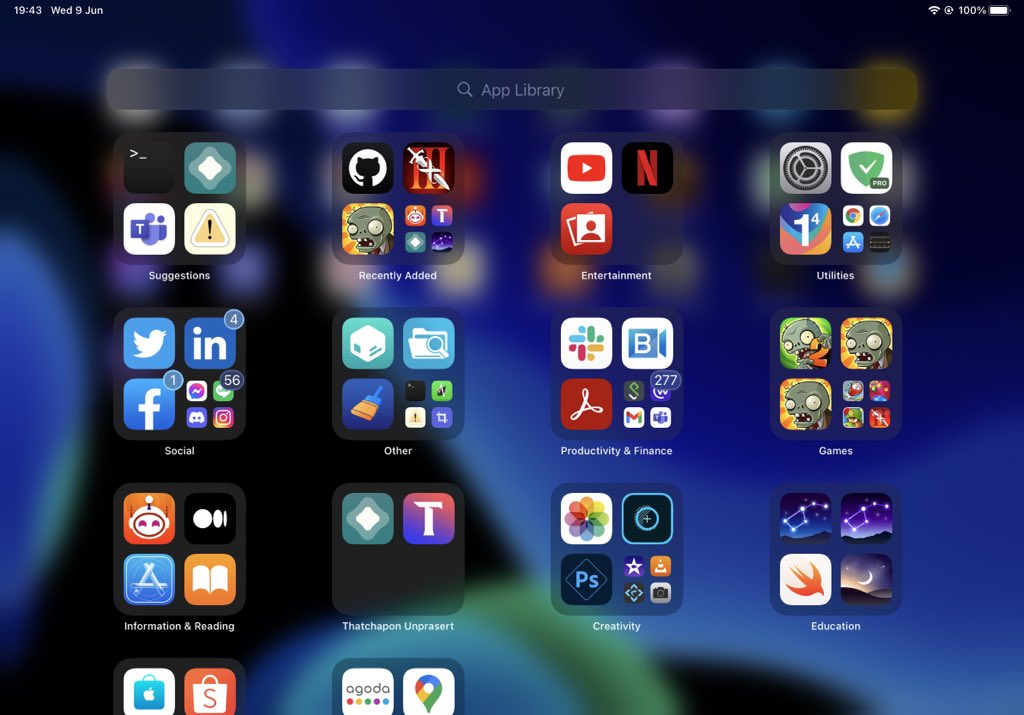
Despite the addition of the App Library in iOS 14, tons of iPhone users still take advantage of Home Screen folders because they offer flexibility in ways the App Library doesn’t, such as naming, placement, and user-configured content.

Useful as they may be, Home Screen folders haven’t changed much over the years. They still only hold a 3x3 icon grid even on the largest iPhone handsets, and some users would like to see more.

Hands on with the Starfish Beta, a reimagined Home Screen for jailbroken iPhones

iOS 14 brought with it what could only be described as the biggest upgrade to the iPhone’s Home Screen to date. The integration of native widgets alongside app icons means that the Home Screen is no longer limited to a bland grid of icons.

But despite this change, many would argue that the Home Screen still looks and feels the same — especially if you still use the Today page as a dedicated home for all your widgets.

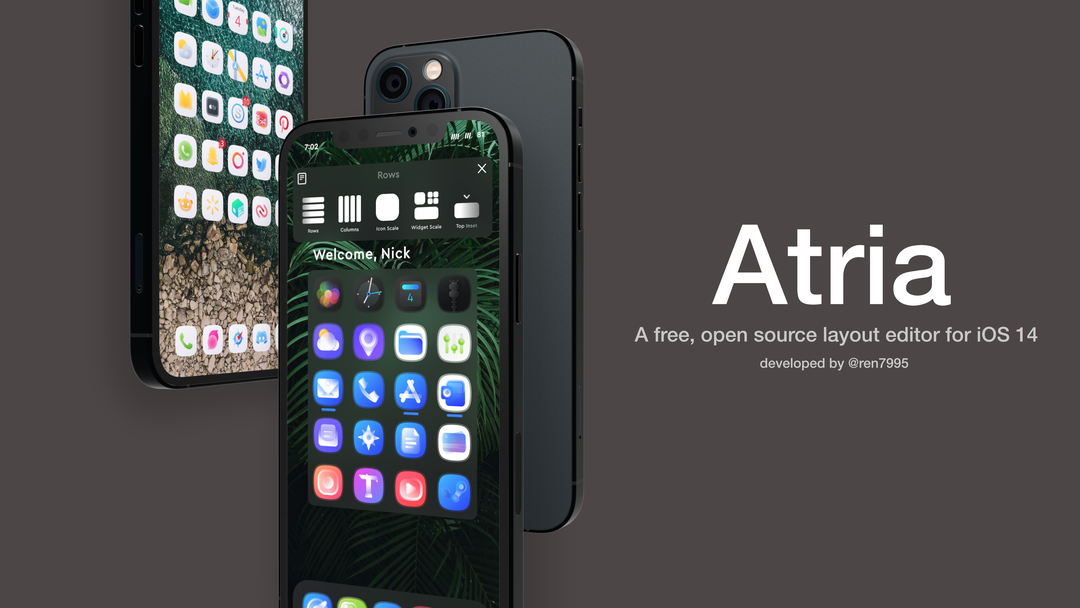
Atria helps jailbreakers on iOS 14 customize their Home Screen layout

One of the things I’ve seen a lot of jailbreakers do over the years is change up their Home Screen’s default icon layout. After all, who doesn’t like giving their own device the personalization it deserves?

This capability is possible even on iOS 14 with Apple’s novel Home Screen-based widget system, but various tweak developers have released different jailbreak tweaks with their unique takes on how such a capability should be implemented.