Home screen

Some of the best jailbreak tweaks for wallpapers on iOS 14

There are so many jailbreak tweaks out there in addition to all the new releases we cover every day that it can be challenging for new jailbreakers to know exactly where they should start. Having said that, it’s one of our top priorities here at iDownloadBlog to assist our readers with tweak discovery. We curate specialized lists like the one you’re reading now to help shine the spotlight on worthwhile releases that you may find interesting.

In this week’s addition to our rolling series that homes in on the best jailbreak tweaks for specific facets of iOS 14, we’ll focus on the wallpaper; everywhere it might appear. The wallpaper is the first thing users see when using their device, and it’s a personal choice for the end user to make. Given these circumstances, it’s easy to see why someone would want the best wallpaper user experience they can get, and a jailbreak can help with that.
IconShadow brings background shadows to your Home Screen icons

Add shadows to your iPhone’s Home Screen app icons.

When Apple went full-on anti-skeuomorphic starting with iOS 7, one of the things they did away with was the icon shadows on the Home Screen.

With some of the newer iterations of iOS moving away from total flatness, it seems like a better time than ever to have Home Screen app icon shadows once more. This is especially the case if you’re using a theme that has any degree of app icon realism.

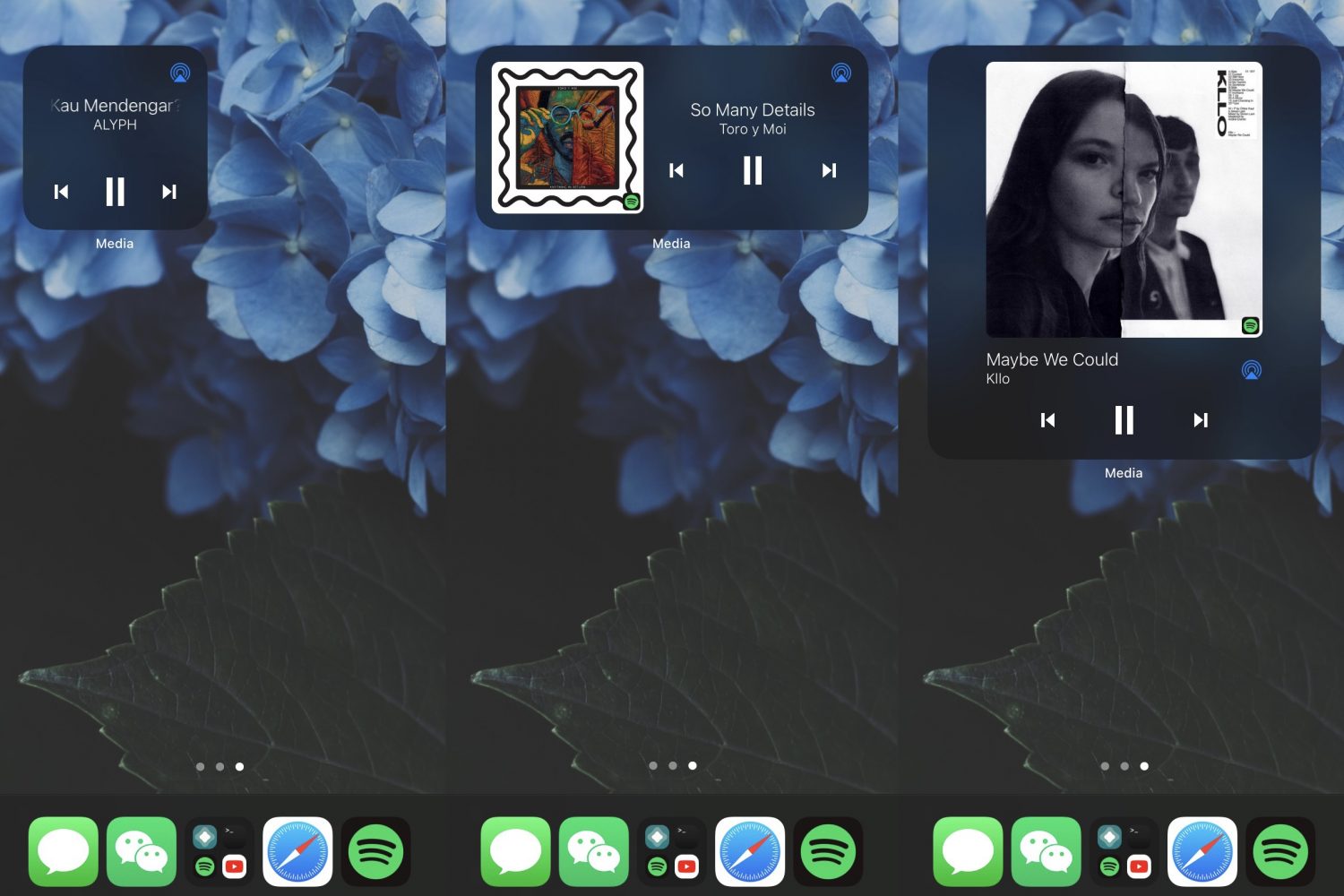
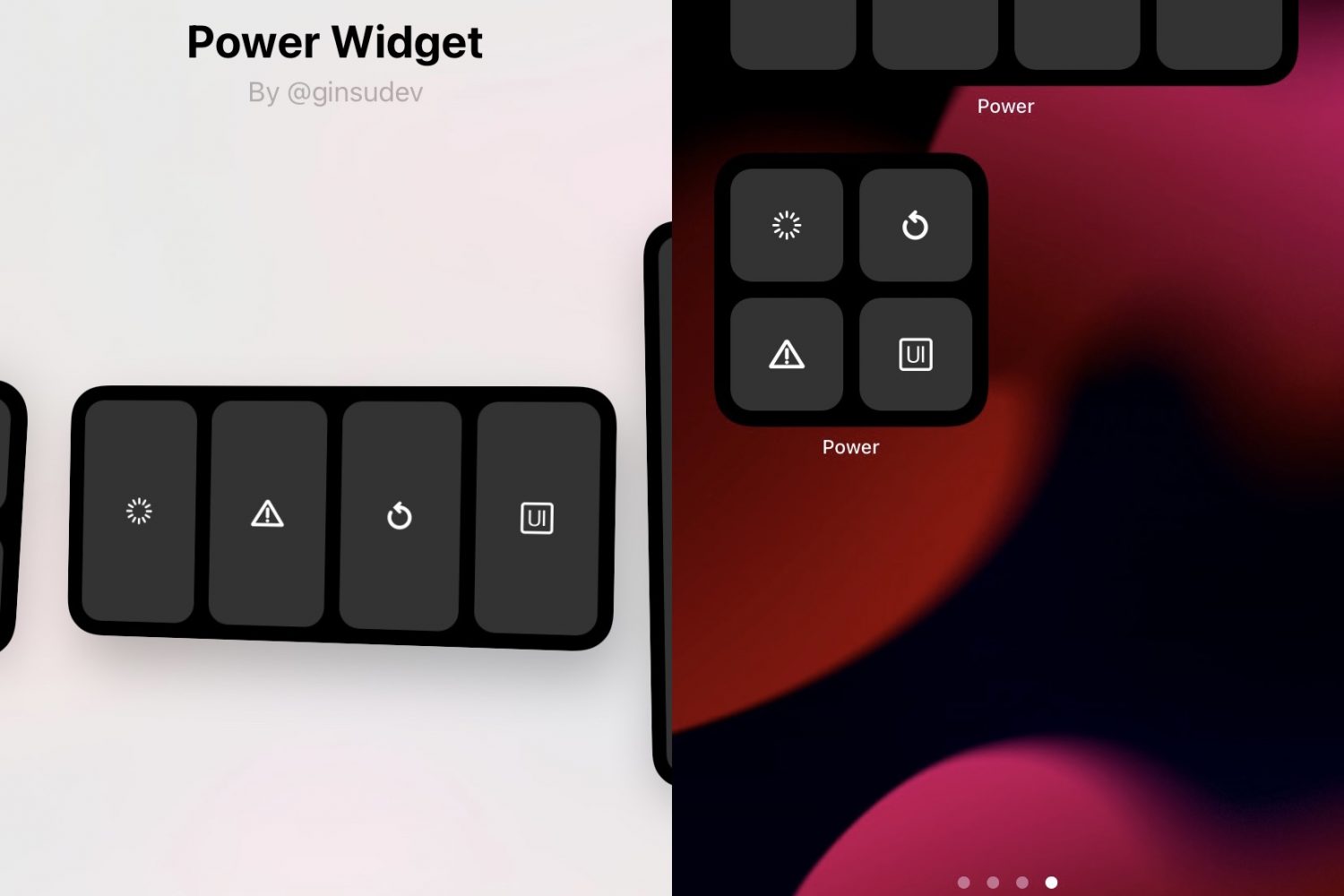
Some of the best jailbreak tweaks for iOS 14’s widget system

If you’re on iOS 14 and you have a jailbreak at your disposal, then you’re probably wondering how you can get the most out of it. The obvious answer is by installing jailbreak tweaks that are relevant to the end user, but with so many releases launching week after week, keeping up with the best ones isn’t easy unless you’re a robot.

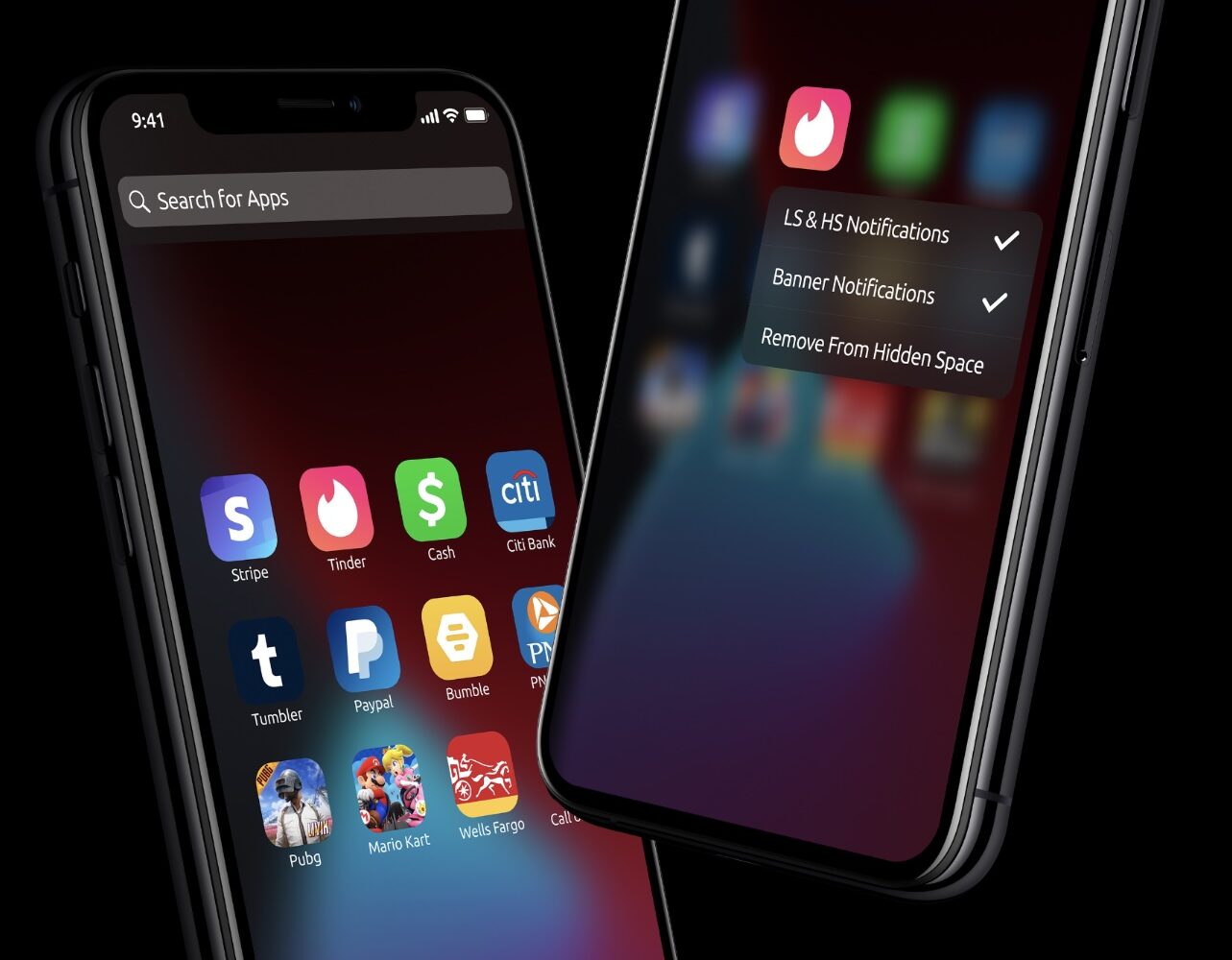
Reimagine what’s possible from the iPhone’s Home Screen with AppEditor

One thing that I’ve always liked about having a jailbroken iPhone is that I can get to important things more quickly than I could on a stock handset. This is all because of the different types of shortcuts and extensions that you can have on a device that’s no longer being subjected to Apple’s native software restrictions.

While there’s certainly no shortage of jailbreak tweaks that permit handy shortcuts and functionality from almost anywhere in iOS, those who consider themselves to be power users may have something to gain from the likes of a newly released jailbreak tweak called AppEditor by iOS developer @CrazyMind90.

This jailbreak tweak lets users add empty space between app icons with invisible widgets

Jailbreakers, whether they use themes or not, tend to be of the mindset that device customization should be a human right. Apple seems to disagree; but I digress.

One way jailbreakers customize their handsets is by changing their Home Screen’s app icon layout. Unfortunately, Apple designed the Home Screen so that app icons would snap into place without the ability to leave spaces in between app icons.