Control Center

How to get iDownloadBlog headlines in Notification Center or Control Center

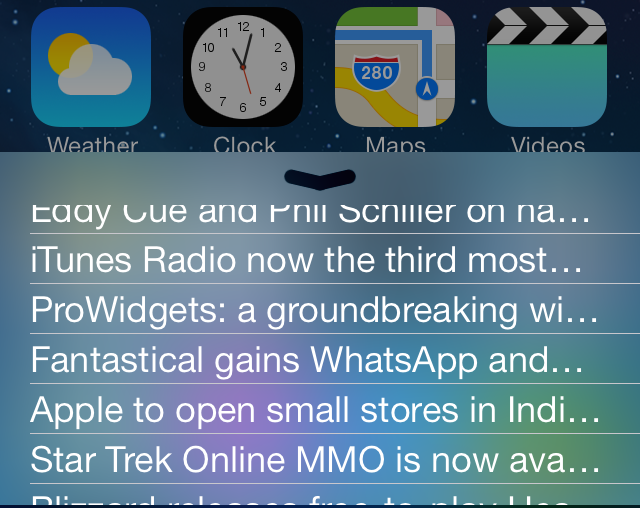
If you're an avid iDB reader, and let's face it—you should be—then I suggest you check out two recently released jailbreak tweaks that allow you to add our headlines to Control Center or Notification Center in iOS 7. Aptly entitled iDownloadBlog for Control Center and iDownloadBlog for Notification Center, these new jailbreak tweaks make it easy to stay up to date with all of the latest Apple news.

We've taken both tweaks for a spin on video, and while we weren't blown away by the presentation, we did find them to be pretty handy additions for iDB fiends. Have a look inside as we step through the features.
Polus is now available on Cydia

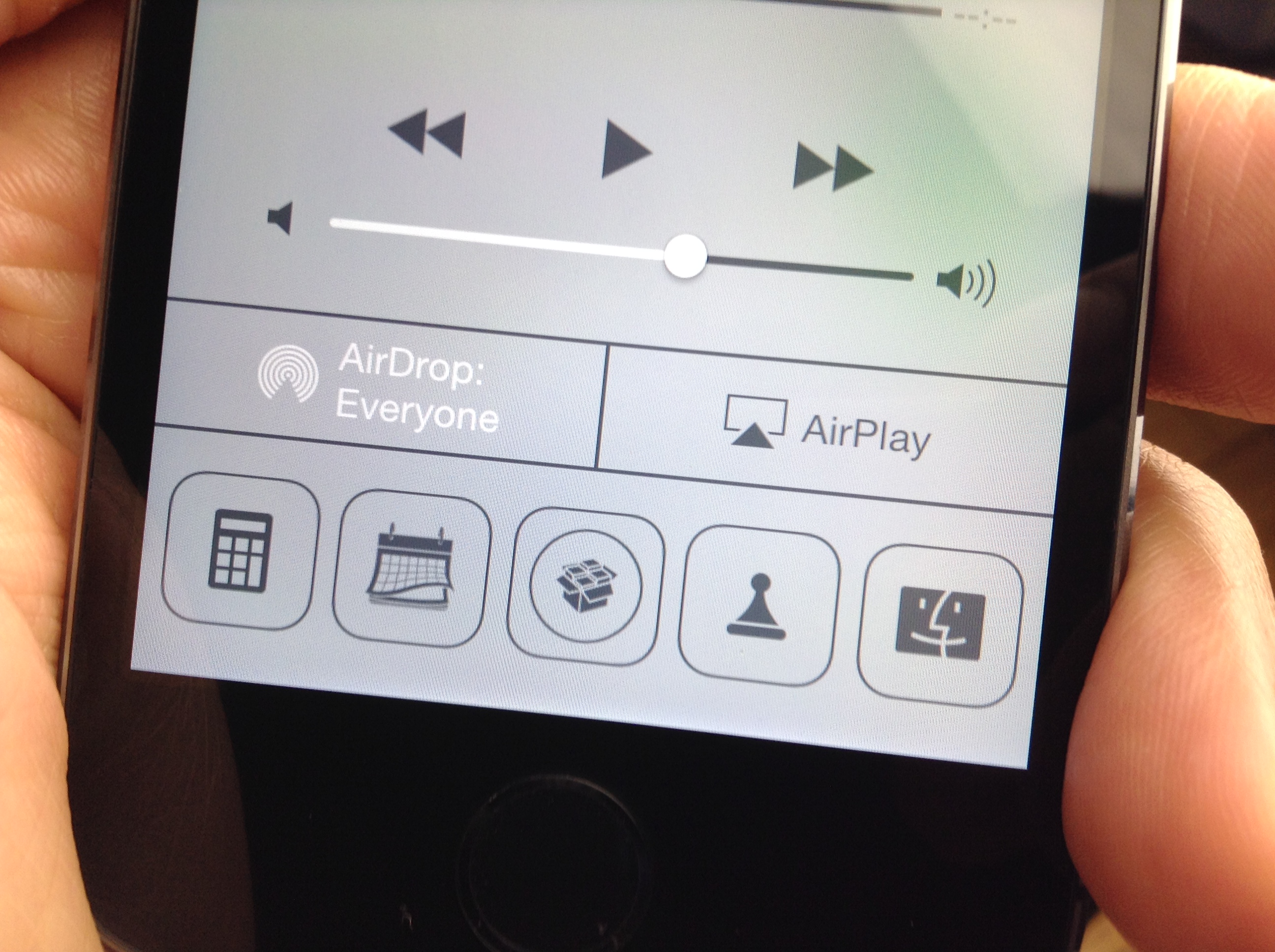
Polus—the brand new Control Center QuickLaunch tweak for iOS 7—is available right now on Cydia to download. The tweak, which we covered extensively a few weeks ago, allows you to customize various aspects of the QuickLaunch shortcuts appearing in Control Center, including the amount of shortcuts, size, and shape.

You can even assign Activator actions to each QuickLaunch shortcut, including a single tap and a tap-and-hold gesture. This allows you to do interesting things like assign a tap-and-hold gesture to the Twitter app shortcut in order to launch the compose-new-Tweet sheet. When it comes to Polus your only limit is your imagination. Step inside to review our full video walkthrough of the tweak in action.

Vertex is now available on Cydia

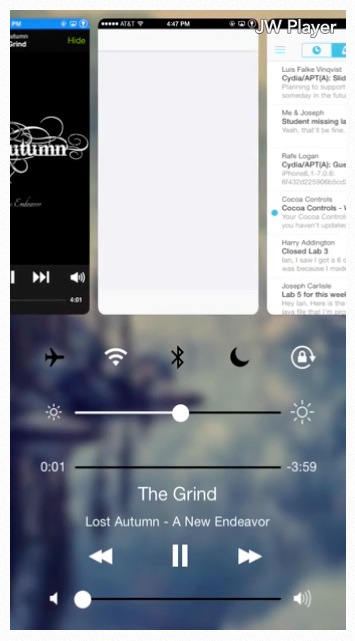
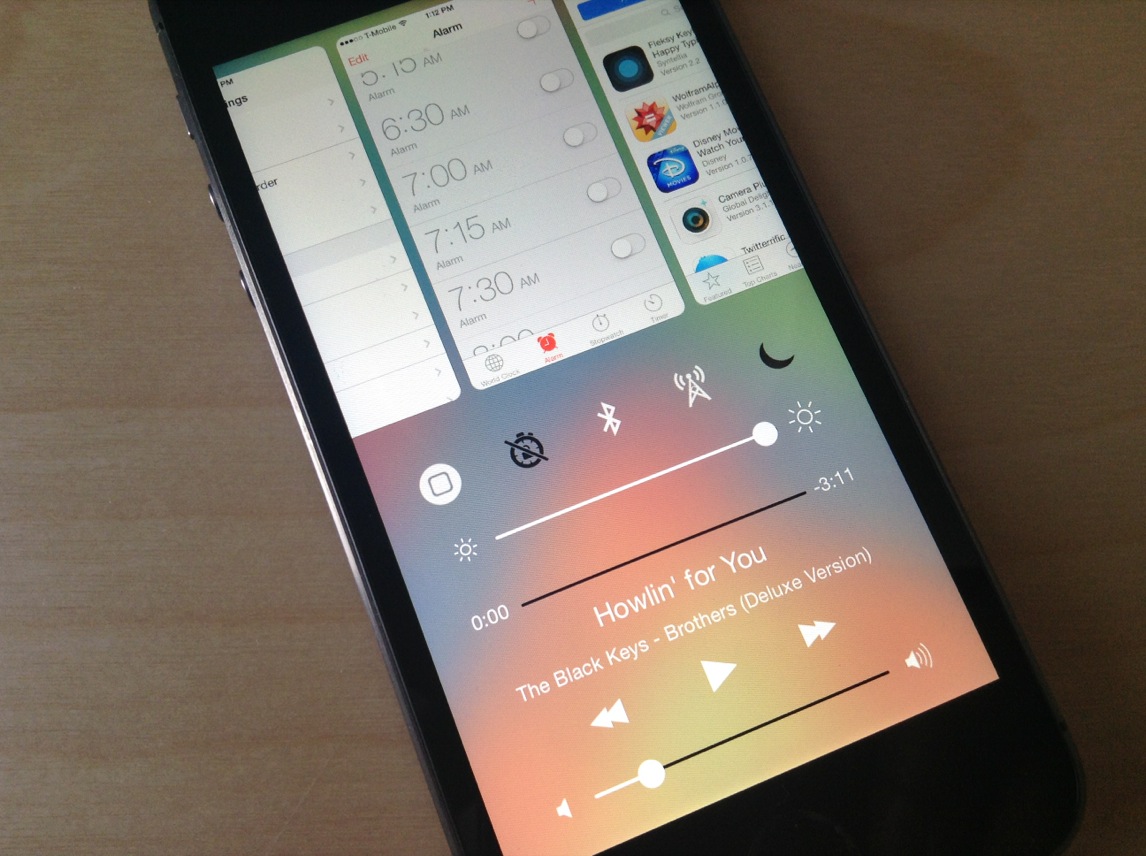
Vertex, the awesome jailbreak tweak that combines app switcher and control center into one convenient page, is now available for download on Cydia's BigBoss repo. The tweak, developed by Ian Burns and Timon Olsthoorn, and is based on Bill Labus’ popular Mission Control concept.

The team bills Vertex as a sort of one-stop-shop for all of your app-switching, music-controlling and Settings-toggling needs. The tweak is well-designed with customizable aesthetics, and in our initial walkthrough, Jeff said it's 'definitely worth trying.' Check out our hands-on video below...

Polus: a customized QuickLaunch experience for Control Center

A3tweaks—the development team behind great jailbreak releases such as Auxo—is back with a brand new upcoming tweak, and we want to show it to you. The tweak, which is called Polus, is an extension that adds significant improvements to the QuickLaunch section of Control Center.

With Polus, you can customize Control Center's apps shortcuts, and assign them with Activator gestures...but that's not all. We've taken the upcoming tweak for a detailed spin on video. Check past the break for more information.

NoGrabber: how to hide Notification Center and Control Center grabbers

Grabbers, like the one in the photo above, appear while trying to invoke Notification Center or Control Center in a full screen app. The grabbers essentially force you to perform two invoking gestures in order to launch Control Center or Notification Center. The grabber feature is there to prevent accidentally launching the aforementioned overlays while using a full screen application or game.

Some people, apparently, find the grabber feature annoying, and they want to launch Notification Center or Control Center like they normally do, even while using a full screen app. If you're one of those people, then NoGrabber is something you should consider using. It forces the overlays to behave like normal, eliminating the grabber while in full screen applications. Take a gander at our video walkthrough to see how it works in action.

New upcoming tweak brings Mission Control concept to reality

Vertex is an upcoming tweak currently in development that aims to bring Mission Control inspired functionality to iOS 7. The tweak, which is currently being talked about on /r/jailbreak, merges Control Center and the app switcher together, along with other iOS 7-centric touches splashed in.

There's still no timetable for Vertex's release, but we do have a video preview of the tweak created by developer Ian Burns. Check past the break for the video and more details concerning this awesome looking jailbreak release.

How to look up dictionary definitions via Control Center

Define for iOS 7 is a jailbreak tweak that allows users to look up definitions from the convenience of iOS 7's Control Center overlay panel. The tweak, which is available right now on Cydia's BigBoss repo for $0.99, was created by well-known developer ravirajm.

If you're looking for a quick and easy way to search for dictionary definitions or Wikipedia entries, it doesn't get much simpler than Define for iOS 7. Have a look at our full video walkthrough inside for all of the details.

How to display free RAM and system information in Control Center

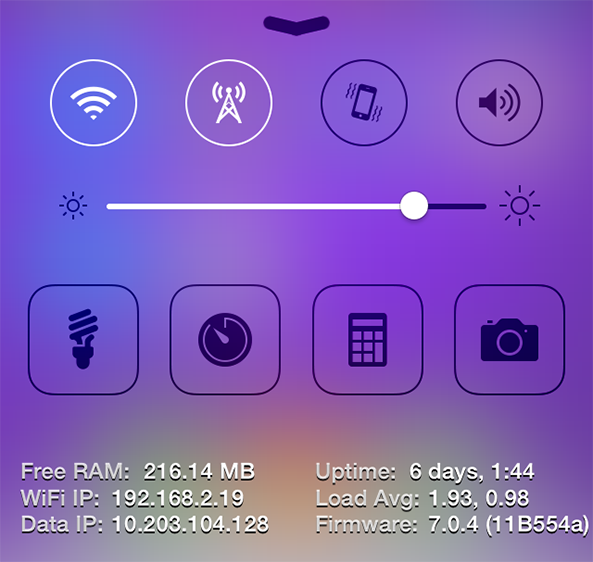
In his review of CCLoader, our jailbreak guru Jeff mentioned the fact that developers would be able to tap into the tweak and create their own sections in Control Center. That is the basis behind CCSystemStatus, a new iOS extension by vsnraindev that displays your available storage, IP address, free RAM and other system information about your iOS device in Control Center… 

How to control Philips Hue lights from Control Center

I have a special fascination with home automation, and I'm usually up for trying anything new in this space. For that very reason, I was super excited to try out the Philips Hue lighting kit when it first launched, and I picked one up on day one. You can watch my Philips Hue unboxing and review here.

Philips has a decent, if not a bit cumbersome to use, app available that allows you to control the Hue lights. I was always a big fan of the hardware, but I thought the software left a lot to be desired.

One of the biggest gripes for me is just having to launch a separate app in the first place. Wouldn't it be awesome if you could turn your lights on and off directly from native iOS? Wouldn't it be even more awesome if you could control your lighting directly from iOS 7's Control Center?

And that's exactly what this recently released jailbreak tweak, entitled HueHueHue, does. It allows you to control your Philips Hue lights from native iOS, including Control Center, and a whole lot more. Take a look inside as I walkthrough this jailbreak tweak's features on video.

Pluck 2 lets you pick songs to play directly from the Lock screen

I'm a big fan of listening to music, predominately while I am making the early morning commute to college on weekdays. As a Canadian citizen, however, fumbling with my iPhone to change the song while driving is illegal because of the distraction it presents to the driver. It's a good law, in my opinion, but one that can be understandably frustrating at times. And while a new jailbreak tweak called Pluck 2 isn't a full-stop solution for that problem, it is a useful extension that allows me to keep my eyes focused on the road… 

QuickActivator: Add customized Activator shortcuts to Control Center

QuickActivator is a recently released jailbreak tweak that allows users to add customizable Activator shortcuts to the quick launch section of iOS 7's Control Center overlay. The tweak works with any valid Activator action, including launching an app, opening a menu, toggling a switch, composing tweets and Facebook status updates, etc.

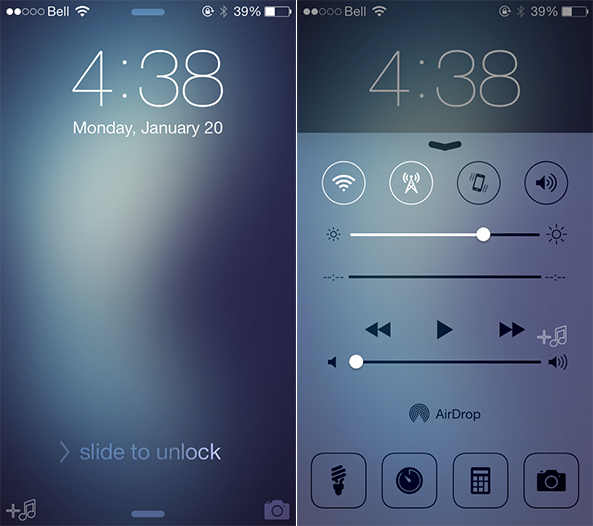
Existing quick launch shortcuts found in Control Center—Flashlight, Timer, Calculator, and Camera–can be customized with custom glyphs and tap and hold gestures. Brand new quick launch shortcuts can be added as well, and users can select from well over 70 glyphs, and mate them with any of the actions available via Activator.

QuickActivator is a tweak that you shouldn't overlook if you're searching for a way to add customized functionality to Control Center. Have a look at our full video walkthrough after the jump for more information.

CCLoader: rearrange and disable Control Center sections

An interesting new Control Center tweak by the name of CCLoader just hit Cydia. The tweak, which is targeted at users and developers, allows you to rearrange and disable the various sections found within Control Center.

CCLoader makes it possible to do the reordering and disabling on the fly without the need for any resprings. The tweak uses drag handles to let you easily and quickly rearrange sections in any manner you see fit.