Control Center

Axial brings new quick launch features to Control Center

Axial is a brand new jailbreak tweak for iOS 8 that brings new app launching features to Control Center. Wherever you're able to open Control Center, including while on the Lock screen, you'll be able to launch apps via Axial.

One of the tweak's hallmark features is its temporary auto-unlock for quicker access to your favorite apps while on the Lock screen. Auto-unlock makes it so that your device automatically inserts your passcode. This allows you to use pre-approved apps without manually entering a passcode or verifying with Touch ID.

How to disable Notification Center and Control Center on the Lock screen

By default, access to Notification Center and Control Center is available system-wide on iOS, meaning that you can access both features from the Lock screen, from the Home screen, and from any app. These two features are very convenient, but can also represent a security or privacy concern. With that in mind, iDB reader Eric asked us this morning on Twitter how to disable both grabbers for Notification and Control Center on the Lock screen. In this post we will show you how to do just that.

CCSettings updated with support for iOS 8

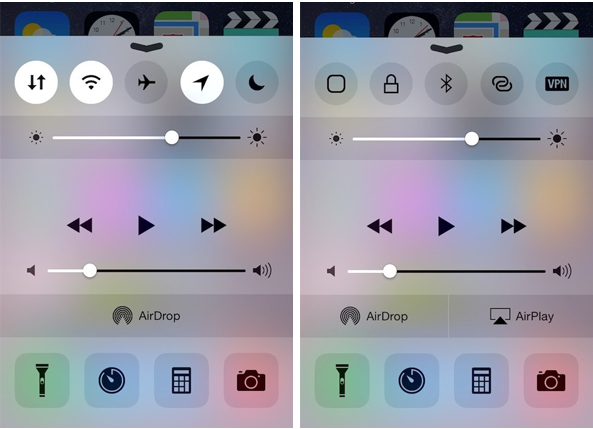
CCSettings, one of most popular tweak for Control Center, has now been updated to support iOS 8 devices. The tweak which is now available as a separate package on Cydia provides a larger collection of settings toggles in Control Center rather than the stock toggles such as Airplane mode, Wi-Fi, Bluetooth and more.

The new toggles that CCSettings provides for iOS 8 Control Center range from Cellular Data, Location Services, Personal Hotspot and VPN to virtual home and lock buttons. These can be accessed from Control Center by swiping the toggles section from left to right and vice versa. You can enable or disable each of these toggles along with the stock buttons as well as arrange them in the right manner from the preference pane of the tweak in the Settings menu.

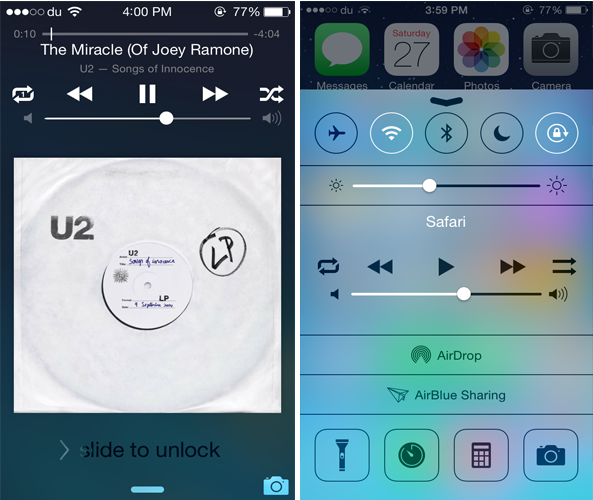
CCShuffle adds shuffle and repeat buttons to the Lock screen and Control Center

While Control Center is a convenient place to quickly control a playing song, it still lacks some music controls. CCShuffle is a new jailbreak tweak that brings the much anticipated shuffle and repeat buttons to Control Center.

Developed by Charlie Hewitt, CCShuffle adds a shuffle and repeat button to the right and left of the media controls in Control Center. Originally, the buttons are only available in the stock Music app, but with this tweak, you can also use them from Control Center. Not only this but CCShuffle also adds both the buttons to the Lock screen as well.

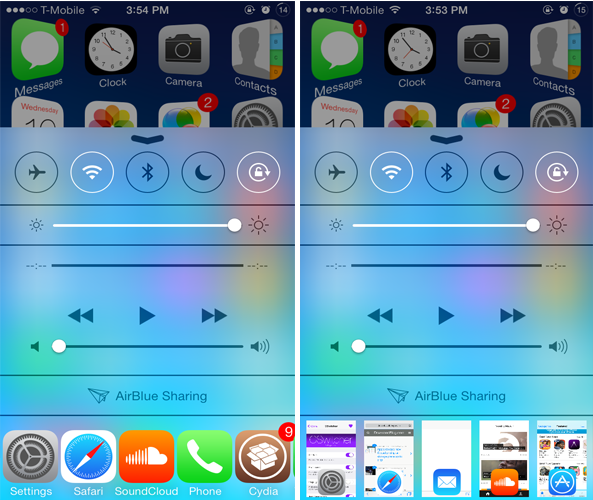
CSwitcher brings your App Switcher to Control Center

The App Switcher, one of the most frequently used feature on iOS 7, can be accessed by double pressing the Home button. If you ever wanted to access the App Switcher from Control Center, you might want to check out a new jailbreak tweak known as CSwitcher.

Developed by Brogan Miner, CSwitcher replaces the Quick Launch apps in Control Center with the App Switcher, allowing you to take a quick glance at the apps running in the background directly from Control Center as well as close any of them. Personally, since I never use the Quick Launch apps, CSwitcher could be a good replacement.

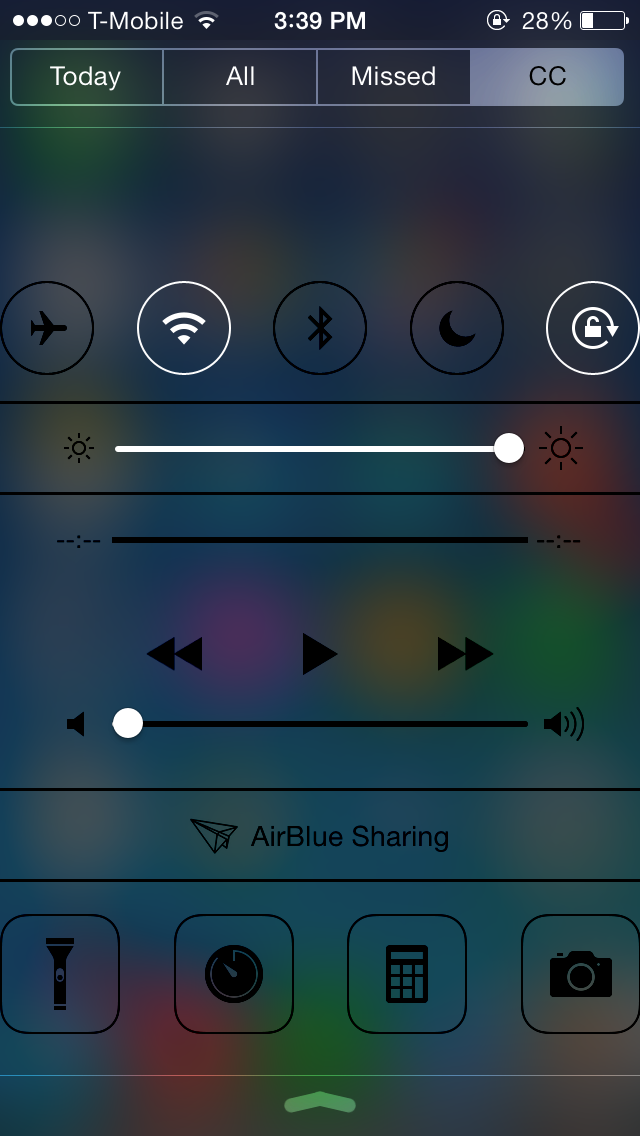
Centered adds a Control Center tab to Notification Center

Normally, swiping up from the bottom of the screen will launch Control Center, which provides toggles, quick launch, media controls and more. Centered is a new jailbreak tweak that doesn't provide a new feature but rather changes the way you can access Control Center.

Developed by Noeliel, Centered allows you to access Control Center directly from Notification Center. Everything that was previously accessible from the original Control Center will now be added to a new tab in Notification Center called 'CC' right next to Notification Center's 'Missed' tab.  This allows you to view notifications as well as access Control Center all in one place.

The best jailbreak tweaks for Control Center on iOS 7

One of the major features Apple introduced in iOS 7 is Control Center, which provides users quick access to settings toggles, stock apps, media controls and more. However, it is very limited and doesn't give you complete control to customize it. This is why Control Center has been the subject of focus by many jailbreak tweak developers and ever since the iOS 7 jailbreak was released, there has been no shortage of tweaks for Control Center.

Below, we've compiled a list of the best jailbreaks tweaks for Control Center on iOS 7, ranging from customizing the feel and look of Control Center to adding more toggles.

CCSliders: an all-in-one slider for Control Center

Ever since the iOS 7 jailbreak was released, there has been no shortage of tweaks for Control Center. Nonetheless, there's always room for more refinements to iOS 7's quick settings panel. CCSliders isn't a new tweak, but, for the most part, it has remained tucked away in a third-party repo without a lot of attention. That is, until now.

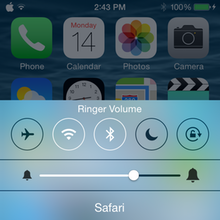
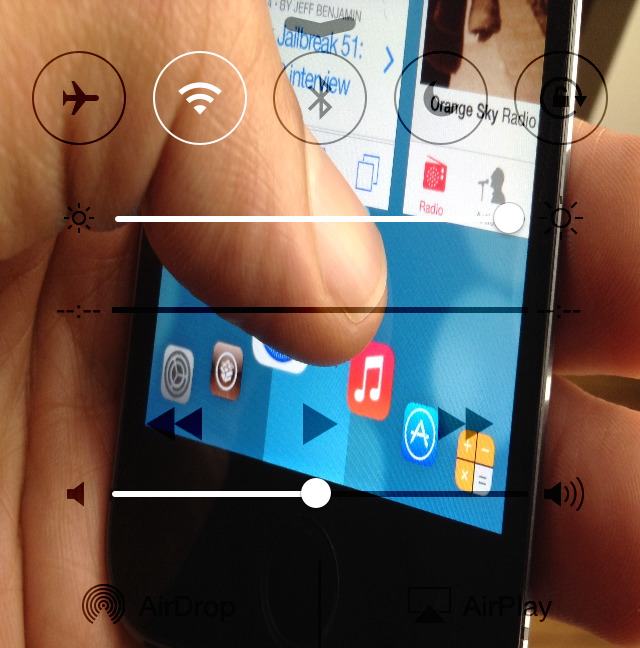
CCSliders allows users to tap on icons to the left or right of the brightness slider in Control Center to cycle through several other types of sliders, including media volume, ringer volume, and flashlight brightness. There's even an add-on for a f.lux slider in the same repo. CCSliders is simple in concept, but it adds unique and handy functionality to iOS 7's Control Center...

iOS 8 internal settings reveal Control Center and Lock screen customization options

Apple introduced several user-facing features in iOS 8 earlier this week, but it appears that there could be more than meets the eye. iOS developer Hamza Sood has tweeted two screenshots that show iOS 8 internal settings for customizing Control Center. In particular, there are toggle switches for adding, removing or reordering the app shortcuts and toggles in Control Center. There is even an option to record the screen from the swipe-up menu… 

Leaked images seemingly show OS X 10.10 with Control Center, flatter UI and other iOS 7 features

Earlier this morning, someone has posted a set of alleged OS X 10.10 screenshots on Reddit only to pull them soon after.

In researching the authenticity of the purported photos, MacRumors has been able to dig up a few interesting tidbits concerning Apple's design direction for the next major update to its desktop operating system powering Macs.

The original photos have been removed since at the request of the original poster. We can't vouch for their authenticity and are reposting them here for entertainment purposes...

How to add wallpaper to Control Center

CCBackground is a brand new jailbreak tweak that lets users customize the background of Control Center in iOS 7. The background can be customized with a photo from the Photos app library. Once you select a photo, a respring is required.

If the right background is chosen, CCBackground is a great way to customize the look of Control Center. Have a glance inside as we review CCBackground on video.

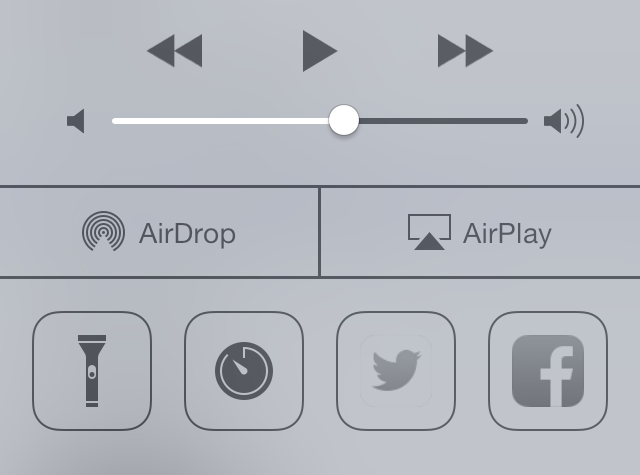
How to add quick compose widgets to Control Center

Compose—the jailbreak tweak that allows you to add quick compose widgets to iOS—has been updated for iOS 7. In prior versions of the tweak, the quick compose widgets appeared in Notification Center, but with iOS 7, the compose widgets have been relocated to Control Center.

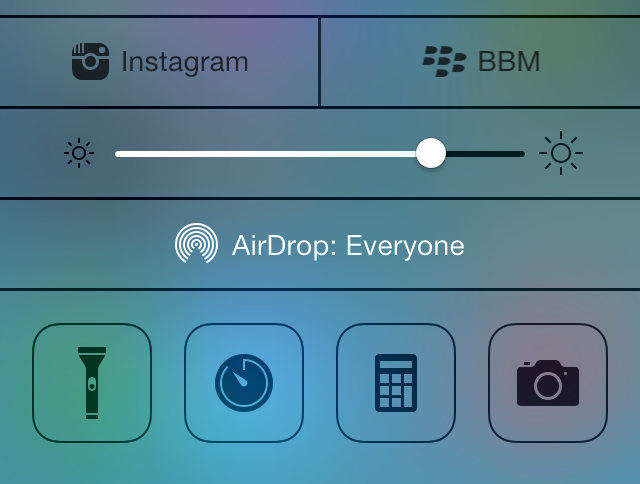
The iOS 7 version of Compose features a bevy of quick compose shortcuts for apps like Tweetbot, BBM, WhatsApp, and more. It's a great tweak for quickly accessing the composition assets for many of your favorite App Store apps. To catch a glimpse of how Compose works on iOS 7, take a look at our video walkthrough past the break.