Learn how to download and install apps on your Apple Watch from the App Store, either directly on the watch itself or through the paired iPhone.
How to install apps on Apple Watch in watchOS 27

Stay up-to-date on the latest Apple Watch news, and learn how to get the most out of your device with our comprehensive tutorials. From updates to features to troubleshooting tips, we’ve got you covered.
Learn how to download and install apps on your Apple Watch from the App Store, either directly on the watch itself or through the paired iPhone.
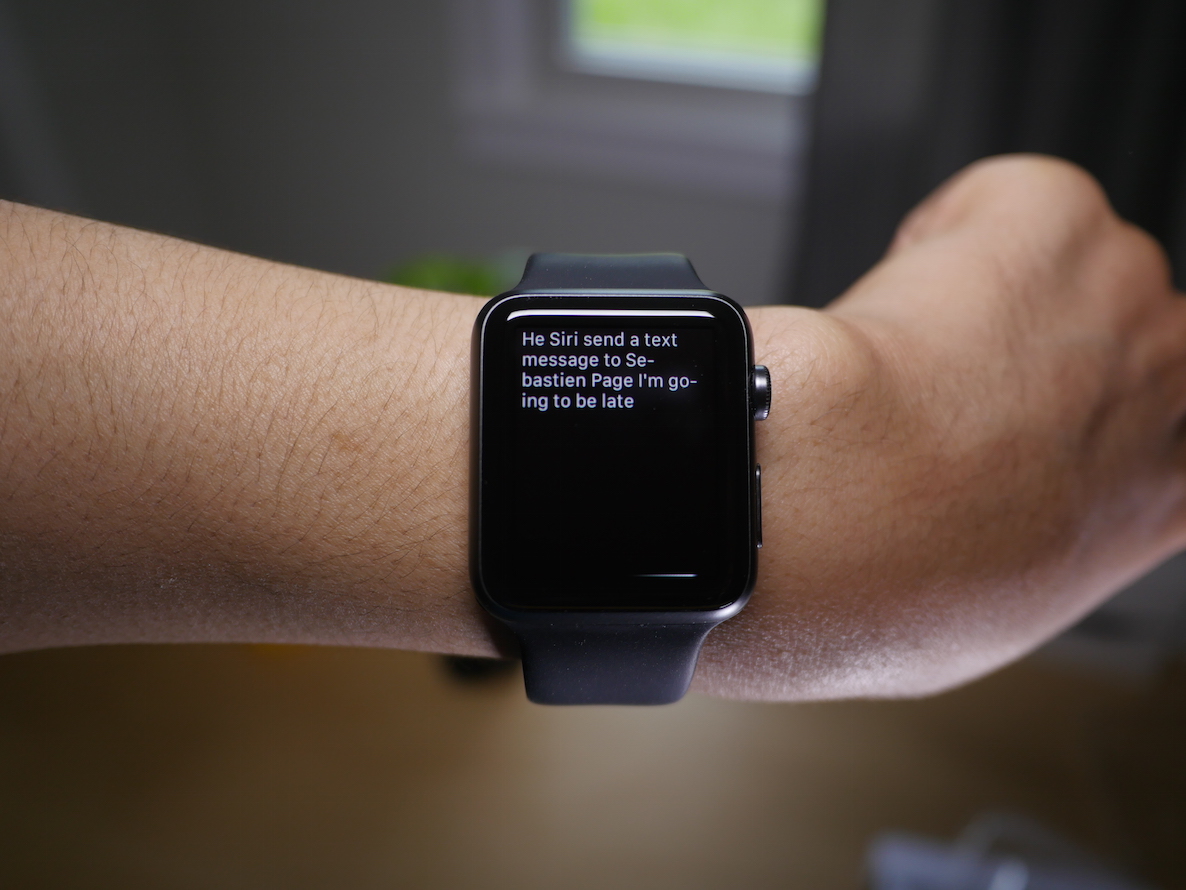
The US Patent and Trademark Office has granted Apple a design patent for the Apple Watch on Wednesday, covering the look and feel of the wearable that hit the market at the end of April.
The patent covers the entire design of the device, from the screen, sensors, charging apparatus, digital crown, and more. Like with all companies do, Apple filed for the patent to protect itself against competitors, so they can't use an identical design.
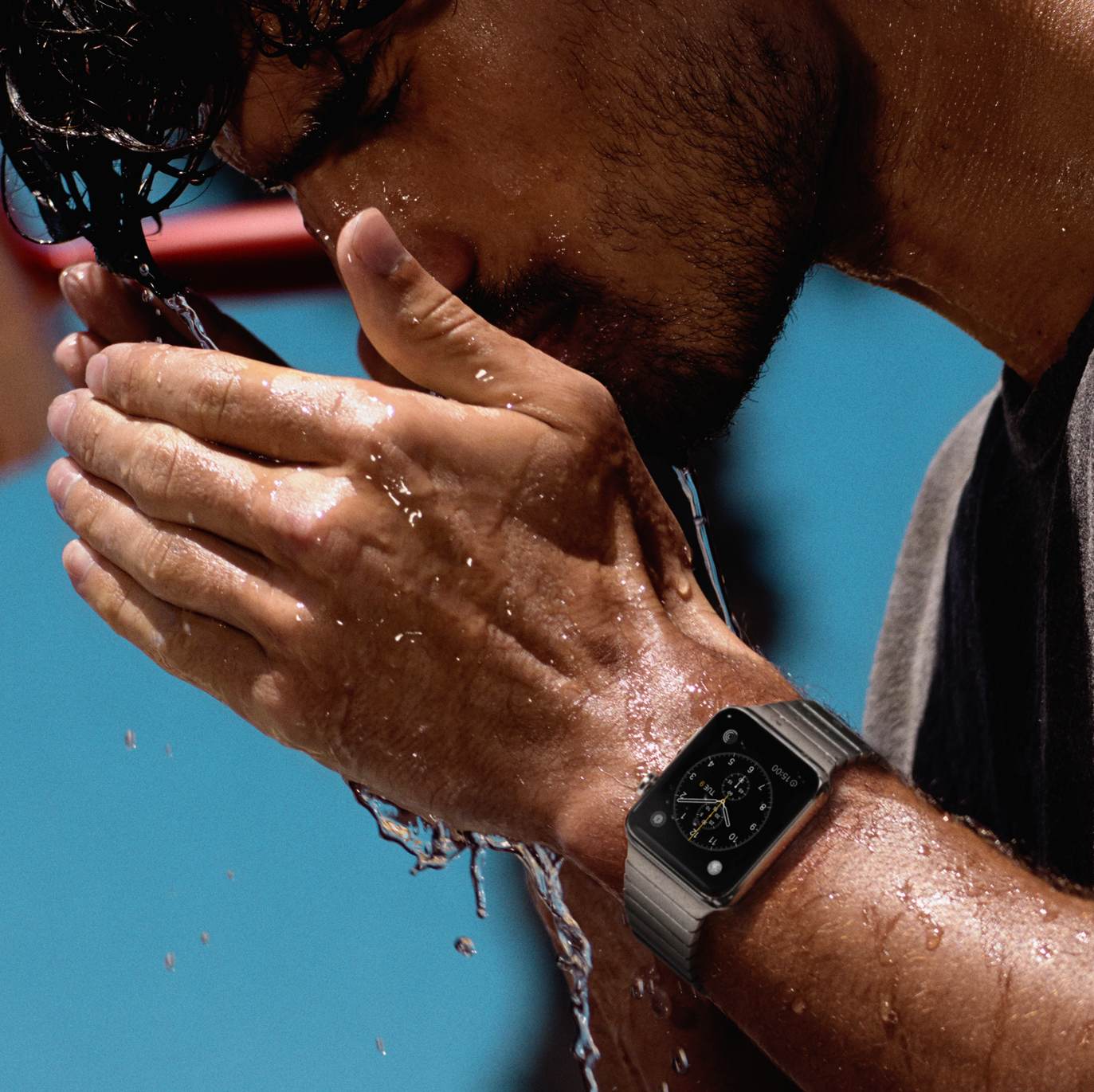
There seems to be a lot of confusion, misunderstanding, and maybe a bit of misinformation when it comes to the water resistance aspect of Apple Watch. Apple itself hasn't been very helpful as the company has been providing contradicting information when explaining what you can and cannot do with your watch. Add those misleading videos of guys jumping in the pool with their Apple Watch, and you can easily understand why one might be puzzled at whether or not it is acceptable to dunk Apple Watch in water. In this post, we'll try to put an end to the speculation about Apple Watch and water.
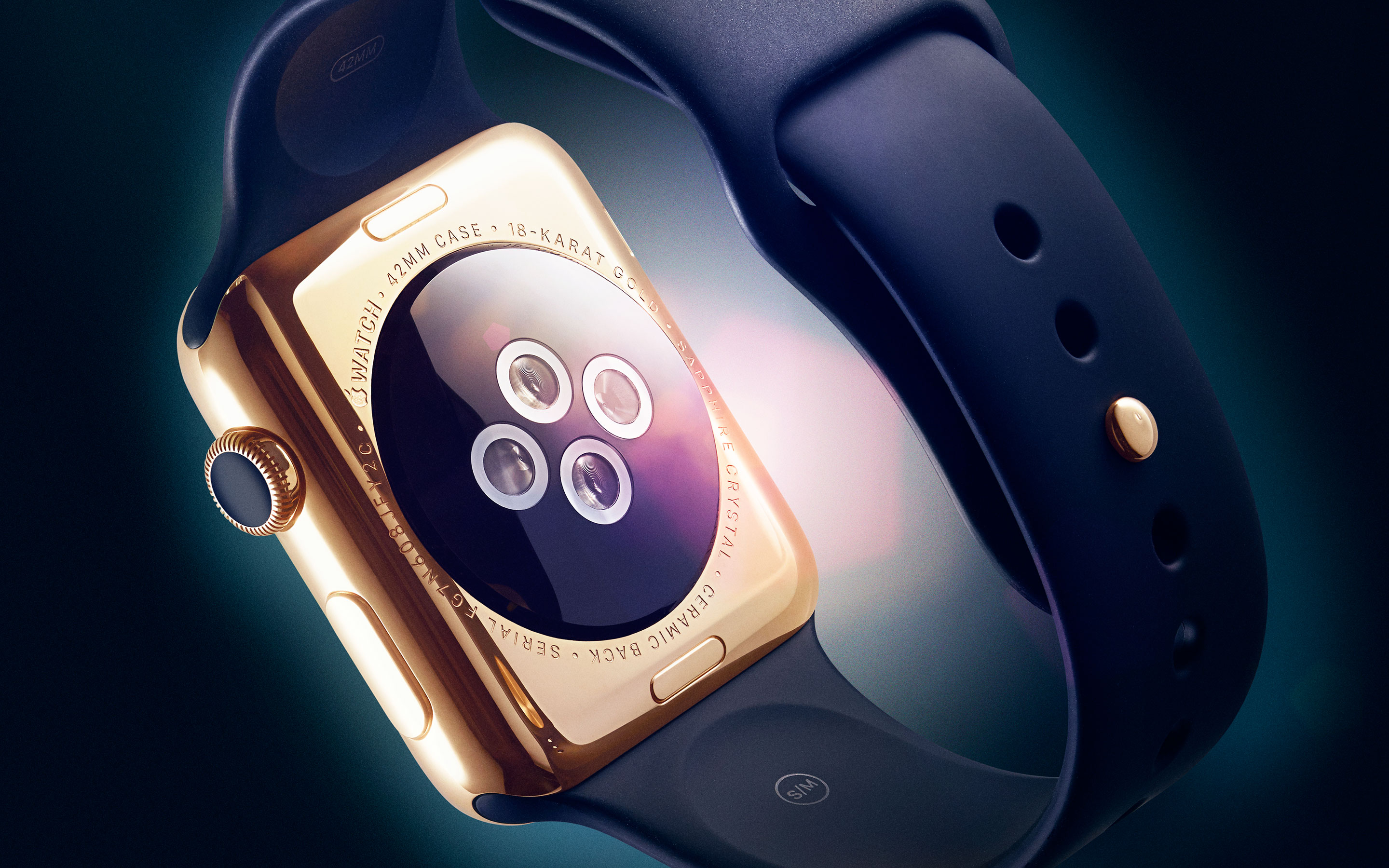
Reports are coming in that Apple is preparing the in-store pickup option on new Watch orders in Australia, Canada, China, France, Germany, Hong Kong, Japan, the United Kingdom and the United States, allowing customers in these launch countries to (soon enough, hopefully) select an Apple retail store to pick up their device after order.
As indicated by a report on MacRumors, the grayed out in-store pickup option on both the Apple Online Store and Apple Store shopping app is now labeled as “coming soon”.

Learn how to effortlessly organize and rearrange your Apple Watch apps to suit your preferences and optimize your wearable experience.

This tiny tutorial tells you about simple tips to quickly return to the last used app on your Apple Watch so that it's easier to multitask or switch back and forth between recently used apps!
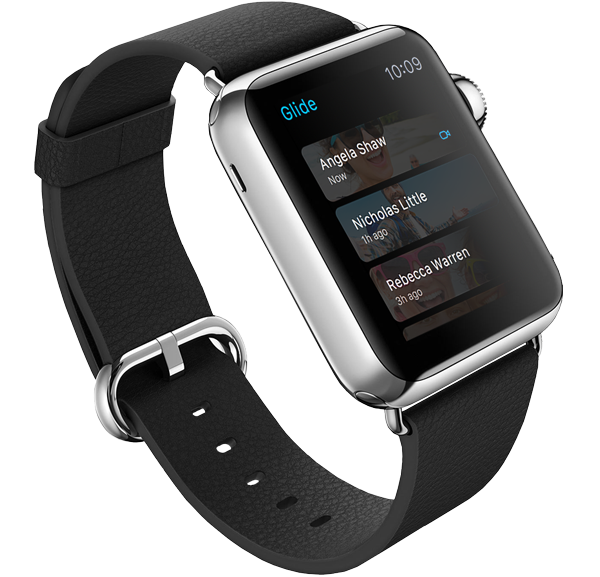
After putting eleven smartwatches through various tests, Consumer Reports rated the Stainless Steel Apple Watch as the best of the category. Putting Apple, Samsung, Pebble, Sony, Martian, Asus, LG, and Motorola in direct competition, the folks at Consumer Reports took the eleven smartwatches through their labs to test for durability, health functionality, readability in bright and low light, ease of use, and ease of interaction.
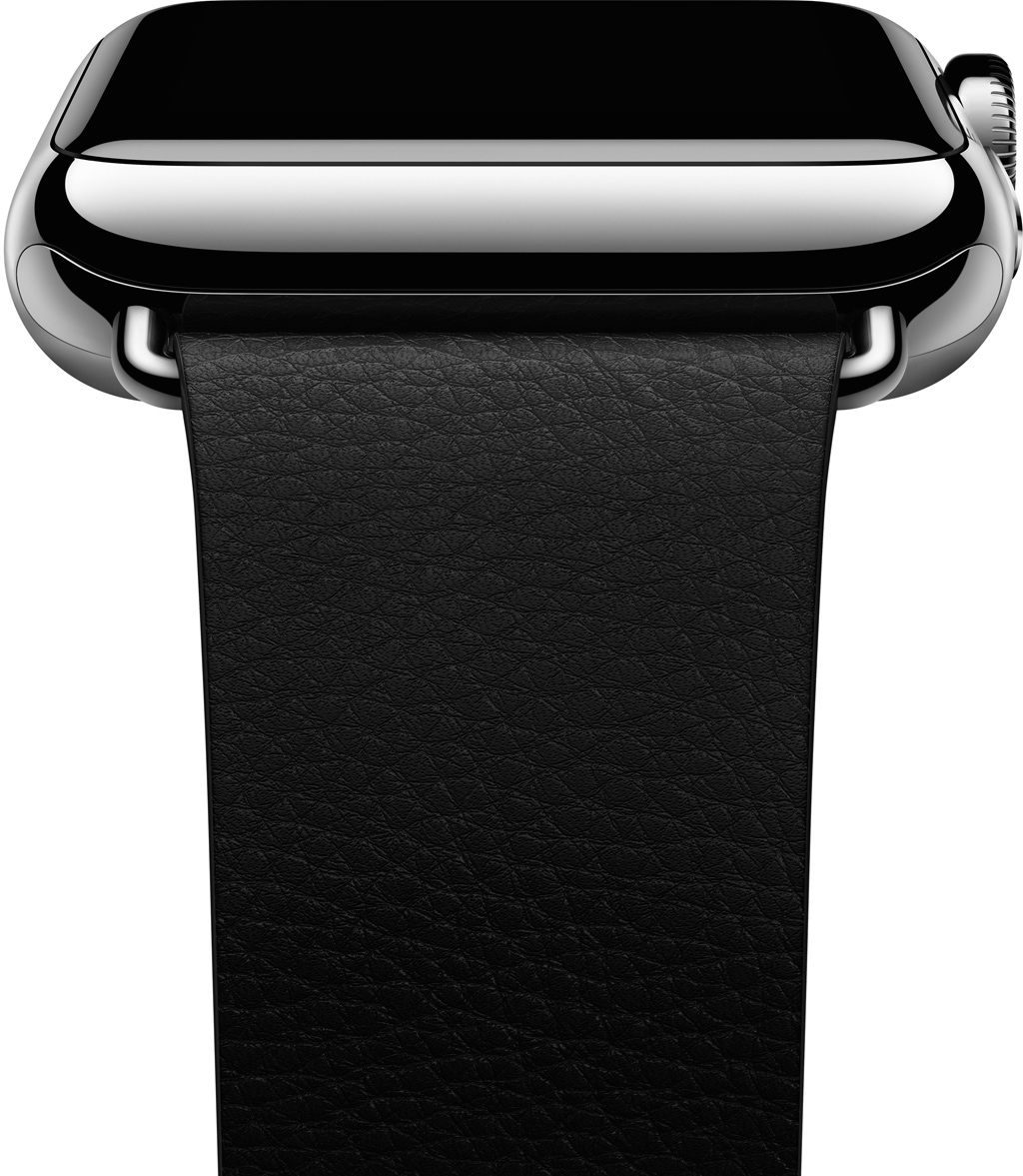
Apple on Monday launched an official program for companies to develop third-party bands for the Apple Watch. As noted by 9to5Mac, a website just popped up on Apple's developer portal called 'Creating Bands for Apple Watch,' and it offers up details on a new 'Made for Apple Watch' program.
On the site, Apple explains that Watch bands are "easily changed with simple release buttons and lugs that secure the band to the Apple Watch case." A set of guidelines and a lug profile are provided for those that want to create custom bands, and Apple says official Watch lugs will be available soon.
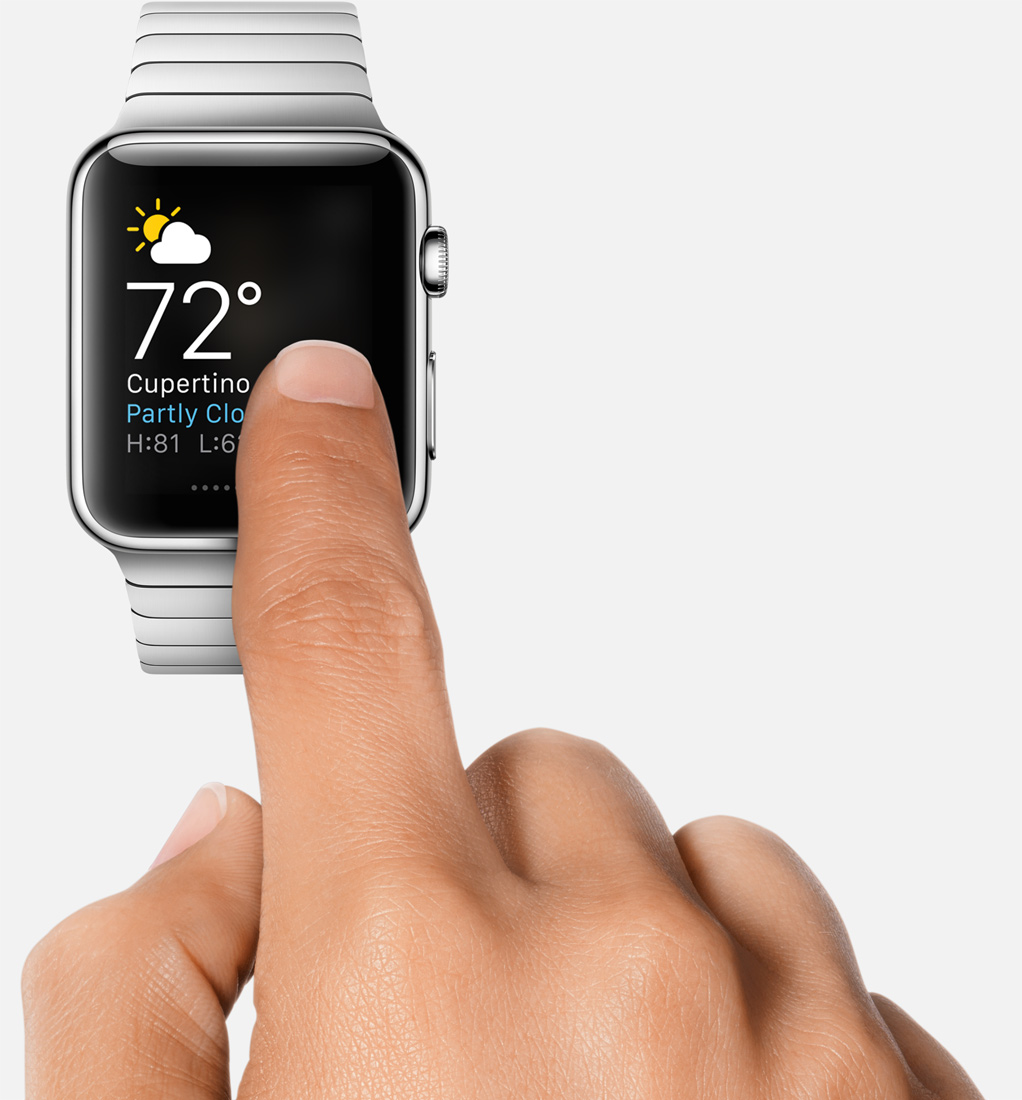
In a post I published before Apple Watch was even released, I noted that the most important features Apple hadn’t emphasized about the device were its convenience, and immediacy. Convenient because it is right there on your wrist, and immediate because everything is one raise of the wrist away.
I stand behind what I wrote at the time, especially now that I’ve had time to actually use Apple Watch and confirm my early beliefs. Something I hadn’t envisaged though is how liberating Apple Watch can be.
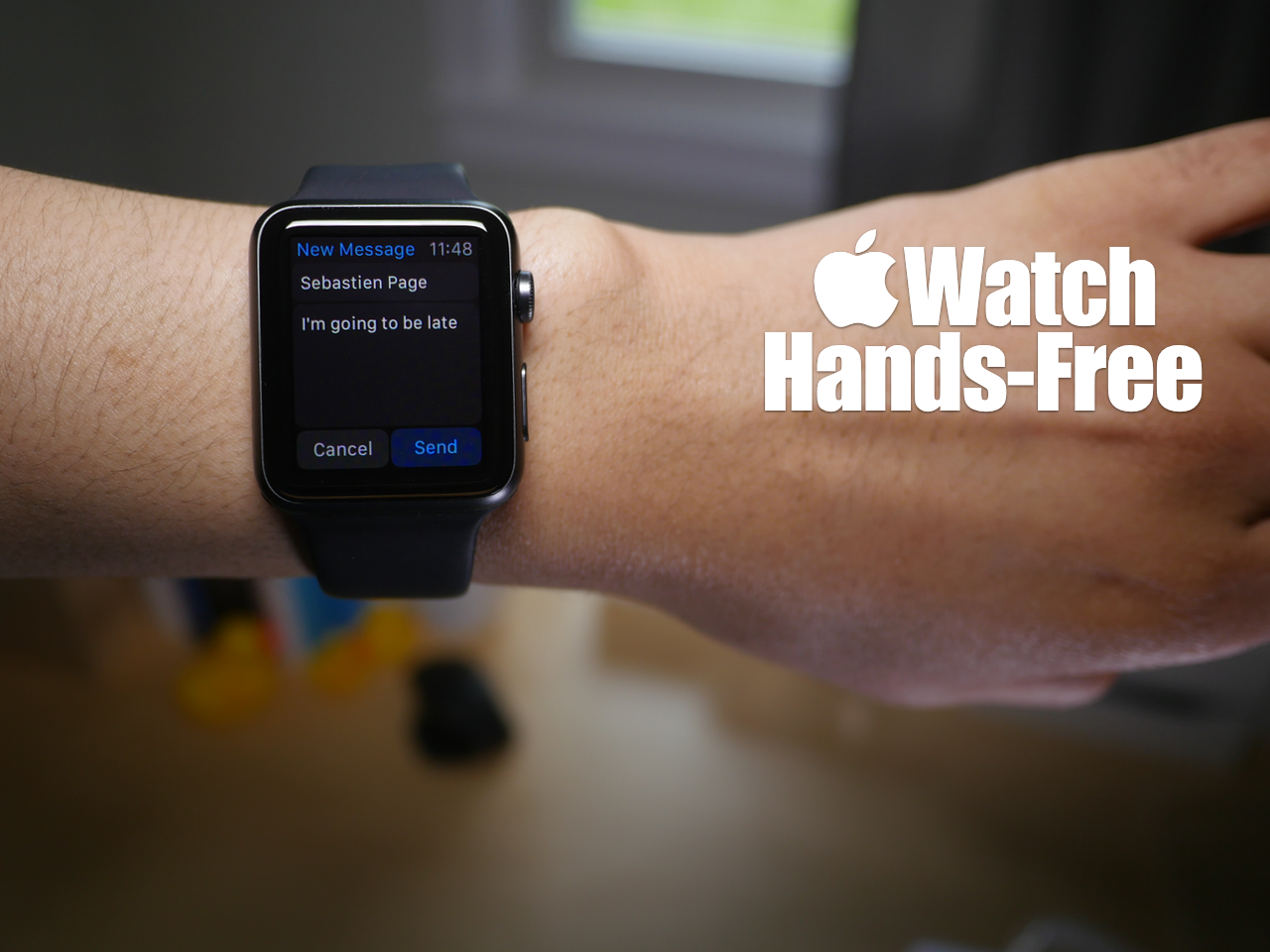
You may have noticed that while using Siri, the Apple Watch interface presents on screen buttons that you have to tap with your finger to confirm commands. While this is doable in a lot of circumstances, it takes away from the hands-free element that's necessary in many situations.
At times, it's simply impossible to physically tap a button on the Apple Watch to confirm a command, and that's where using the Hey Siri hands-free assistant to its full potential can come in handy. In fact, it's totally possible to send text messages, establish calendar events, set reminders, and more without touching your Apple Watch.
Yes, despite what the Apple Watch interface may lead you to think, you can use Siri completely hands-free in quite a few scenarios. Watch our hands-on video for the details.
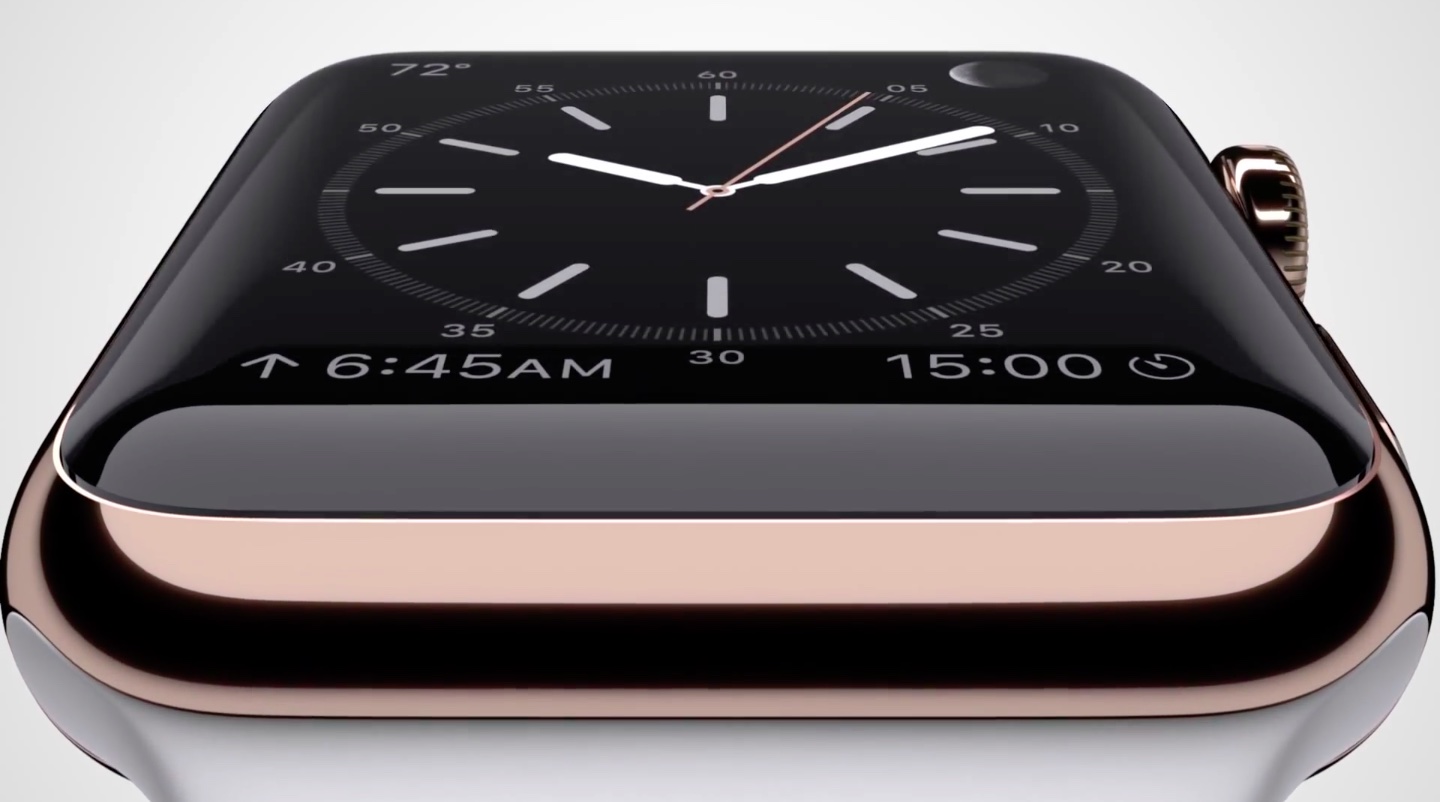
Apple makes a big deal of the materials with which the Watch and its many bands are made and has even put together a special Craftsmanship webpage and promotional videos highlighting why its materials represent an achievement in itself.
Some people, however, who suffer from allergies or are simply sensitive to certain materials touching their skin should take into account the following tips and guidelines in order to avoid skin irritation, maximize comfort and prevent long-term damage to the device.
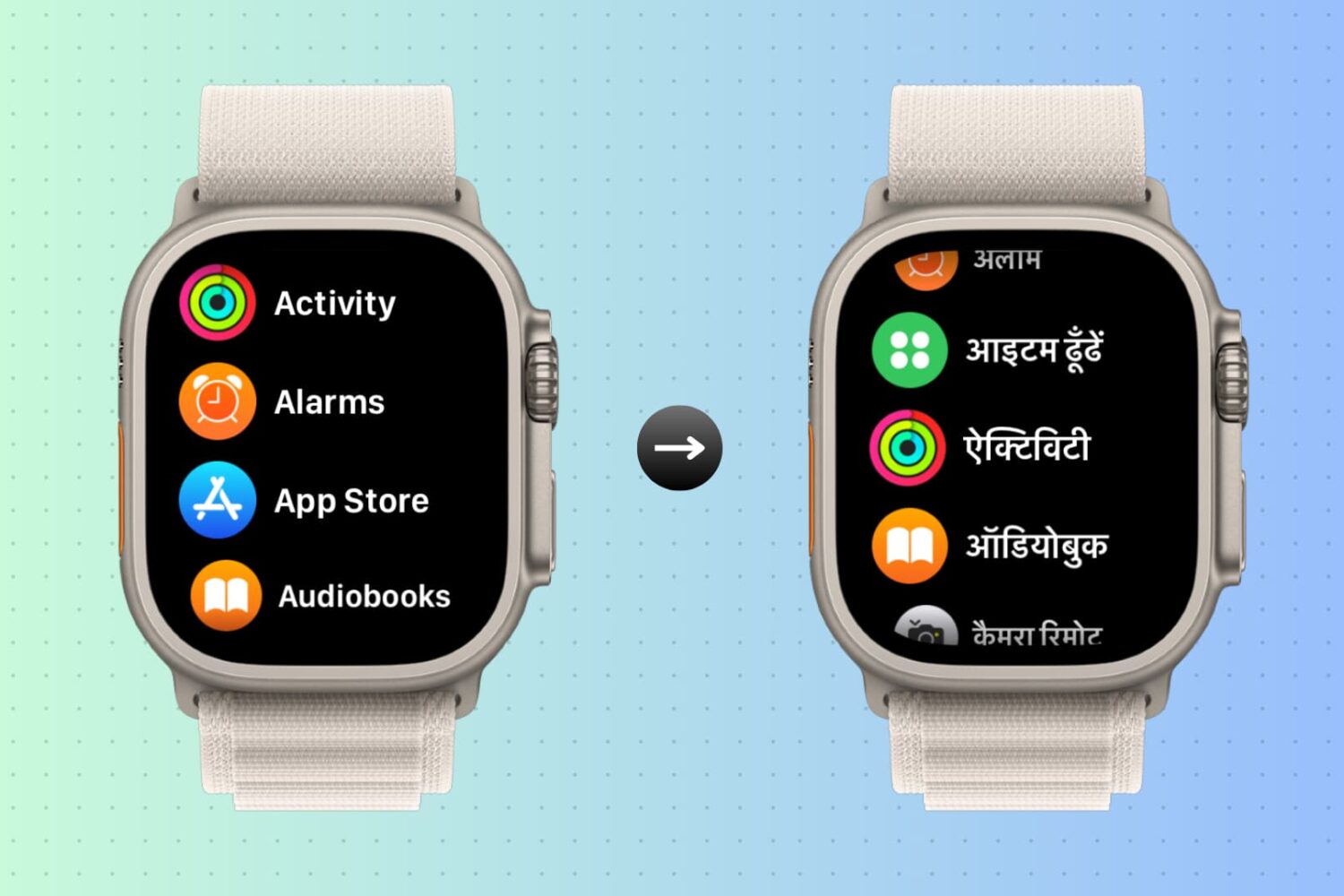
You can change the language of your iPhone and your Apple Watch together in one go or only change it for your Apple Watch while your iPhone’s language remains unaffected. Here are the steps for both.