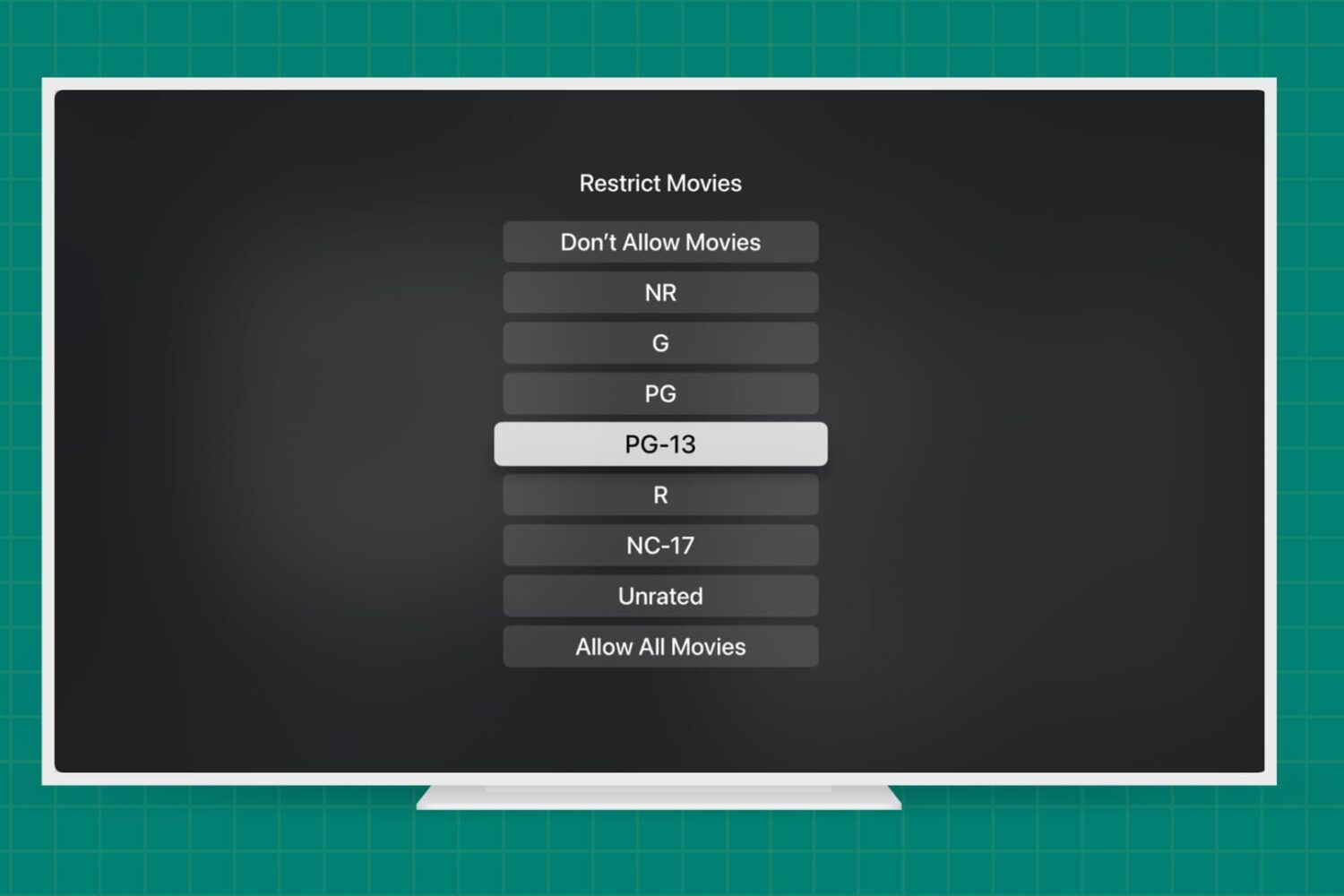
Learn how to add parental content restrictions on Apple TV and adjust key settings to create a safe viewing experience for your kids and other household members.
How to set up parental content restrictions on Apple TV
Stay up-to-date on the latest Apple TV news and learn how to get the most out of your device with our comprehensive tutorials and guides. Discover new features, troubleshoot issues, and explore the best apps and games for your Apple TV.
Learn how to add parental content restrictions on Apple TV and adjust key settings to create a safe viewing experience for your kids and other household members.
Just like on your iPhone, iPad, and Mac, your Apple TV lets you customize certain settings for the Music, TV, and Podcasts apps. Whether you want specific playback options, certain views on the main screen, or want to turn on or off syncing, you can do it on Apple TV.
If you’re ready to take a few minutes to use these apps exactly as you’d like, here’s how to customize the TV, Music, and Podcasts apps on Apple TV, along with iTunes show settings.
Learn how to set up your Apple TV, HomePod, or iPad as the home hub to control your smart accessories and check their current status.
Apple TV Channels make it easy to sign up for subscription streaming services, and now there's another option to choose.
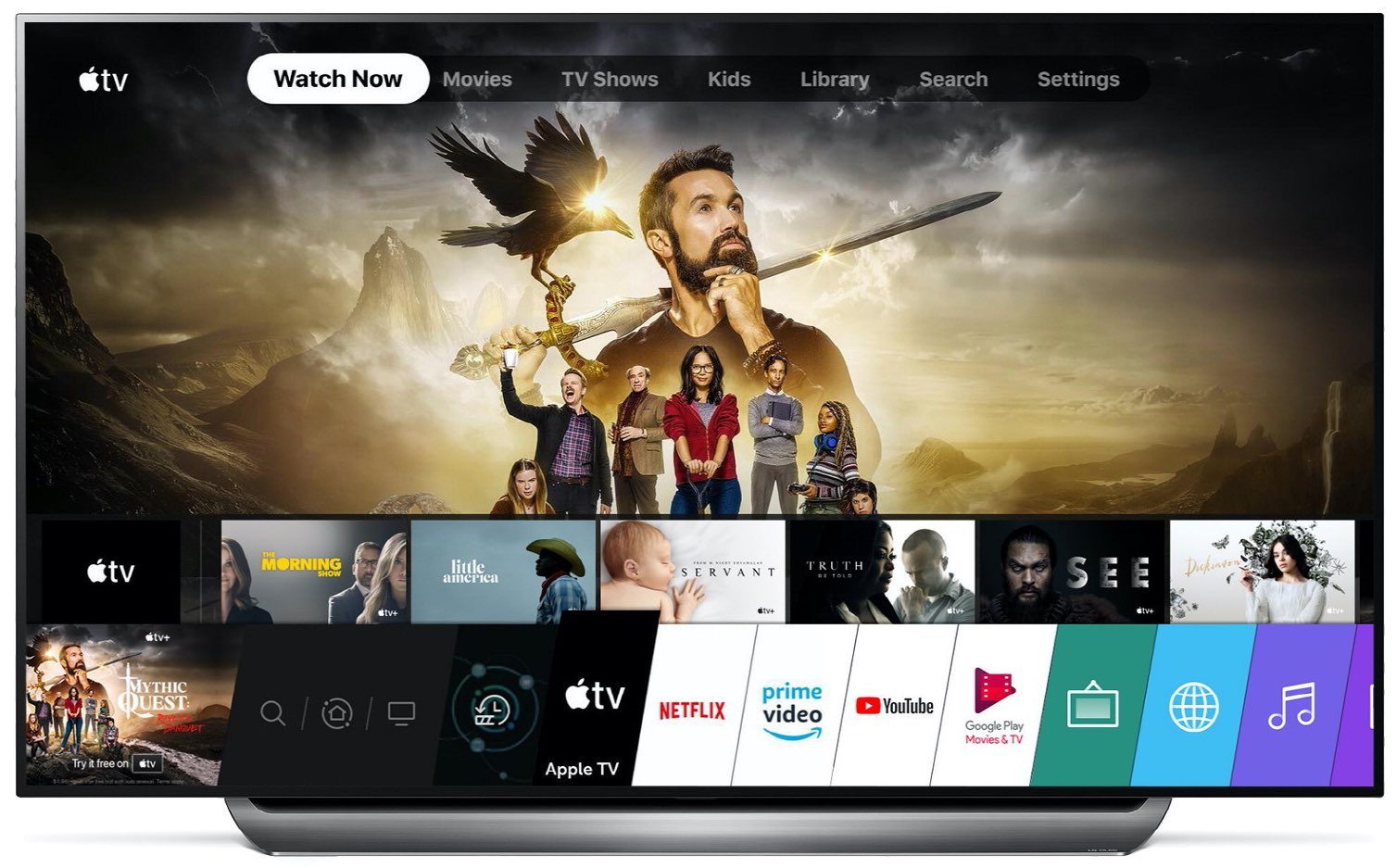
Earlier this week, LG started rolling out the Apple TV app to compatible 2019 smart TV models.
It has been a bit of time since Apple released the Apple TV 4K, and it may be time for the company to refresh the hardware.
At CES 2020, LG said its 2018 and newer TVs would soon get the Apple TV app. Tuesday, the Korean electronics maker announced that Apple's software started to roll out to select 2019 TVs, with older models manufactured in 2018 getting the app "later this year".
The Apple TV has a variety of aerial screensavers showcasing the beauty of both cityscapes and natural landscapes, and recently Apple started showcasing underwater scenes, too.
Listening to the radio can be a nice change from the same old songs and playlists. You can discover a new song or enjoy a radio show. And with one of these radio apps on Apple TV, you can just tune in and let it play.
Apple has been seeding the latest update for the fourth- and fifth-generation Apple TV for quite some time, and now the software is available to the public.
Macworld writer Jason Snell published today a thought-provoking piece titled "It’s time for new hardware at the center of Apple’s home strategy" that's well worth a read, especially if you belong to the camp that believes it's high time for Apple Home.
One of the most substantial things to happen in the jailbreak community in the past decade was the release of @axi0mX’s hardware-based checkm8 bootrom exploit. This exploit can’t be patched by Apple in a software update, and it essentially guarantees the jailbreakability of several of Apple’s devices using the A5-A11 SoC for life.
While checkm8 is already being used in the checkra1n jailbreak for handsets ranging from the iPhone 5s to the iPhone X, it’s also true that the same exploit can be used to jailbreak compatible Apple TV units. The newest Apple TV, on the other hand, purportedly sports a hidden Lightning port that would necessitate a special adapter to utilize for such an exploit.