Learn how to enable Wi-Fi Calling on your iPhone and other devices so you never miss a call, even if you’re in a spot with little or no cellular service.
How and why to use Wi-Fi Calling on your iPhone
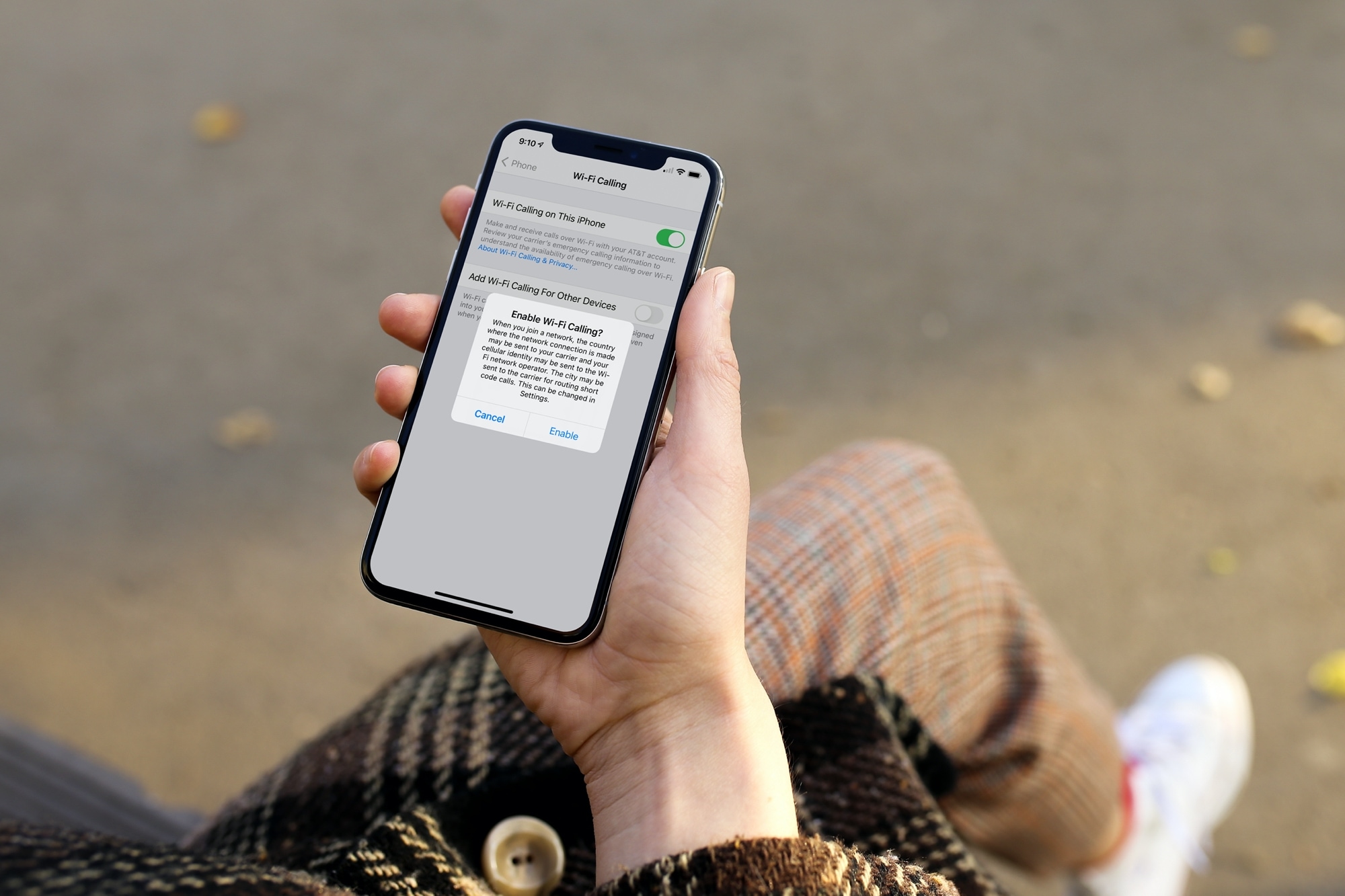
Learn how to enable Wi-Fi Calling on your iPhone and other devices so you never miss a call, even if you’re in a spot with little or no cellular service.
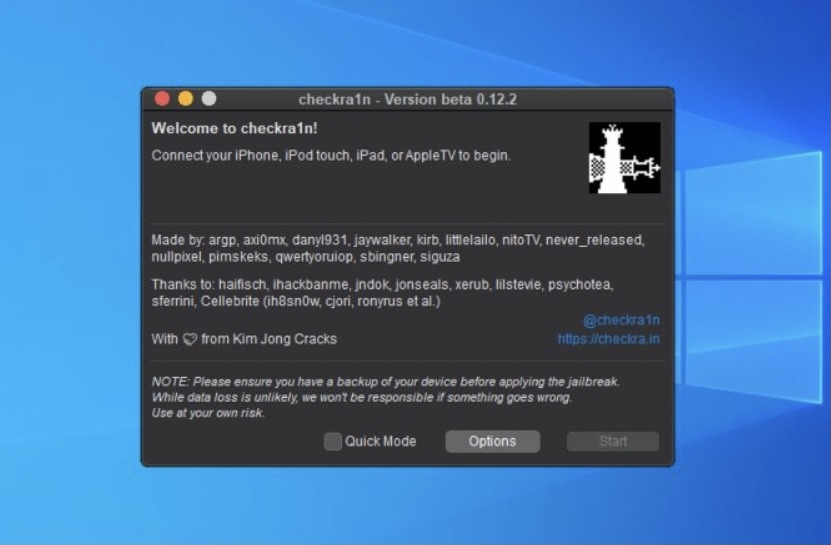
The checkra1n jailbreak tool is renowned for its use of a powerful bootrom exploit called checkm8, which can’t be patched by Apple via a software update because the exploit exists in the hardware of devices equipped with A7-A11 processors.
The checkra1n team initially released the checkra1n jailbreak as a macOS-only application in 2019, and it wasn’t until a good bit into 2020 that the tool picked up support for Linux. As for Windows, the checkra1n team planned to support it, but to this day hasn’t implemented official support in a public release. So what’s the hold up, exactly?

We're nearing the public launch of the next update for macOS Big Sur, with Apple seeding the newest Release Candidate version of the desktop OS.
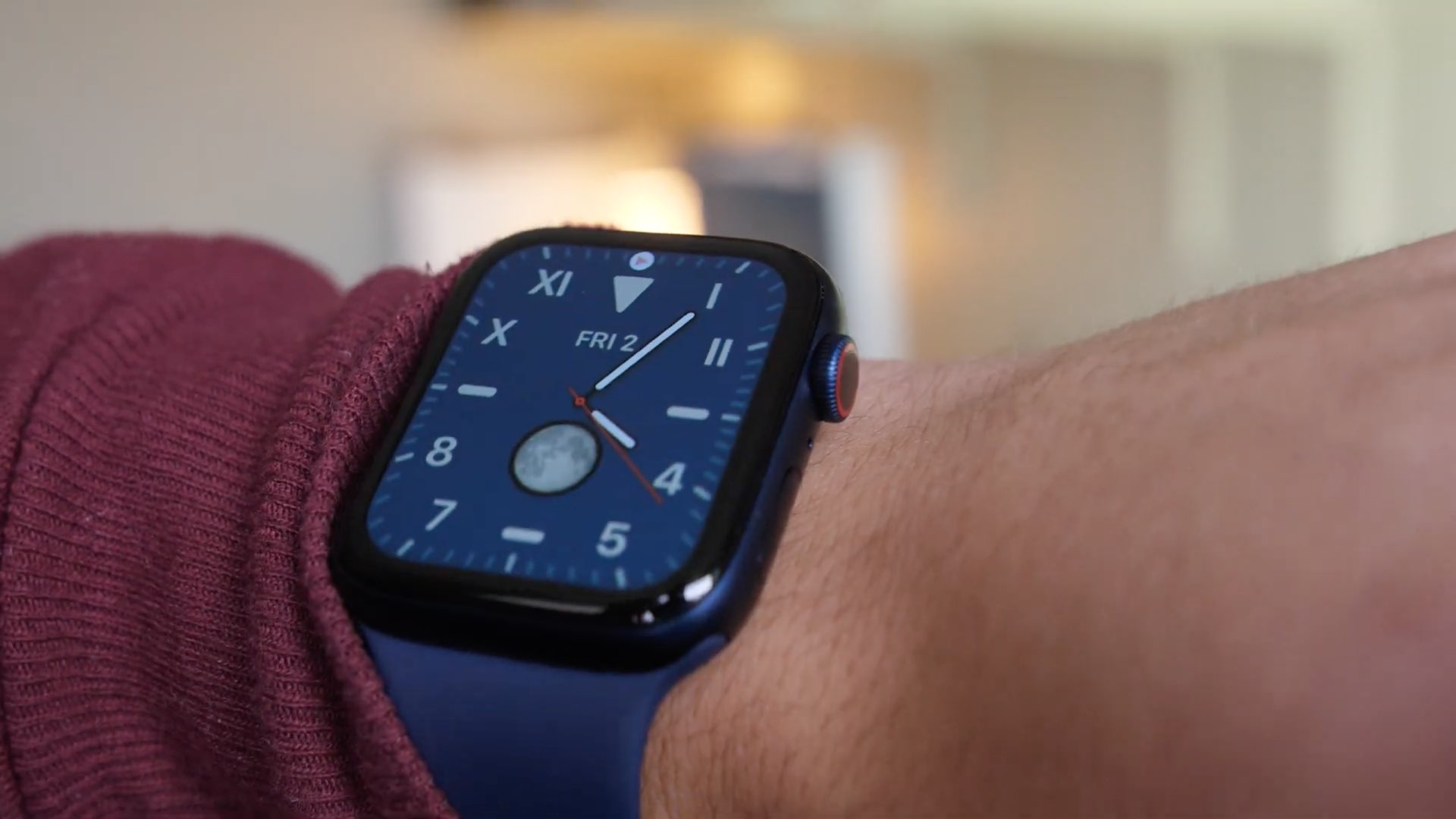
Learn how to use the power of shortcuts and automation to change your Apple Watch face automatically based on sunrise, sunset, chosen custom time of the day, or your location.
The encrypted messaging app Telegram has rolled out a tool for importing your WhatsApp chat history on iOS. It's available in version 7.4 update, which is now live in the App Store.

The European Union's data protection conference, the CPDP, kicks off today. As such, a range of notable figures in the technology and data industries are due to have some input. And that includes Apple's CEO, Tim Cook, who provided the opening keynote speech.

Facebook, a privacy-last company, is reportedly preparing to sue Apple, a privacy-first company, over the App Tracking Transparency feature that's coming in the spring.
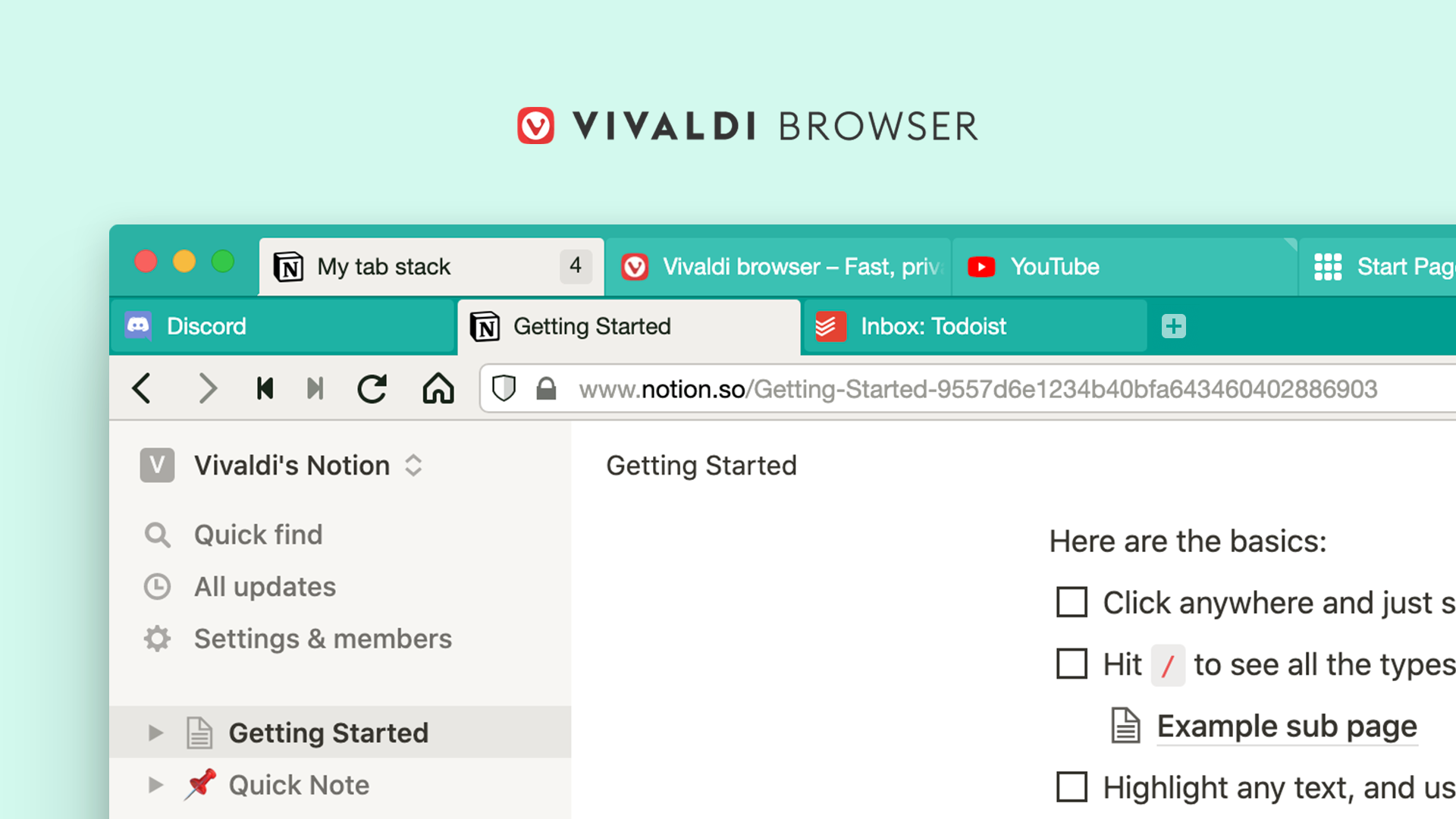
If you're like me, you keep a few dozen or so tabs open in Safari on any given day. But wouldn't it be great if you could have double-decker browser tabs? With the Vivaldi browser, you can...

WhatsApp is rolling out biometric authentication on iOS and Android for logging in on desktop and the web. The Facebook-owned firm announced the new feature on Twitter this morning.
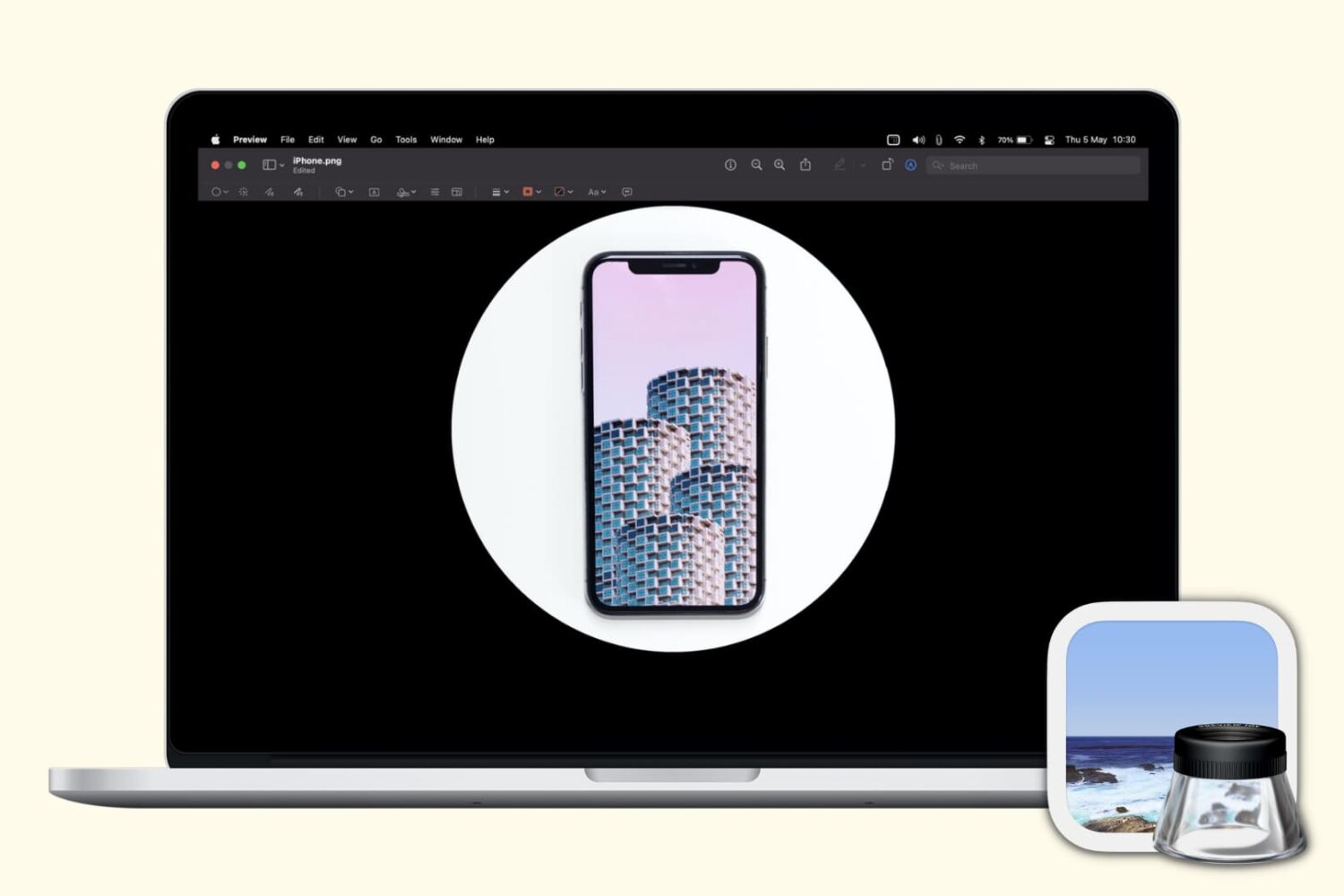
Check out these free techniques to crop photos on your Mac without downloading third-party image editors or using app extensions.
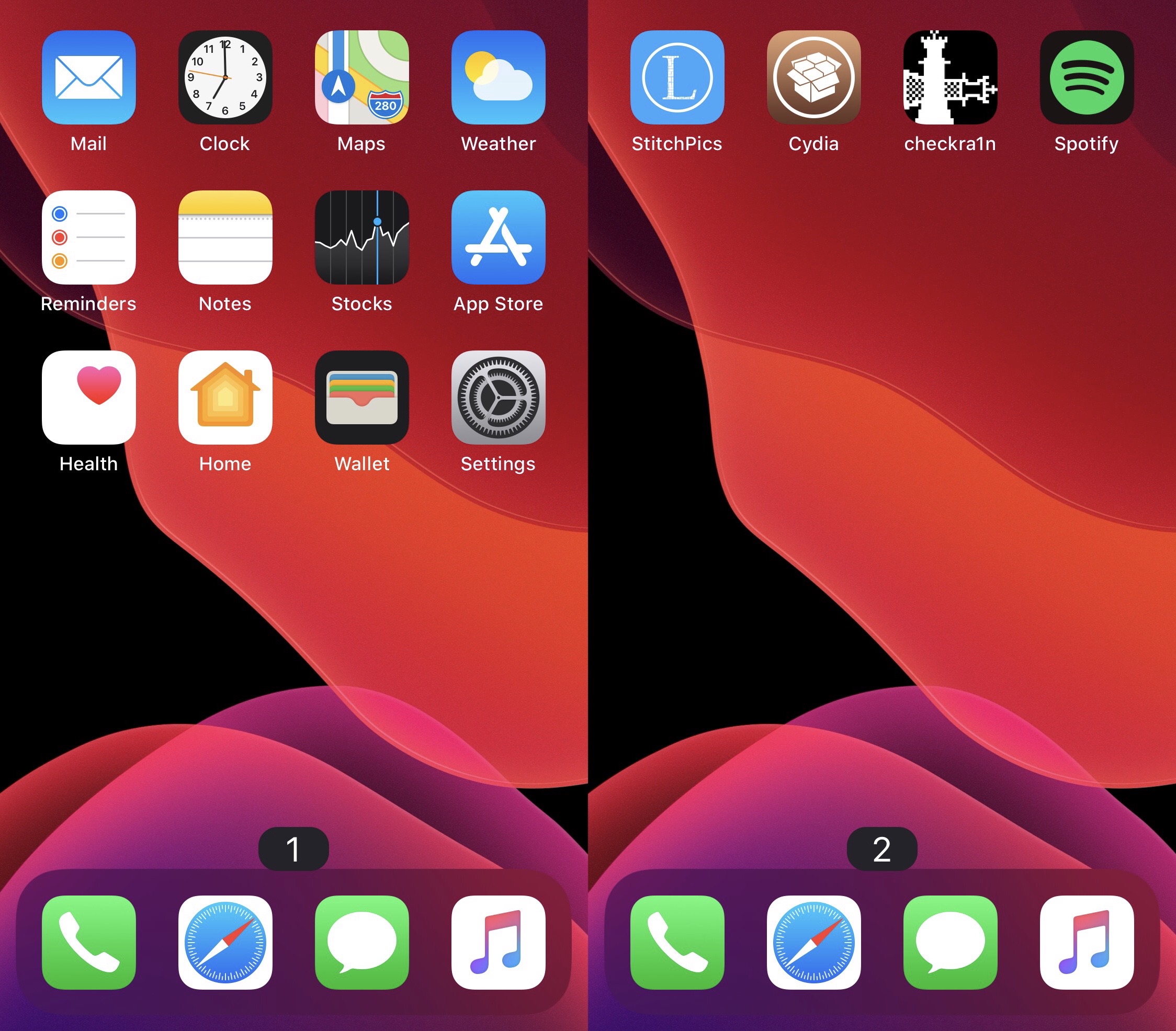
At the bottom of your iPhone or iPad’s Home Screen are a series of dots – one for each page on your Home Screen. As you move between pages, a specific dot lights up to represent the page you’re currently looking at.
While I personally enjoy the Home Screen’s page dot indicator as it comes, I can certainly grasp how someone harder at seeing than I am could have more difficulty discerning which page they’re on. For that reason, a new and free jailbreak tweak called Page Dots 2 Numbers by iOS developer MinxterYT seems noteworthy.
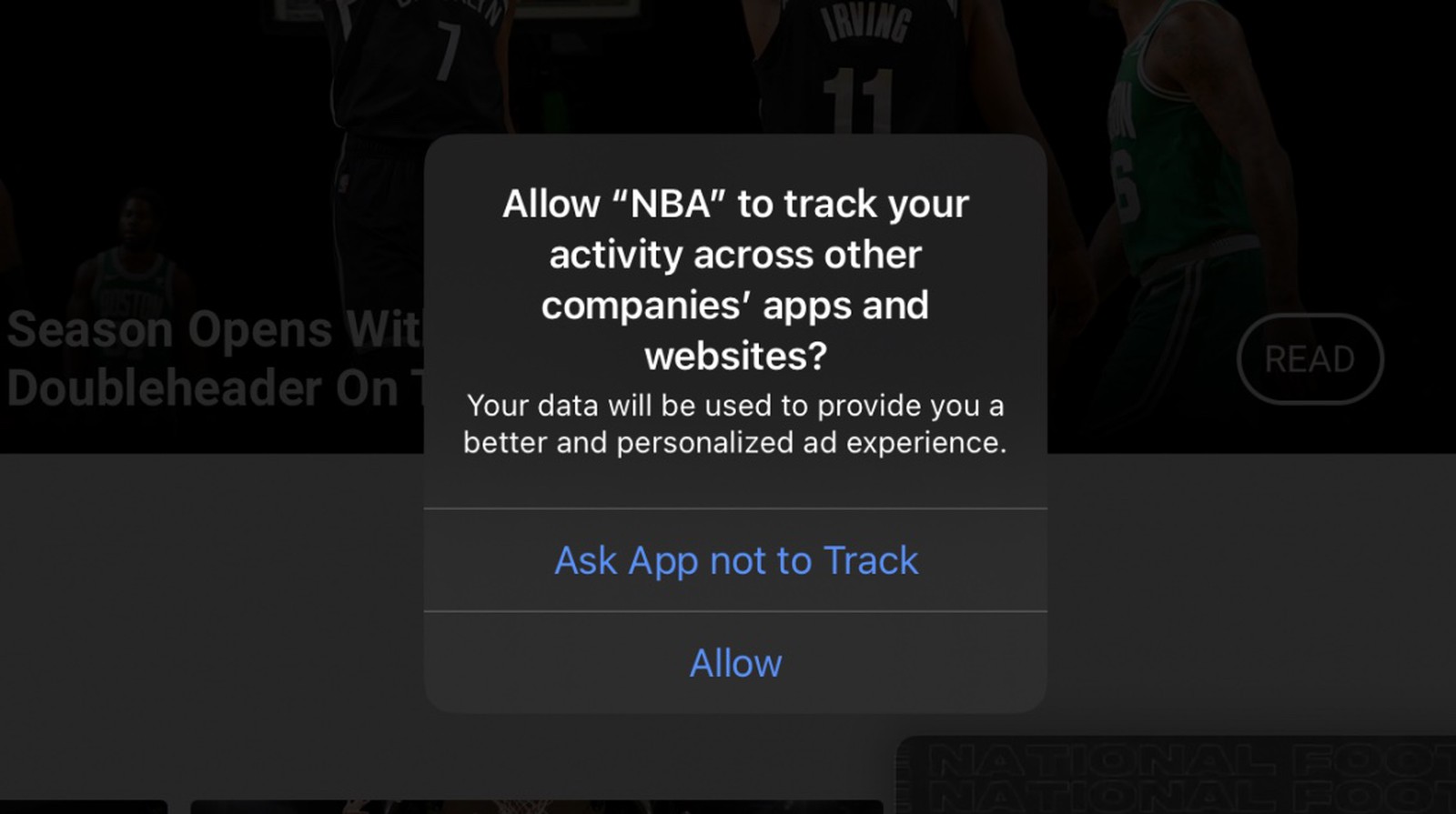
Apple is delaying the full implementation of iOS 14’s anti-tracking features until early 2021.