In this tutorial, we will show you how to convert a song or music file into a ringtone for your iPhone or iPad using the Music app on your Mac.
How to create free ringtones for your iPhone using the Mac Music app
In this tutorial, we will show you how to convert a song or music file into a ringtone for your iPhone or iPad using the Music app on your Mac.
Well, that was fast. After launching in November of 2020, Apple is now selling refurbished models of the M1-equipped MacBook Air.
Back in October, it was reported that Jon Stewart (The Daily Show) had lined up his next series, and that it would be available on Apple TV+. Unfortunately, there wasn't much else to share at the time. But now we've finally learned a bit more about what's coming.
If you are someone who opts to input precise location data for your photos, you may have noticed an issue with Apple's stock Photos app. Turns out there is a bug causing an issue with this process, leading to incorrect location data.
When Apple launched the iPhone 12 lineup, the company also reintroduced MagSafe as a magnetic wireless charging and accessory feature. This means you can attach things like a wireless charger or even a case to the iPhone 12 and it will magnetically attach. But, like other Apple features, it doesn't mean that every third-party company is going to use MagSafe for their magnetic accessories.
It's been a longtime coming, but the wait is finally over for folks in Mexico looking forward to using Apple Pay. After plenty of build-up, Apple is finally available in Mexico.
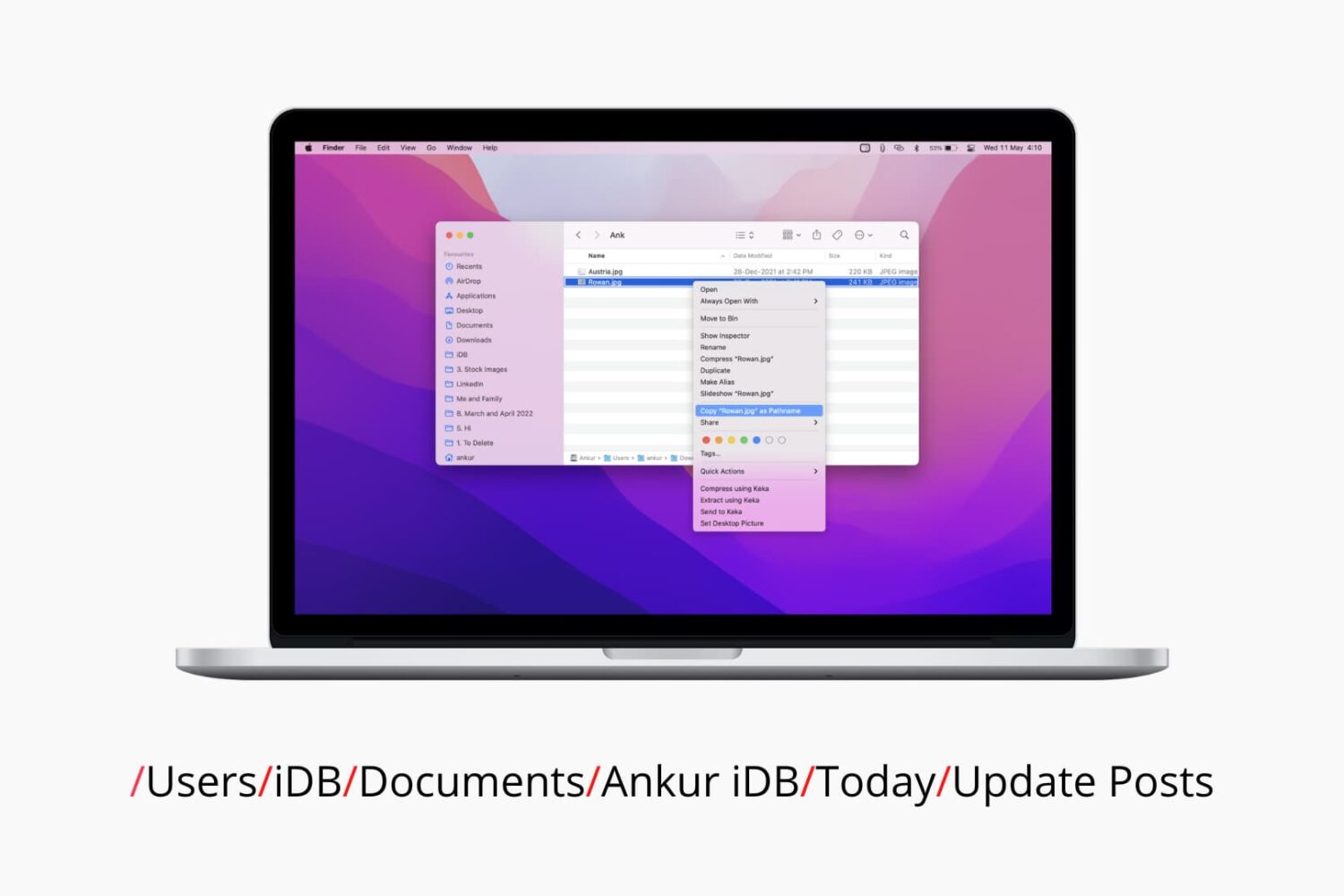
In this tutorial, we’ll show you two free and easy ways to secure your ZIP files on Mac with a password to prevent unauthorized use.
Sebastien and Cody announce the winner of last week’s giveaway, discuss their news intake strategies and cover this week’s top tech headlines. The pair also get into the future of Apple TV hardware and why switching to Android isn’t as enticing as it once was.
Learn how to color every other row in the Apple Numbers app on Mac, iPhone, and iPad to make a table in your spreadsheet easier to read.
Perform actions and tasks faster with these keyboard shortcuts for the Script Editor app on your Mac.
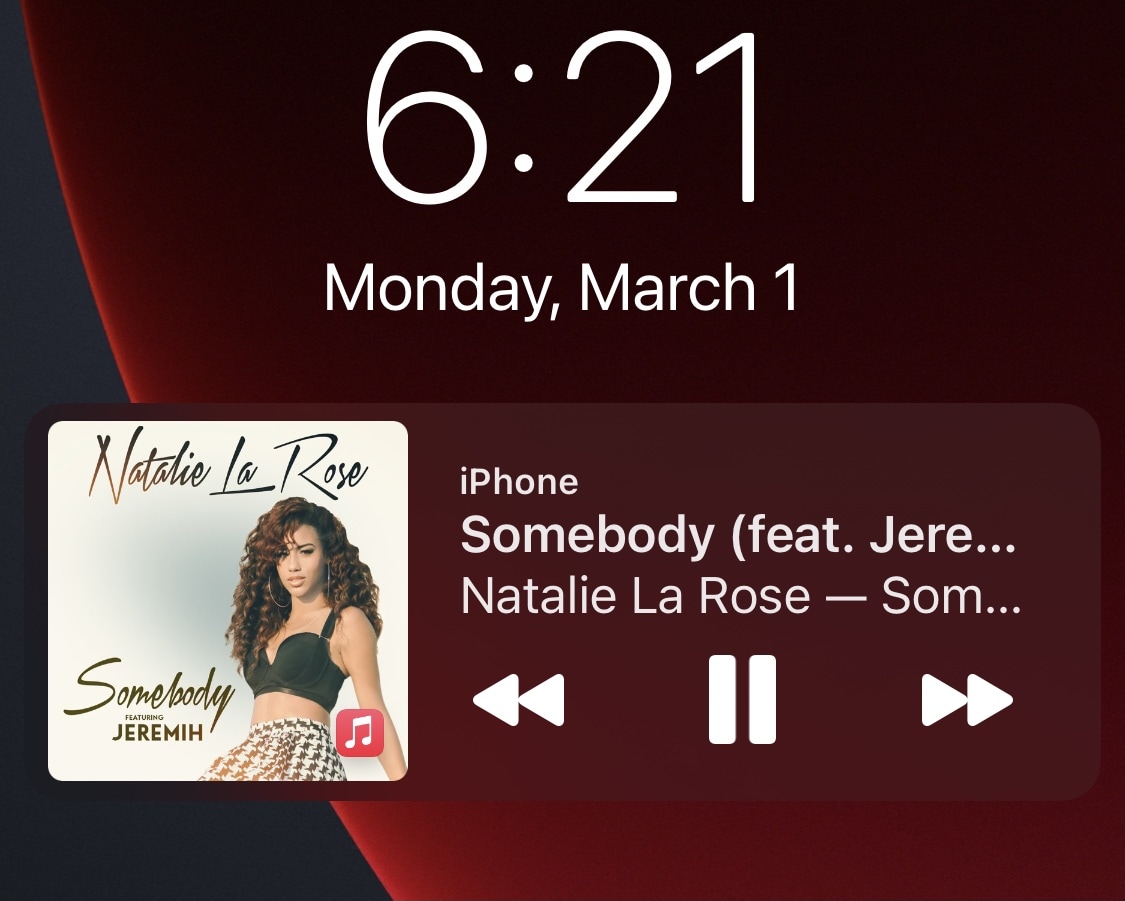
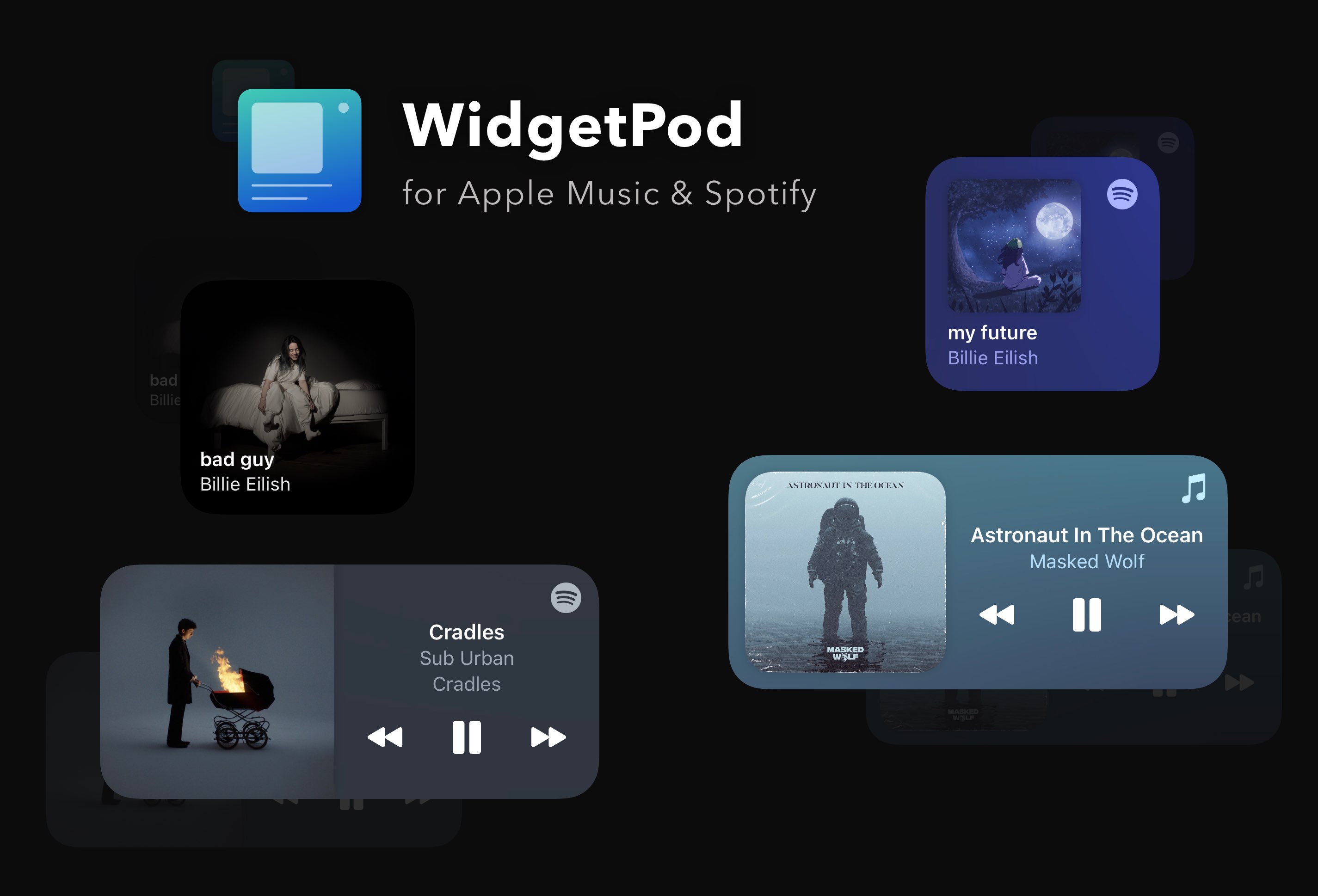
Most iPhone users are familiar with the Now Playing widget. It’s the thing that pops on your Lock Screen whenever you have any type of media playing in the background.
While it’s useful for granular playback controls, the Now Playing widget certainly takes up a lot of vertical screen real estate on the Lock Screen, which severely limits available space for missed notification banners. Fortunately, a new and free jailbreak tweak dubbed TinyWidget14 by iOS developer P2KDev puts the Now Playing widget on a diet.