Ming-Chi Kuo, the most reliable Apple analyst out there, is pouring cold water on the recent rumor calling for the arrival of the third-generation AirPods via a supposed event later in March.
Kuo says don’t expect AirPods 3 before the fall
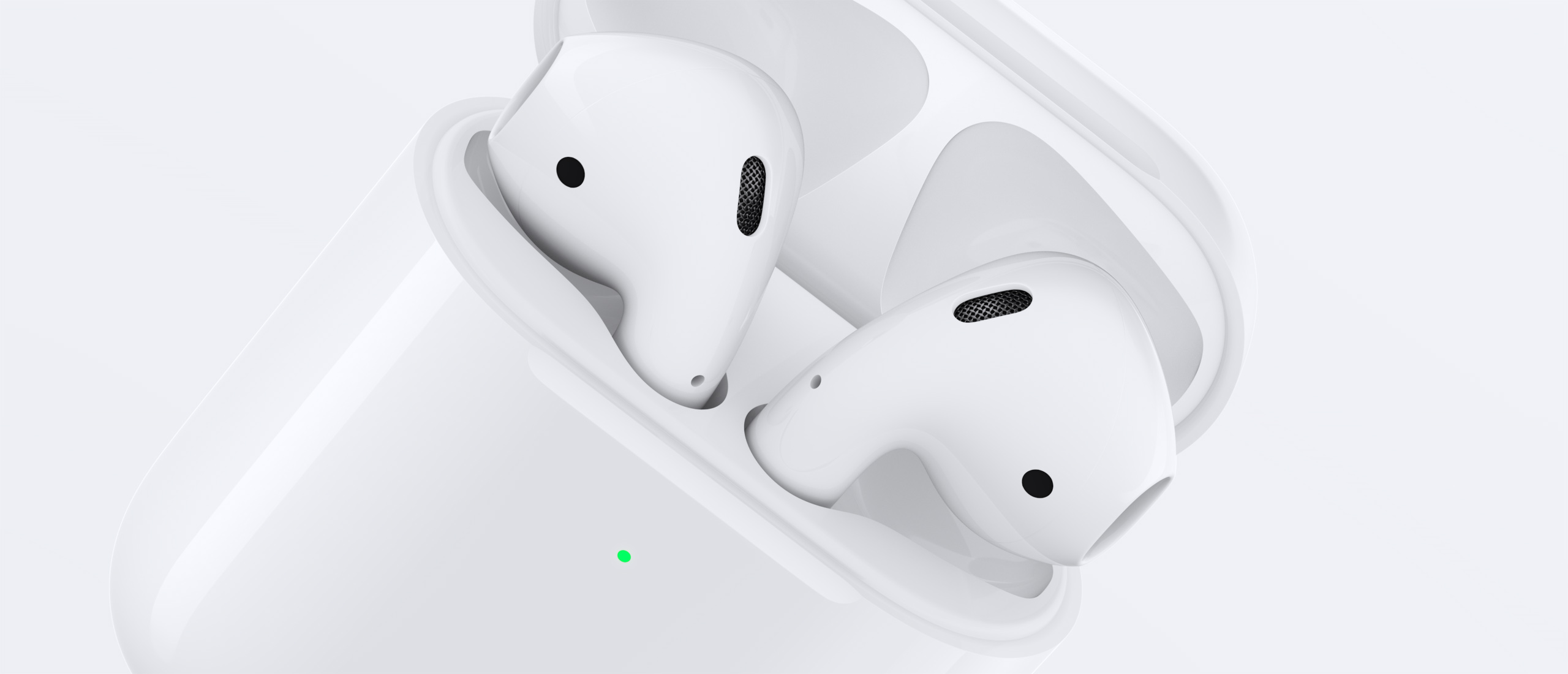
Ming-Chi Kuo, the most reliable Apple analyst out there, is pouring cold water on the recent rumor calling for the arrival of the third-generation AirPods via a supposed event later in March.
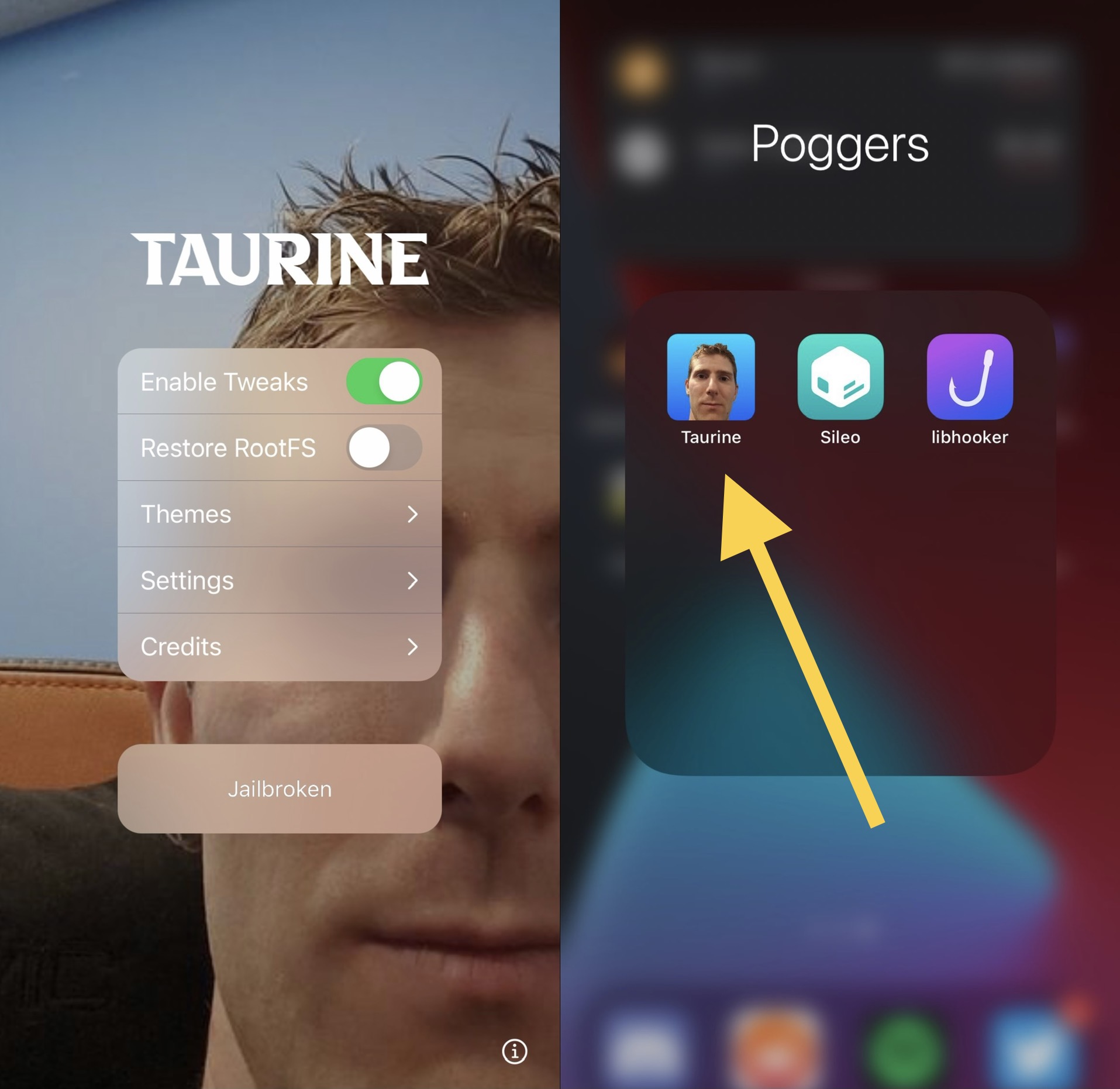
Ever since @ModernPwner dropped the cicuta_verosa kernel exploit for iOS & iPadOS 14.0-14.3 devices, we knew it’d only be a matter of time before jailbreaks would pick up support.
Pwn20wnd was the first to the party after adding iOS & iPadOS 14.0-14.3 support to the unc0ver jailbreak with a custom kernel exploit based on cicuta_verosa, but it just so happens that CoolStar was also working on an iOS 14.0-14.3 jailbreak that uses the cicuta_verosa kernel exploit directly.
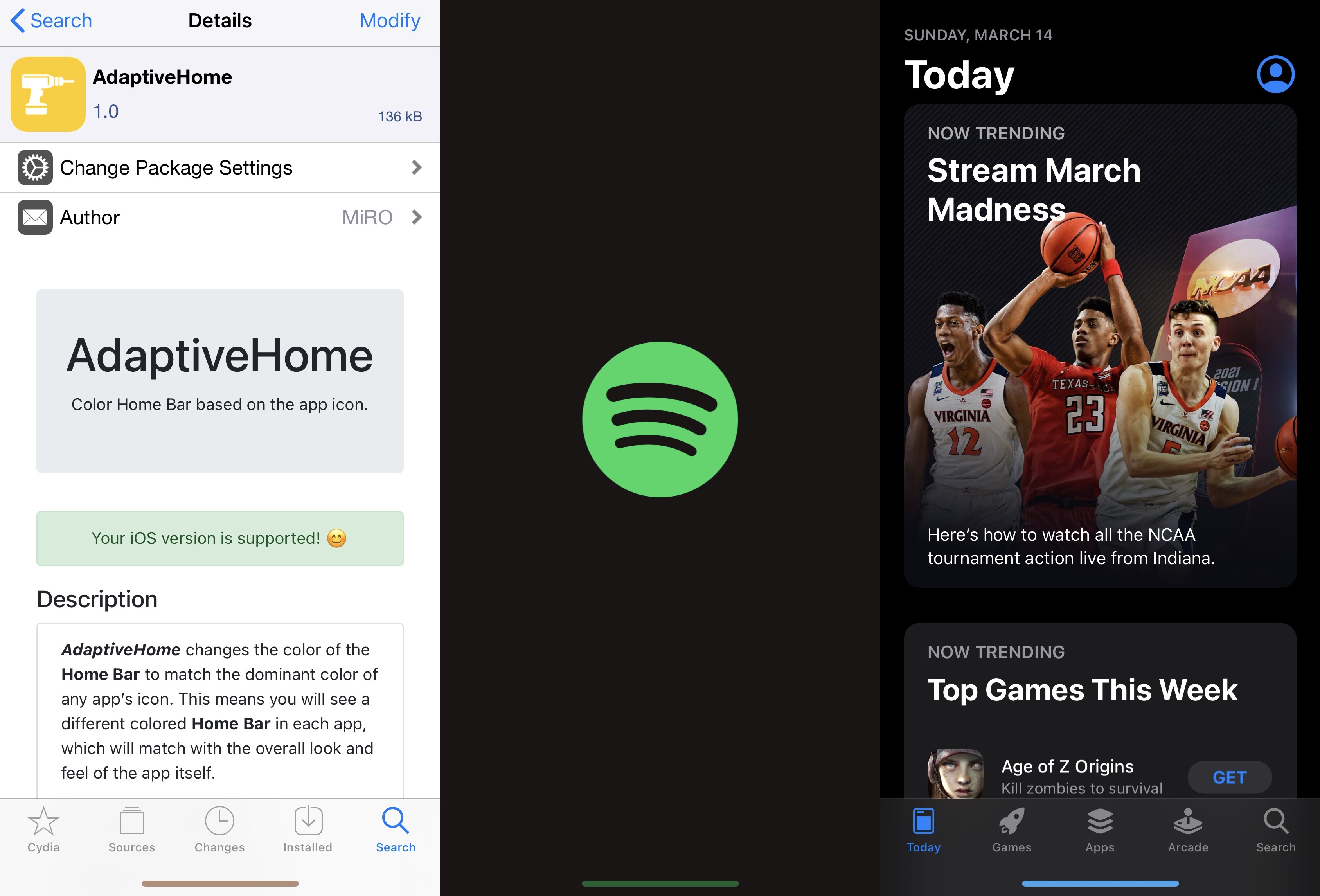
One thing I like to do with a jailbroken iPhone or iPad is give it some personality. It doesn’t have to be anything extravagant, but I thoroughly enjoy subtle modifications that maintain Apple’s native design aesthetic to a certain degree while still offering something a bit more custom than what you’d experience on a device fresh out of the box.
If you’re anything like me with regard to the above sentiment, then I think you might enjoy a newly released and free jailbreak tweak dubbed AdaptiveHome by iOS developer MiRO.
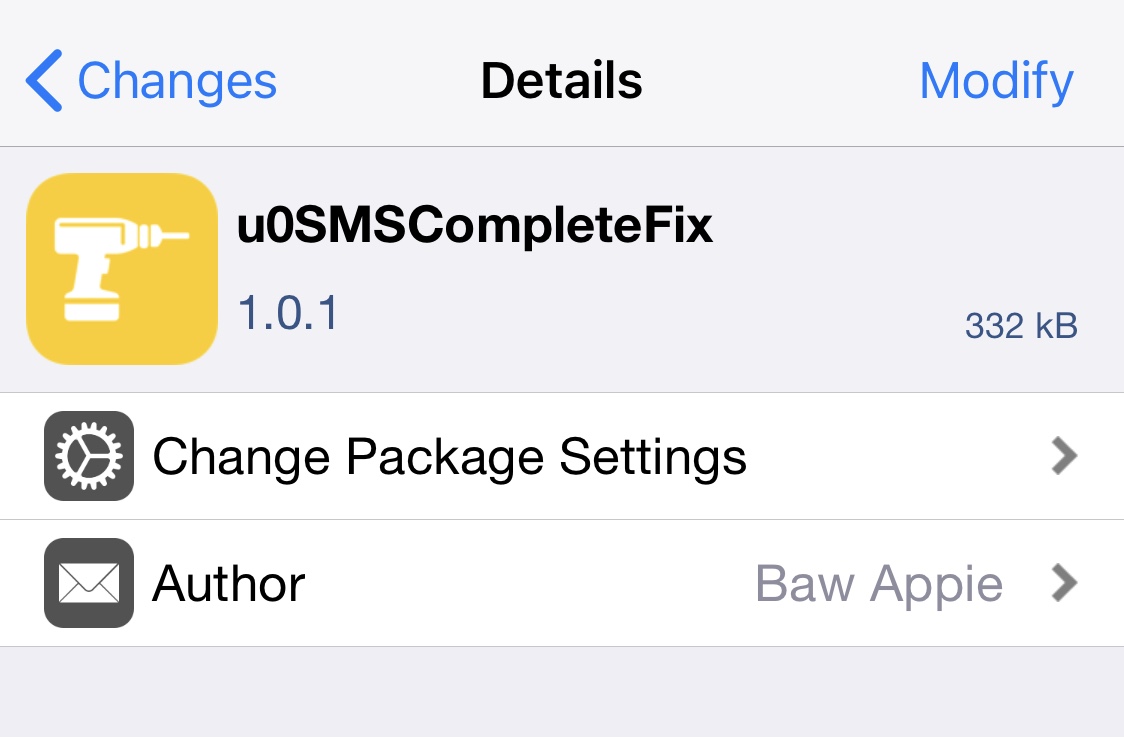
If you just recently jailbroke your iPhone or iPad with the unc0ver or checkra1n jailbreaks, and you noticed that certain native features of your handset’s keyboard have stopped working as expected, then we’ve got some good news for you!
iOS developer Baw Apple has just released a new and free jailbreak tweak called u0SMSCompleteFix that apparently resolves these issues after jailbreaking these particular versions of iOS or iPadOS.
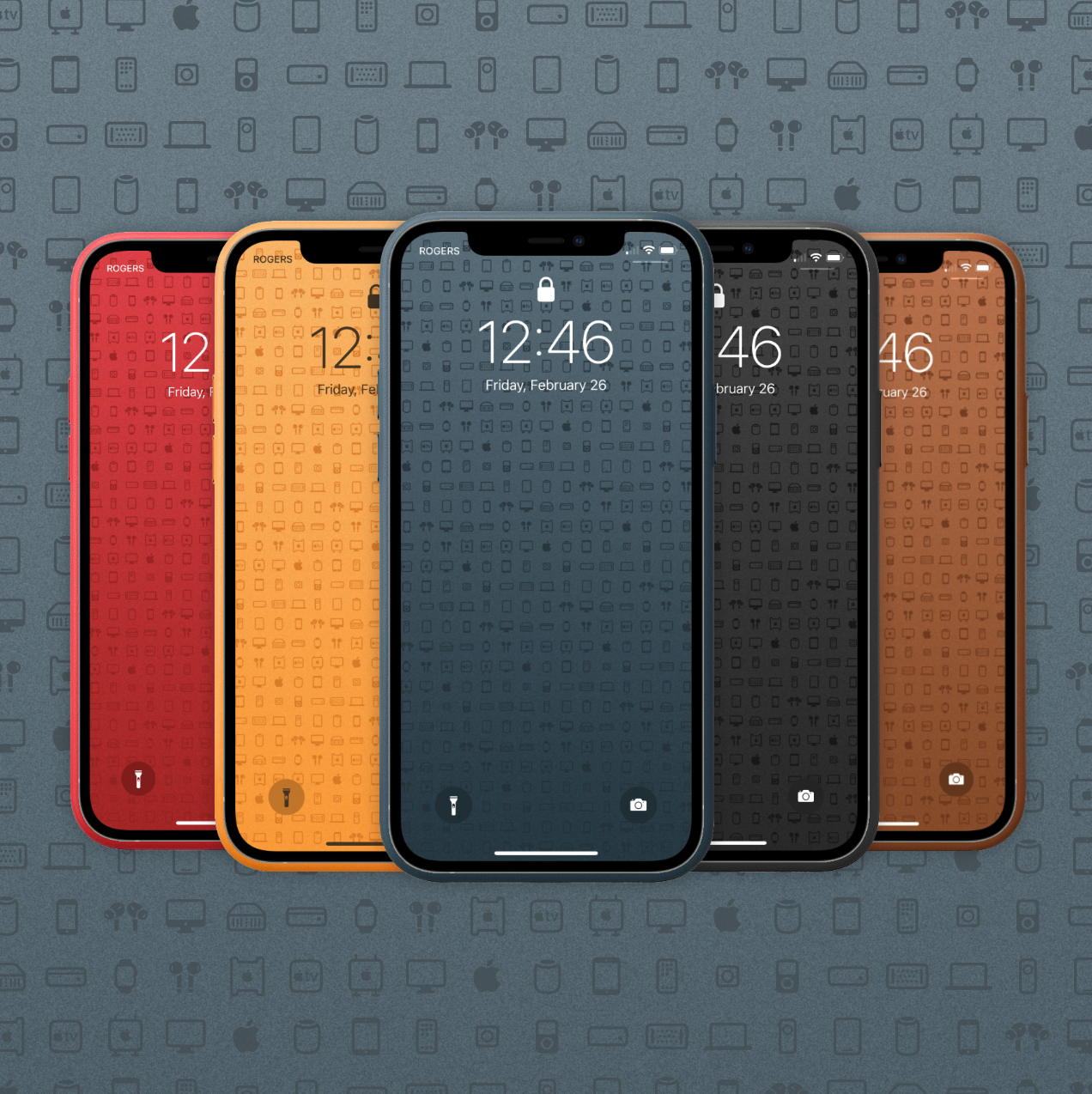
I love the colors Apple launches on their seasonal accessories. The wide color options for iPhone cases always tempt a purchase. Today's Wallpapers of the Week celebrate the iPhone 12 cases with colors that match both the leather and silicone color ways. Mixing this color scheme with official San Francisco system font symbols makes for an incredibly compelling wallpaper.

The jailbreak community has been electrified ever since the unc0ver jailbreak picked up support for iOS & iPadOS 14.0-14.3, and with CoolStar's Odyssey14 jailbreak right around the corner, the community still has a lot more to look forward to.
In this roundup, we'll showcase all the latest jailbreak tweak releases and jailbreak-centric news from this past week, covering Monday, March 8th to Sunday, Match 14th. As always, we'll kick things off by discussing our favorite releases first, and then we'll wrap things up with an outline of everything else afterward.

In this piece, I go over how I use my various HomePods in my house as my primary speaker for my music and movie-watching needs.
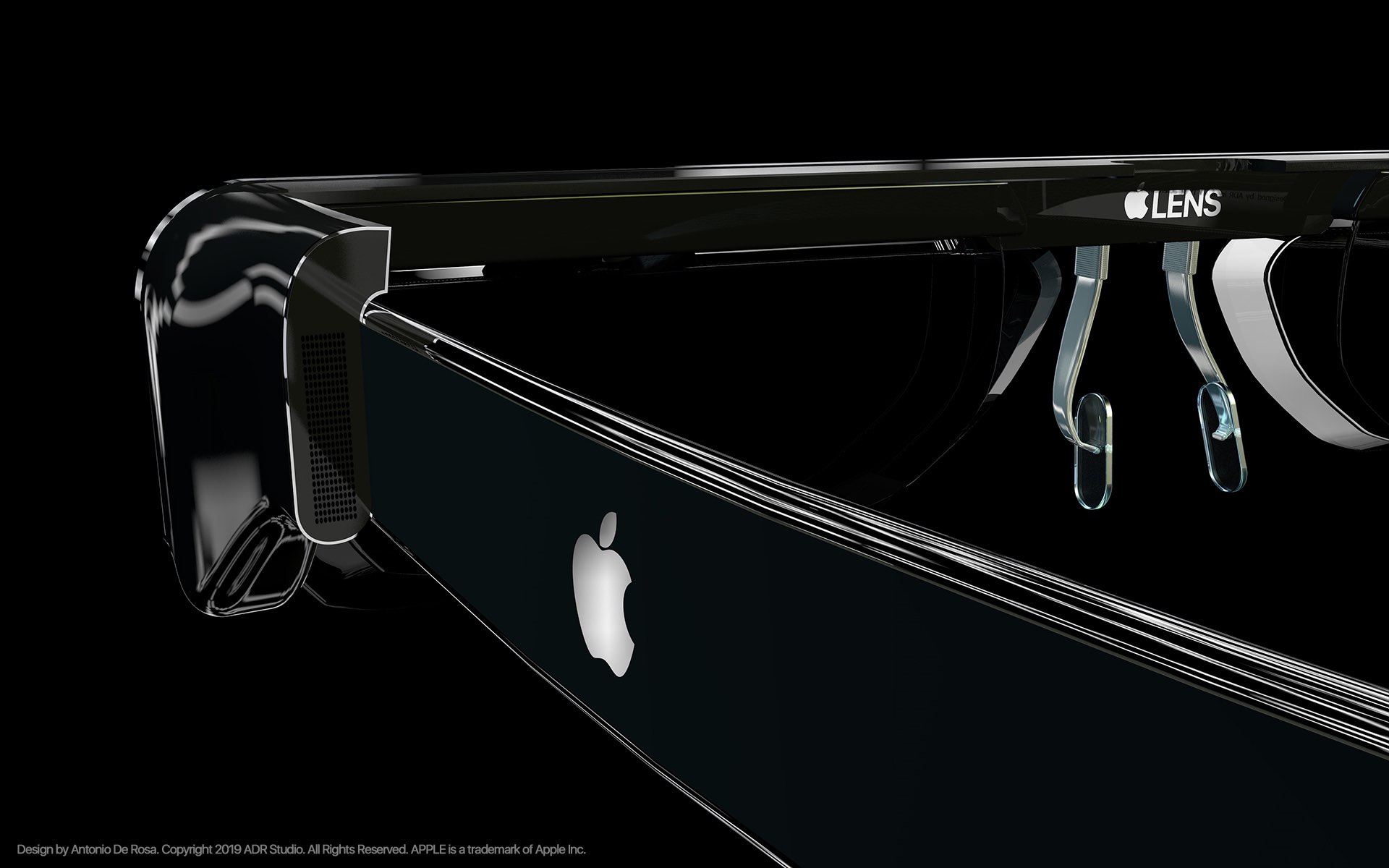
Apple has a lot of different devices available for people to buy. They've expanded beyond just offering computers, and things get even more diverse when we get into all of the different variants of certain products. But the company that built the iPhone isn't slowing down, and the future is certainly... interesting.
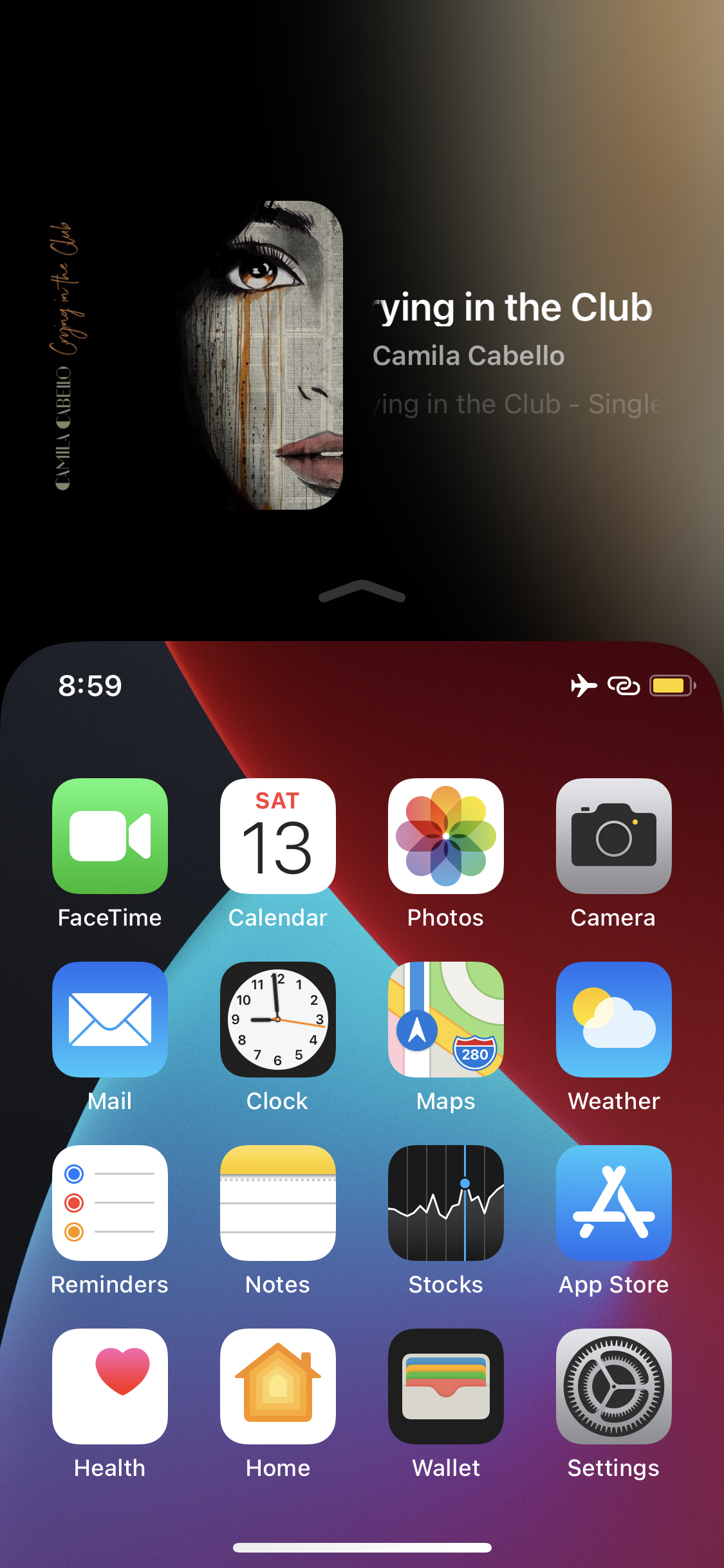
Apple knows that its largest handsets can be unwieldy for one-handed usage, and that’s the primary reason why all modern iPhones come equipped with an accessibility feature dubbed Reachability.
I take advantage of Reachability somewhat frequently on my massive 6.7-inch iPhone 12 Pro Max, and while doing so, I often think to myself about just how much potential screen real estate is being wasted at the top of the display. After all, Apple could at least show device information of some sort in the unused Reachability space so that it isn’t occupied by a whole lot of nothing.

In this edition of our Apps of the Week roundup we have a guitar learning aide, a simplified 'where am I' app, and an app that helps you track and maximize your credit card rewards. And as always, we've selected two great new games for you to check out.
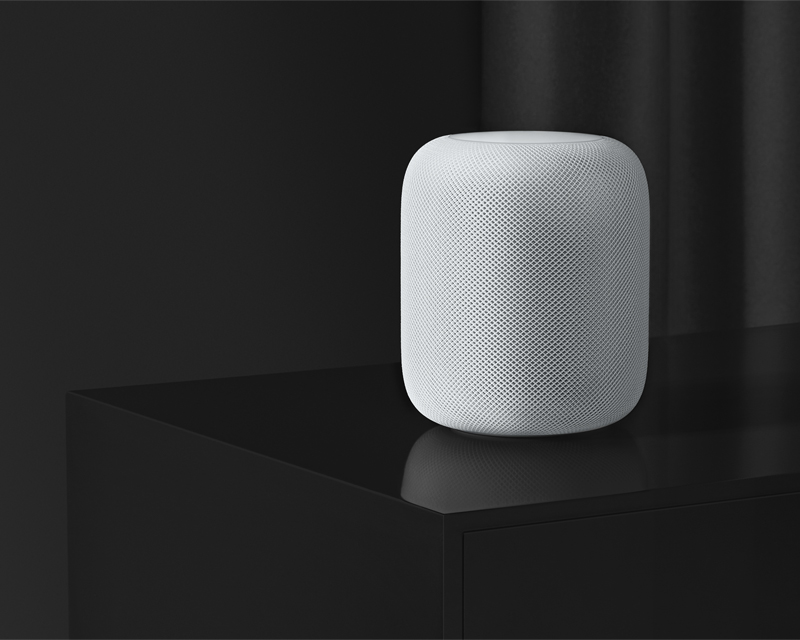
Apple quietly announced Friday night that it is discontinuing the original HomePod, instead focusing its engineering efforts on the more successful HomePod mini. In a statement to TechCrunch's Matthew Panzarino, the company said it will keep selling the original HomePod while supplies last.

You may soon no longer be able to share your Netflix user name and password between separate households because Netflix may be cracking down on password sharing soon.