All eyes were on March for Apple's expected special event, but that didn't pan out. But here's the company today, swooping in and giving us something to look forward to (before WWDC).
Apple announces ‘Spring Loaded’ special event for April 20
All eyes were on March for Apple's expected special event, but that didn't pan out. But here's the company today, swooping in and giving us something to look forward to (before WWDC).

Back in December, it was reported that Apple TV+ had landed the bilingual comedy series Acapulco, set to star Eugenio Derbez. And now we know who else is joining the cast.

Apple supplier LG Electronics and Canadian manufacturing powerhouse Magna International are apparently “very near” to signing a manufacturing deal that would help bring the long-rumored Apple Car to production, according to a new report.

Apparently things are heating up for Martin Scorsese's next film, Killers of the Flower Moon, because the film has just picked up another batch of new cast members.
Tim Cook recently confirmed that the public launch of iOS 14.5 is happening soon. However, there's still time for more betas so the company can keep working out the kinks.
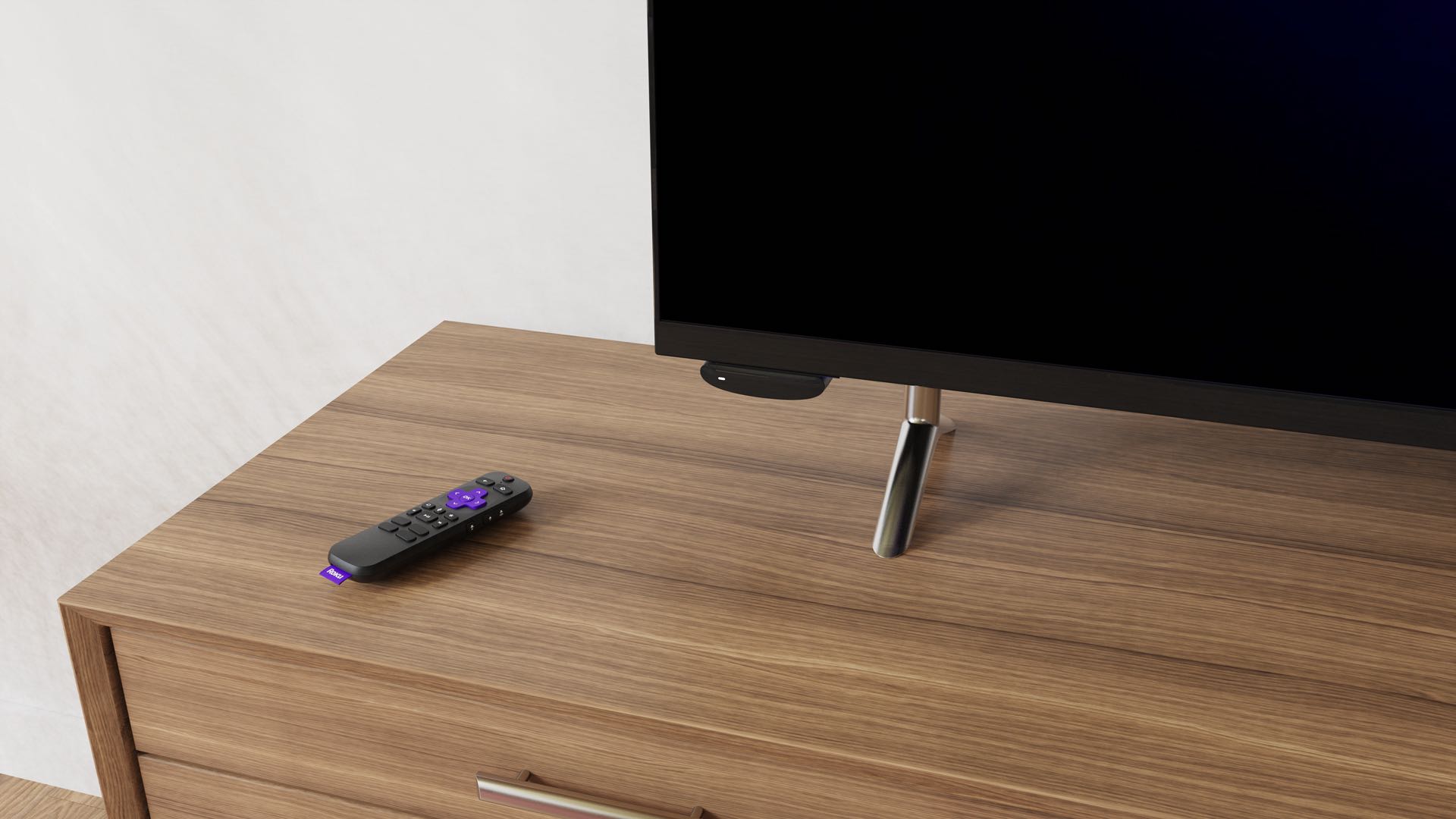
Roku today unveiled the Voice Remote Pro, its newest remote that comes with a dedicated Apple TV+ button for quick access to Apple's TV app on Roku devices.
Apparently one documentary announcement wasn't enough for Apple TV+ today. The streaming service has just unveiled another, but this time with a release date.

Apple TV+ already has its fair share of documentaries in its library, with plenty more on the way. But the video streaming service has just announced another from the company's own Apple Original Films.
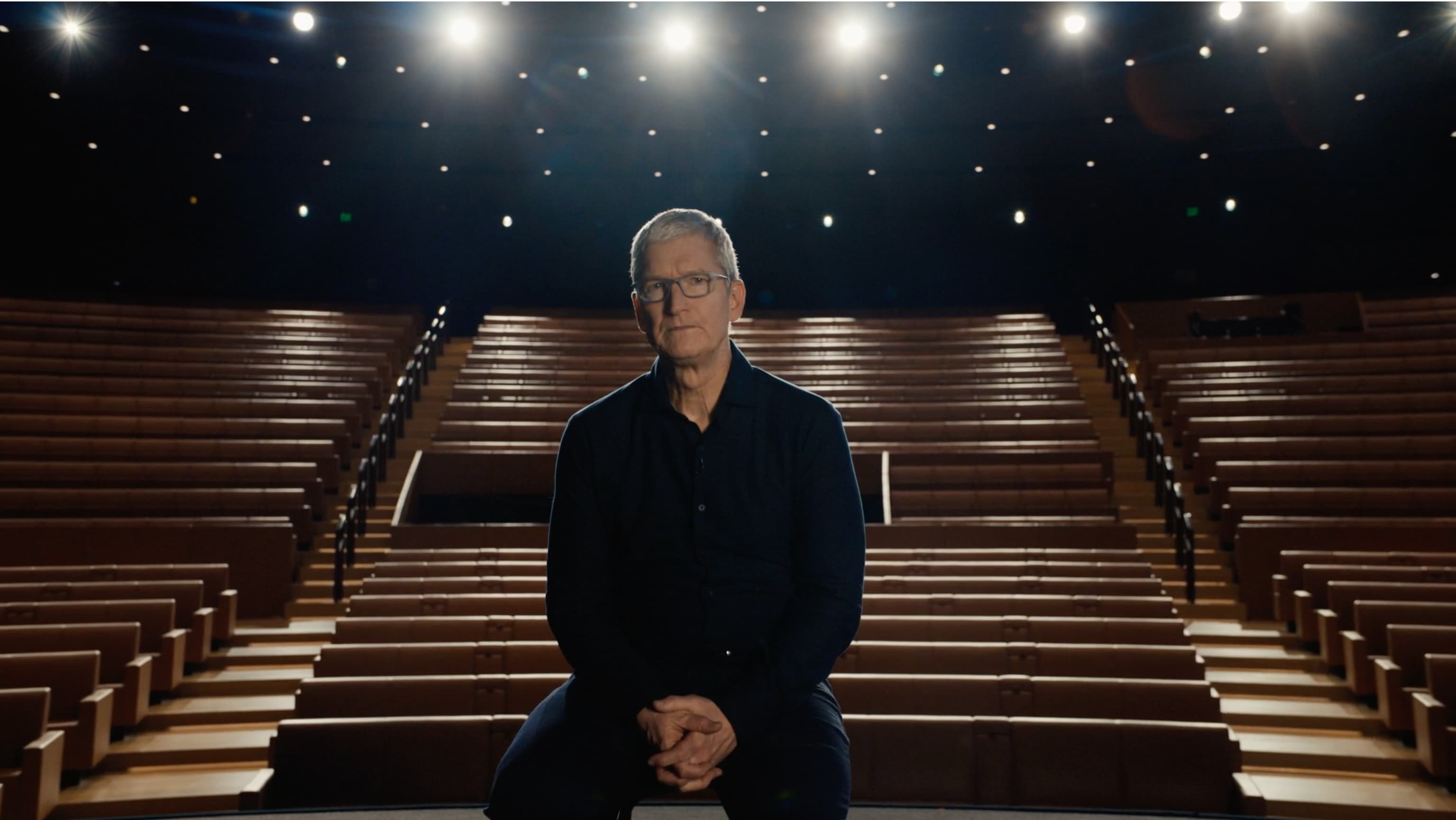
Apple is holding its anticipated special media event on the next Tuesday, April 20. Here are all the shiny new gadgets that we're expecting to see from the company come next Tuesday.
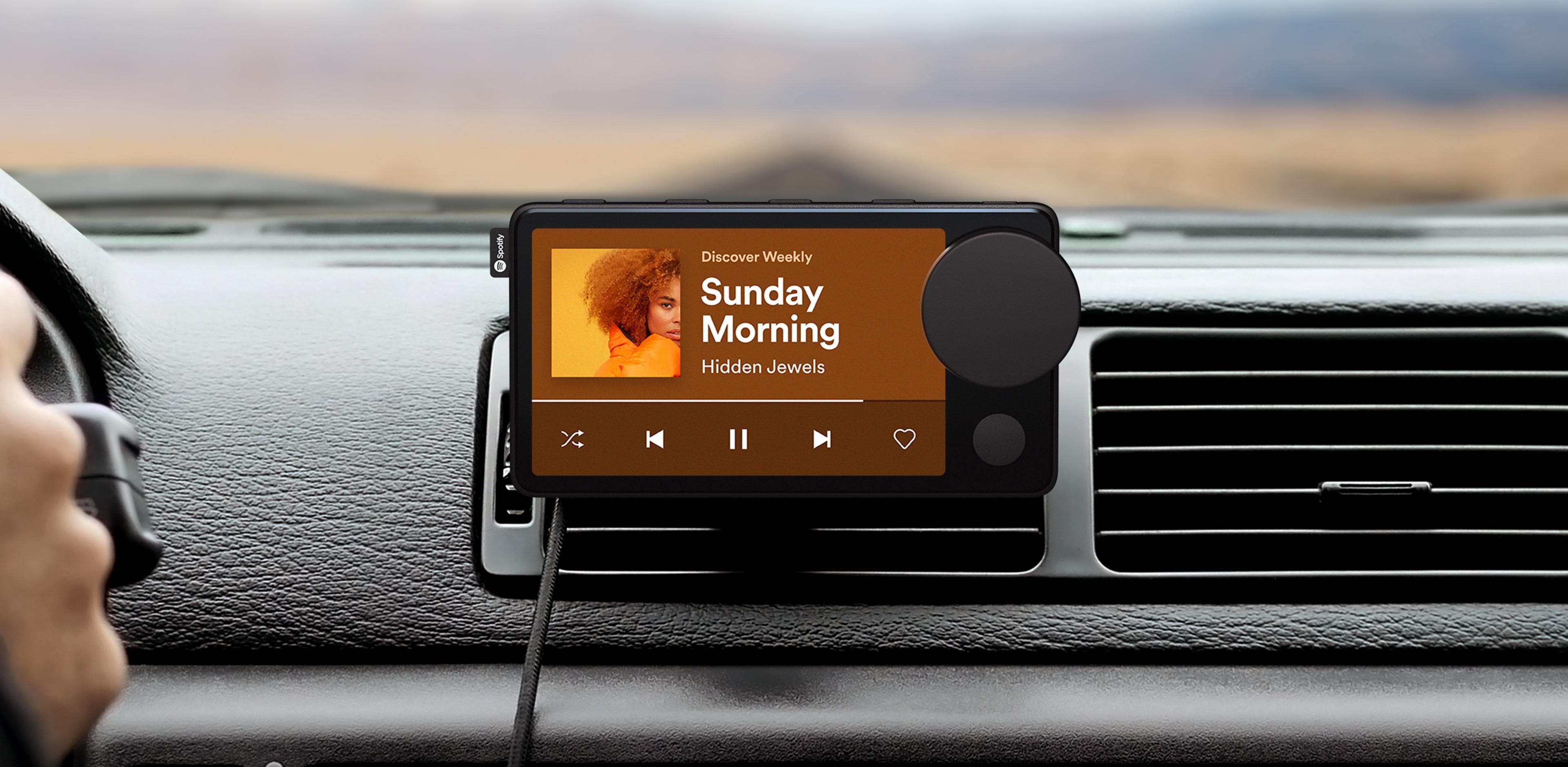
It has been rumored for quite some time that Spotify has been hard at work on a piece of hardware to show off its streaming service. And finally the rumors have become reality.
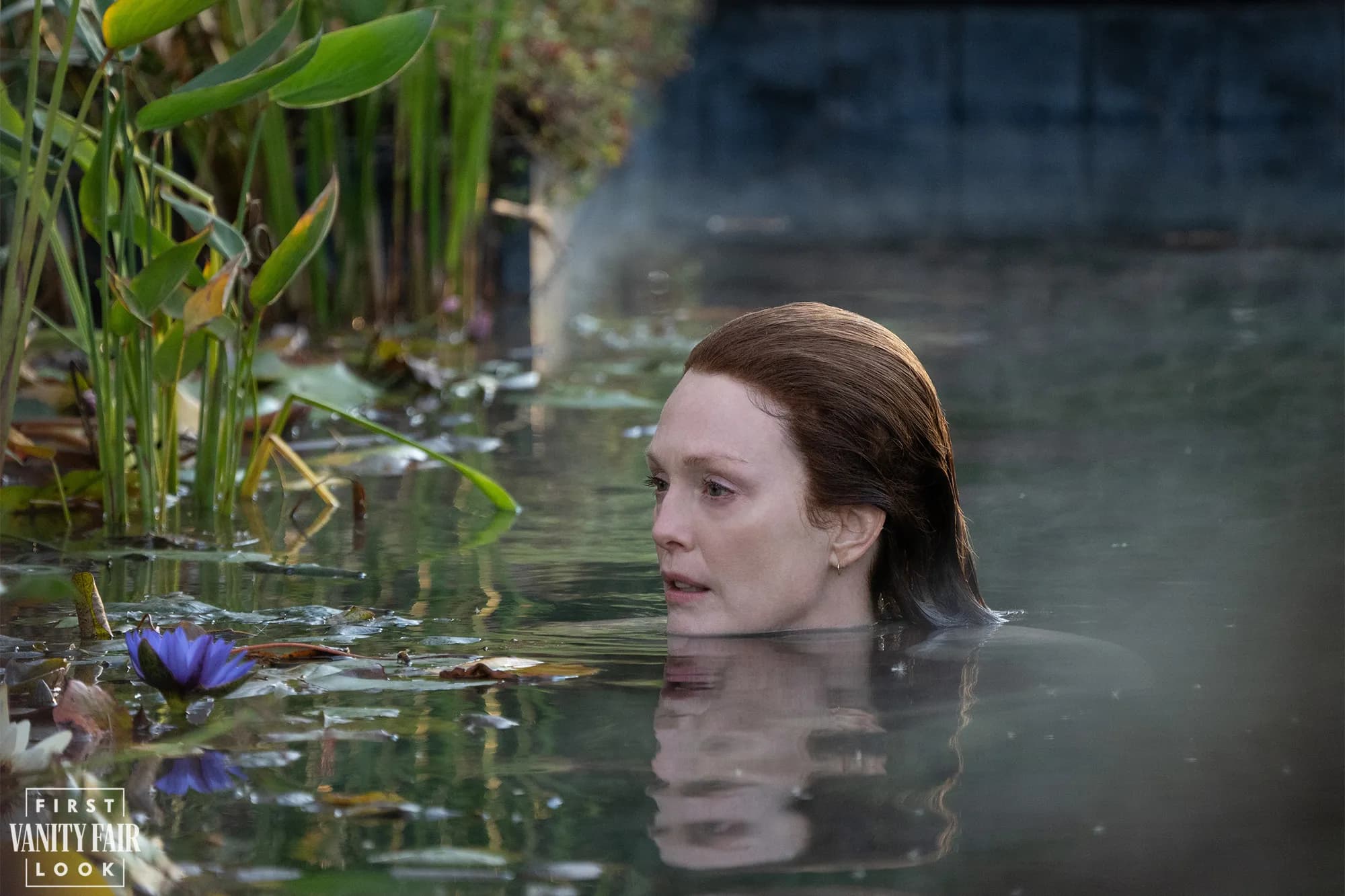
In April of 2019, it was confirmed that a series based on Stephen King's Lisey's Story was in the works for Apple TV+. And now, two years later, we finally know when we'll get to start watching it.
If you fire up the Siri virtual assistant on your iPhone, iPad, Mac, Apple TV, HomePod or Apple Watch right now and ask when the next Apple event is taking place, you'll get a straight answer.