Siri guide: everything you should know about Siri

Siri is a personal assistant feature found on the iPhone, iPad and iPod touch, that allows you to use your voice to control your device. You can use Siri to send messages, emails, tweets, and more. You can also use Siri to get movie showtimes, sports scores and times, make dinner reservations, etc.

The great thing about Siri is that it doesn't require you to look at your device's screen in order to interface with it. And Siri is smart enough to consider your location along with the context of your commands and conversations. By doing so, Siri can respond intelligently to your requests.

Inside, we'll teach you some of the history of Siri and show you some of its basic usage features. We'll then present to you with an exhaustive list of voice commands, and discuss Siri's dictation features. Check inside for all of the details...

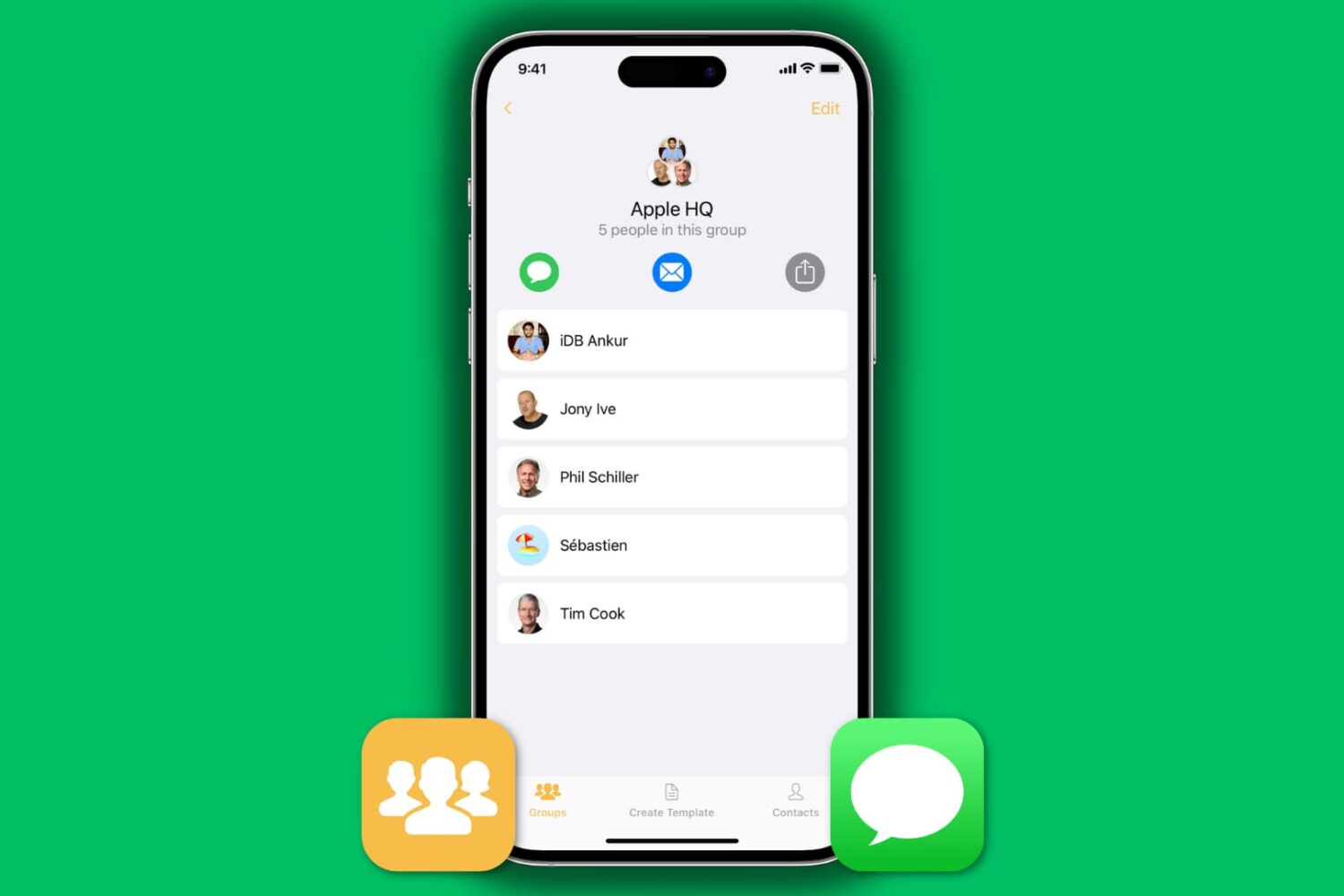
How to send a group email on iPhone

Send group email from iPhone

We recently published a post about how to send a group email from your Mac, so we figured we would have a similar one about sending group emails on iPhone as well. Of course, some of you may think it's easy to send a group email on your iPhone. Just fire up the Mail app, and add every contact you want to send the email to.

That sure works, but it's not very practical, especially if you want to send a group email on a regular basis to 20 contacts, for example. We do have a better solution to offer, and in this post, we will show you how to send a group email from iPhone.

Apps of the Week: SXSW GO, CASHFLOW, Cryptocat, and more

This has been a great week for apps and games. New titles are coming out that are exciting, useful, and entertaining. Old titles are getting awesome updates to make them even better than before.

If you are like me, always searching for something new to try out in the App Store, we have a list of apps and games that will occupy your brain cells this weekend…

‘Prince of Persia: The Shadow and the Flame’ named IGN’s Free Game of the Month

Good news gamers, IGN has named Ubisoft's 'Prince of Persia: The Shadow and the Flame' its Free Game of the Month. This is one of the first times that the game, which normally retails for $2.99, has ever been made available at no cost.

For those unfamiliar with the title, Prince of Persia: The Shadow and the Flame originally landed in the App Store in 2013. It's the follow up to Ubisoft's Prince of Persia Classic remake with new controls, a new combat system and more...

Walmart drops price of 16GB iPhone 5s down to $119, 5c to $29

Not to be outdone by Best Buy, Walmart has launched a new iPhone promotion this week. The national retailer can now beat the electronics dealer in price on the entry level models of both the iPhone 5s and the iPhone 5c by up to $30.

The sale knocks the 16GB iPhone 5s down to $119, and its 5c counterpart down to just $29. Obviously, both of these prices require that you sign a two-year contract with a carrier, but otherwise there are no gift card or trade-in stipulations...

Asphaleia: a stylish new Touch ID jailbreak tweak

There's no shortage of Touch ID enabled security tweaks for iOS 7. There's AppLocker, BioProtect, and my favorite, BioLockdown from Ryan Petrich. So the question is, do we need another entry into what has become an increasingly crowded market? If the team behind the release is a3tweaks, then the answer to that question is an emphatic yes.

Unlike the majority of the other releases in the a3tweaks' repertoire, Asphaleia is extremely deep with tons of options. Sentry, the tweak's designer, isn't known for throwing a bunch of unnecessary features into his work with no purpose in mind. Instead, he reasoned that a security tweak like this made it necessary to have enough options to a). keep it secure, and b). give users the options that they need. It's a strategy that, for the most part at least, has paid off reasonably well.

If you're looking for an alternative to any of the aforementioned security tweaks—AppLocker, BioProtect, or BioLockdown—then Asphaleia is a release you should definitely check for upon its impending launch. Have a look at our full 10+ minute video walkthrough, as we break down all that the highly anticipated release has to offer.

AT&T’s LTE-Advanced network now live in Chicago

Folks living in and around Chicago will be happy to hear that AT&T has souped up its network in the Windy City. Using an LTE-Advanced technology called 'carrier aggregation,' the company has bonded two 4G networks together in the area resulting in a big boost in performance.

So essentially, AT&T is taking two, single one-way highways and merging them into one, single two-way highway, allowing for more bandwidth and theoretical download speeds of up to 110 Mbps. Unfortunately, there are only a handful of devices that support the beefier network...

Samsung launches ad-free streaming radio service ‘Milk Music’

In a somewhat surprising move, Samsung announced today a new streaming radio service dubbed 'Milk Music.' The service is a lot like Apple's iTunes Radio in that music is chosen based on a user's preferences, and it's platform-specific—it's only available to Galaxy device owners.

The service is powered by Slacker Radio, which would explain the absence of rumors that Samsung was working on such a project, and there are no ads. As for the app, it offers the usual features including the ability to save songs for offline listening and create custom radio stations...

Rad concept imagines iWatch as a timeless watch without a touchscreen and voice control

There's definitely no shortage of both beautiful and terrible iWatch concepts these days. At this point, it's all but certain that Apple's been cooking up some kind of a wearable device. That said, I don't think the iWatch will be a smartwatch at all.

Needles to say, this isn't stopping 3D artists from dreaming up the ultimate wrist-worn smartwatch with the Apple logo on it.

But as gorgeous as some iWatch renderings are, their envisioned interfaces are classic examples of form over function. Although I don't see myself wearing any kind of wristwatch, earlier today I stumbled upon a fresh batch of stylish concept images by the talented Hungarian designer Gábor Balogh that could easily have me change my mind as to what a smartwatch should actually be...

EasilyDo is a smart assistant that keeps you on top of things

If you thought your productivity app was good at keeping you connected to important information in your life, there may be more out there for you than you realize. Do you get notifications when important Facebook statuses are posted? When you receive an email from someone, can you automatically save it in your iPhone contacts? Can you send birthday wishes over Twitter?

You can do all of that, plus a whole lot more with EasilyDo. Get alerts for drive times, check flight statuses, track packages, auto-text contacts when you leave a location and much, much more, all from one useful app…

Pebble gains official Evernote, eBay and Time Warner apps

Last month, Pebble launched its dedicated smartwatch app store with over 1,000 apps and watch faces. Few of the apps were noteworthy, but the company promised that it was working on landing titles from high profile developers.

And today it made good on that promise, as its launched 3 new smartwatch apps from well-known tech giants. Pebble owners can now access their eBay and Evernote accounts, as well as their TWC equipment, right from their wrists...

AnyFont lets you install additional fonts on your iPhone

If you do a lot of productivity work on your iPhone and iPad, you will likely have come across the issue where Pages or some other app doesn’t recognize a font and will convert it to something else. It isn’t a huge deal, but it can be a pain in the butt if you constantly have to convert and reconvert fonts between your iOS device and your desktop computer.

AnyFont eliminates the “font not recognized” issue by making it possible for you to add any TrueTypeFont (.ttf) or OpenTypeFont (.otf) to any compatible font editing apps on your iPhone or iPad…