GigSky brings affordable mobile data at local rates with Apple SIM to 90 countries

The versatile Apple SIM is coming to more than 90 countries and territories around the world, including much of Europe, offering roaming users affordable cellular data plans and the convenience of changing carrier on their cellular iPad Air 2 or iPad mini 3.

The latest expansions is the result of a partnership Apple signed with GigSky, a company that provides access to a local prepaid data service in markets around the world, at local rates.

Apple Music bitrate dependent on connection, new iOS 9 seed due early next week

Apple Music audio quality depends on whether you're streaming over Wi-Fi or cellular, Eddy Cue, Apple’s Senior Vice President of Internet Software and Services, said on Twitter. In addition, users on iOS 9 Developer Preview will be able to sign up for and use Apple's music-streaming service “early next week” when the company is scheduled to seed a new beta of the software to members of its Apple Developer Program, Cue added.

10 tips for Apple Music

Apple Music is here, and after using it for several hours today, I can attest that it's pretty great. Not only does it live up to the hype, but it's been relatively stable as well.

I think the future for artists on Apple Music is relatively bright. Here is a paid streaming service that I think many will be more than willing to get behind.

To celebrate the launch, here are 10 tips for getting more out of Apple Music.

Activator beta now available for iOS 8.4

If you're looking to try some of the available jailbreak tweaks for iOS 8, chances are you'll need Activator to support them. Since the current public version of Activator doesn't yet play nice with iOS 8.4, Ryan Petrich has graciously released a beta version on his beta repo. Be sure to grab this Activator update to ensure better compatibility with all of your favorite jailbreak tweaks.

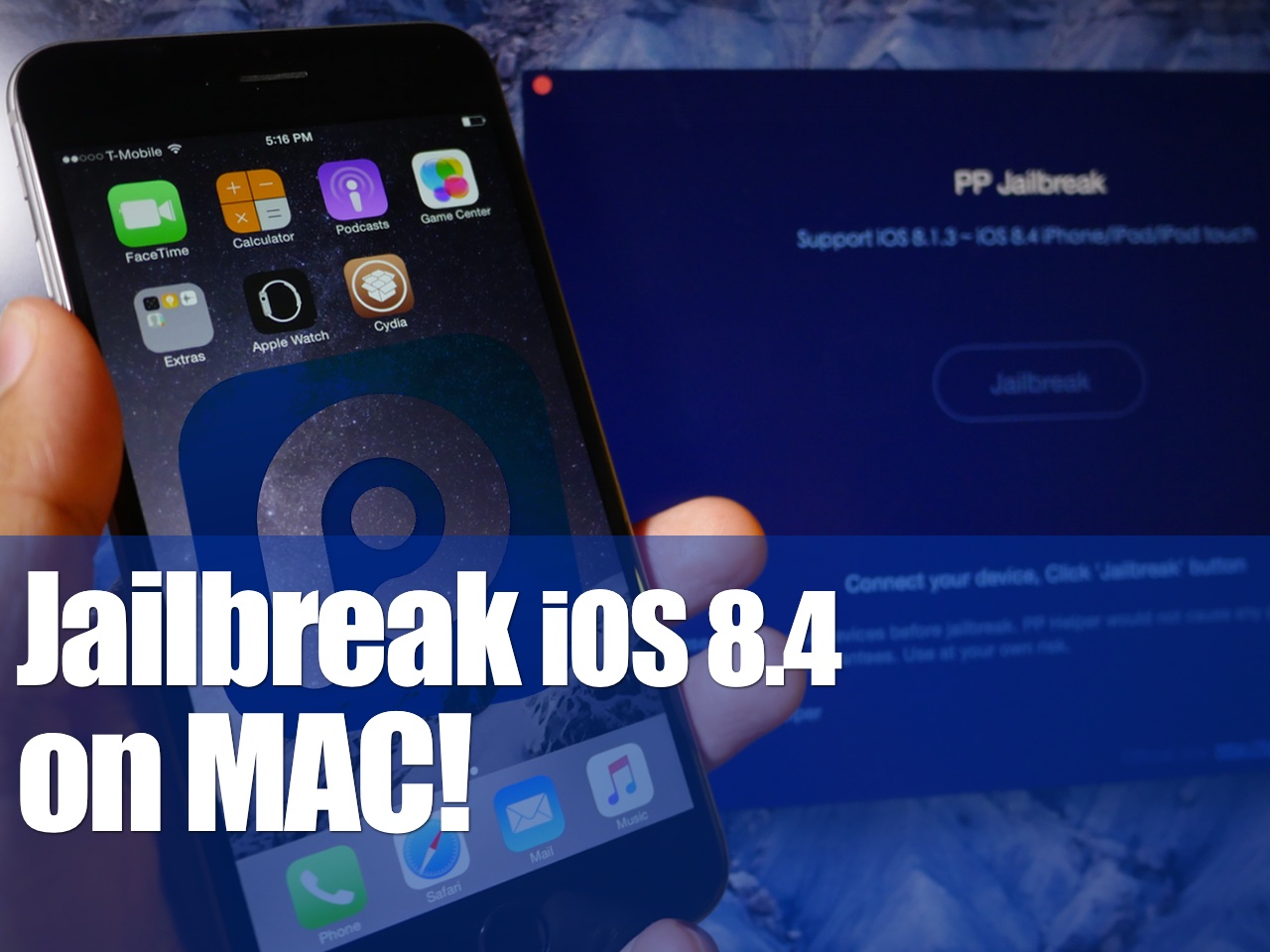
The iOS 8.4 jailbreak roundup

To state that today has been busy would be an egregious understatement. Actually, the last two weeks have been downright insane with releases.

As you're likely aware of by now, Apple dropped iOS 8.4 today with the new Apple Music service. This has proved to wildly popular, and many, including yours truly, didn't hesitate to ditch the iOS 8.3 jailbreak for iOS 8.4. I personally did so knowing that the likelihood of an iOS 8.4 jailbreak was very high given the timing.

Well, not a few hours after 8.4 went live and everyone was enjoying the new Beats 1 radio station, news began to spread that a jailbreak was released. That, as it turns out, was true. The rest, as they say, is history.

Here's our full roundup of the iOS 8.4 jailbreak. As we did with iSO 8.3, anything related to this firmware from a jailbreak perspective will be contained in this post.

How to jailbreak iOS 8.4 with TaiG 2.2.0

TaiG 2.2.0 was just released about an hour ago, and it brings with it support for iOS 8.4. Like previous versions of TaiG's tool, this version is Windows-only, so you'll need to use a Windows machine or a virtual Machine.

We've created a full video walkthrough and tutorial to show you how to jailbreak your iPhone, iPad, or iPod touch running iOS 8.1.3-iOS 8.4 using TaiG 2.2.0. It's an extremely easy jailbreak that only takes a few minutes if the directions are followed closely.

Apple releases iTunes 12.2 with Apple Music and Beats 1 integration

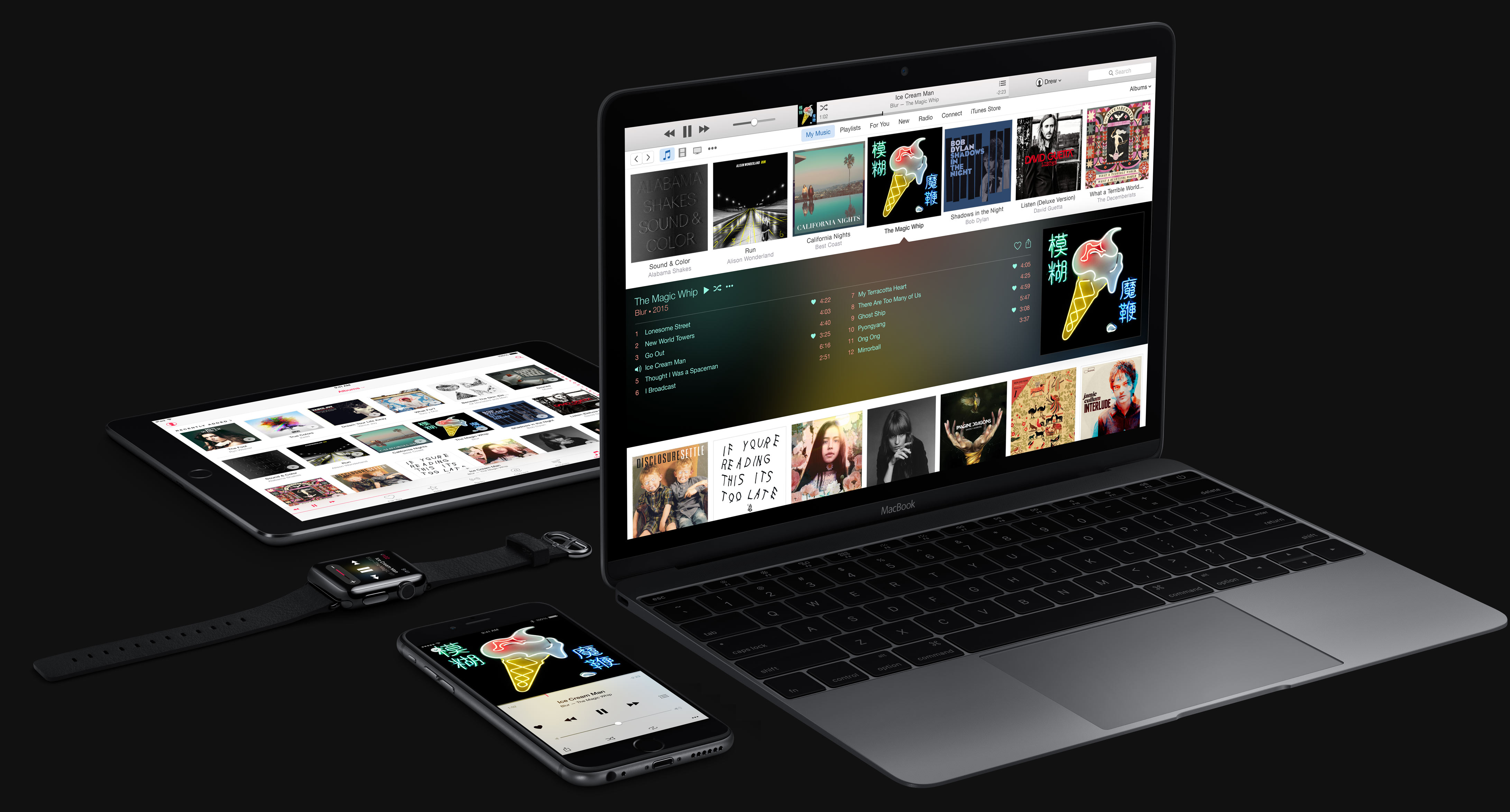
In addition to releasing the latest iOS 8.4 software update for the iPhone, iPod touch and iPad and posting the new OS X Yosemite 10.10.4 update for the Mac, Apple has now issued a brand new version of iTunes for Mac and Windows PCs with built-in support for the new Apple Music on-demand subscription music service, Beats 1 global Internet radio and more.

You must install iOS 8.4 on your iPhone, iPod touch or iPad to enjoy Apple Music. iTunes 12.2 is required to enjoy Apple Music and Beats 1 radio streaming on your Mac or Windows computer.

How to force quit a Mac app

Force Quit window on Mac

In this tutorial, we go over four ways to force quit apps on Mac so you can close an app that is misbehaving, is frozen or unresponsive, or has monopolized system resources and is slowing down your computer.

How to request a song for Apple’s new Beats 1 radio station

Apple's new 24/7 radio station, Beats 1, went live this morning and is now in full effect. Initial feedback on the experiment is mixed—some people really like it, others don't—but the consensus is that Apple has managed to capture the essence of radio.

Keeping with that theme, Apple has announced that it's going to start taking listener requests for songs during at least a small segment of its Beats 1 broadcast. From the service's official Twitter account: "in a few hours, we turn the show over to you."

Cooking app Green Kitchen goes free courtesy of Apple Store shopping app promotion

If you fire up Apple's official shopping app for the iPhone and iPad, called Apple Store, there's a new freebie waiting for you: a cooking app called Green Kitchen.

Created by Amazing Applications AB, Green Kitchen retails in the App Store for $4.99 a pop, but can be yours at no charge whatsoever provided you grab it through the Apple Store app (not to be confused with the App Store).

This premium app is very nicely done and is highly recommended for epicures and those who like to be creative in the kitchen.

Featuring crisp typography, great photography, stunning Retina graphics and easy to follow instructions, Green Kitchen is filled with inspiring vegetarian food with ingredients straight from nature and a bare minimum of gluten, sugar and dairy products.

Following its November 2013 debut, the app has never been free before. Here's what needs to be done to claim your free copy of Green Kitchen.

iBooks Author updated with support for iPhone, multi-touch ePub books

Apple is on a roll with software updates today. In addition to releasing iOS 8.4 and Mac OS X 10.10.4, it's also pushed out new versions of GarageBand and now iBooks Author. The software that allows you to publish iBooks moved up to version 2.3 today.

The update won't move the needle for folks who don't use the app, but it brings about some big changes for those who do. Perhaps the biggest new feature is that you can now create iBooks for both iPhone and iPad—instead of being limited to just the tablet.