The Room Three review: same great puzzle solving, but with more room to move

Fireproof Games has made a name for itself on iOS with one series of games. The Room won Apple's Game of the Year in 2012. The sequel, The Room Two, came out in late 2013 and transported players to a new location with plenty of new and intricate puzzles. It was also named as one of Apples Best Of games in 2013.

The Room Three is already proving to be of the same stellar quality as its predecessors. After two similar titles, will players get tired of the same thing again? We have a full game review of The Room Three for you today.
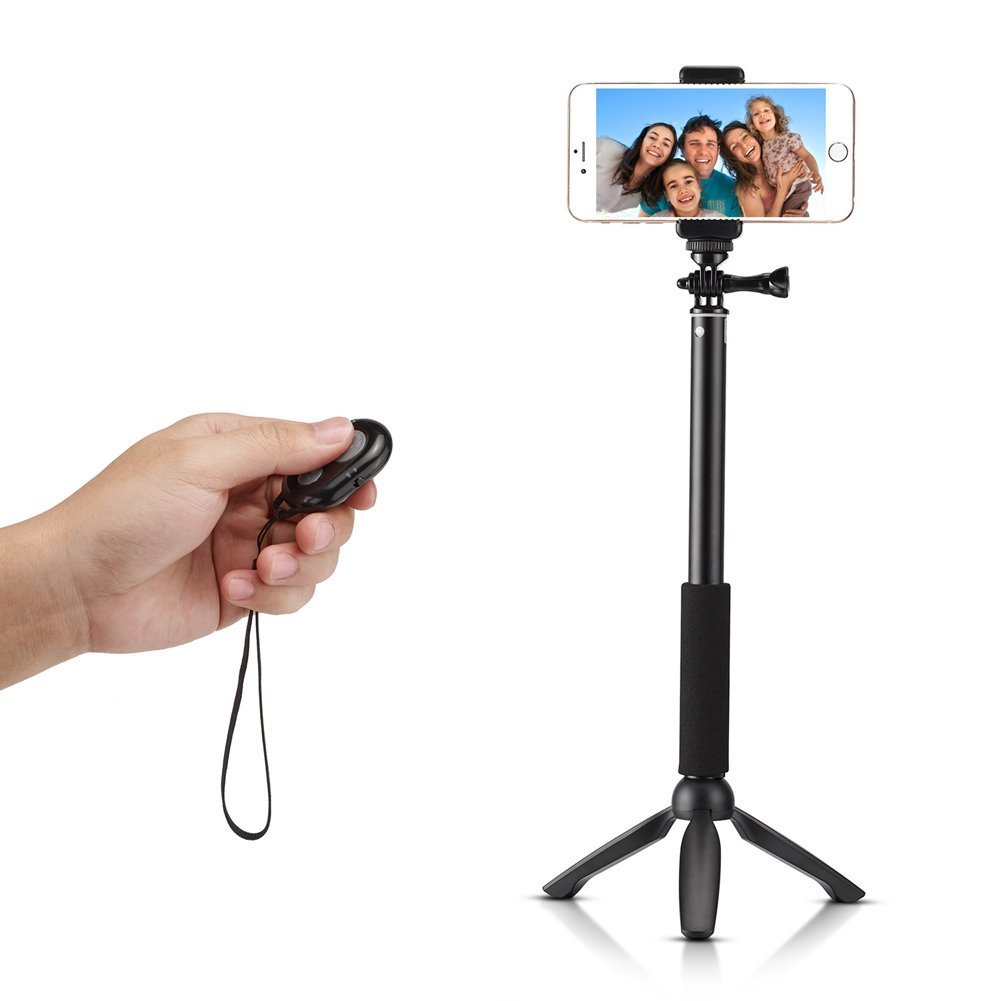

Get in the shot with the Accmor Rhythm tripod/selfie stick combo

Selfie sticks may be getting banned all over the place these days, but they are still a useful addition to an iPhone photographer's accessory kit. How else are you going to make sure you are in the shot?

The Accmor Rhythm is more than just a selfie stick. It is also a tabletop tripod and comes with a Bluetooth-connected remote so you don't even have to worry about setting a timer before getting in the picture.

James Bond Spectre wallpapers

The recently released James Bond film Spectre has been showing good numbers in the box office. A harkening back to the good old days of Bond, Spectre is full of gadgets, cars, and explosions. It puts Casino Royal's only gadget, the heart defibrillator, to shame, but Spectre doesn't quite hang with Skyfall.

My personal movie commentary aside, it was a bang up James Bond film and a few iOS device wallpapers will show your support. Inside, there are Spectre wallpapers for iPhone, iPad, and desktop. Although today's Wallpapers of the Week post is a mixed bag of devices, there is something for everyone. 

Tweaks of the week: BackupAZ, Eclipse, Lylac, NCCards, and more

Another week, another steady flow of new tweaks. We're still waiting for that one tweak that could potentially take the crown of best tweak of the year, but in the meantime, we'll remain grateful for what we have.

Slightly off topic, if you haven't yet, you should listen to this week's episode of Let's Talk Jailbreak where I talk to Kevin Bradley (aka nitoTV) about the history of Apple TV jailbreaking.

Lylac jailbreak tweak lets you customize your iPhone’s App Switcher

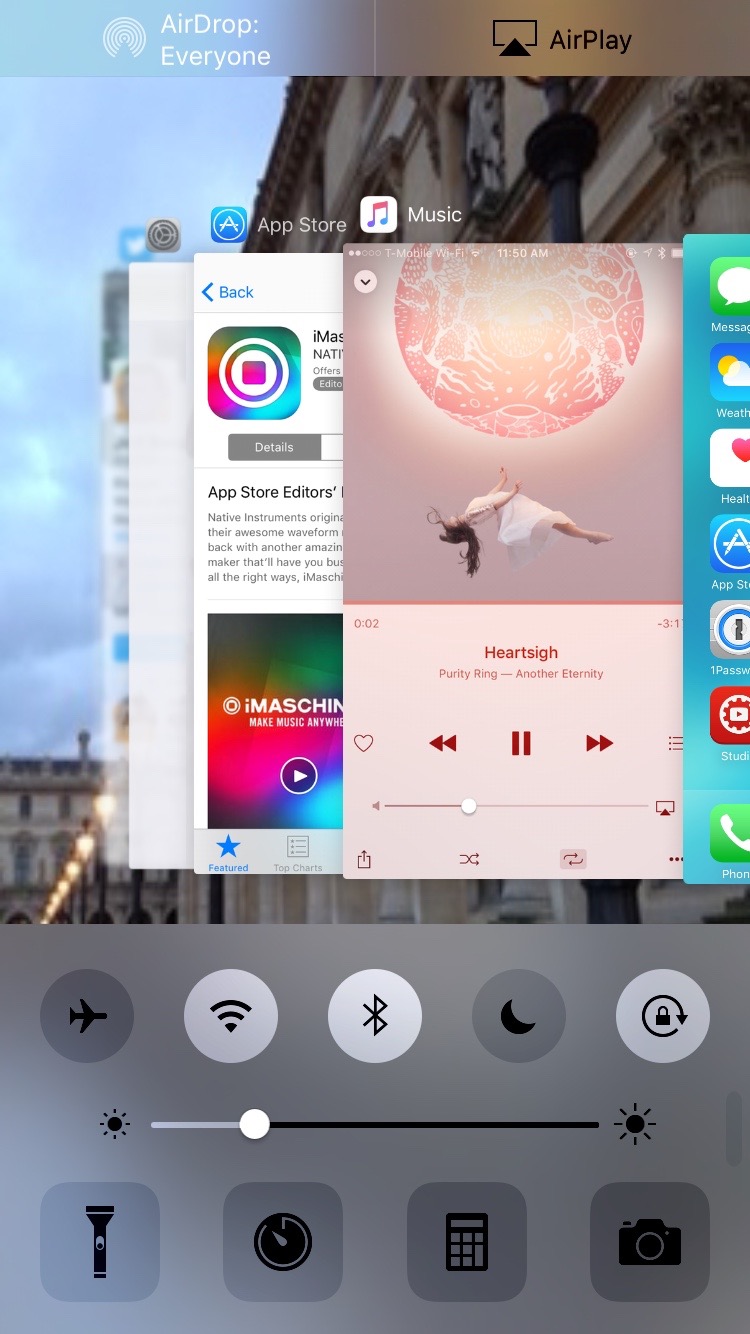
Lylac is a recently released jailbreak tweak that functions as an infusion of Control Center and the iOS App Switcher. Like many tweaks before it, Lylac aims to merge both interfaces together for the sake of convenience.

Along with the merged App Switcher interface, Lylac brings additional menus to the App Switcher for performing resprings, reboots, killing apps, and other similar tasks. The tweak also allows users to change the App Switcher layout, and alter the look of the interface using tint and blur value changes.

The top stories of the week

Like every Sunday, we get to take a look at some of the most popular posts that were published on iDB during the week that just ended. Whether it is a news item, a new jailbreak tweak, a tutorial, or an app review, we sum it all up in one convenient place for you.

As always, if you like what you're reading, please feel free to spread the love by sharing our posts on your favorite social network.

We're usually hanging out a lot on Twitter and Facebook, more rarely on Google+.

Don't forget to listen to the latest episode of our new podcast, Let's Talk iOS:

Subscribe on iTunes

And of course, make sure to catch up with the new episode of Let's Talk Jailbreak:

Want to support iDB? Download our iOS 8 Interactive User Guide or Yosemite Interactive Starter Guide in the iBooks Store.

Springtomize 3 has been updated for iOS 9 and is launching soon

The tweak that many of you have been waiting for is almost here. Springtomize 3, the legendary jailbreak tweak originally from Filippo Bigarella, is right around the corner for iOS 9. Earlier today, a copy of the tweak landed in my inbox, and I've been testing it out throughout the day and into this evening.

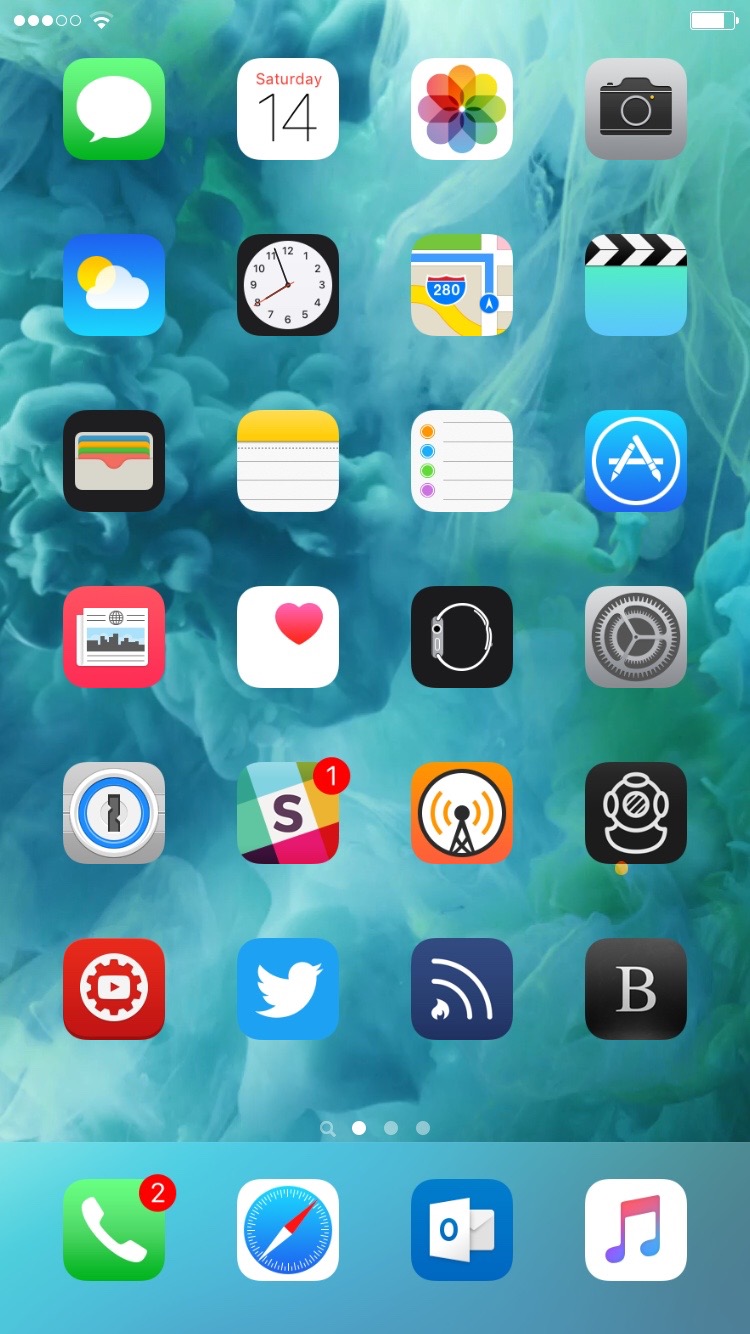
In case you're not familiar with Springtomize, it's a tweak that essentially allows you to customize a wide variety of SpringBoard attributes. You can change the size of app icons, change the look of the dock, hide icon labels, and adjust animation speeds. And that's just the tip of the iceberg.

iMachine 2, Heavy Blade, Contemporary Magic, and more apps to check out this weekend

Now that the iPad Pro is finally out, we know some of you have been dedicating a lot of time to pushing the tablet to its limits. It's too bad that we can't sideload f.lux on iOS anymore. But, don't worry. There is plenty of great content waiting for you, and with a benchmark that is as good as an Intel Core i5 processor, there won't be anything your iPad Pro can't handle.

If you're looking for some content to download onto your 13-inch tablet, we've got a list of some apps and games you may have missed earlier this week.

Cydia Substrate updated to version 0.9.6110

Saurik has pushed an update to Cydia Substrate, bringing the package to version 0.9.6110. The update contains fixes for corrupt extensions, which some developers apparently use for obfuscation purposes.

Prior versions of Cydia Substrate made attempts to detect whether an extension's installation might cause the process to crash, yet by doing so, it ended up resulting in Cydia Substrate crashing itself. With version 0.9.6110, this should no longer be the case.

Review: Vevo’s revamped iOS app is a lot cleaner and more fun to use than Apple’s Music

In case you missed it, Vevo has completely redesigned its lagging iPhone and iPad application in the App Store. I watch music videos from Vevo artists on YouTube on my desktop. On mobile, not so much and I blame Vevo's hopelessly outdated design, inconsistencies and complicated features for that.

Bumped to version 5.0, the new Vevo experience starts with a black-and-white logo and a matching app icon.

The headline change here is an all-new interface—it gets out of your way, unlike Apple's own Music app, and sports a tremendously useful mini-player. It's almost too weird to say that Vevo's new iOS app is a lot easier and way more fun to use than Apple's stock Music app has ever been, but it's true.

Verizon gets FCC waiver to begin offering Wi-Fi Calling

The Federal Communications Commission on Friday gave Verizon permission to begin offering Wi-Fi Calling. As noted by MacRumors, the Commission granted the carrier a waiver today that will allow it to rollout the feature, which was introduced last year with iOS 8.

The news comes a month after AT&T was granted the same waiver, and it activated Wi-Fi Calling for compatible devices days later. In a statement, it also criticized the FCC for excusing the fact that Sprint and T-Mobile have long been offering the feature without a waiver.