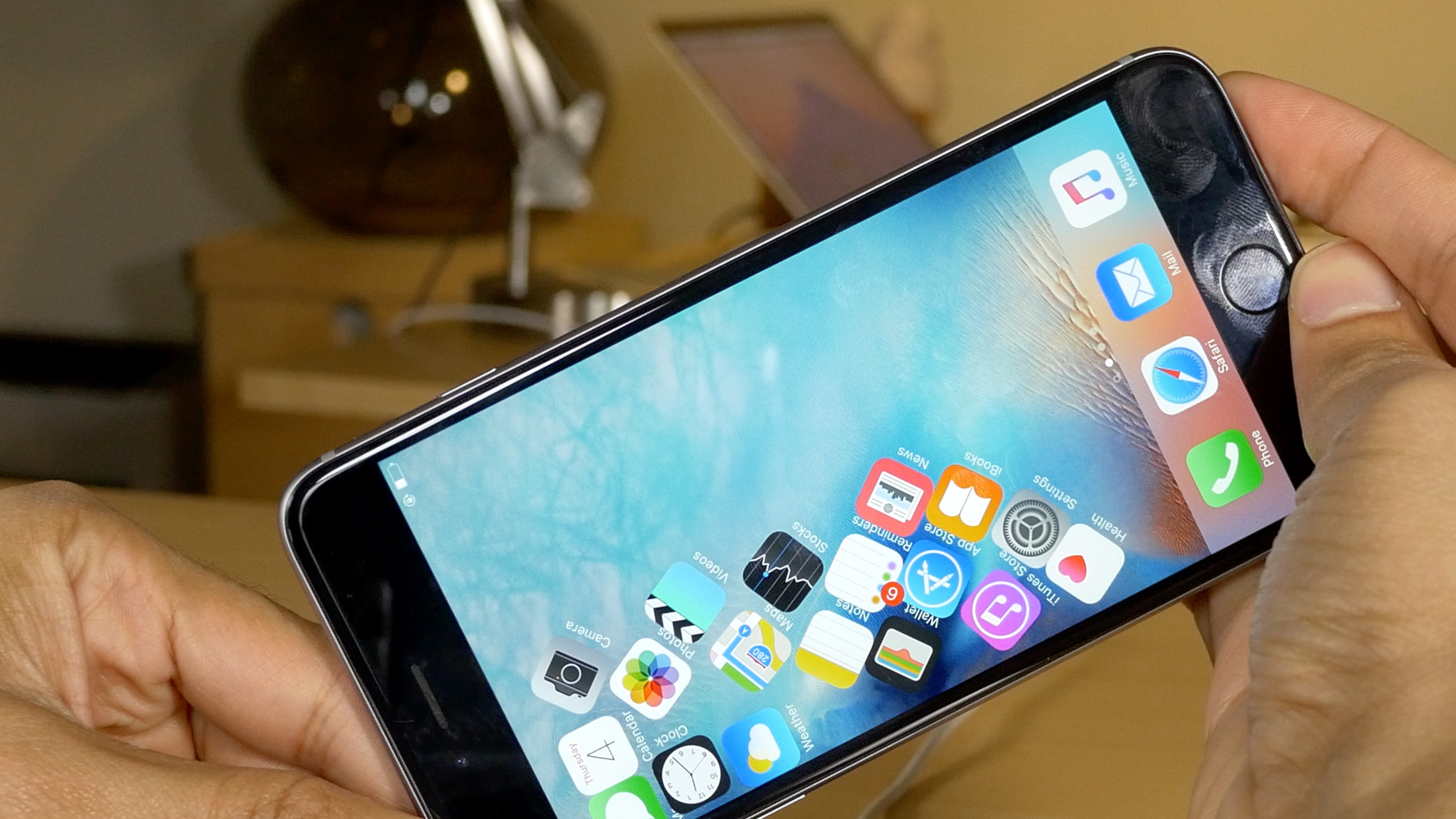
Gravitation: a jailbreak tweak that adds gravity to your Home screen

Gravitation is a brand new tweak that adds gravity to your Home screen app icons. If you've been around jailbreaking for some time, then it may remind you of 2010's Graviboard, by Conrad Kramer, now of Workflow fame. Activated by means of an Activator gesture or a shake of your iPhone, Gravitation adds fun to an otherwise mundane and regular iOS Home screen experience.

As expected, Gravitation, a $1.99 jailbreak tweak available on Cydia's BigBoss repo, features several settings for adjusting the way the tweak looks and behaves. Watch our video demonstration to see how it works in action.
Multiple iCloud services experiencing downtime, App Store/iTunes purchases affected

Apple on Thursday morning reported a number of issues with various iCloud services. According to the iCloud Status webpage, these problems are preventing many users around the world from making purchases in Apple's app and content stores.

In addition, “new and recently changed content may not have updated across devices for iCloud Drive, Backup, iCloud Notes, iWork for iCloud and Photos,” reads a notice on the webpage.

UPDATE: As of 9:10am PT, all of the affected iCloud services had been restored.

Twitter is testing a dedicated GIF button

Thursday, TechCrunch reported that some users of Twitter's mobile application for Android had briefly seen a dedicated GIF button inside the app before it disappeared on its own. The new button gave them quick access to trending GIFs and was located between the camera and poll icons inside Twitter's Android app.

According to user Phil Perlman, tapping the button lets you select trending GIFs, or tap through to choose a GIF reaction based on mood categories.

Apple researching pressure-sensing Touch ID with 3D Touch type functionality

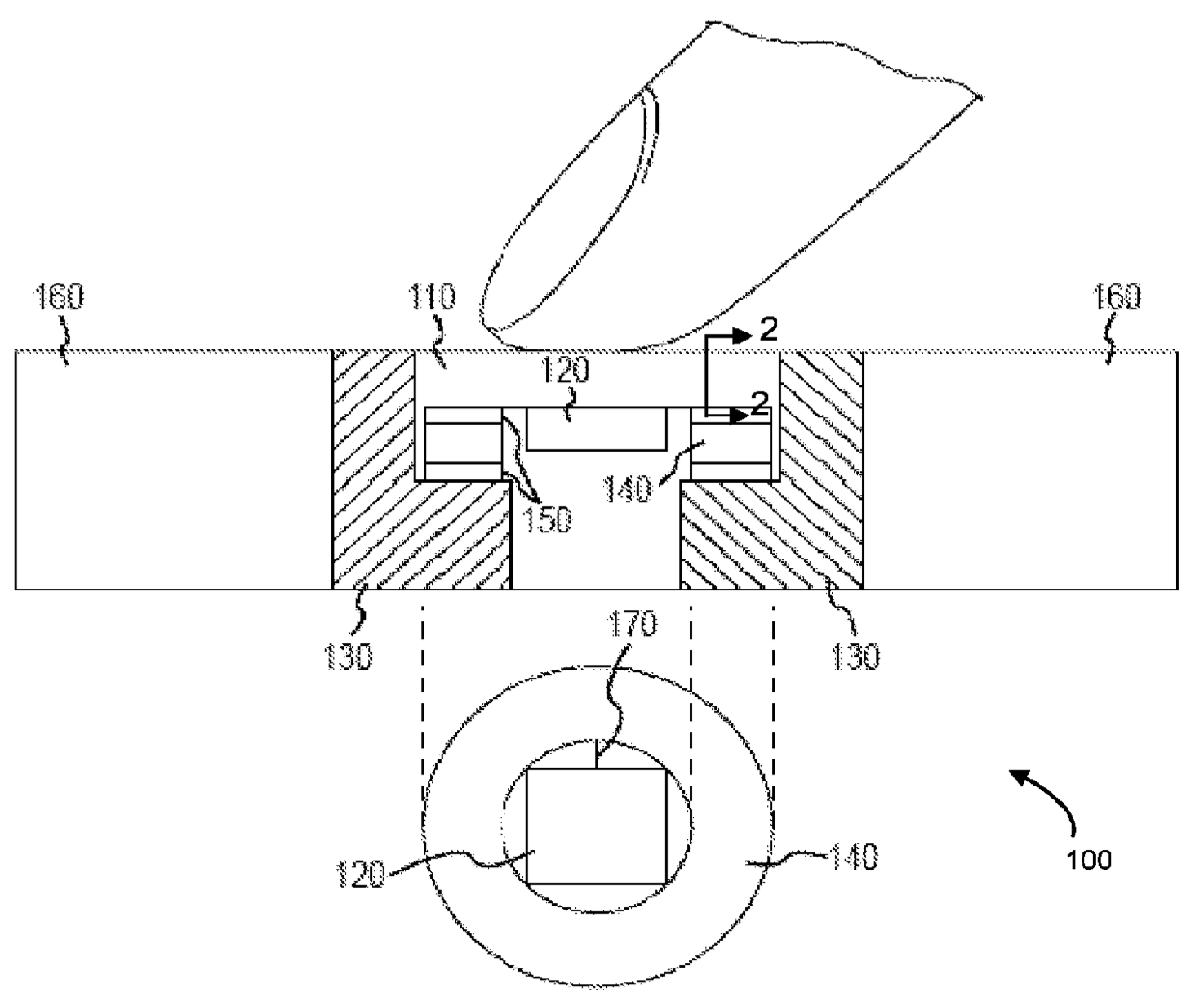
Apple has filed for a new patent application, which surfaced this morning in the United States Patent & Trademark Office's (USPTO) database.

It reveals that the Cupertino firm is seeking to add pressure sensing capability to the iPhone's Touch ID button while hinting at the possibility of enabling 3D Touch-like functionality by way of applying various degrees of pressure to the Home button.

Titled “Force-sensitive fingerprint sensing input,” the invention describes adding a resistive element having a mechanically resistive force to the Touch ID button—such as an elastomeric material, spring or similar component—which would then be able to measure the depression.

Apple boosts Maps with new Flyover cities, Traffic and Nearby data

Apple has updated its Maps backend with nearly two-dozen new cities now supporting the Flyover feature. In addition, the company has activated live Traffic data for Taiwan and added Finland to the list of countries that support iOS 9's Nearby feature. Three-dimensional Flyover data has been added to five new cities in the United States, with additional Flyover views now available in various cities across Europe, Africa and Japan.

How to reset NVRAM on your Mac

Macs are nice computers, but they're not without their issues that can spur up at random times. Fortunately, troubleshooting problems on a Mac isn't incredibly difficult and there are tons of simple steps you can take as a Mac user before calling AppleCare for support.

One of the easiest troubleshooting steps is resetting your Mac's NVRAM, a step which can solve an array of problems. In this tutorial, we'll explain what the NVRAM is responsible for and how to reset it to fix common problems.

Apple ordered to pay $625 million in VirnetX patent suit

Apple has been ordered by a federal jury in east Texas to pay $625 million for patent infringement, Reuters reported late Wednesday. The jury found the iPhone maker guilty of using VirnetX's security technology without its permission.

More specifically, Apple was found guilty of willfully infringing on technology found in VirnetX Holding Corp's patents related to virtual private networking protocols, which Apple uses in its FaceTime and iMessage apps on iPhone and iPad.

GarageBand: a beginner’s guide to Live Loops [video]

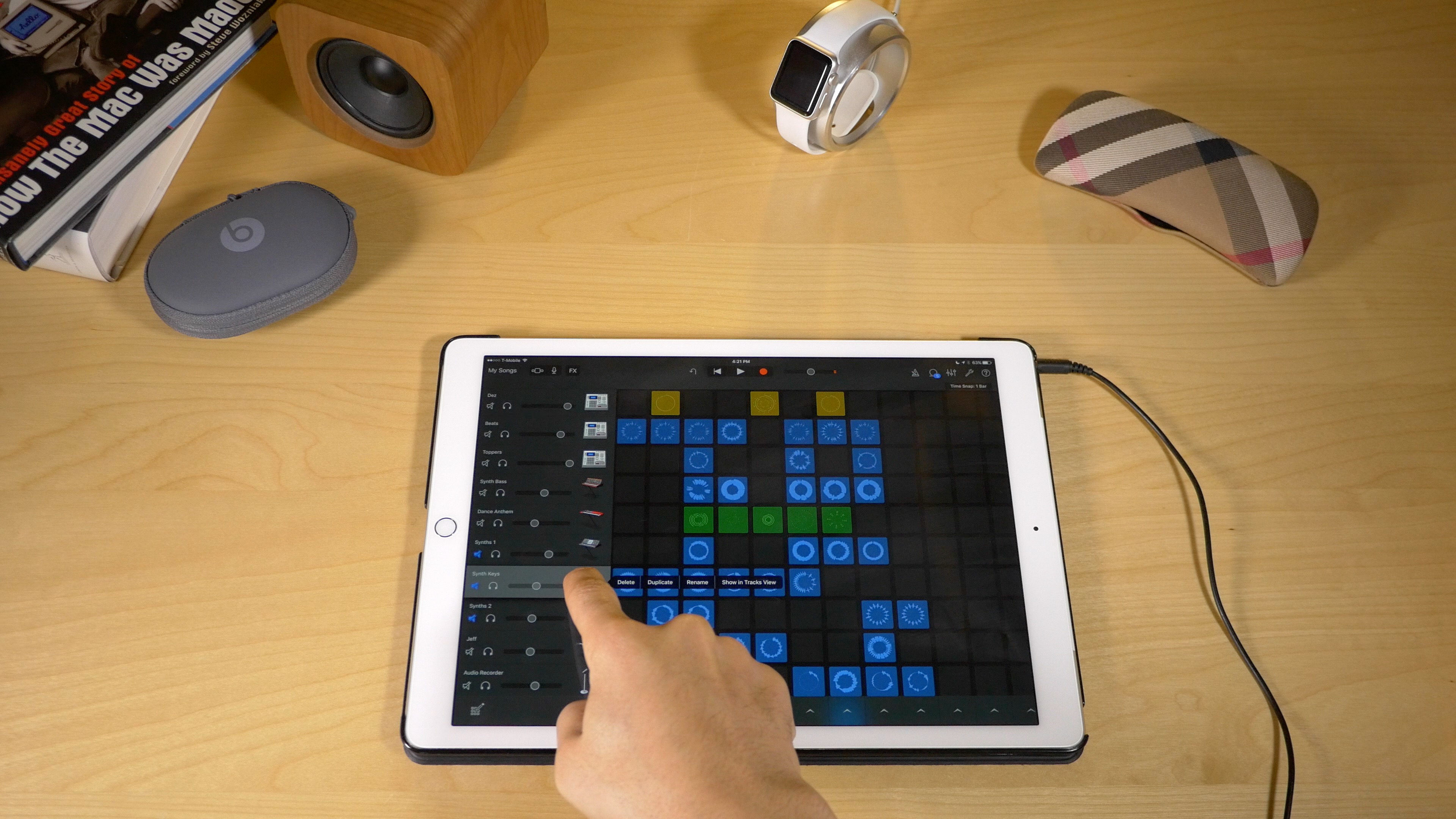
In addition to the iPad Pro support brought forth in the GarageBand 2.1 update, the app comes with a new killer feature called Live Loops. Live Loops makes music creation accessible to anyone. Creating songs using Live Loops features a low barrier to entry, but a high ceiling and virtually endless possibilities.

In this video walkthrough, I'm going to share with you 20 basic GarageBand Live Loops tips for getting started with this awesome new feature. I'll even make a song, and rap to it on the fly! If GarageBand has always seemed intimidating to you, then I guarantee that after watching this video, you'll be ready to roll your sleeves up and start creating your own musical masterpieces.

How to measure Mac frame rates and enable HiDPI display modes on older models with Quartz Debug

Have you ever wanted to benchmark the graphics performance of your favorite Mac apps and games, or measure the refresh rates of macOS's user interface?

If so, you'll be delighted to learn that Apple provides a free application, called Quartz Debug, which has a built-in live frame rate monitoring tool that can measure the refresh rate of the graphics subsystem in frames per second (FPS).

Here's how you can download Quartz Debug to your Mac and use it to display the number of screen updates per second, see the FPS and CPU gauges changing as you perform different actions on your Mac, enable HiDPI display modes on non-Retina Macs and adjust other settings related to the computer's GPU.

How to watch Super Bowl 50 on iPhone, iPad, Apple TV, and other devices

On Sunday evening, millions of people will gather around their TV sets to watch Super Bowl 50. The game features the Denver Broncos taking on the Carolina Panthers, and kickoff is scheduled for 6:30 (ET).

For those of you who aren't going to be around a television Sunday night, but still want to follow along with the action, we've put together a list of ways you'll be able to do so using an iPhone, iPad, Mac and other devices.