New in Google app: 3D Touch for ‘I’m Feeling Curious’

Google today issued a nice little update to its mobile search application for the iPhone, iPod touch and iPad. In addition to the usual assortment of bug fixes and stability improvements, version 12.0 delivers a novel use case for the 3D Touch feature on the iPhone 6s and iPhone 6s Plus: if you press the Google app icon on your Home screen, you'll get a shortcuts menu with a new “I’m Feeling Lucky” option.

It's the mobile equivalent of Google's legendary “I’m Feeling Lucky” feature on the web which delivers a fun, interesting fact. But the new app has another surprise up its sleeve, provided your device is running iOS 9.

Revamped NHL app with HD live video, picture-in-picture support and more now available

Today, the National Hockey League (NHL) has rebooted its iOS application with tons of goodies, including full support for iOS 9 features like picture-in-picture mode on compatible iPad models.

The new NHL 7.0 app delivers high-definition live video streaming at a silky smooth sixty frames per second on the iPhone 6 Plus and iPhone 6s Plus.

It also provides the ability to subscribe to NHL Premium, a new package that lets you watch the dramatic final minutes of NHL games, including 3-on-3 OT and shootouts, and extended highlight packages, and includes a bunch of other enhancements that hockey fans will very much appreciate.

How to hide device icons on your Mac desktop

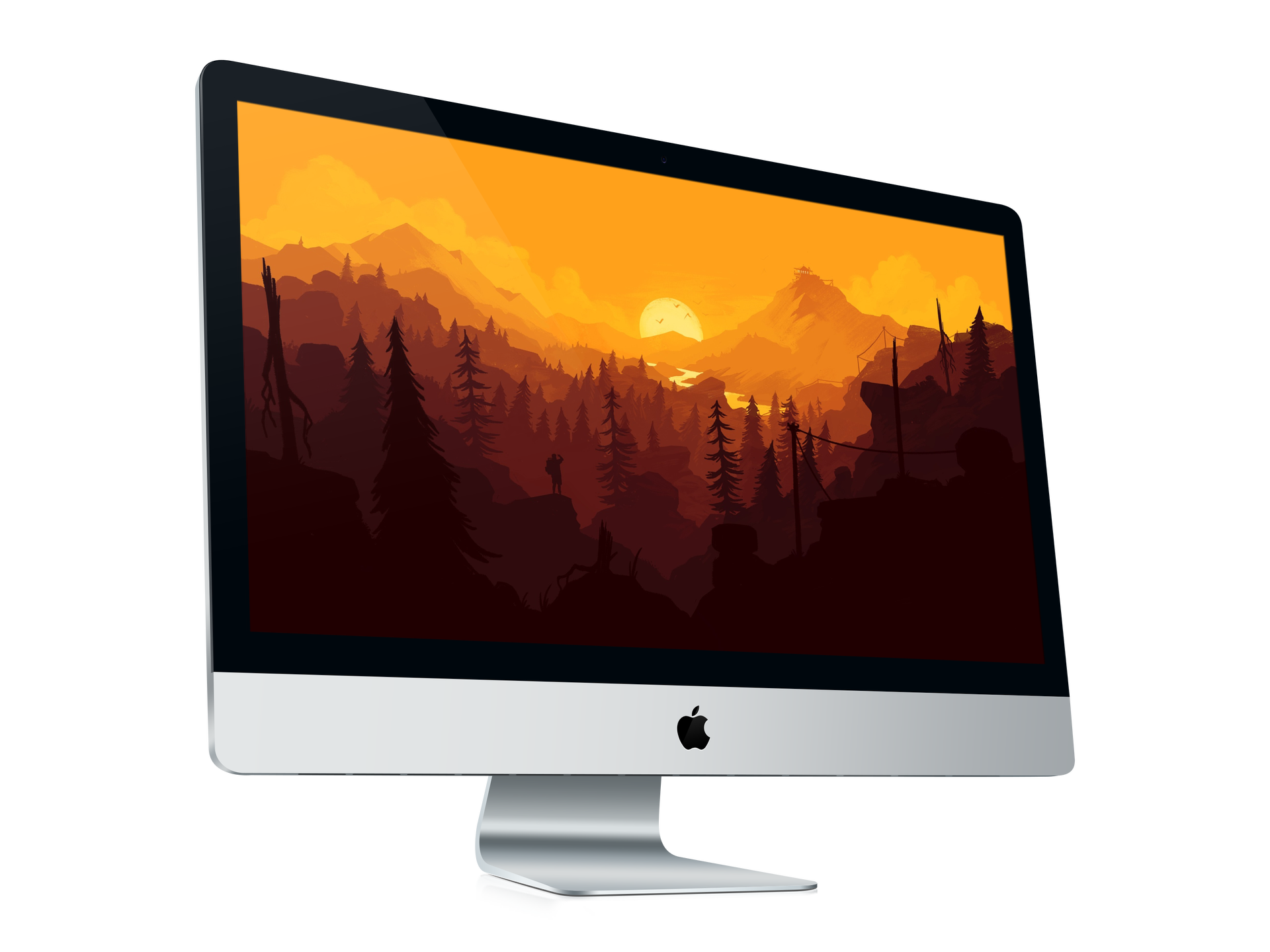
If you're a minimalist type of person, then you might prefer to keep your Mac's desktop free of any icons.

Yes, you can easily drag documents and other files that have been cluttering your desktop and put them in a folder on your Mac. However, that doesn't change the fact that icons for external hard drives, USB thumb drives and other hardware devices will still pop up on the desktop as soon as they're connected to your Mac.

Wouldn't it be nice if you could do something about that? Thankfully, Apple's engineers though of that, too, because macOS makes it easy to optionally remove desktop icons for different types of devices with just a few clicks.

New iPad Air 3 design drawing reaffirms quad speaker and Smart Keyboard rumor

Another iPad Air 3 design drawing, published Monday by Engadget, seems to support the thesis that the forthcoming device refresh will be outfitted with four speakers and include support for the Smart Connector. As you know, both of these features have made their debut with last fall's release of the 12.9-inch iPad Pro.

The alleged design drawing follows a similar image which the French blog NowhereElse.fr posted a week ago. That drawing gave us our first glimpse into the Smart Connector and four speakers, both of which are now believed to be in tow for the iPad Air 3.

Samsung to debut Galaxy S7 on February 21

South Korea-based Samsung revealed in a short teaser video published this morning on YouTube that it will be officially unveiling its latest and greatest flagship smartphone, the Galaxy S7, at 7pm on Sunday, February 21, at a media event in Barcelona, Spain, one day before the Mobile World Congress conference.

The company also sent out official invites for its 'Galaxy Unpacked 2016' press conference and hinted it will be showing off a new Gear 360 virtual-reality camera.

WhatsApp testing ZIP chat export feature, Facebook to gain ‘post via WhatsApp’ button

Facebook-owned WhatsApp is about to integrate more tightly with the social networking firm's mobile client, as discovered Monday by German blog Macerkopf.de.

Facebook is testing the forthcoming version 2.12.17.689 update to WhatsApp for iOS which will permit users to export their chat archive as a ZIP file.

Currently, WhatsApp lets you back up and restore chat history via iCloud, so the addition of ZIP chat exporting will make it easier for users to download their instant messages to a computer.

In addition, Facebook is also testing a new WhatsApp integration in its mobile application for the iPhone, iPod touch and iPad.

Mac email client Airmail hits iPhone with snooze, 3D Touch, interactive notifications and more

Airmail, the popular desktop email client for the Mac, is now available for the iPhone and iPod touch. Lightweight and fast, Airmail by Italy-based developer Bloop packs in a number of advanced features such as support for 3D Touch shortcuts on the iPhone 6s and iPhone 6s Plus, interactive notifications, snooze features, customizable actions and appearance, iCloud sync and much more.

The app is available in the App Store for $4.99.

‘Shot on iPhone’ campaign is back with beautiful portraits taken on iPhone 6s

Apple has rebooted its successful 'Shot on iPhone' advertising campaign, which now highlights photographs that users have taken on their iPhone 6s and iPhone 6s Plus.

TIME reports that the new ad campaign features 53 images from 41 amateurs and professional photographers from around the world, with the major focus on portraits, many of which were photographed in “subtle, everyday moments.”

Some Apple Music subscribers experiencing issues with music search feature on iOS

Some Apple Music subscribers are experiencing issues with the music search feature this morning, as first noted by MacRumors. The issue appears to exhibit itself when searching for new music in the Music app on the iPhone, iPod touch and iPad devices. At post time, the iCloud status webpage did not indicate there was a problem with Apple Music but Apple is usually slow to report problems with online services on that page.

About OS X System Integrity Protection aka ‘Rootless’ and how to disable it

All Macs with OS X El Capitan installed on them have a new layer of security known as System Integrity Protection, which has been given the nickname 'Rootless' because it closes off a lot of system files to user access to prevent malicious programs and code from causing harmful changes to the core of OS X.

For some, the added security feels like a must for protection of your personal information, but for more advanced users who poke their noses into system files quite often, the feature can get in the way and prevent user modifications to the operating system. In this tutorial, we'll give you an overview of System Integrity Protection and show you a way to disable it.