Back in 2018, Apple acquired the distribution rights for the series Shantaram, which is set to star Charlie Hunnam (Sons of Anarchy, The Lost City of Z) for Apple TV+.
Production comes to a halt on Apple TV+ series ‘Shantaram’ as showrunner departs

Back in 2018, Apple acquired the distribution rights for the series Shantaram, which is set to star Charlie Hunnam (Sons of Anarchy, The Lost City of Z) for Apple TV+.

It hasn't been very long since Apple launched the AirPods Pro, but word is that the company is planning to launch a new version of the truly wireless headphones in the near future.

Windows giant Microsoft today announced its Defender Advanced Threat Protection (ATP) security platform is coming to mobile devices powered by iOS and Android.
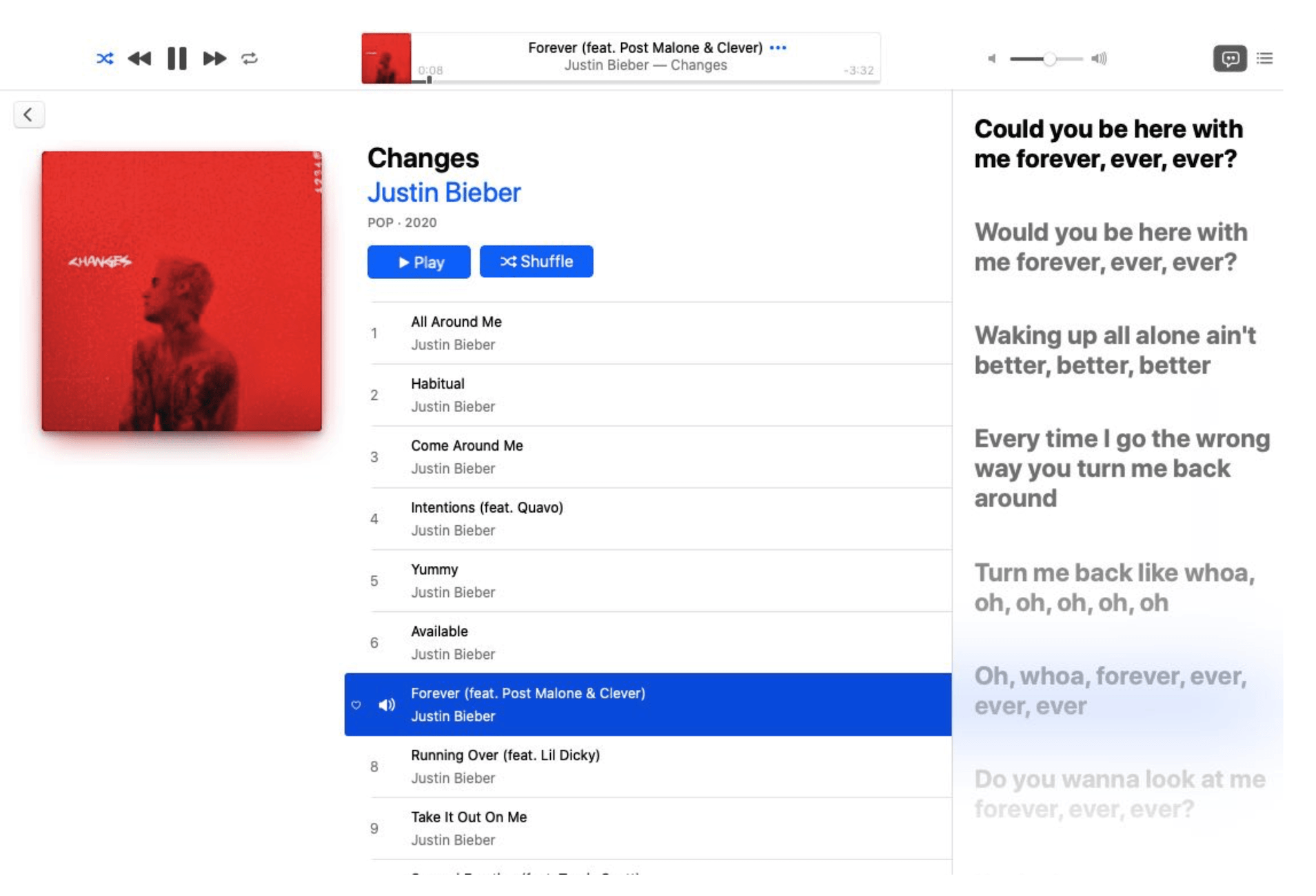
Beta 2 of the upcoming macOS Catalina 10.15.4 update that dropped yesterday has brought the fun time-synced lyrics feature which debuted on iOS 13 to the Mac platform.
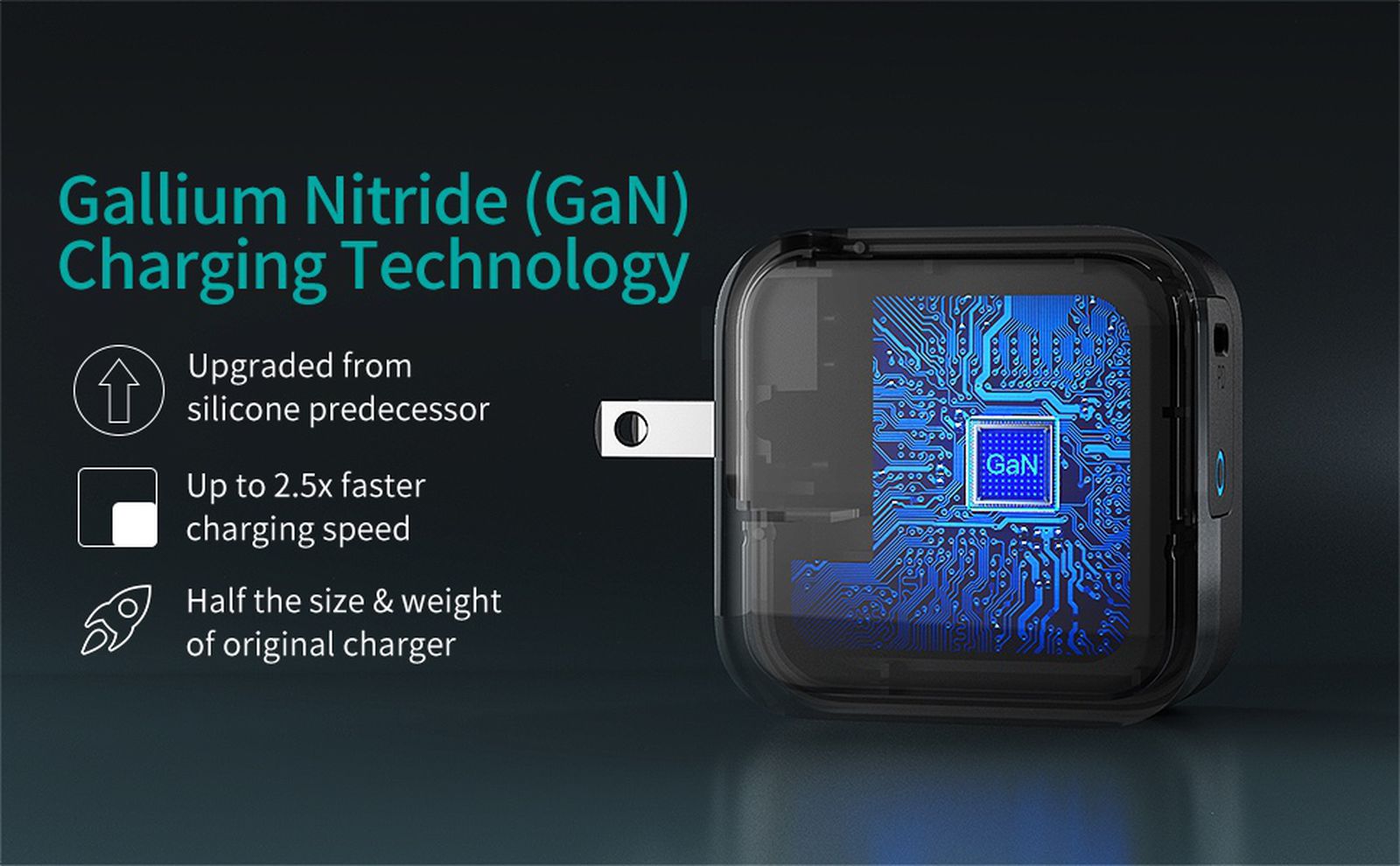
According to a new report Thursday from IT Home, via MacRumors, Apple is planning to release a new power adapter this year that will be based on Gallium Nitride (GaN) technology.
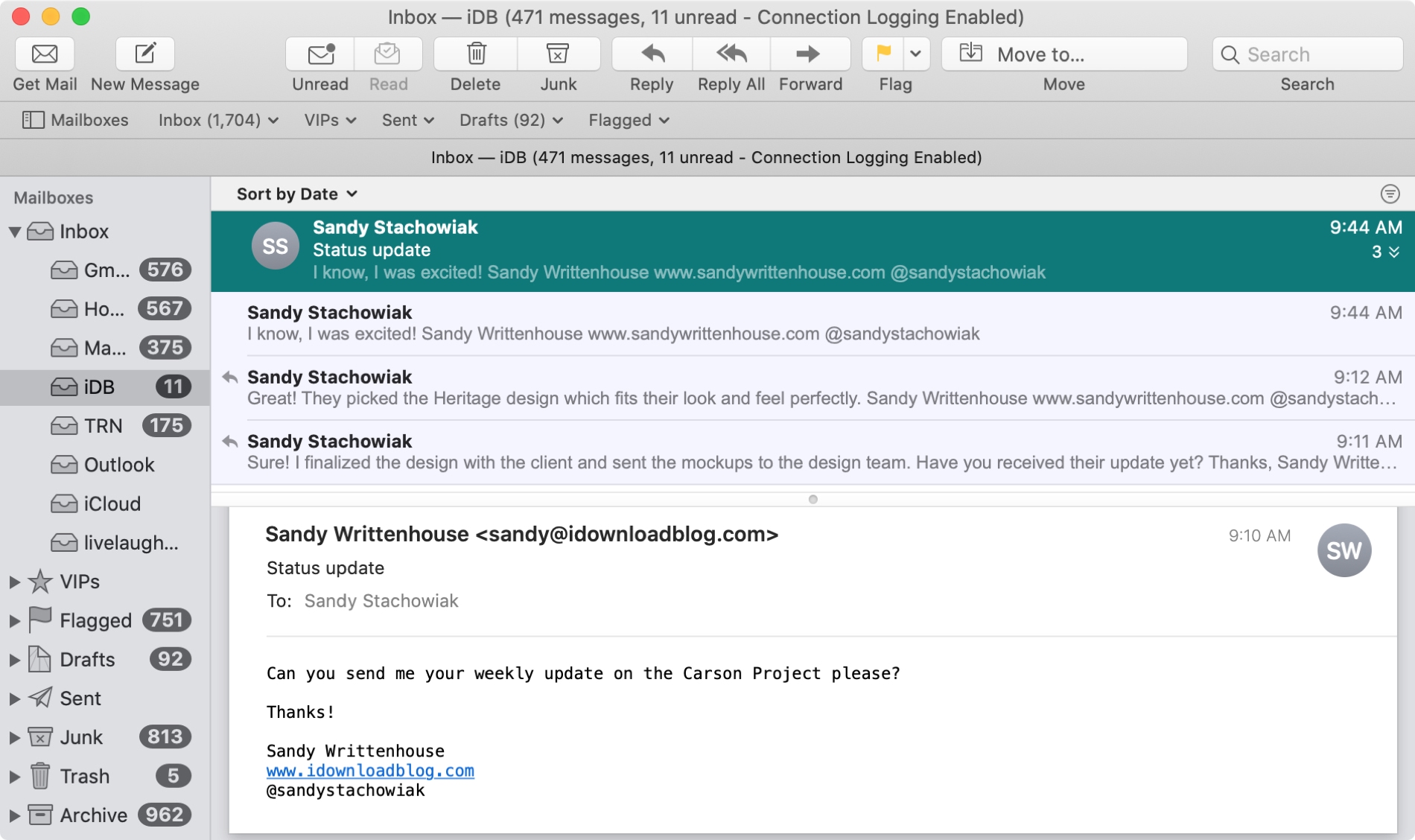
The Mail app uses what are called Conversations to group your emails together. This is handy when you and your recipient are emailing back and forth on the same subject because all of those communications will be in the same thread.
And you can do a few things with conversations in the Mail app like highlight, expand and collapse, or disable them all. If the conversations in the Mail app on Mac are new to you, here’s how to work with them.

Just like on your iPhone, iPad, and Mac, your Apple TV lets you customize certain settings for the Music, TV, and Podcasts apps. Whether you want specific playback options, certain views on the main screen, or want to turn on or off syncing, you can do it on Apple TV.
If you’re ready to take a few minutes to use these apps exactly as you’d like, here’s how to customize the TV, Music, and Podcasts apps on Apple TV, along with iTunes show settings.
Following criticism that Apple's in-house software products get an unfair advantage over rival choices, the company is reportedly considering giving HomePod owners the ability to run third-party music software like Spotify or Pandora directly on their Siri-powered speaker.
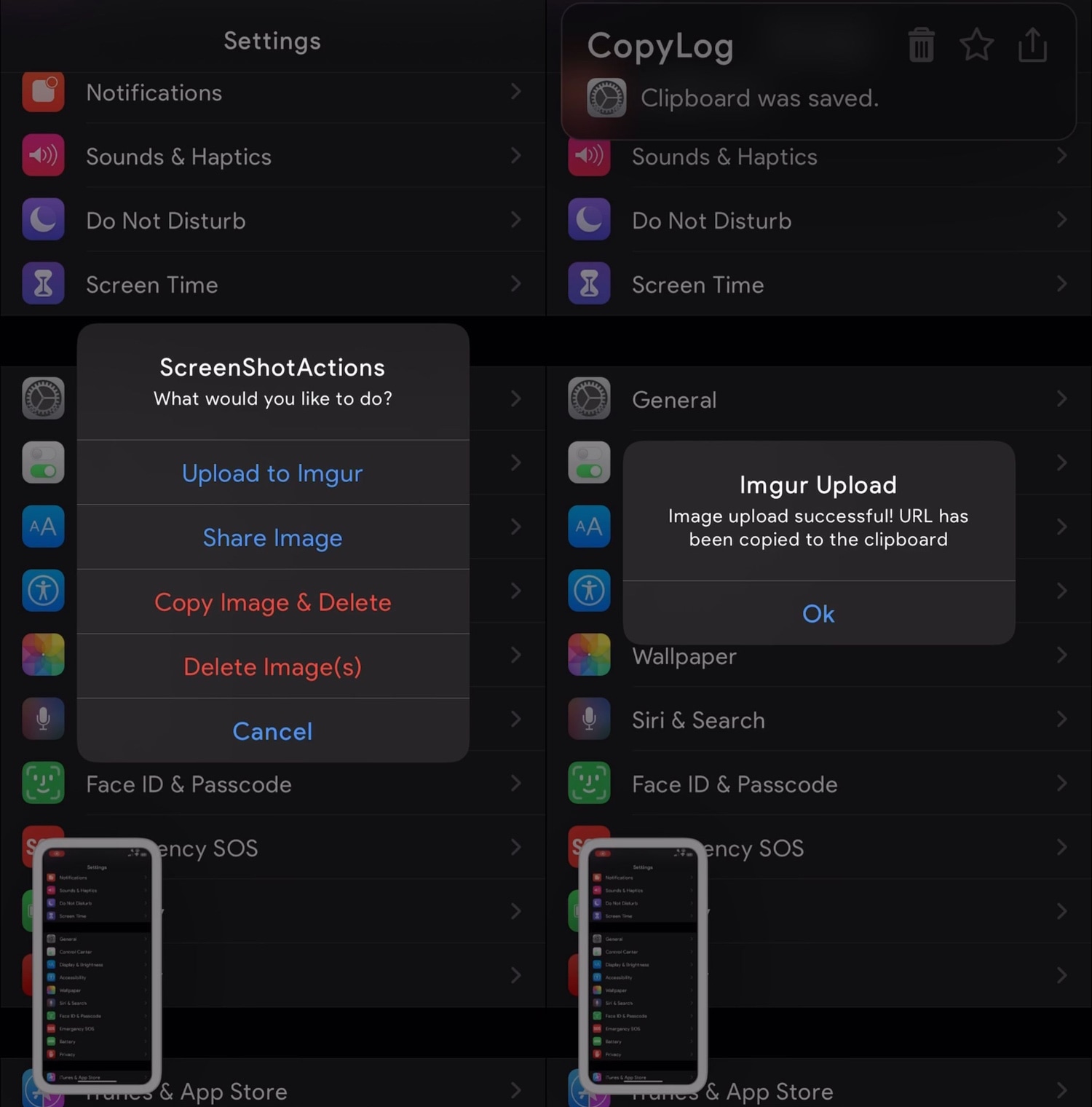
I take so many screenshots on my iPhone day in and day out that I nearly take having the ability to capture my display as an image file for granted. Many others are in the boat I am, but whether you take many screenshots or not, one thing we may all be able to agree on is that Apple could make the screenshot interface a lot more intuitive.
Enter ScreenshotActions, a newly released and free jailbreak tweak by iOS developer P2KDev that makes it a whole lot easier for users to share and interact with screenshots after snapping them.

According to a new report Thursday from Bloomberg's Mark Gurman, Apple could soon remove another annoying limitation from iOS that for years has prevented people from using third-party apps as their default email clients and web browsers on the iPhone, iPad and iPod touch.
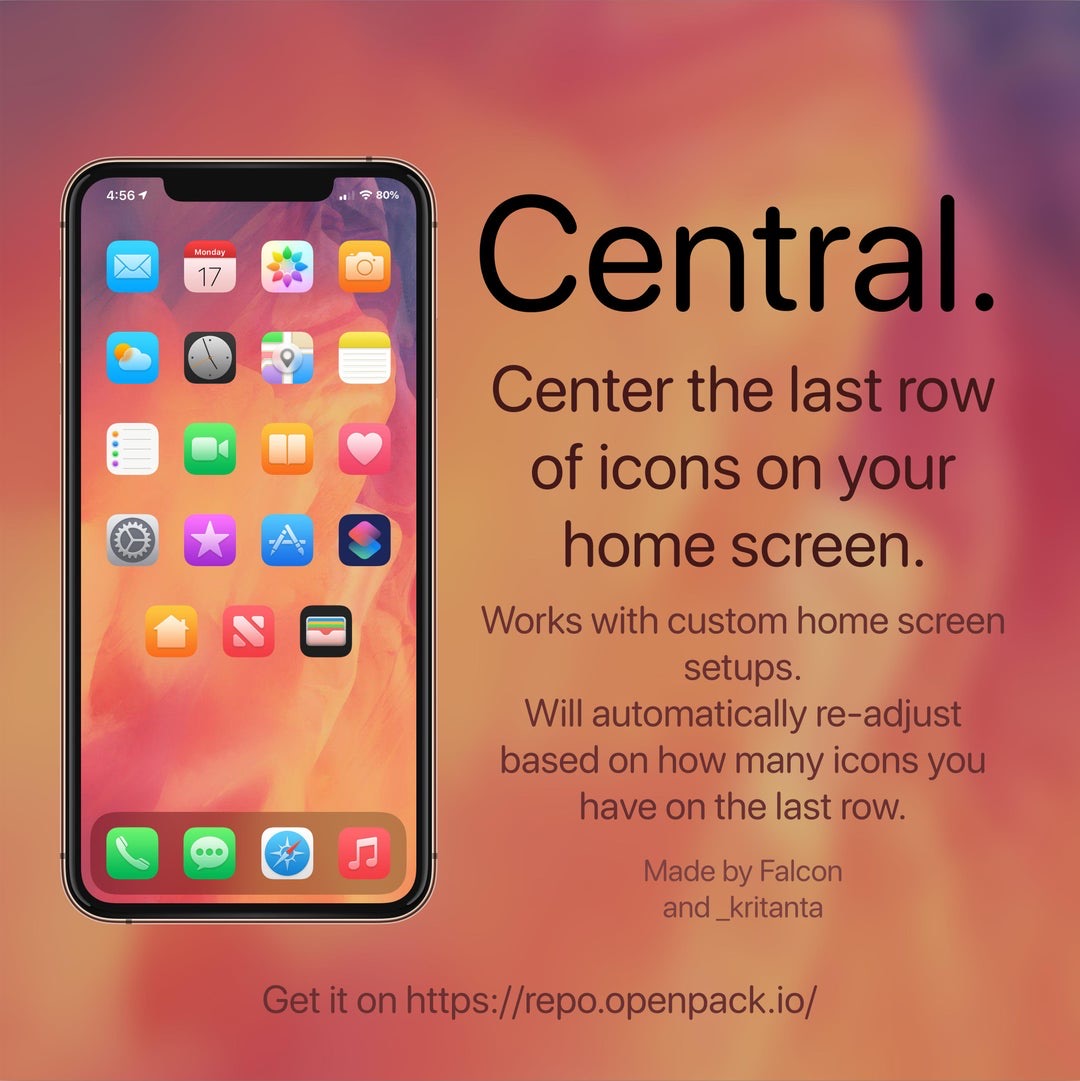
If you’re lucky enough to have a jailbroken iPhone or iPad at your disposal and you’re looking for a fun and quirky way to make your handset’s Home screen stand out from the average Joe’s, then you just might come to appreciate a newly released and free jailbreak tweak called Central by iOS developers Kritanta and Falc0nDev.
As depicted in the screenshot example above, Central adjusts your Home screen’s application icon layout in such a way that the final row on the Home screen funnels down to just three icons in the center of your display.

The Sileo Team took to Twitter late Wednesday evening to share that it had released an updated version of the Sileo package manager dubbed v1.7.1 with various improvements, but that wasn’t all. The Tweet also noted that the new Sileo build was available for both Chimera and checkra1n jailbreak users.
The Sileo Team attempted a checkra1n port for its Sileo package manager just before the new year, and despite a flaky initial release that quickly crashed and burned, it now seems that the Sileo Team is making a second attempt – this time with some help from Diatrus, a name that might sound familiar if you’ve ever used an unofficial Sileo port before.