Another day, another rumor regarding Apple's plans for mass production for its upcoming iPhone 12 lineup.
iPhone 12 may see mass production delayed by a month, but will reportedly still launch this year
Another day, another rumor regarding Apple's plans for mass production for its upcoming iPhone 12 lineup.
With an external (hardware) keyboard like the Magic Keyboard connected to your iPad, the onscreen (software) keyboard doesn’t appear. Apple in its wisdom does allow you to switch between the hardware and software keyboard, but it could have definitely done a better job surfacing that feature for average users who may be unaware it even exists in the firsts place. Follow along with our step-by-step tutorial to learn how to quickly switch your iPad keyboard between the stock iOS keyboard and your Magic Keyboard or any other physical iPad keyboard.
Learn how to enable accessibility options on your Mac login screen if you or another user needs these accessibility features while getting into the computer or user account.
The Magic Keyboard for iPad Pro features backlit keys that make it a lot easier to type in the dark. The Magic Keyboard brightness can be changed manually or automatically, based on the ambient lighting conditions. But sometimes you want to watch a movie in the dark, or perhaps read a long article or a book without the keyboard backlighting interfering. To help with that, our tutorial will teach you how to adjust the Magic Keyboard brightness to your liking.
Learn how to set macOS to automatically turn off keyboard backlight on your Mac laptop after a certain period of inactivity, saving a little bit of power.
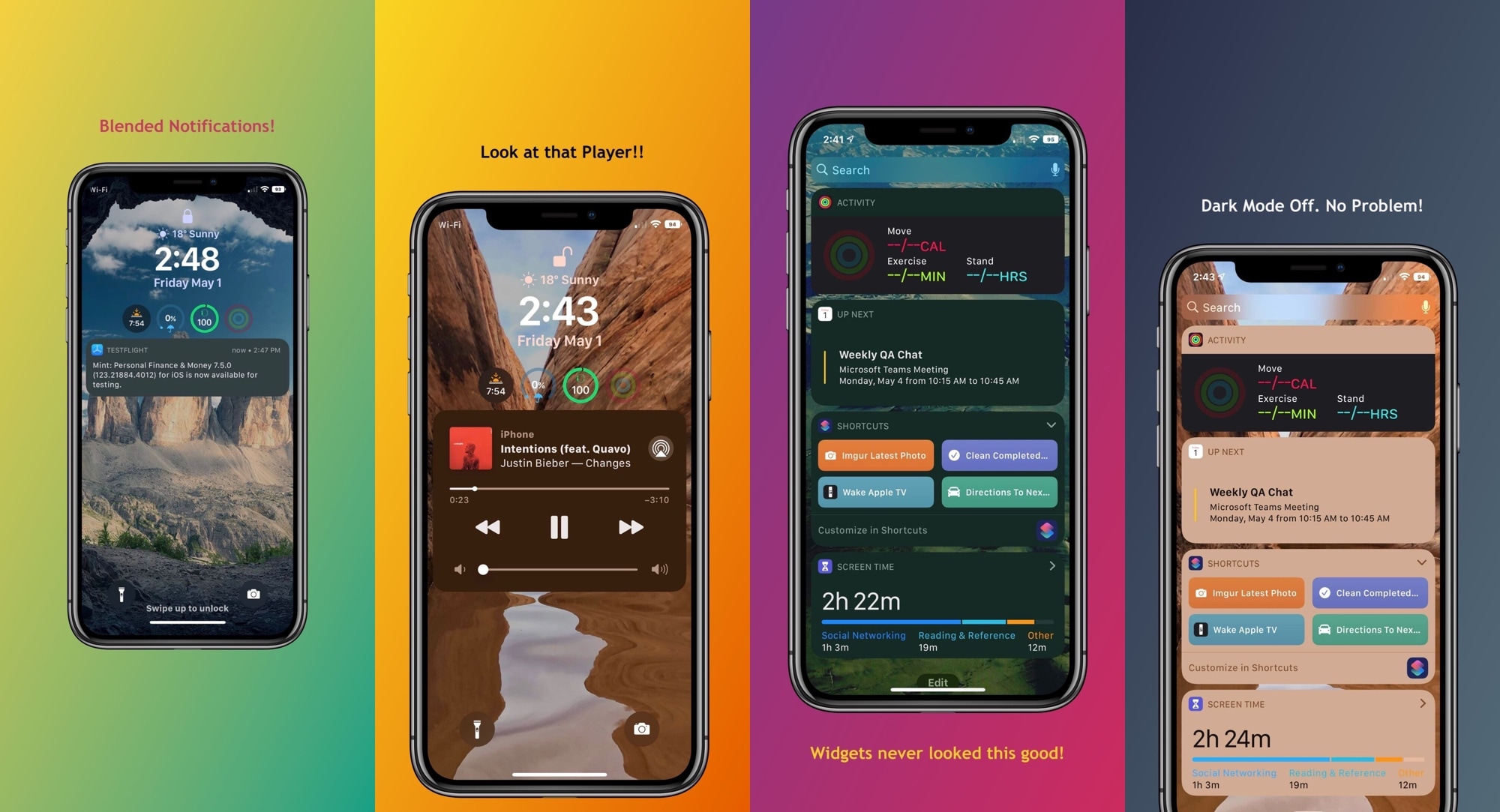
It’s honestly rather embarrassing that Apple’s incoming call interface on the iPhone still looks the way it does in 2020, and that’s one of the reasons why I’ve always advocated for jailbreak tweaks that unlock minimized incoming call interfaces that are far less intrusive and more visually stunning than the native UI.
With the above sentiment in mind, it may not come off as much of a surprise that I’m having trouble containing my excitement about the likes of a newly released jailbreak tweak dubbed Scorpion by iOS developer Esquilli.
The coronavirus epidemic is far from over, but Apple's development process continues unabated: the new Magic Keyboard and iPhone SE, the most powerful low-cost iPhone, have arrived. Like every week, we also have new tutorials to help you learn something new. And finally, don't forget to check out cool new accessory roundups, plus new apps, games and jailbreak tweaks, fresh walls to adorn your devices and a few cool money-saving deals.
The iDownloadBlog Wallpapers of the Week collection brings photo quality images to your Apple devices every seven days. Abstract geometric iPhone wallpaper is one of the most popular categories across our many years of image curating.
Today, we add another pack to that genre and they make amazing Lock or Home screen images, depending on your preferences. Grab some smooth curves or jagged edges, as there is something for everyone in a vibrant color way.
If you have a jailbroken iOS device at your disposal, then chances are you’re looking for new and quirky ways to get the most out of it. Fortunately, we’re here to help with that.
In this roundup, we’ll discuss all the latest jailbreak tweaks to be released from Monday, April 20th to Sunday, April 26th. As usual, we’ll kick things off by discussing our favorite releases first and then wrap things up with an outline of the rest afterward.
I use Low Power Mode so often that I sometimes feel like something’s wrong when I don’t see the little yellow battery icon in my Status Bar. The point is, I like saving battery whenever I can – even when my handset isn’t low on juice. On the other hand, using Low Power Mode isn’t without its downsides.
For example, you can’t change the amount of time it takes before your handset falls asleep automatically from inactivity. But that’s where a newly released and free jailbreak tweak called LPMAutoLockTime by iOS developer smokin1337 comes into play.
If you’ve started distinguishing some rather peculiar instabilities after jailbreaking iOS 13, then you may not be alone. iOS developer Adam Demasi of HASHBANG Productions seems to have recognized a similar wave of patterns that urged him to create a hot-fix in the form of a newly released jailbreak tweak called StopCrashingPls.
Citing the brief Cydia description for StopCrashingPls, it was designed as an experimental workaround for iOS 13’s jetsam crash issue. This apparent issue could be exacerbated by certain jailbreak tweak installations, resulting in unwanted battery drain and overall system instability.