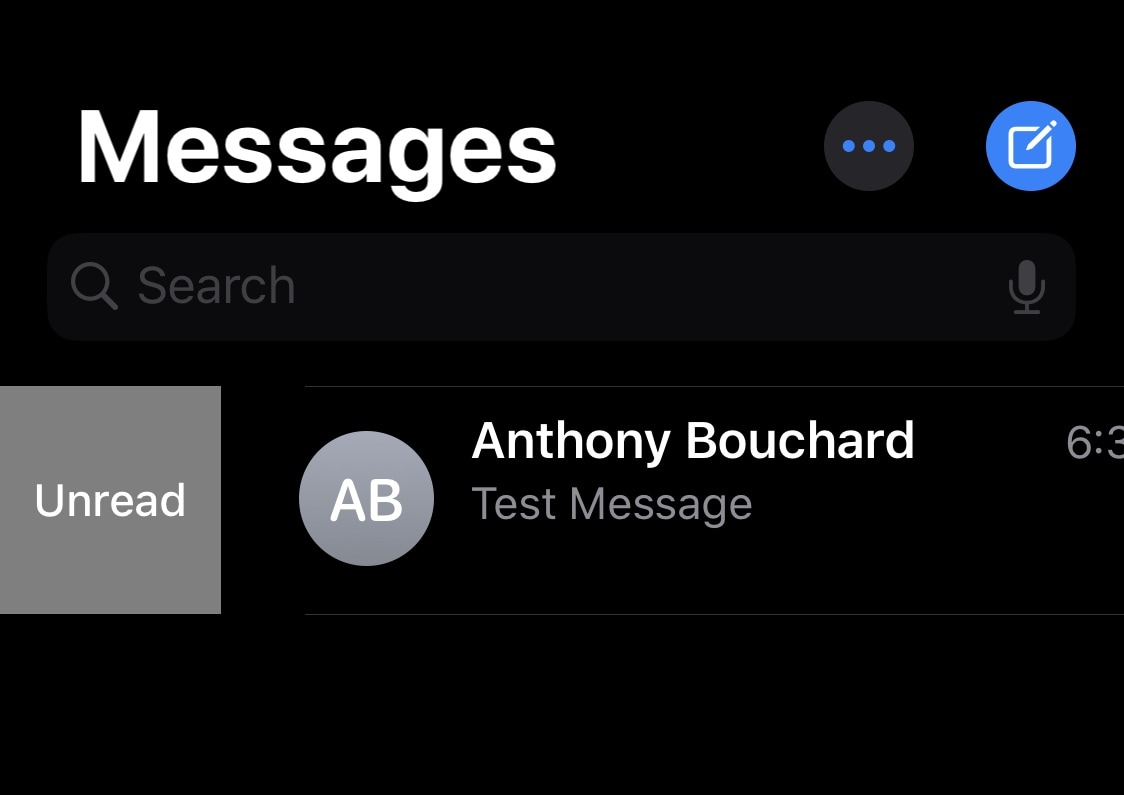
Learn how to view retweets with comments, also known as quote tweets, in the Twitter app and website to see what people are saying about it.
How to view retweets with comments in the Twitter app and website
Learn how to view retweets with comments, also known as quote tweets, in the Twitter app and website to see what people are saying about it.

Apple News+ is still one of Apple's services you can sign up for, and it sounds like Apple is looking to add a new feature to maybe draw more customers into the fold.
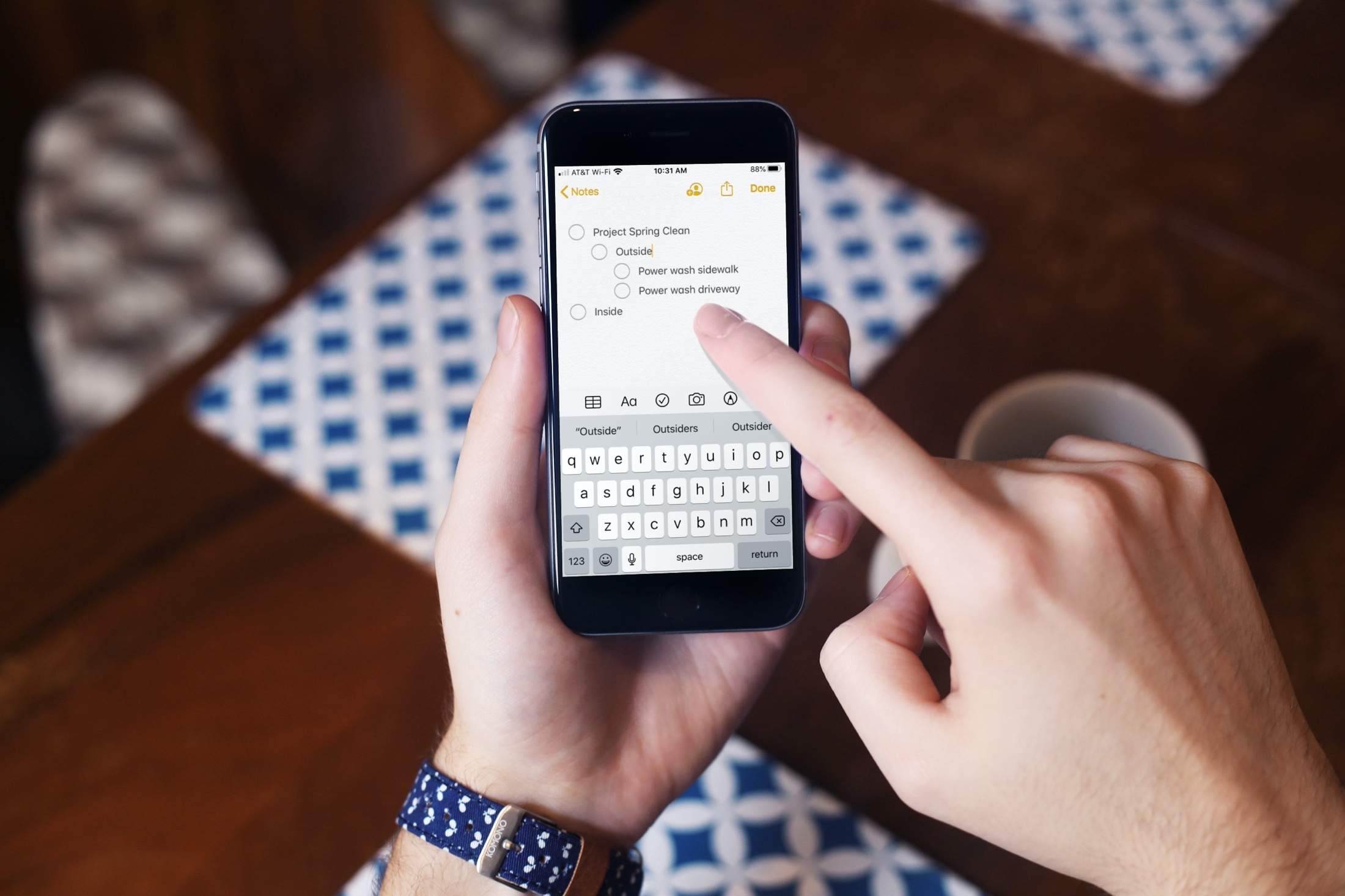
If you use the Notes app on your iPhone or iPad, you probably already know that it’s a convenient app for making lists. You can make numbered or bulleted lists for shopping, to-dos, or whatever you need.
The nice thing about creating lists in Notes is that you can indent your list items. This is terrific for creating subtasks or nested lists. And while indenting list items isn’t a difficult task, we have a tip that will make it even easier.
Here’s how to quickly indent list items in Notes on iPhone and iPad.
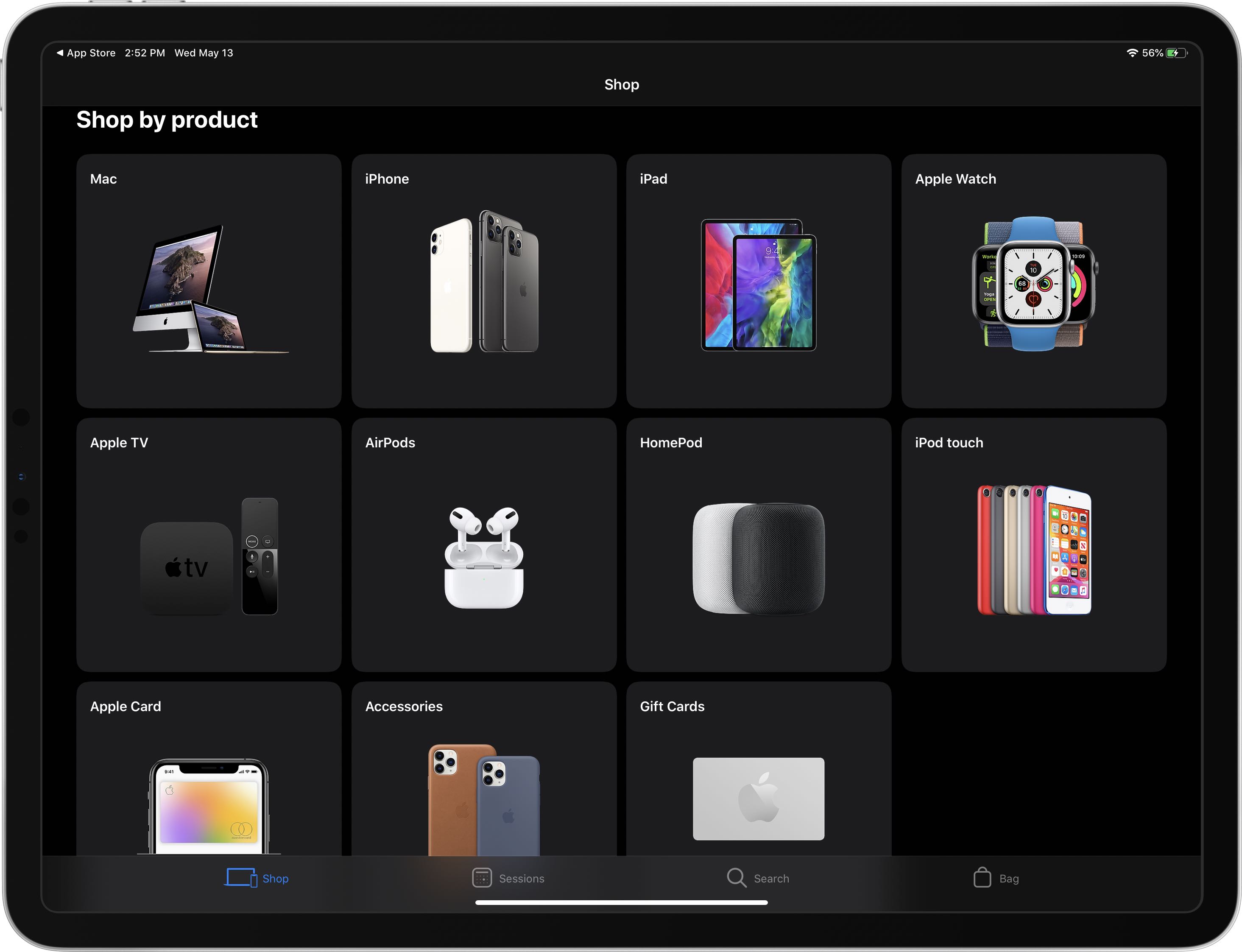
Apple's official mobile shopping app was updated on the App Store yesterday with a single new feature addition: support for the system-wide Dark Mode that debuted in iOS 13.

Learn how to stop video autoplay in the ESPN app on your iPhone and iPad, gaining control over your data usage and browsing experience.
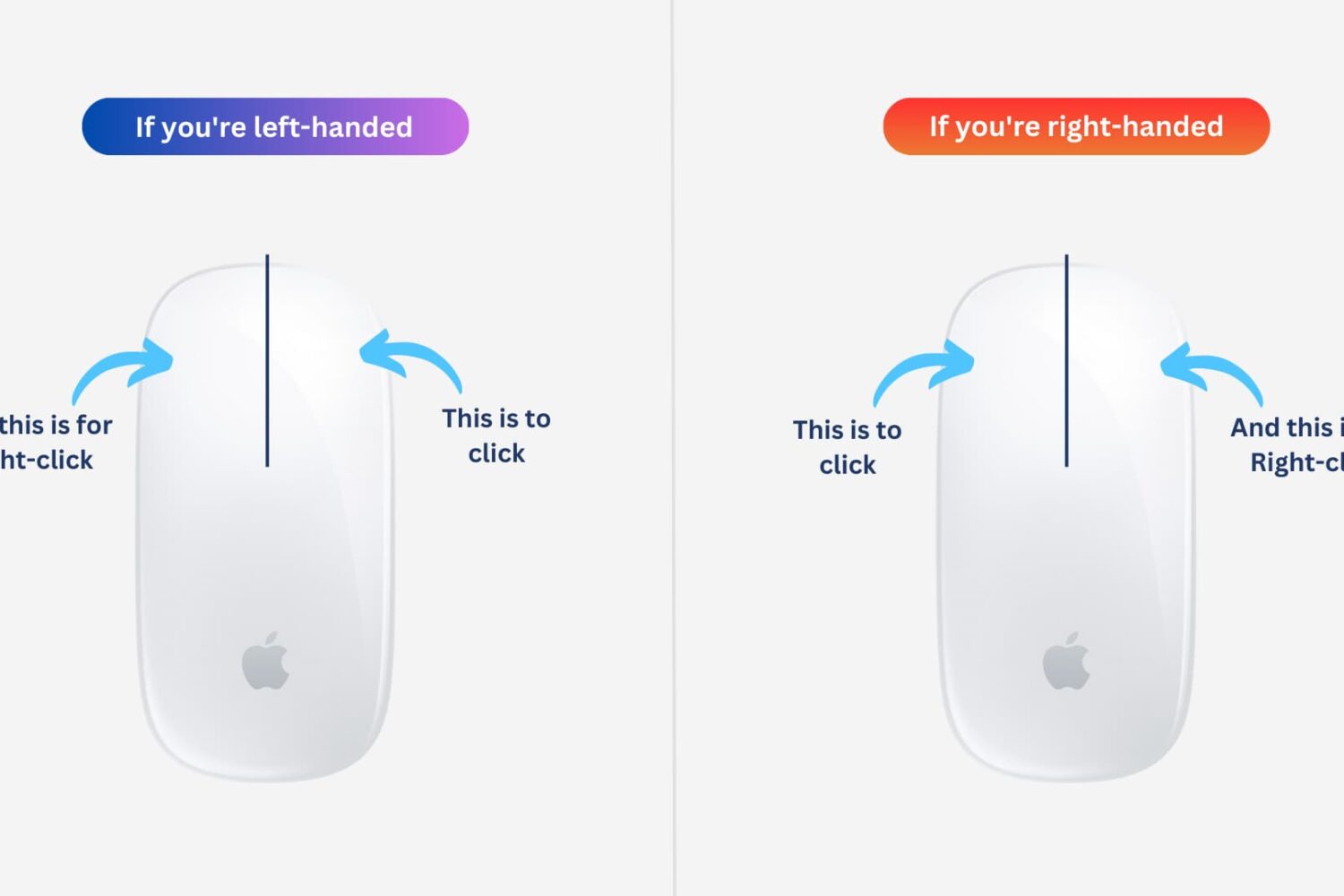
Learn how to easily customize and switch the mouse buttons on your Mac for enhanced control and ease of use. Whether you’re a left-handed user or simply prefer a different button configuration, you can optimize your experience to suit your needs.
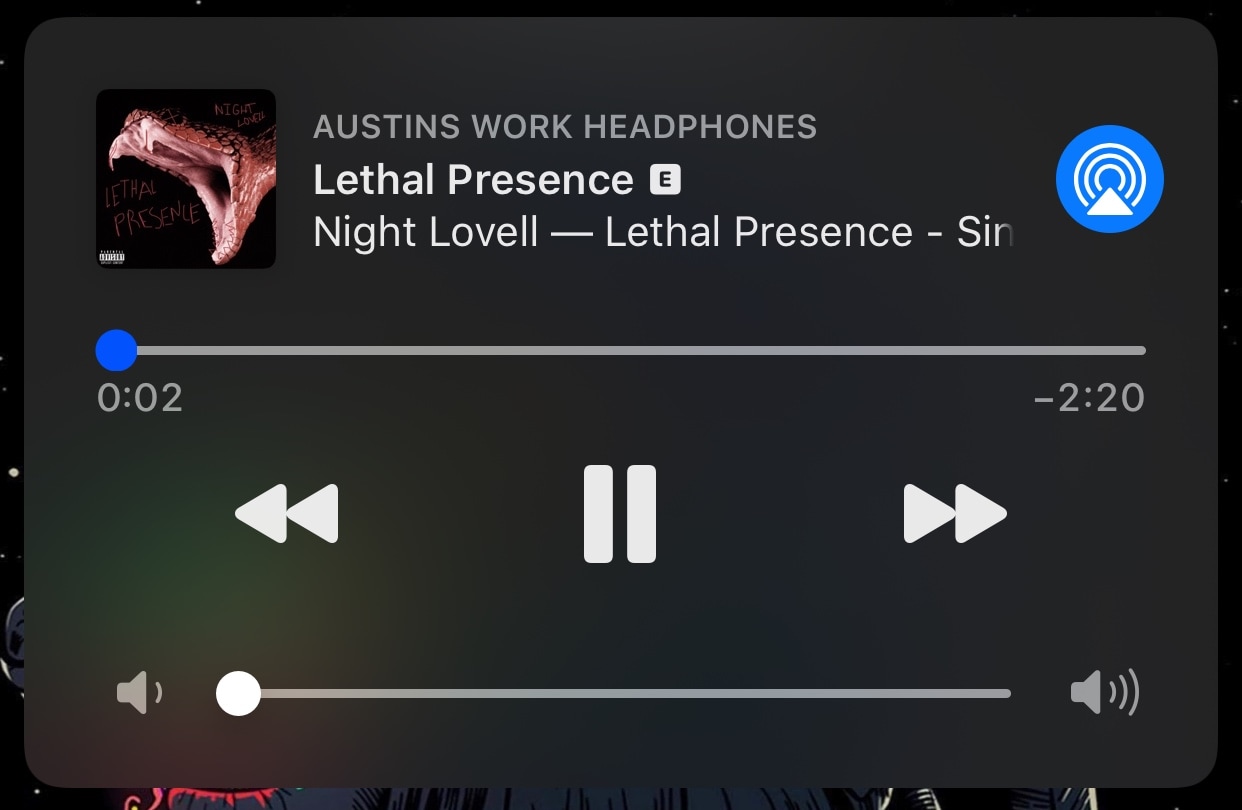
One of the things that has always irked me about the Lock screen’s Now Playing widget in iOS is the difficulty of scrubbing through music from the interface to position myself somewhere else in the song. Fortunately, jailbreakers now have an easy way around this tedious feat.
Say hello to LetMeScrub, a newly released and free jailbreak tweak by iOS developer TheLazyITGuy that not only enhances song scrubbing on the Lock screen via the Now Playing widget, but also brings customizability to the scrubber’s grabber itself.
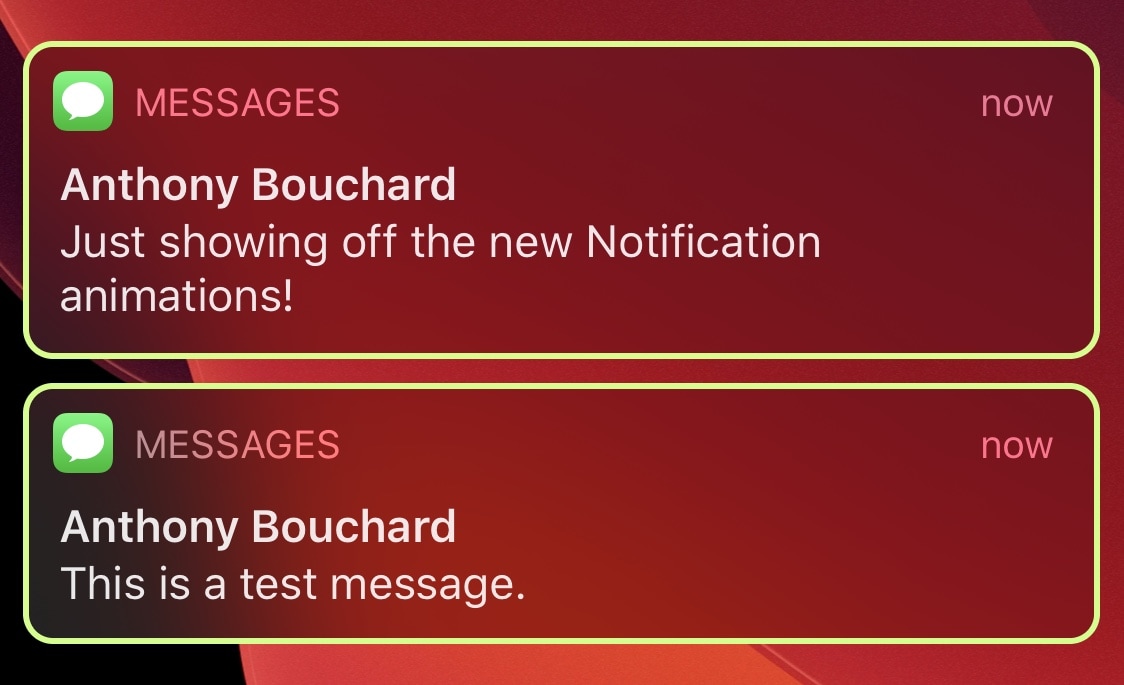
If you’re a PC gamer at heart and your entire desk is brimming with unicorn barf colored RGB accessories, then perhaps the one thing missing in your life is an iPhone decked out with the same colorful swag. Fortunately, that shortcoming can be solved with a newly released jailbreak tweak.
Enter GamingNotification, an add-on created by iOS developer Minazuki that brings configurable animated RGB borders to your iPhone’s incoming notification banners and Today widgets.
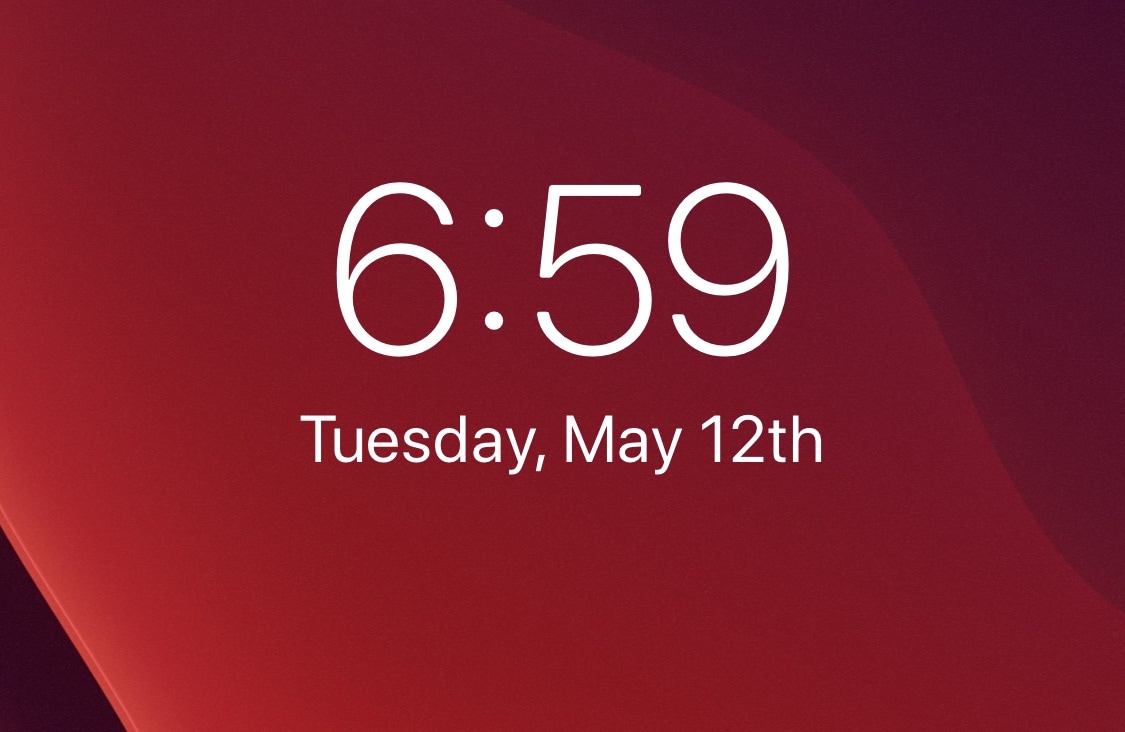
If you ever want to know the date or time, it’s always just a glance away thanks to your iPhone’s Lock screen. But one thing that has always bothered me is Apple’s native date formatting and display style, something that the company doesn’t seem to give users much control over on a stock handset.
FixLSDate is a newly released and free jailbreak tweak by iOS developer Mikah that fixes at least one of my gripes with the Lock screen’s date display. More specifically, it completes the date string by adding the proper suffix behind it, as shown above.

Apple is tapping the creative power of director and screenwriter Sofia Coppola to develop a new project for Apple TV+.
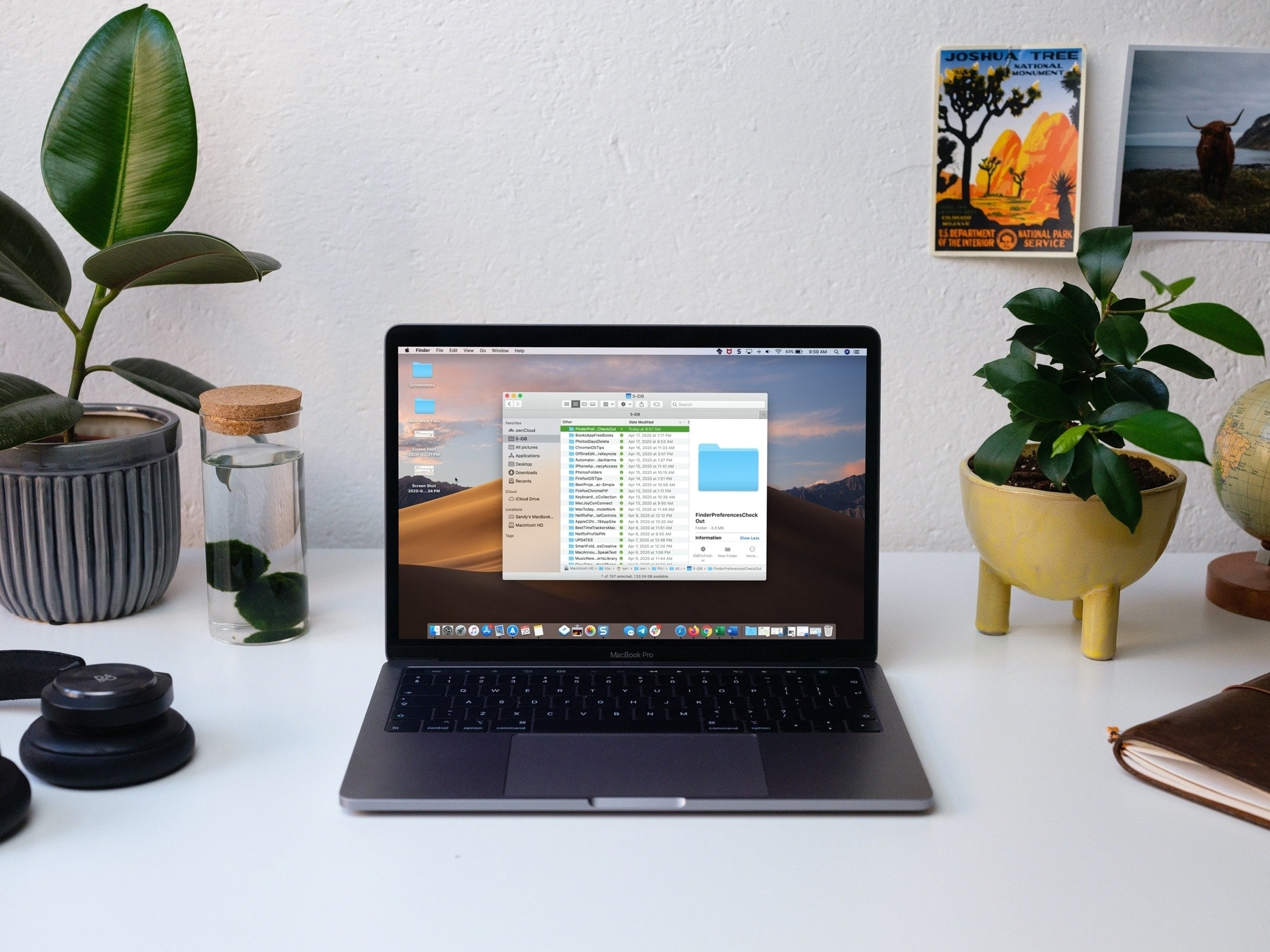
Save time and be more productive by taking a moment to customize these useful Mac Finder preferences and settings.