Kaleidoscope brings resource efficient UI colorization to iOS 13

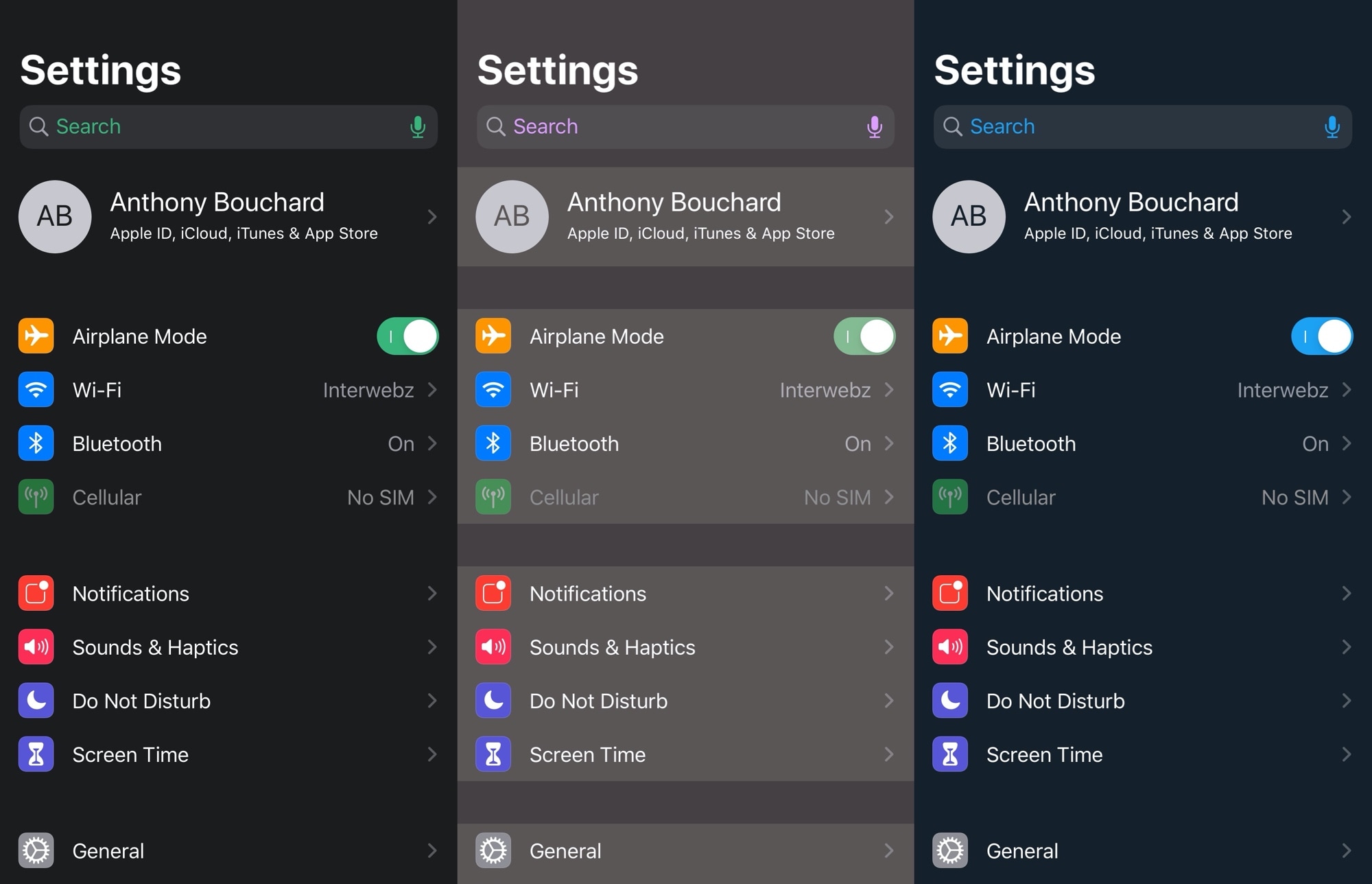
One of the first things many jailbreakers like to do after liberating their handset is get dirty with interface colorization. After all, folks don’t always like the eye-searing bright white or dismal black user interfaces that Apple provides out of the box. Some users just want some color, a sentiment that I personally understand.

That’s one reason why I’m excited about a new free jailbreak tweak release dubbed Kaleidoscope by iOS developer SparkDev. While we’ve seen user interface colorization tweaks in the past, Kaleidoscope aims to be one of the most simplistic and resource efficient colorization engines available to jailbreakers today.
Rose offers seemingly unlimited ways to customize iPhone haptic feedback

If anything’s certain, it’s that the time and energy Apple invested in creating the iPhone’s Taptic Engine means haptic feedback is here to stay, and it’ll probably become more advanced over time as Apple further develops and refines its hardware and software.

But one place where Apple falls short on its platform is haptic feedback customization, and that’s where a free and comprehensive jailbreak tweak dubbed Rose by iOS developer Litten comes into play.

How to change iPad trackpad or mouse scrolling speed so pages move slower or faster

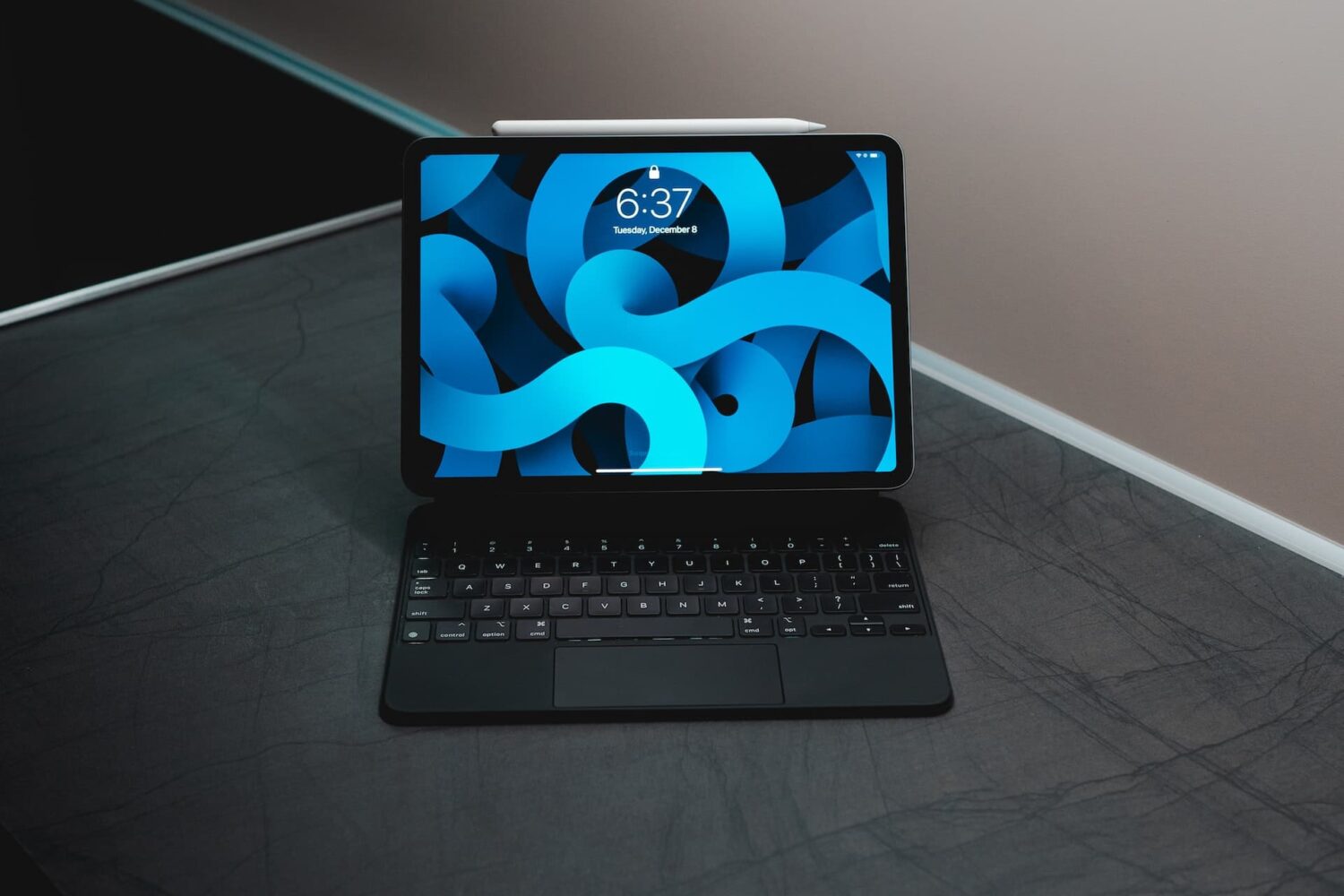
iPad with keyboard, trackpad, and Apple Pencil

iPad scrolling speed can be adjusted to your liking when using a trackpad or mouse with your tablet. By adjusting the iPad trackpad scroll speed value to your liking, you can make Safari webpages, Office documents, your Photos library, and other scrollable content move faster or slower than the default value. Follow along with us to learn how to adjust the iPad scrolling speed for the connected trackpad and/or mouse to your liking with just a few taps.