Learn how to use the Smart Address feature in the Mac Mail app to display only the recipient’s name instead of their full name and email address.
What are Smart Addresses in Mac Mail app and how to use them?
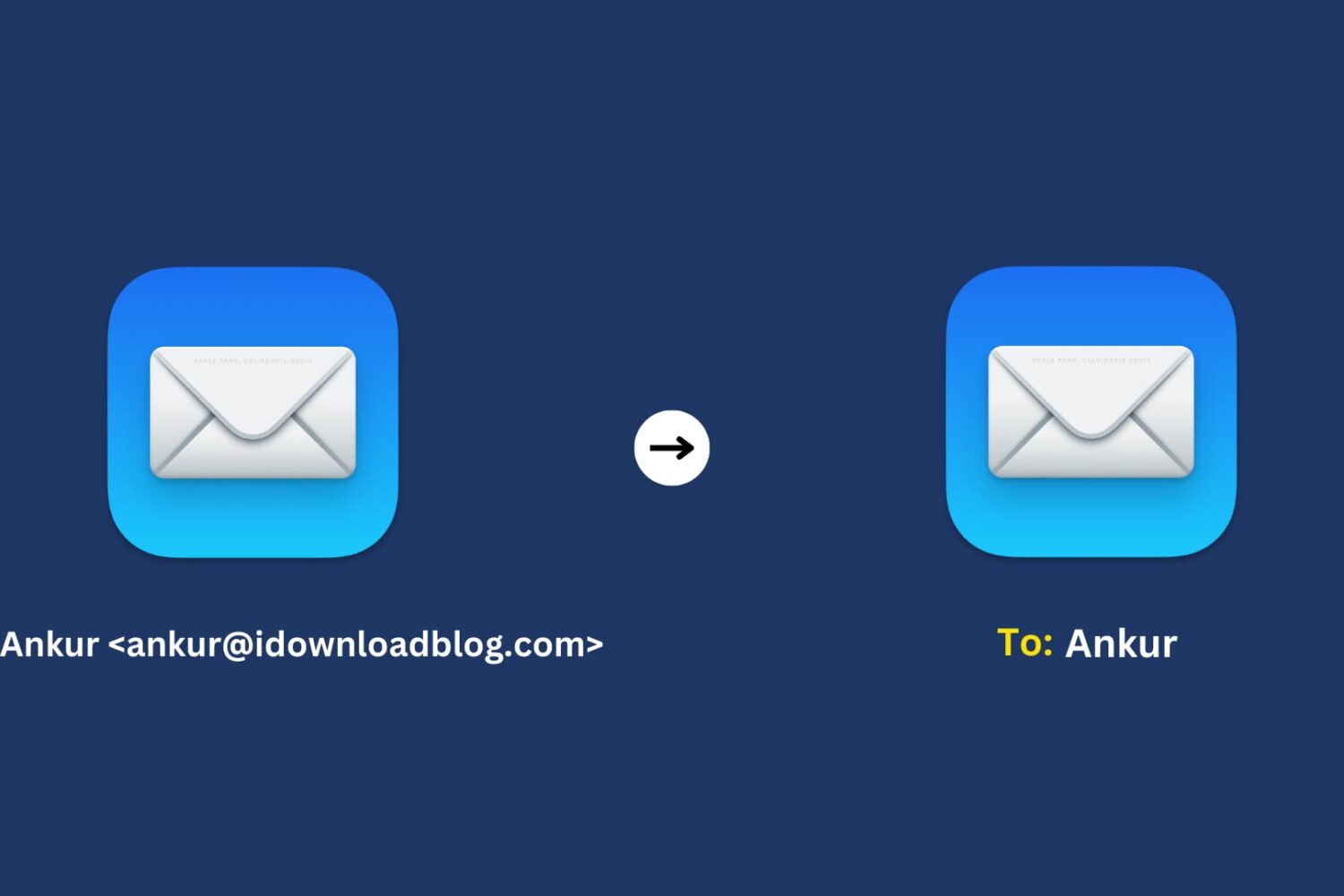
Learn how to use the Smart Address feature in the Mac Mail app to display only the recipient’s name instead of their full name and email address.
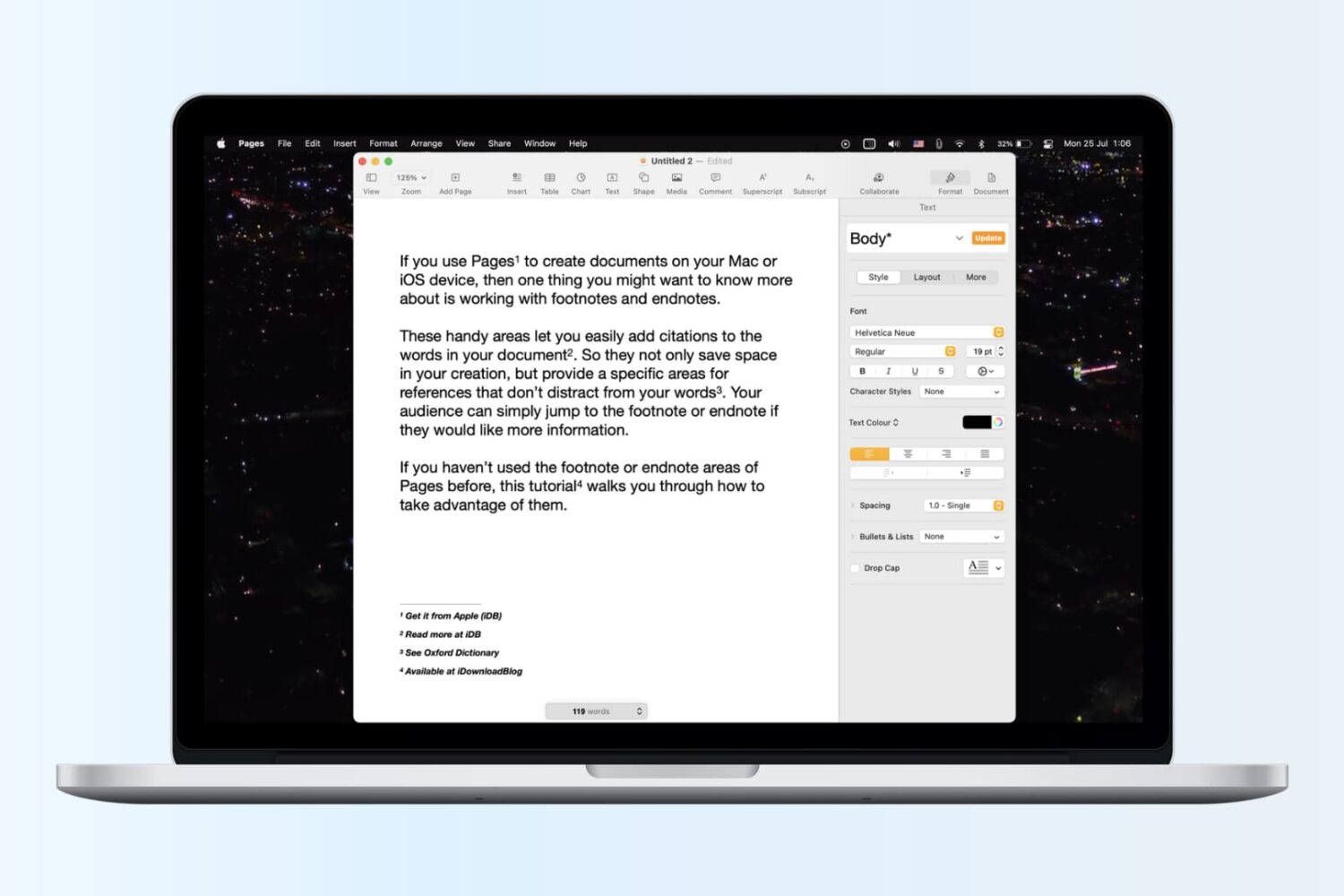
Learn how to insert footnotes and endnotes in Apple Pages documents on your Mac, iPad, or iPhone to reference or cite sources in a professional manner.
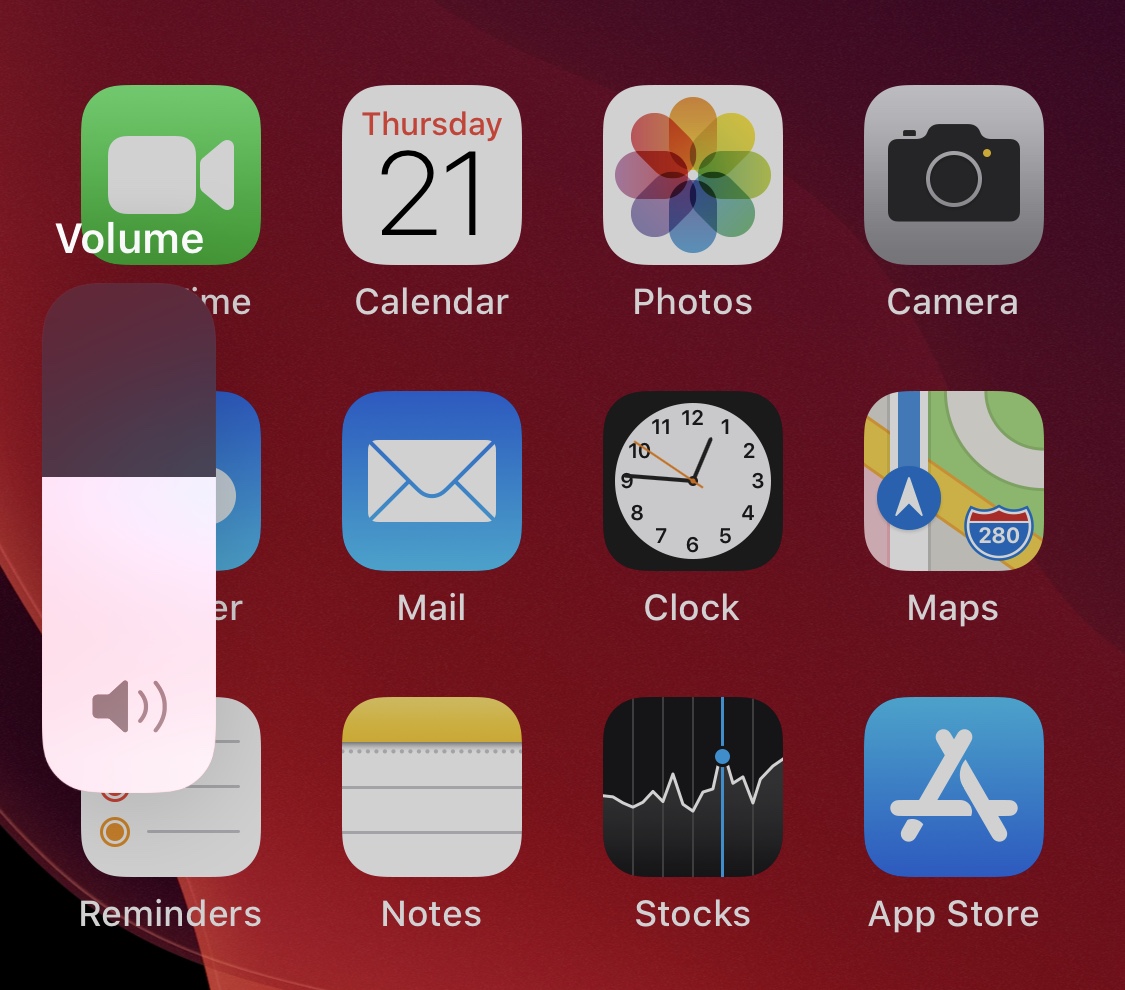
While a lot of jailbreakers are investing their time into making their pwned iPhones look cool by way of themes and tweaks, looks simply aren’t everything. In fact, what better way to give your handset a splash of personality than with custom interface sounds?
If you’re onboard with everything we’ve said thus far, then you’re probably going to have a lot of fun with a newly released and free jailbreak tweak called CustomSounds 2 by iOS developer Nebbs. Just as the name suggests, this tweak lets you replace several of your handset’s native interface sounds with third-party ones.

Jailbreakers who are taking advantage of either the checkra1n or unc0ver jailbreak would do good to launch the Cydia app and refresh their sources this morning. It seems that Cydia received yet another update late last night, this time bringing the tried and true package manager up to version 1.1.35.
From what we can gather, Cydia v1.1.35 was released specifically to fix a problem where the app could crash if the user was using a hardware keyboard on iOS & iPadOS 13.5 as opposed to using the operating system’s built-in software keyboard.
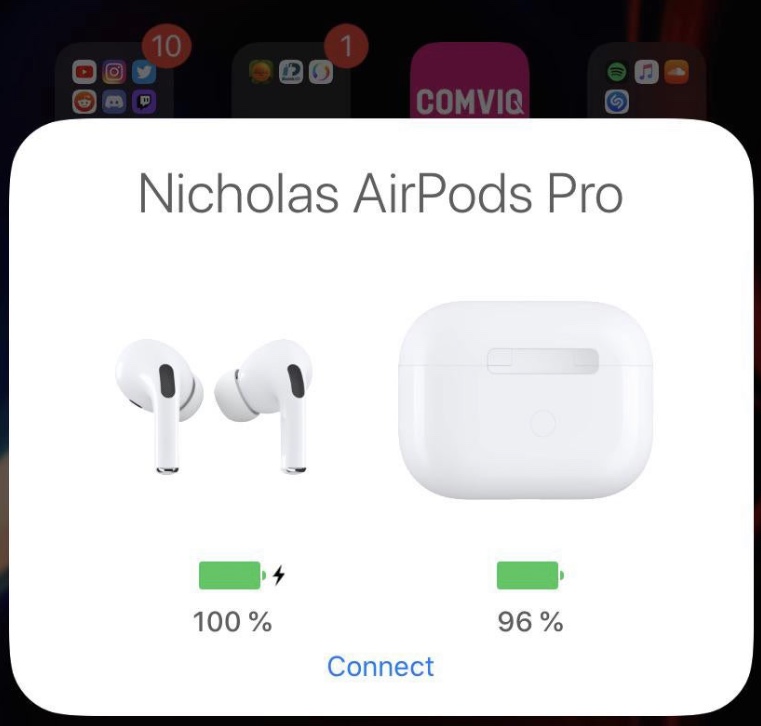
Apple advertises the AirPods and AirPods Pro connectivity experience as ‘magical’ and ‘seamless,’ but if you’ve ever tried to connect your AirPods to another device of yours, then you’ve likely experienced the widespread frustration in which they connect to your most recently-used device instead. It’s easy to fix this when it happens, but it’s also somewhat cumbersome and time-consuming to say the least.
Anyone who is even the least bit familiar with the aforementioned experience will almost certainly come to appreciate the likes of a newly released and free jailbreak tweak called AirPopupConnect by iOS developer nicho1asdev, as it aims to make the process of pairing your AirPods or AirPods Pro to a different device noticeably faster and easier.

A lot of things changed following the global spread of COVID-19, the disease caused by the novel coronavirus. And that includes altering major film releases, which turned out to be good news for Apple TV+.
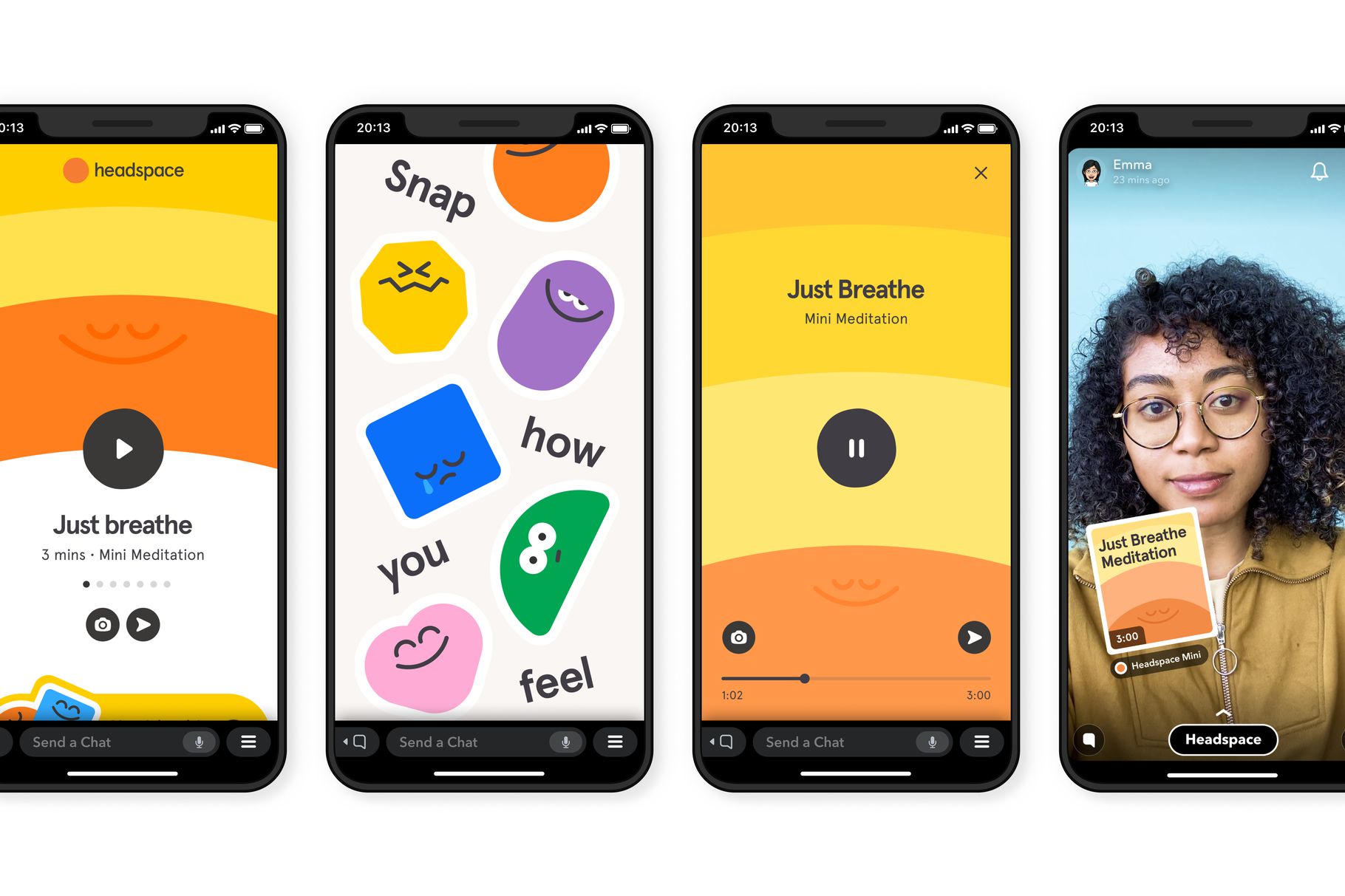
If you are a user of Snapchat, then you might be interested to learn of a new feature coming to the platform that will bring in third-party apps right into the experience.
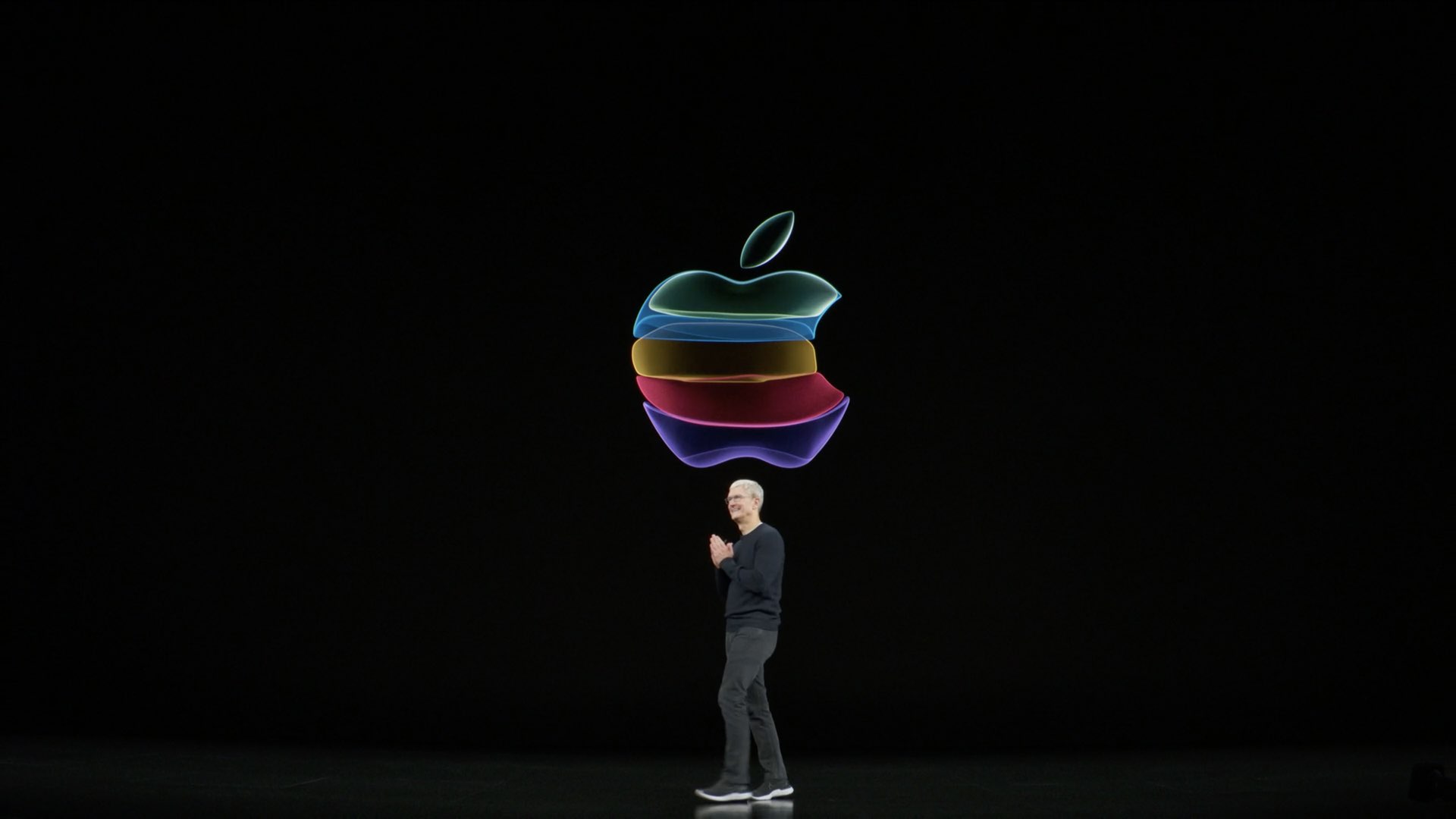
Hot on the heels of revealing the schedule for this year's all-digital Worldwide Developers Conference, Tim Cook, Apple's CEO, has just made another major announcement.
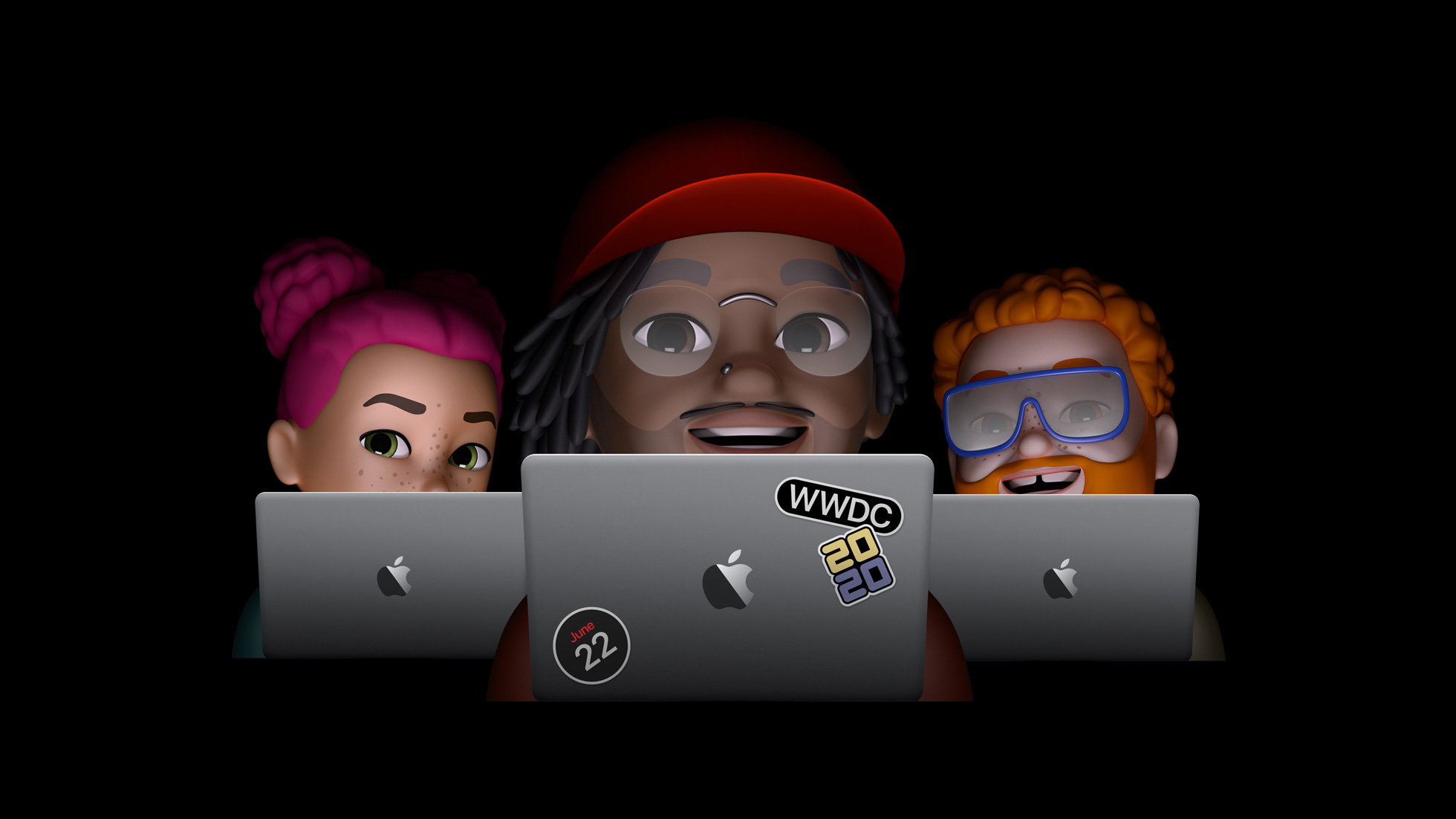
On Monday, June 22, Apple is going to kick off this year's Worldwide Developers Conference, and now the company has revealed just how busy this event is going to be.

Do you need a camera app that leverages artificial intelligence and machine learning to let you quickly capture anonymized photographs and footage on your iPhone, in real-time?
Late on Wednesday, Apple made the decision to remove yet another app from the App Store in China, once again at the request of the local government.