Apple today expanded its existing coding resources for teachers and educators with a newly launched Develop in Swift online course and Everyone Can Code curricula.
Apple launches new Swift curricula and coding resources for educators
Apple today expanded its existing coding resources for teachers and educators with a newly launched Develop in Swift online course and Everyone Can Code curricula.

Learn how to deactivate the camera shutter sound on your iPhone so you can take pictures quietly, without disturbing others.
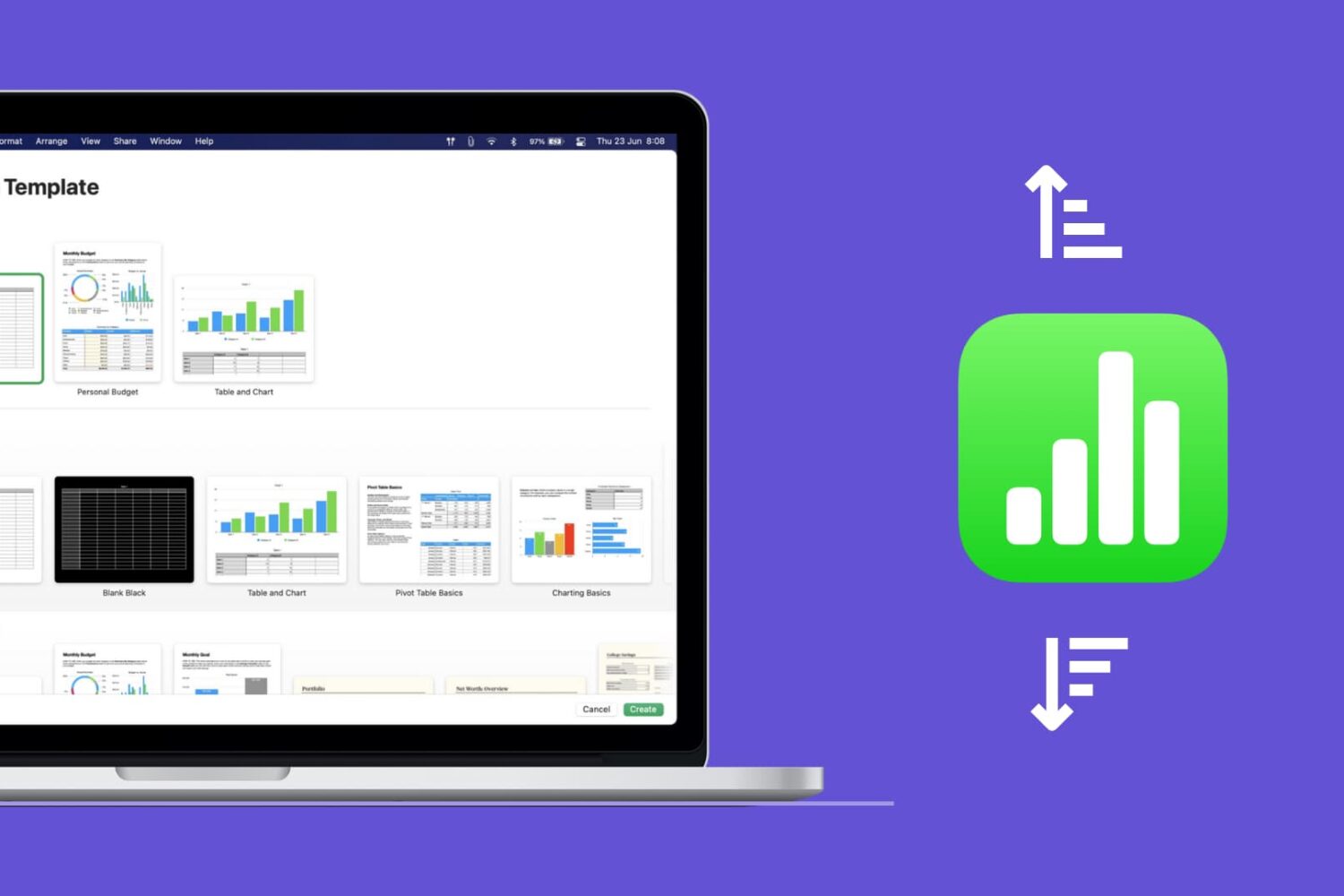
Learn how to quickly sort your data in the Apple Numbers app on Mac, whether by column, value, or custom order.
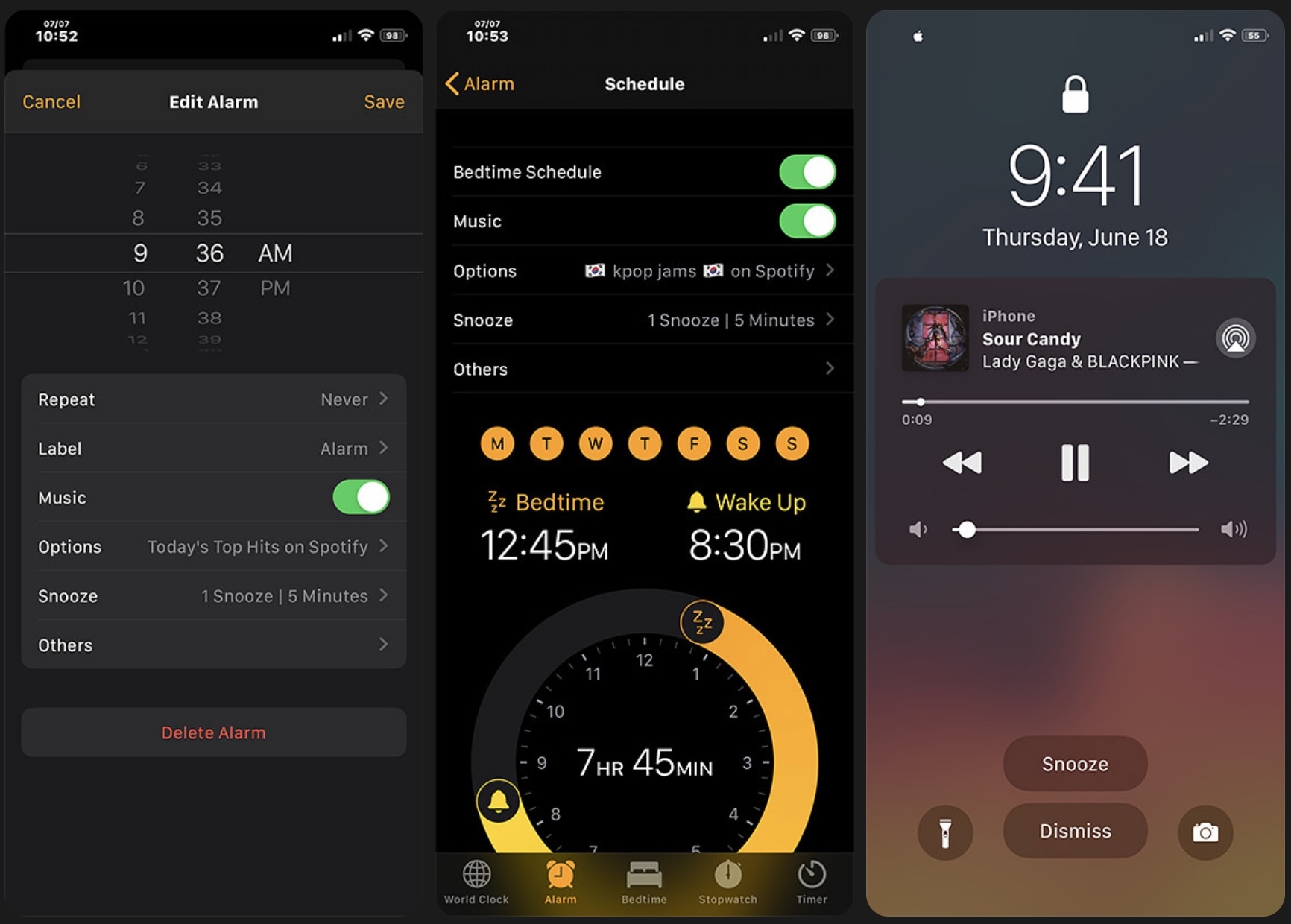
I don’t know anybody that still uses a physical alarm clock. Most people I know are using the alarm feature built right into their smartphone because it’s both free and convenient. Sadly, iOS’ alarm functionality leaves a lot to be desired in many areas, and that’s one reason why there are so many jailbreak tweaks in the wild that offer improvements for iOS’ alarm department.
Adding to that list, a newly released jailbreak tweak dubbed Aurore by iOS developer Micheal Wu (zhenguwu) tries to supercharge the iOS alarm experience with a bevy of new features and options. But is it worth it? That’s what we intend to show you in this piece.
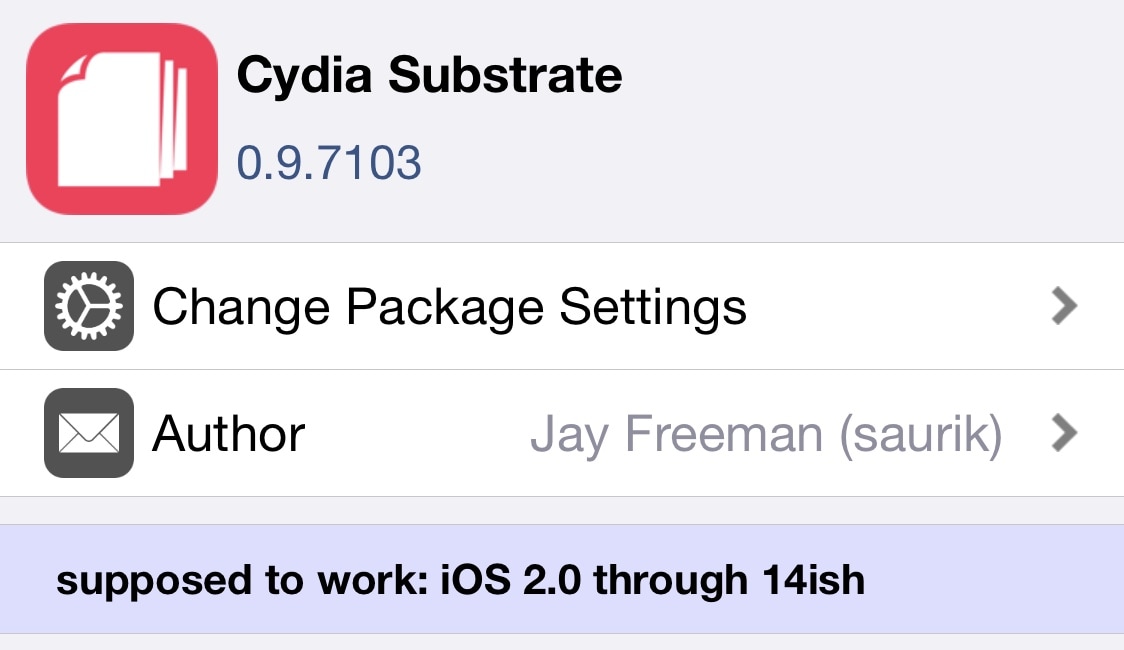
Following a Cydia Substrate update on Wednesday that improved hooking and added preliminary support for iOS 14, the package received a second update early Thursday morning, this time bringing it up to version 0.9.7103.
Cydia Substrate is used for tweak injection on both the checkra1n and unc0ver jailbreaks, albeit only up to A11 devices for the latter as Cydia Substrate doesn’t support A12 or newer handsets. If you’re using a supported platform, then this update is available from Sam Bingner’s default repository and should appear after refreshing your sources.
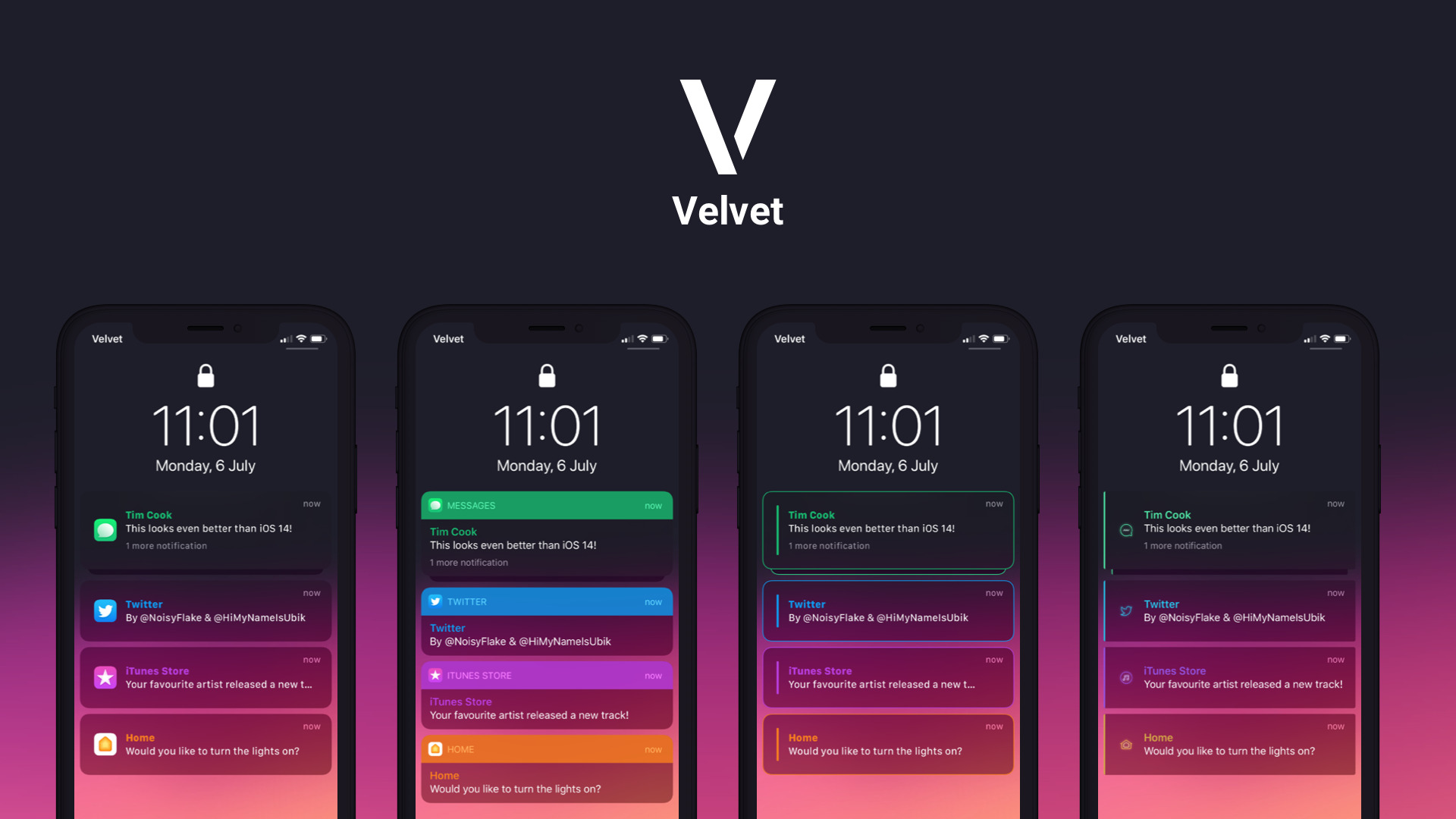
If you like personalizing the aesthetics of your jailbroken handset, as most jailbreakers do, then we’d strongly recommend taking a few moments out of your busy day to check out a newly released jailbreak tweak called Velvet by iOS developers NoisyFlake and HiMyNameisUbik.
Velvet imbues jailbreakers with the freedom of customizing and theming their handset’s floating notification banners, Lock Screen notification banners, and Now Playing media player with just about any appearance they can imagine. A few examples of the tweak at work are depicted in the screenshots embedded above and below.
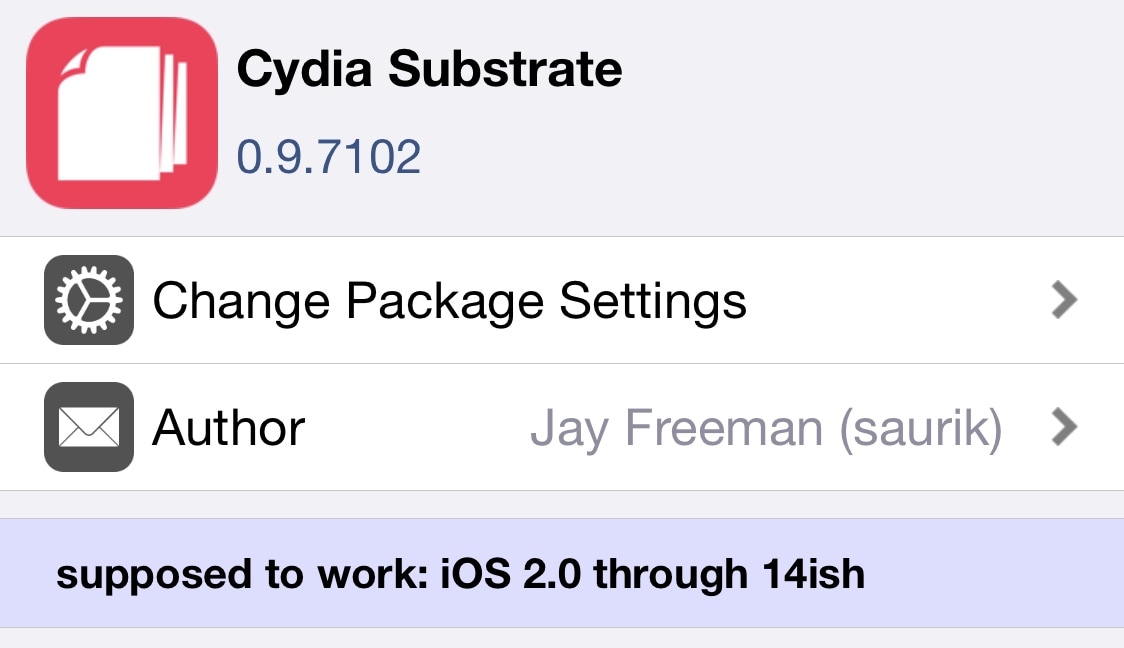
Depending on the type of jailbreak you’re using, your handset might depend on Cydia Substrate for tweak injection. This will be the case if you’re using checkra1n, but it may also apply to unc0ver users who aren’t using A12 or newer handsets since Cydia Substrate was never updated to support Apple’s latest lineup because of unforeseen complexity challenges.
If your jailbroken handset does use Cydia Substate for tweak injection, then you may want to launch Cydia and refresh your sources. An updated version of Cydia Substrate was released on Wednesday with improvements, officially bringing the package up to version 0.9.7102.
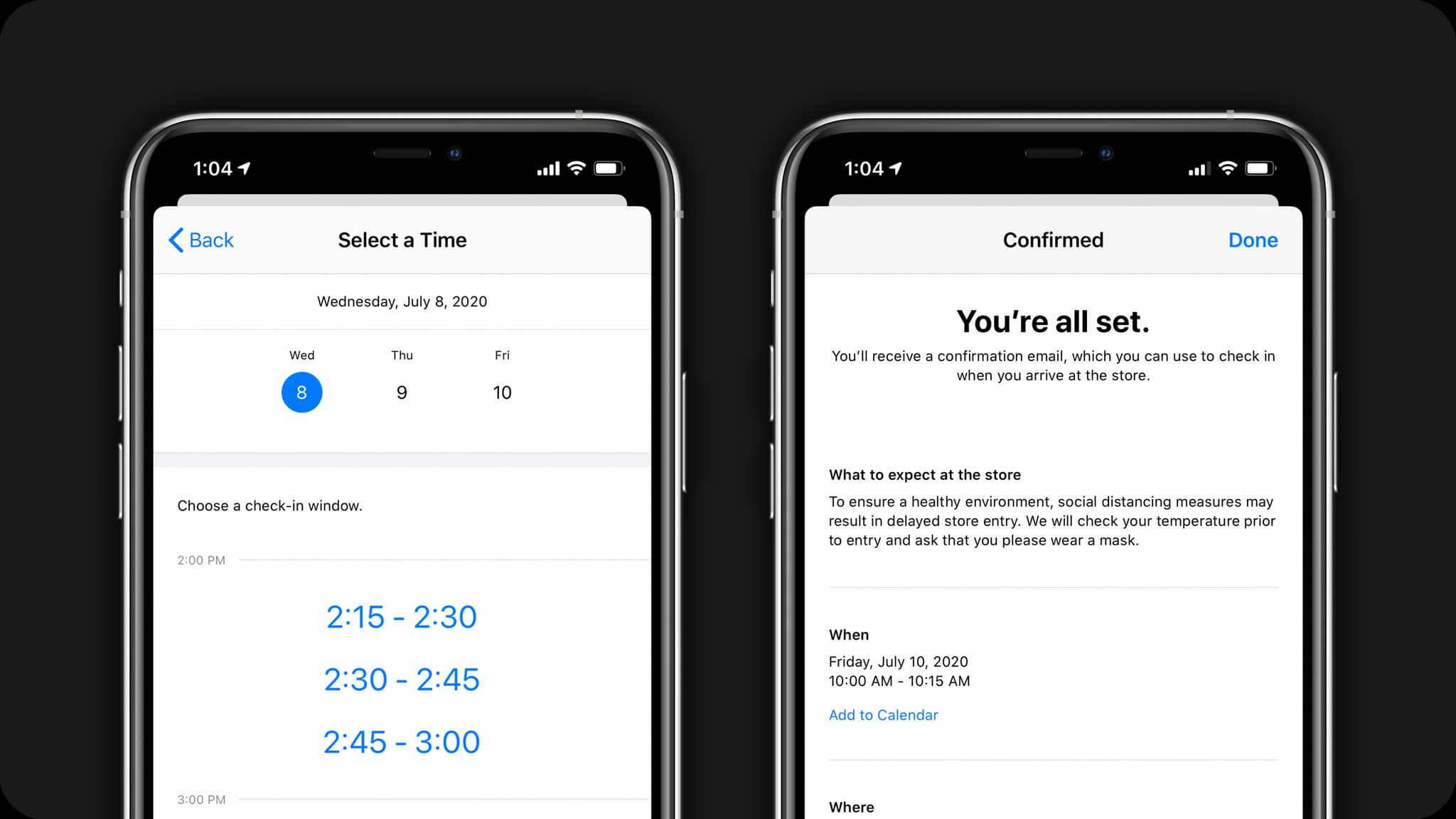
Apple has offered the ability to reserve a time slot in a given day to help with repairs and other service questions at its physical retail stores for years, and now it's expanding the same idea to help customers shop for products.
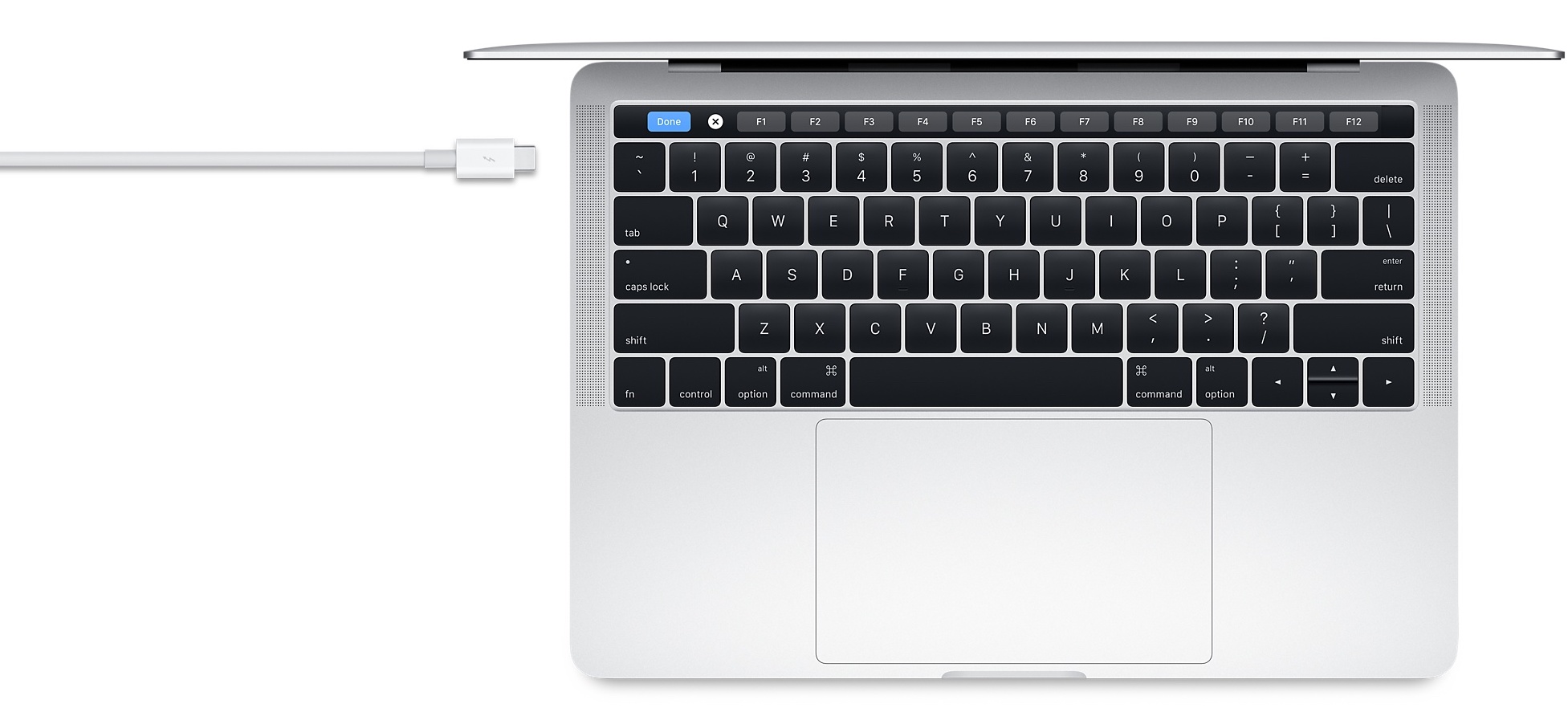
So now that we know Apple is going to officially transitioning to ARM-based Macs later this year with customer-ready hardware, there remained at least one lingering question: would Apple still support Thunderbolt?

Check out this list of the best iPhone and iPad apps for your kids to accelerate their language development and speaking skills in a fun and enjoyable way.

The upcoming WWII epic "Greyhound" is launching on Apple TV+ this Friday, marking the first time a Tom Hanks movie is debuting on a streaming service. Ahead of its Apple TV+ premiere, the iPhone maker today shared an inside-look video in which the project's screenwriter and main star talks about the importance of the Battle of Atlantic in 1942.
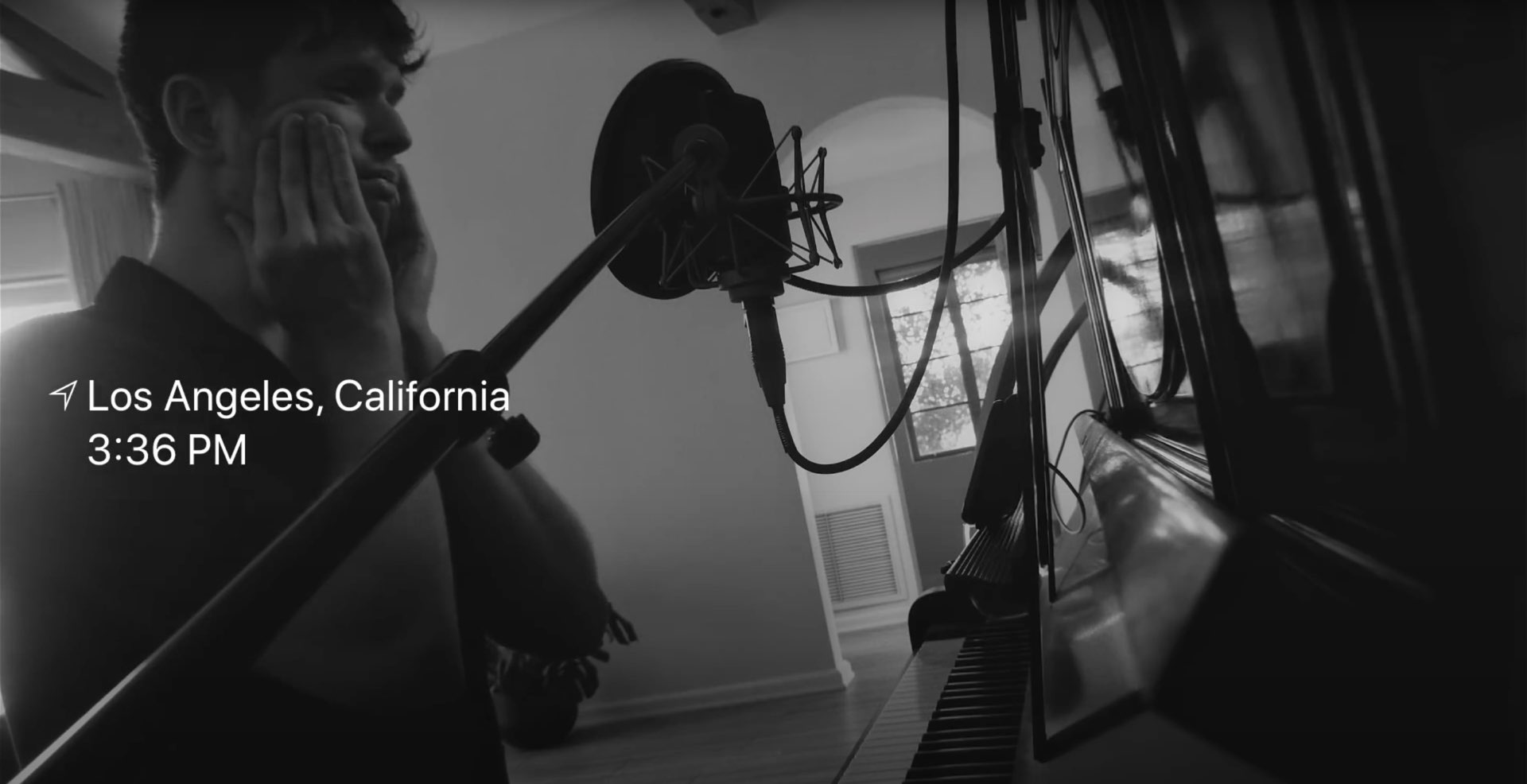
For quite some time now Apple's been making videos to show off how pro users are putting Macs through their paces. And now, Apple on Wednesday pushed a new video to its YouTube channel in which it featured English singer, songwriter, multi-instrumentalist and record producer James Blake which can be seen cutting tracks in Logic Pro X on his MacBook.