Learn two simple ways to open your Calendar events in their own windows on Mac, so you can place them anywhere on the screen or easily compare multiple events.
How to view Calendar events in separate windows on Mac
Learn two simple ways to open your Calendar events in their own windows on Mac, so you can place them anywhere on the screen or easily compare multiple events.
I really hate silicon tipped earphones. In the past, I used silicon tips on inexpensive earphones and they worked well for the price point, but often gave me more trouble than expected. Silicon tips often fall out, form a poor seal in my ears, and slide around when I speak or eat with them in. Thankfully, I discovered Comply earphone tips at CES circa 2013. Comply brings their premium quality memory foam tips to Apple's AirPods Pro and you need to order them today.
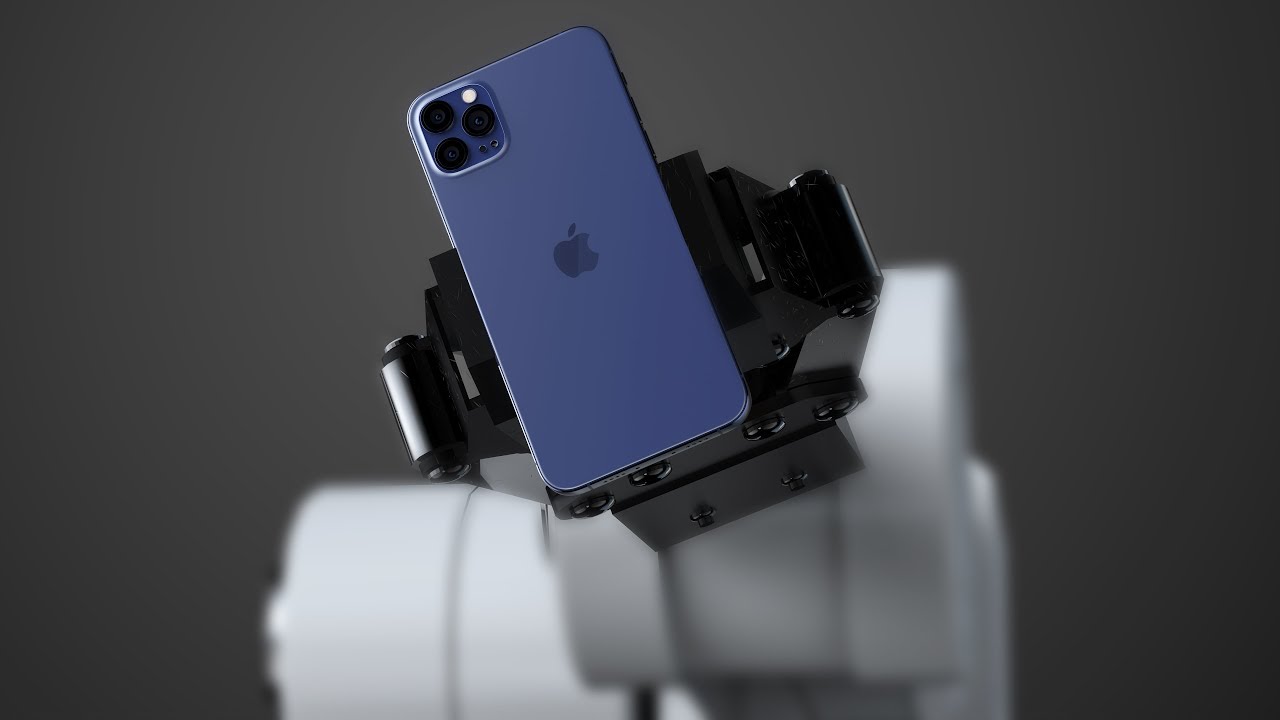
The latest leaked part of the upcoming iPhone 12 lineup is something that will be buried inside the new handsets whenever they see the light of day later this year.
Learn how to open the built-in Keychain Access app on your Mac, manually add account passwords to it, and see them when needed.
With the coronavirus pandemic still ongoing, many have seen it as an opportunity to get (famous) people to sit in front of their computer and have a chat. Oprah Winfrey is one such individual and now she has a new interview series because of it.
Last week, Taylor Swift released her latest album, folklore. Since then, the artist has been critically acclaimed for the latest album's content, and the fans appear to be happy with the results of Swift's hard work as well.
The latest batch of winners for this year's Daytime Emmy Awards were unveiled late on Sunday night, and thanks to a pair of shows designed for the family, Apple and Apple TV+ have secured some wins.
Depending on how things shake out, Apple may have to rearrange its yearly plans to announce new iPhones later this year. Until then, we've got the rumor mill drip feeding us new things.
If your handset is jailbroken with unc0ver and you’ve either decided that you revert to a vanilla version of iOS or that you want to start over with a different jailbreak tool, it’s important to know that the unc0ver jailbreak incorporates a mechanism for rolling your handset back to a pre-jailbroken state.
In this step-by-step tutorial, we’ll walk you through the steps necessary to remove the unc0ver jailbreak and all of its components from your iPhone or iPad. This process is recommended over totally restoring your handset because it will preserve your valuable personal data and ensure that your device can still be jailbroken in the future if you happen to change your mind.
Learn how to manually add titles and captions to images and videos in the Apple Photos app on your iPhone, iPad, and Mac to make it easy to search for them later.
Struggling to view the words to sing along? Learn how to see the song lyrics on the full screen inside the Apple Music app on your iPhone, iPad, Mac, and Android phone.
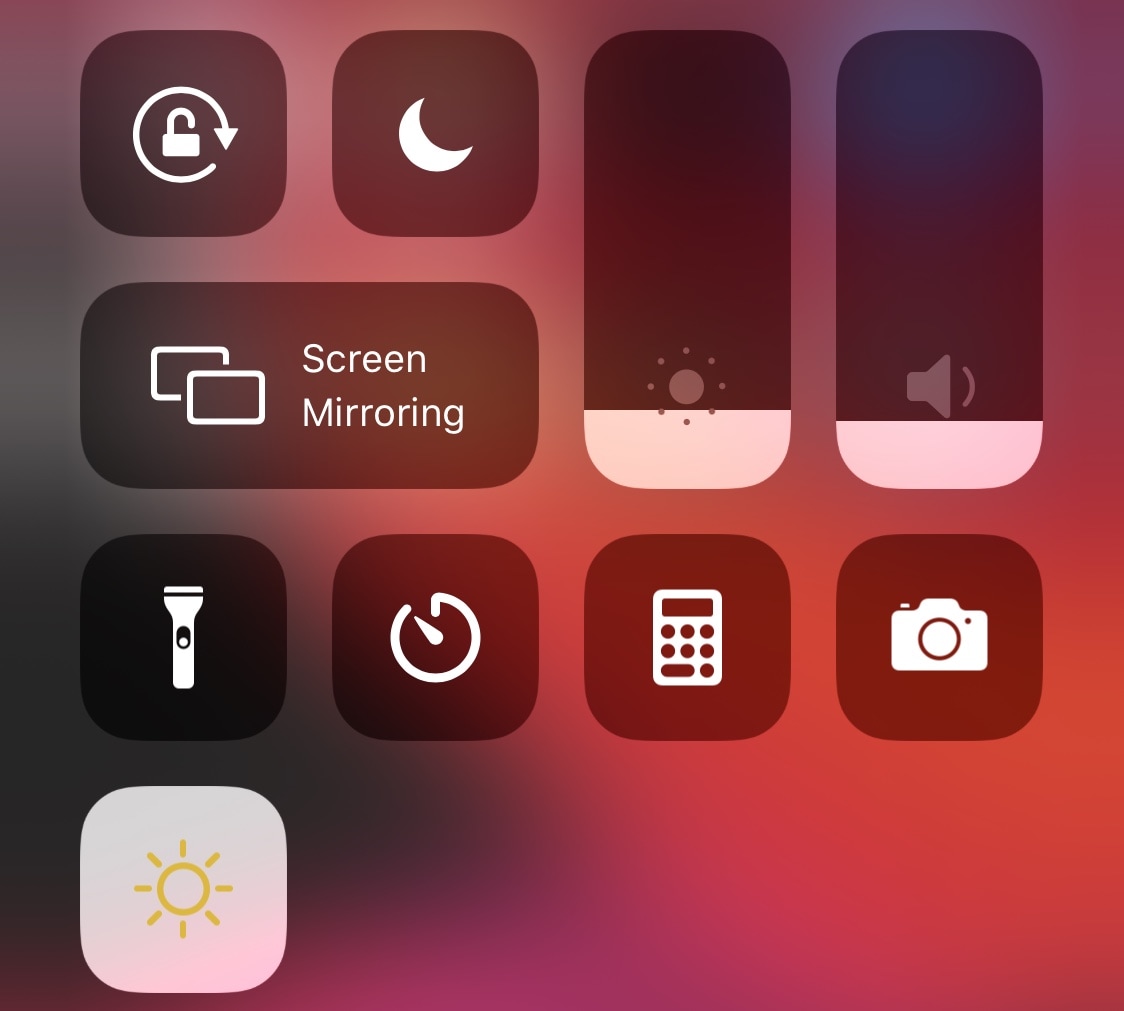
One of the iOS interfaces that the vast majority of iPhone users take advantage of on a daily basis is Control Center. It’s functionally straightforward and convenient to use. Apart from customizing the controls that appear in Control Center, however, Apple doesn’t provide much by way of customization, especially in terms of aesthetics.
Enter CustomizeCC, a newly released and free jailbreak tweak by iOS developer Miguel that lets jailbreakers take unfettered control over the appearance of the Control Center interface. As you might’ve discerned for yourself via the screenshot examples above, CustomizeCC imbues users with a slew of new colorization options for making your Control Center interface unique.